Help Center
General Settings

Overview
Access general settings for your account.
Steps:
1. Go to Settings → Settings from the sidebar
Available options:
• Display name and username
• Email address
• Phone number
• Password change
• Timezone
• Profile visibility
Save after making any changes.
Steps:
1. Go to Settings → Settings from the sidebar
Available options:
• Display name and username
• Email address
• Phone number
• Password change
• Timezone
• Profile visibility
Save after making any changes.
Step by Step Guide
Step 1: Open Settings
Go to Settings → Settings from the sidebar.
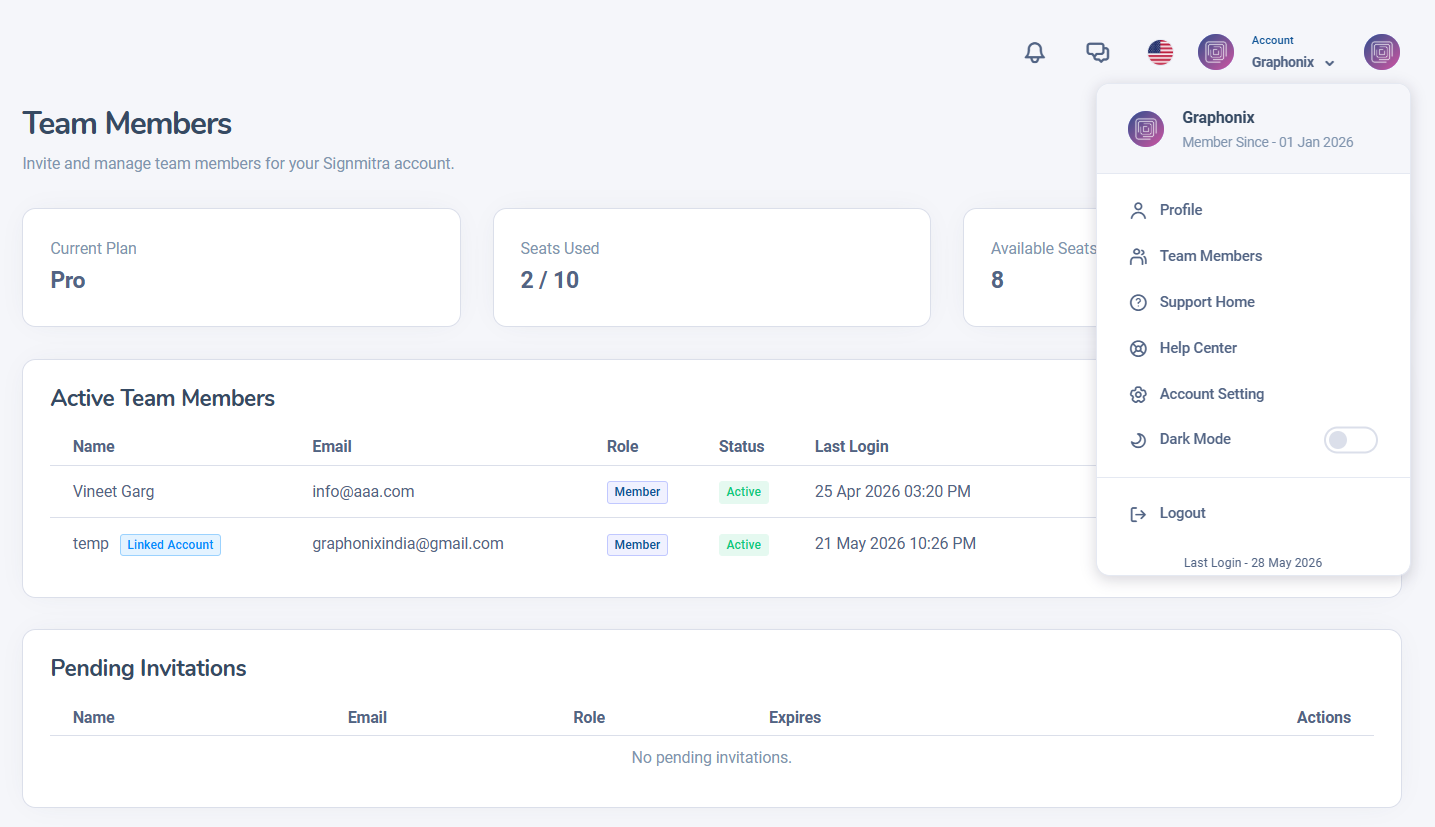
General Settings page
Step 2: Update personal info
Change display name, email, phone, timezone.
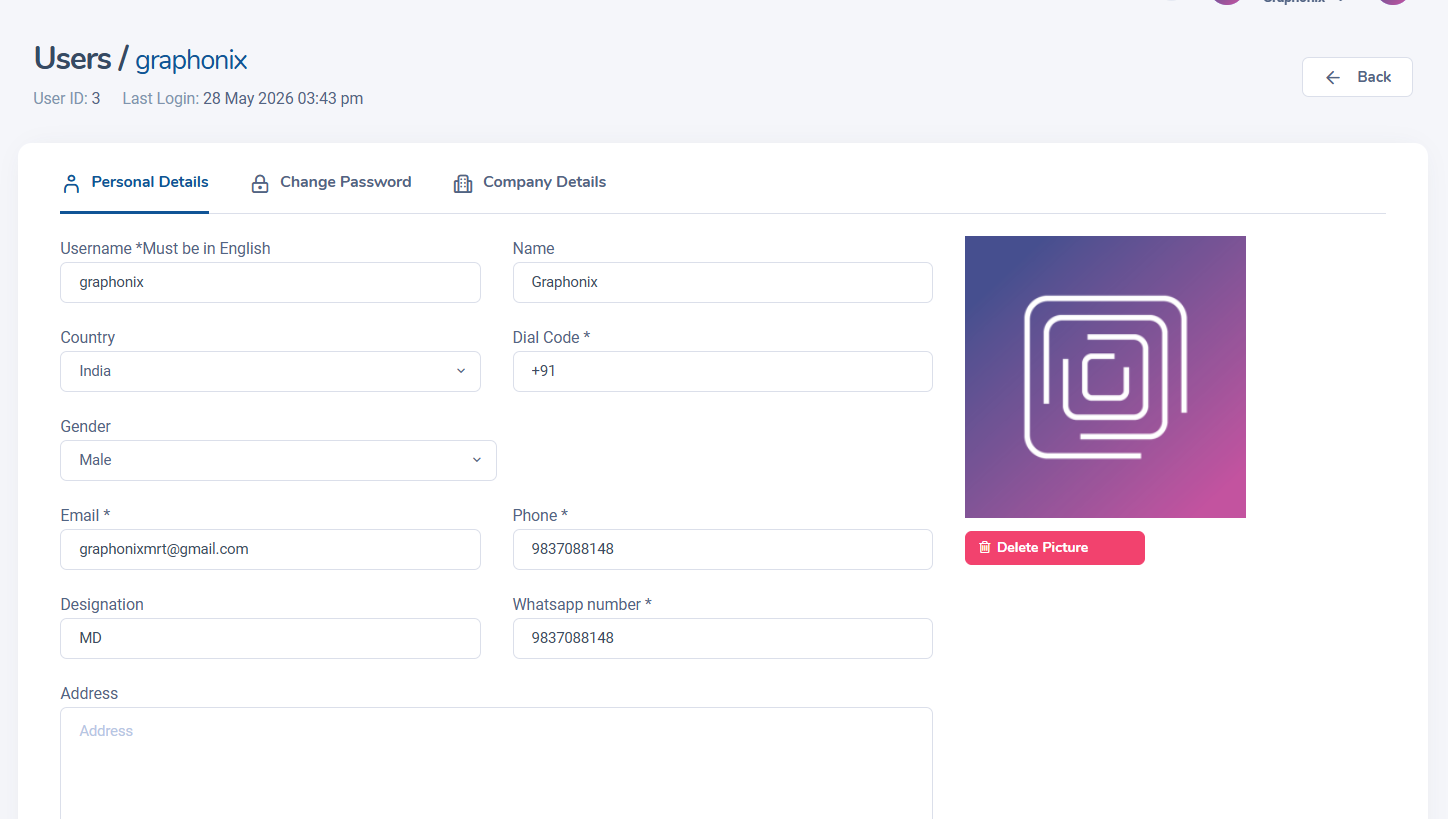
Personal information form fields
Step 3: Change password
Enter current password, then new password. Click Save.
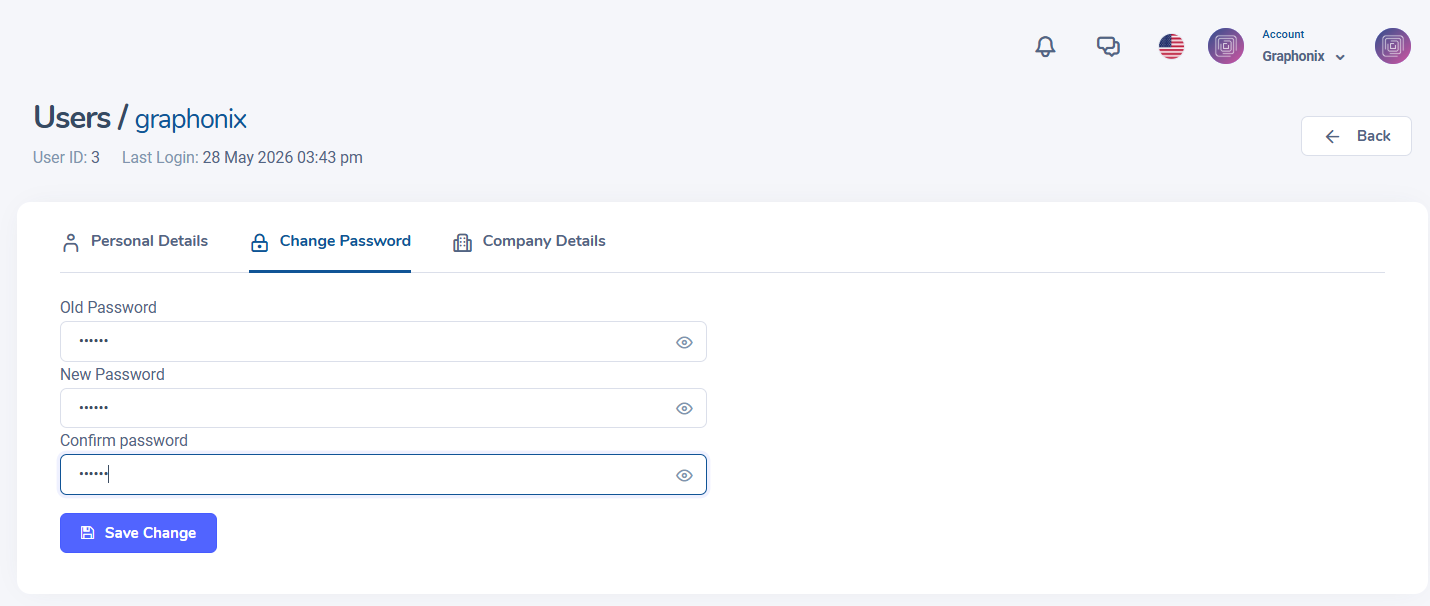
Password change section
Step 4: Save all changes
Click the Save button to apply your settings.
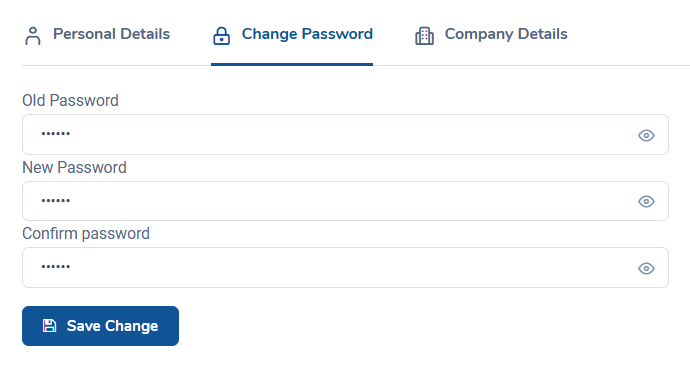
Save button on settings page
Was this article helpful?
Related Articles
- No related articles.
Search Other Topics
Still need help?
Our team can help you with setup, device pairing, scheduling, and billing.