Help Center
Notifications

Overview
Stay informed with system notifications.
Access: Click the bell icon in the top header bar
Notification types:
• Subscription reminders (expiry, renewal)
• Screen status changes (offline alerts)
• System updates and announcements
• Support ticket replies
• Team member activity
Click a notification to view details. Notifications are auto-cleared after viewing.
Access: Click the bell icon in the top header bar
Notification types:
• Subscription reminders (expiry, renewal)
• Screen status changes (offline alerts)
• System updates and announcements
• Support ticket replies
• Team member activity
Click a notification to view details. Notifications are auto-cleared after viewing.
Step by Step Guide
Step 1: Click notifications bell
Click the bell icon in the top header bar.
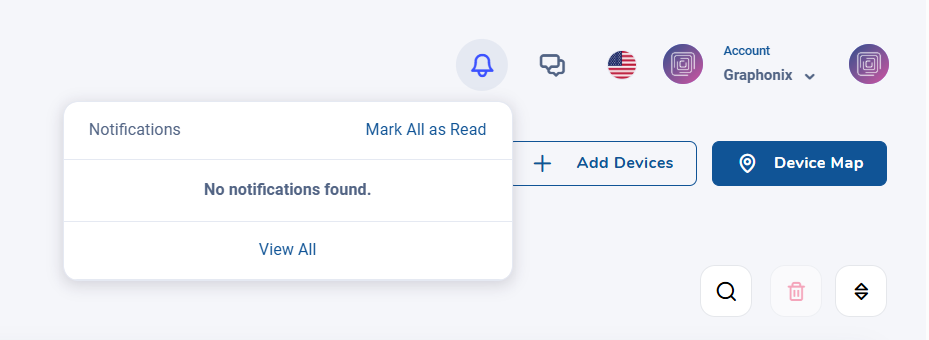
Notification bell icon in header
Step 2: View notification list
A dropdown shows recent notifications with descriptions and timestamps.
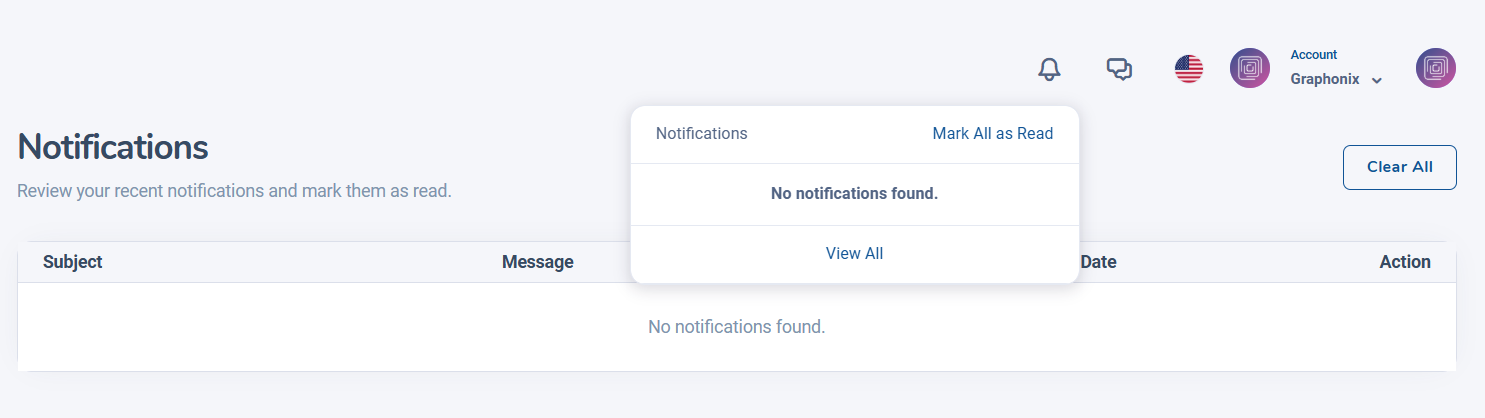
Notification dropdown list
Step 3: Click to view details
Click any notification to navigate to the relevant page.
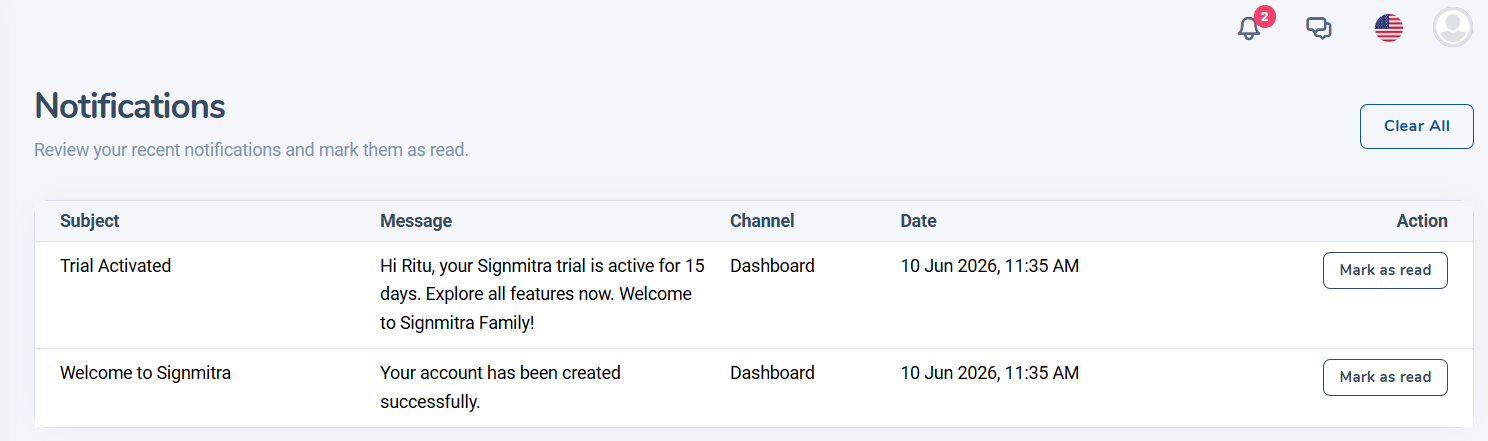
Notification detail view
Was this article helpful?
Related Articles
- No related articles.
Search Other Topics
Still need help?
Our team can help you with setup, device pairing, scheduling, and billing.