Digital Signage Player Software for Android, Windows & Smart TVs
Download and run Signmitra Digital Signage Player on your existing devices. Connect screens, sync content and ensure reliable 24/7 playback with offline support, automatic updates and cloud-based control.
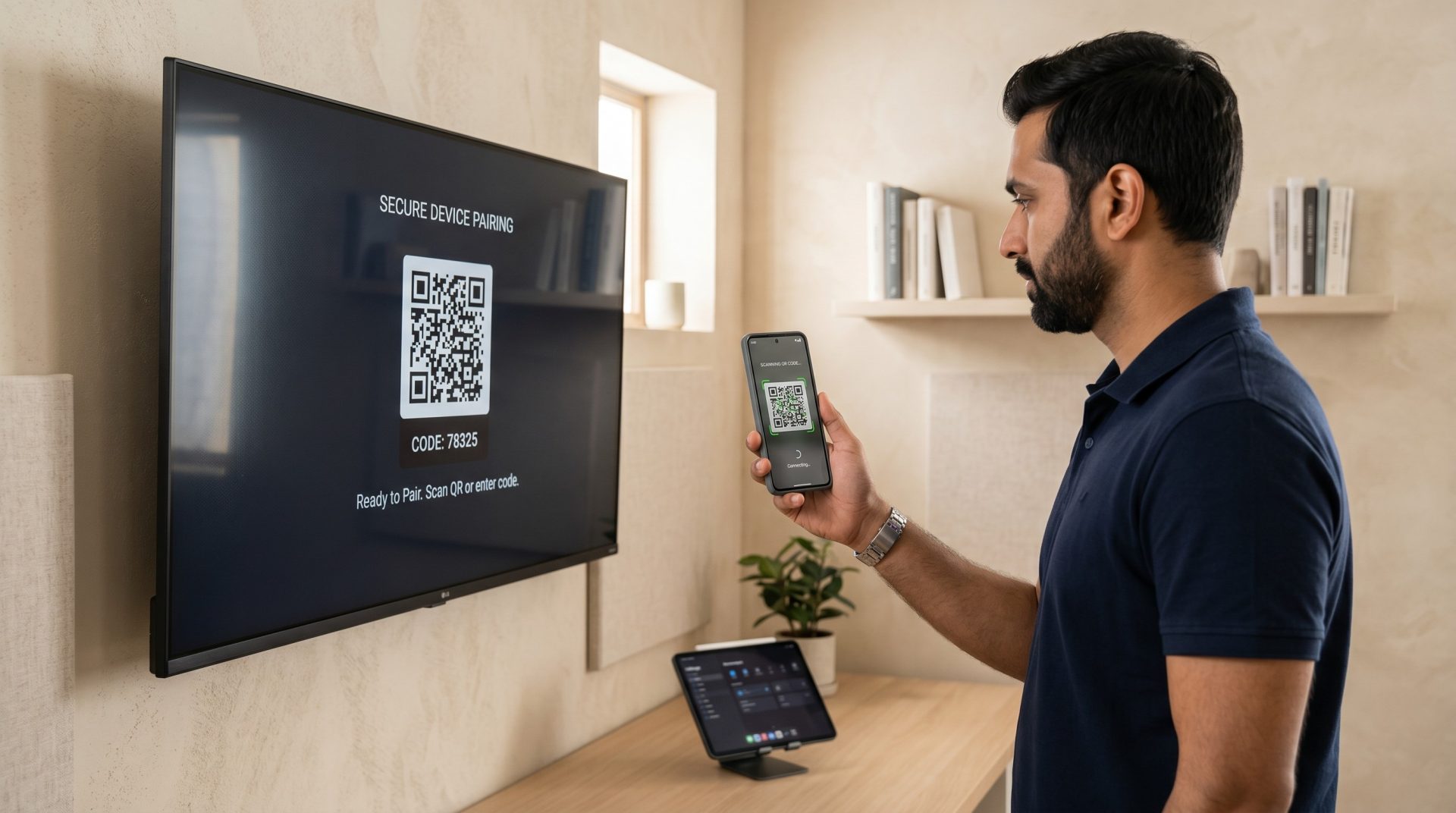
Supported Platforms
Android
Supports Android TV, boxes and commercial displays.
Windows
Runs on Windows PCs and mini-PC deployments.
Chrome OS
Ideal for secure and low-maintenance deployments.
Smart TVs
Works with supported LG WebOS and Samsung Tizen.
4K Support
Delivers high-quality playback performance.
Offline Mode
Ensures playback continues without internet.
Download Signmitra From Google Play Store
Download and run Signmitra Digital Signage Player on your existing devices. Connect screens, sync content and ensure reliable 24/7 playback with offline support, automatic updates and cloud-based control from Google Play Store.
Download Signmitra Player
If your Android player doesnt support the Google Play Store App or Showing App not compatible, the Download from here
Frequently Asked Questions
Start running your screens in minutes
Download Signmitra Player and transform your displays into powerful digital signage screens.