Content updates
Static & Independently Managed Displays
Changed on siteWith Signmitra Smart City Signage
Published remotelyA DIGITAL INFORMATION LAYER FOR PUBLIC SPACES
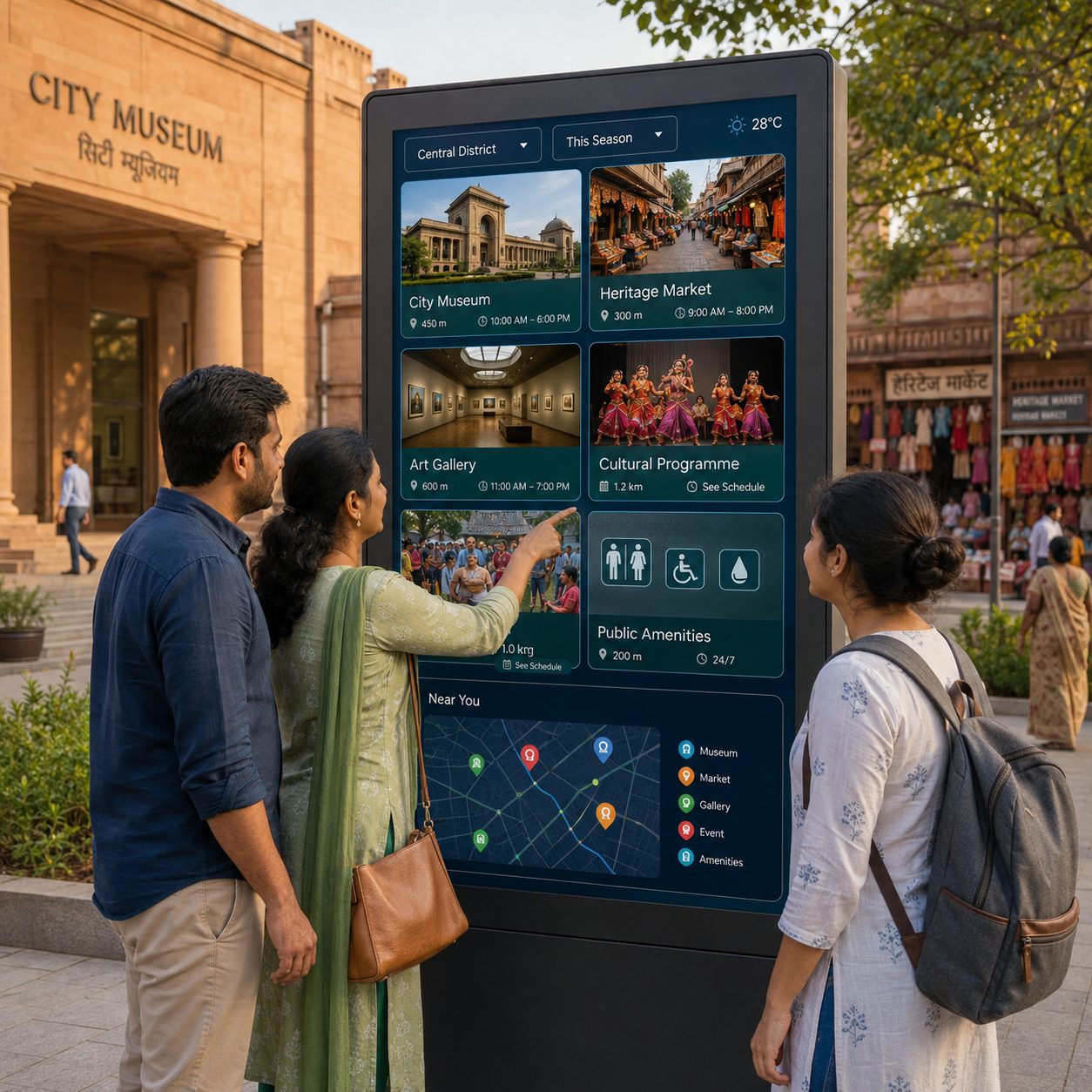
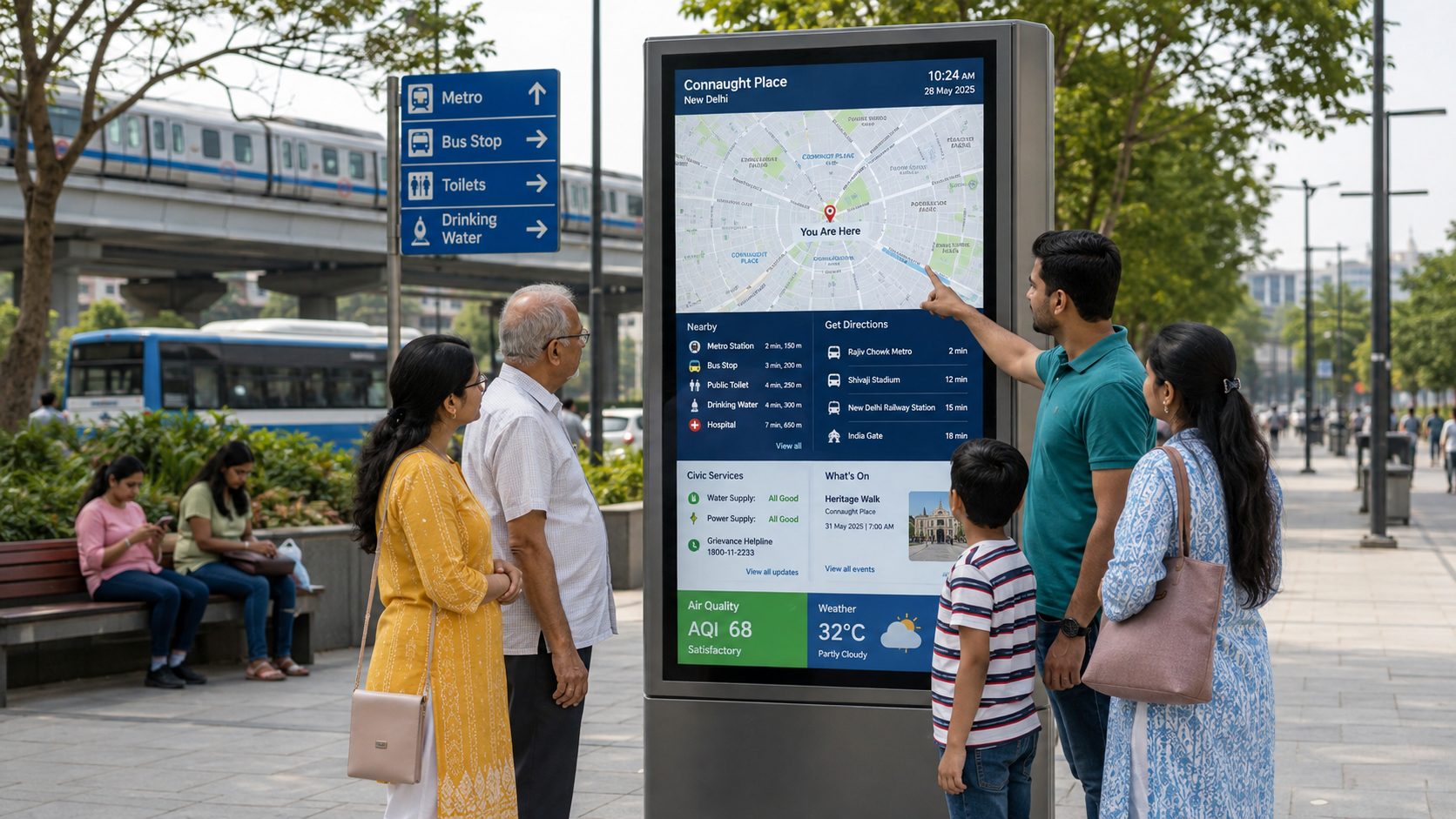
Smart-city screens can help residents, commuters and visitors understand where they are, what is nearby and where to find trusted public information. Signmitra brings content, playlists, schedules and screen groups into one browser-based management workflow.
Use displays and supported kiosks for maps, directories, service notices, events, destination content and compatible transport or environmental data. Digital signage supports the public information journey; it does not replace official traffic controls, alarms, emergency systems or staffed public services.
ONE PLATFORM, MANY CITY CONTEXTS
Structure the network around place, audience, authority and timing.
THE PUBLIC INFORMATION JOURNEY
Plan each smart-city screen around the question a person needs answered at that location.
SMART CITY DIGITAL SIGNAGE USE CASES
Explore high-value applications and the implementation questions behind each one.
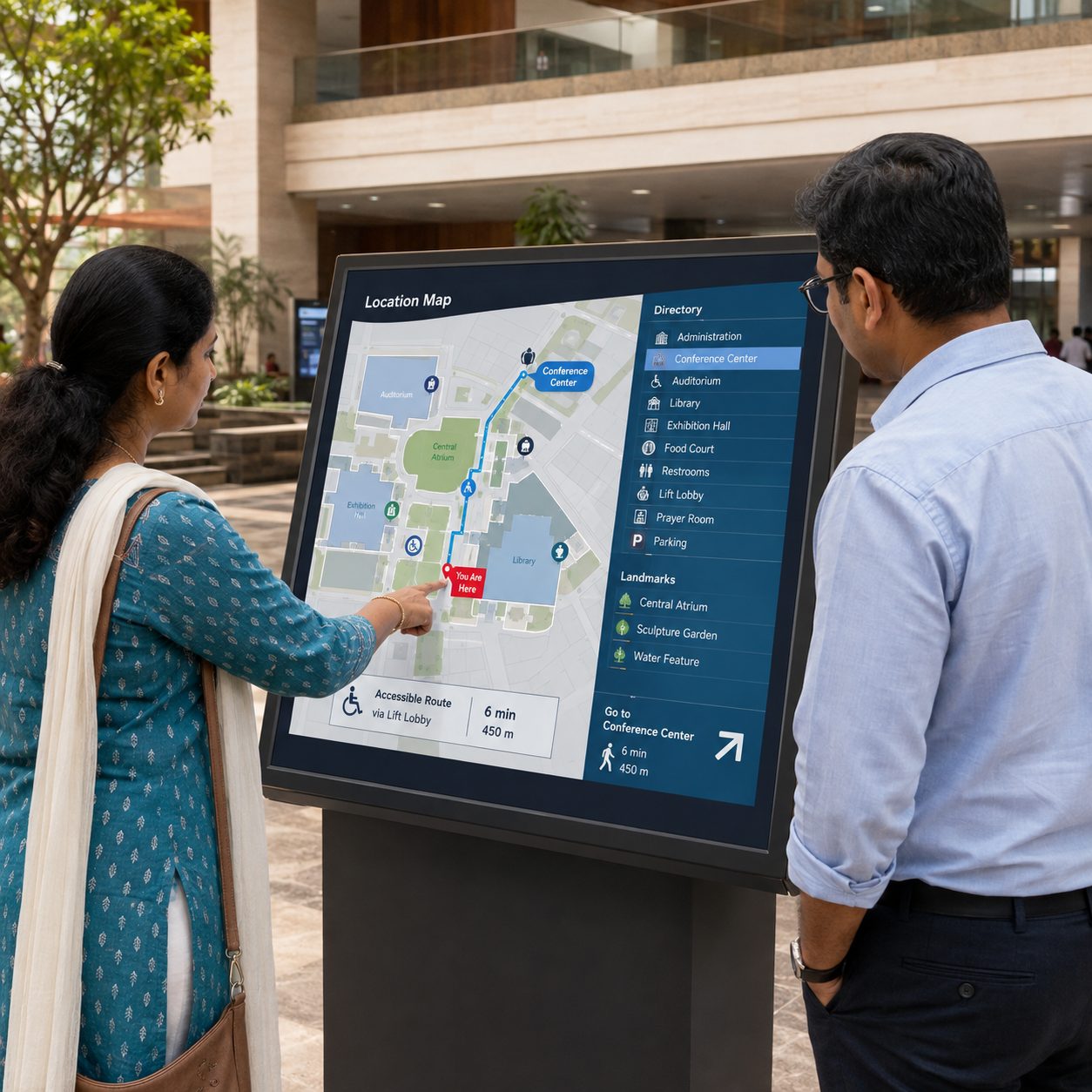
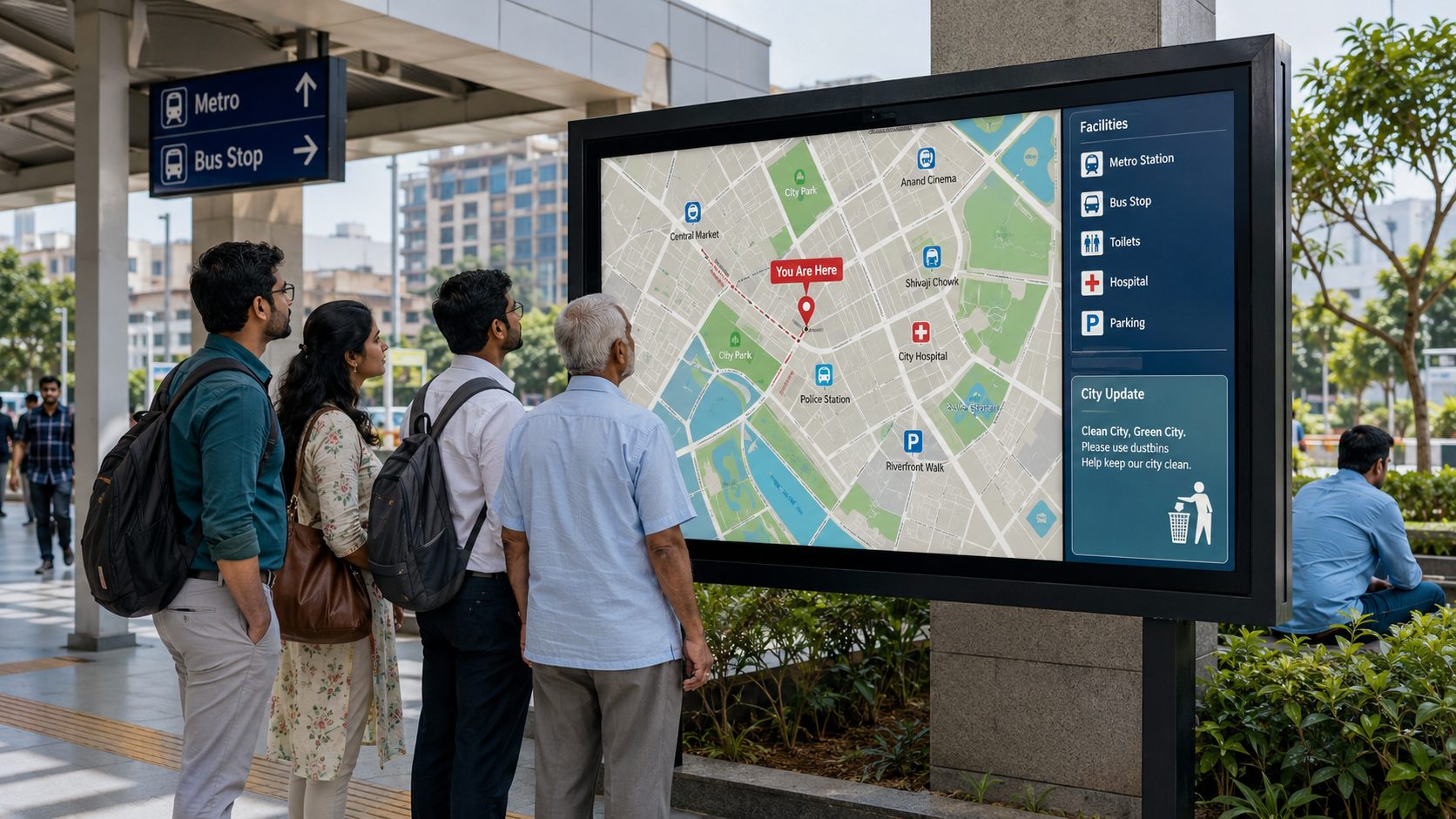
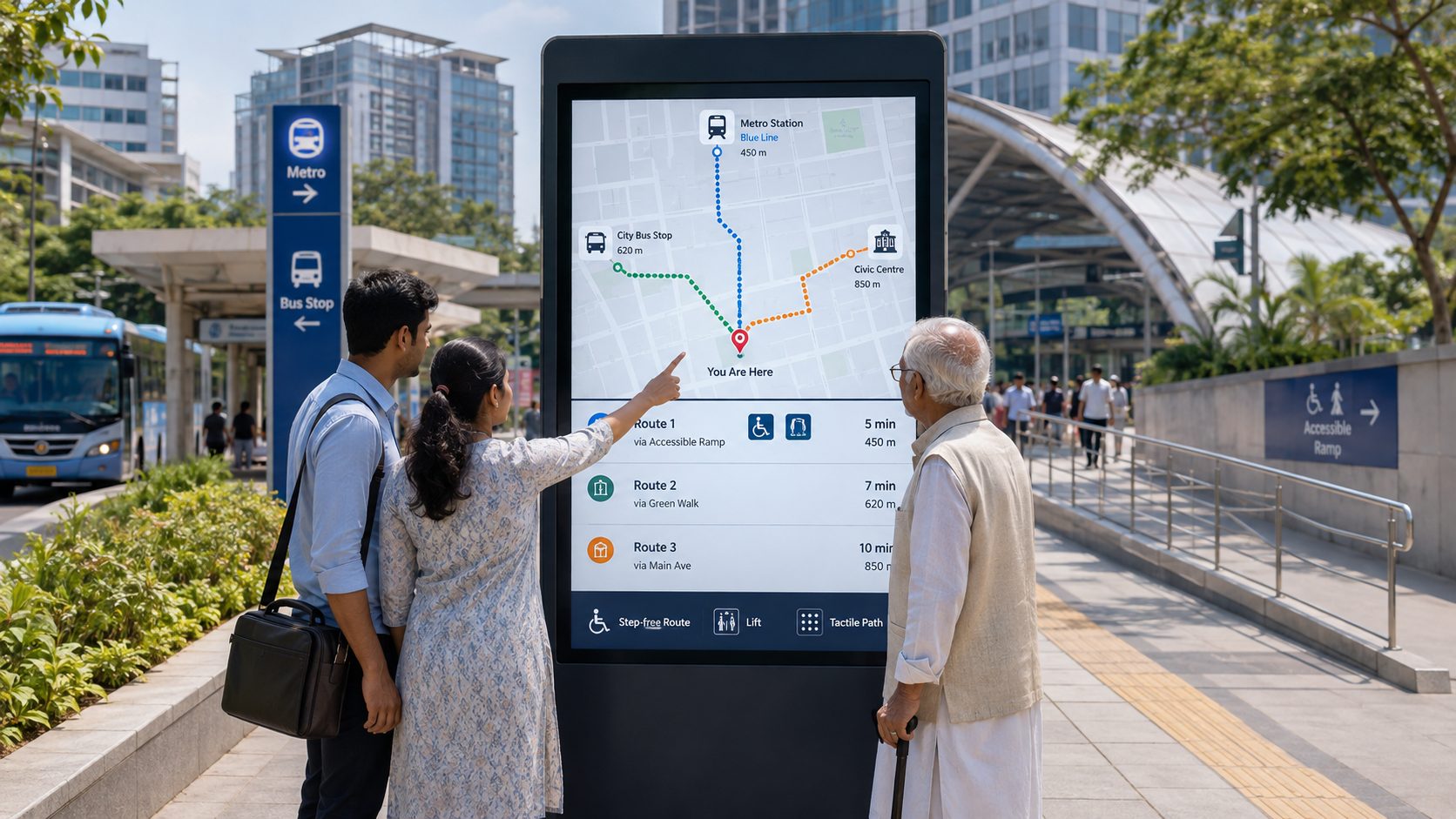
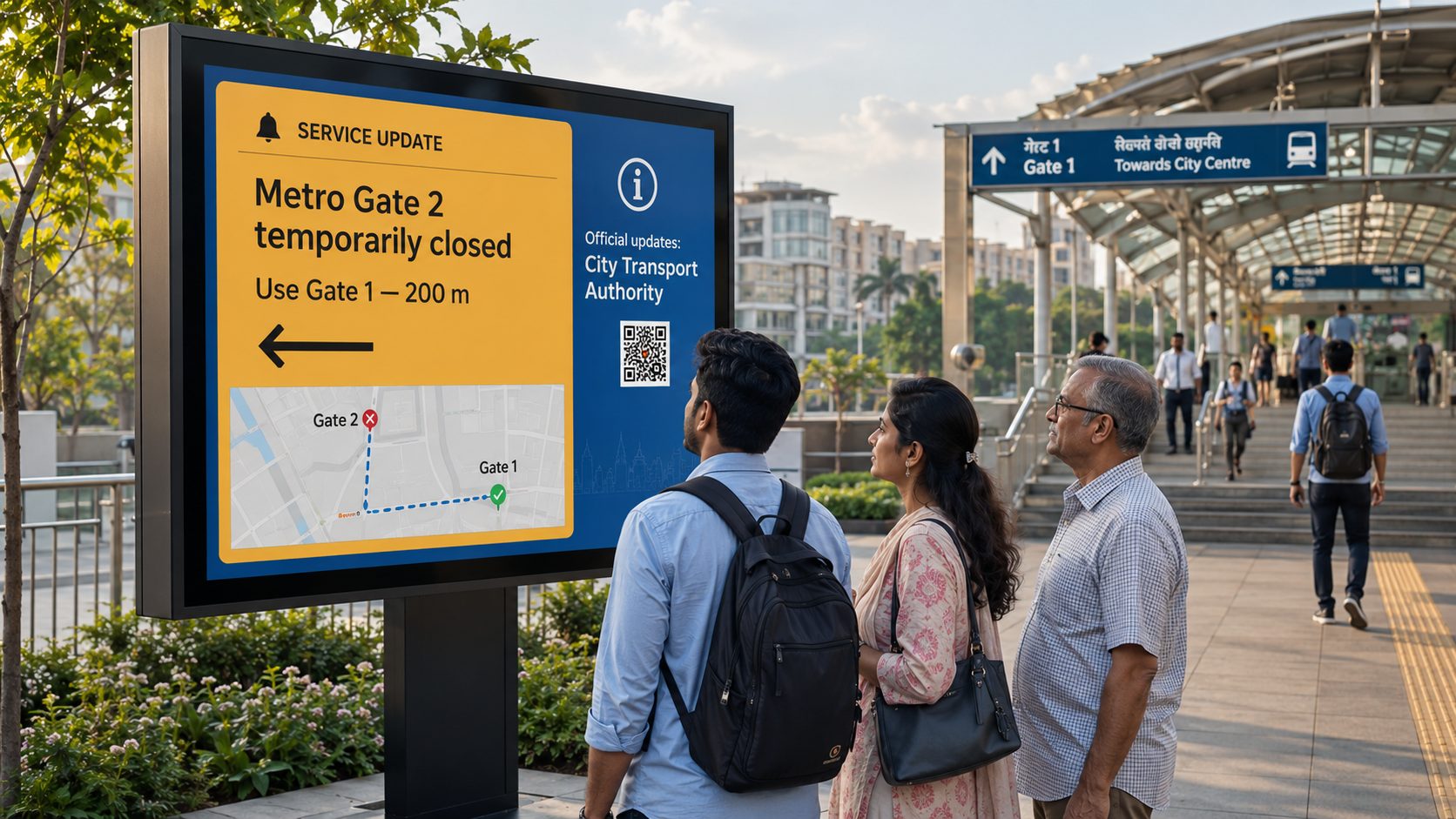
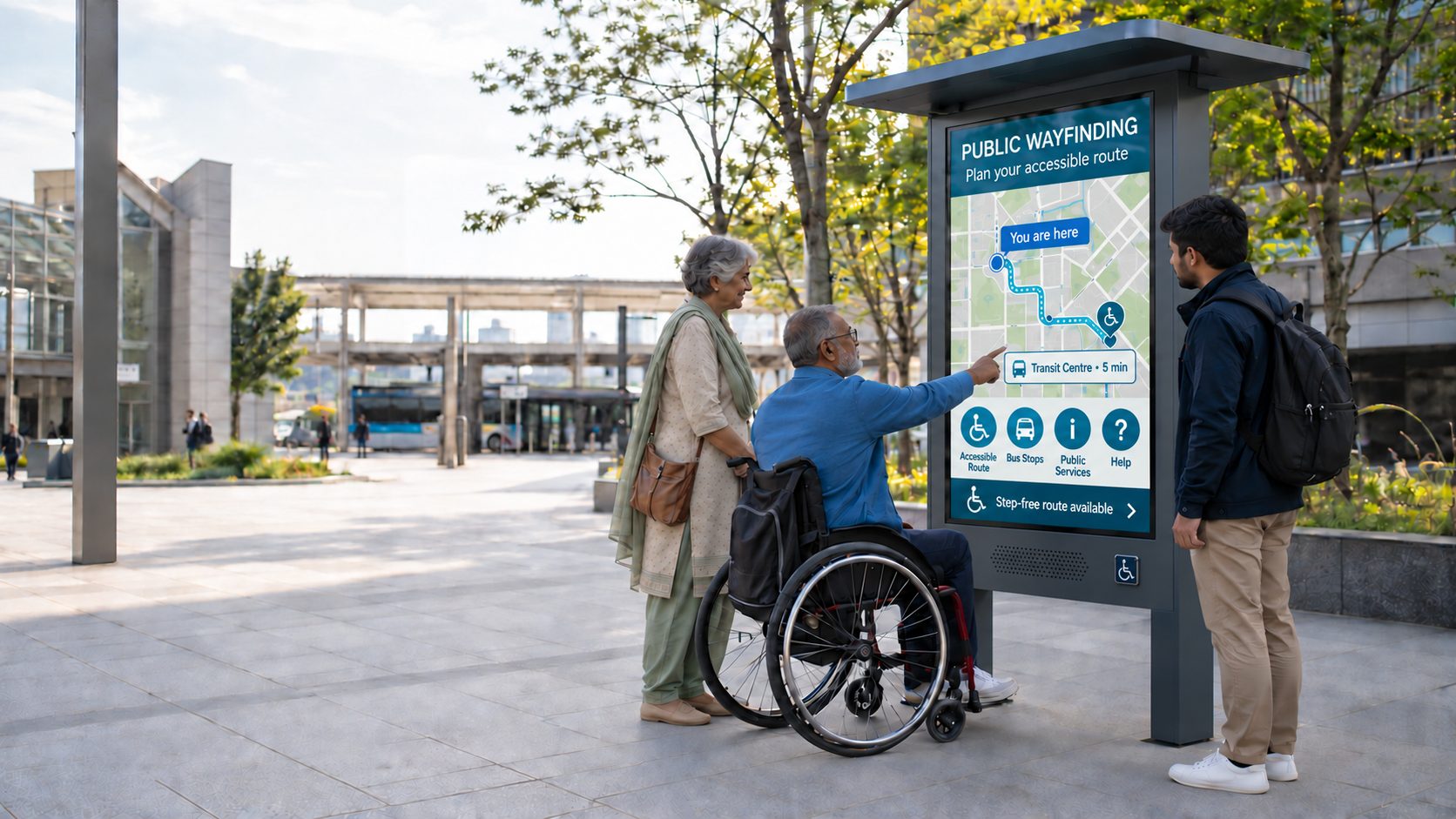
Publish location maps, directories, landmarks, routes and “You Are Here” orientation. Interactive routing requires purpose-built wayfinding software, accurate map data, suitable kiosk hardware and ongoing destination maintenance.
FROM ISOLATED DISPLAYS TO A MANAGED NETWORK
Central management adds practical control while local authorities retain responsibility for source accuracy and public-service decisions.
| City signage need | Static & Independently Managed Displays | With Signmitra Smart City Signage |
|---|---|---|
| Content updates | Changed on site | Published remotely |
| District targeting | Separate local process | Location and screen groups |
| Time-sensitive campaigns | Manual replacement | Date and time scheduling |
| Compatible live data | Not available | Possible with reviewed sources |
| Media formats | Primarily static | Images, video, tickers and web content |
| Operational visibility | Physical inspection | Remote player status |
| Publishing responsibility | Often fragmented | Role-based workflow |
Static & Independently Managed Displays
Changed on siteWith Signmitra Smart City Signage
Published remotelyStatic & Independently Managed Displays
Separate local processWith Signmitra Smart City Signage
Location and screen groupsStatic & Independently Managed Displays
Manual replacementWith Signmitra Smart City Signage
Date and time schedulingStatic & Independently Managed Displays
Not availableWith Signmitra Smart City Signage
Possible with reviewed sourcesStatic & Independently Managed Displays
Primarily staticWith Signmitra Smart City Signage
Images, video, tickers and web contentStatic & Independently Managed Displays
Physical inspectionWith Signmitra Smart City Signage
Remote player statusStatic & Independently Managed Displays
Often fragmentedWith Signmitra Smart City Signage
Role-based workflowSignmitra manages signage content and playback; city authorities and source owners remain responsible for maps, data, accessibility, approvals and public-safety decisions. Review Your Operating Model
A FLEXIBLE NETWORK FOR URBAN ENVIRONMENTS
Use a shared platform structure while respecting the audience and authority behind each location.
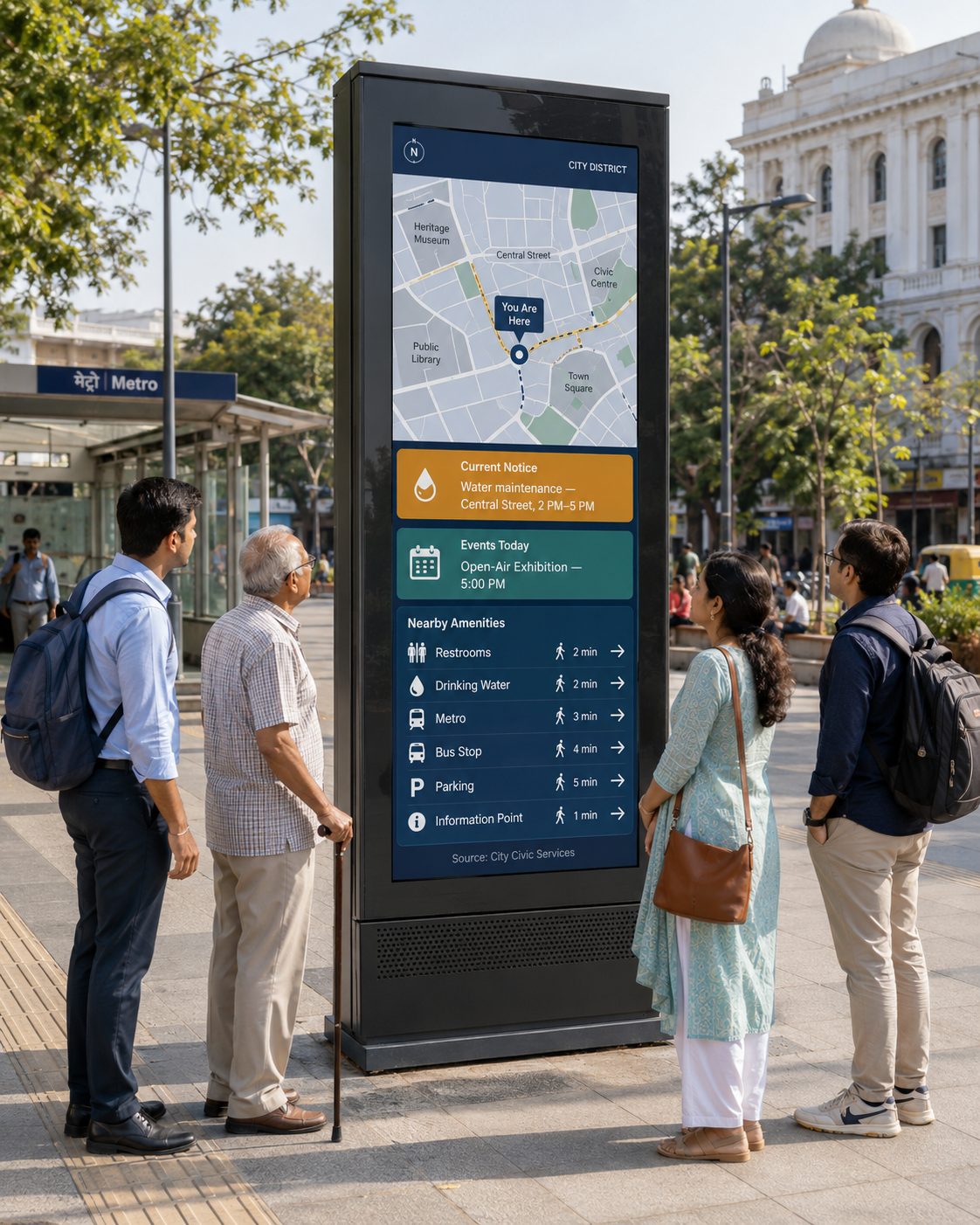
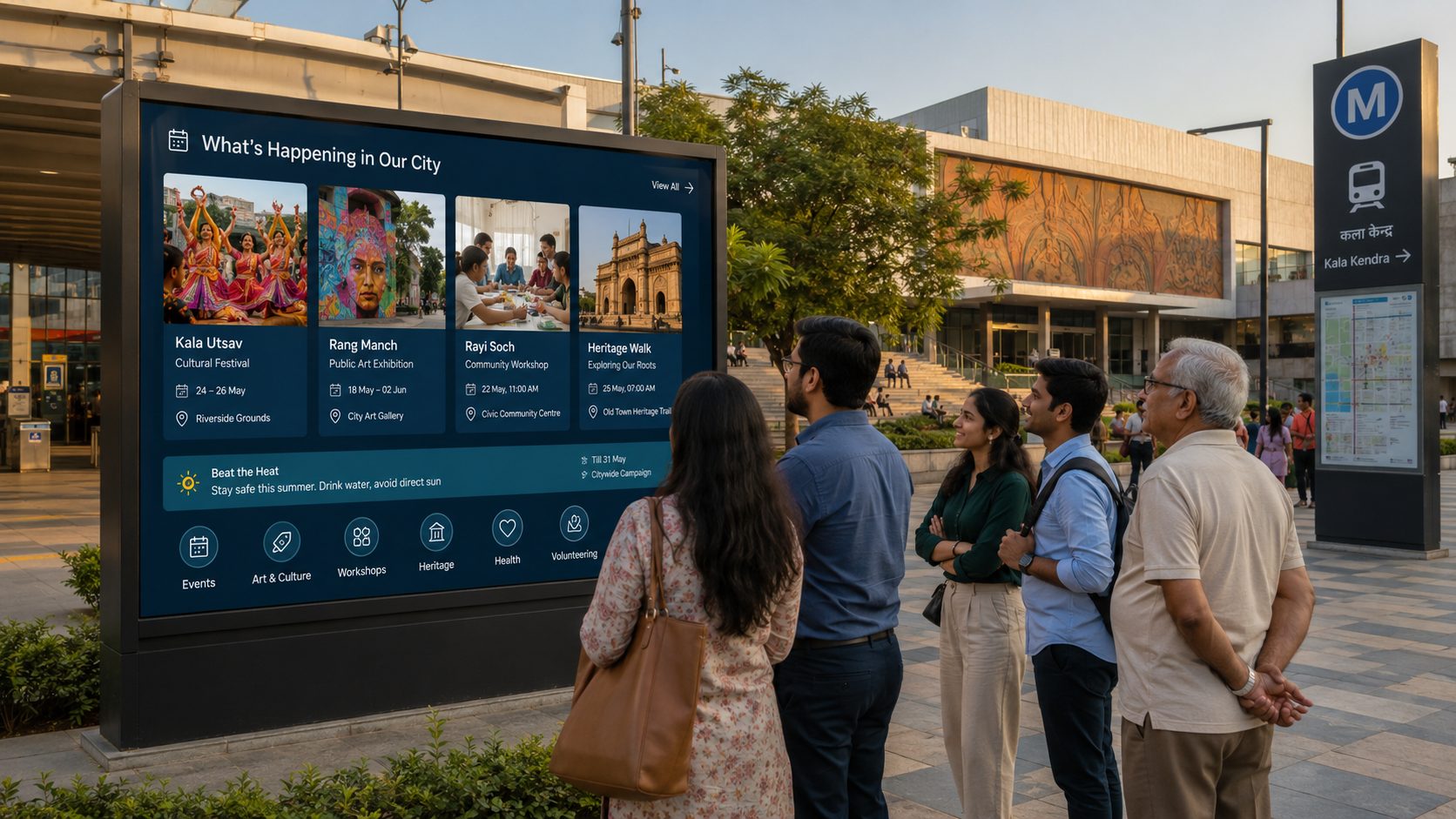
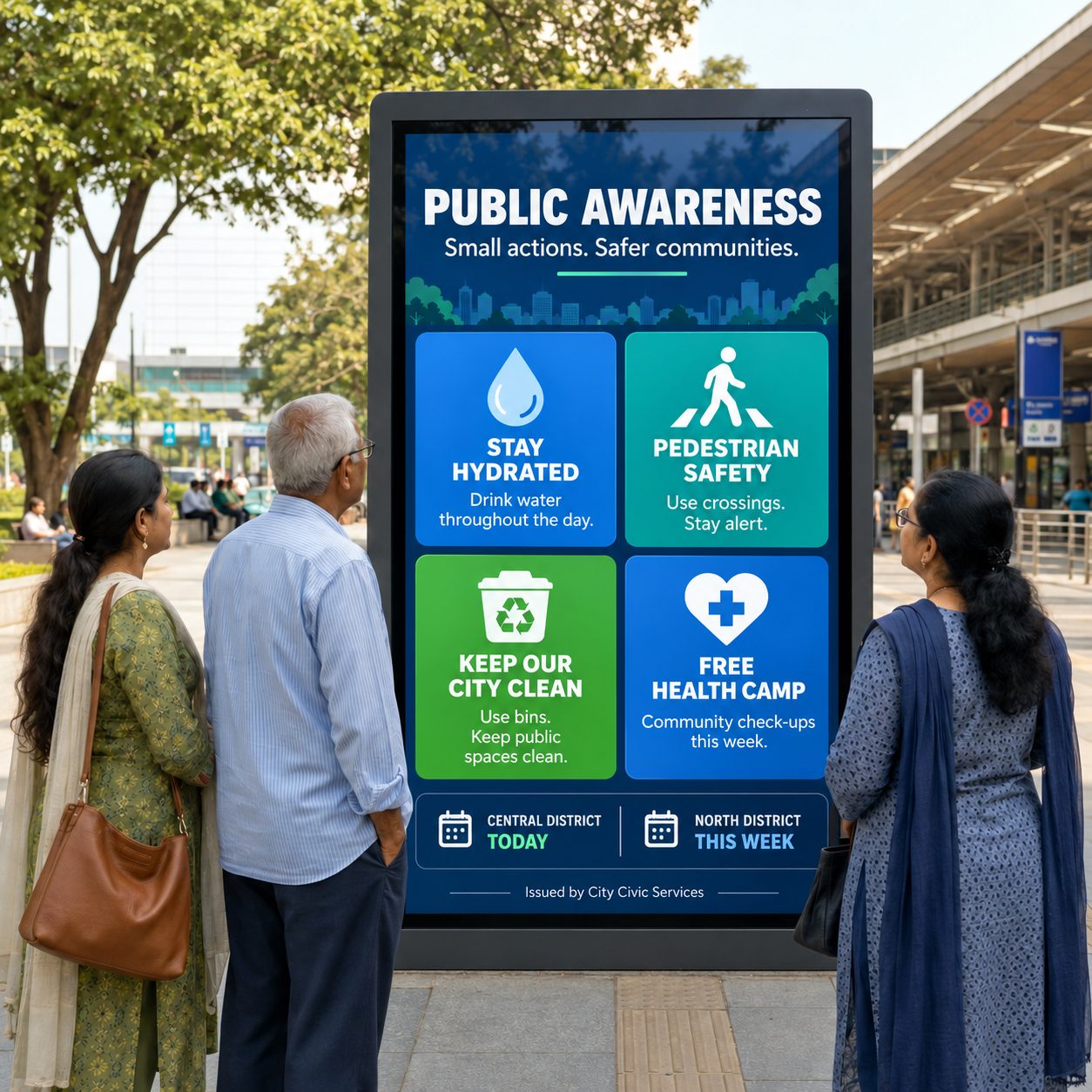
Streets, squares and public spaces. Combine orientation, civic notices, events and nearby public amenities at high-value information points
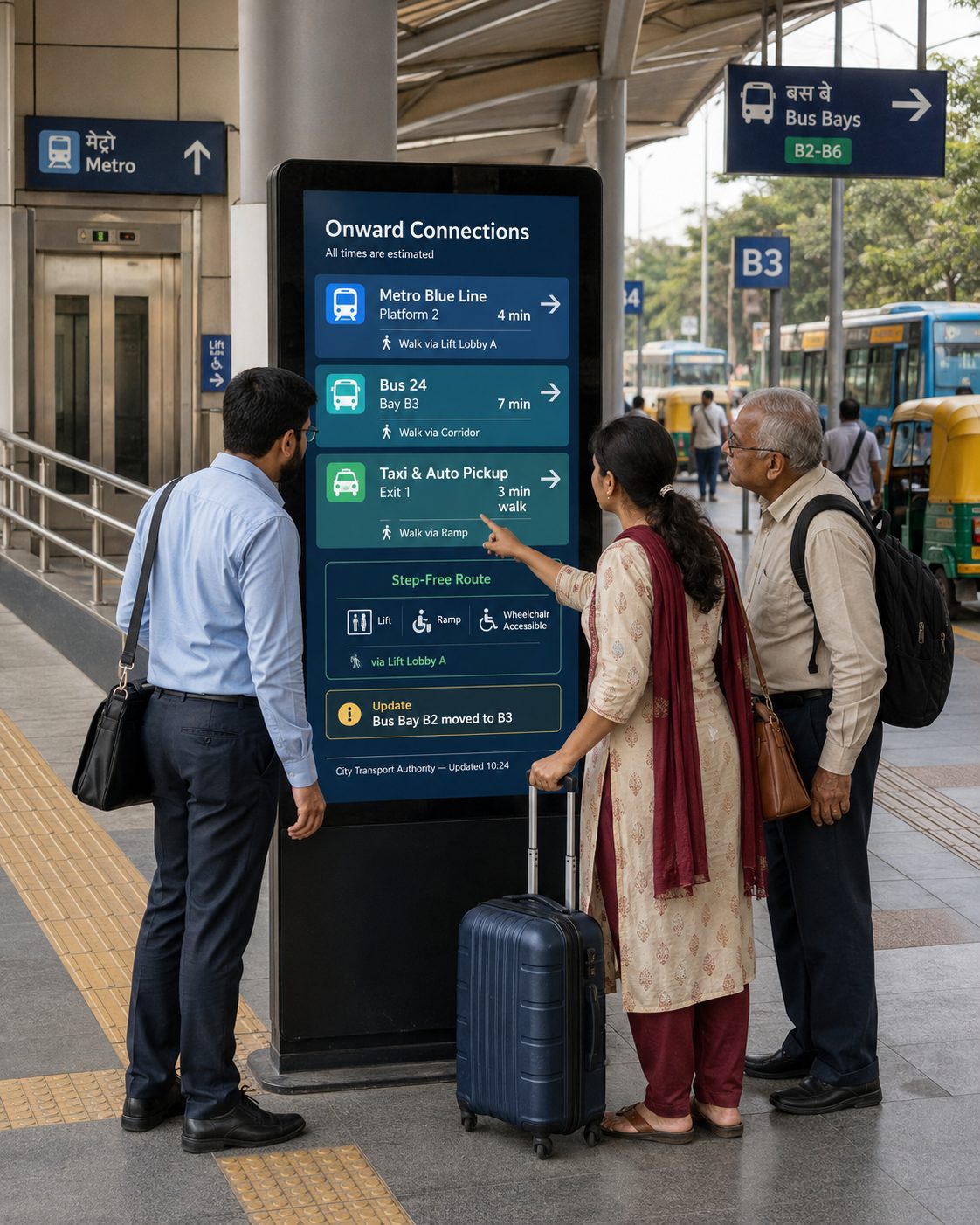
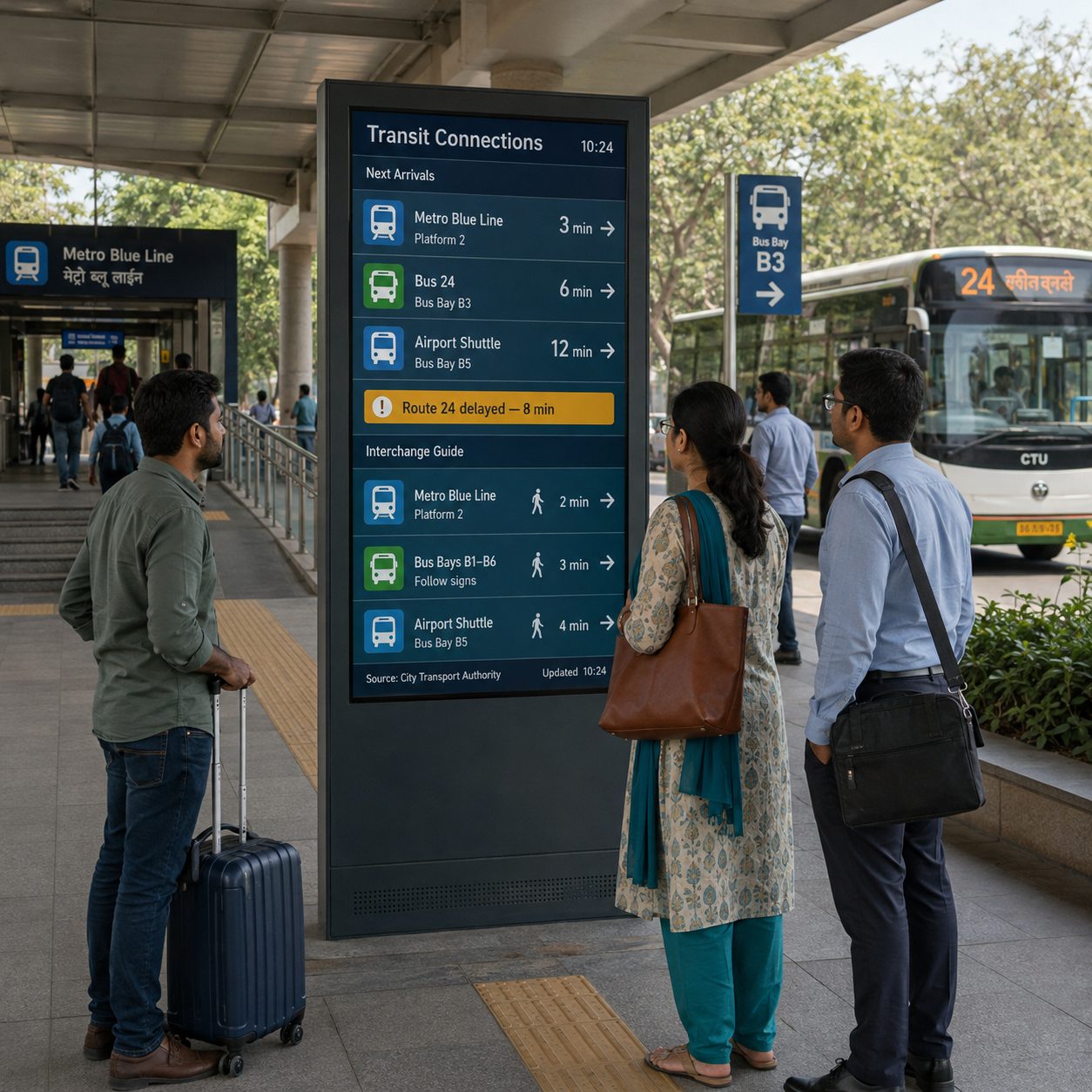
Transit interchanges. Support onward journeys with compatible service data, directions and accessible connection information
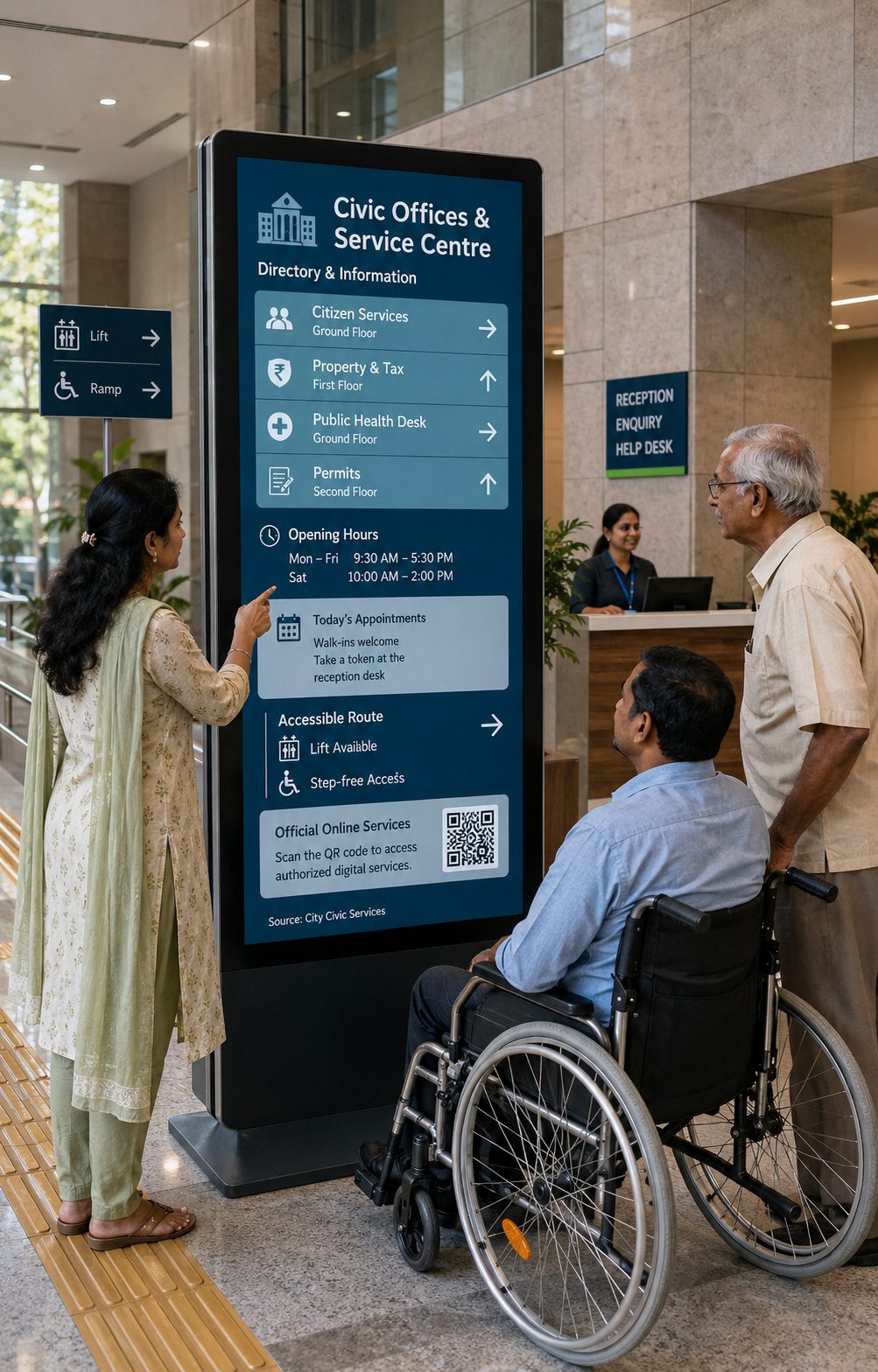
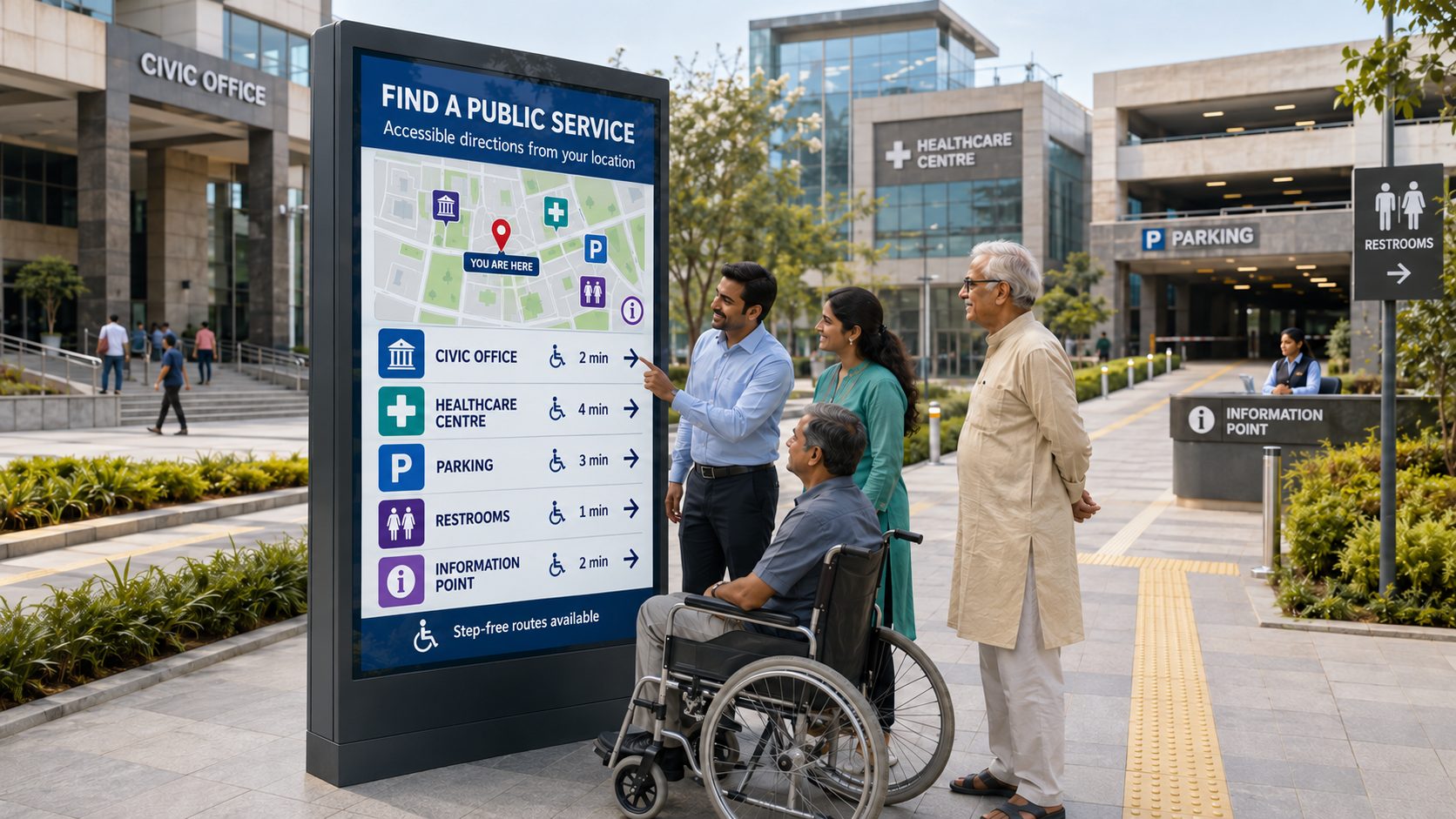
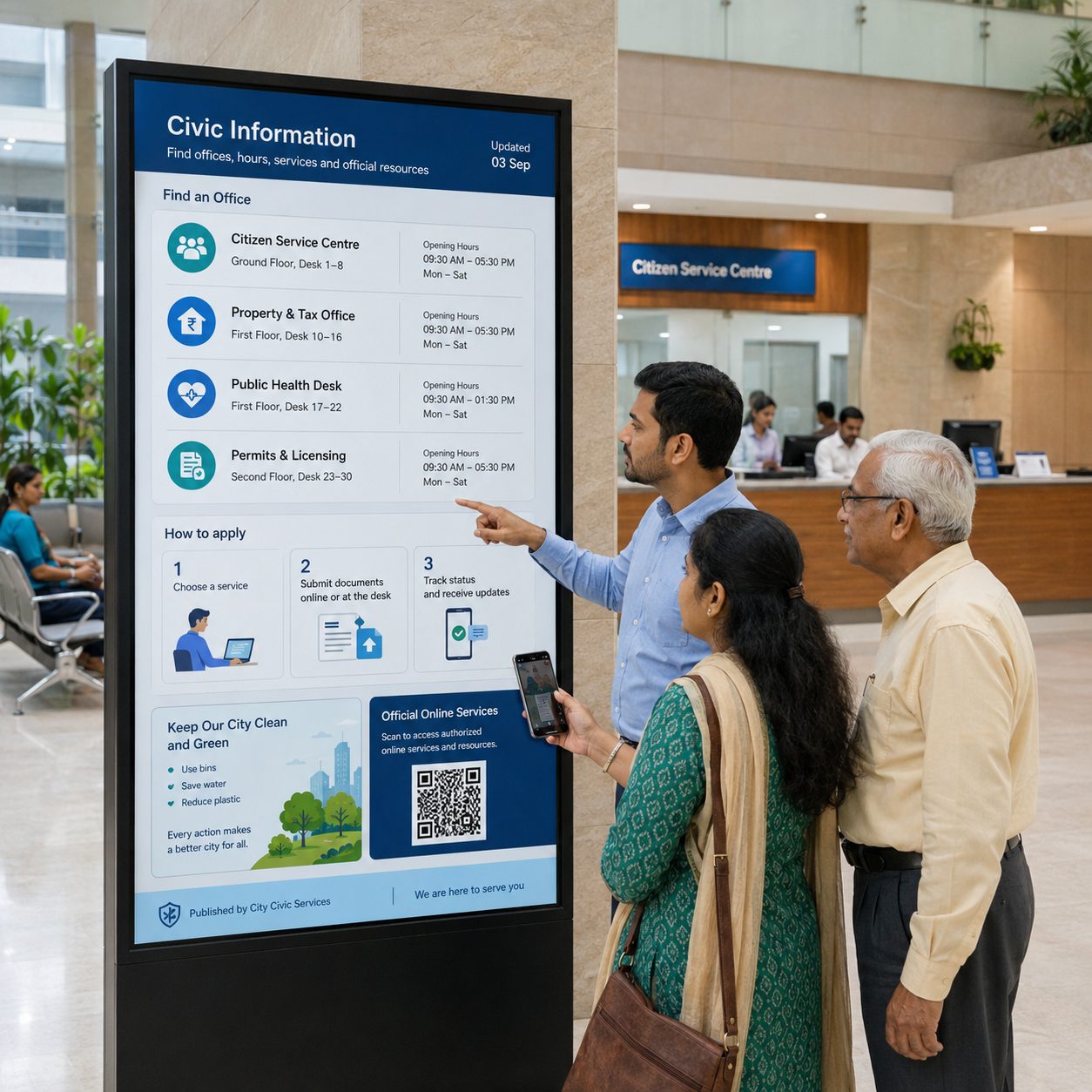
Civic offices and service centres. Publish directories, opening hours, appointment guidance and links to authorized digital services
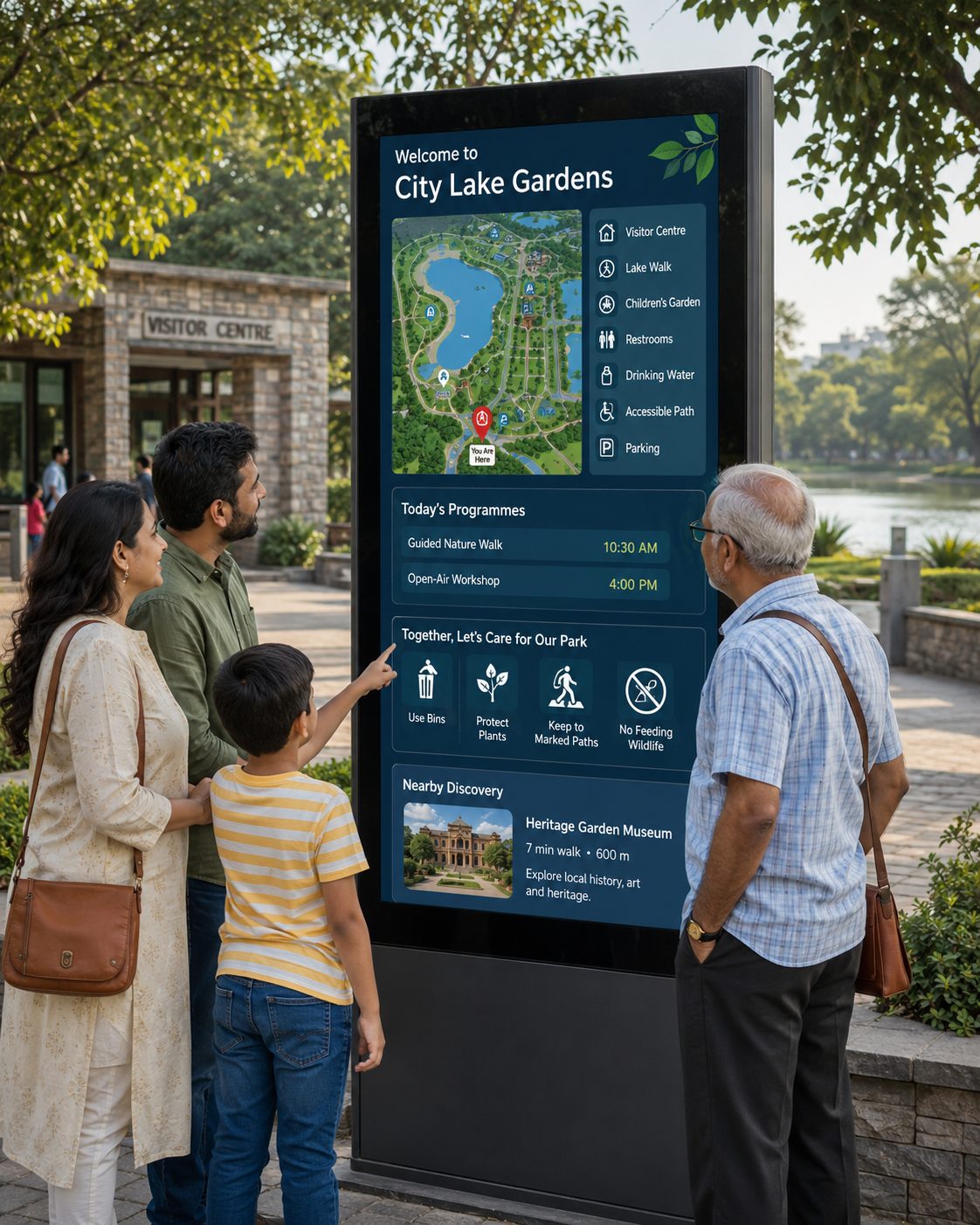
Parks and visitor destinations. Share maps, facilities, programme information, responsible-use guidance and local discovery content
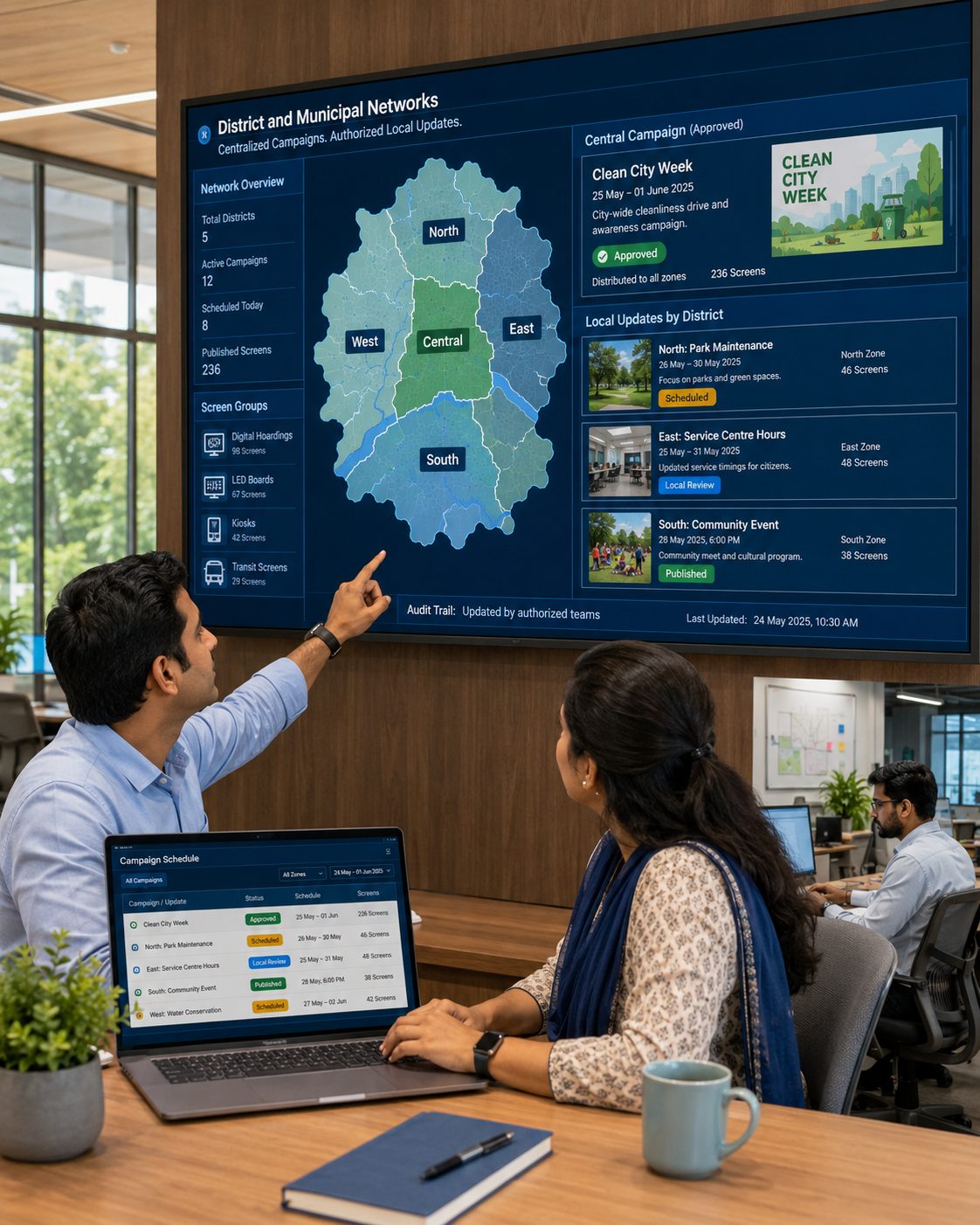
District and municipal networks. Coordinate central campaigns with authorized local updates across multiple operational zones
A RESPONSIBLE SMART-CITY ROLLOUT
Start with public needs and content authority before selecting screens and integrations.
SMART CITY SCREEN-MANAGEMENT CAPABILITIES
Manage publishing and playback while connecting appropriate civic data and service workflows.
Manage media, playlists, schedules and screens through a browser-based workspace.
Organize displays by district, route, venue, service or communication zone.
Align central, departmental and local publishing access with defined responsibilities.
Plan civic campaigns and recurring information by date, day and time.
Combine maps, notices, media, tickers and compatible data in structured screen layouts.
Discuss transport, weather, environmental or directory feeds with clear source ownership.
Create language variants appropriate to the audience and local communication policy.
Previously downloaded content can continue during a temporary network interruption.
Identify displays that may need attention while maintaining an appropriate field-service plan.
ACCESSIBLE INFORMATION REQUIRES MORE THAN A SCREEN
Readability, language, mounting height, glare, weather protection, touch targets, wheelchair approach, audio alternatives and route accuracy all affect whether a public display is useful. These requirements should be reviewed with accessibility, planning, IT, security and service owners.
Signmitra can support the content-management and playback layer while your project team defines kiosk hardware, connectivity, physical installation, map data, accessibility testing and ongoing maintenance.
SMART CITY DIGITAL SIGNAGE FAQ
Our team is here to help with anything not covered above.
BUILD A USEFUL, MANAGEABLE CITY SCREEN NETWORK
Tell us about your districts, screens, data sources and public-service goals. We’ll help you shape a practical smart-city signage rollout.

