Touch navigation. Connect clear buttons and destinations into a guided touchscreen journey.
INTERACTIVE KIOSK SOFTWARE INDIA
Interactive kiosk software for purposeful self-service journeys
Turn compatible touchscreens into guided experiences for information, product discovery, wayfinding, visitor flows and supported web applications. Design the content journey, publish from the cloud and manage kiosks across locations with Signmitra.
Book a Kiosk Demo
Touch, publish, manage.
Explore Kiosk Workflows

ONE PLATFORM FOR THE KIOSK EXPERIENCE
Move from passive display to guided interaction
Give every kiosk a clear purpose, an understandable touch journey and a remotely managed content workflow.
Touch-ready
layouts and navigation
One CMS
for kiosk content
Remote
publishing and updates
Multi-site
device organization
DESIGN FOR THE DECISION IN FRONT OF THE SCREEN
Turn a touchscreen into a clear next step
A good kiosk does not ask visitors to explore an entire website. It helps them complete one useful task—find a destination, browse a catalogue, understand a service, register interest or open a supported application.
Signmitra brings media, layouts, schedules and compatible touch experiences into a managed digital signage workflow, so teams can update the journey without visiting every kiosk.
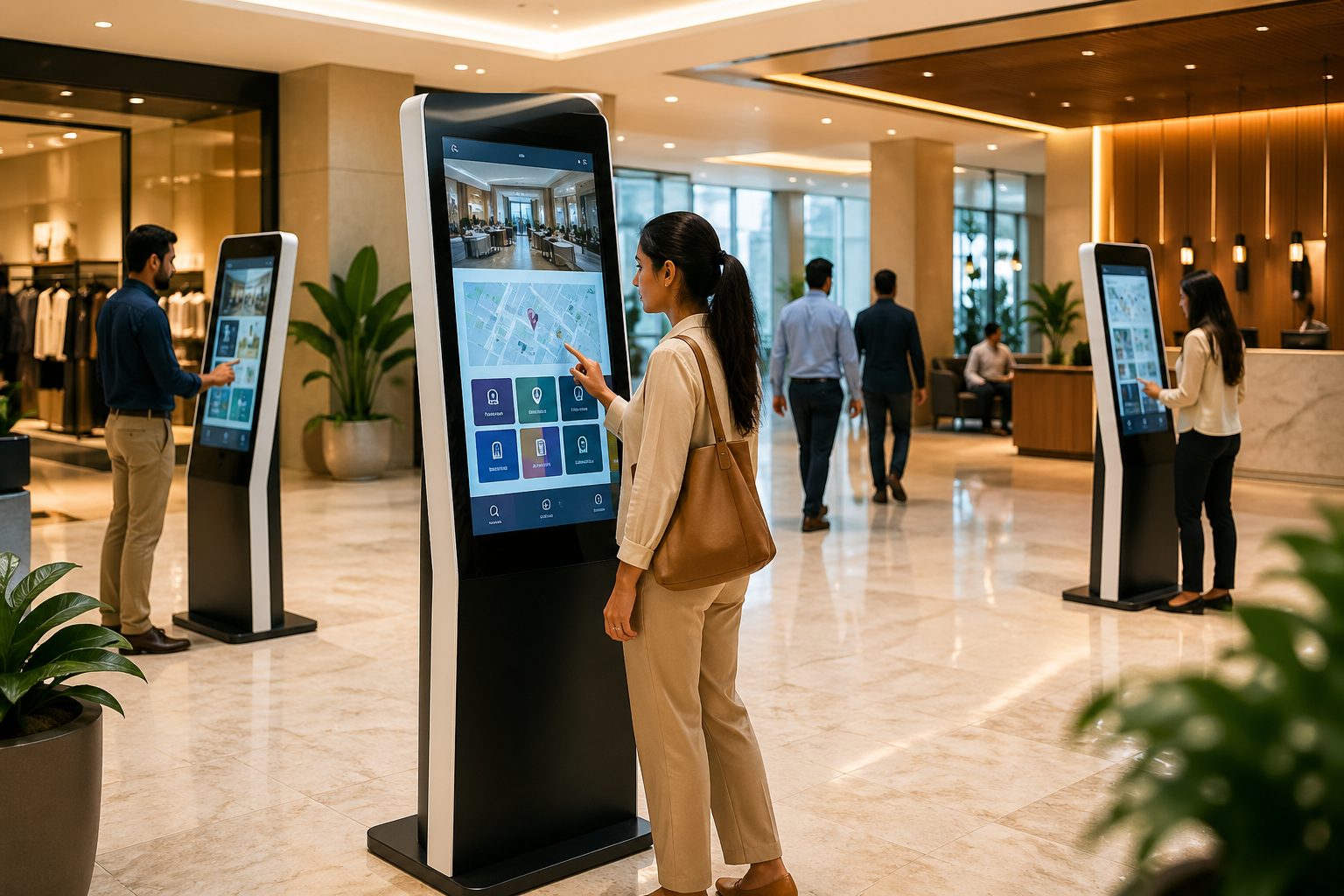
THE SELF-SERVICE JOURNEY
Design every tap around user intent
Start with the task, remove unnecessary choices and give visitors a visible path back, forward or home.
THE SIGNMITRA KIOSK WORKFLOW
Explore the platform from creation to operation
Switch between the tools and deployment layers behind a managed touchscreen experience.
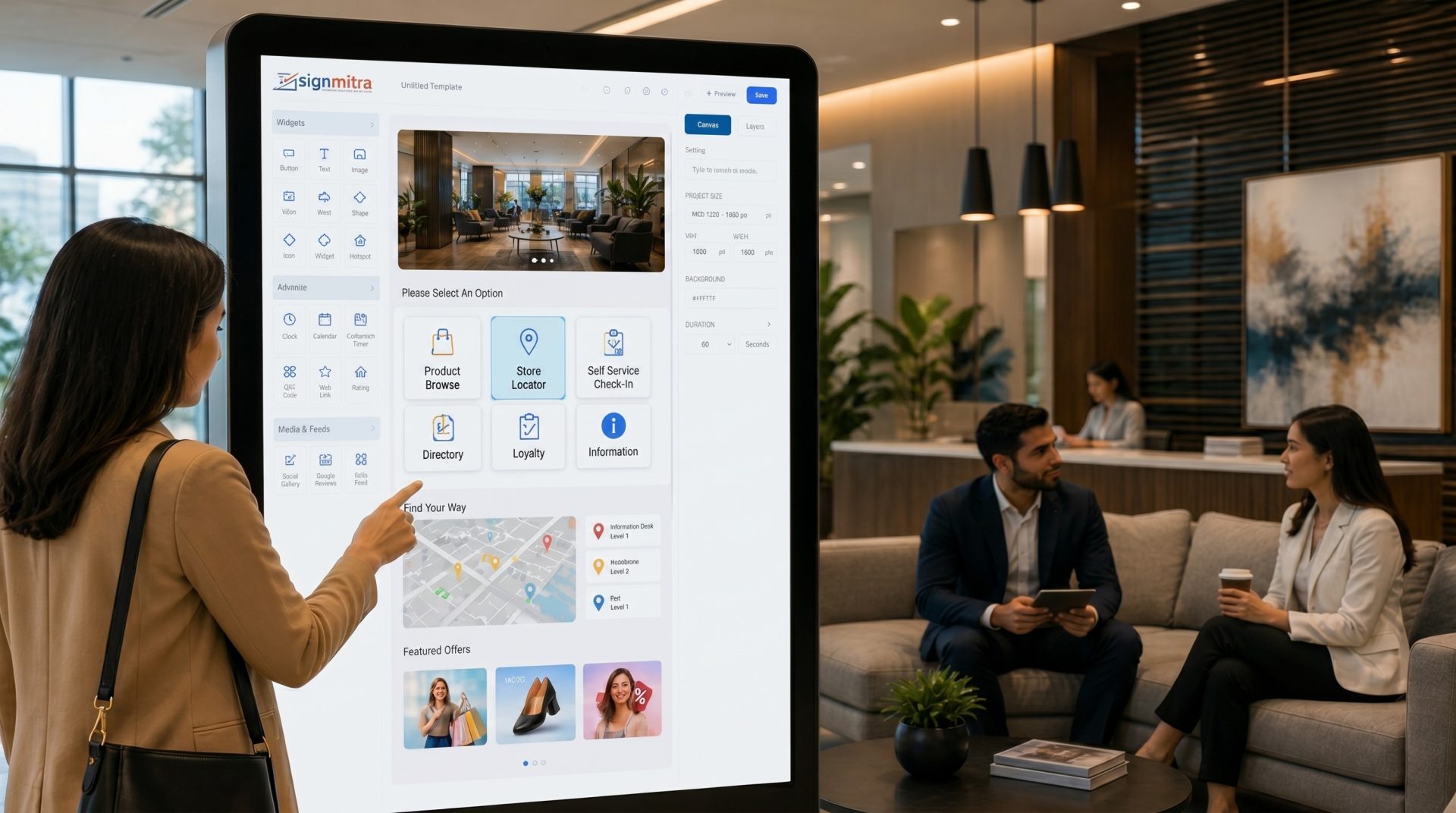
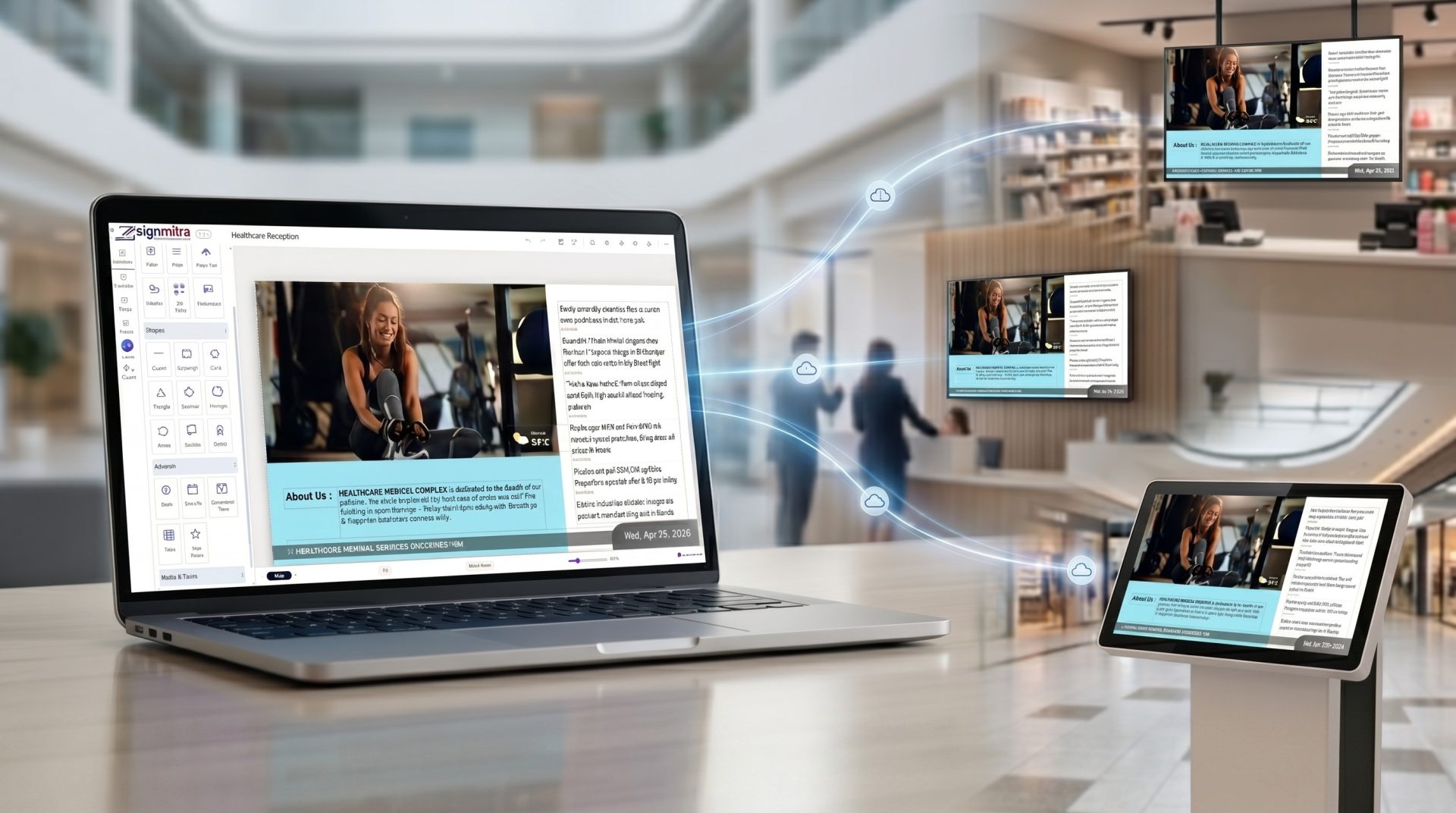
Compose layouts with supported media, text, buttons, zones and touch destinations. Keep the interface aligned with your brand and the task visitors need to complete.
INTERACTIVE KIOSK SOFTWARE CAPABILITIES
The controls behind a maintainable kiosk network
Bring content, navigation and device organization into one repeatable operating model.
Multi-zone layouts. Combine navigation, media, instructions and supported content in structured screen zones.
Rich media. Use approved images, video, text and supported web content where the experience requires it.
Scheduled content. Plan kiosk campaigns and information by date, time and operating window.
Remote publishing. Send approved updates to organized kiosk players from the cloud CMS.
Device organization. Group kiosk players by venue, purpose or location and review their reported status.
Team permissions. Align content and publishing access with the people responsible for each experience.
Idle reset planning. Return shared kiosks to a safe home state through the chosen interaction workflow.
Playback continuity. Previously downloaded signage media can continue during a temporary network interruption.
KIOSK USE CASES
Give self-service a specific job in every environment
Choose the use case first, then shape the content, hardware and integrations around it.
-
RETAIL
Product discovery and assisted browsing
Help shoppers explore ranges, compare approved information and continue to a staff-assisted or supported digital next step.
-
WAYFINDING
Directories and destination discovery
Let visitors browse destinations and approved maps; turn-by-turn routing requires compatible wayfinding software and accurate location data.
-
HEALTHCARE
Service guidance and visitor information
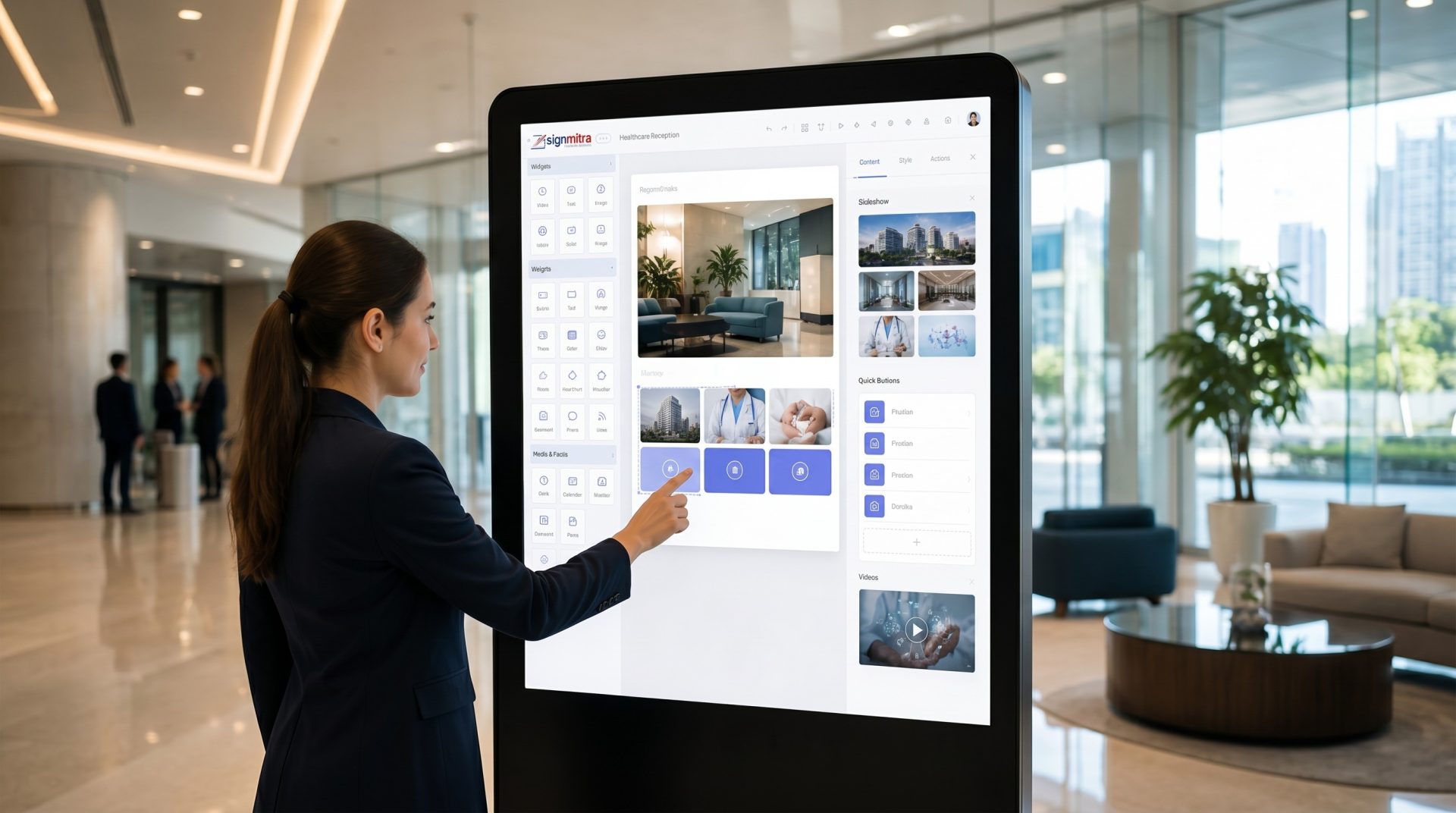
Present departments, facilities, preparation guidance and approved patient information without replacing clinical or emergency systems.
-
WORKPLACE
Visitor flows and building information
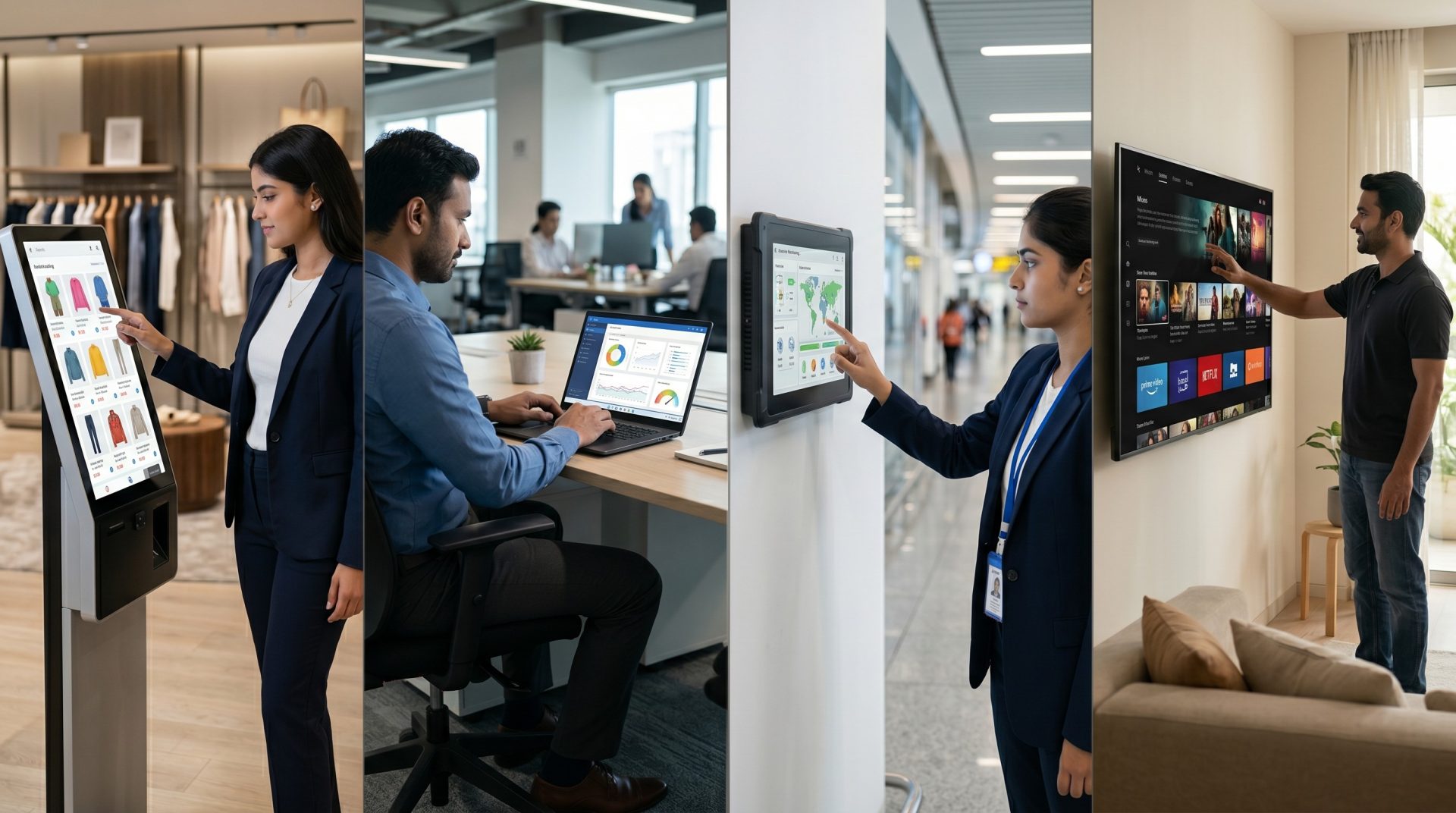
Guide arrivals through directories, host information and supported visitor applications while handling personal data in an appropriate system.
-
MALLS & VENUES
Tenant, event and amenity discovery
Help guests find stores, services, schedules and current venue information at high-value decision points.

-
HOSPITALITY
Guest services and local information
Offer property directories, event details, amenities and supported service journeys in a polished branded interface.
SCOPE THE RIGHT KIOSK
Match the software approach to the user task
Some kiosk journeys are primarily content and navigation. Others depend on specialist applications, data, payments or peripherals.
| Project requirement | Managed Information Display | Interactive Signmitra Kiosk | Specialist Transaction System |
|---|---|---|---|
| Touch navigation | Not primary | Strong fit | Application-led |
| Cloud content updates | Supported | Supported | Depends on system |
| Media and information journeys | Strong fit | Strong fit | Possible |
| Supported web application | Limited | Validate first | Native workflow |
| Payments or user accounts | Not applicable | External integration | Specialist scope |
| Printers, scanners or readers | Not applicable | Compatibility review | Specialist scope |
| Remote signage management | Supported | Supported | Varies |
Touch navigation
Managed Information Display
Not primaryInteractive Signmitra Kiosk
Strong fitSpecialist Transaction System
Application-ledCloud content updates
Managed Information Display
SupportedInteractive Signmitra Kiosk
SupportedSpecialist Transaction System
Depends on systemMedia and information journeys
Managed Information Display
Strong fitInteractive Signmitra Kiosk
Strong fitSpecialist Transaction System
PossibleSupported web application
Managed Information Display
LimitedInteractive Signmitra Kiosk
Validate firstSpecialist Transaction System
Native workflowPayments or user accounts
Managed Information Display
Not applicableInteractive Signmitra Kiosk
External integrationSpecialist Transaction System
Specialist scopePrinters, scanners or readers
Managed Information Display
Not applicableInteractive Signmitra Kiosk
Compatibility reviewSpecialist Transaction System
Specialist scopeRemote signage management
Managed Information Display
SupportedInteractive Signmitra Kiosk
SupportedSpecialist Transaction System
VariesPayments, identity, appointments, ticketing, check-in, printing, scanning and other transactional functions require compatible applications, secure data handling and separately scoped integration work. Review Your Kiosk Requirements
SOFTWARE AND PROJECT RESPONSIBILITY
Build the managed experience and the physical kiosk together
A dependable kiosk needs both a clear content workflow and a validated on-site setup.
SIGNMITRA WORKFLOW
Manage the visible kiosk experience
Use the Signmitra platform to organize approved content and supported interaction journeys across compatible kiosk players.
- Design structured layouts and touch destinations
- Schedule and publish approved content remotely
- Group kiosks by site, purpose or audience
- Review player status and maintain content ownership
PROJECT VALIDATION
Confirm hardware, environment and integrations
Choose and test the complete kiosk around its location, users, operating hours and service requirements.
- Validate touchscreen, player and operating-system support
- Plan mounting, power, connectivity and physical access
- Scope peripherals and third-party applications separately
- Define privacy, accessibility, cleaning and support procedures
A PRACTICAL KIOSK ROLLOUT
Move from one user task to a managed kiosk network
Pilot the complete experience before scaling so content, touch behavior and physical operation are proven together.
INTERACTIVE KIOSKS ACROSS INDUSTRIES
Adapt the journey to the place and audience
Use the same managed foundation while changing the task, interface and technical scope for each environment.
-
Create guided product discovery, collection browsing, comparison and lead-capture journeys that connect shoppers with the right next step.
-
Help visitors discover tenants, facilities, events and destinations using approved directories and compatible map experiences.
-
Present service guidance, departments and supported visitor workflows while keeping clinical, identity and emergency systems separate and authoritative.
-
Support building directories, visitor information and compatible check-in applications with an appropriate privacy and access plan.
-
Offer property, agenda, amenity and destination information through a branded interface designed for fast use in shared spaces.
KIOSK EXPERIENCE DESIGN PRINCIPLES
Make shared touchscreens easier to understand and operate
Use a small set of consistent design rules across every journey and location.
Start with one primary task. Make the kiosk's purpose obvious before asking the visitor to choose an action.
Use large, forgiving targets. Give buttons enough size and separation for confident use on the intended touchscreen.
Keep navigation shallow. Reduce steps, show progress and keep home and back controls consistent throughout the flow.
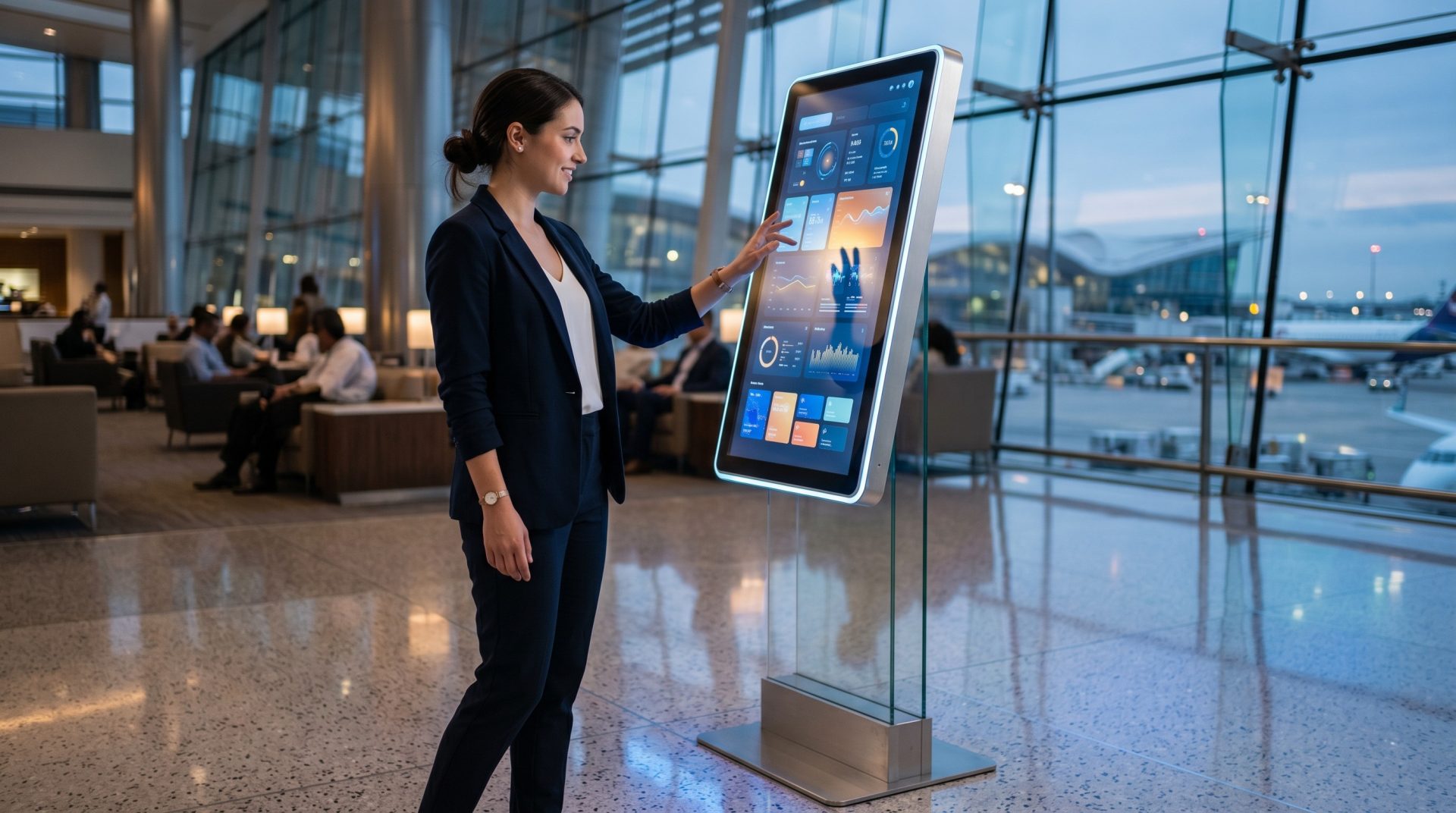
Design for pause and error. Explain what happened, preserve safe choices and offer a visible route to restart or ask for help.
Plan beyond the touchscreen. Review height, reach, contrast, type size, language, motion and suitable alternatives as part of a complete accessibility plan.
INTERACTIVE KIOSK SOFTWARE FAQ
Questions teams ask before deploying touchscreens
Use these answers to clarify platform fit, hardware scope and the operating model behind the kiosk.
Have a touchscreen or kiosk enclosure already?
Share the device, operating system, orientation, peripherals and intended user journey so our team can review platform fit.
Turn your next touchscreen into a purposeful self-service experience
Book a tailored walkthrough to review the user journey, content workflow and compatible kiosk setup for your organization.

