Text & Curve Text
Build headlines, prices, instructions, labels and expressive curved typography.
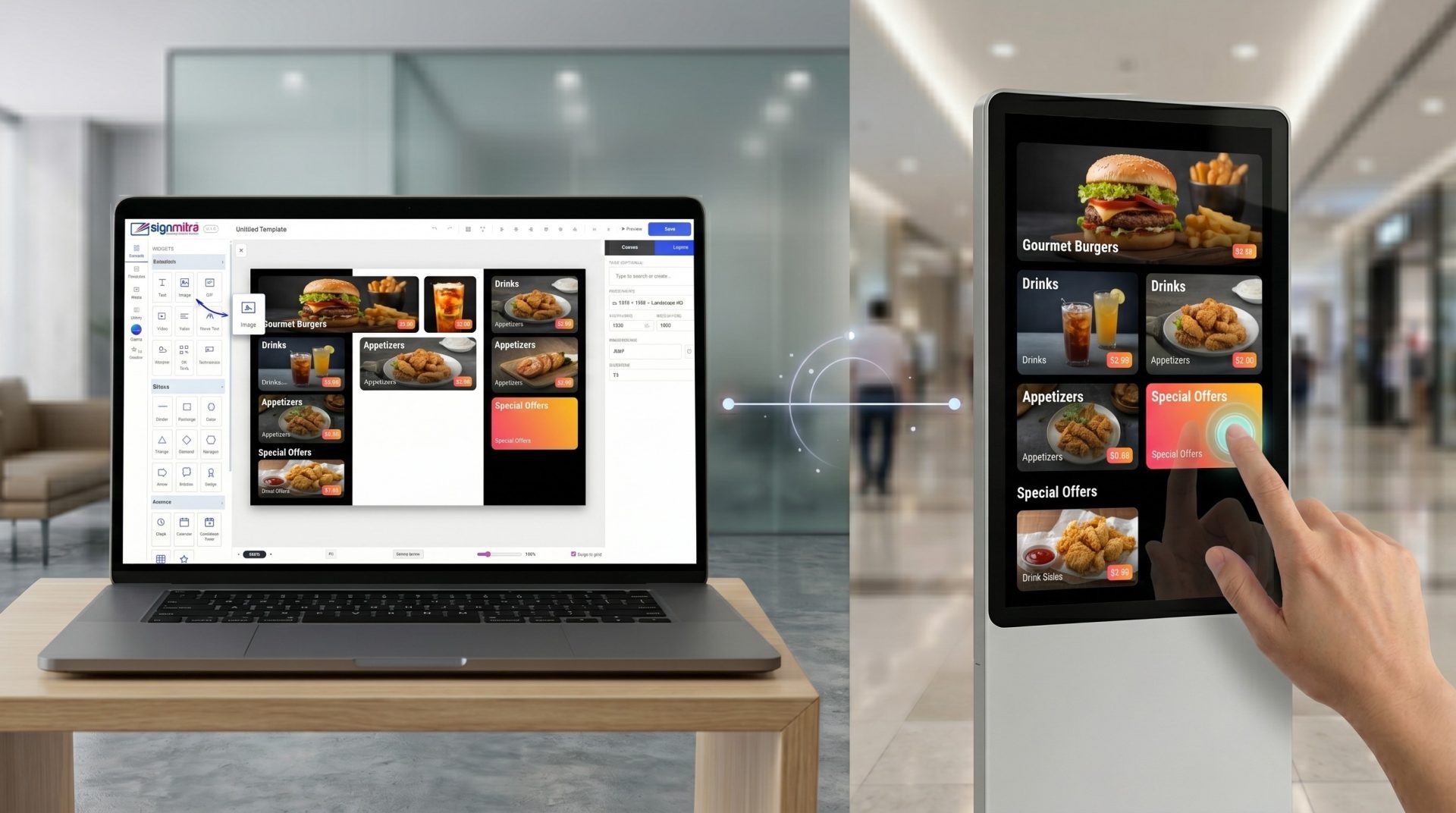
Build richer screen layouts in Signmitra Editor with media, live information, calls to action, data displays and visual elements. Arrange widgets on the canvas, configure their content and publish the finished design through Signmitra.
BUILD MORE THAN A SLIDE
Combine static design elements with configured media and supported live sources in a layout made for your audience.
SIGNMITRA EDITOR WIDGET WORKFLOW
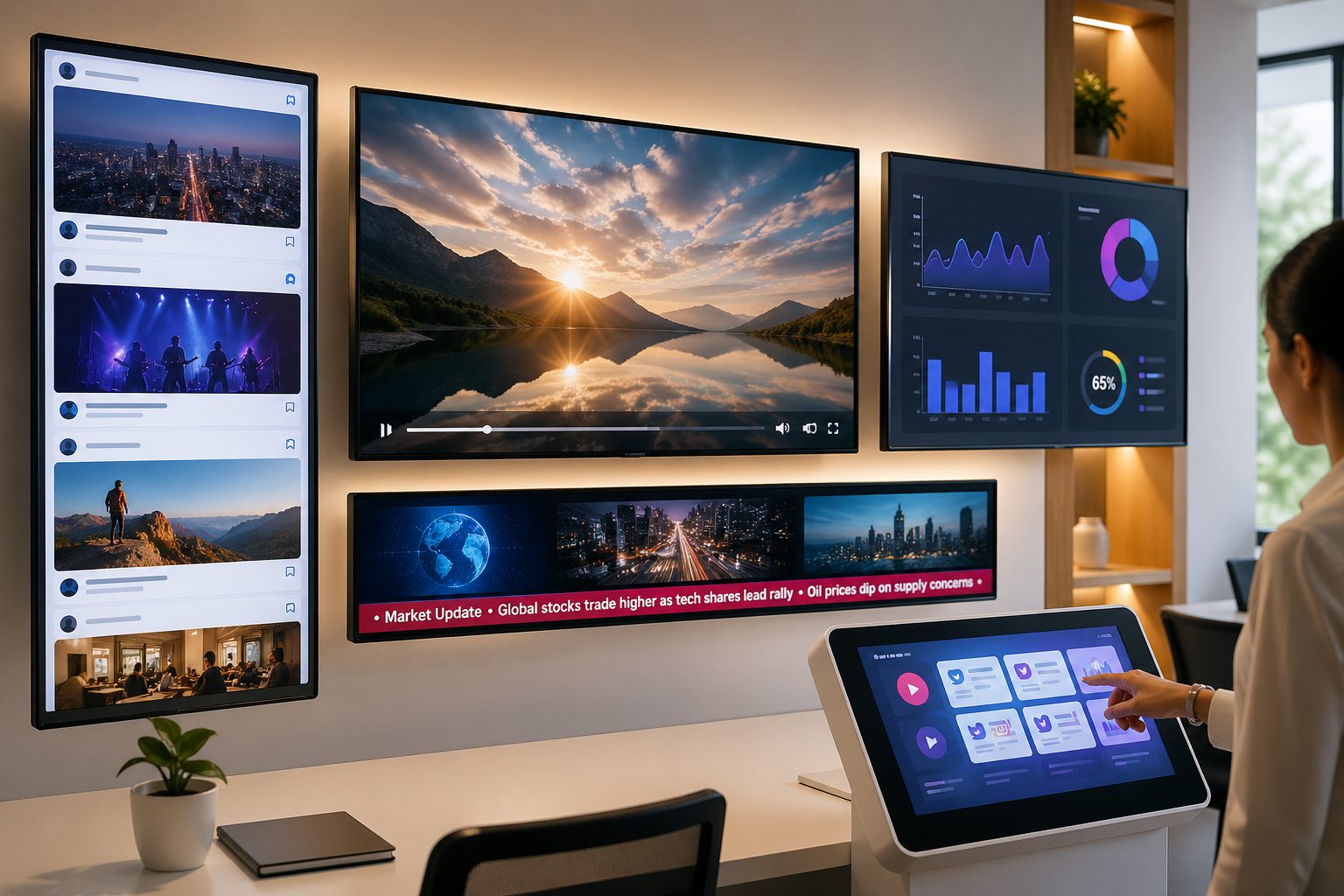
Widgets are the building blocks inside Signmitra Editor. Add text and media, place live information where it matters, build visual hierarchy with shapes and finish the layout with a QR code, ticker or clear call to action.
Each widget remains independently configurable, so teams can refine positioning, sizing, styling and content without rebuilding the complete slide.
FROM IDEA TO LIVE SCREEN
Start with the message, select only the widgets it needs and validate dynamic sources before publishing.
THE SIGNMITRA EDITOR LIBRARY
Signmitra Editor organizes available widgets into four practical groups. Feature availability can depend on the account package and configured integrations.
Create the main message and media experience with Text, Image, GIF, Video, Ticker, Curve Text, Weather, QR Code and Testimonials.
POPULAR DIGITAL SIGNAGE WIDGETS
Choose widgets according to the screen objective—not simply because space is available.
Build headlines, prices, instructions, labels and expressive curved typography.
Present product, campaign and brand visuals as a single asset or rotating sequence.
Use uploaded video or supported YouTube playback where network and device capability permit.
Show configured location-based conditions using a supported weather provider and active connectivity.
Support timetables, events, deadlines, launches and time-sensitive communication.
Move viewers from the screen to a mobile destination with a clear scan instruction.
Present structured information and approved dashboard views in a screen-ready composition.
Add curated social proof and rating displays to customer-facing layouts.
Use supported source content after validating authentication, refresh behavior and player compatibility.
DESIGN WITH PURPOSE
A focused layout is easier to read, maintain and trust than a canvas filled with competing elements.
Useful live information
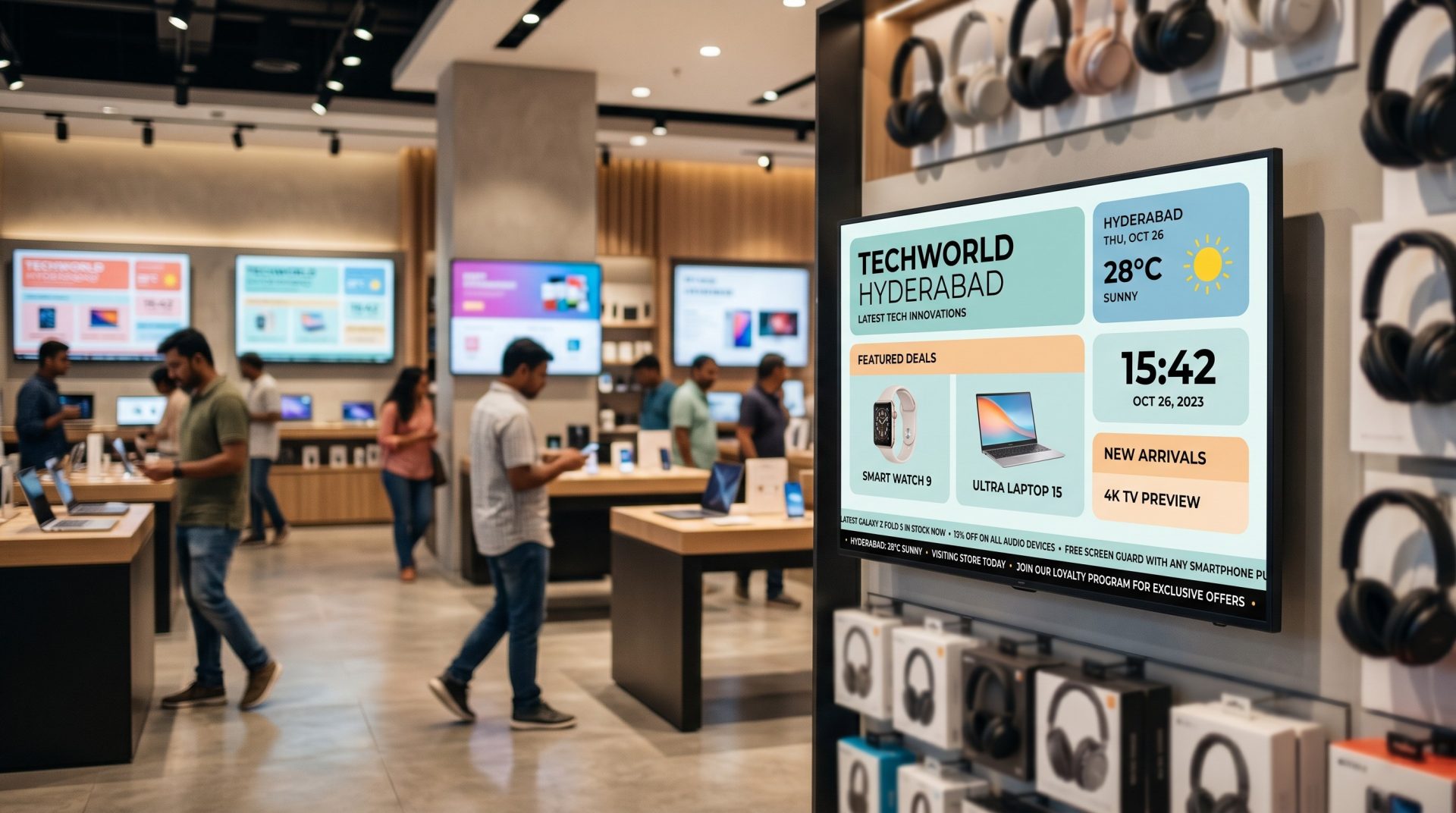
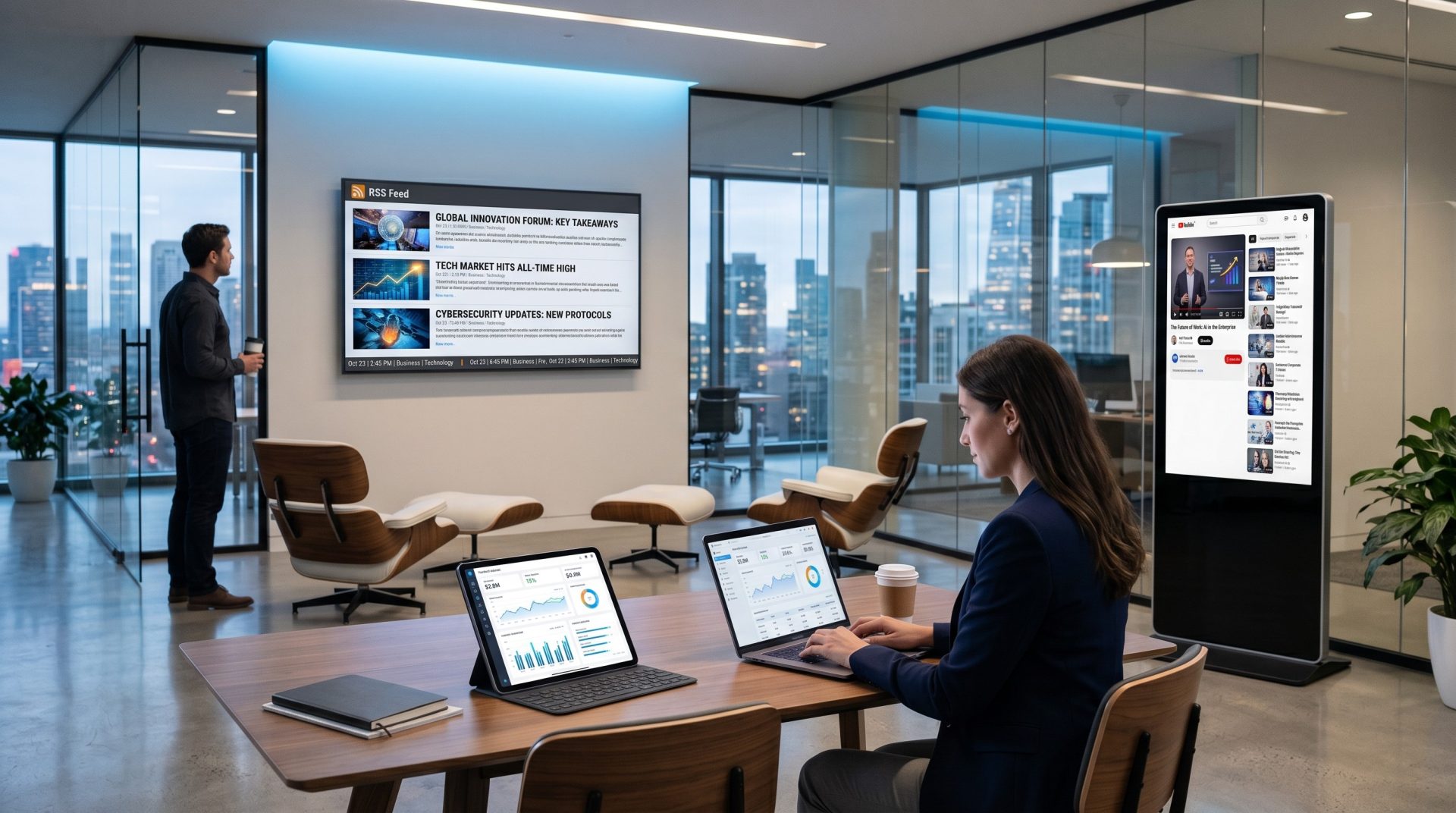
Combine clock, calendar, weather, ticker or dashboard content for glanceable operational screens.
Campaign-led visual content
Use images, video, GIFs, badges, countdowns and QR codes to turn attention into action.

Clear instructions and direction
Layer text, shapes, arrows and QR codes to make steps, destinations and next actions easy to follow.
Social and customer proof
Bring together curated social content, testimonials, ratings and branded media where appropriate.
Structured data displays
Compose saved tables, dashboards, labels and status elements for approved internal or public data.

Visual storytelling
Sequence images, videos, GIFs and stylized text without losing the primary message.

CHOOSE THE RIGHT CONTENT BEHAVIOR
The publishing workflow is consistent, but data dependency and offline behavior vary by widget and source.
| Capability | Option 1 | Option 2 | Option 3 |
|---|---|---|---|
| Typical widgets | Text, shapes, badges, QR | Image, GIF, video, slideshow | Weather, feeds, YouTube, embed, dashboard |
| Internet after sync | Usually not required | Depends on media source | Generally required |
| Source authentication | Not normally | Source-dependent | May be required |
| Refresh behavior | On republish | Playlist or widget timing | Provider and connectivity-dependent |
| Best validation | Readability at viewing distance | Codec, duration and transition | Credentials, network and player |
| Good fit | Branding and instructions | Campaign and storytelling | Changing information |
Option 1
Text, shapes, badges, QROption 2
Image, GIF, video, slideshowOption 3
Weather, feeds, YouTube, embed, dashboardOption 1
Usually not requiredOption 2
Depends on media sourceOption 3
Generally requiredOption 1
Not normallyOption 2
Source-dependentOption 3
May be requiredOption 1
On republishOption 2
Playlist or widget timingOption 3
Provider and connectivity-dependentOption 1
Readability at viewing distanceOption 2
Codec, duration and transitionOption 3
Credentials, network and playerOption 1
Branding and instructionsOption 2
Campaign and storytellingOption 3
Changing informationExternal feeds can be affected by provider availability, credentials, rate limits, permissions, browser policies and internet access. Test the exact widget-source-player combination before rollout.
CONTENT AND DATA RESPONSIBILITY
A polished widget layout stays dependable when ownership, refresh rules and fallback content are clear.
CONTENT TEAM
Use visual hierarchy and a restrained widget mix to keep the screen understandable.
PLATFORM TEAM
Plan the dependencies that sit outside the visual canvas.
A REPEATABLE WIDGET CHECKLIST
Use the same review sequence for a simple announcement or a connected data display.
WIDGET RECIPES FOR REAL SCREENS
These compositions show how a few well-chosen widgets can support different business outcomes.
Image or video, headline text, offer badge, countdown and QR code.
Clock, weather, calendar, announcements and brand media for useful first impressions.
Product imagery, text, tables, badges and a ticker for clear price and availability communication.
Saved tables, dashboard views, labels, clock and status elements for approved operational information.
Background media, event details, countdown, calendar context and QR registration link.
COMPLETE SIGNMITRA EDITOR WIDGET COVERAGE
The current library contains 29 widget types. Availability can vary with account features and integration setup.
Text, Curve Text, Image, GIF and Video create the primary message and visual layer.
Ticker, Badge, Countdown Timer and QR Code make updates, urgency and next steps visible.
Clock, Calendar and Weather support location-aware, time-sensitive information screens.
Line, Rectangle, Circle, Triangle, Diamond, Hexagon, Arrow and Speech Bubble organize and emphasize content.
Testimonials, Star Rating, Table and Dashboard widgets help present curated proof and organized data.
Social Feed, YouTube, Embed and FTP Images connect supported sources to the layout when permissions and connectivity are ready.
Slideshow presents a managed sequence of images when the message benefits from multiple visual frames.
DIGITAL SIGNAGE WIDGET FAQ
Plan the content, source and player together for the most dependable result.
Share the screen purpose, player, data sources and update frequency for a practical implementation review.
Combine media, live information, data and calls to action in one manageable digital signage design workflow.

