
Multi-location updates
Printed & Standalone Displays
Distributed manuallyWith Signmitra Digital Signage
Published centrallyHelp citizens, visitors, communities and field teams find timely, approved information. Manage service guidance, public-awareness campaigns, programme updates, wayfinding and organizational communication across government offices and NGO locations from one cloud CMS.

CLEAR COMMUNICATION WHERE PUBLIC SERVICES HAPPEN
Government departments and NGOs communicate across offices, service centres, clinics, community venues, programme sites and internal workplaces. Printed notices become outdated quickly, while a single generic playlist rarely serves every audience.
Signmitra gives authorized teams one browser-based workflow for media, playlists, scheduling and screen groups. Publish centrally, adapt approved content locally and keep each location focused on the services, programmes and guidance relevant there.
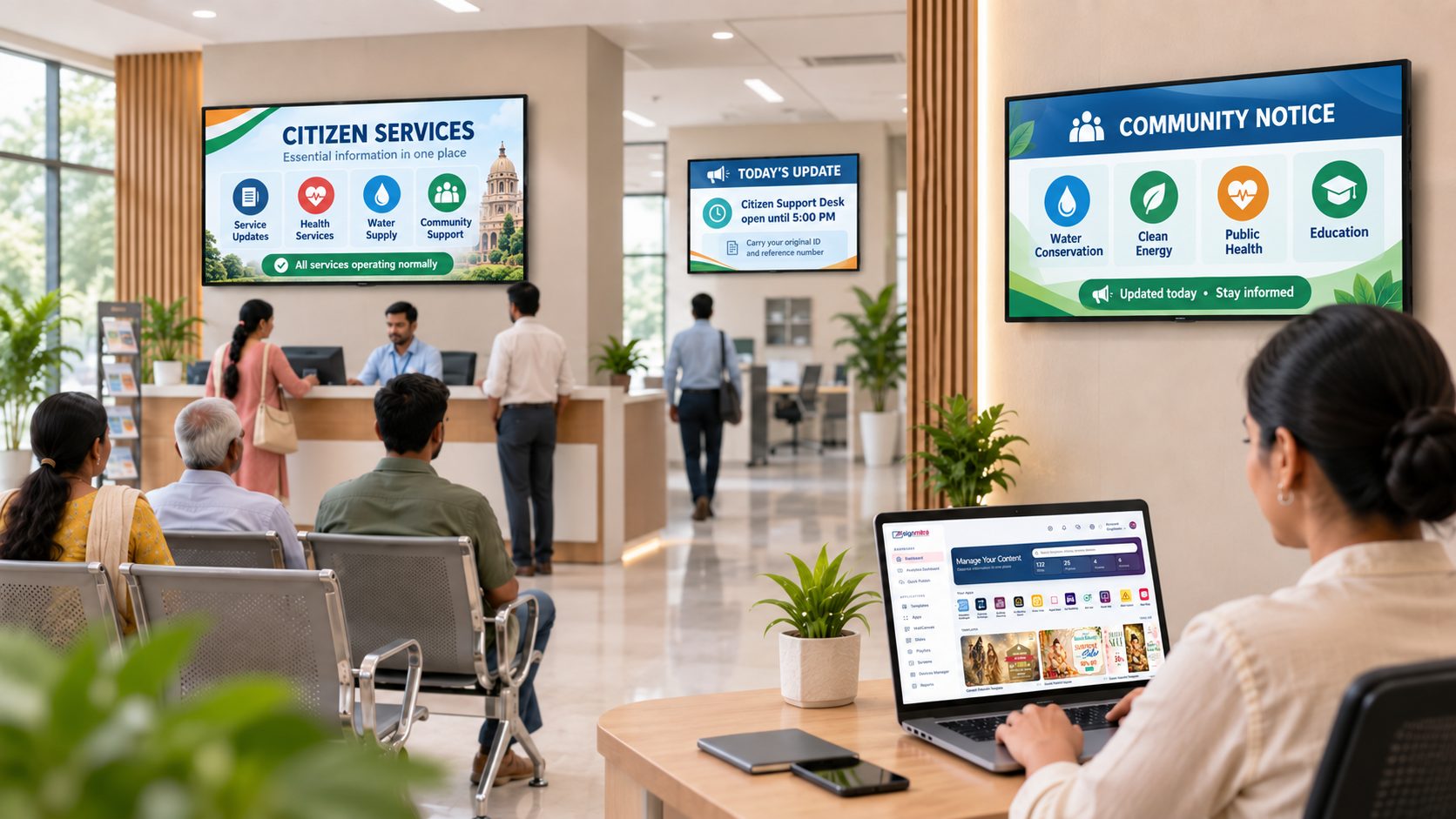
ONE PLATFORM, DIFFERENT PUBLIC MISSIONS
Structure every screen around audience, place, authority and timing.
A SHARED PLATFORM FOR DISTINCT RESPONSIBILITIES
Use the same managed foundation while keeping ownership, audiences and approval paths separate.
FOR GOVERNMENT INSTITUTIONS
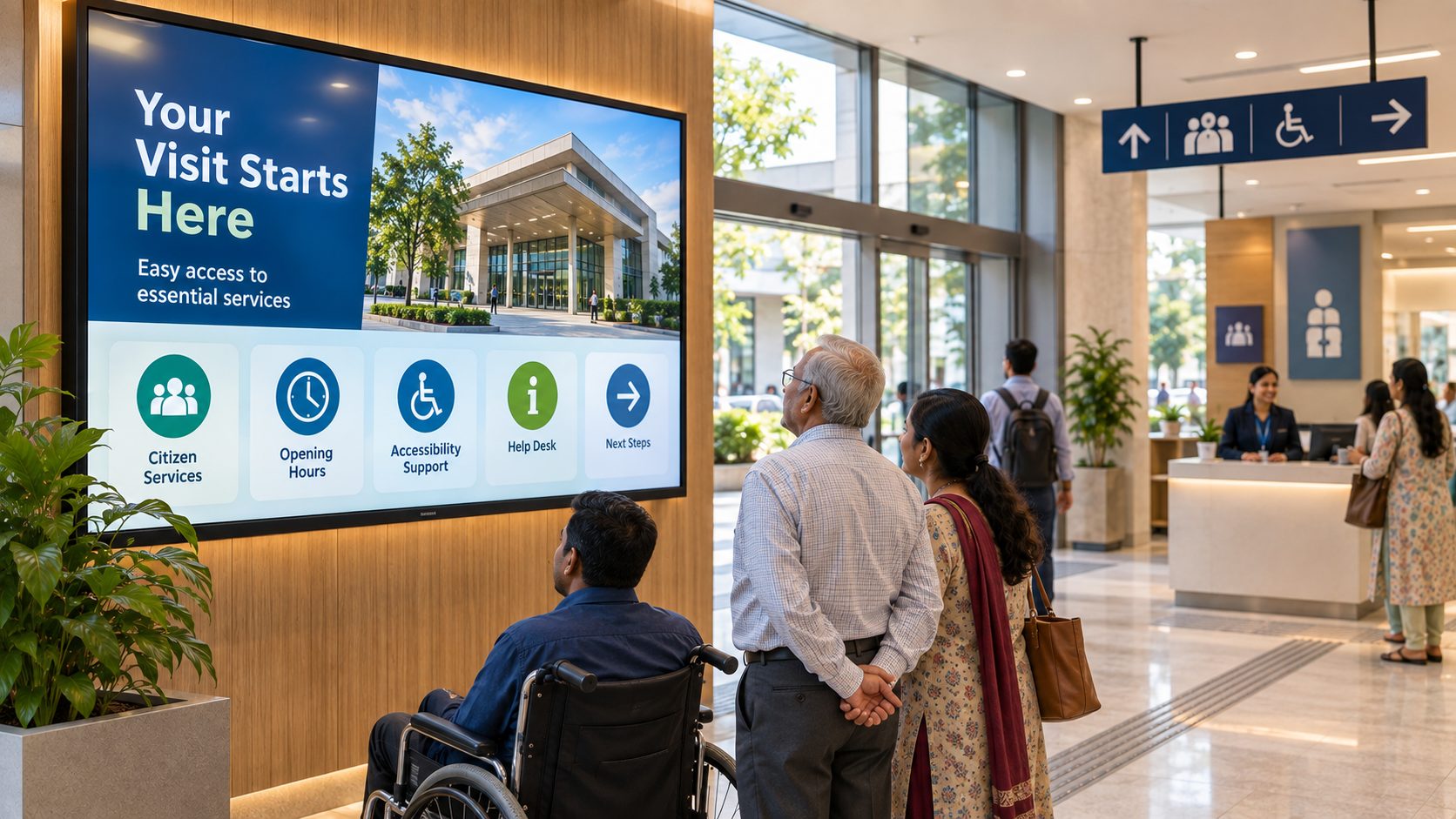
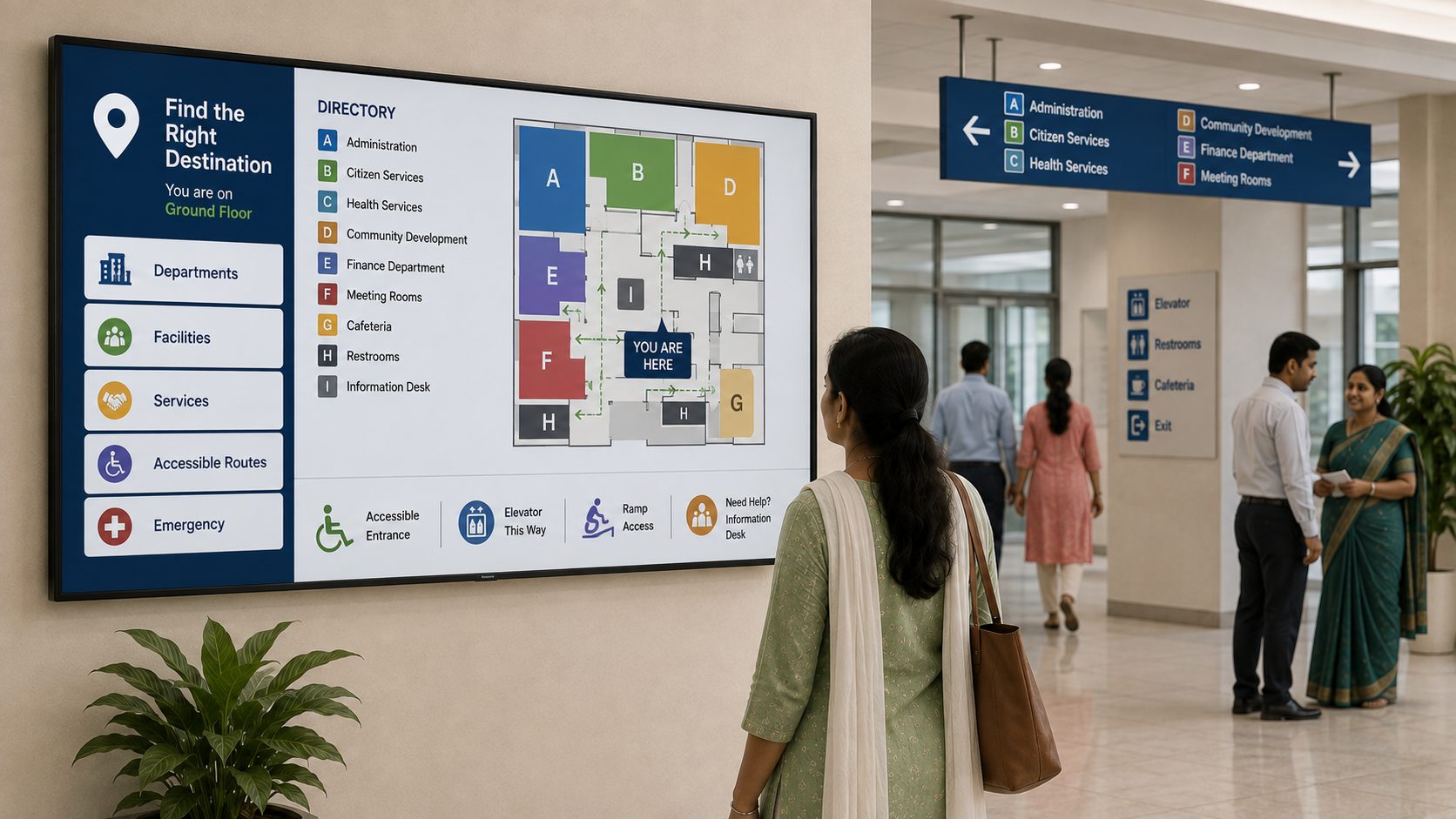
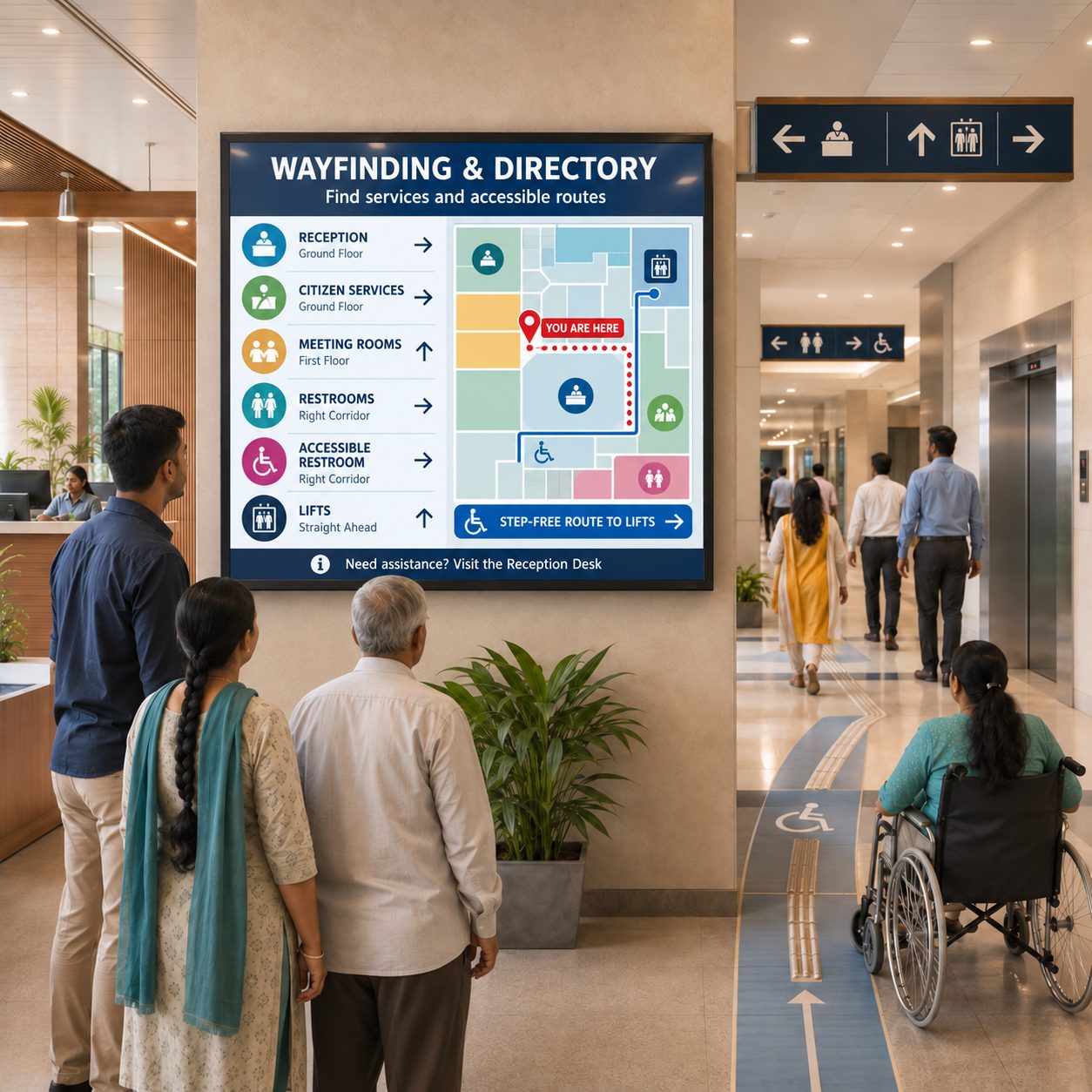
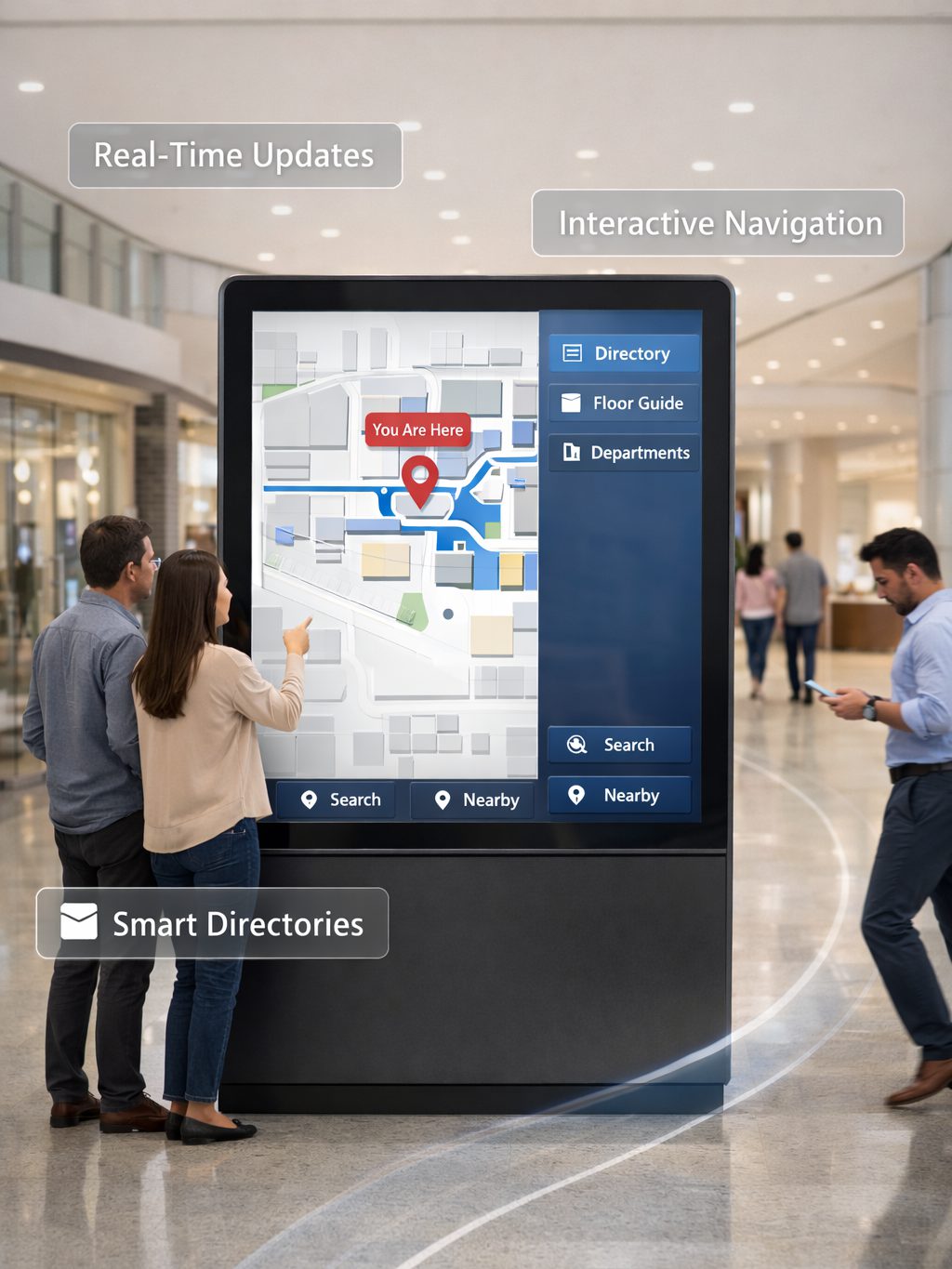
Use approved screens for office directories, service steps, queue guidance, civic campaigns, public notices and visitor wayfinding.
FOR NGOs & NONPROFITS
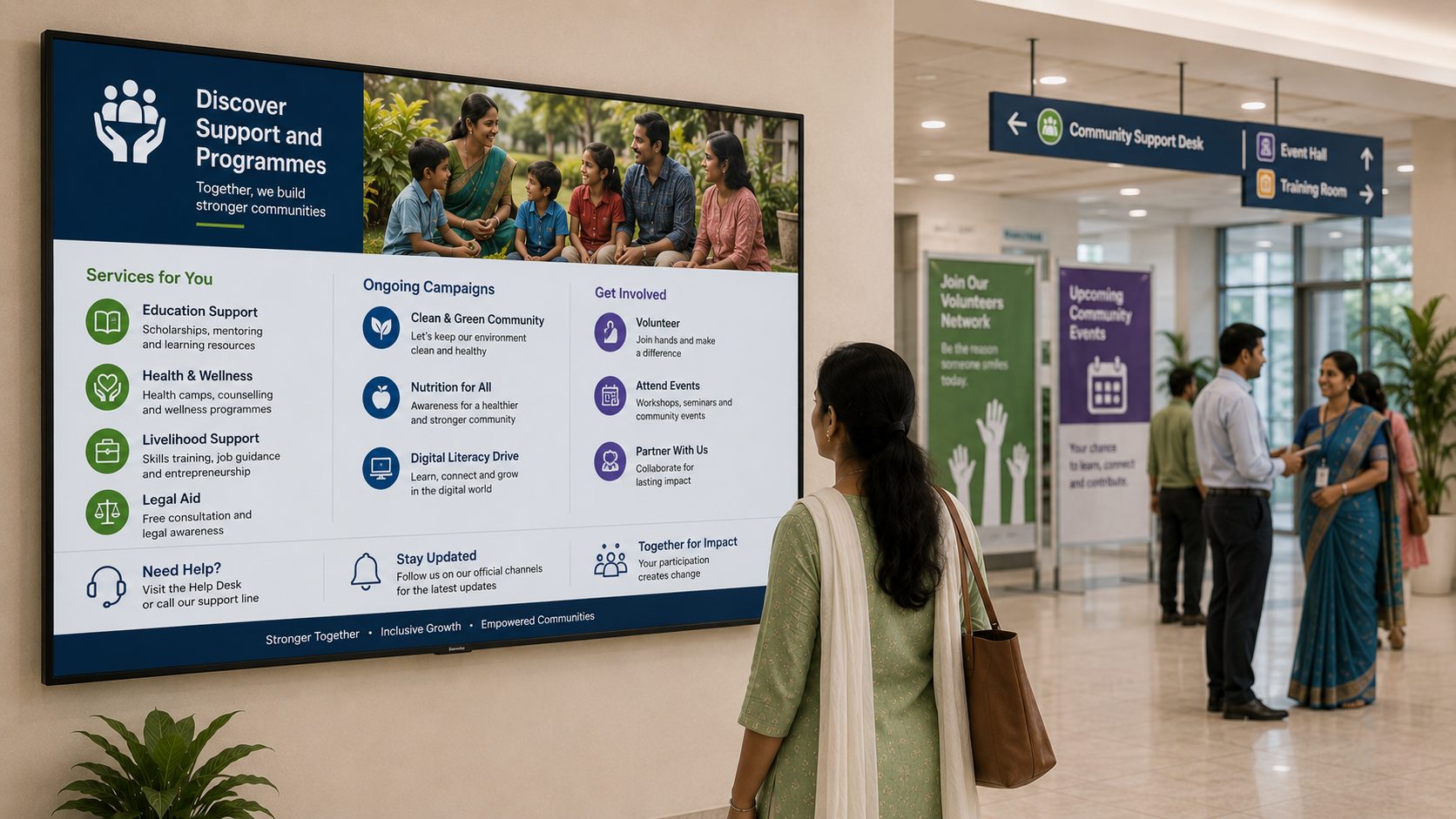
Use programme sites, offices, events and community venues for service information, education, impact stories, volunteer updates and approved supporter recognition.
DESIGN THE NETWORK BY PUBLIC TOUCHPOINT
Open each environment to see how content priorities change across the network.
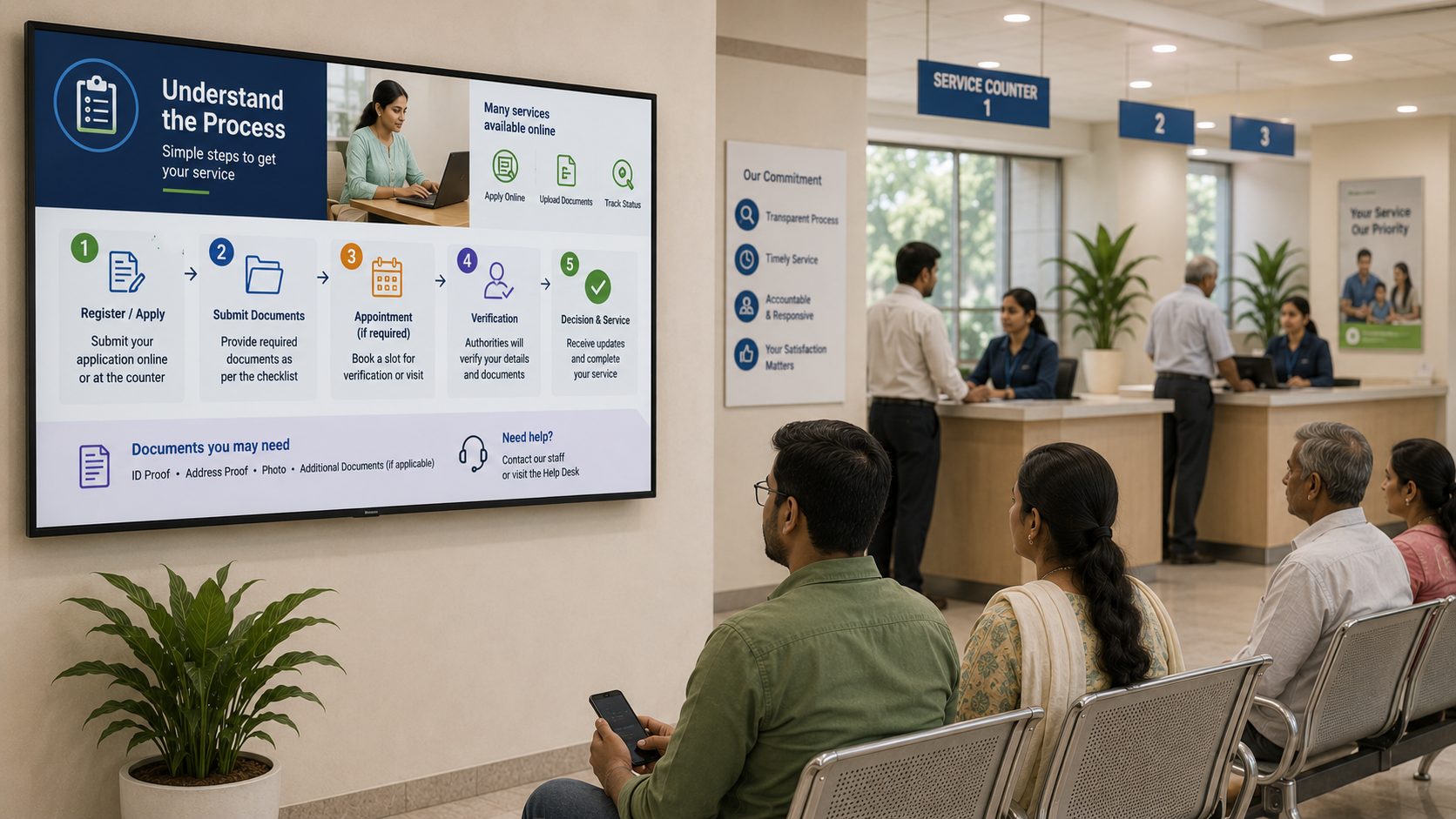
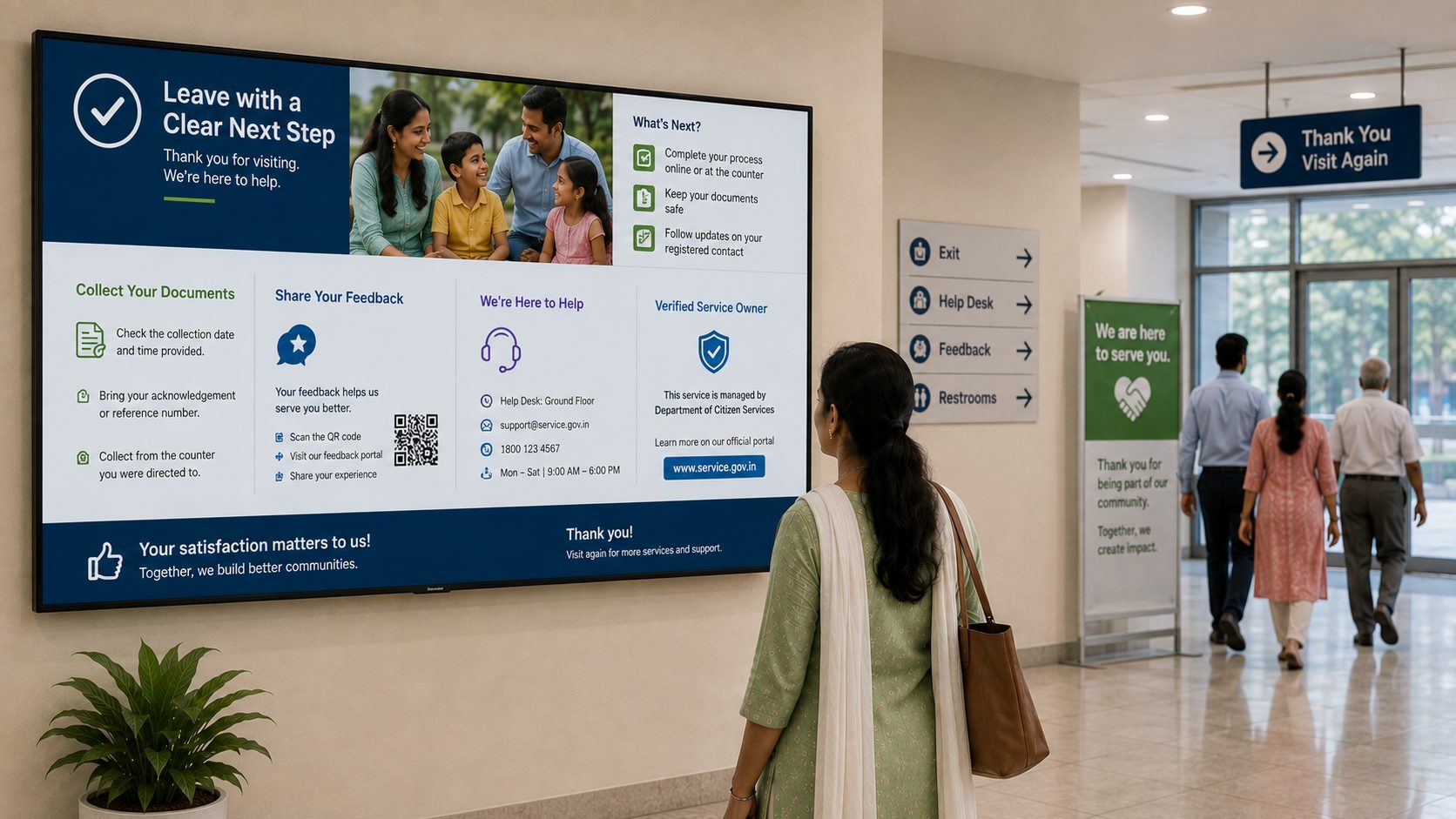
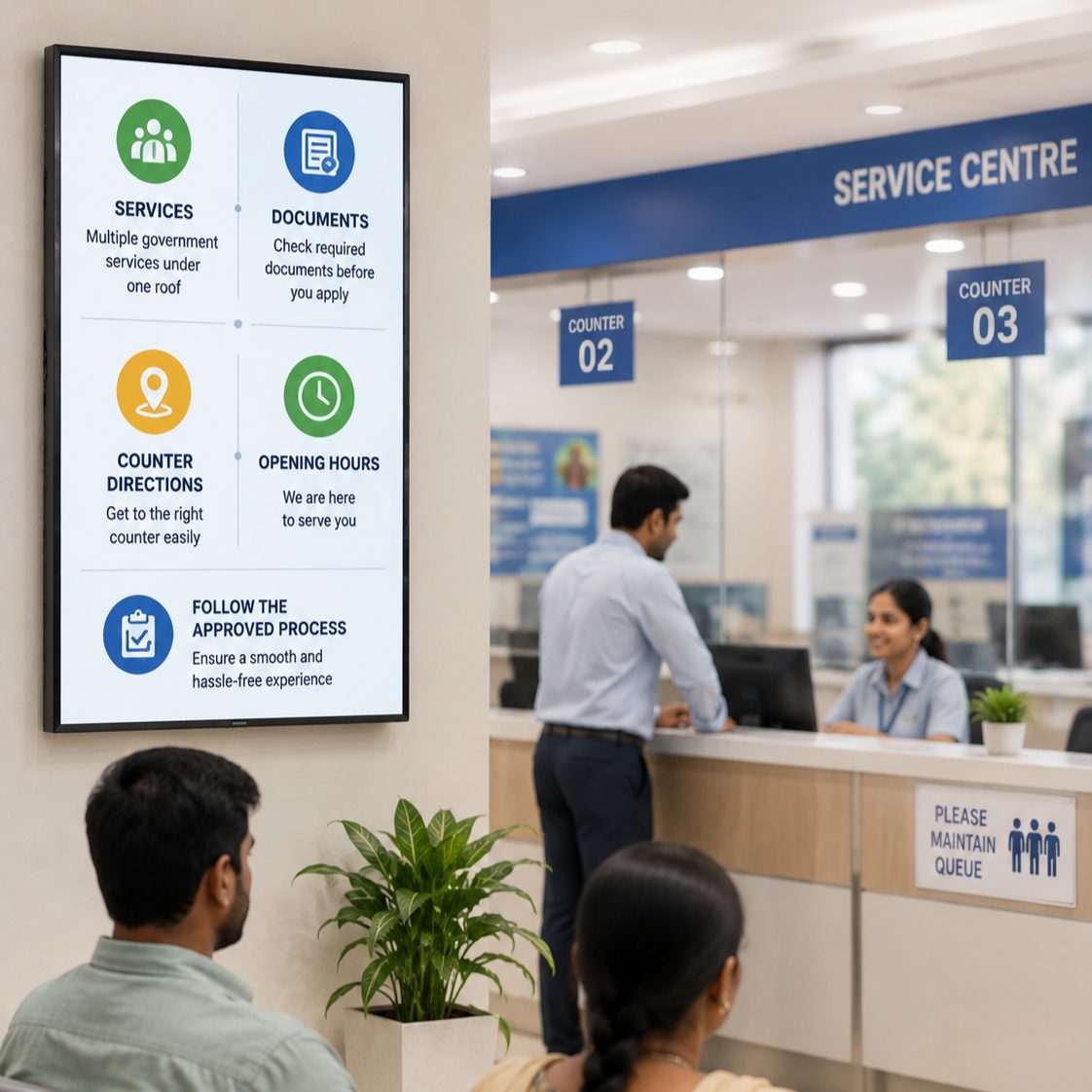
Show service categories, required documents, counter directions, opening hours and approved process guidance. Direct people to the responsible official channel for eligibility, applications and case decisions.
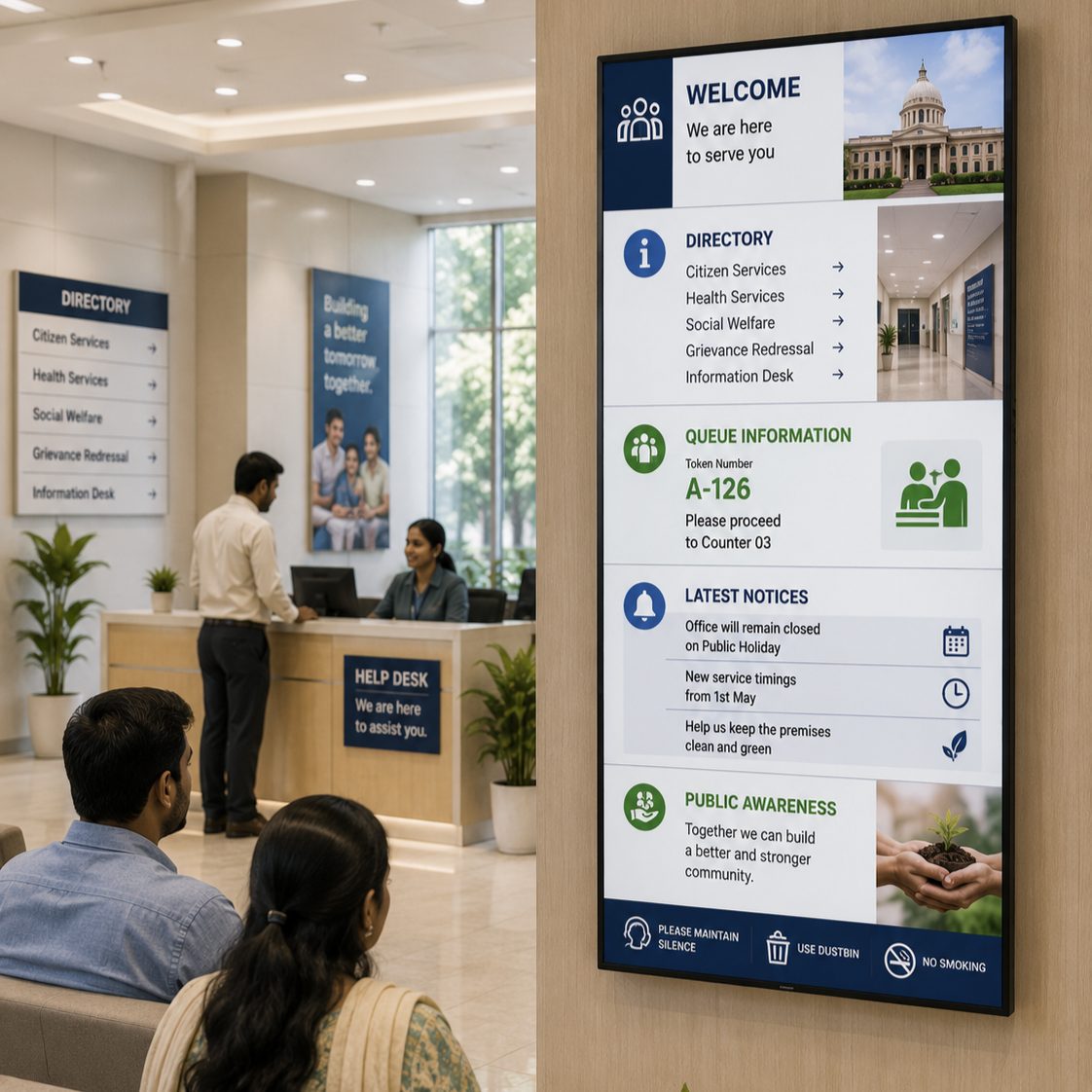
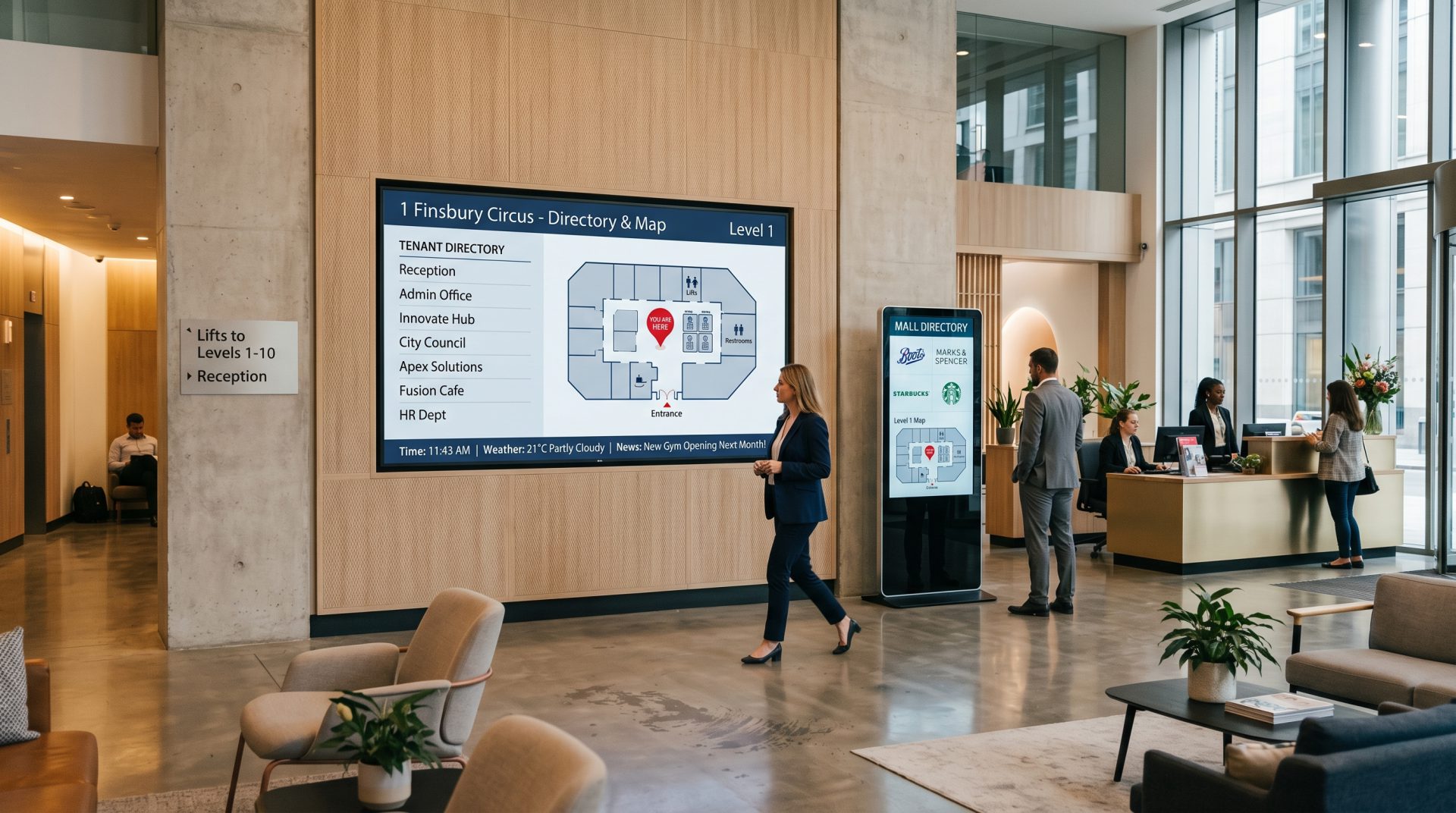
Combine welcome information, directories, queue guidance, current notices and public-awareness content in a calm, readable sequence.
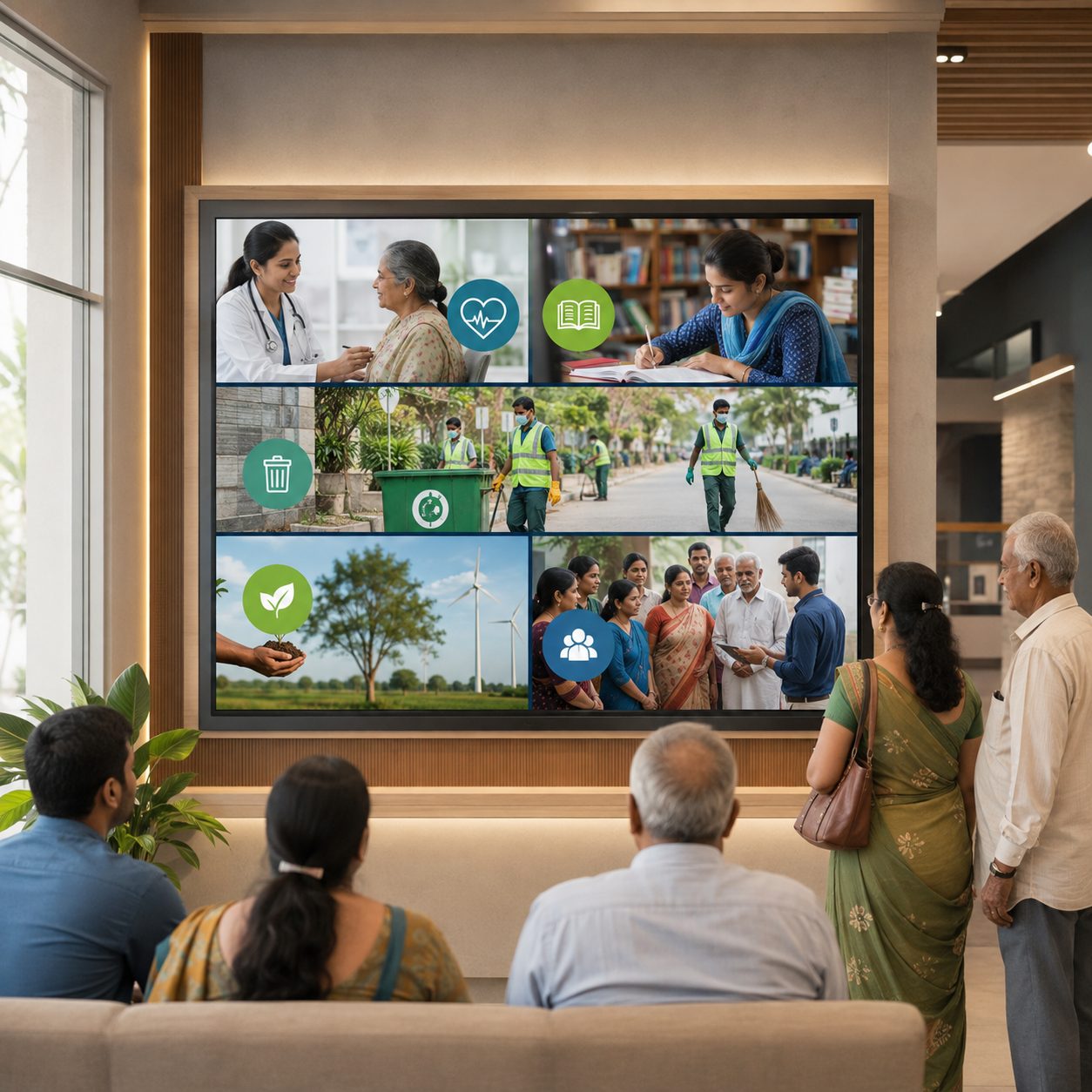
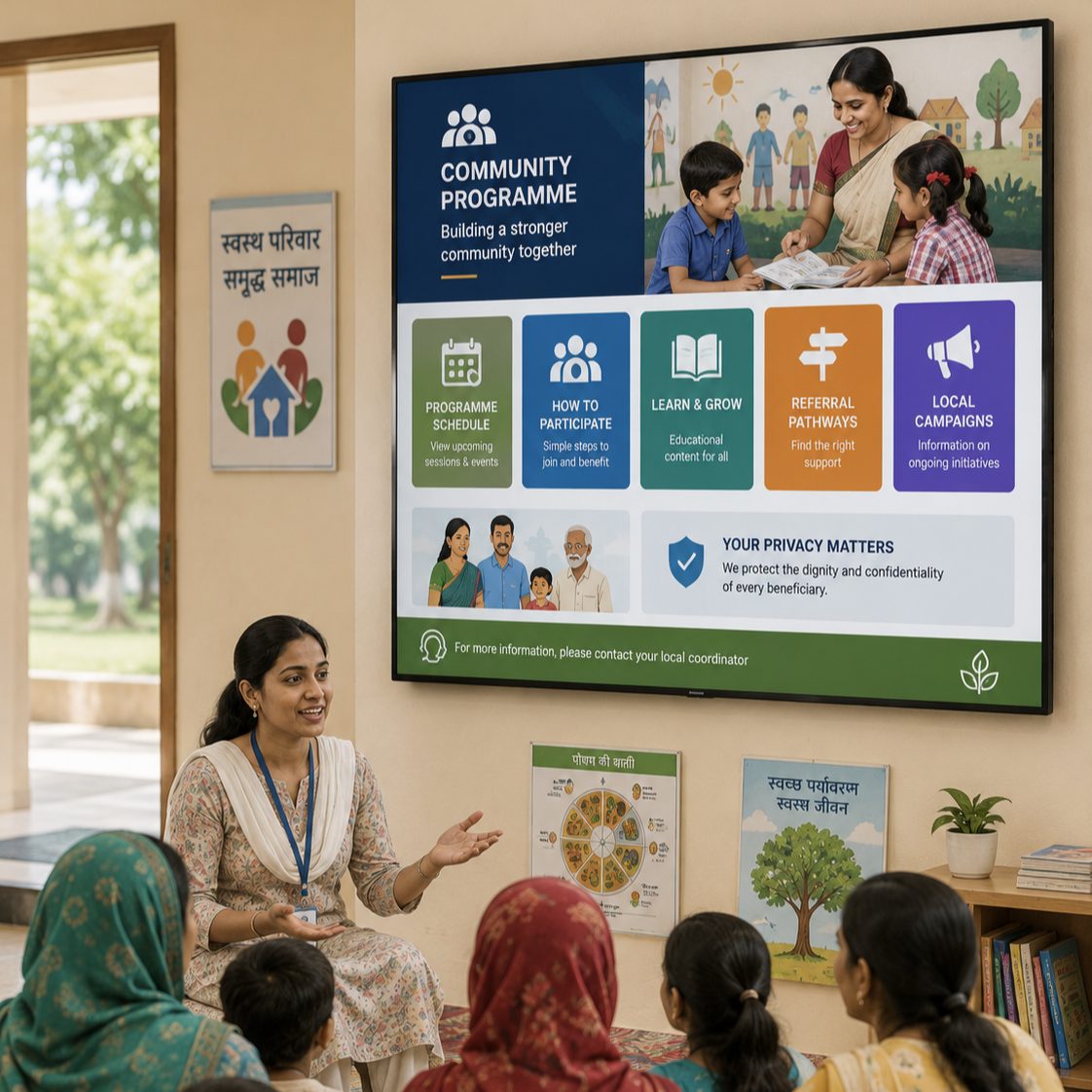
Publish programme schedules, participation steps, educational content, referral pathways and locally relevant campaign information while safeguarding beneficiary privacy.
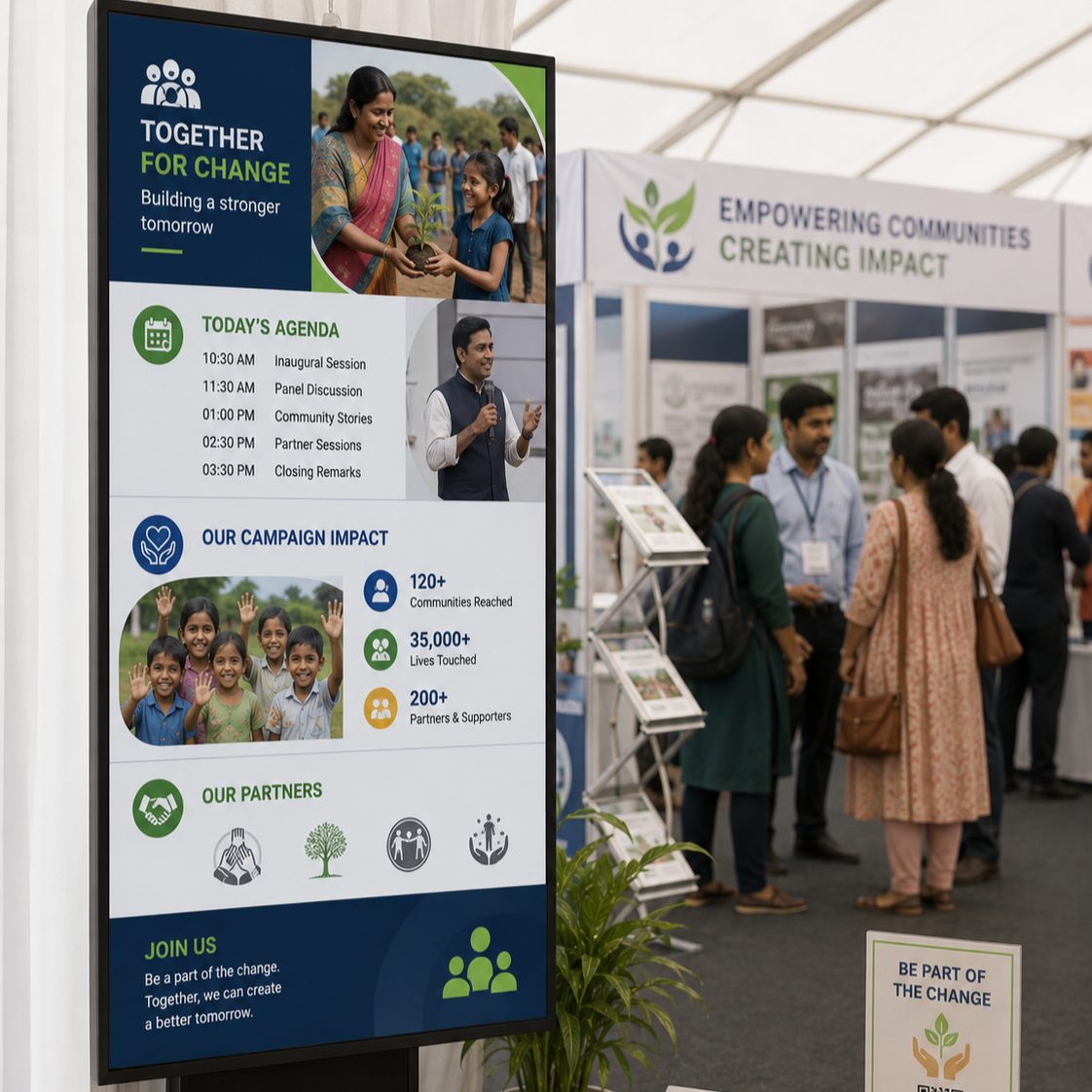
Use portable or venue displays for agendas, speaker information, campaign stories, visitor directions, partner acknowledgements and calls to action.
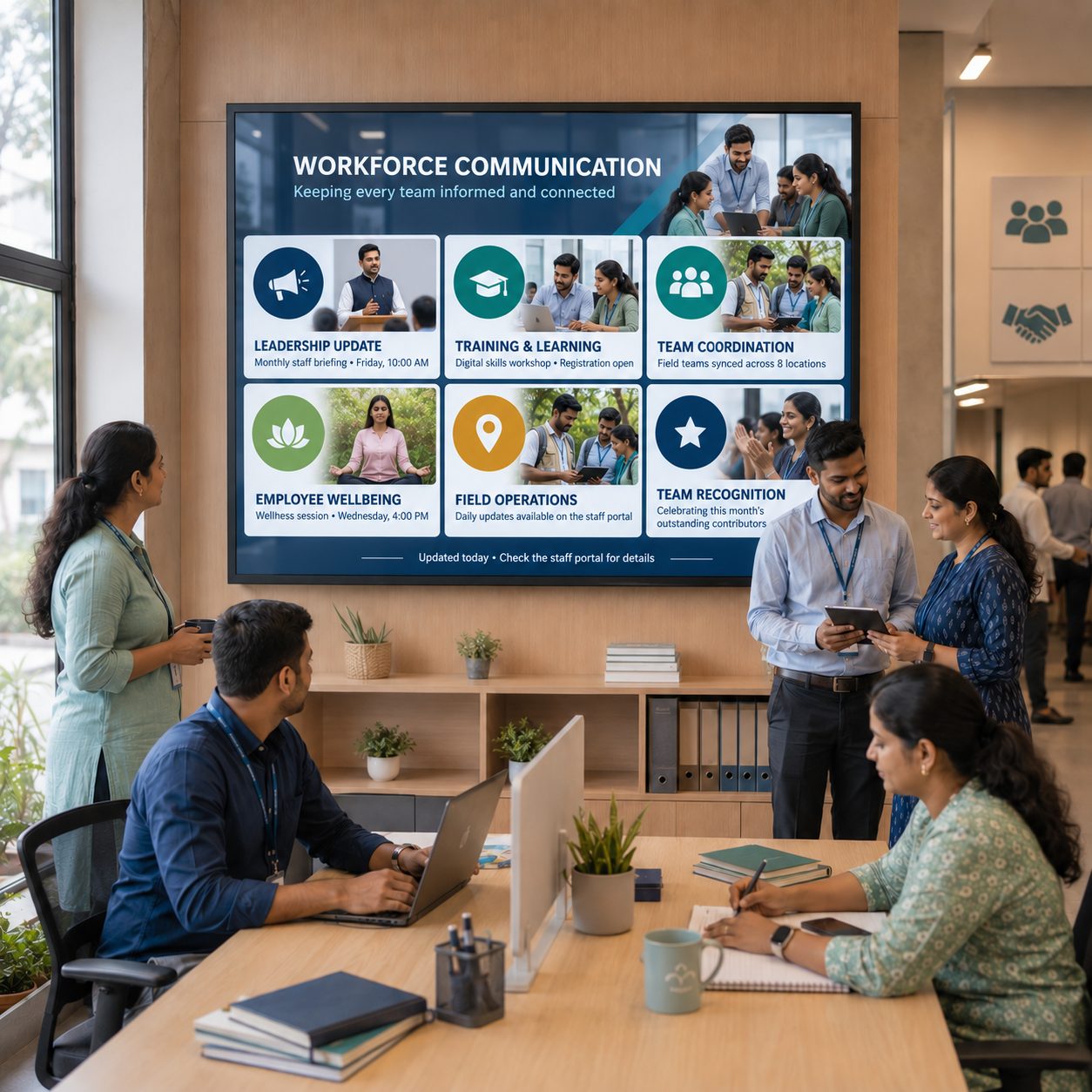
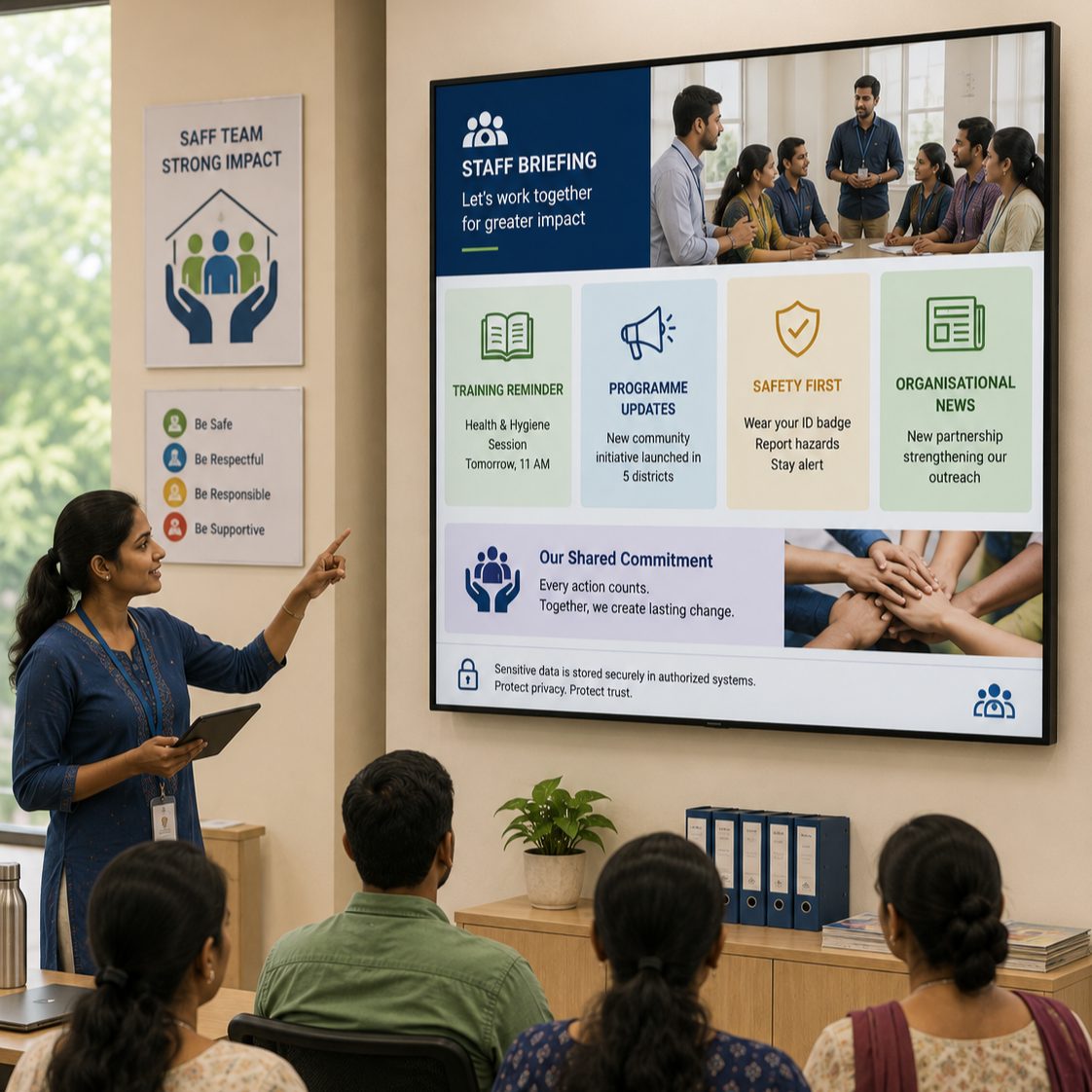
Use appropriate internal screens for briefings, training reminders, programme updates, safety awareness and organizational news. Keep sensitive case and personnel data in controlled systems.
THE PUBLIC INFORMATION JOURNEY
Plan content around the question a citizen, community member or visitor needs answered at that moment.
GOVERNMENT & NGO DIGITAL SIGNAGE USE CASES
Explore practical applications and the governance questions behind each one.
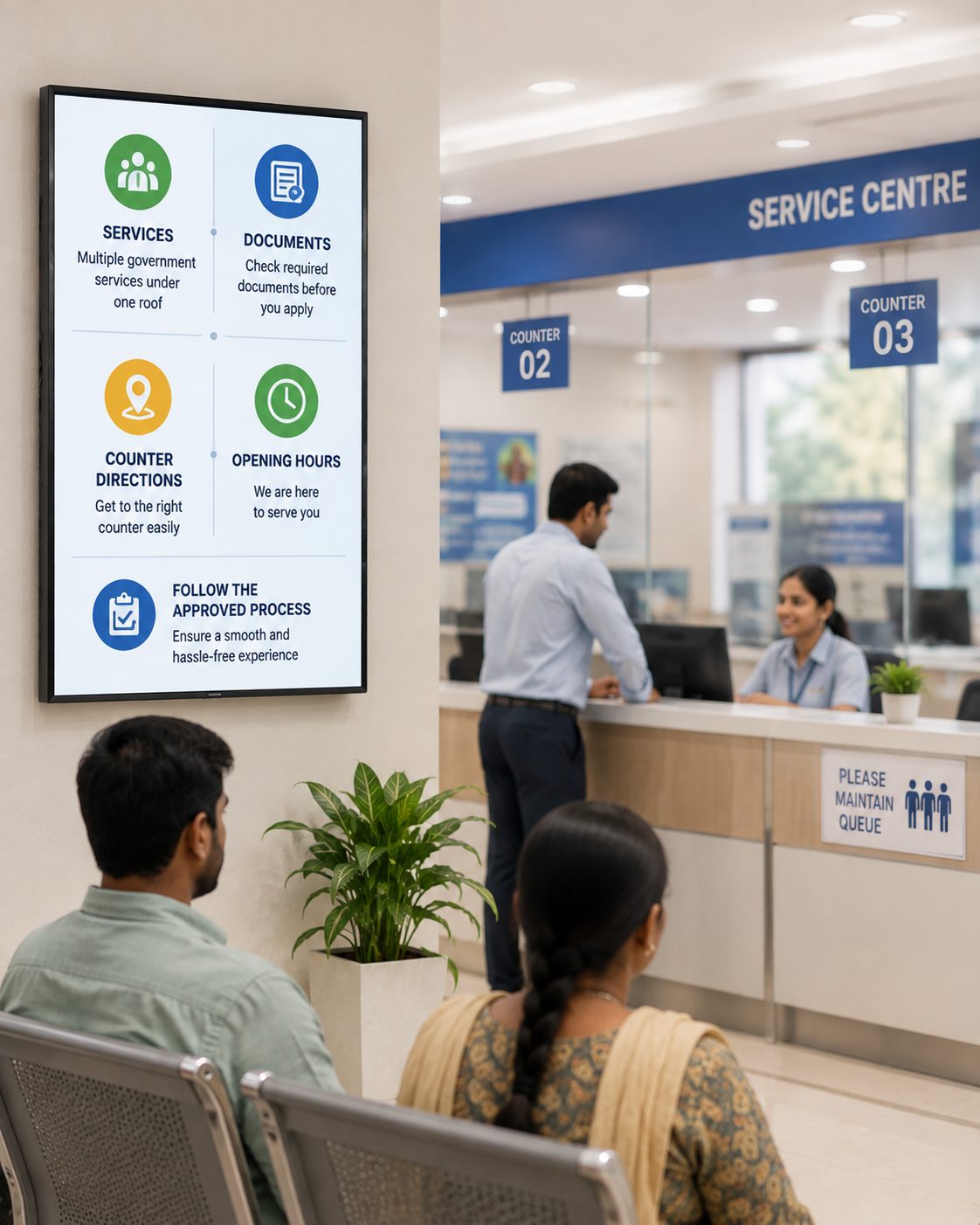
Explain approved service categories, process steps, office hours, documentation checklists and responsible contact channels. Screens should guide access, not make eligibility decisions or replace official records.
FROM POSTERS AND USB DRIVES TO A MANAGED NETWORK
Central management improves coordination while each organization retains responsibility for accuracy, authority and public-service decisions.
| Communication need | Printed & Standalone Displays | With Signmitra Digital Signage |
|---|---|---|
| Multi-location updates | Distributed manually | Published centrally |
| Local relevance | Separate local materials | Location and programme groups |
| Campaign timing | Depends on physical replacement | Date and time scheduling |
| Content expiry | Manual removal | Scheduled end dates |
| Media options | Primarily static | Images, video, tickers and web content |
| Publishing access | Often informal | Role-based workflow |
| Screen oversight | On-site inspection | Remote player status |
Printed & Standalone Displays
Distributed manuallyWith Signmitra Digital Signage
Published centrallyPrinted & Standalone Displays
Separate local materialsWith Signmitra Digital Signage
Location and programme groupsPrinted & Standalone Displays
Depends on physical replacementWith Signmitra Digital Signage
Date and time schedulingPrinted & Standalone Displays
Manual removalWith Signmitra Digital Signage
Scheduled end datesPrinted & Standalone Displays
Primarily staticWith Signmitra Digital Signage
Images, video, tickers and web contentPrinted & Standalone Displays
Often informalWith Signmitra Digital Signage
Role-based workflowPrinted & Standalone Displays
On-site inspectionWith Signmitra Digital Signage
Remote player statusSignmitra manages signage content and playback; public authorities, NGOs and source owners remain responsible for approvals, service information, accessibility, privacy and public-safety decisions. Review Your Governance Model
A CONNECTED COMMUNICATION NETWORK
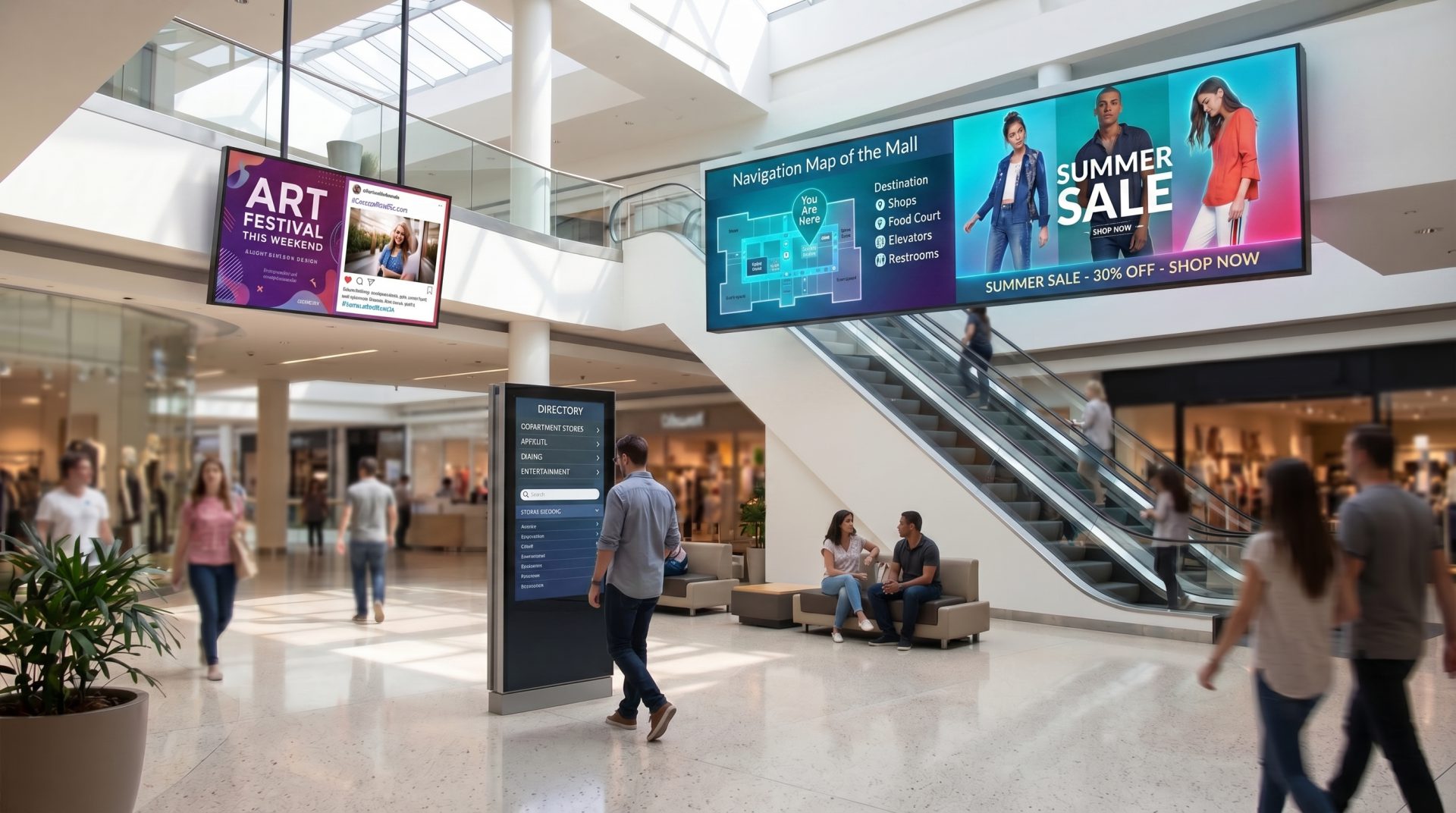
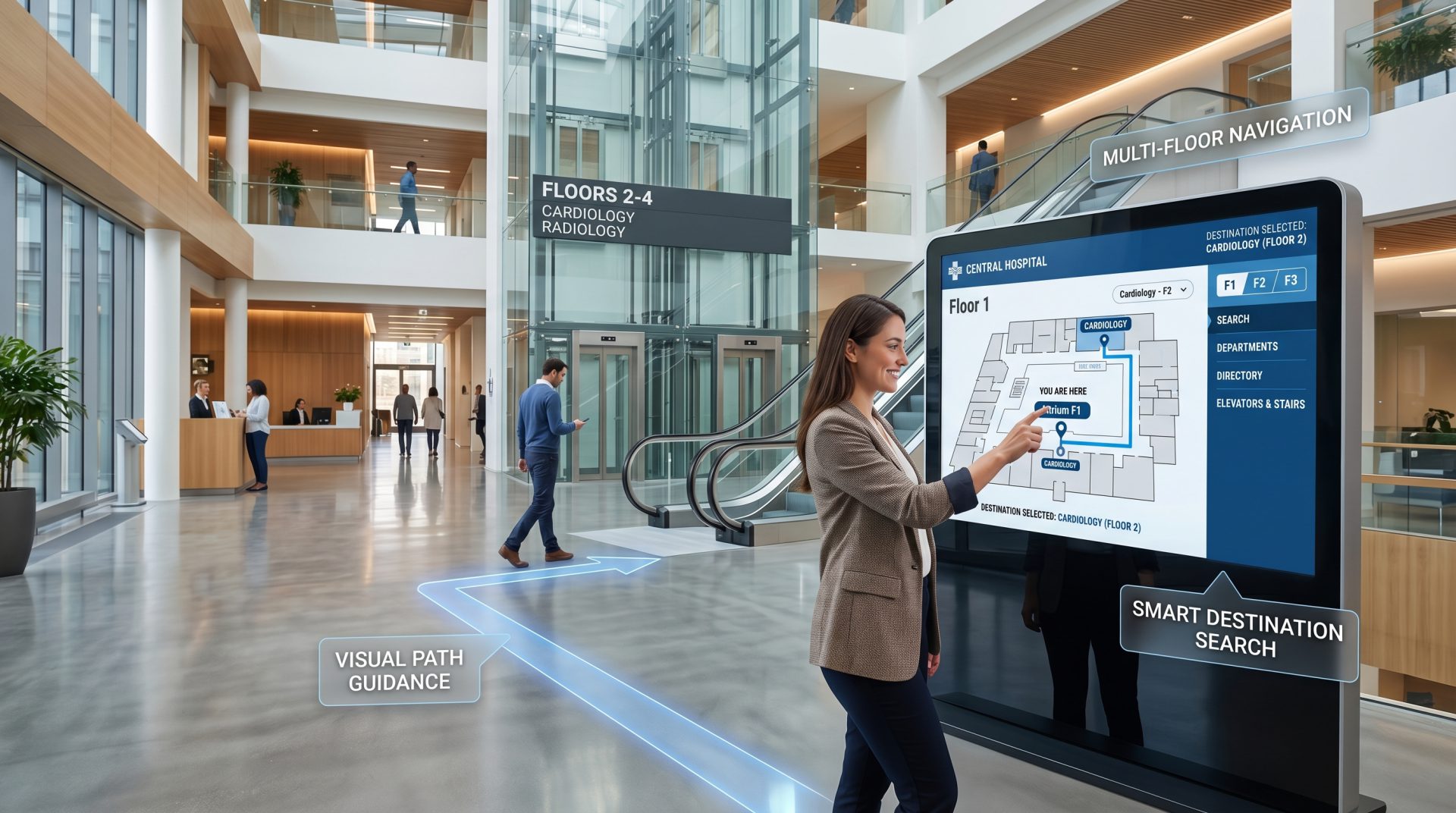
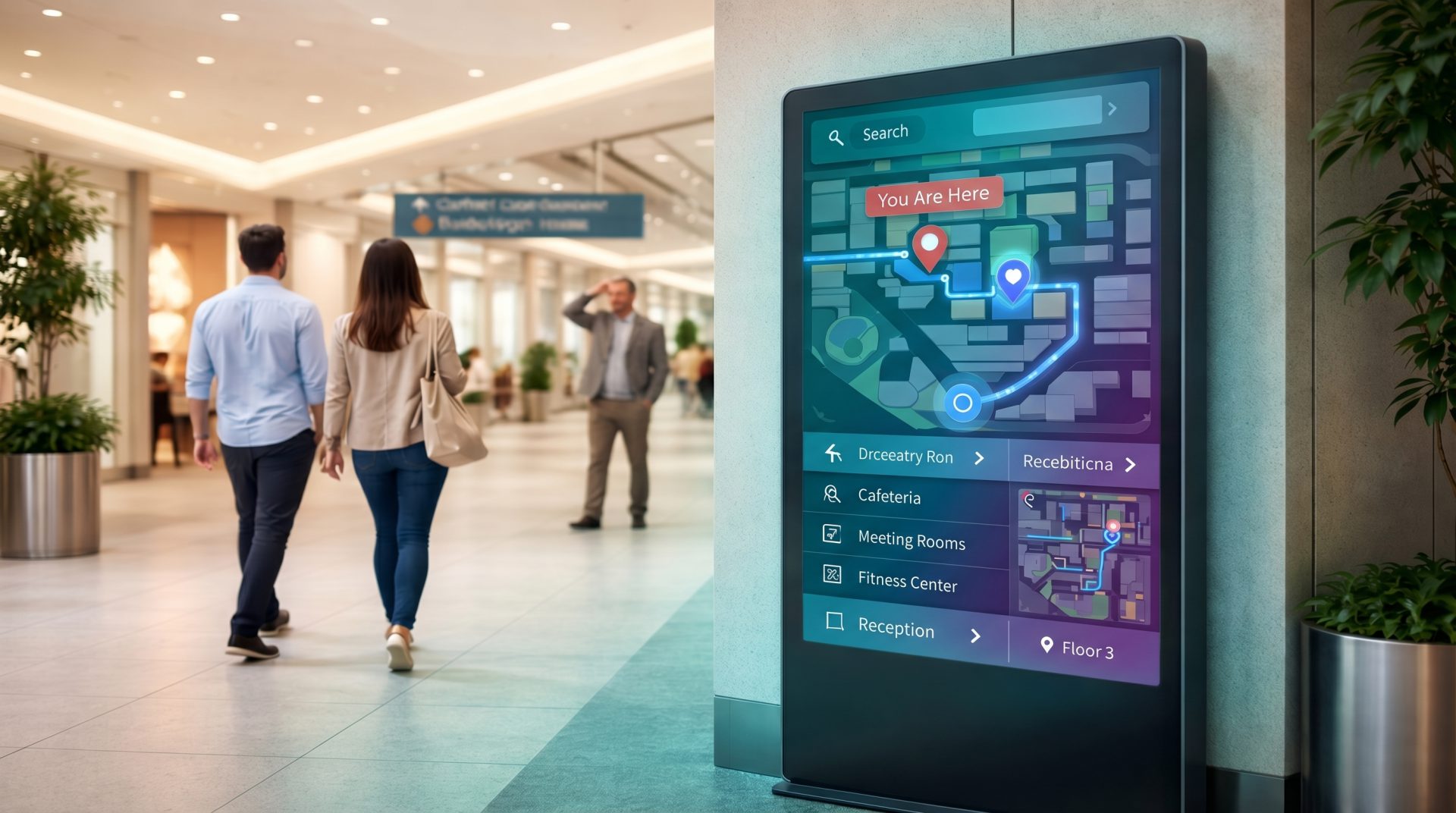
Reuse approved content while adapting the message to each audience and environment.

A RESPONSIBLE PUBLIC-INFORMATION ROLLOUT
Define the public need and publishing authority before selecting screens and integrations.
PUBLIC-SECTOR & NONPROFIT SIGNAGE CAPABILITIES
Manage content and playback while preserving clear organizational responsibility.
Manage media, playlists, schedules and screens through a browser-based workspace.
Organize displays by department, programme, building, region or audience.
Align central and local publishing access with defined responsibilities.
Plan recurring and time-bound communication with clear publication windows.
Create language variants appropriate to community needs and policy.
Combine guidance, media, tickers and compatible data in structured layouts.
Discuss approved directory, queue, dashboard or public-information sources.
Previously downloaded media can continue during a temporary network interruption.
Identify displays that may need attention while maintaining a field-service plan.
TRUST IS PART OF THE CONTENT EXPERIENCE
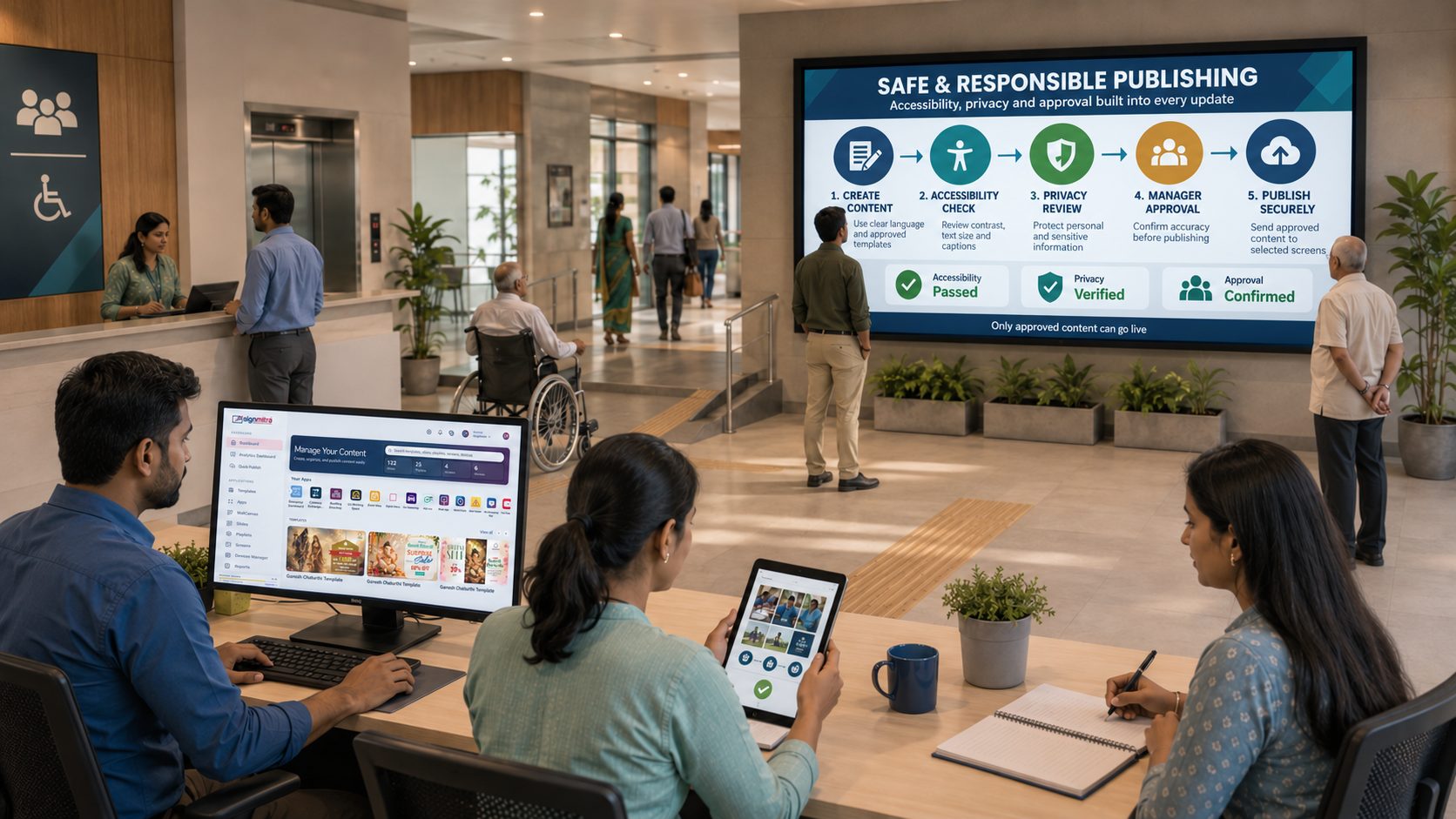
Public information should be readable, current, attributable and appropriate for the people who will see it. Review language, contrast, viewing distance, captions, touch targets, mounting height and alternative service channels as part of the deployment.
Minimize personal data, obtain rights for stories and images, secure administrative access and document who may authorize sensitive or urgent content. Signmitra supports the signage layer; your organization remains responsible for policy, legal review and service delivery.
GOVERNMENT & NGO DIGITAL SIGNAGE FAQ
Our team is here to help with anything not covered above.
BUILD A TRUSTED, MANAGEABLE SCREEN NETWORK
Tell us about your offices, programme sites, audiences and governance needs. We’ll help you shape a practical Government or NGO digital signage rollout.

