Device health
Report signal
Online, offline, stale and last seenWhat it indicates
Player connectivity and readinessTypical next action
Check power, internet or playerSee how effectively your organization operates its signage network. Signmitra turns screen, content, schedule and verified playback signals into a clear maturity score, practical dimensions and prioritized actions.

A REPORT BUILT FOR ACTION
Use a consistent score and reporting window to review performance over time—not as a substitute for checking critical screens directly.
ONE REPORT, FOUR DECISION VIEWS
Each view answers a different operational question using data reported by your Signmitra account and connected players.
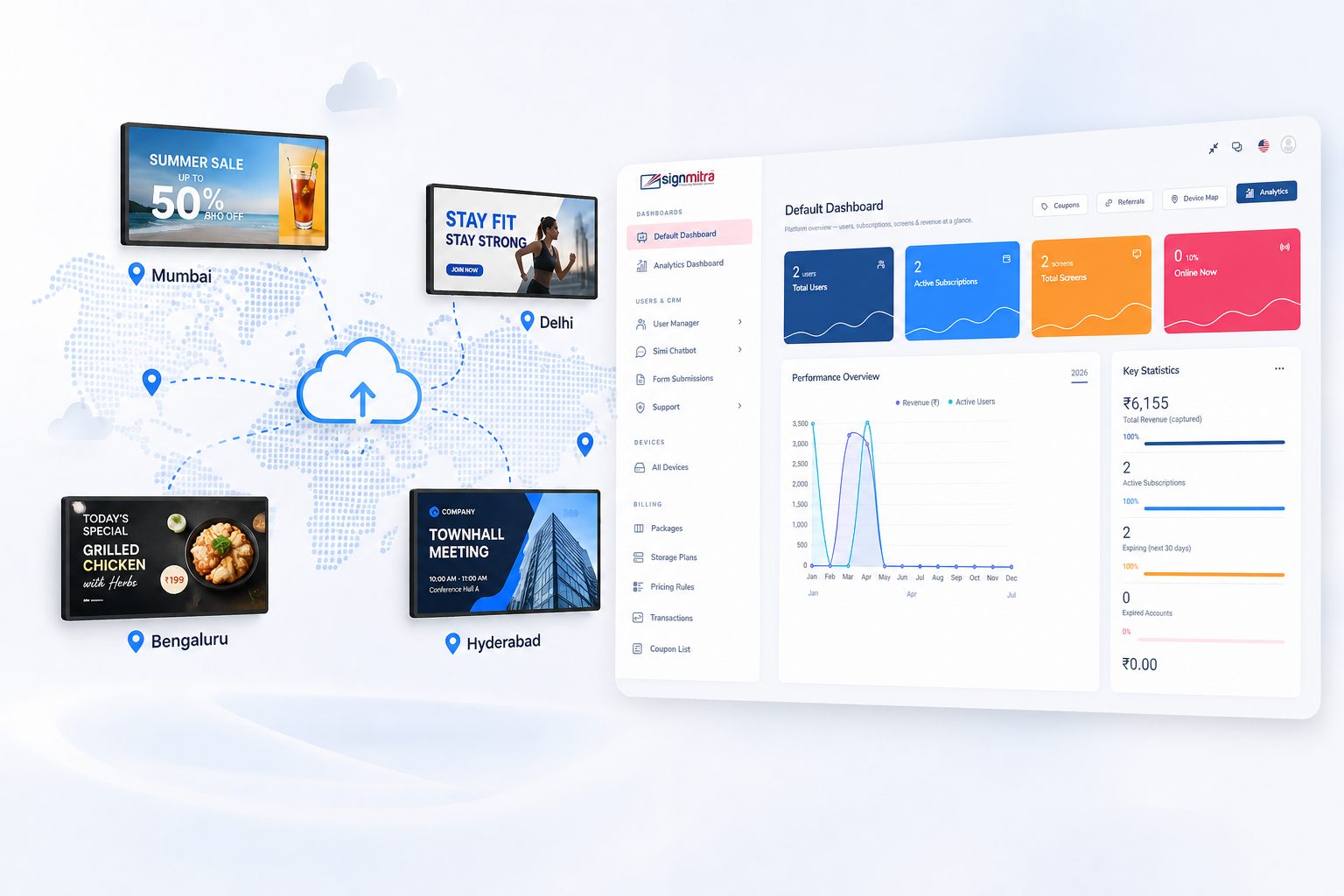
Review the weighted score, maturity band and seven contributing dimensions for the selected reporting window.
SIGNAGE HEALTH & MATURITY
The Signmitra user report combines weighted operational signals into a score from 0 to 100 and a maturity band from Getting Started to Optimized.
REPORT SIGNALS AND ACTIONS
A useful report connects the observed signal to an operational response instead of presenting isolated numbers.
| Capability | Report signal | What it indicates | Typical next action |
|---|---|---|---|
| Device health | Online, offline, stale and last seen | Player connectivity and readiness | Check power, internet or player |
| Content freshness | Fresh, stale and unnamed content | Whether screen content stays current | Refresh, archive or rename assets |
| Scheduling | Scheduled screens and conflicts | Automation and conflict-free delivery | Add schedules or resolve overlaps |
| Playback | Starts, completions, errors and restarts | Reported playback reliability | Inspect affected media and devices |
| Multi-location | Grouped versus active screens | Consistency of network management | Create reusable screen groups |
| Best practices | Naming and active team access | Clarity and operating discipline | Organize assets and responsibilities |
Report signal
Online, offline, stale and last seenWhat it indicates
Player connectivity and readinessTypical next action
Check power, internet or playerReport signal
Fresh, stale and unnamed contentWhat it indicates
Whether screen content stays currentTypical next action
Refresh, archive or rename assetsReport signal
Scheduled screens and conflictsWhat it indicates
Automation and conflict-free deliveryTypical next action
Add schedules or resolve overlapsReport signal
Starts, completions, errors and restartsWhat it indicates
Reported playback reliabilityTypical next action
Inspect affected media and devicesReport signal
Grouped versus active screensWhat it indicates
Consistency of network managementTypical next action
Create reusable screen groupsReport signal
Naming and active team accessWhat it indicates
Clarity and operating disciplineTypical next action
Organize assets and responsibilitiesReport values depend on the selected date range, account configuration and telemetry received from connected players. Investigate gaps before drawing conclusions.
FROM REPORT TO RESOLUTION
The report becomes valuable when the team assigns an owner and confirms the result after each change.
WHO USES THE REPORT
The same operational data supports different decisions across content, IT and business teams.
Signage operator
Track offline screens, stale devices, player versions and reported playback issues.

Content manager
Review content freshness, naming quality, schedules and campaign-led delivery habits.

IT and support
Use platform, version, status and last-seen details to prioritize device investigation.

Regional manager
Compare grouping and scheduling discipline across a growing multi-location network.
Business owner
Use the maturity band and prioritized actions to guide operational investment and accountability.
SEVEN MATURITY DIMENSIONS
Each dimension includes a score, weighting, explanation and facts calculated from the account’s relevant activity.
Connectivity, offline duration, stale devices and player readiness.
Fresh, stale and clearly named slides and playlists ready for reuse.
Scheduled delivery coverage and conflict-free dayparting.
Active schedules and campaign-led delivery that reduce repetitive work.
Reported completion, media errors, player restarts and coverage.
Reusable screen groups for consistent control across active locations.
Clear naming, organized configuration and appropriate team access.
MEASUREMENT WITH CONTEXT
Operational telemetry is useful when its source, scope and limitations are clear.
SIGNMITRA REPORTS
YOUR TEAM
A MONTHLY REPORTING RHYTHM
A simple governance cadence keeps the score connected to real improvements.
REPORT CONTROLS AND OUTPUTS
Signmitra keeps the user report focused on operational decision-making.
Switch between the last 7, 30, 90 or 365 days to investigate an incident or review a longer trend.

Export report sections, metrics and values for analysis or an internal operating review.
Use the print view when a concise offline record or meeting handout is needed.
Run the account schedule check to detect unresolved overlaps before reviewing the updated scheduling score.
See the highest-impact improvement opportunities first, including their potential score contribution where applicable.
FROM ONE SCREEN TO MANY LOCATIONS
The report adapts to account size. A single-screen account is not penalized for not using multi-location grouping, while larger networks can measure consistent screen-group management and team operating practices.
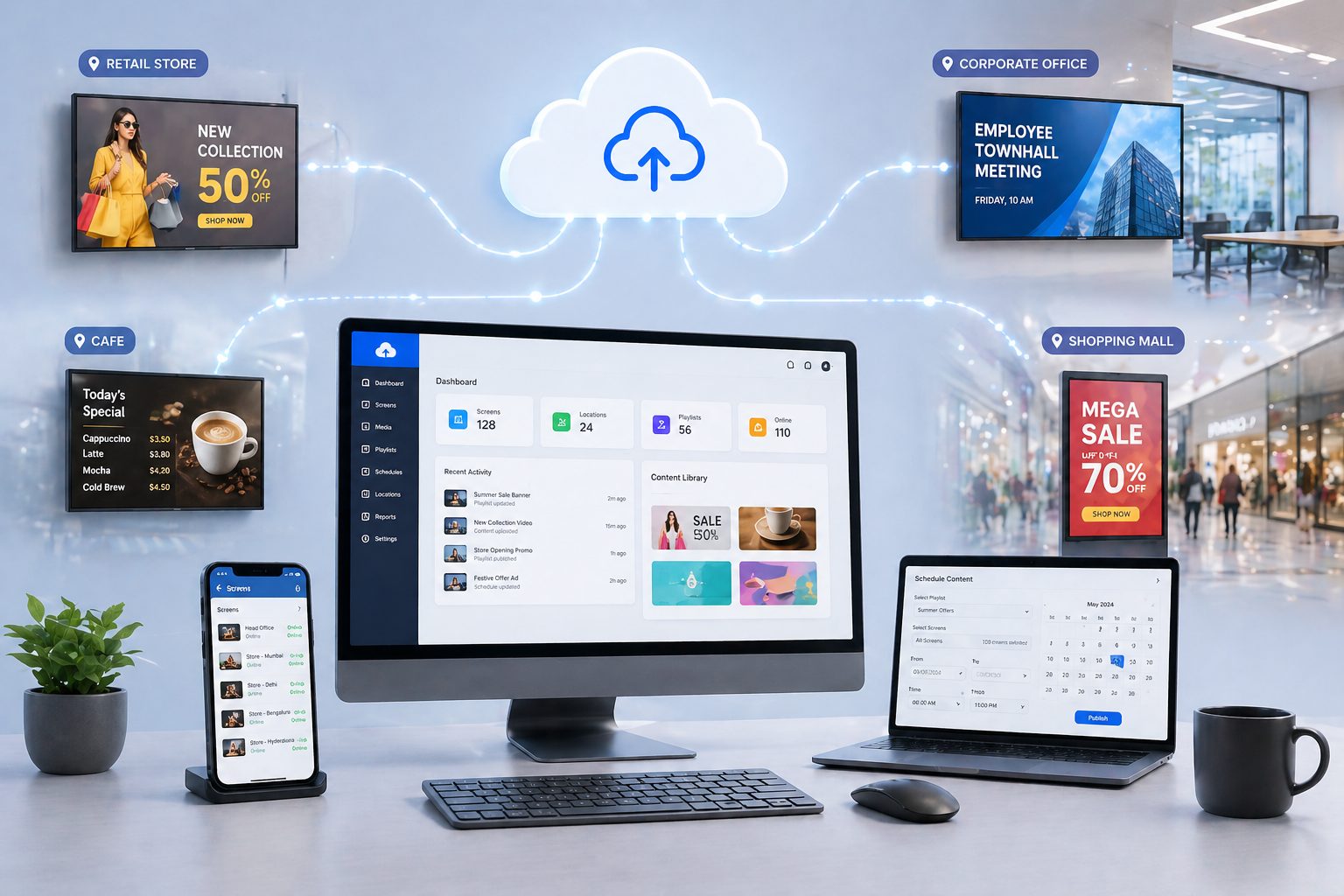
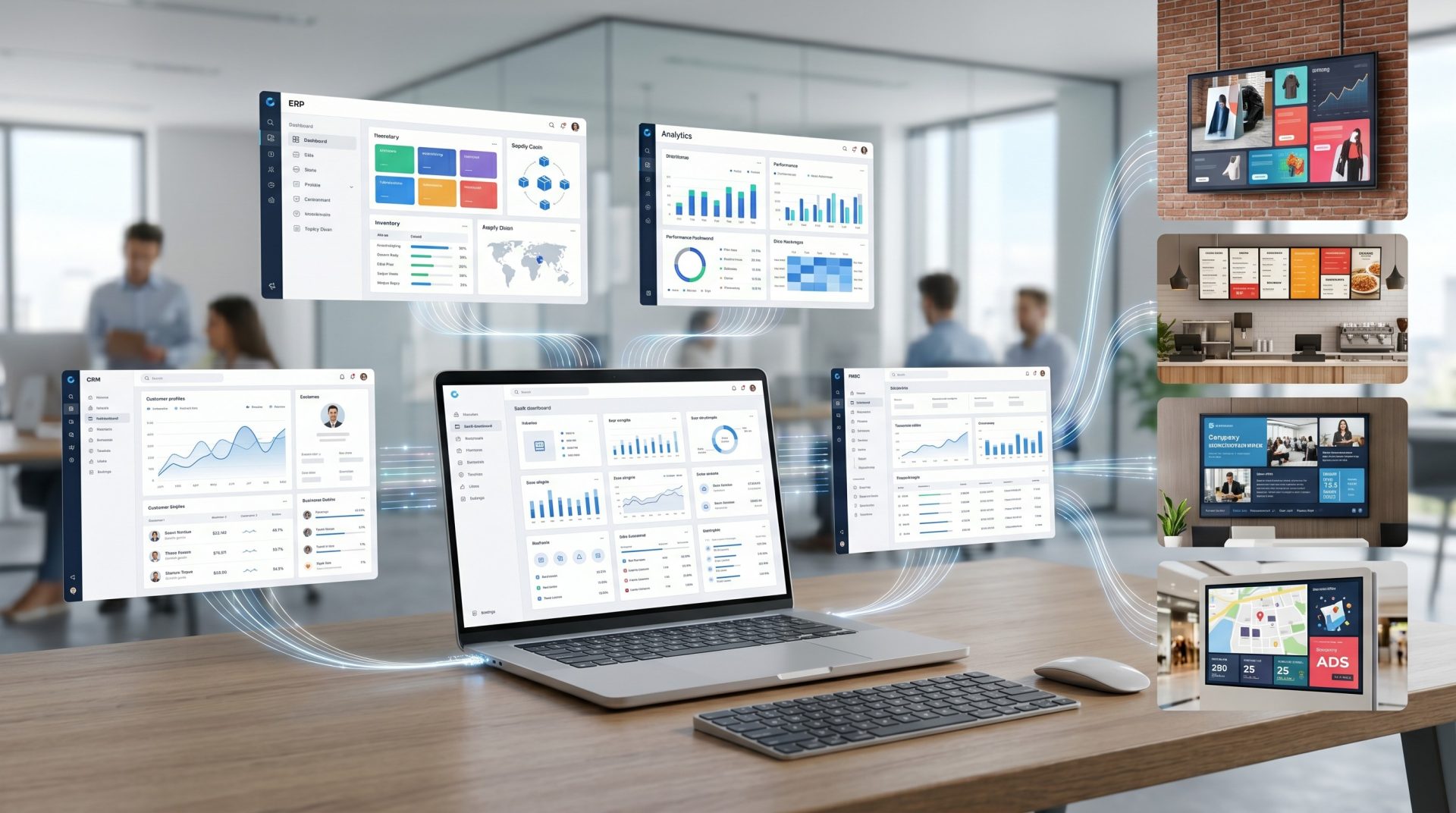
Use the same cloud CMS to resolve the issues the report surfaces—update content, adjust schedules, manage players and organize screens without maintaining separate reporting infrastructure.
DIGITAL SIGNAGE REPORTING FAQ
Understand the score, report data and the operational decisions it supports.
See the report using a realistic multi-screen operating scenario.
Measure the network, prioritize the next improvement and manage the resolution from the Signmitra cloud platform.

