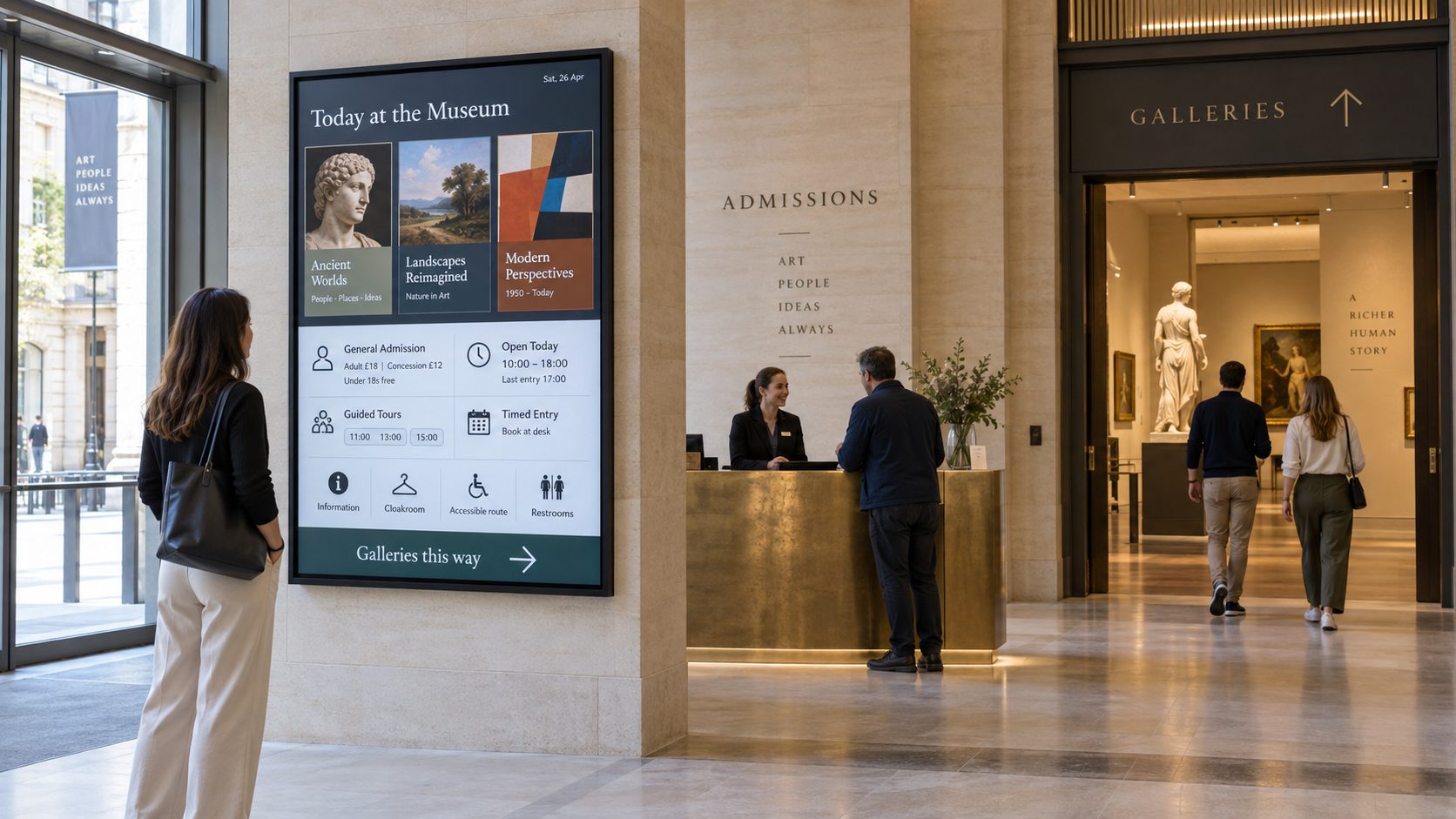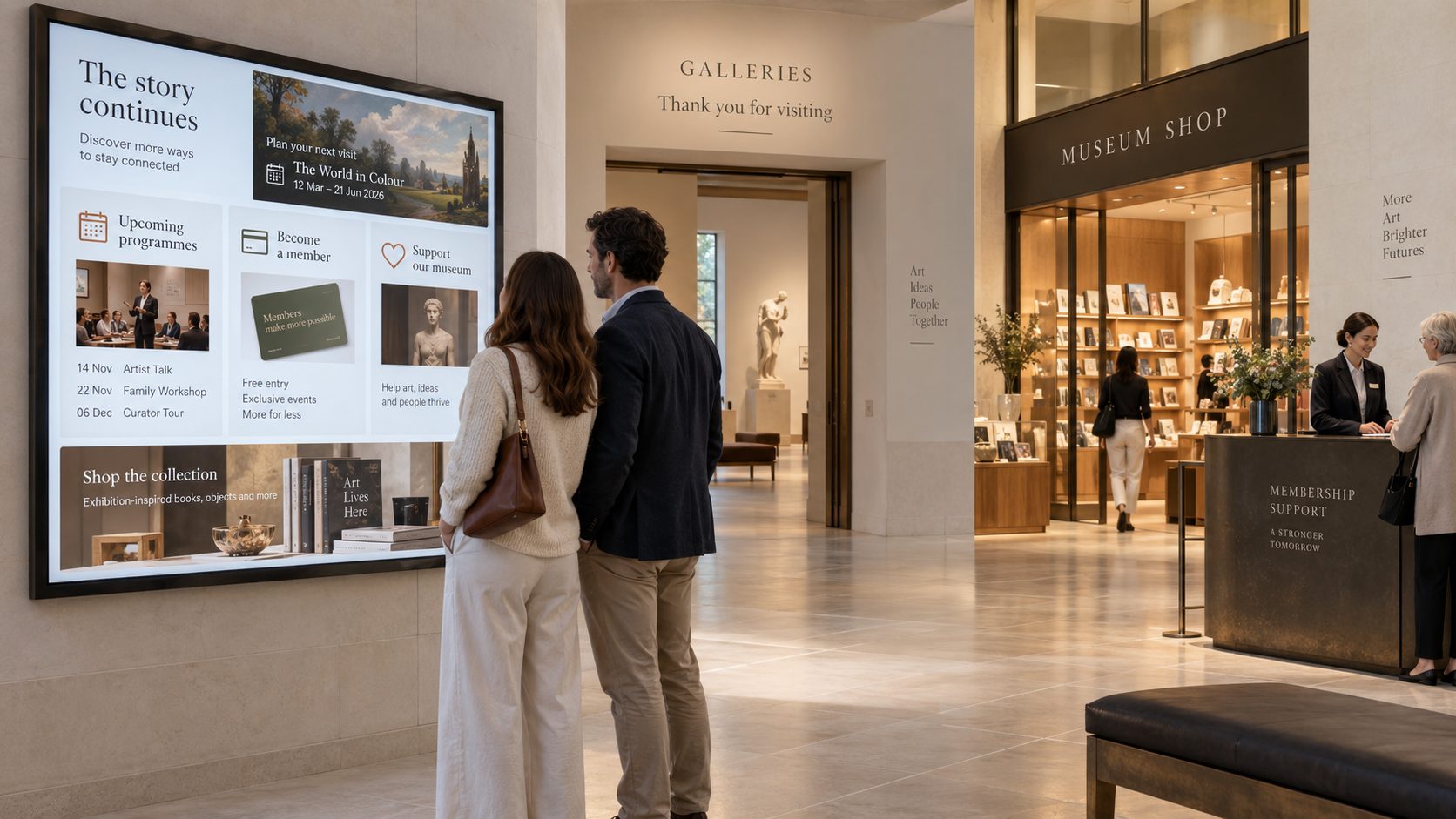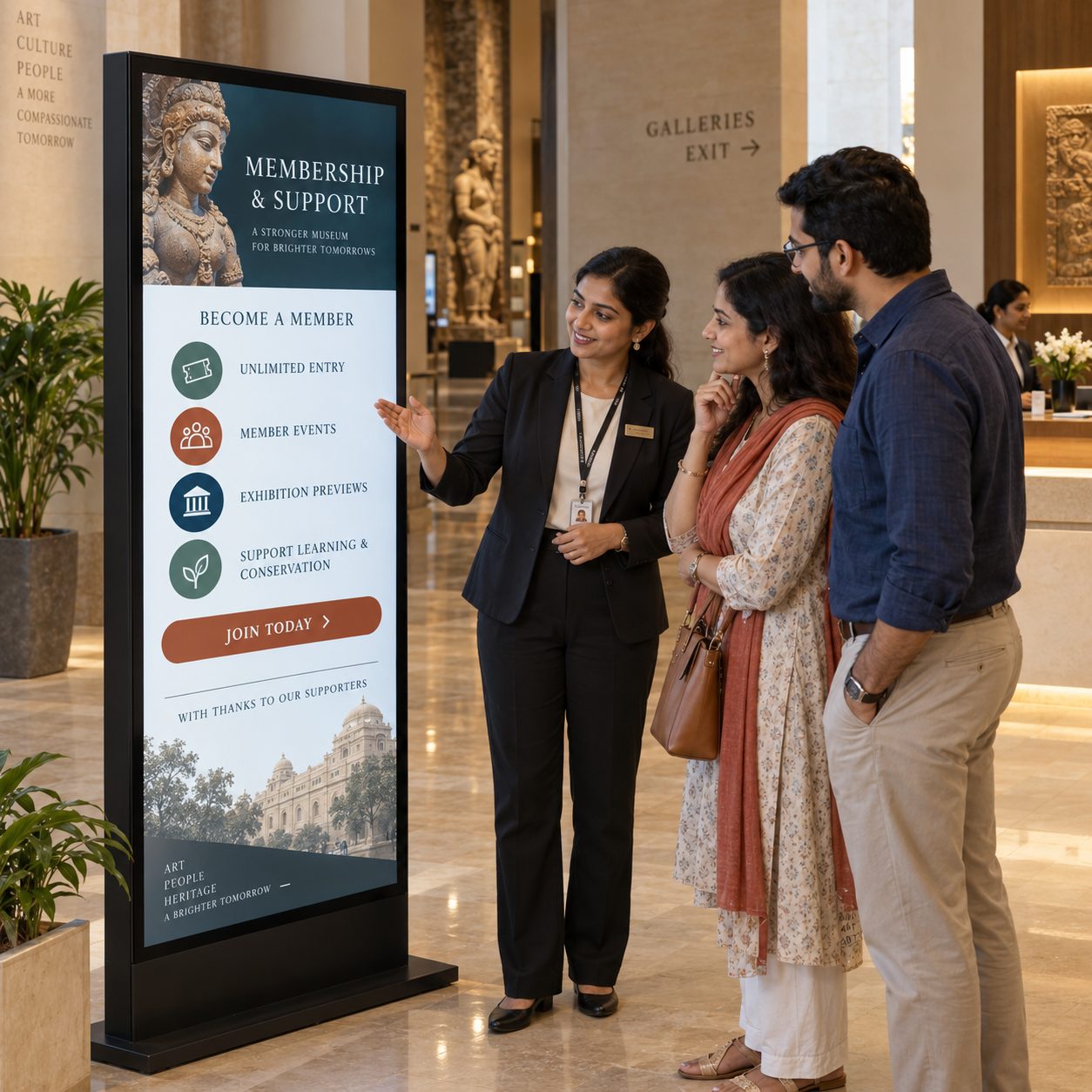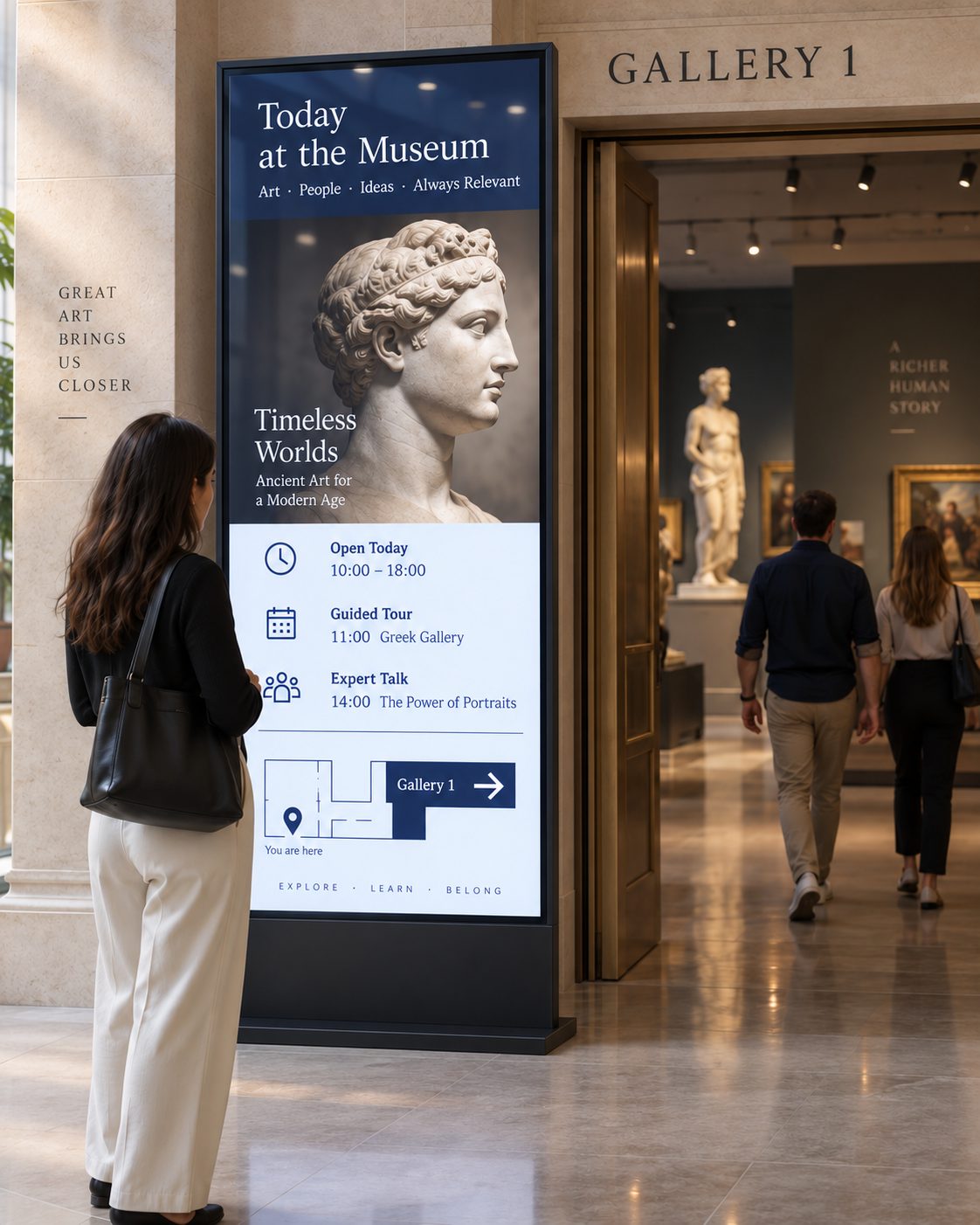
Set the context before the first gallery. Introduce today's exhibitions, programmes, opening information and the clearest route into the visit.
Create richer exhibit interpretation, guide visitors through galleries, promote programmes and keep essential information current across museums, galleries, heritage sites and cultural venues from one cloud digital signage CMS.
INTERPRETATION, ORIENTATION AND PROGRAMMING IN ONE CHANNEL
Museum visitors move between discovery, reflection and practical decisions. A well-placed screen can introduce an exhibition, reveal context that does not fit on a label, help someone choose a route or explain what is happening next.
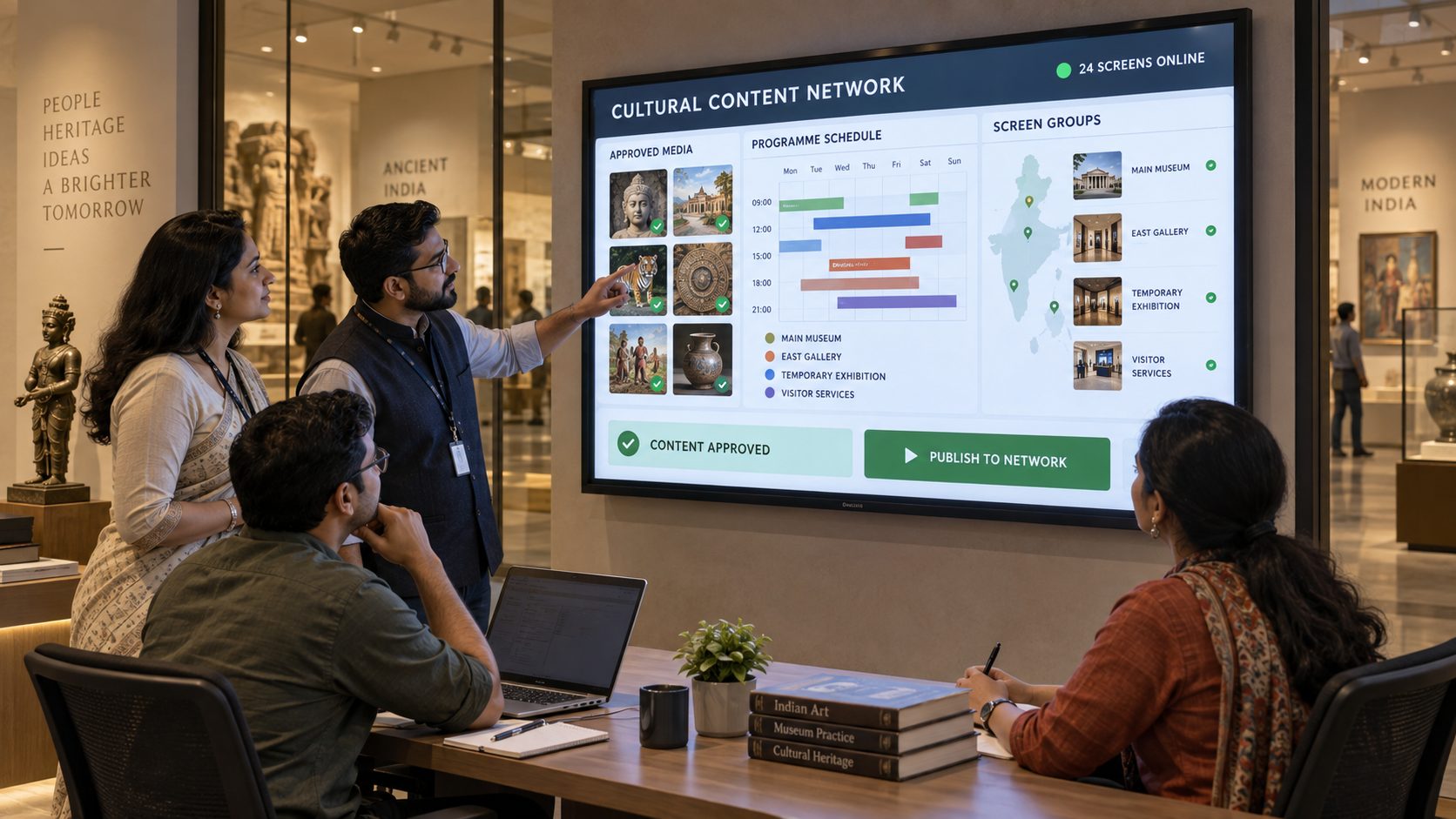
Signmitra gives curatorial, interpretation, learning, visitor-services and communications teams a structured way to publish approved content across entrances, galleries, theatres, cafés, shops and staff areas. Target each screen group without repeating one generic loop throughout the institution.
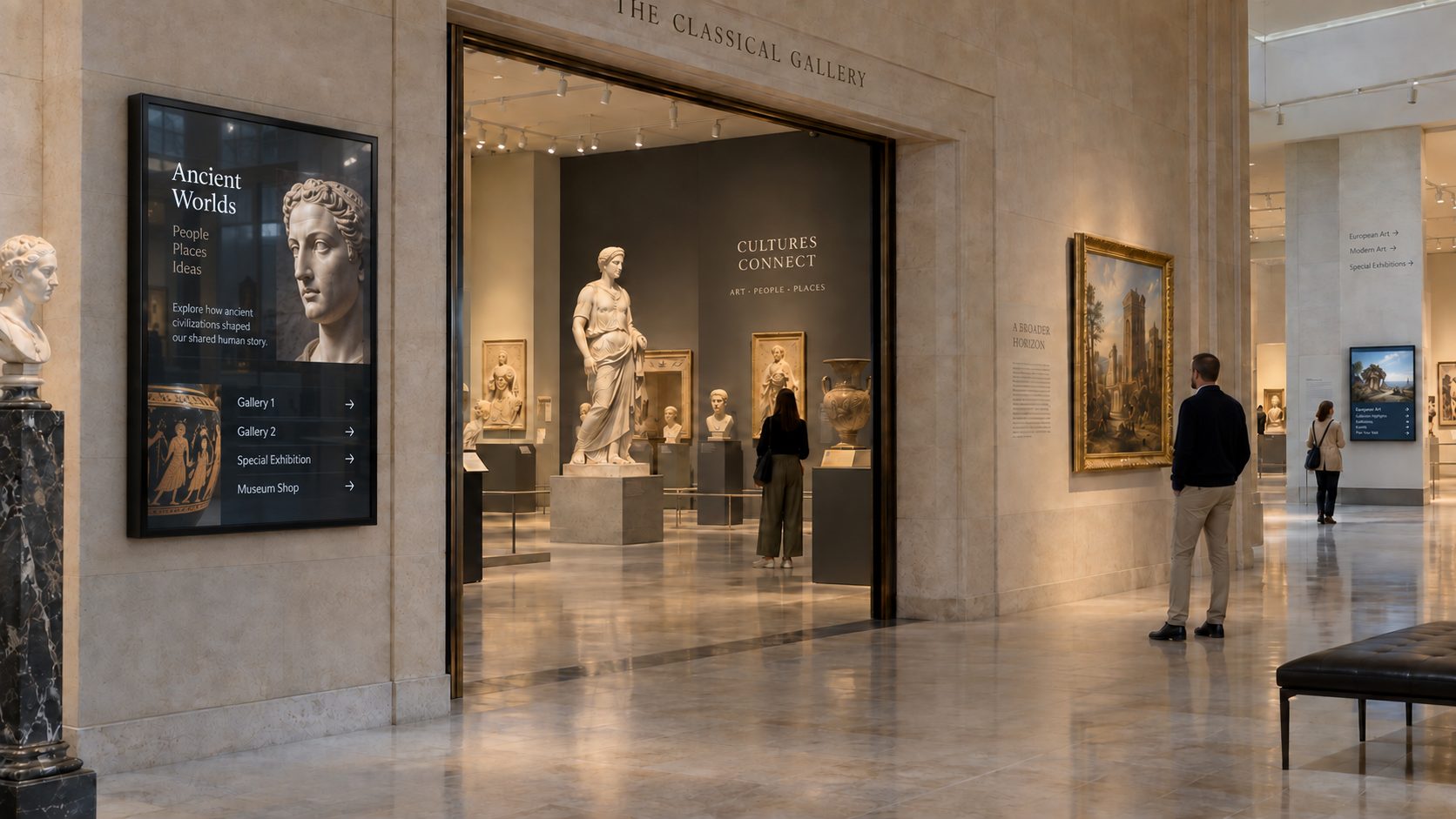
ONE VISIT, MANY CULTURAL TOUCHPOINTS
Build a coordinated visual layer from the welcome desk to the final gallery and museum shop.
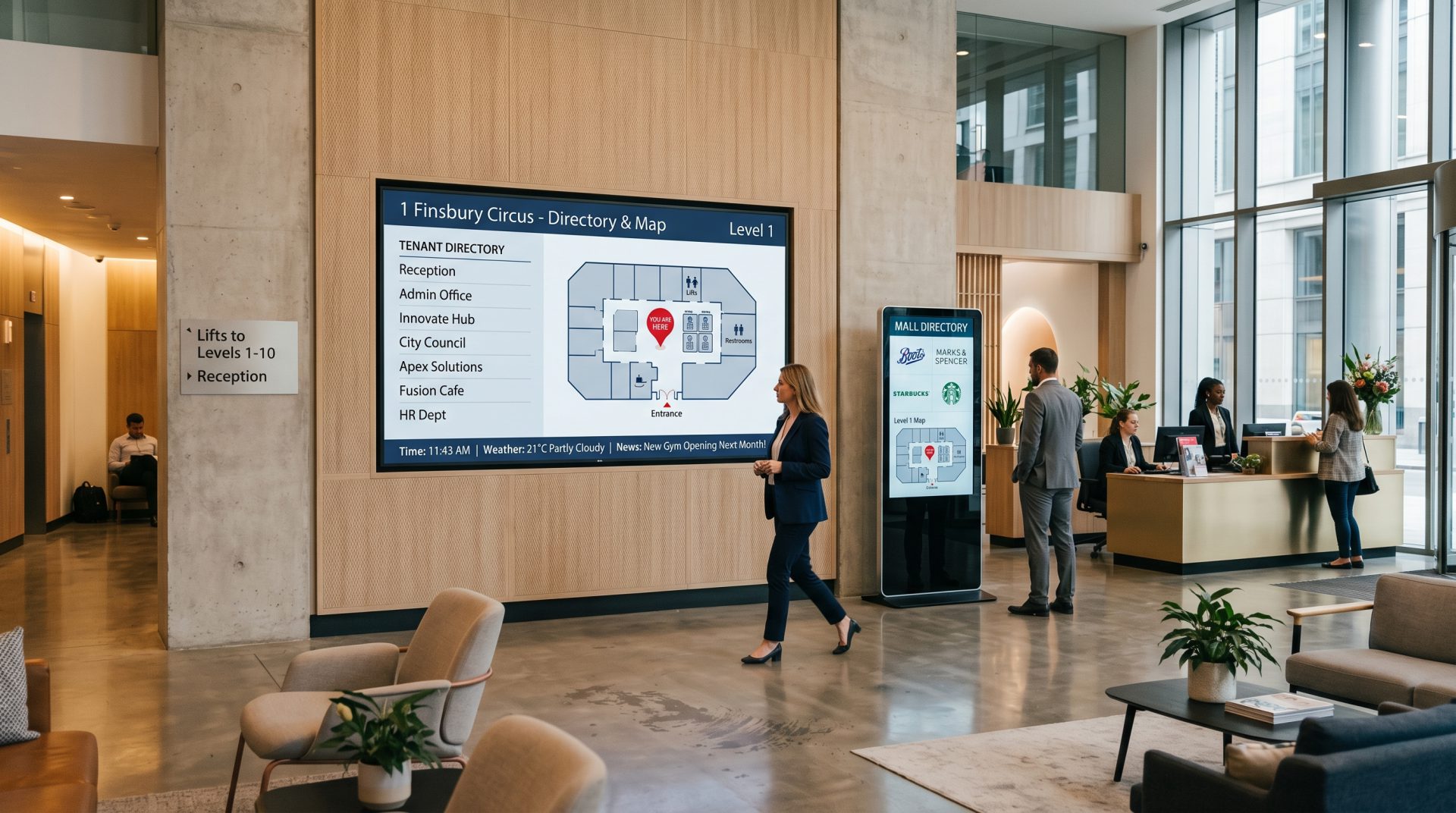
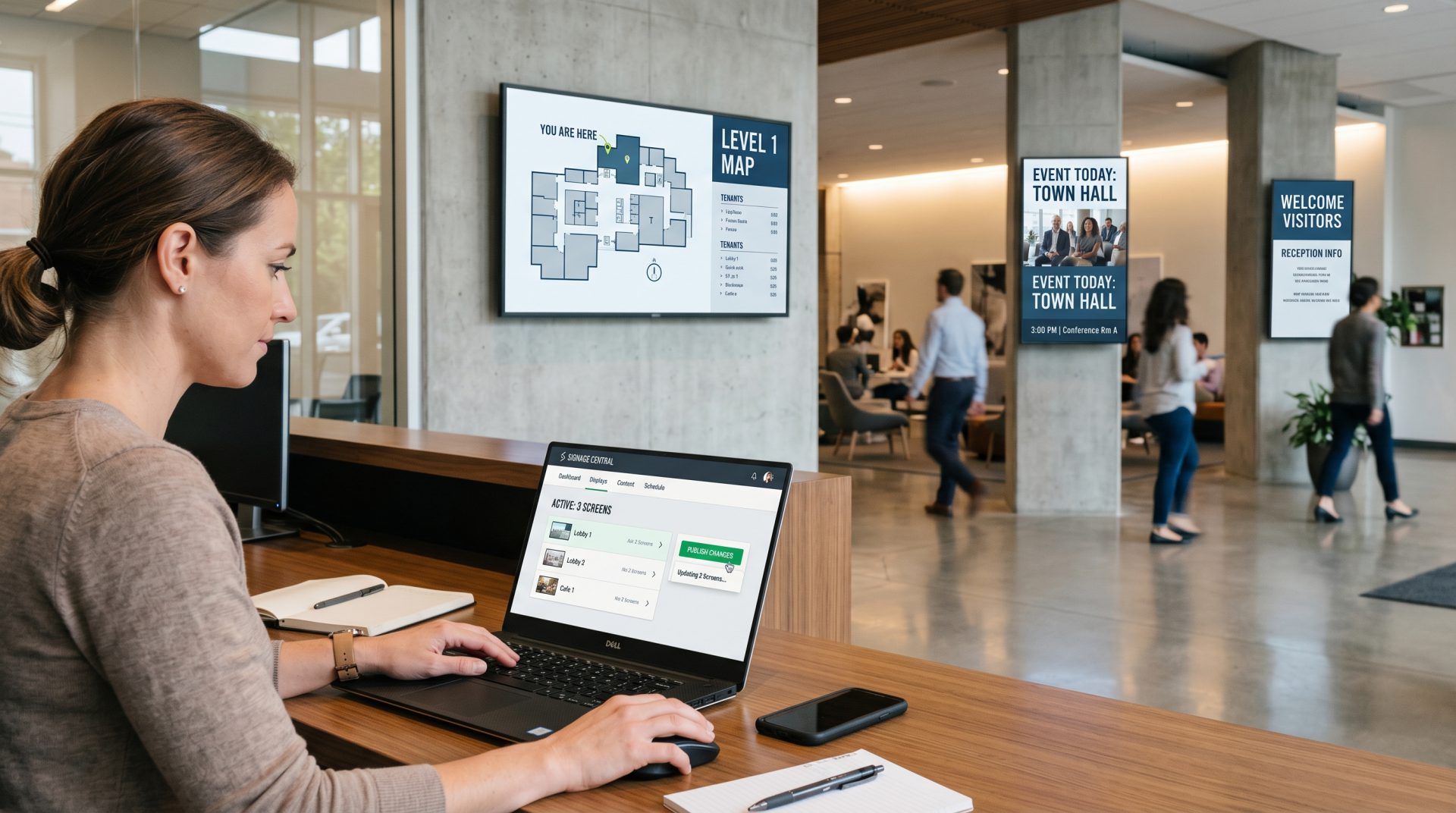
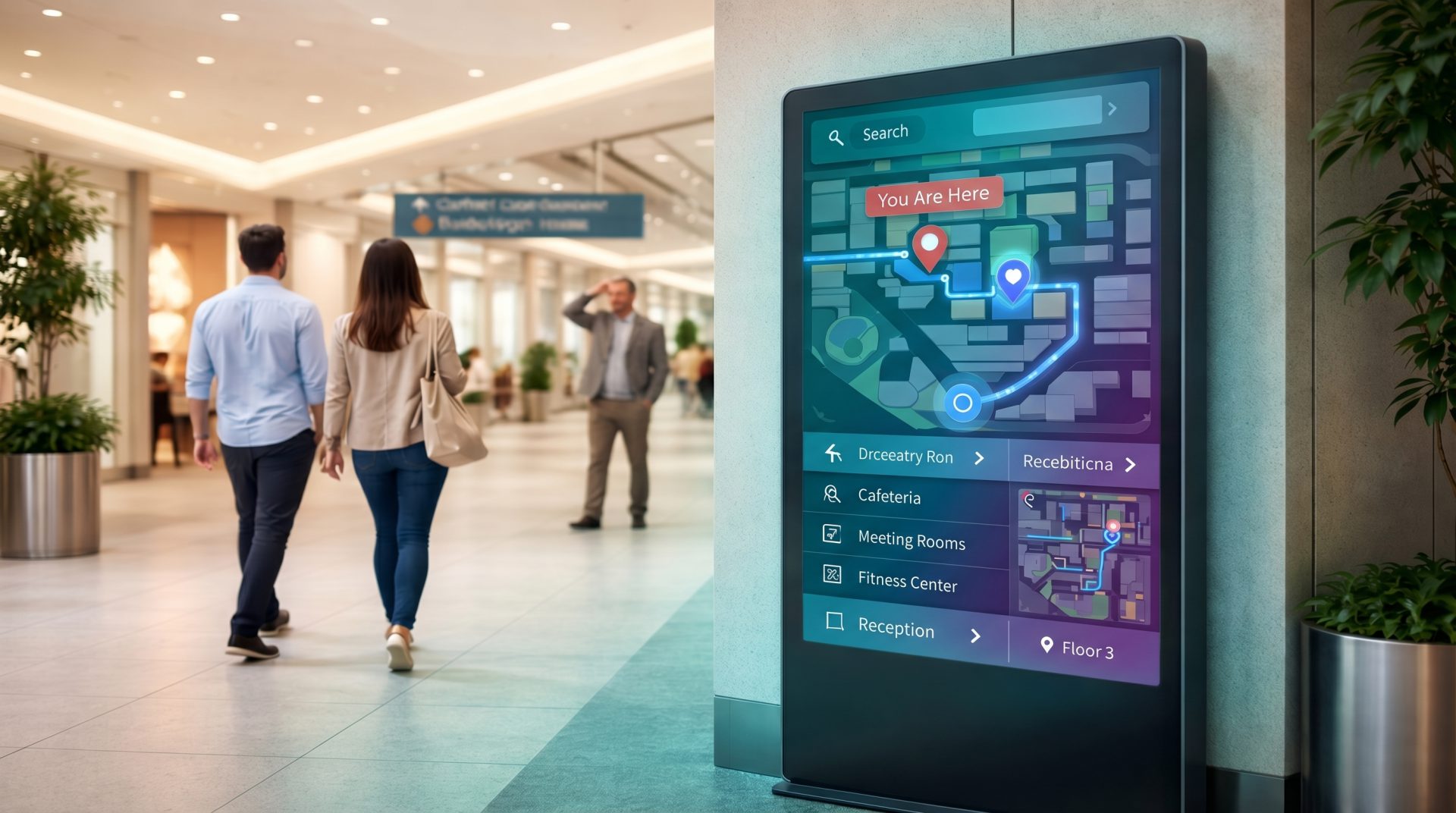
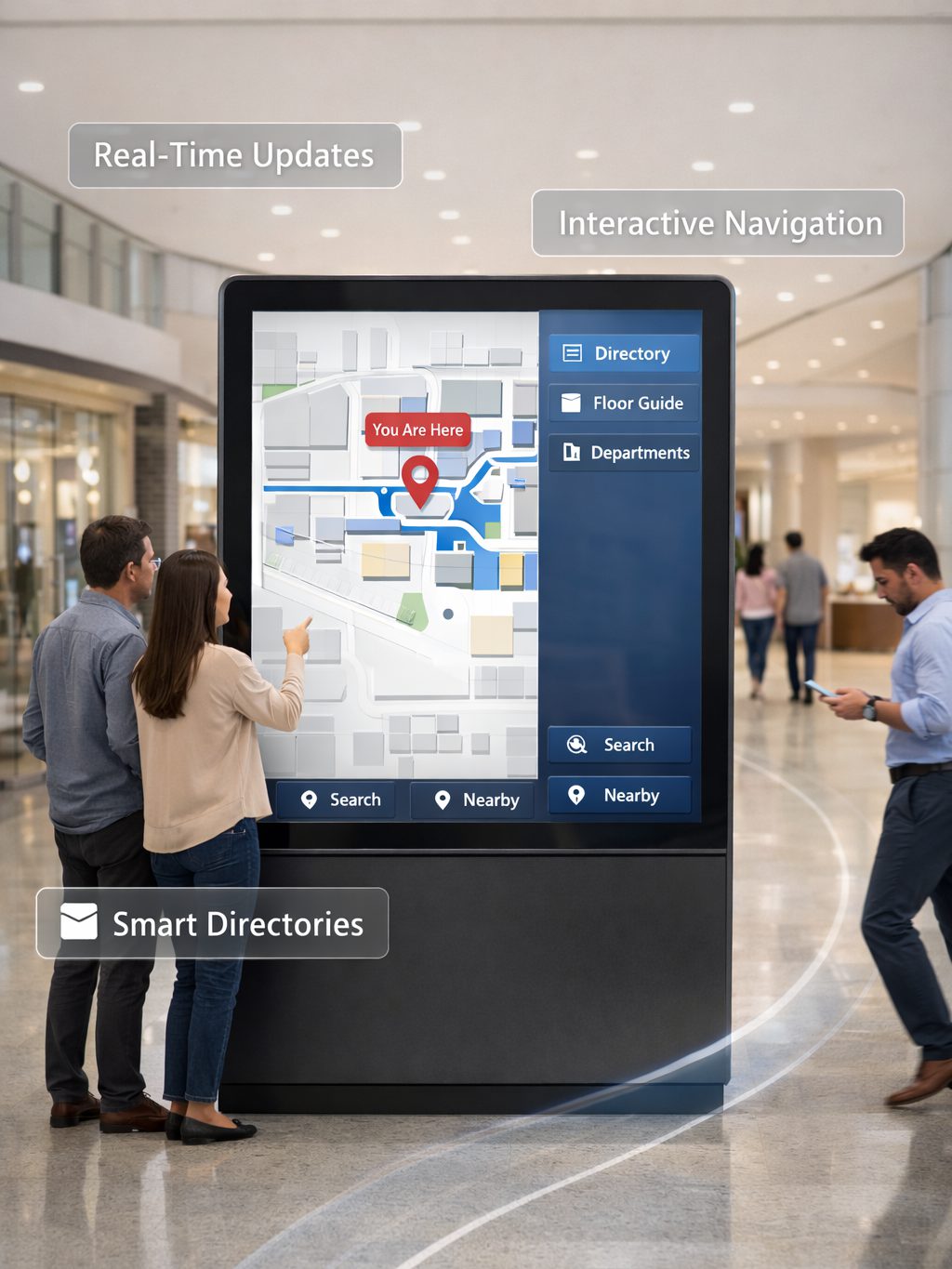
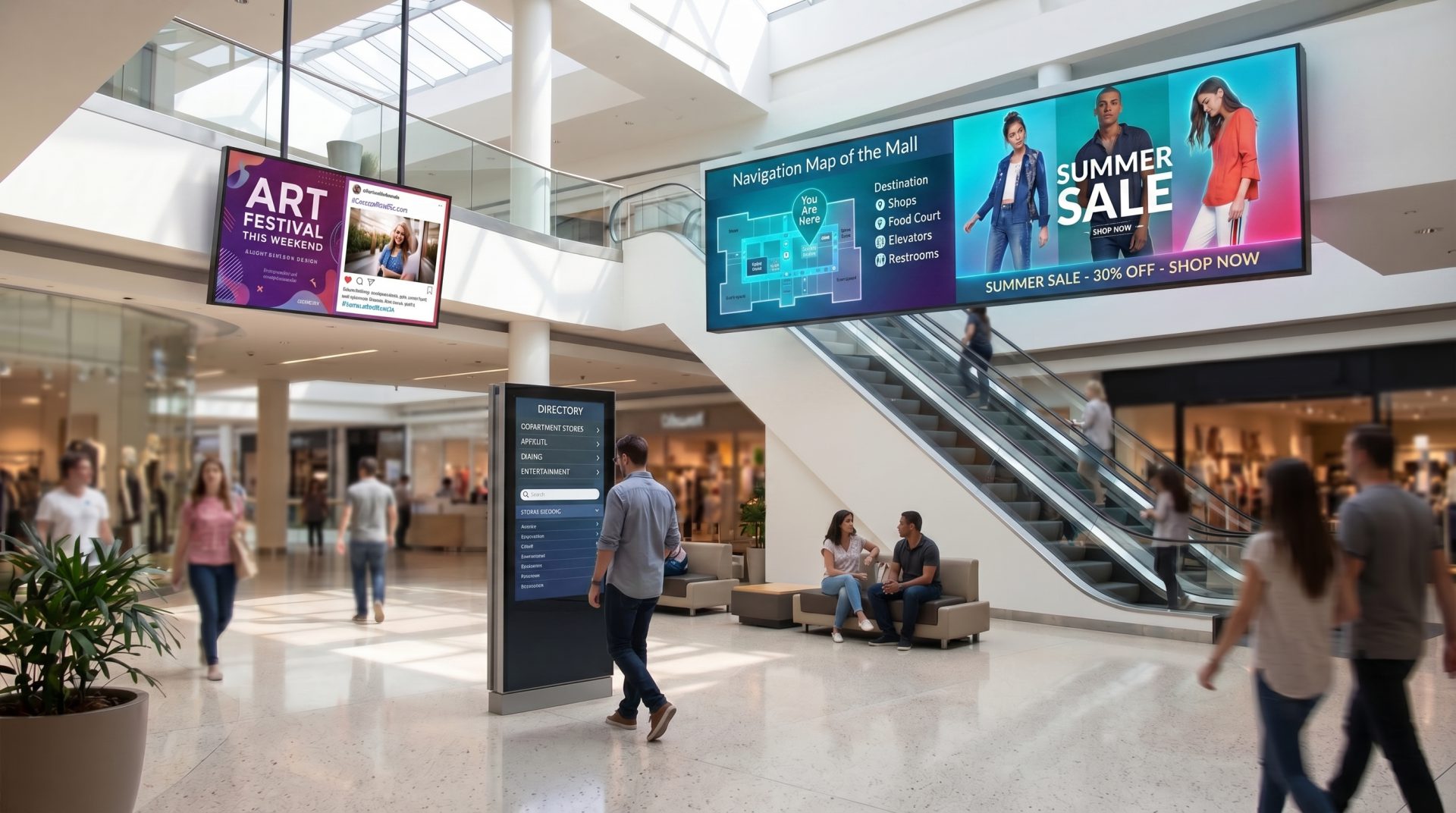
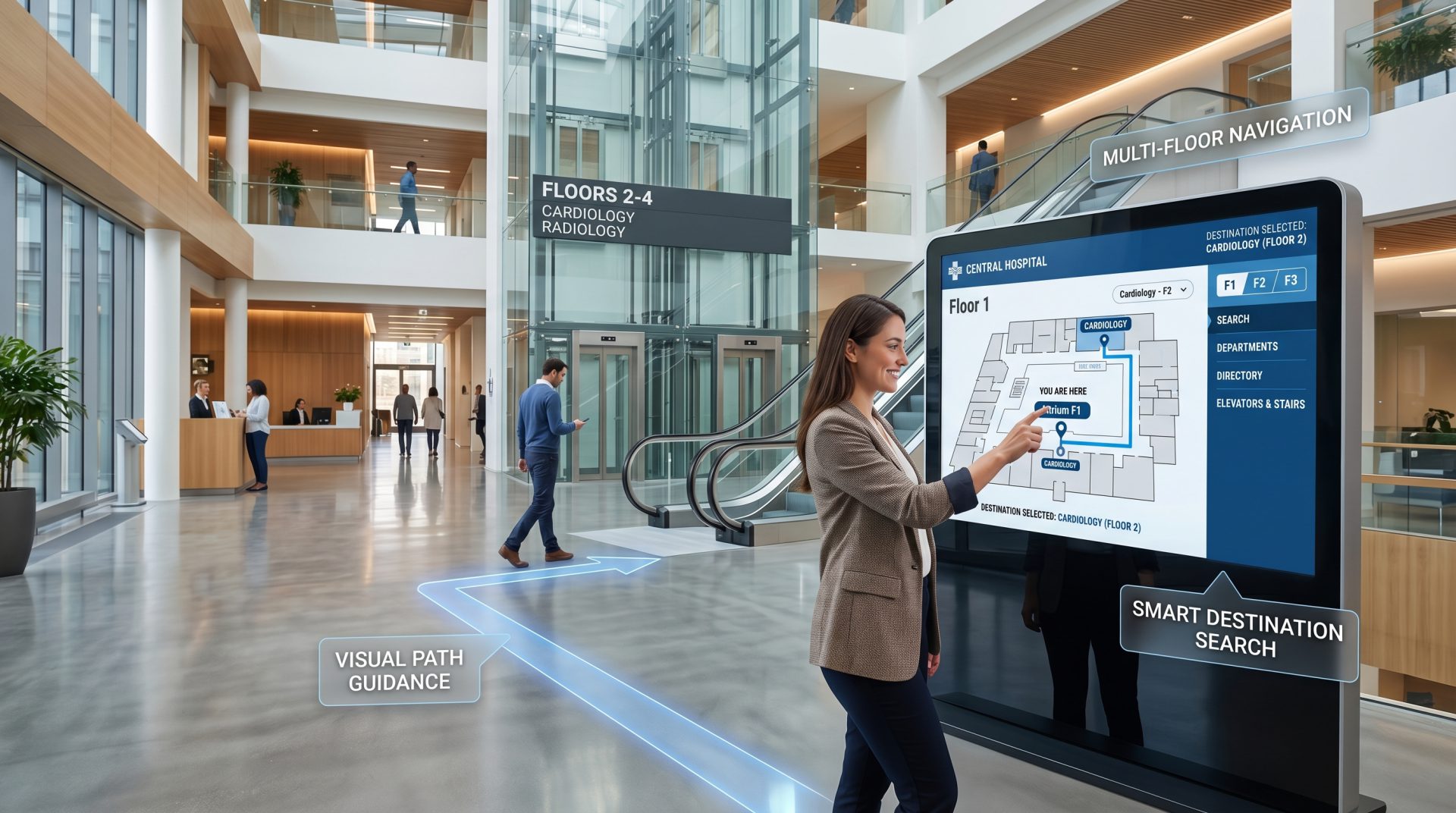
A DIGITAL LAYER FOR THE WHOLE INSTITUTION
Structure the screen network around collections, audiences, spaces and programme dates.
DESIGN A MORE THOUGHTFUL VISIT
Combine stories, orientation and practical information without overwhelming the objects or the visitor.
Set the context before the first gallery. Introduce today's exhibitions, programmes, opening information and the clearest route into the visit.
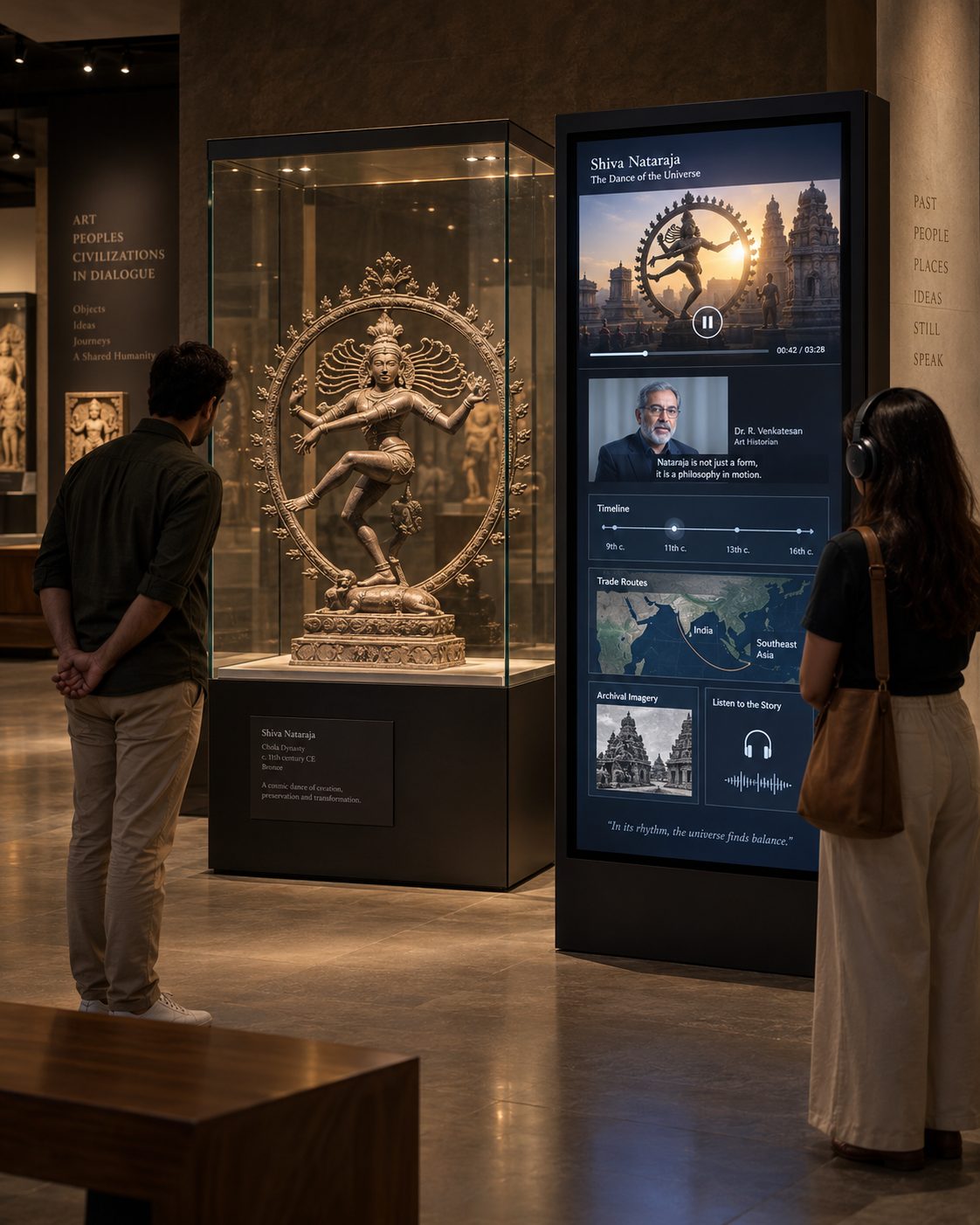
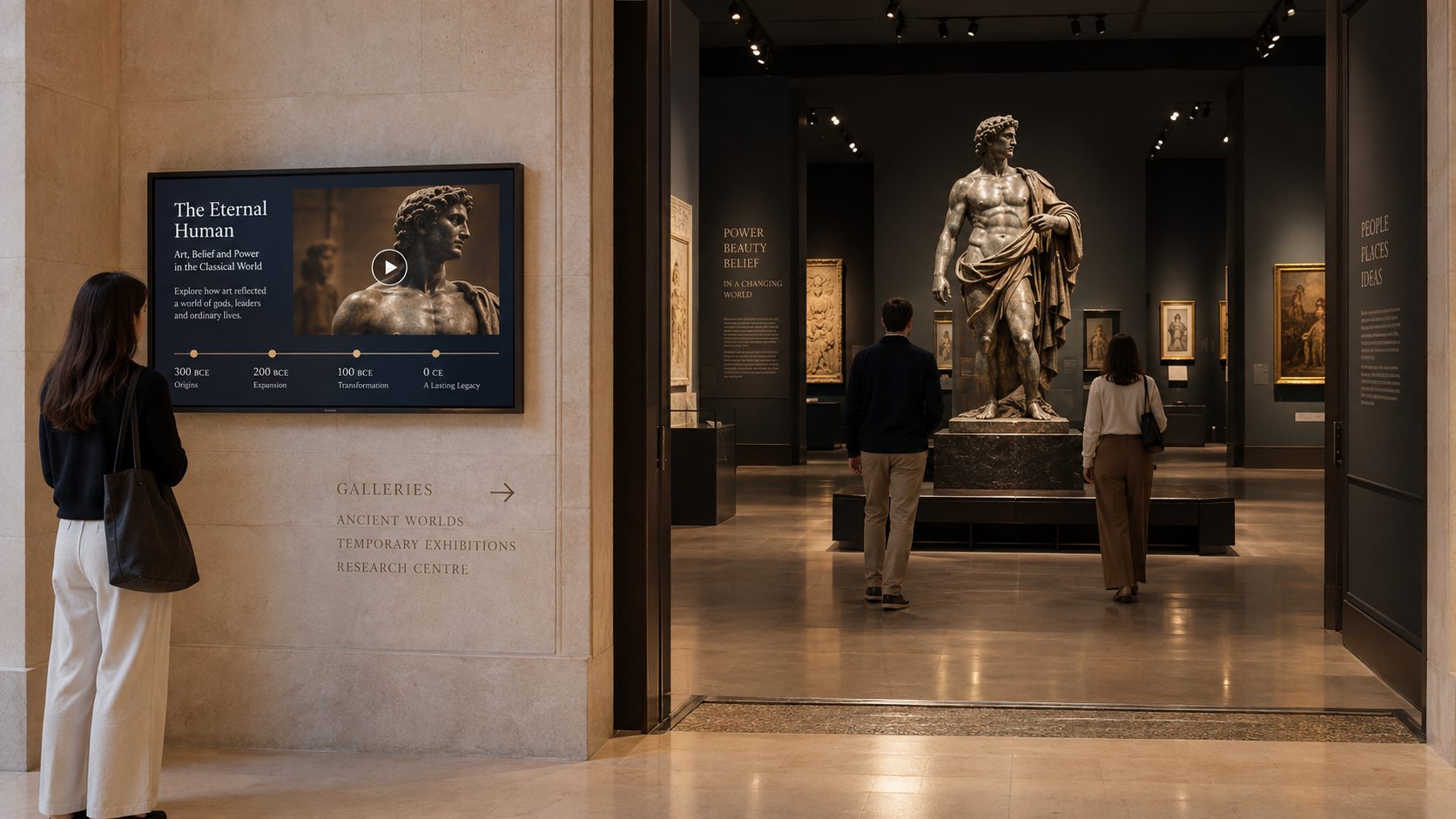
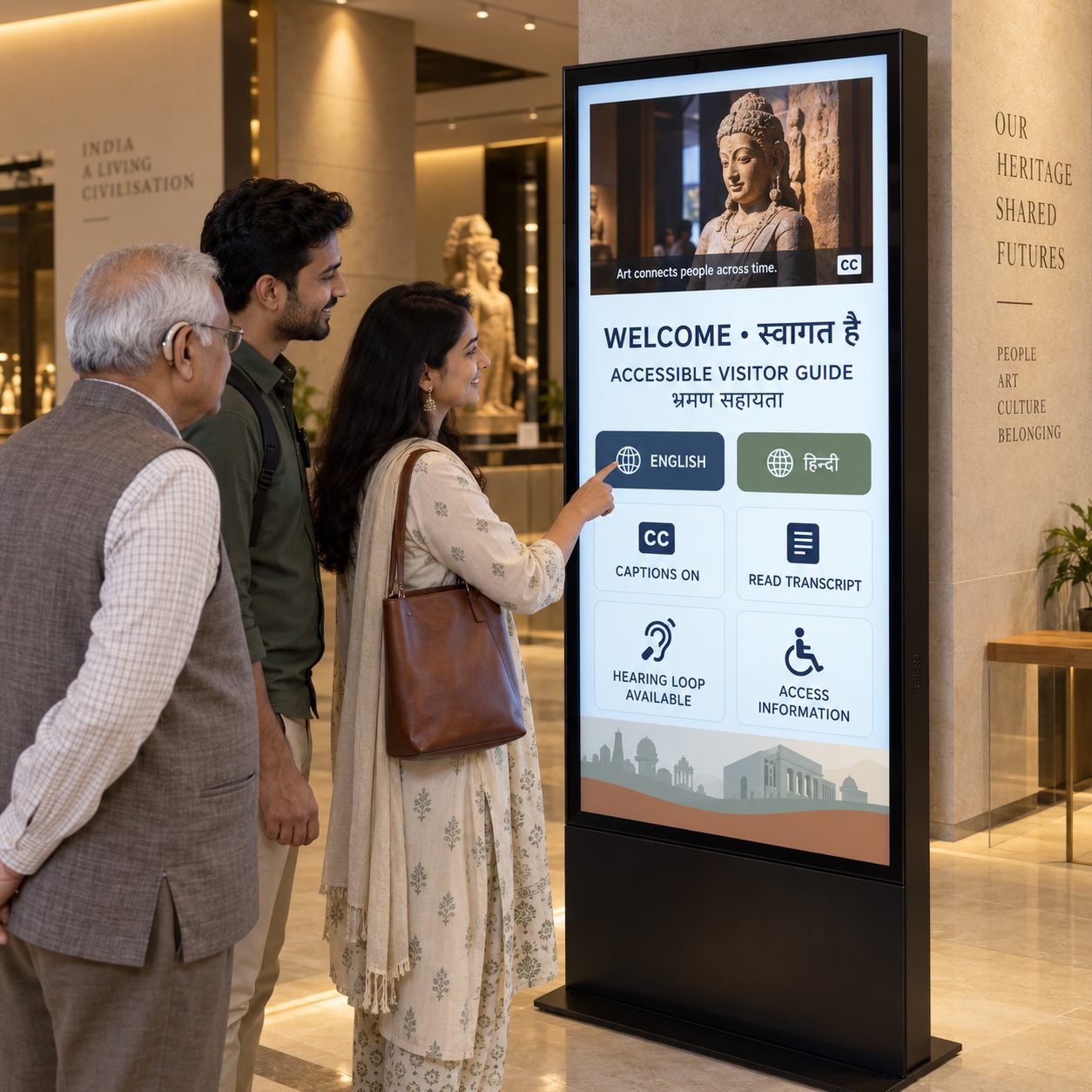
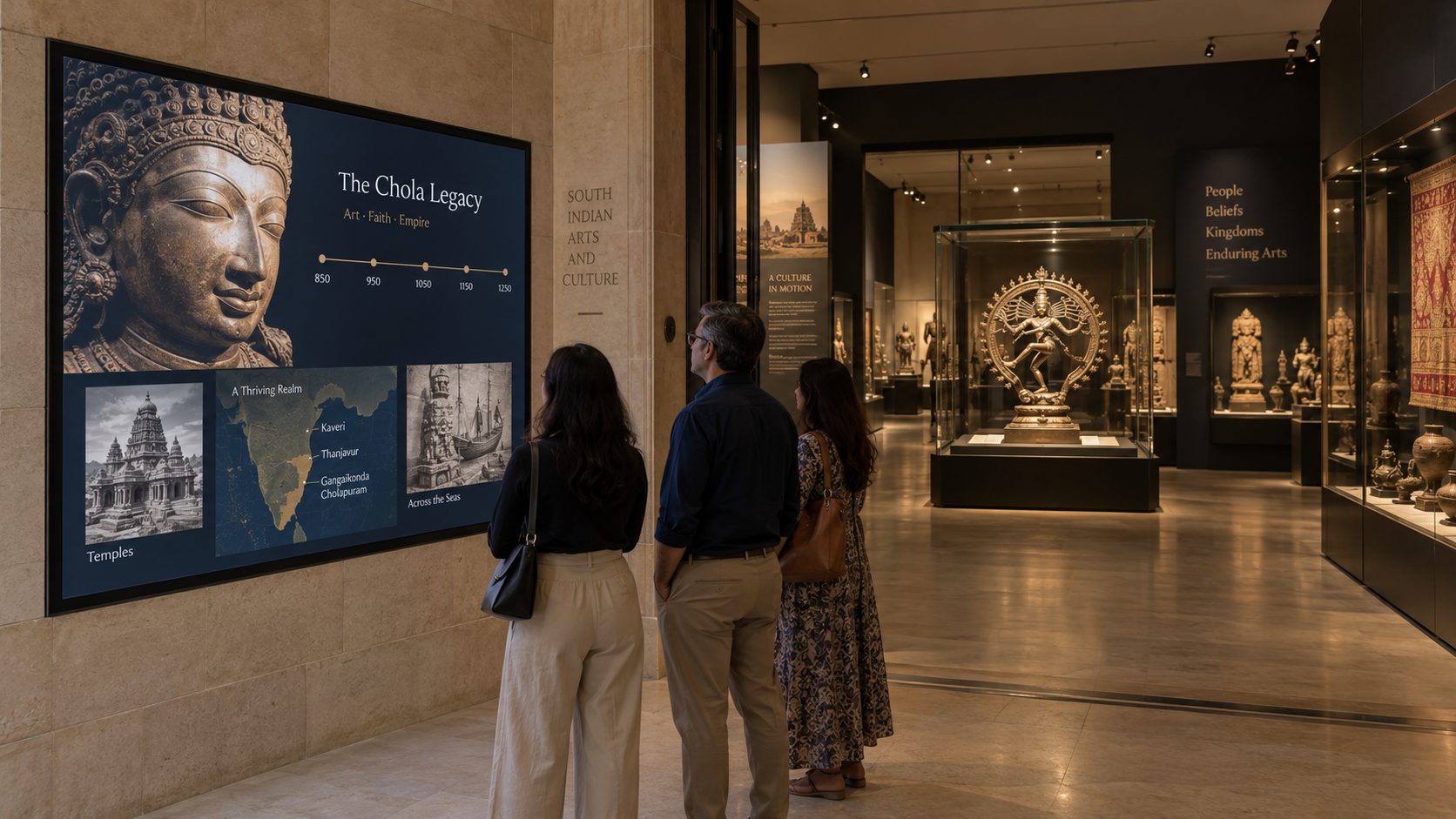
Add motion, voice and layers to the story. Use approved film, animation, timelines, maps and interviews to extend exhibit interpretation.
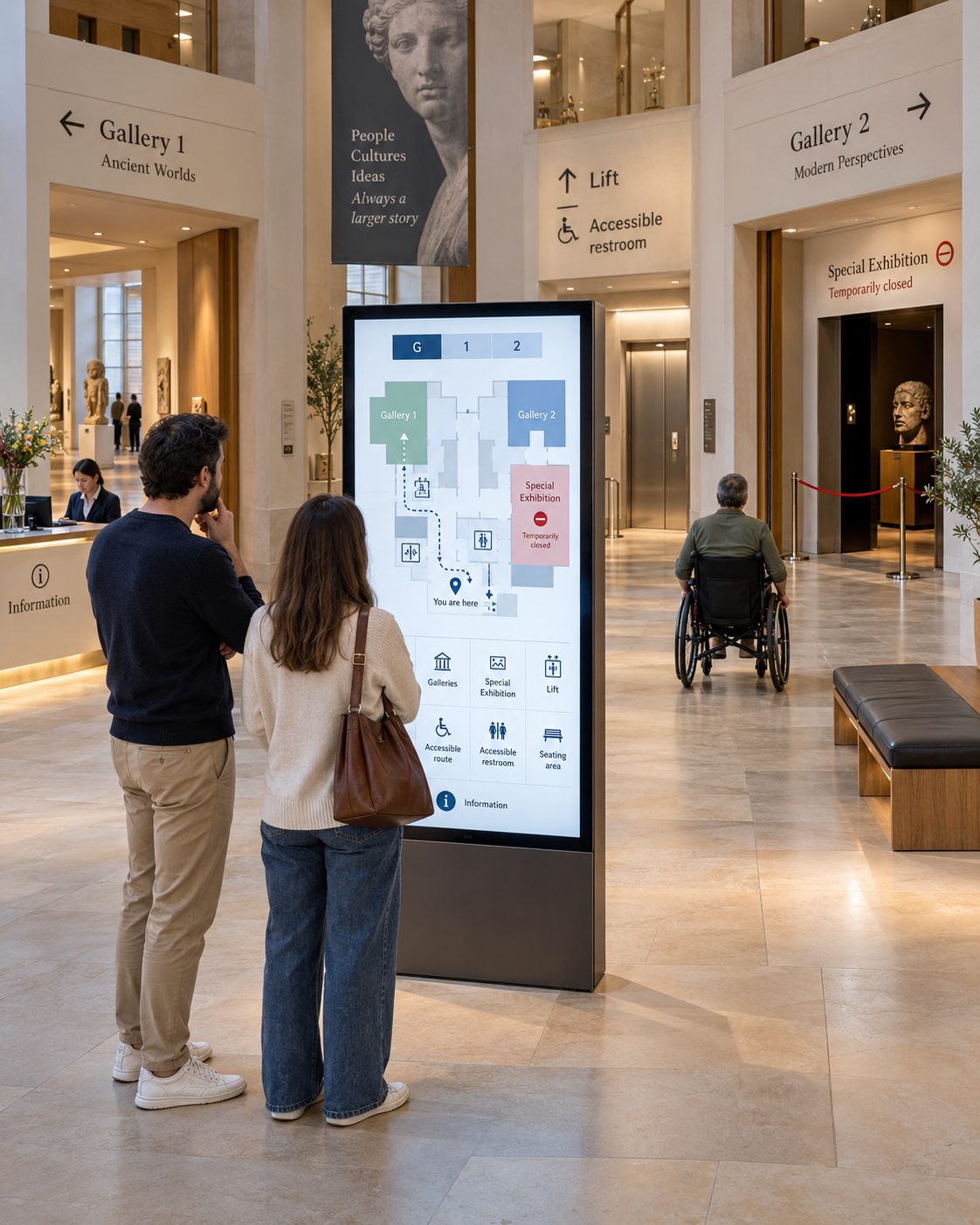
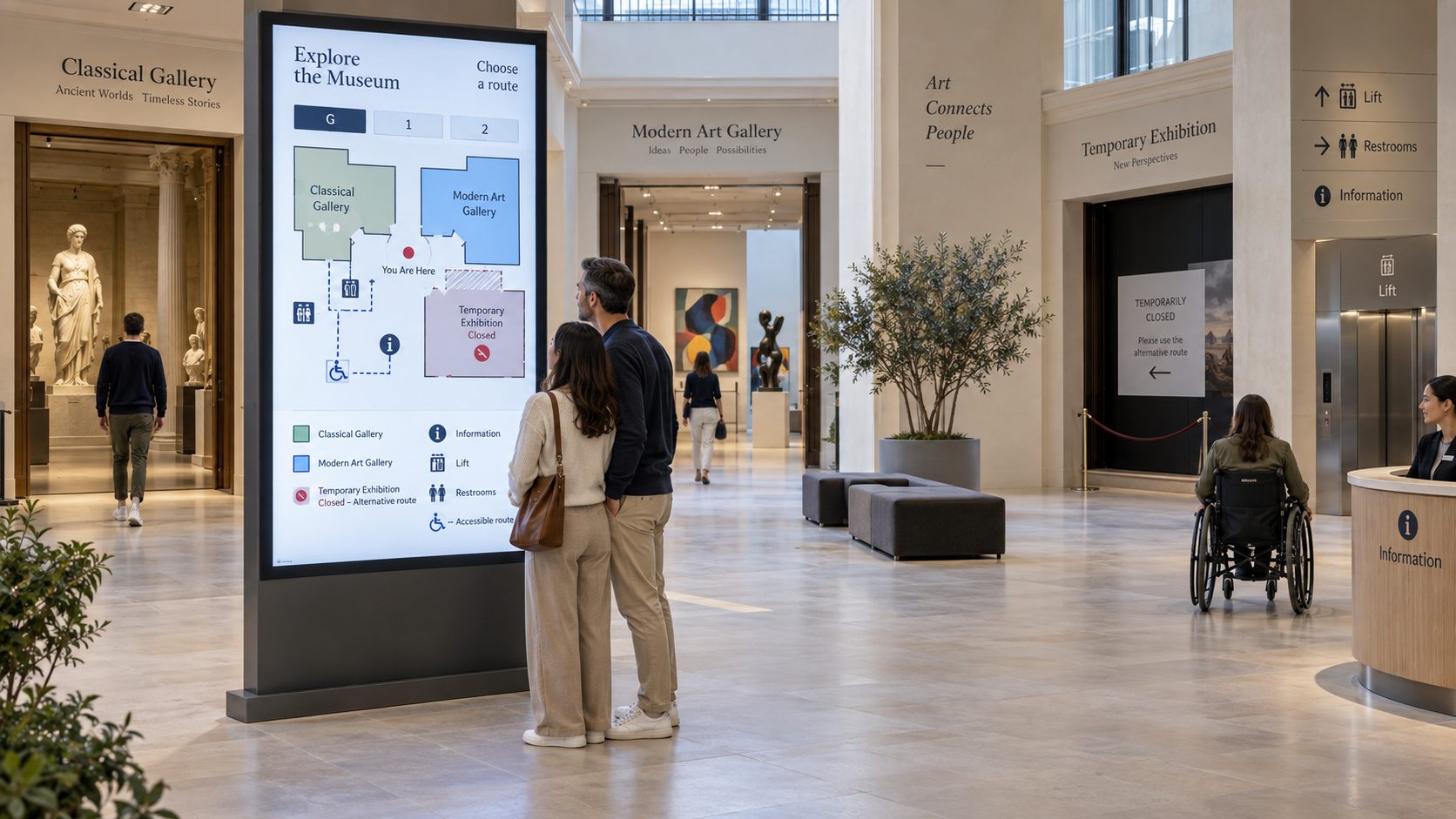
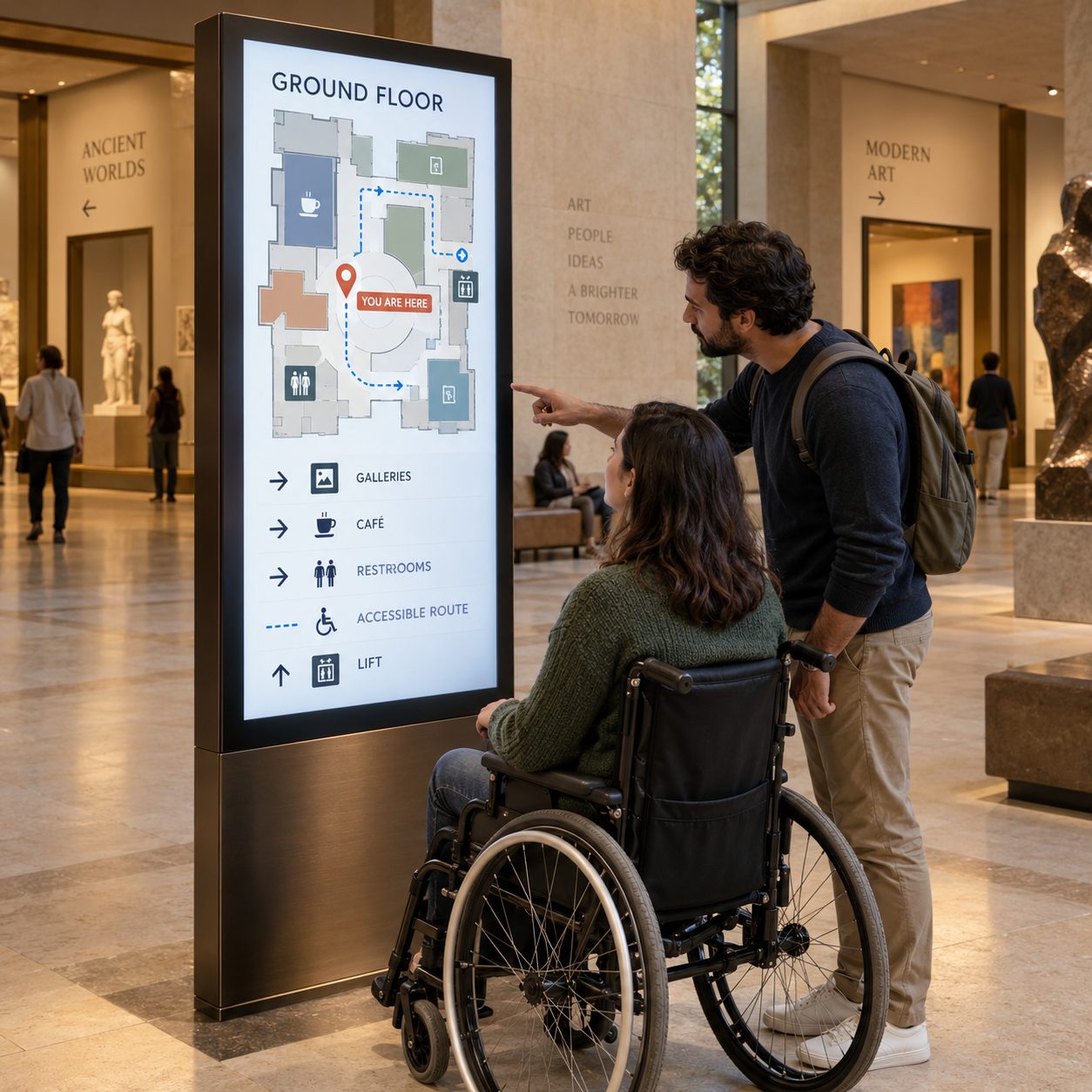
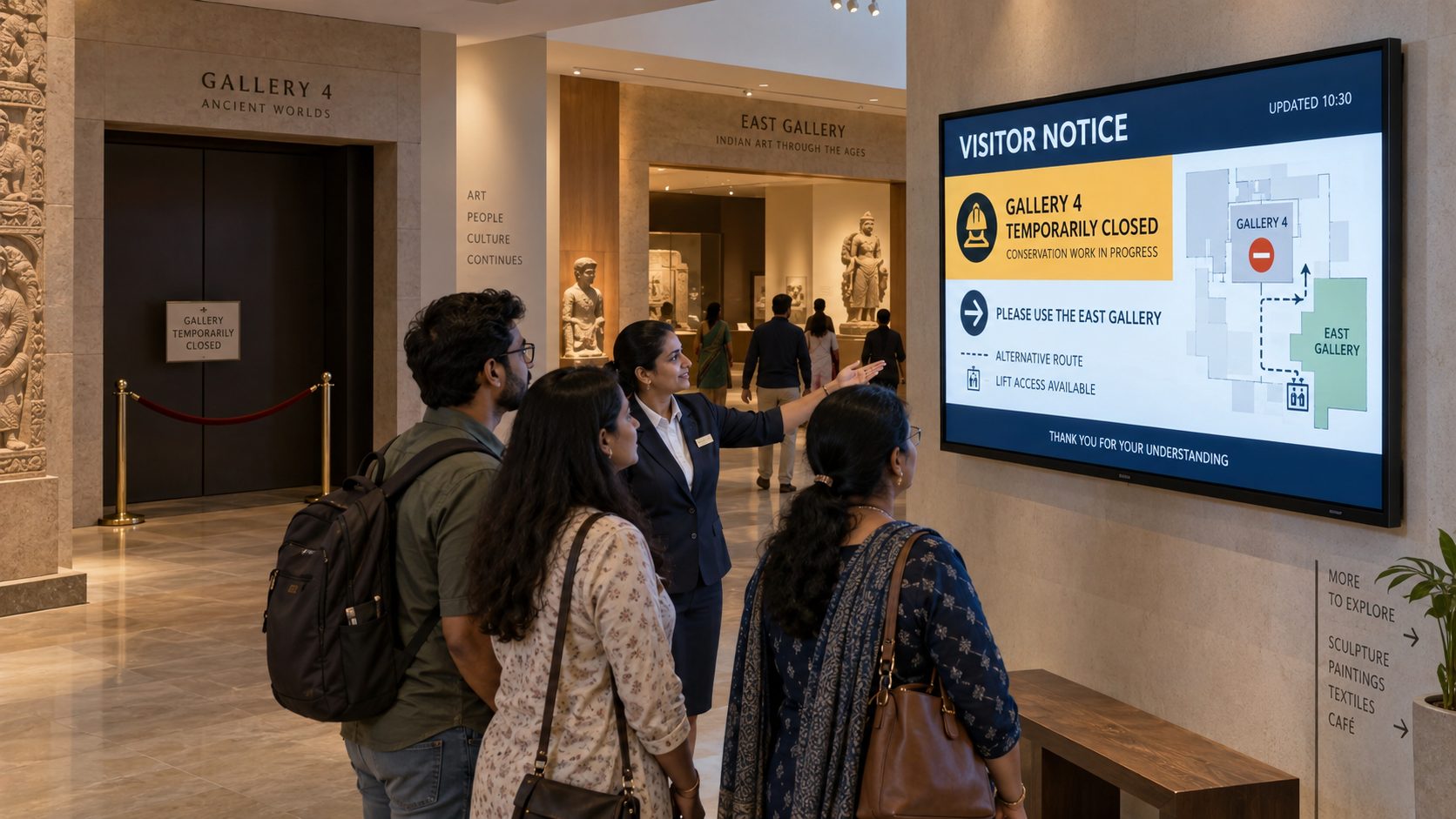
Help visitors choose a route with confidence. Show floors, galleries, amenities, accessible facilities and current closures at key decision points.
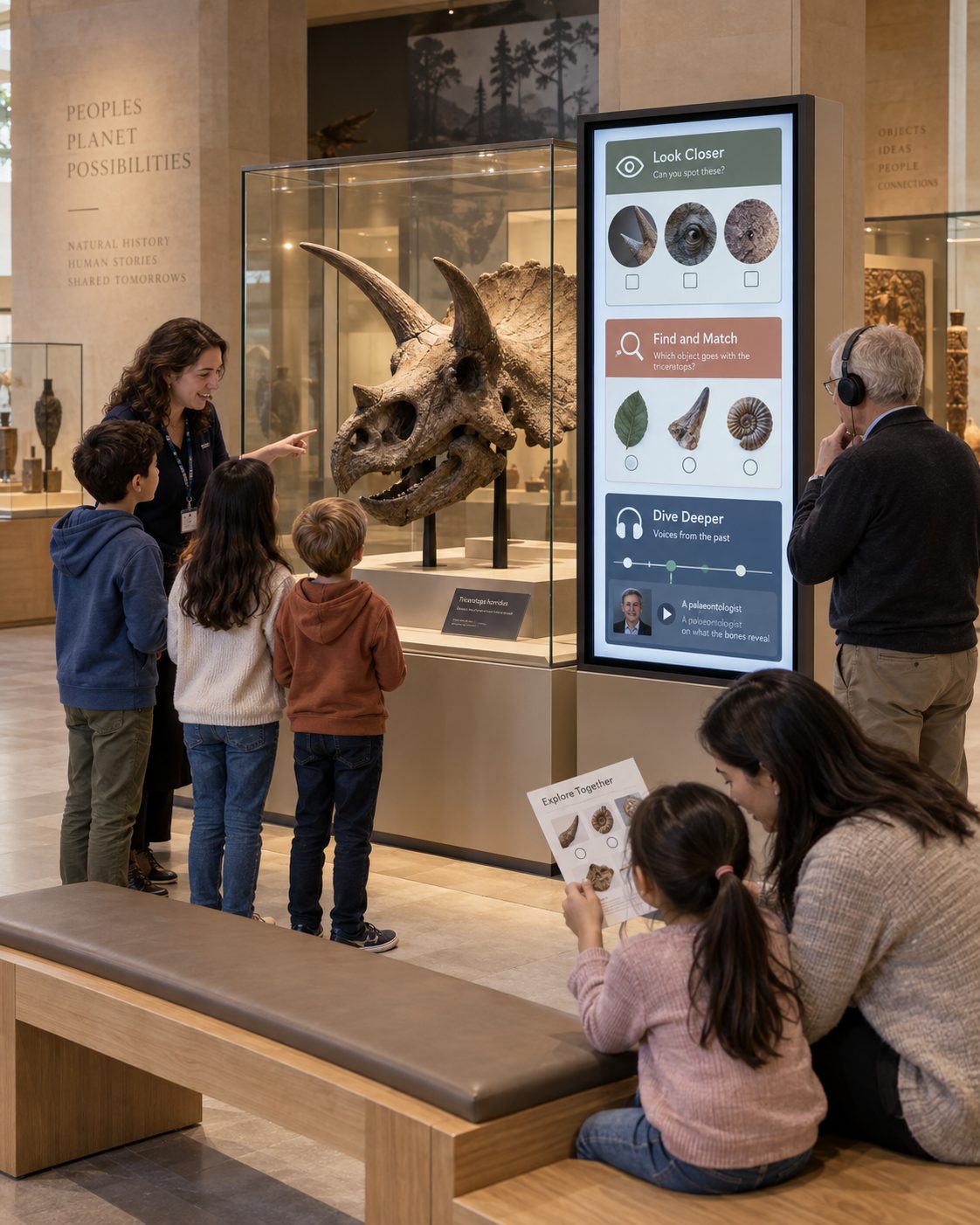
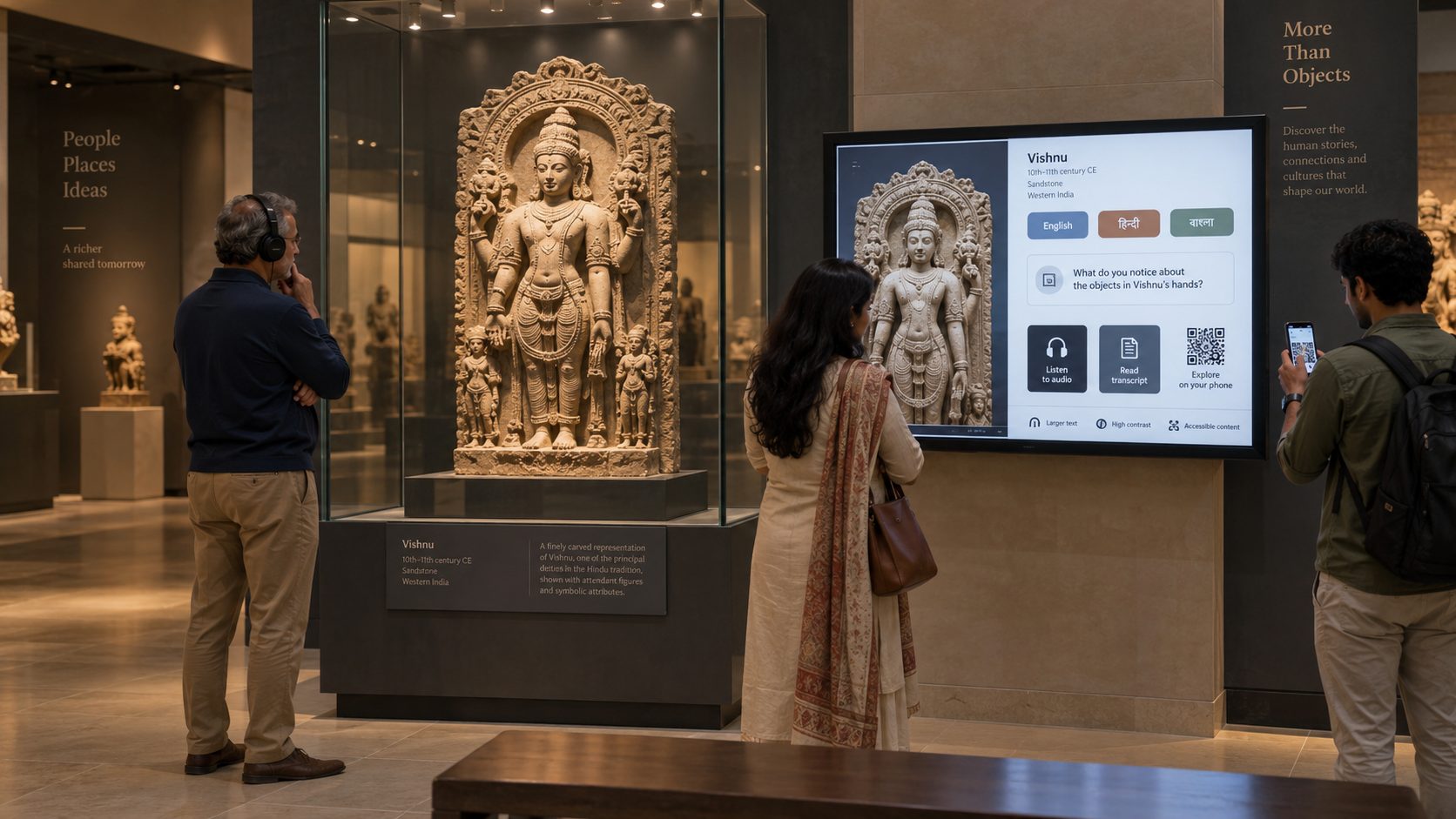
Create more ways into the collection. Support school groups, families and lifelong learners with age-appropriate prompts and resources.
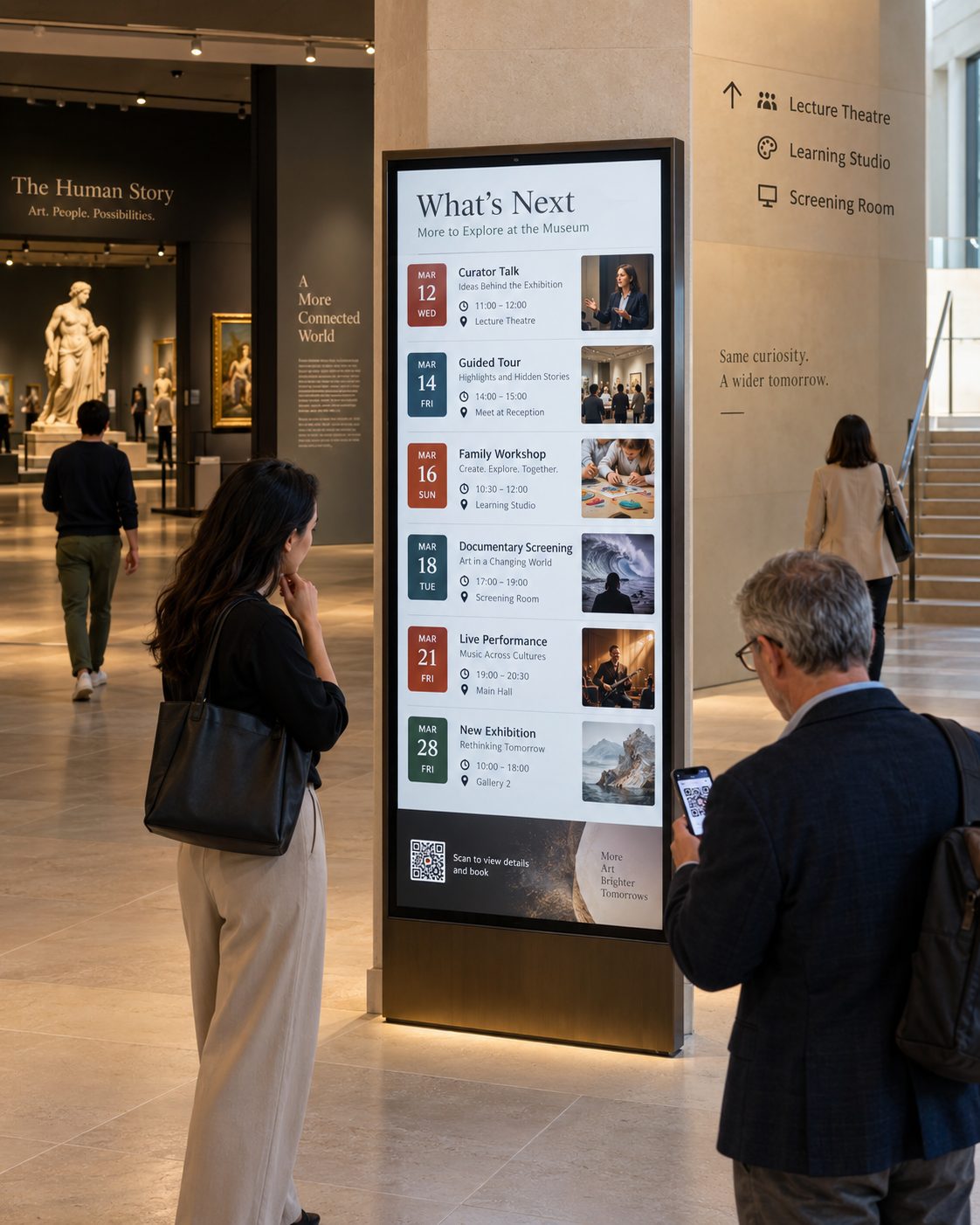
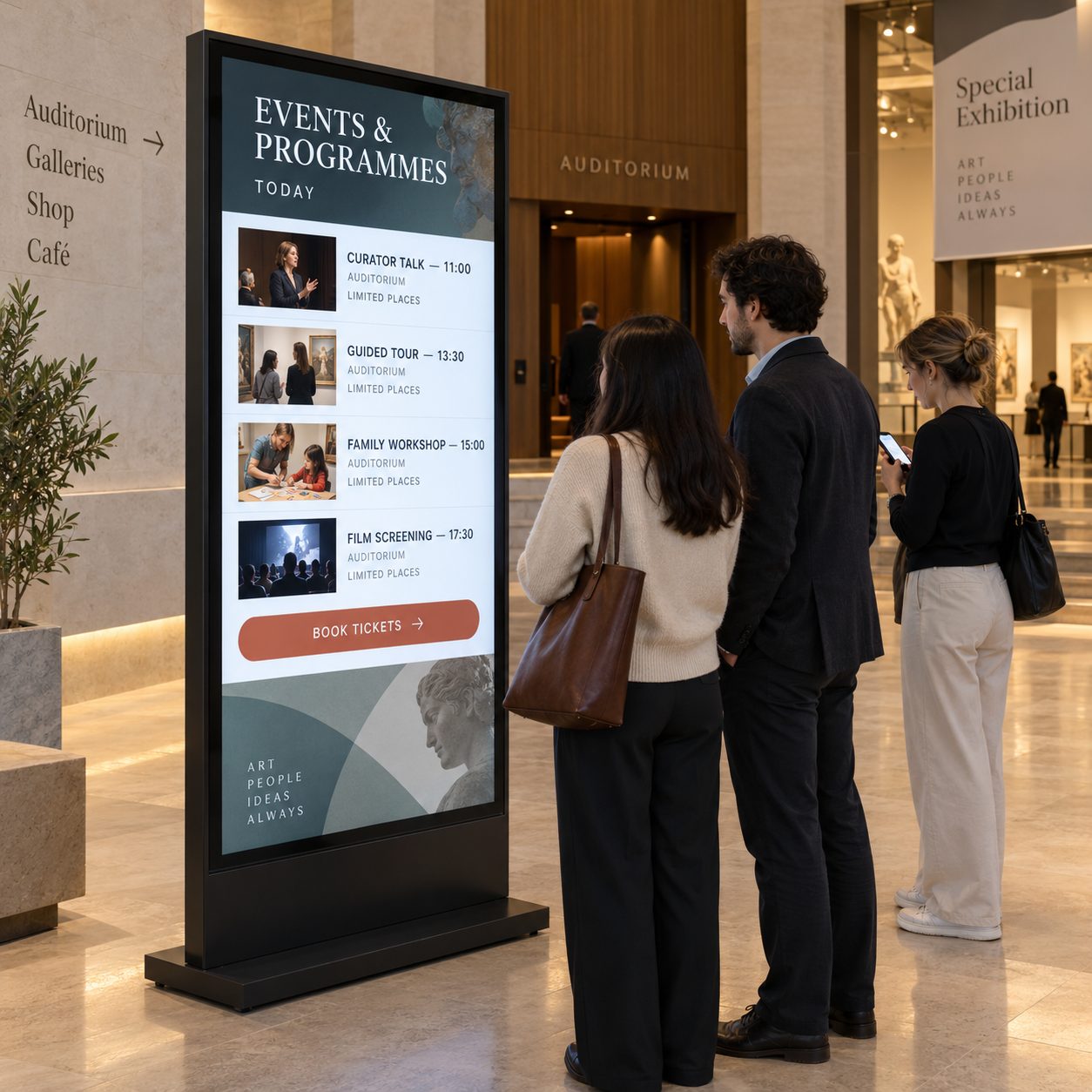
Connect exhibitions with what happens next. Promote talks, tours, workshops, screenings, performances and temporary exhibitions by date and location.
THE CONNECTED MUSEUM VISIT
Use each stage of the visit to answer a different question and invite a meaningful next step.
MUSEUM DIGITAL SIGNAGE USE CASES
Switch between interpretation, access, programming and institutional communication.
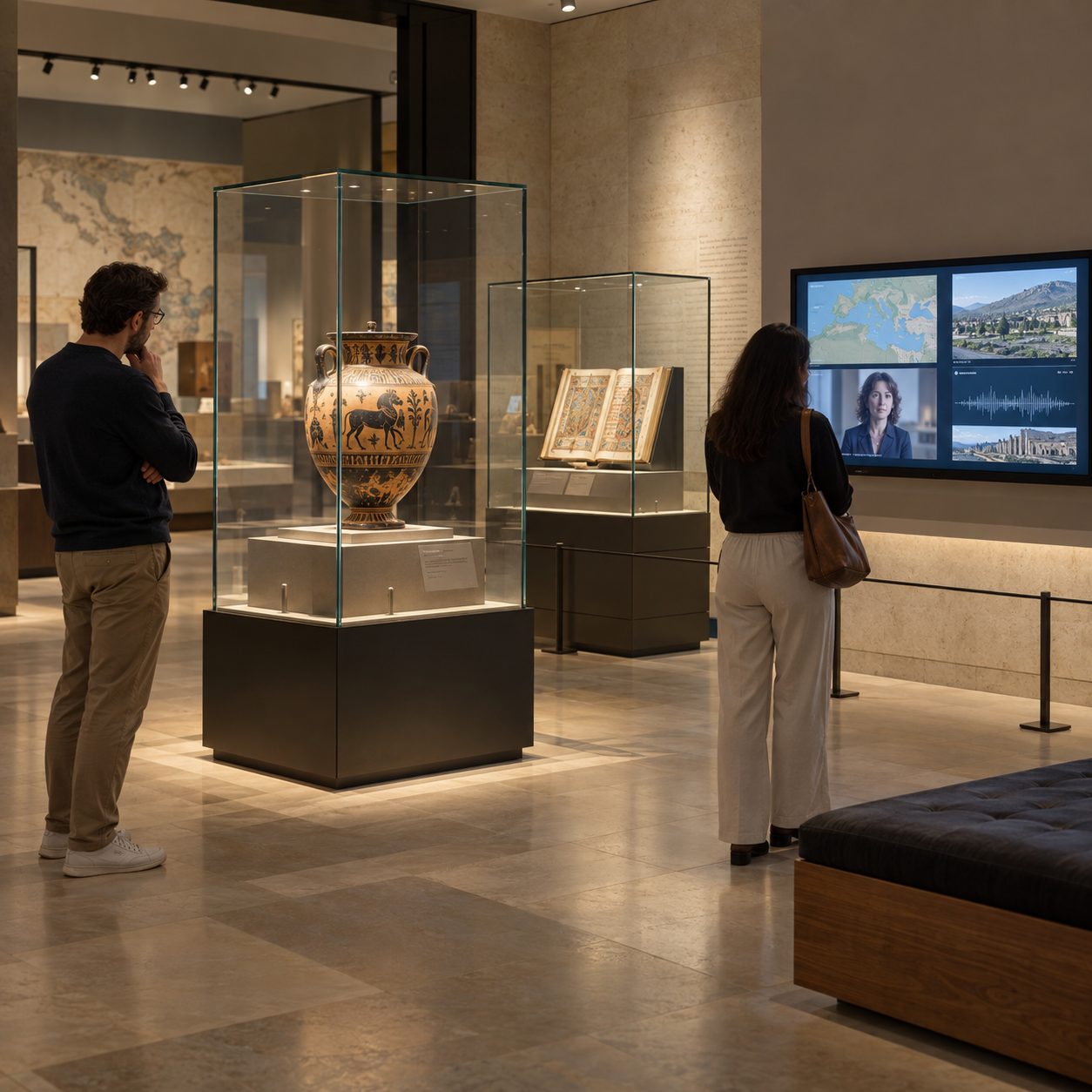
Introduce themes, show contextual film, animate maps and timelines, or share approved curator and community voices. Content should follow the museum's interpretive, rights and conservation policies.
Design motion, brightness, sound and dwell time around the character of the collection and the needs of the audience.
FROM ISOLATED MEDIA PLAYERS TO A MANAGED MUSEUM NETWORK
Compare manually maintained displays with a centrally managed museum digital signage workflow.
| Museum communication need | Printed Signs or Standalone Players | Signmitra Museum Digital Signage |
|---|---|---|
| Exhibition content updates | Replace locally | Publish remotely |
| Programme start and expiry | Track dates manually | Schedule automatically |
| Gallery targeting | Separate device workflow | Use location groups |
| Multilingual variants | Reprint each version | Schedule approved variants |
| Rich media | Primarily static | Images, video and supported web content |
| Multi-site governance | Fragmented processes | Shared roles and standards |
| Remote player visibility | Inspect in person | Review player status |
Printed Signs or Standalone Players
Replace locallySignmitra Museum Digital Signage
Publish remotelyPrinted Signs or Standalone Players
Track dates manuallySignmitra Museum Digital Signage
Schedule automaticallyPrinted Signs or Standalone Players
Separate device workflowSignmitra Museum Digital Signage
Use location groupsPrinted Signs or Standalone Players
Reprint each versionSignmitra Museum Digital Signage
Schedule approved variantsPrinted Signs or Standalone Players
Primarily staticSignmitra Museum Digital Signage
Images, video and supported web contentPrinted Signs or Standalone Players
Fragmented processesSignmitra Museum Digital Signage
Shared roles and standardsPrinted Signs or Standalone Players
Inspect in personSignmitra Museum Digital Signage
Review player statusCollection data, ticketing, interactive exhibits, audio guides, maps and other specialist experiences require compatible systems, rights review and separately scoped integration work. Review Your Museum Requirements
PLAN CONTENT WITH CURATORIAL CONTROL
Select a capability to see how interpretation, visitor services and technology teams can work from one governed system.
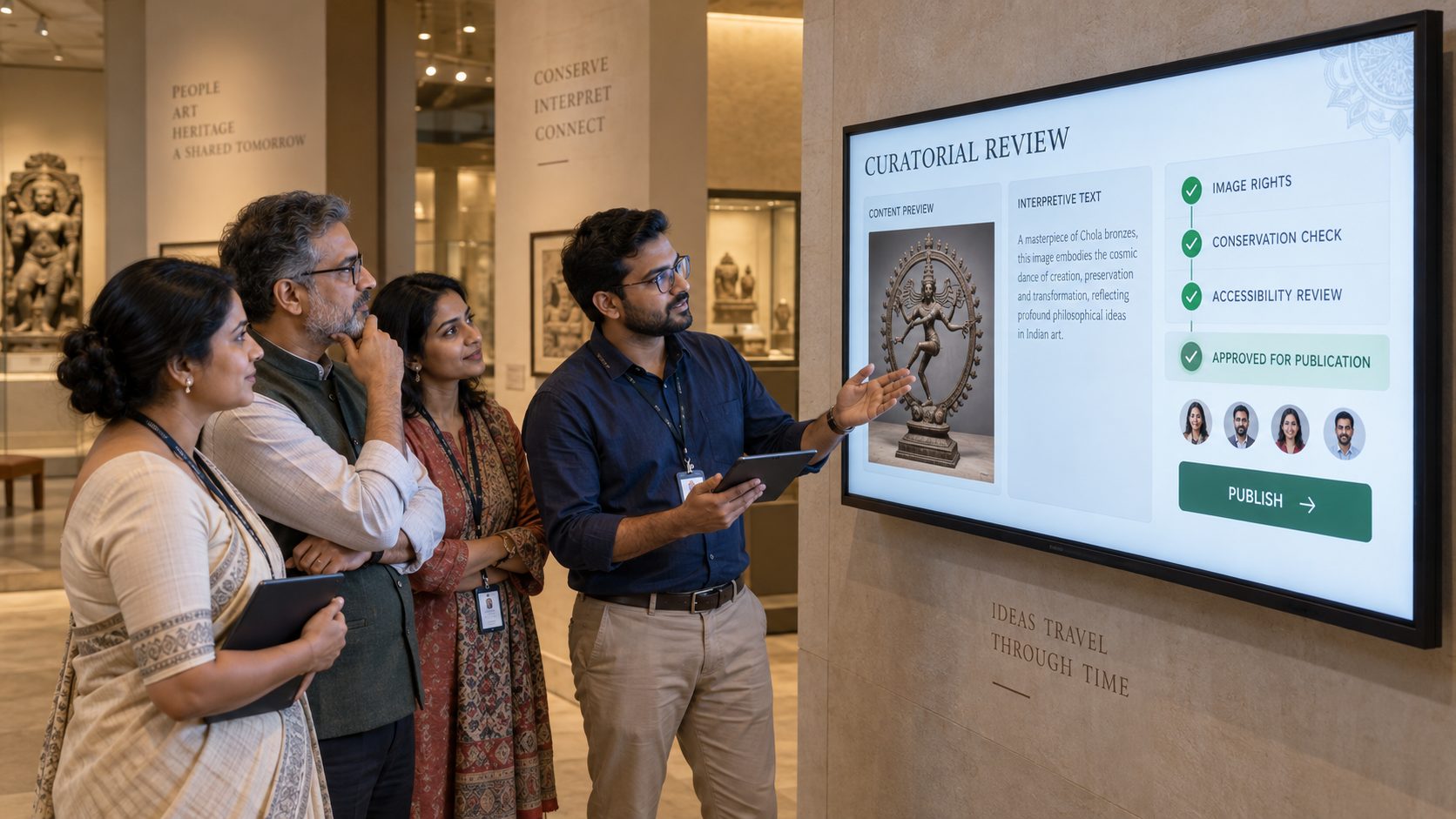
Curatorial approval. Keep interpretive text, imagery, rights and publication decisions within an agreed review process.
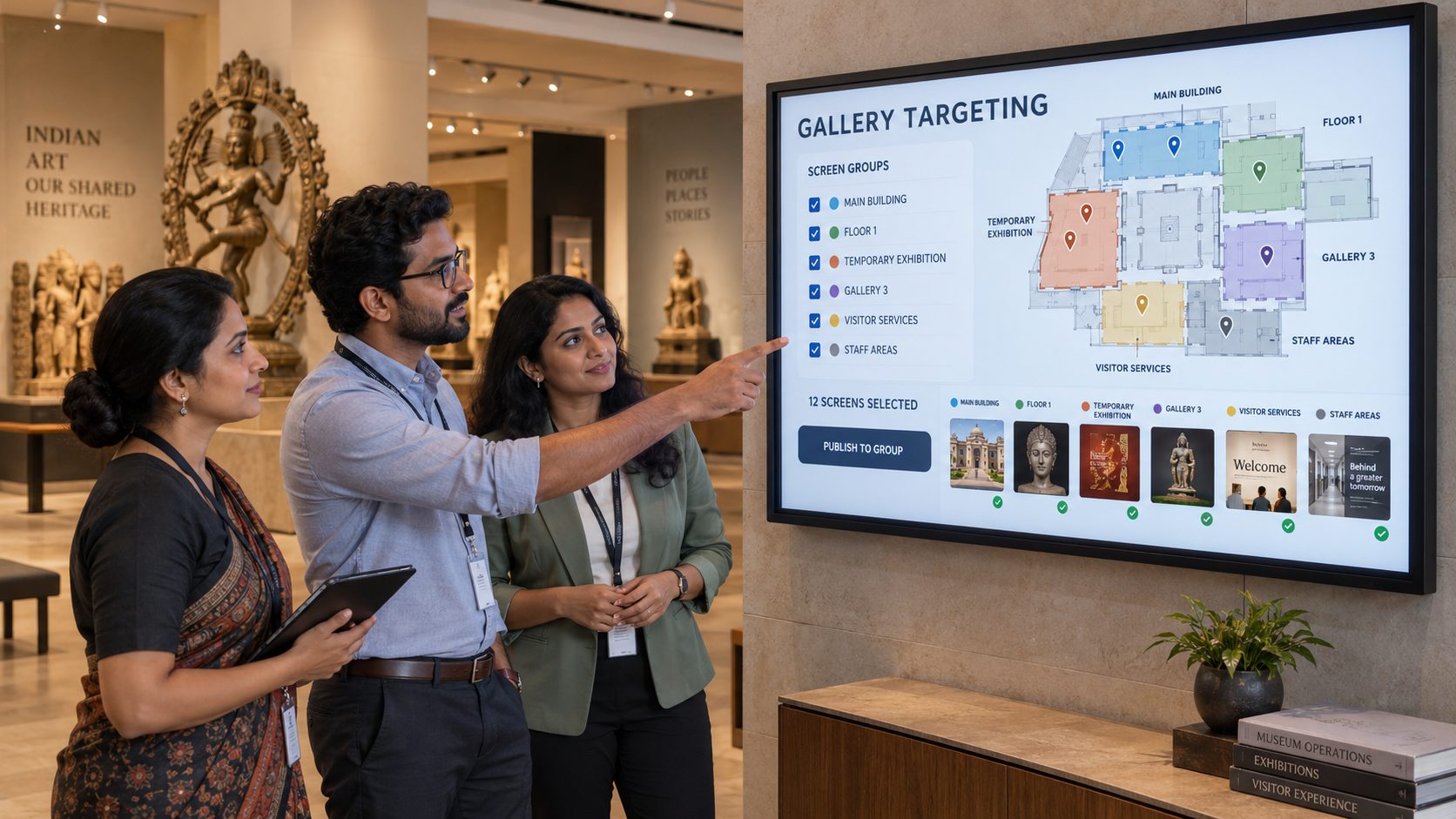
Gallery targeting. Group screens by building, floor, exhibition, gallery, visitor-services zone or staff area.
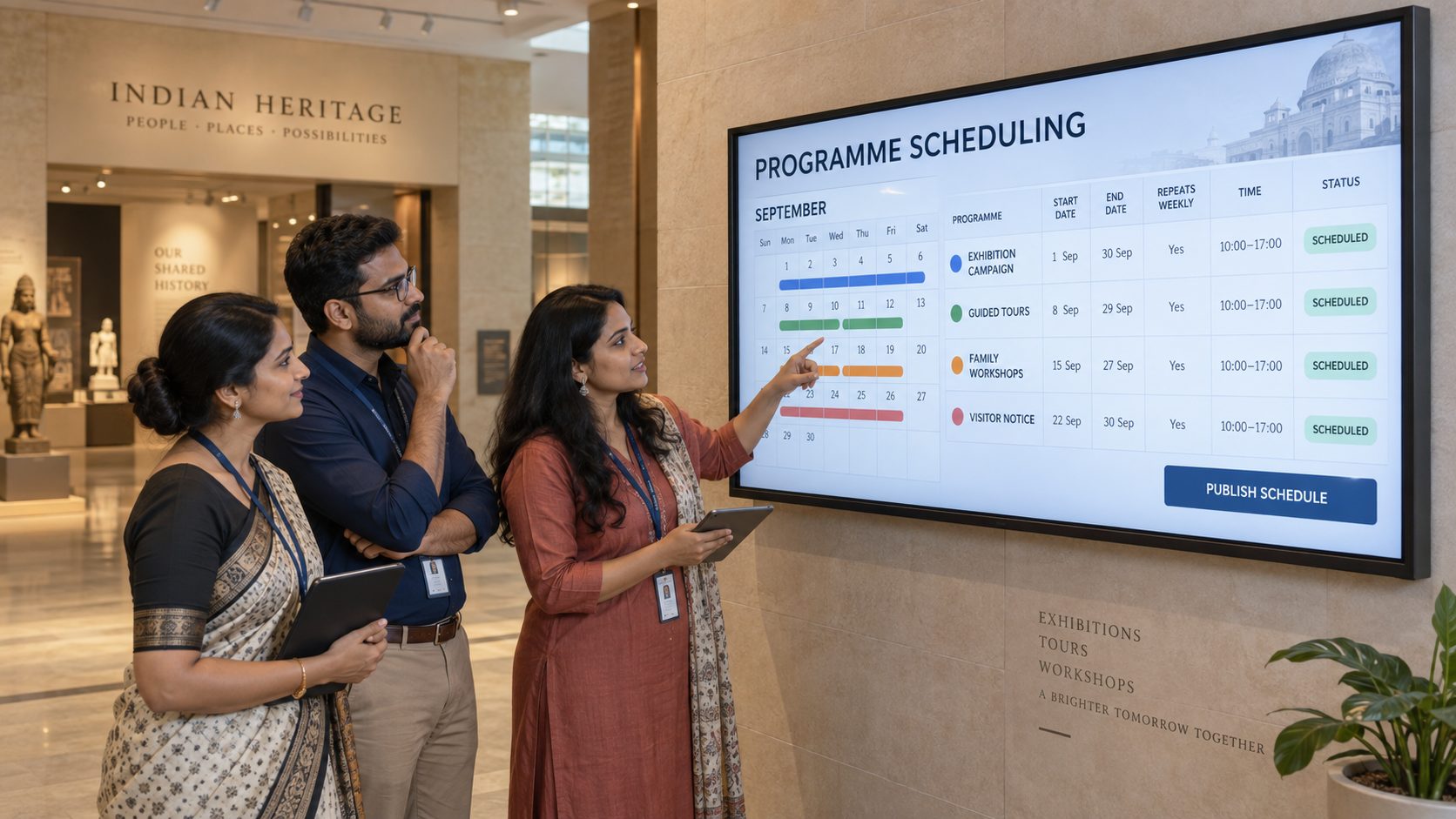
Programme scheduling. Set campaign dates and recurring time windows for exhibitions, tours, workshops and visitor notices.
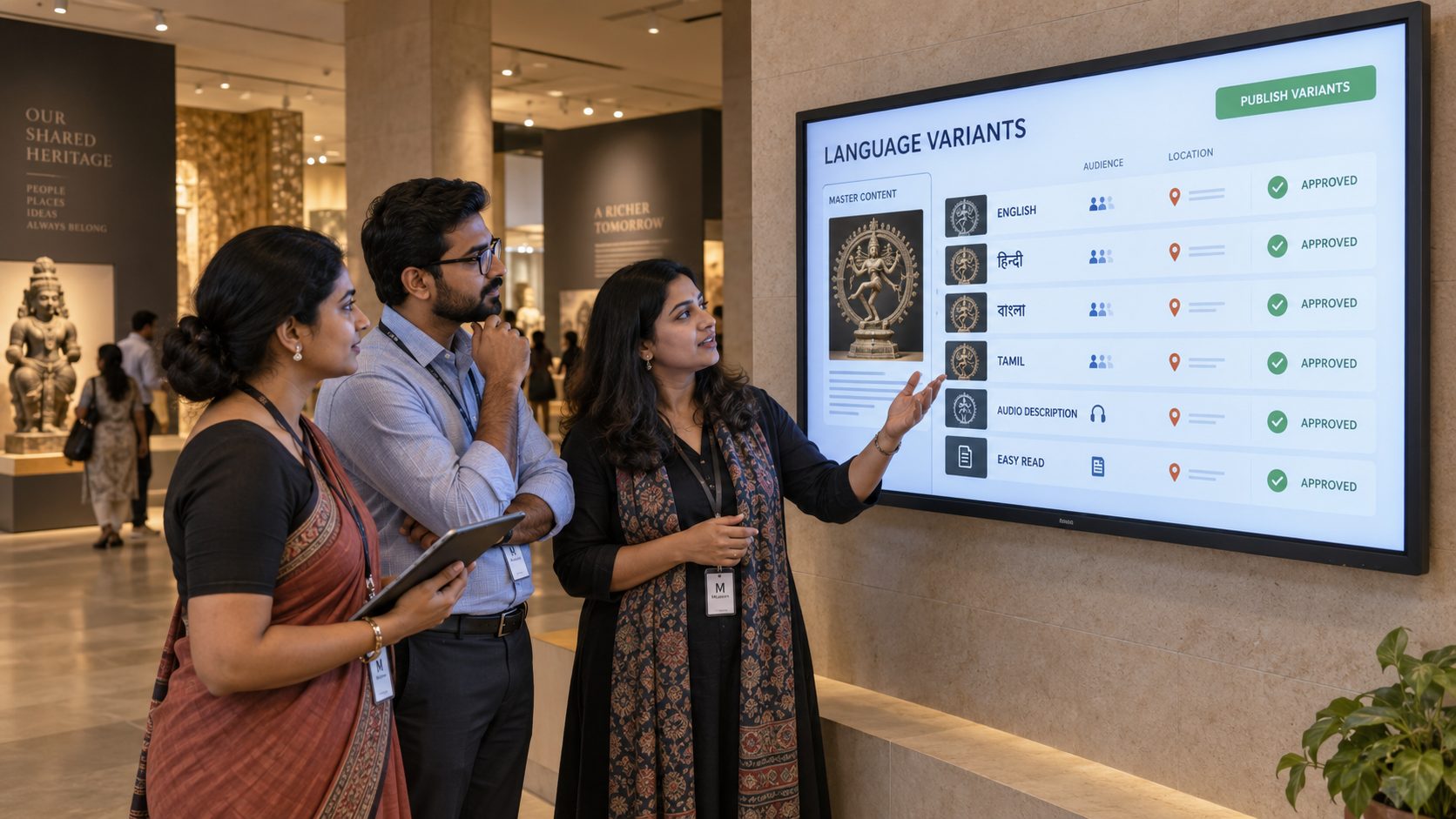
Language variants. Manage approved translations and alternative content versions appropriate to the audience and location.
Operational notices. Publish approved gallery changes, closures and visitor guidance promptly without replacing every sign by hand.
A RESPONSIBLE MUSEUM SIGNAGE ROLLOUT
Begin with the audience and collection, then prove the technology in a representative visitor journey.
Identify where a screen should orient, interpret, inform or invite a next action.
Assign ownership for interpretation, rights, translations, programmes and visitor notices.
Review placement, brightness, motion, sound, readability, access and conservation conditions.
Validate displays, players, networks, schedules and any specialist sources in a pilot area.
Monitor players, remove expired content and maintain clear curatorial and technical support roles.
MUSEUM SCREEN-MANAGEMENT CAPABILITIES
Keep approved media, scheduling and screen operations manageable across galleries and sites.
Cloud content management. Manage media, playlists, schedules and displays through a browser-based CMS.
Gallery and site groups. Organize screens by museum, building, floor, exhibition or communication zone.
Role-based access. Align curatorial, learning, communications and operations access with responsibility.
Programme scheduling. Set content by exhibition dates, weekdays, opening hours and event times.
Content variants. Create approved language and audience versions for relevant screen locations.
Accessible media support. Publish captioned video and readability-conscious content within a broader access plan.
Multi-zone layouts. Combine interpretation, maps, notices and supported media in structured compositions.
Offline playback. Previously downloaded media can continue through a temporary network interruption.
Remote player status. Identify displays that may need attention while retaining an appropriate gallery support plan.
MUSEUM DIGITAL SIGNAGE FAQ
Practical answers for curatorial, interpretation, learning, visitor-services and technology teams.
Tell us about your visitor journey, exhibitions, maps, programmes, content approvals and current displays.
Start with one gallery or book a guided demo for a multi-site museum and heritage rollout.