
Shift-specific messages
Printed Boards & Standalone Screens
Changed locallyWith Signmitra Manufacturing Signage
Scheduled by shift and zoneConnect production floors, entrances, break rooms, warehouses and support areas with centrally managed digital signage. Publish approved safety communication, production KPIs, quality notices, shift updates and workforce campaigns across one plant or multiple manufacturing units.
VISIBLE COMMUNICATION FOR COMPLEX OPERATIONS
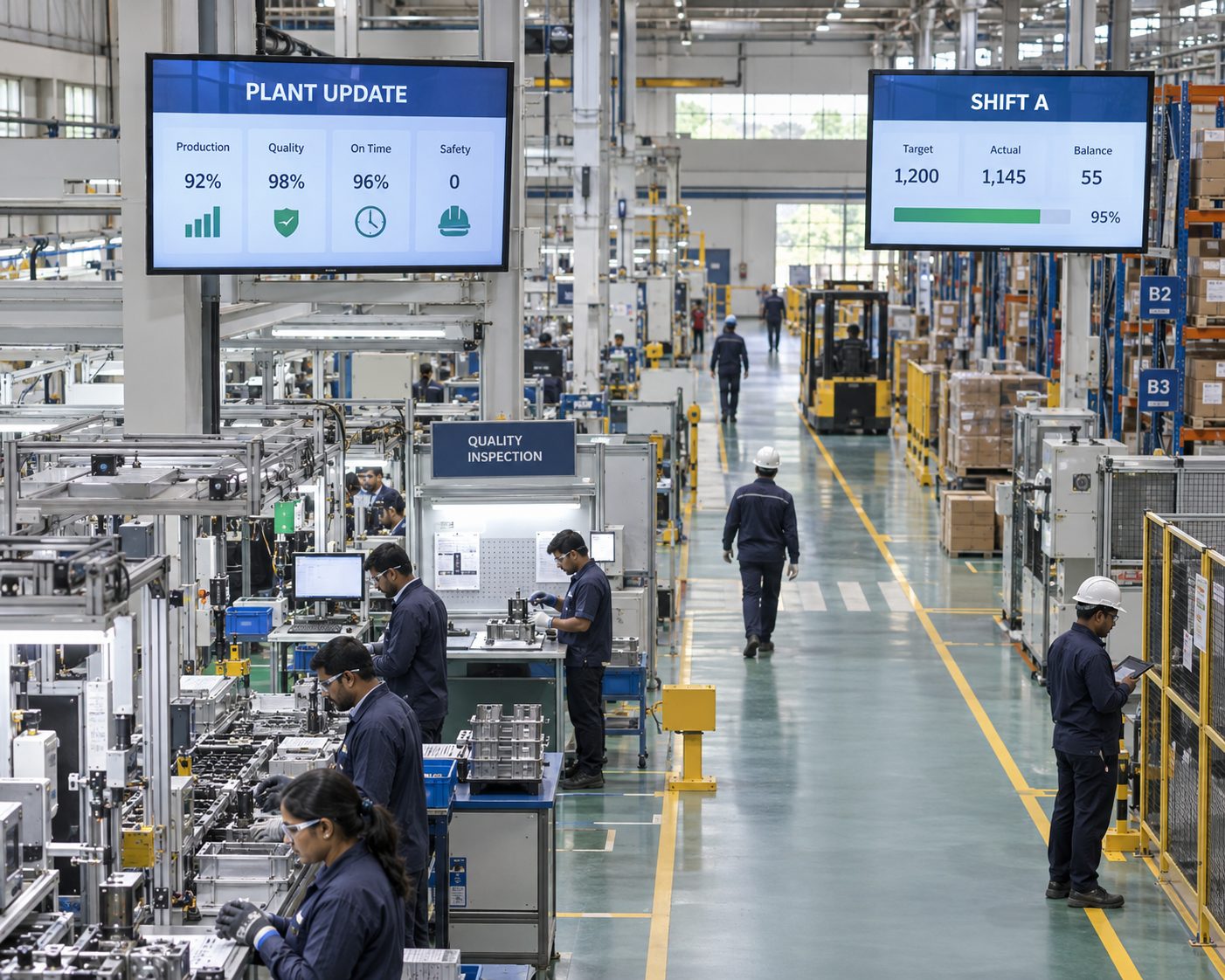
Manufacturing employees may work across production lines, warehouses, loading areas, quality stations and shared facilities without continuous access to email or an intranet. Digital signage adds a visible communication layer in the places where teams begin shifts, monitor operations and move between zones.
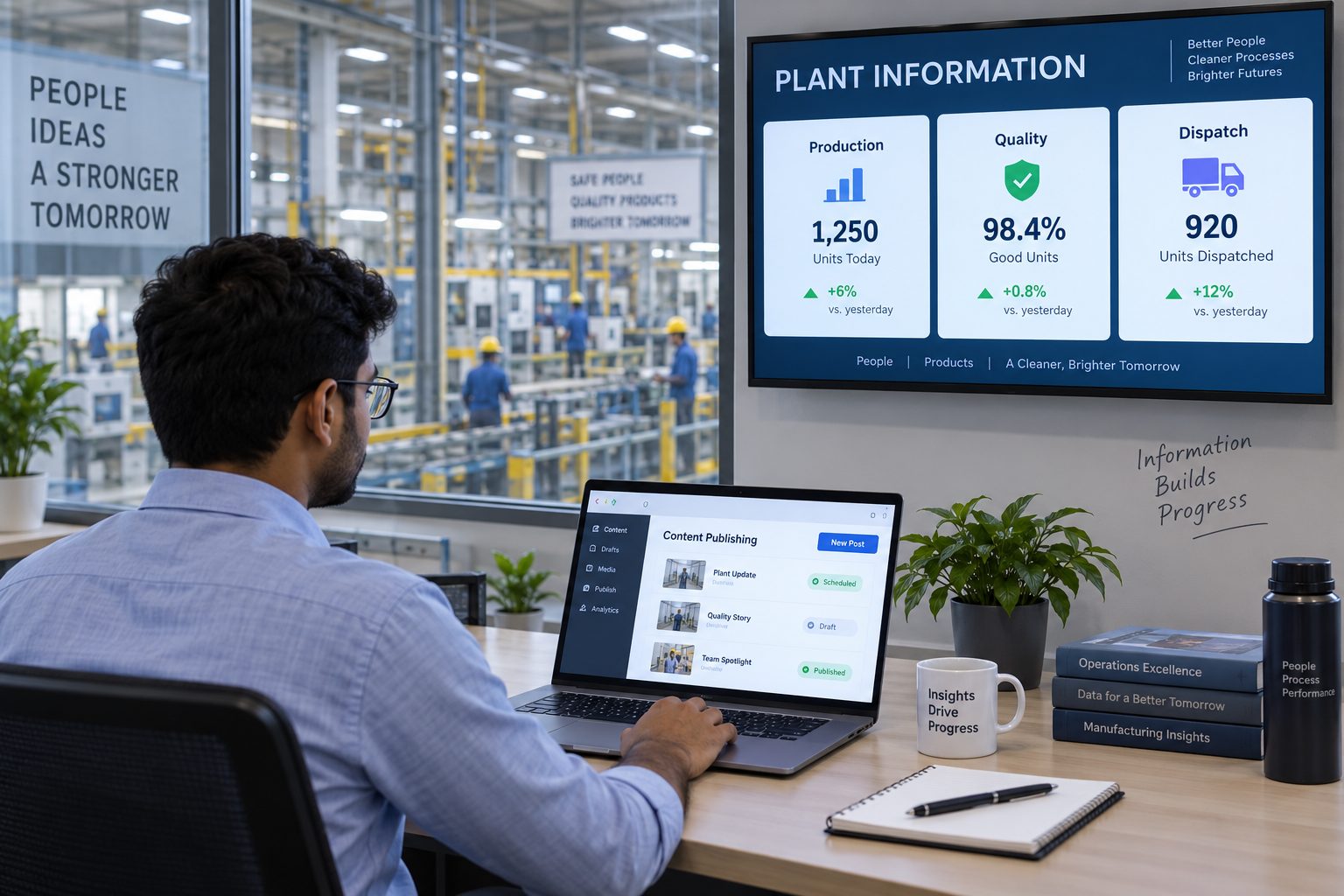
Signmitra helps authorized teams manage media, playlists, schedules and plant screen groups through one browser-based CMS. Use it to reinforce approved safety messages, display suitable production information, coordinate shift communication and keep workforce campaigns consistent across locations.
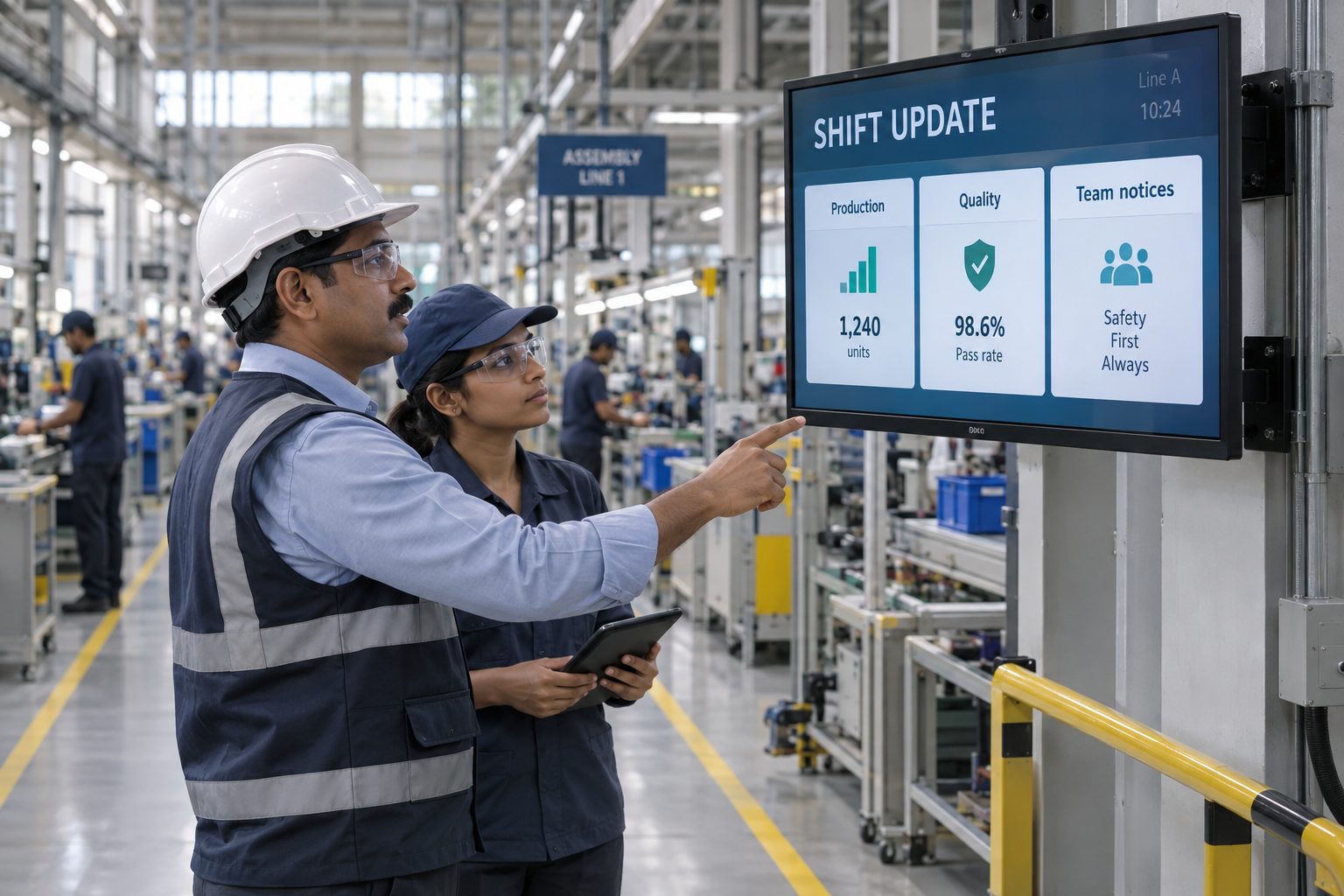
ONE COMMUNICATION LAYER ACROSS THE FACILITY
Give each screen a clear operational purpose without managing displays one at a time.
ONE NETWORK, TWO COMMUNICATION PRIORITIES
Keep the message appropriate to the audience, location and system of record.
FOR FRONTLINE TEAMS
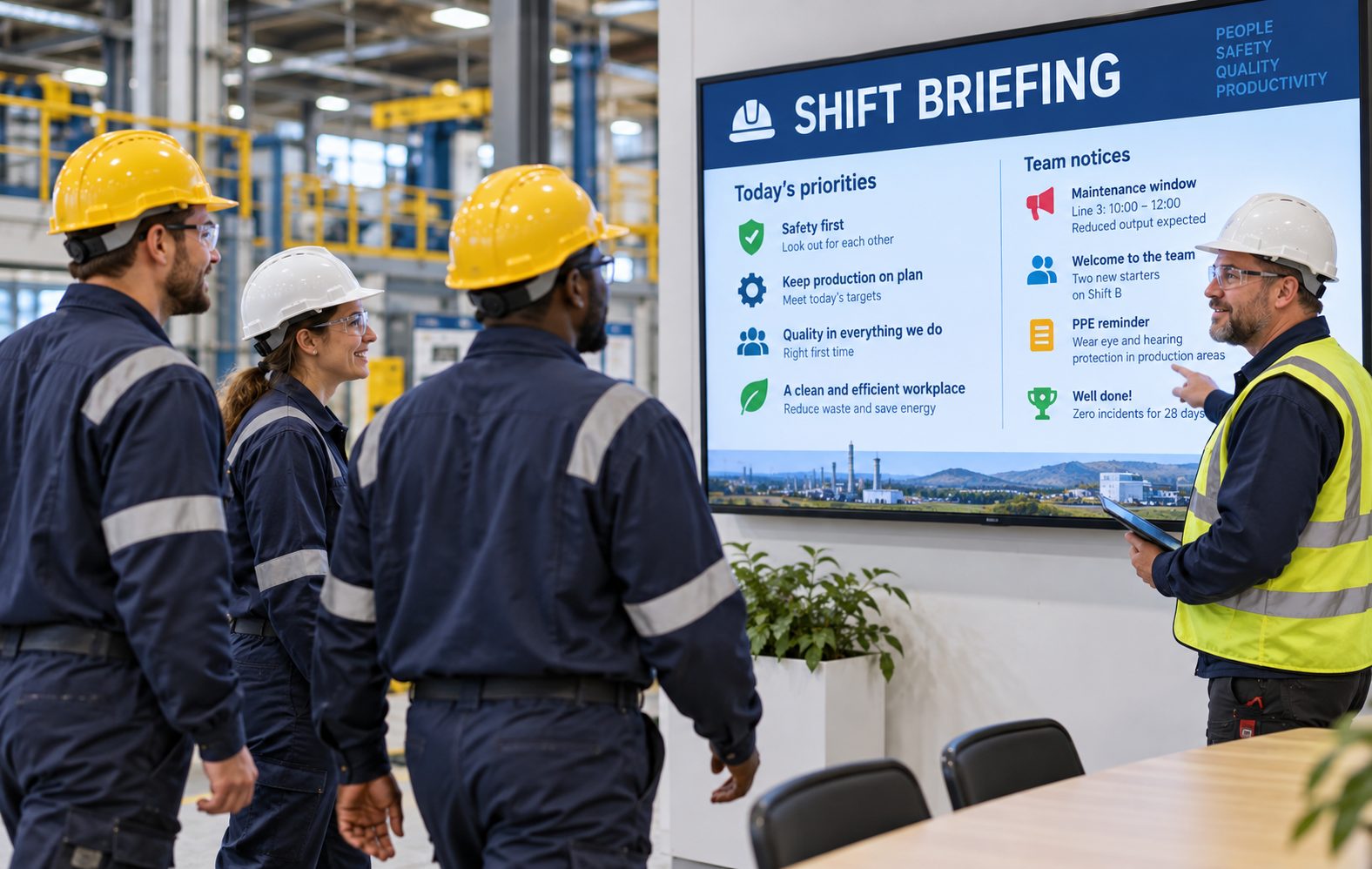
Use entrance, locker-area, break-room and production-zone screens for shift notices, safety awareness, training reminders, quality campaigns, recognition and operational updates.
FOR OPERATIONS LEADERS
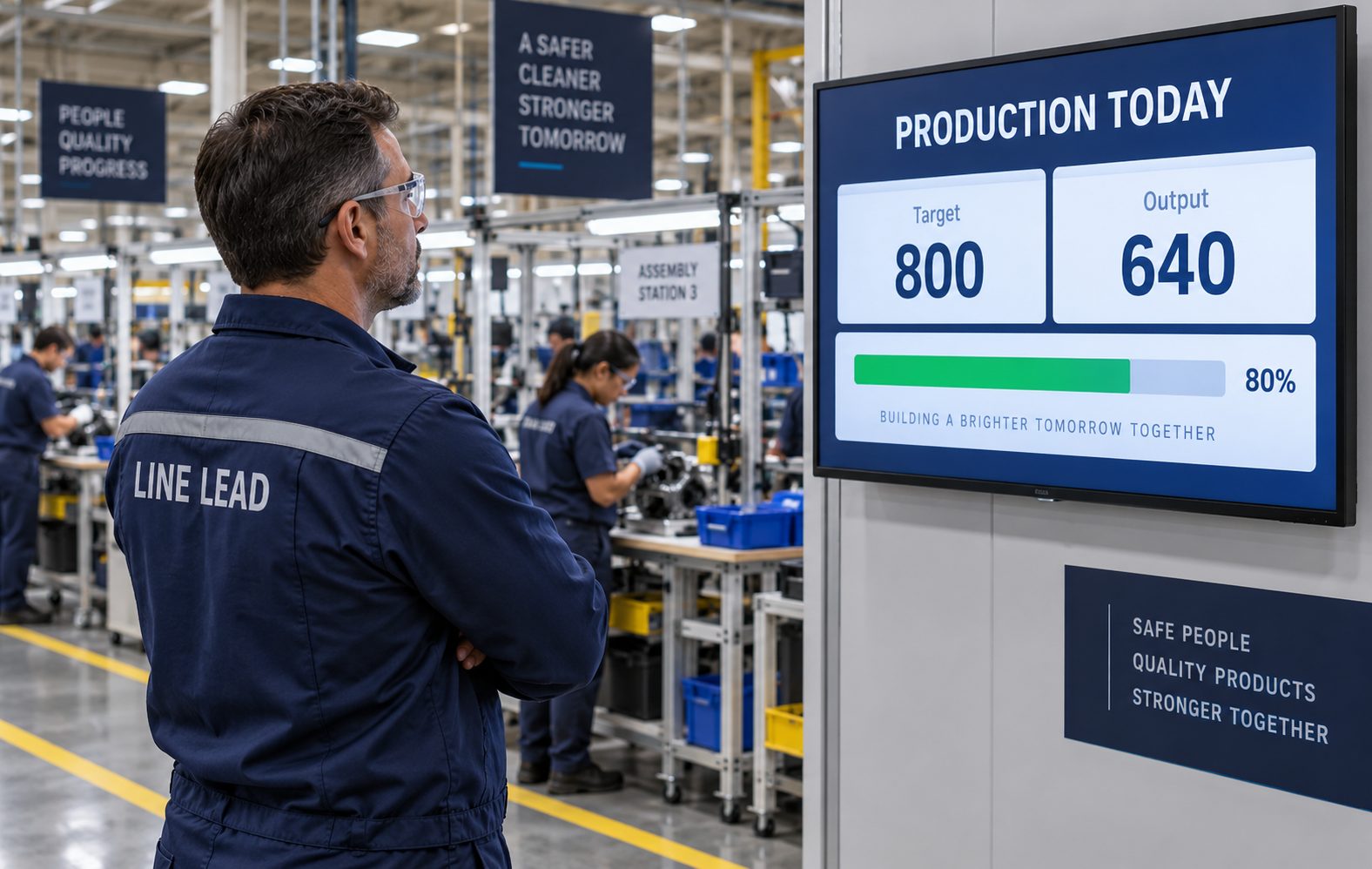
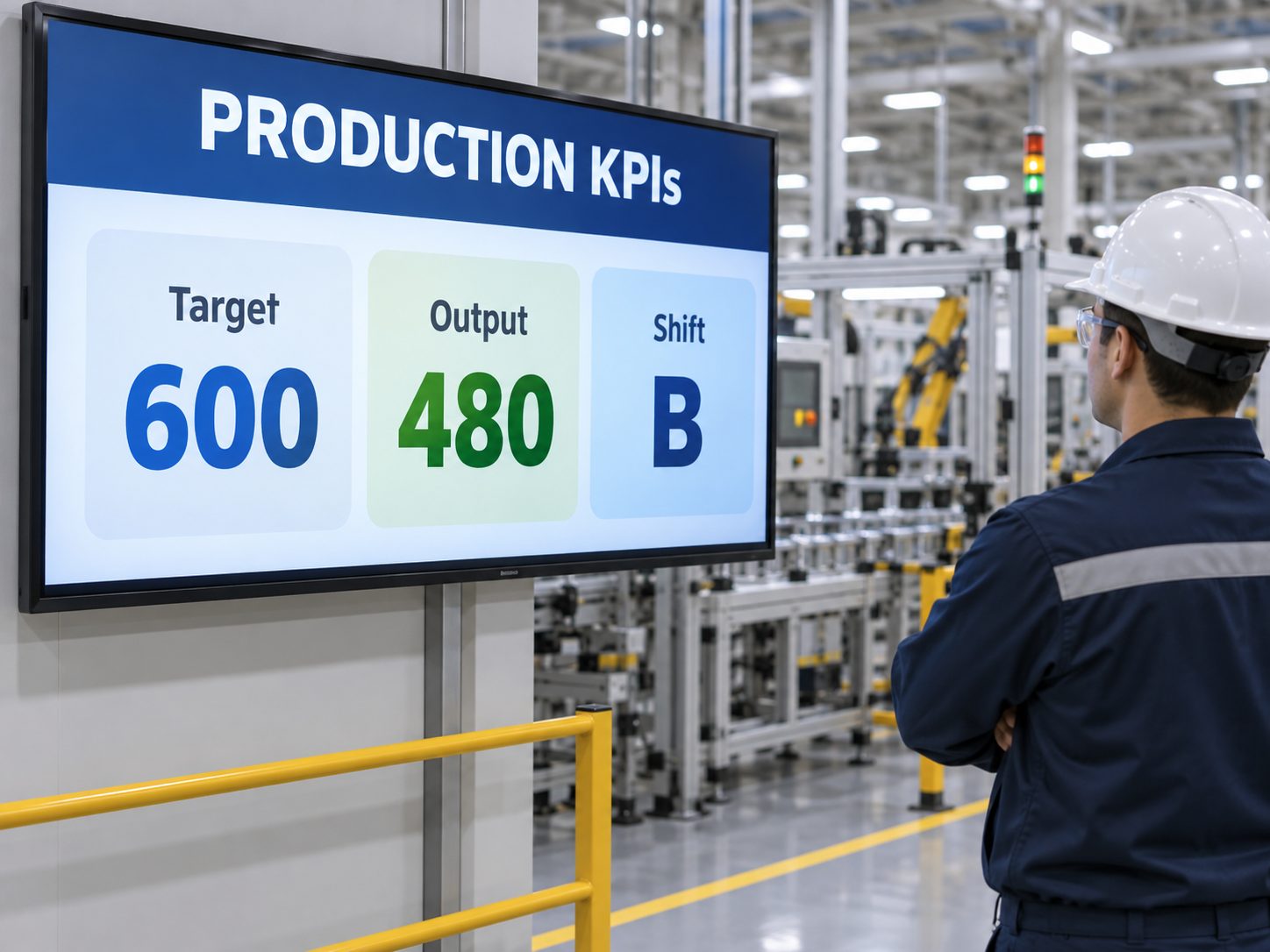
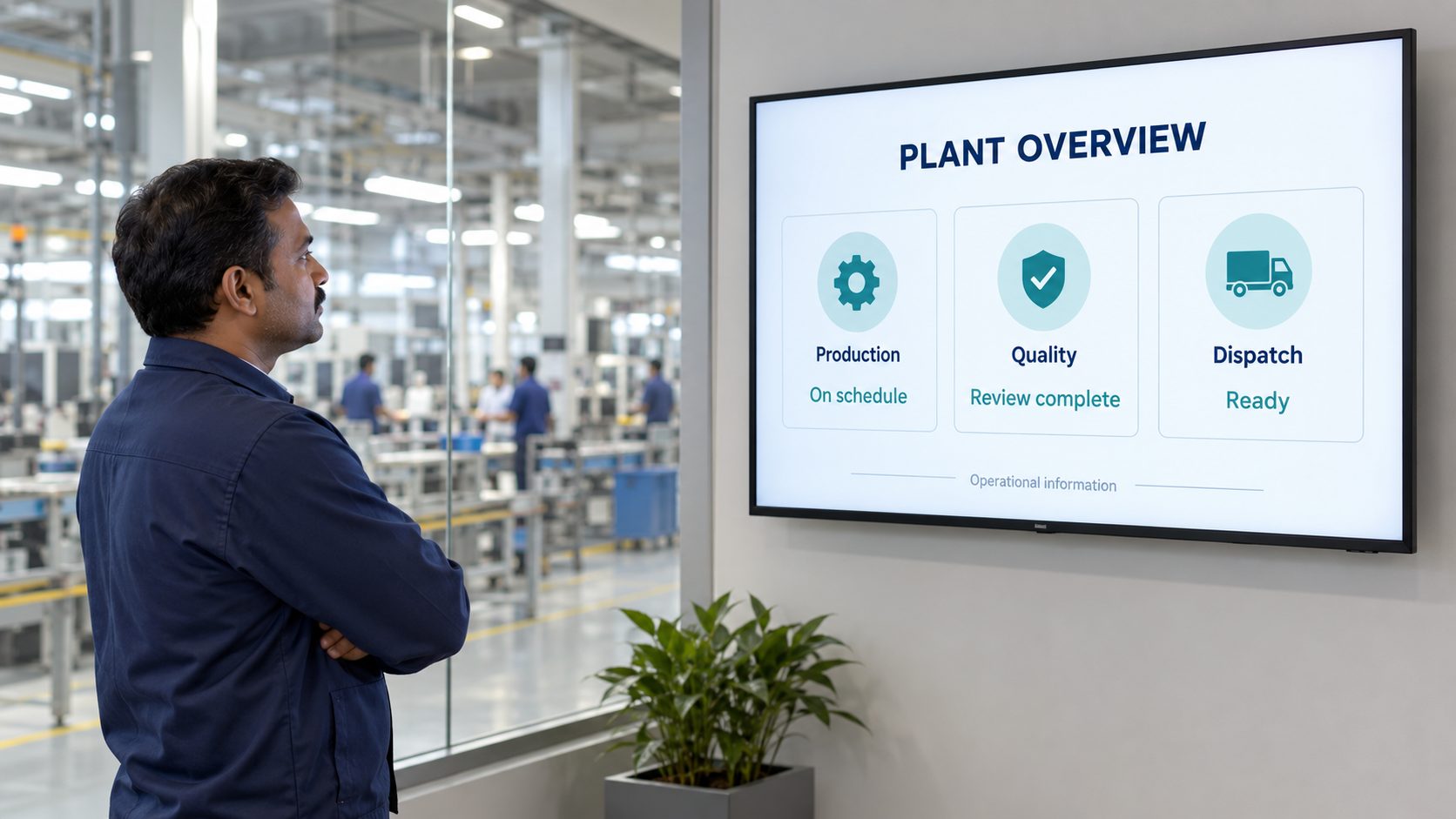
Use approved dashboards and data displays for targets, output, quality, downtime or logistics information relevant to the team in that area.
EXPLORE THE CONNECTED MANUFACTURING UNIT
Build content around the decisions, risks and responsibilities associated with each location.
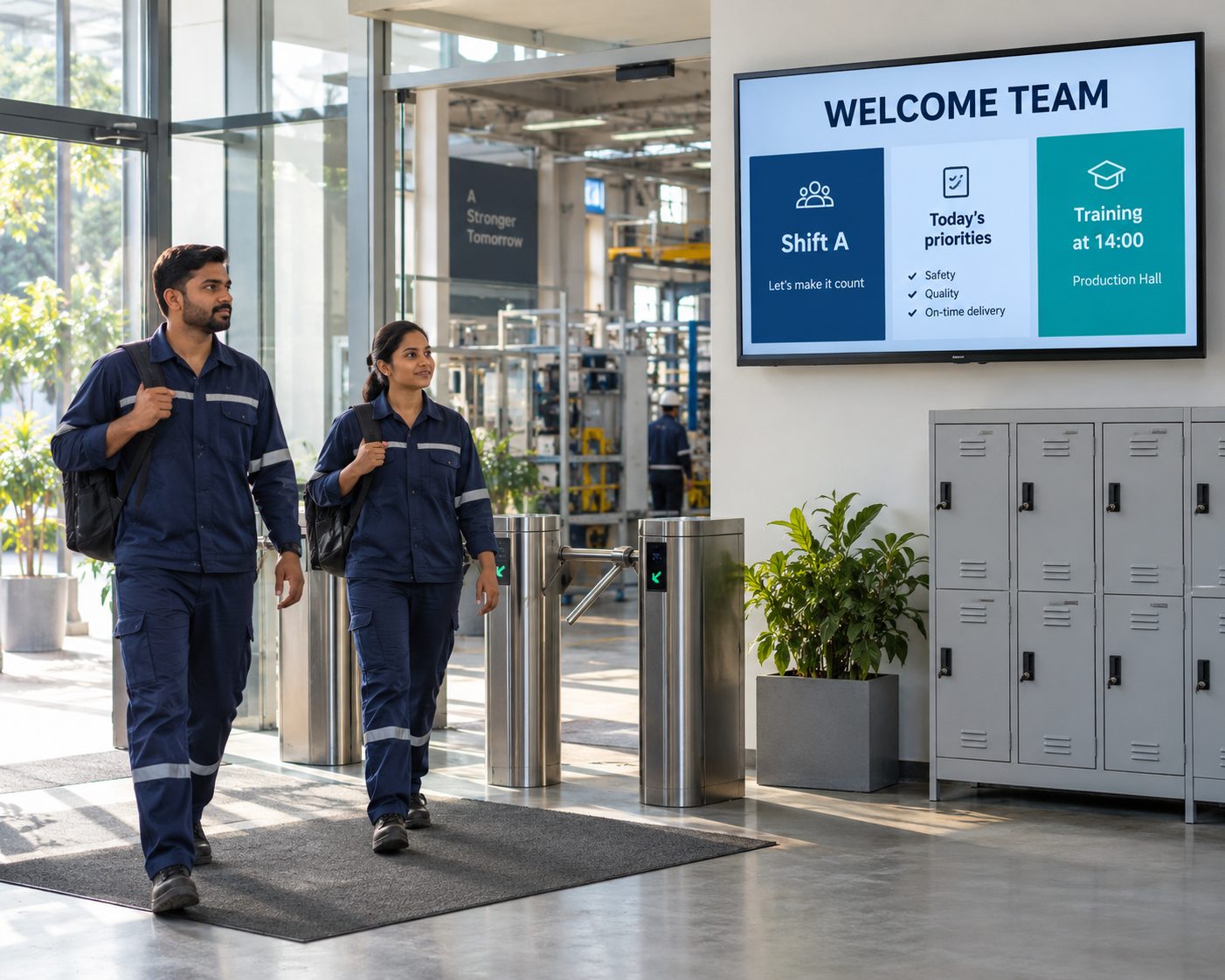
Entrances & shift-change points. Welcome teams with shift priorities, staffing guidance, approved safety messages, transport notices and organization-wide updates.
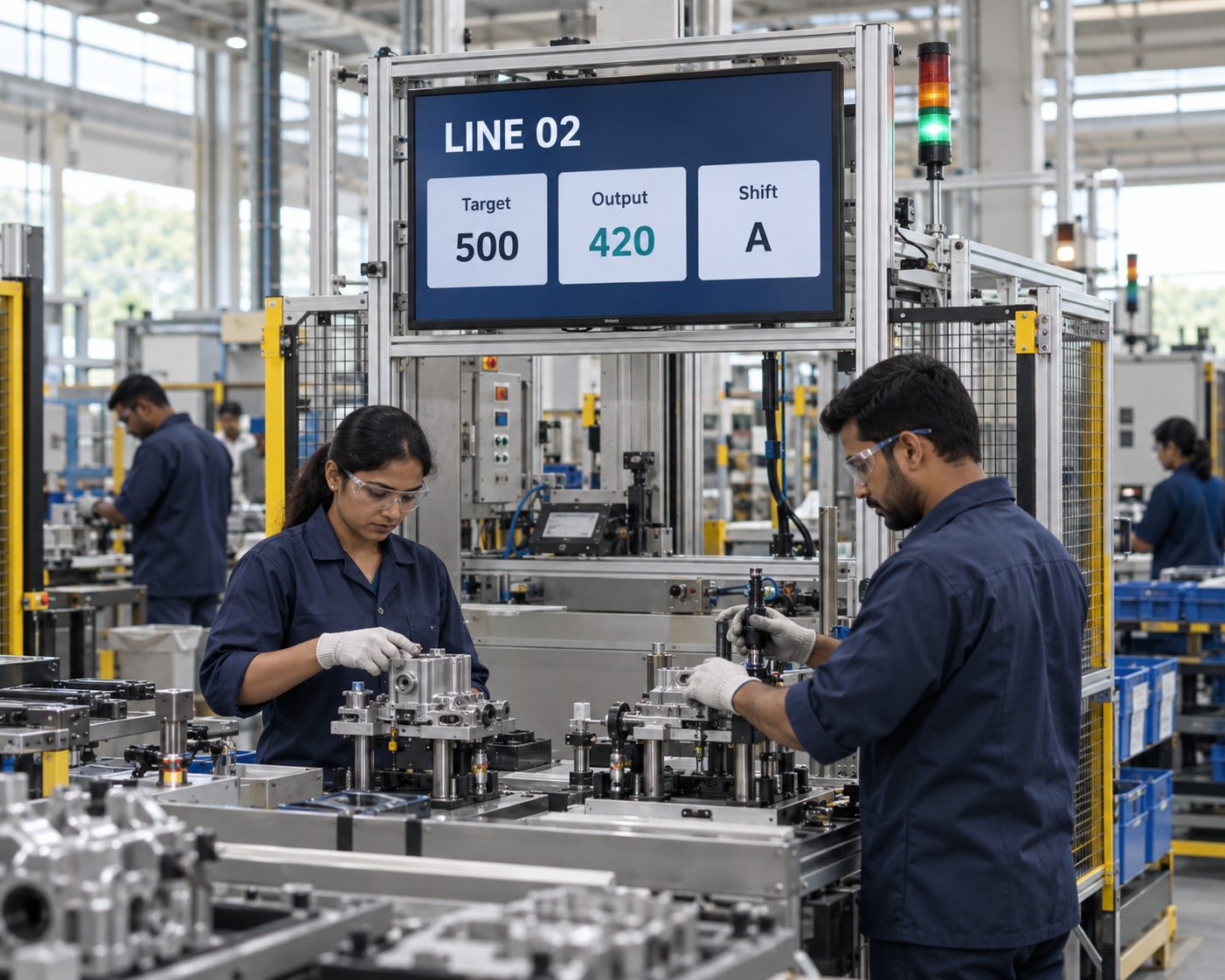
Production floors. Display suitable line targets, output summaries, downtime context, work-cell notices and approved standard-work reminders.
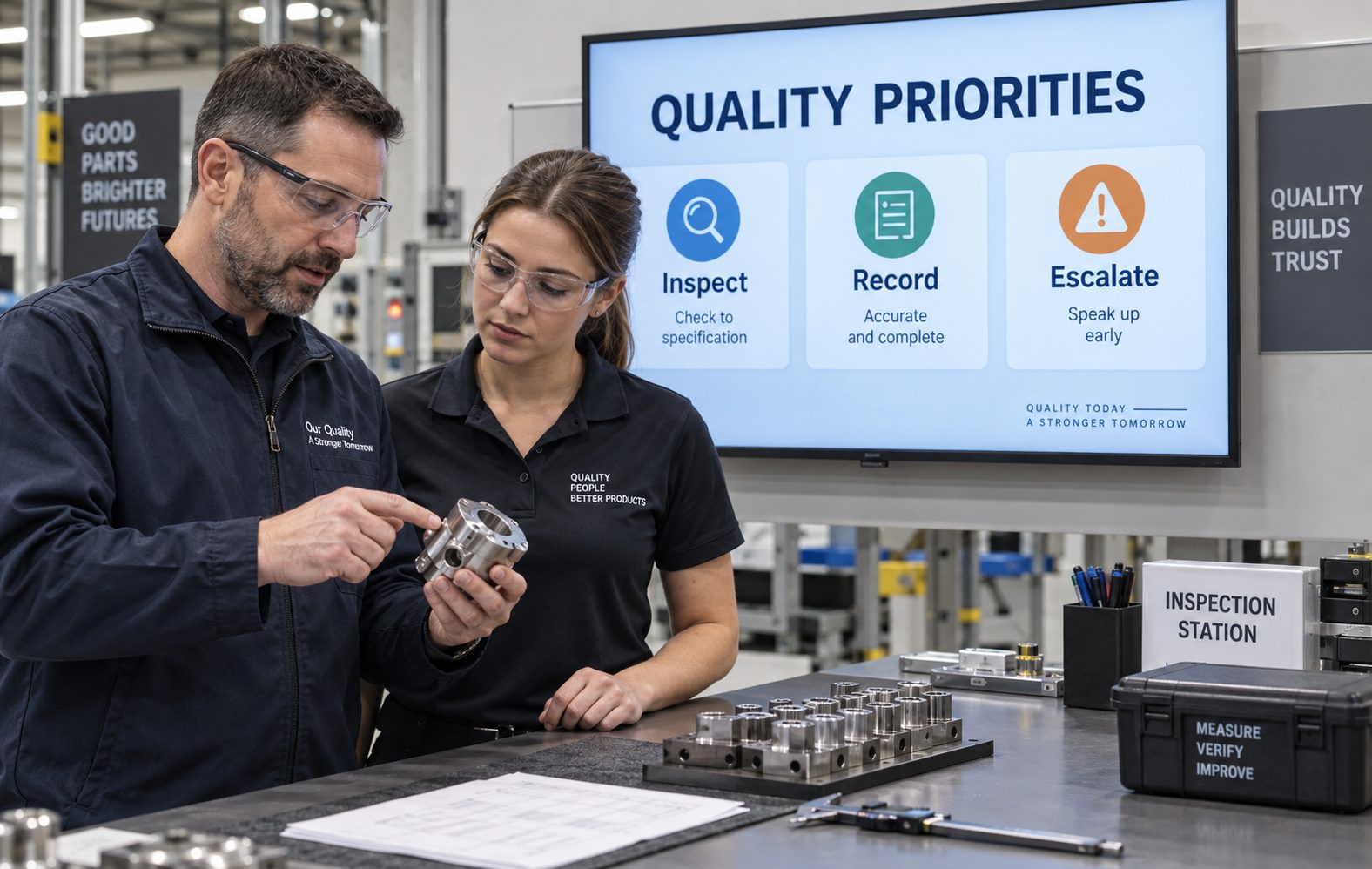
Quality stations. Reinforce approved quality campaigns, defect awareness, inspection priorities and escalation routes without replacing controlled procedures.

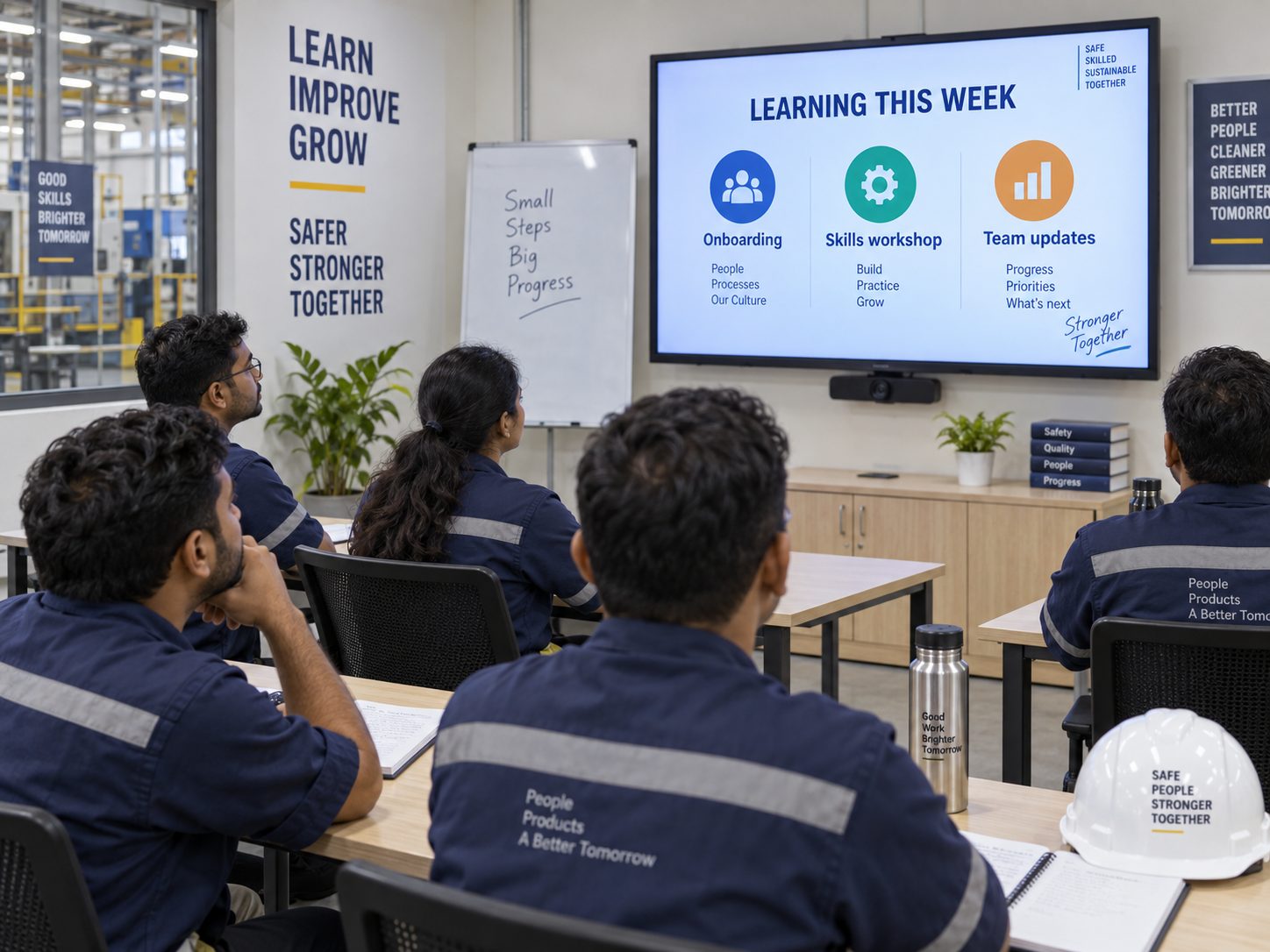
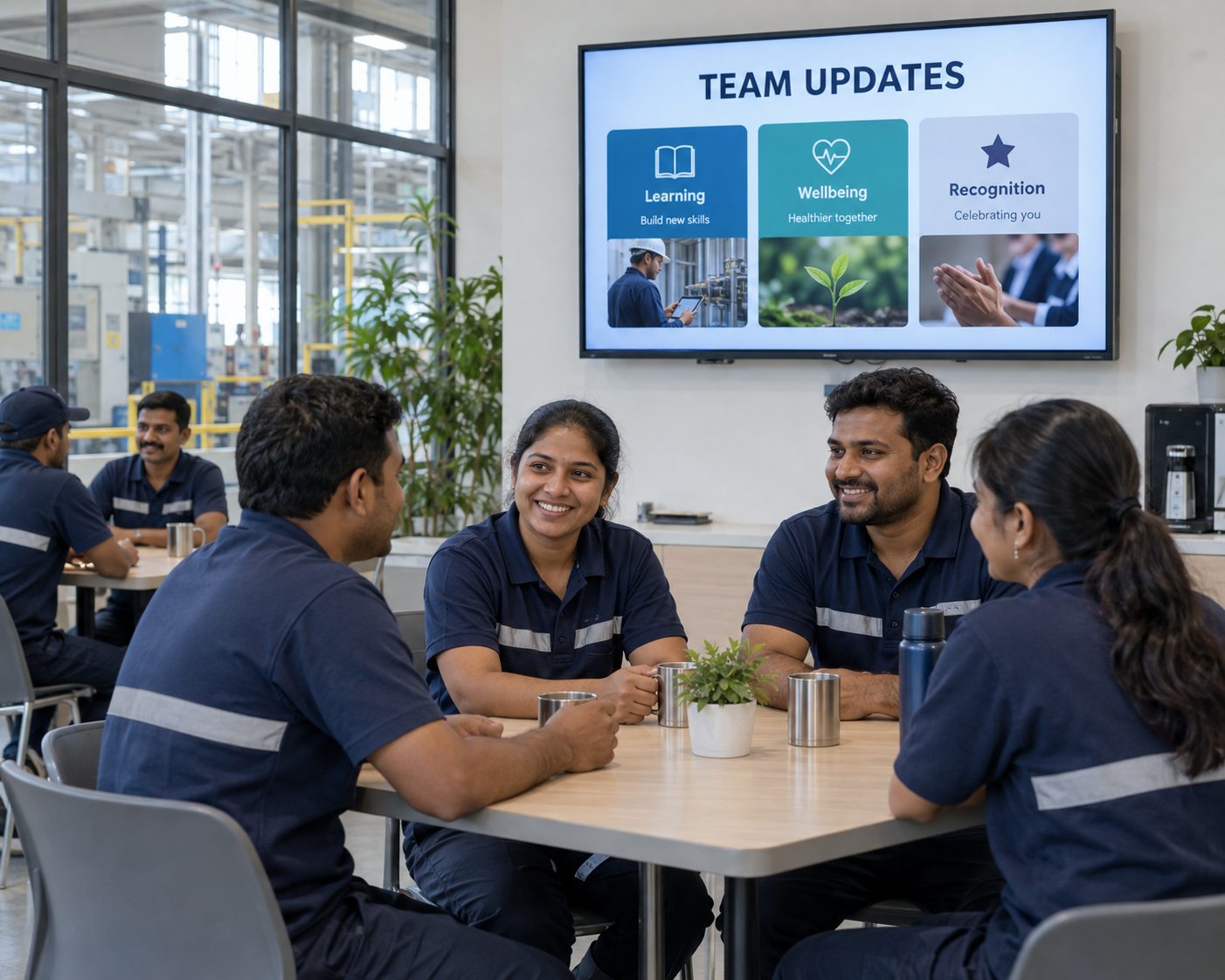
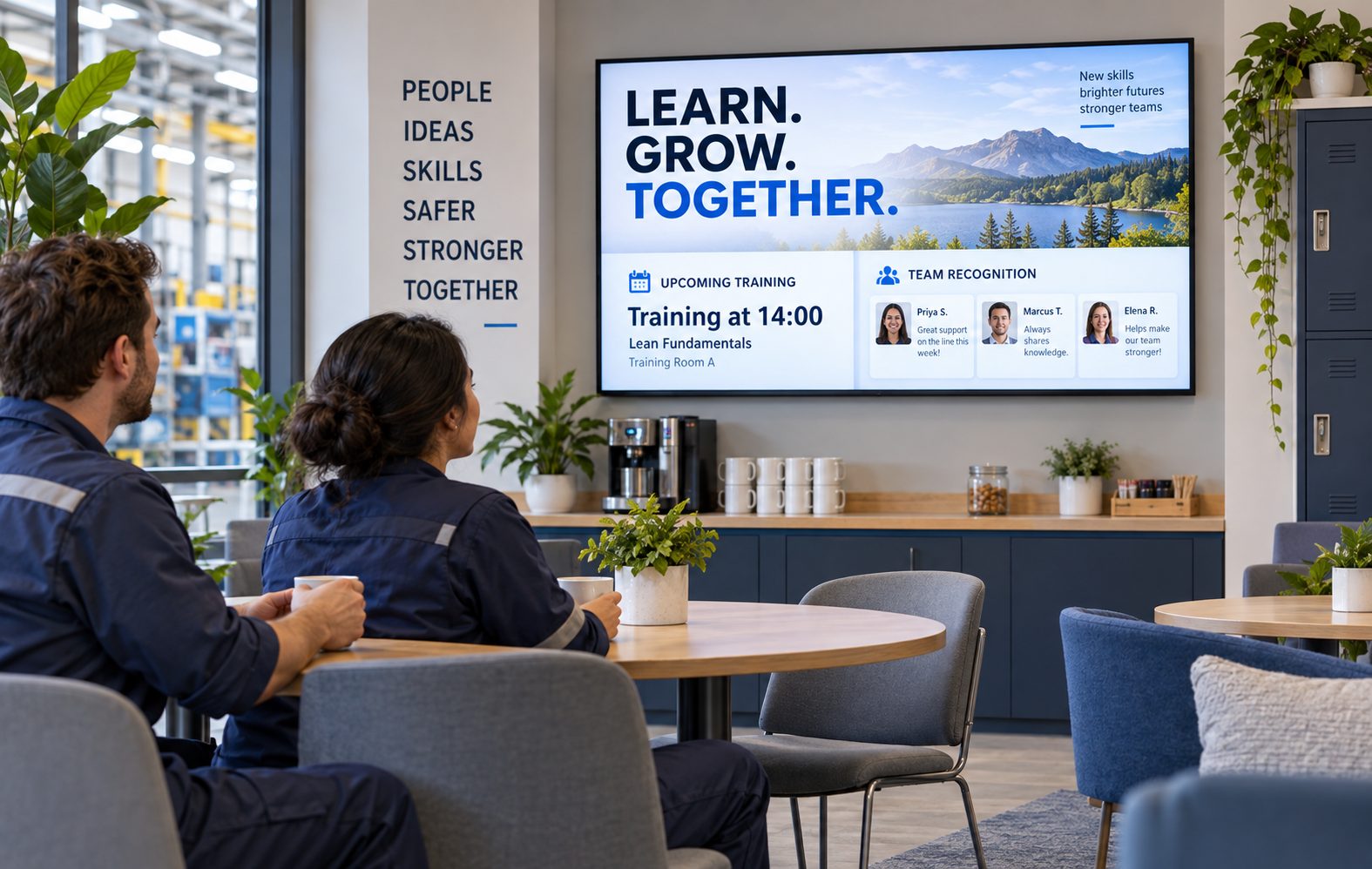
Break rooms & shared areas. Share benefits, learning, recognition, wellbeing, events and company updates where employees have time to engage.
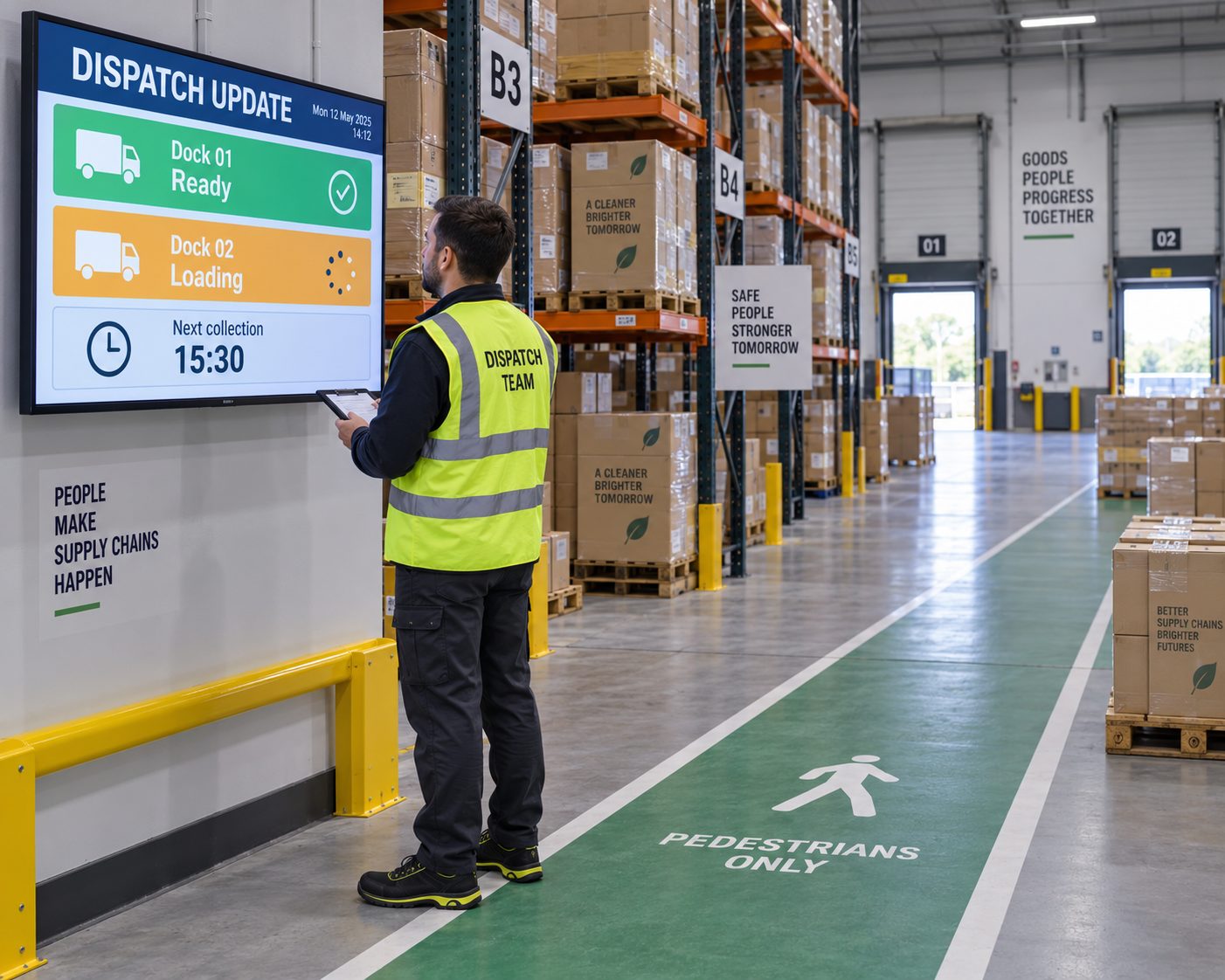
Warehouse & dispatch. Publish shift-relevant loading, routing, dock, inventory-awareness and carrier information from compatible, authorized sources.
A CONNECTED SHIFT COMMUNICATION JOURNEY
Coordinate screen content around the moments when plant employees need to orient, act and stay informed.
MANUFACTURING DIGITAL SIGNAGE USE CASES
Explore practical content types and the controls they require.
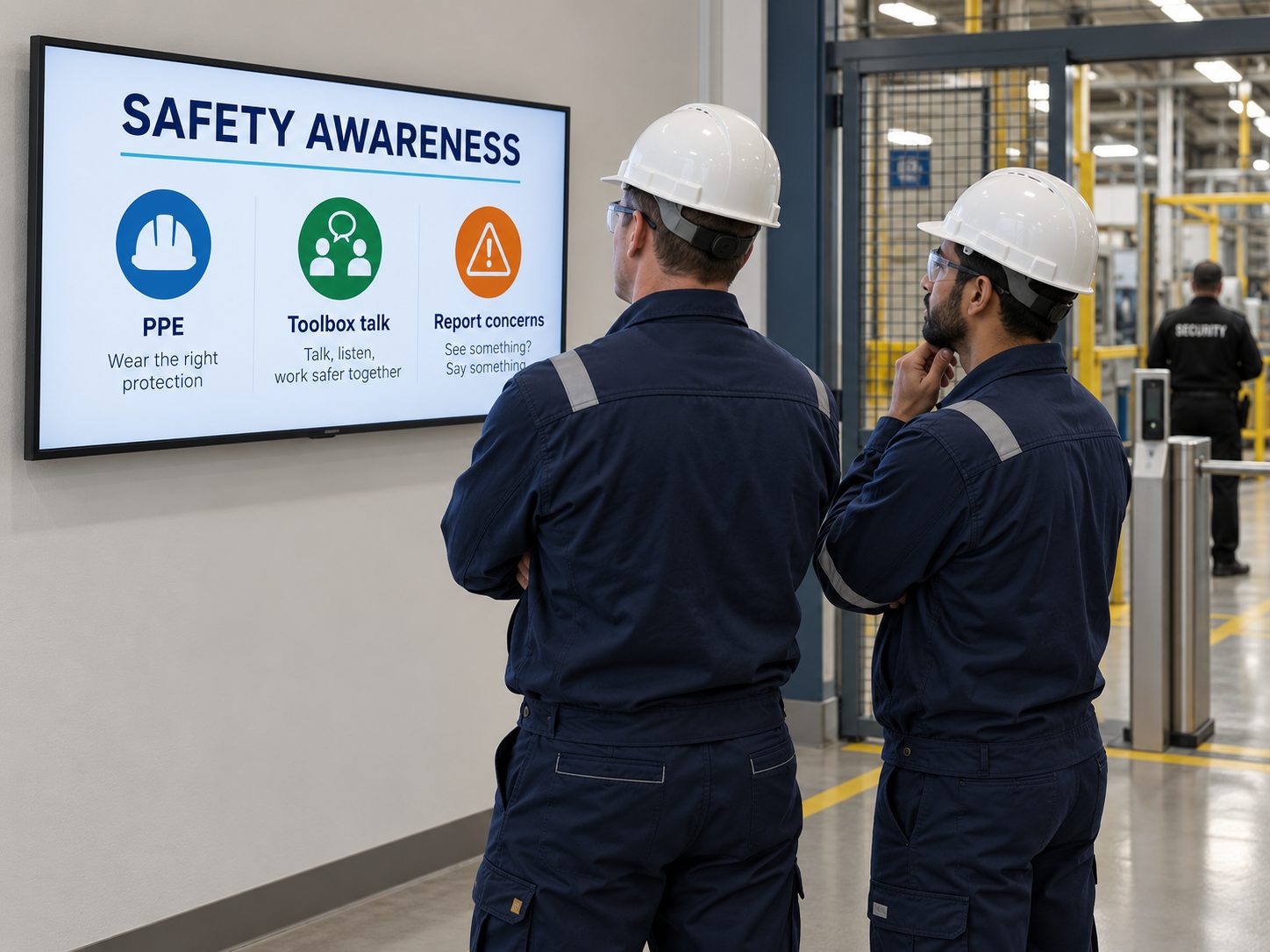
Reinforce approved toolbox topics, PPE reminders, hazard awareness, near-miss campaigns and planned-drill information. Digital signage supplements—not replaces—risk controls, training, alarms, procedures, supervision or legally required safety signs.
MOVE BEYOND WHITEBOARDS AND DISCONNECTED TVS
Use digital signage when scheduled, targeted visual communication adds value—while keeping operational systems as the source of record.
| Manufacturing communication need | Printed Boards & Standalone Screens | With Signmitra Manufacturing Signage |
|---|---|---|
| Shift-specific messages | Changed locally | Scheduled by shift and zone |
| Multi-plant campaigns | Distributed manually | Published centrally |
| Compatible KPI data | Copied or opened separately | Displayed through reviewed sources |
| Content expiry | Depends on local removal | Controlled with scheduling |
| Media formats | Primarily static | Images, video, tickers and web content |
| Publishing permissions | Often informal | Role-based access |
| Screen visibility | Requires an on-site check | Remote player status |
Printed Boards & Standalone Screens
Changed locallyWith Signmitra Manufacturing Signage
Scheduled by shift and zonePrinted Boards & Standalone Screens
Distributed manuallyWith Signmitra Manufacturing Signage
Published centrallyPrinted Boards & Standalone Screens
Copied or opened separatelyWith Signmitra Manufacturing Signage
Displayed through reviewed sourcesPrinted Boards & Standalone Screens
Depends on local removalWith Signmitra Manufacturing Signage
Controlled with schedulingPrinted Boards & Standalone Screens
Primarily staticWith Signmitra Manufacturing Signage
Images, video, tickers and web contentPrinted Boards & Standalone Screens
Often informalWith Signmitra Manufacturing Signage
Role-based accessPrinted Boards & Standalone Screens
Requires an on-site checkWith Signmitra Manufacturing Signage
Remote player statusSignmitra supports communication and visualization; it does not replace MES, SCADA, ERP, WMS, QMS, EHS or emergency-control systems. Review Your Architecture
A GOVERNED MANUFACTURING ROLLOUT
Start with frontline needs and information ownership before connecting screens or live data.
Identify the decisions, risks and communication needs associated with each plant area.
Define responsibilities across operations, EHS, quality, HR, IT and local plant teams.
Confirm source compatibility, confidentiality, refresh behaviour, hardware and network conditions.
Create readable, approved content targeted by plant, zone, shift, date and time.
Monitor players, remove expired information and improve the content plan through operational feedback.
MANUFACTURING SCREEN-MANAGEMENT CAPABILITIES
Manage content, access and playback across one manufacturing unit or a distributed plant estate.
Central cloud CMS. Manage media, playlists, schedules and screen groups through a browser-based workspace.
Plant and zone grouping. Organize screens by site, building, department, production area or communication purpose.
Role-based access. Align permissions with central teams, plant leaders and authorized departmental publishers.
Shift-aware scheduling. Plan recurring and time-bound content around shifts, dates, days and operating windows.
Multi-zone layouts. Combine announcements, KPIs, media, tickers and supporting information in structured layouts.
Compatible data sources. Discuss dashboards and operational feeds with source ownership and failure states defined.
Flexible media. Publish images, video, slides, web content and other supported signage applications.
Offline playback. Previously downloaded media can continue during a temporary network interruption.
Remote player status. Identify screens that may need attention while maintaining an appropriate on-site support process.
CONNECT INFORMATION WITHOUT BLURRING SYSTEM RESPONSIBILITY
Compatible dashboards, websites and data feeds can extend approved operational information to shared displays after authentication, network, refresh and confidentiality requirements are reviewed.
Manufacturing control, safety, quality and transactional systems remain authoritative. Signmitra helps present selected information and coordinate communication; it should not issue machine commands, control processes or become the sole channel for critical alerts.
MANUFACTURING DIGITAL SIGNAGE FAQ
Our team is here to help with anything not covered above.
BUILD A MORE VISIBLE MANUFACTURING COMMUNICATION LAYER
Tell us about your manufacturing units, shifts, screen zones and data sources. We’ll help you plan a practical digital signage rollout.

