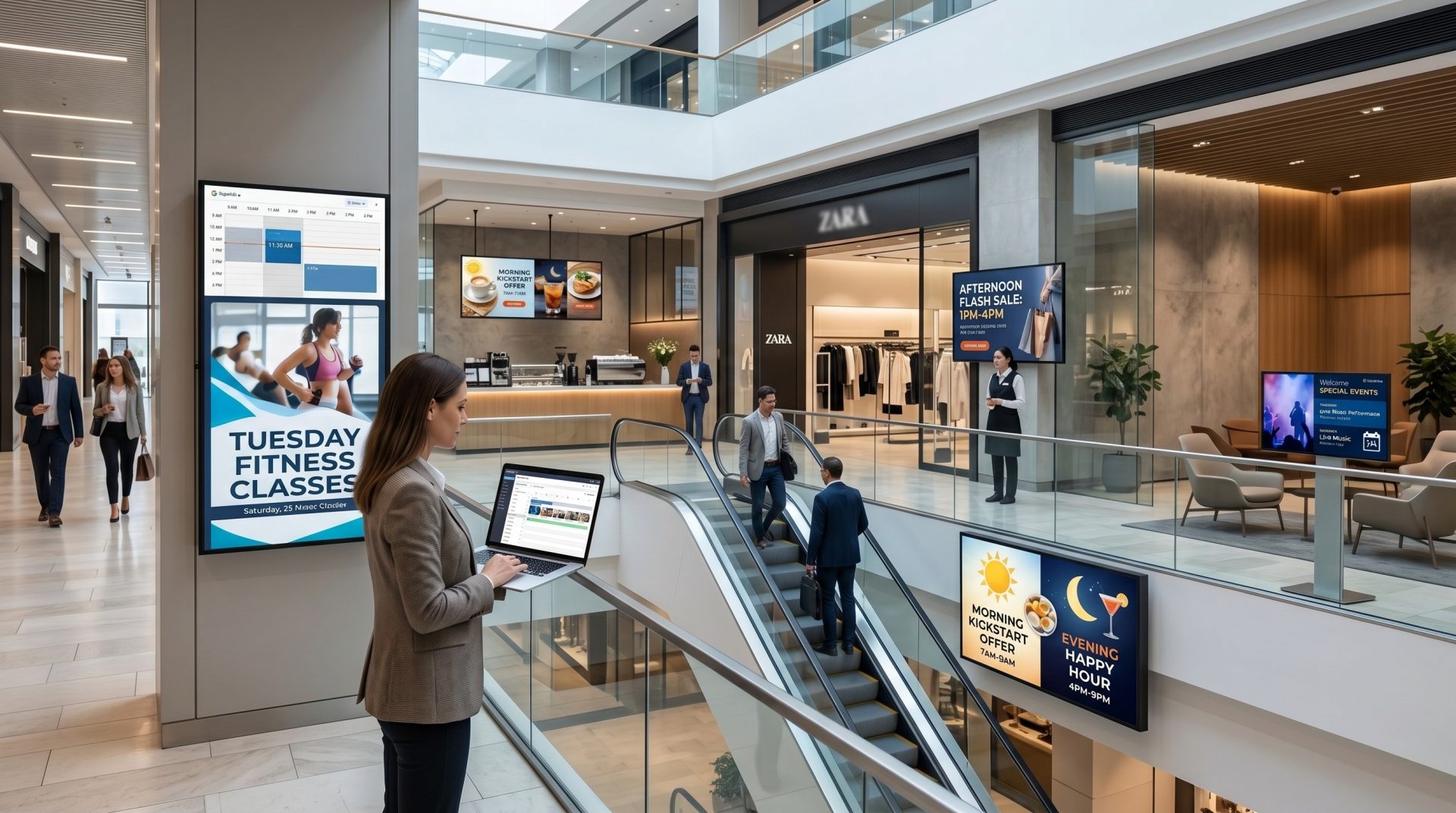
Media Library
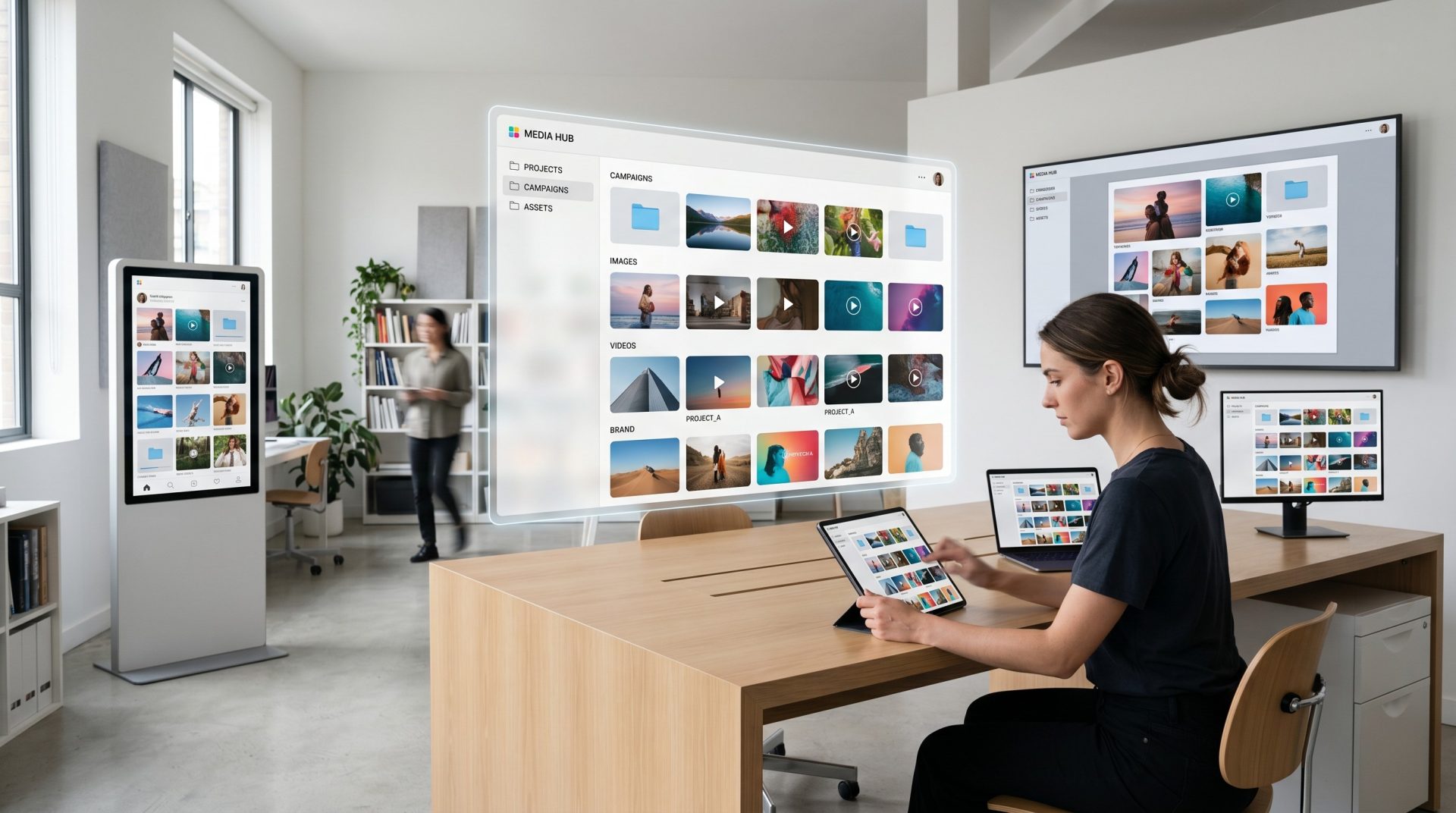
Store and reuse approved images, videos and supported assets without copying them between screens manually.
Bring content creation, media, playlists, scheduling, apps and screen operations into one cloud workspace. Publish approved experiences remotely and keep each location aligned with the right content plan.
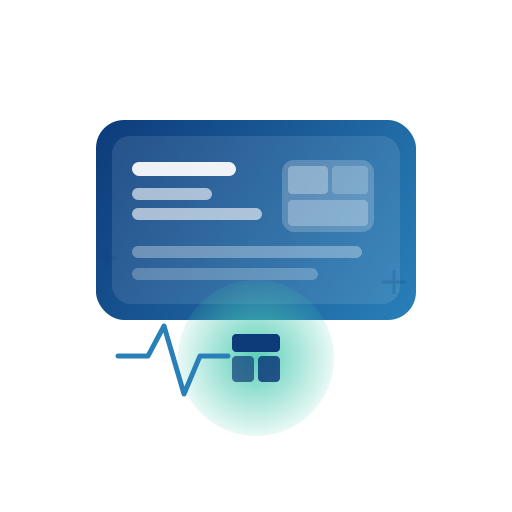
ONE WORKSPACE FOR THE SCREEN NETWORK
Connect the content team, schedule and screen assignment in a workflow that can grow with locations and use cases.
THE CONTROL LAYER BEHIND YOUR SCREENS
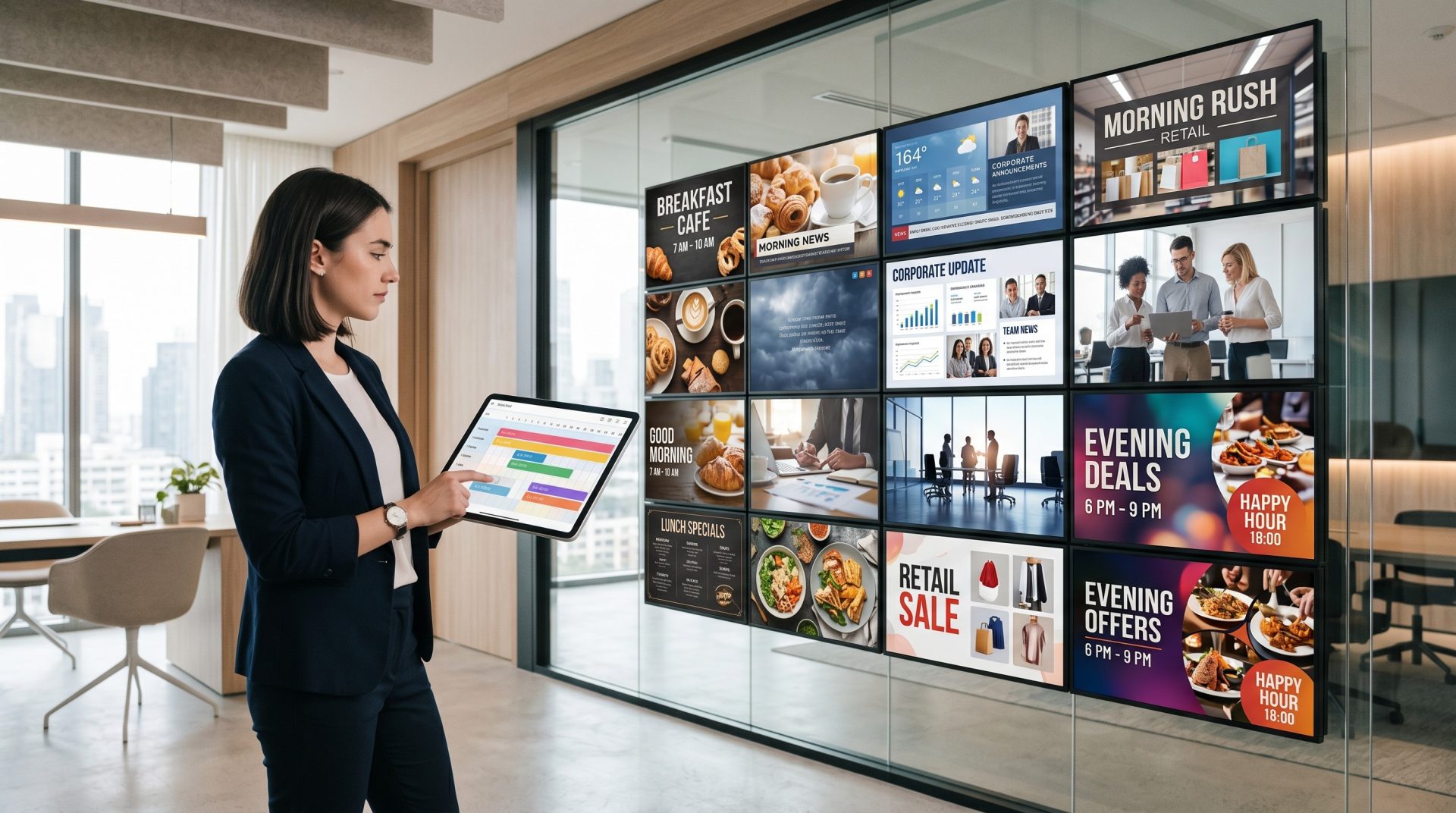
Signmitra's digital signage CMS connects media, designs, playlists, schedules and registered screens. Teams can prepare content, decide where and when it should appear, then publish the assignment without visiting every location.
The CMS manages intent and delivery. Reliable playback still depends on a compatible Signmitra Player, suitable hardware, power and the connectivity required by the selected content.
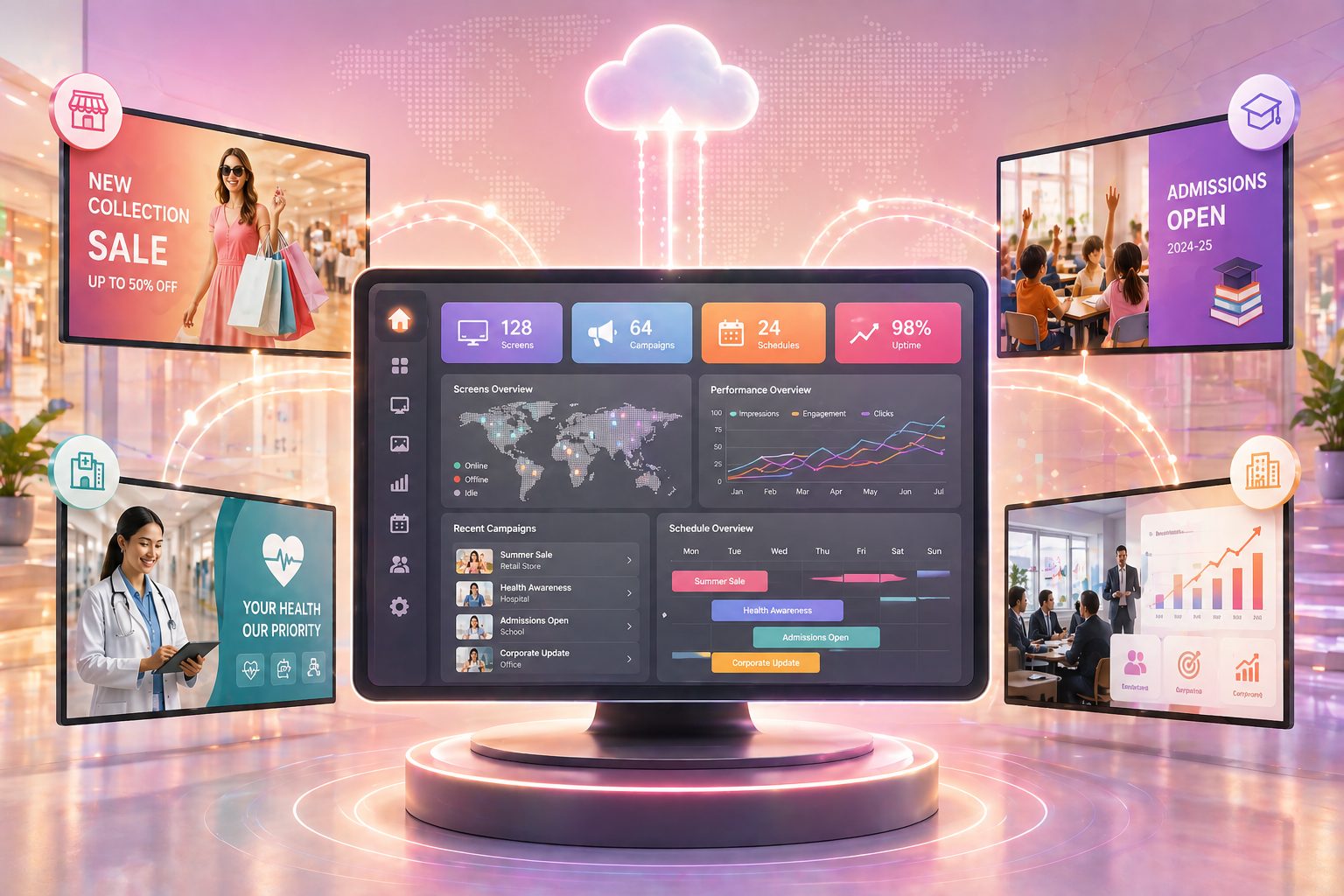
HOW SIGNMITRA CMS WORKS
Use a repeatable workflow for a single reception display or a distributed screen network.
A CMS FOR THE COMPLETE OPERATING CYCLE
Each workspace supports a different part of the publishing lifecycle while remaining connected to the same account and screen network.
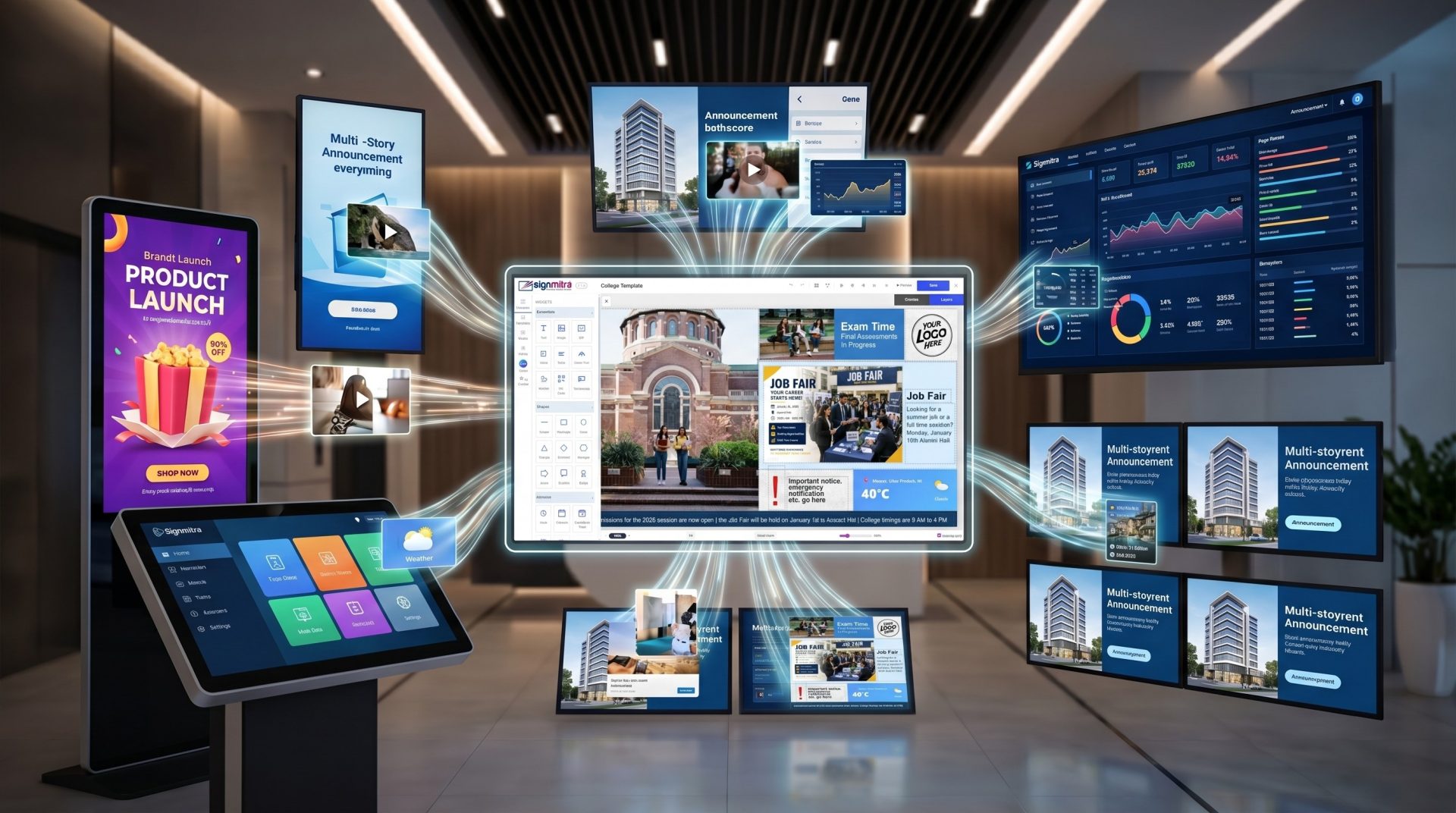
Use Signmitra Editor, templates, media and supported widgets to build screen-ready designs for the required orientation and use case.
CORE DIGITAL SIGNAGE CMS CAPABILITIES
Build a repeatable process around the content, timing, audience and physical screen environment.
Store and reuse approved images, videos and supported assets without copying them between screens manually.
Create branded slides with text, media, shapes, widgets and supported content tools.
Build ordered content sequences and maintain them centrally as requirements change.
Apply date and time rules to the relevant playlist, item or campaign workflow.
Register supported players, assign content and maintain the account's screen records remotely.
Organize devices around operational groupings so updates can target the intended part of the network.
Add supported information, feeds, dashboards and purpose-built apps to screen experiences.
Use configured account and administrative controls to align access with team responsibility.
Review available operational status, campaign delivery and schedule reporting relevant to the account setup.
ONE CMS, DIFFERENT TEAM OUTCOMES
The same platform supports content, marketing and operations when ownership and approval are defined.
Create once and reuse approved assets
Build designs, organize media and maintain repeatable playlist structures for common screen needs.
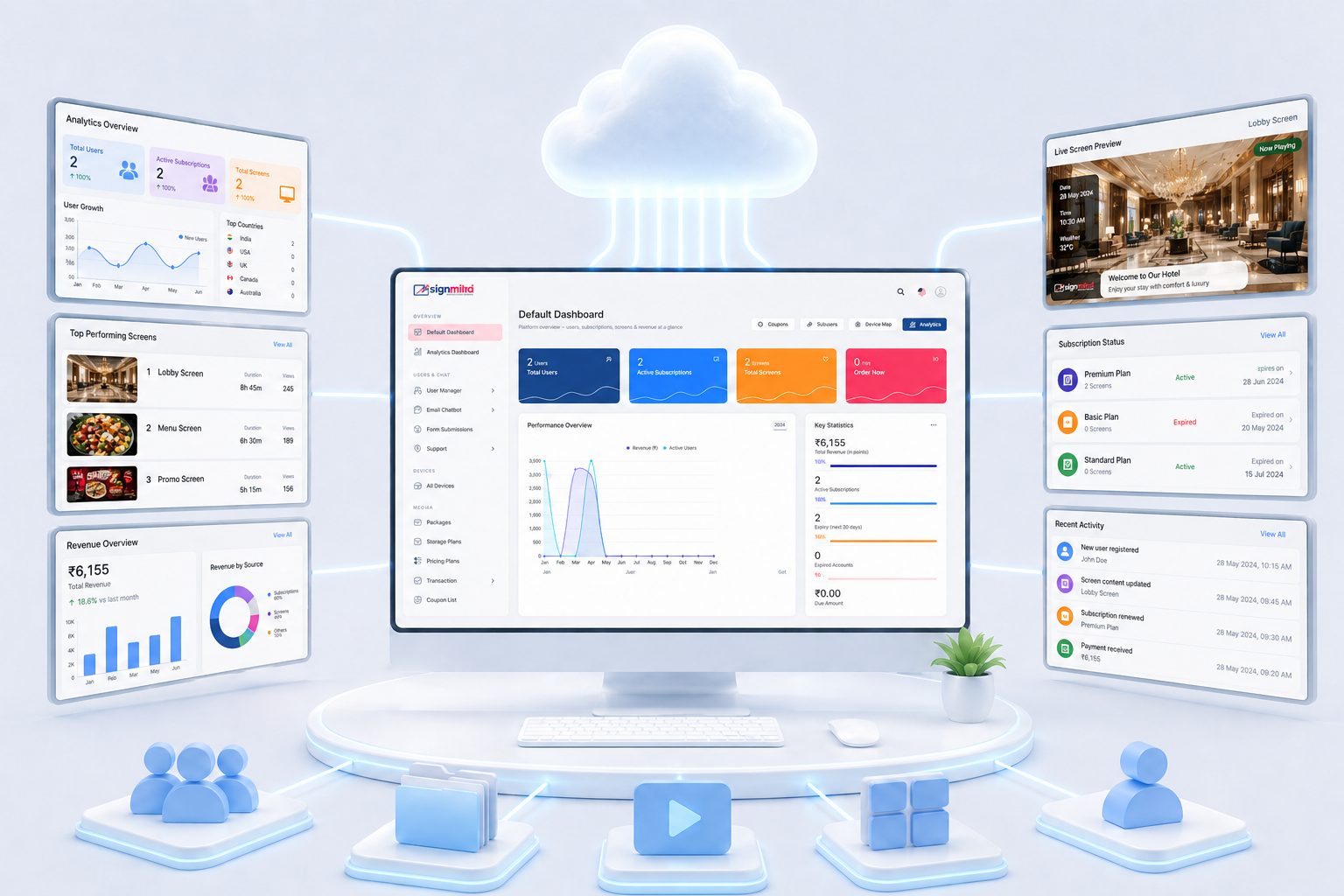
Coordinate campaigns across screens
Plan creative, timing and target screens from a centralized publishing workflow.

Keep locations aligned
Use screen and group organization to publish the appropriate content to each operational context.
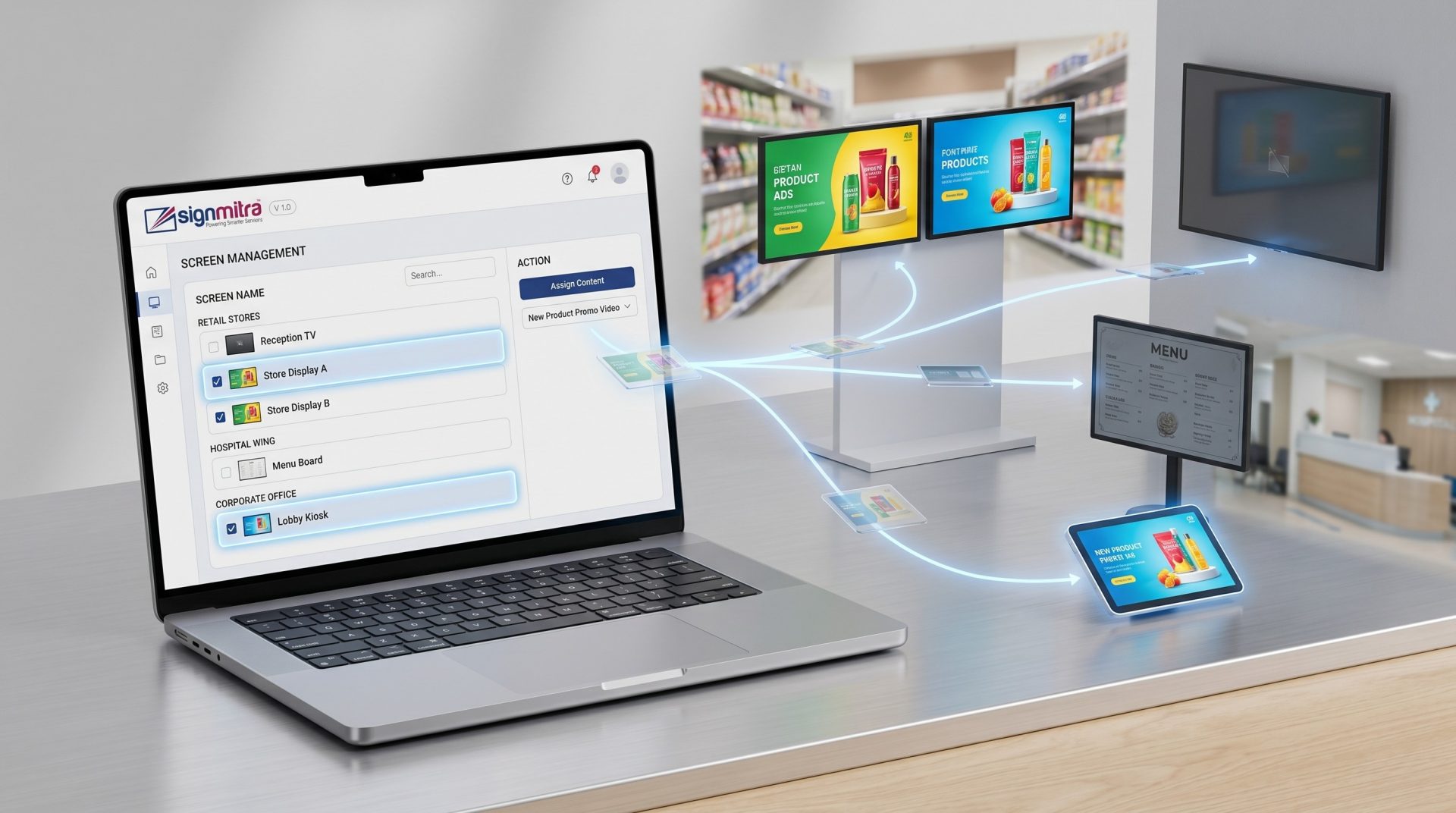
Connect CMS decisions with player reality
Review reported screen state and maintain a recovery plan for power, hardware and network faults.

Separate brands and responsibilities
Use the appropriate account, role and content structure for each client and delivery team.
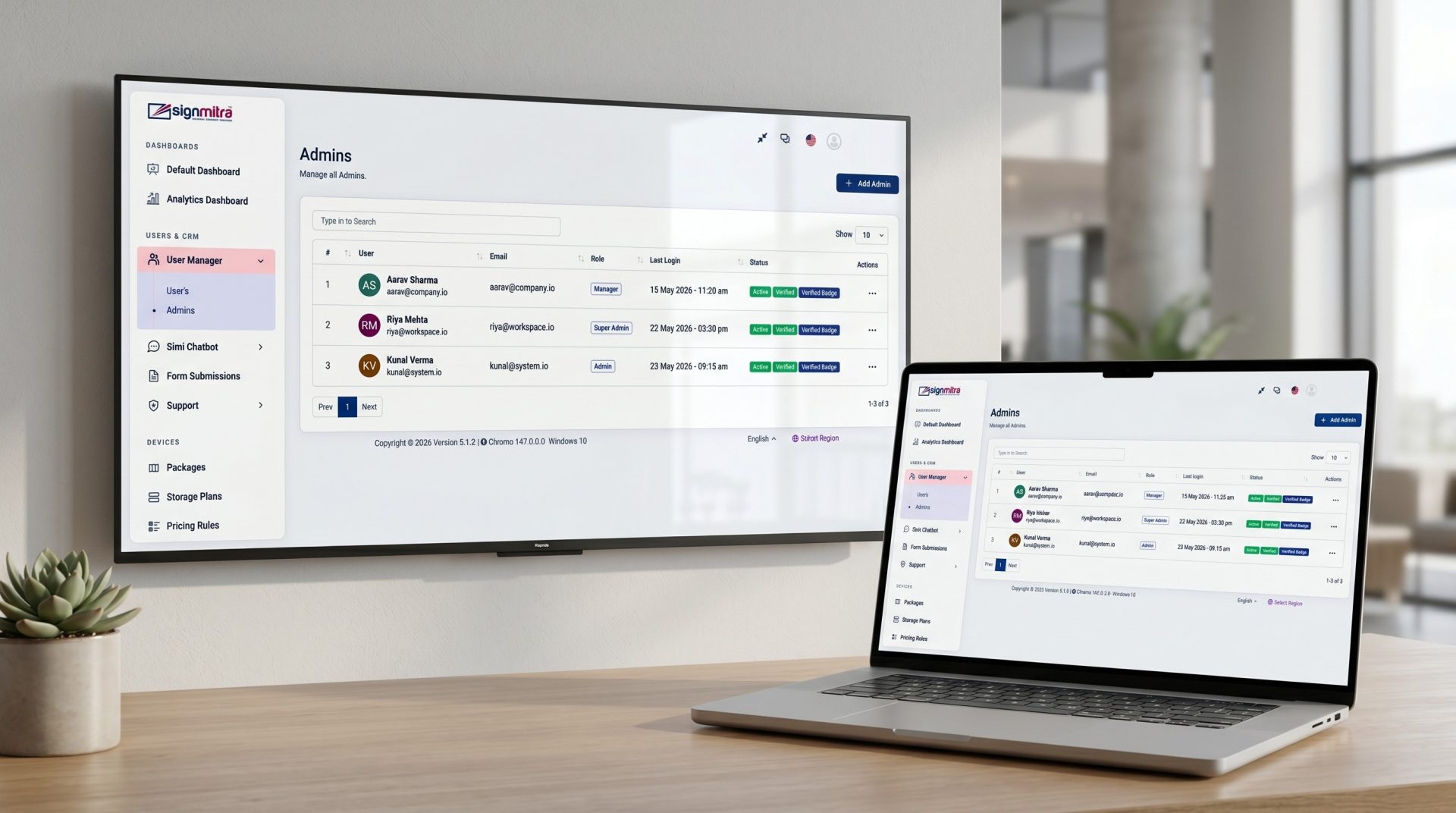
Create a scalable operating standard
Replace location-by-location file handling with a consistent content and screen governance model.
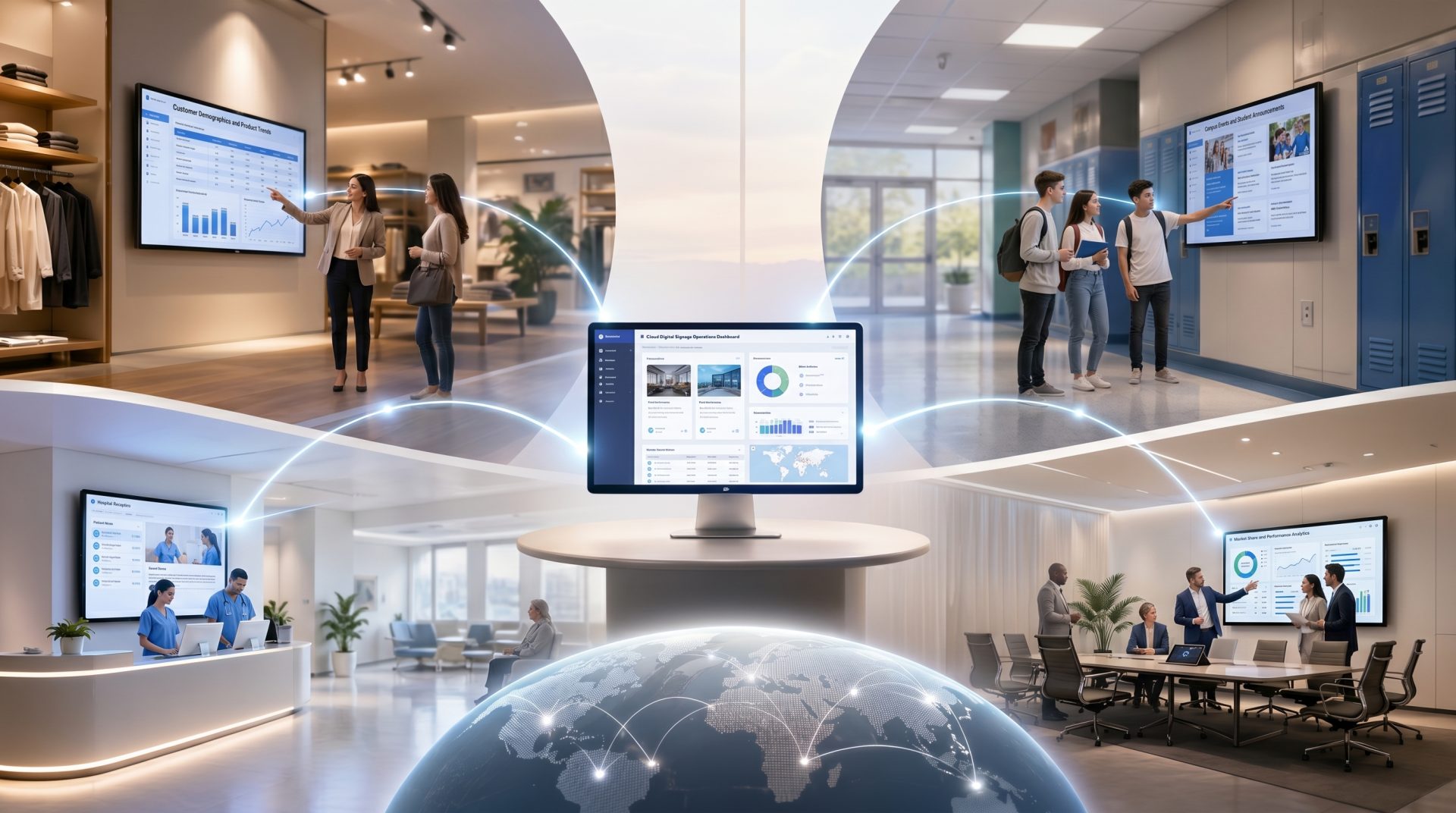
WHY A CLOUD CMS CHANGES THE WORKFLOW
The value is not simply remote access—it is the ability to connect content, schedules, ownership and screens.
| Capability | USB or local files | Basic remote folder | Signmitra CMS |
|---|---|---|---|
| Update method | Visit each screen | Replace remote files | Publish assigned content |
| Playlist control | Manual sequence | Limited structure | Central playlist workflow |
| Scheduling | Device-dependent | Often limited | Managed scheduling tools |
| Multiple locations | High manual effort | Folder coordination | Screen and group assignment |
| Team access | Shared files | Folder permissions | Configured roles and access |
| Operational visibility | On-site checks | File state only | Reported screen and delivery views |
USB or local files
Visit each screenBasic remote folder
Replace remote filesSignmitra CMS
Publish assigned contentUSB or local files
Manual sequenceBasic remote folder
Limited structureSignmitra CMS
Central playlist workflowUSB or local files
Device-dependentBasic remote folder
Often limitedSignmitra CMS
Managed scheduling toolsUSB or local files
High manual effortBasic remote folder
Folder coordinationSignmitra CMS
Screen and group assignmentUSB or local files
Shared filesBasic remote folder
Folder permissionsSignmitra CMS
Configured roles and accessUSB or local files
On-site checksBasic remote folder
File state onlySignmitra CMS
Reported screen and delivery viewsThe CMS publishes configuration and content, while the compatible player renders it on the display. Validate hardware, OS, media formats, connectivity and offline behavior before scaling.
CONTENT AND SCREEN GOVERNANCE
A dependable screen network needs both an organized publishing model and a physical support plan.
CMS OWNERS
Define how the platform should be used before teams begin publishing at scale.
SCREEN OPERATIONS
Remote software cannot replace local readiness and escalation procedures.
A PRACTICAL CMS ROLLOUT
Use a controlled pilot to validate the content, schedule, player and support process together.
CMS WORKFLOWS FOR DIFFERENT NETWORKS
Use the same CMS foundation while changing governance, content and support for each operating environment.
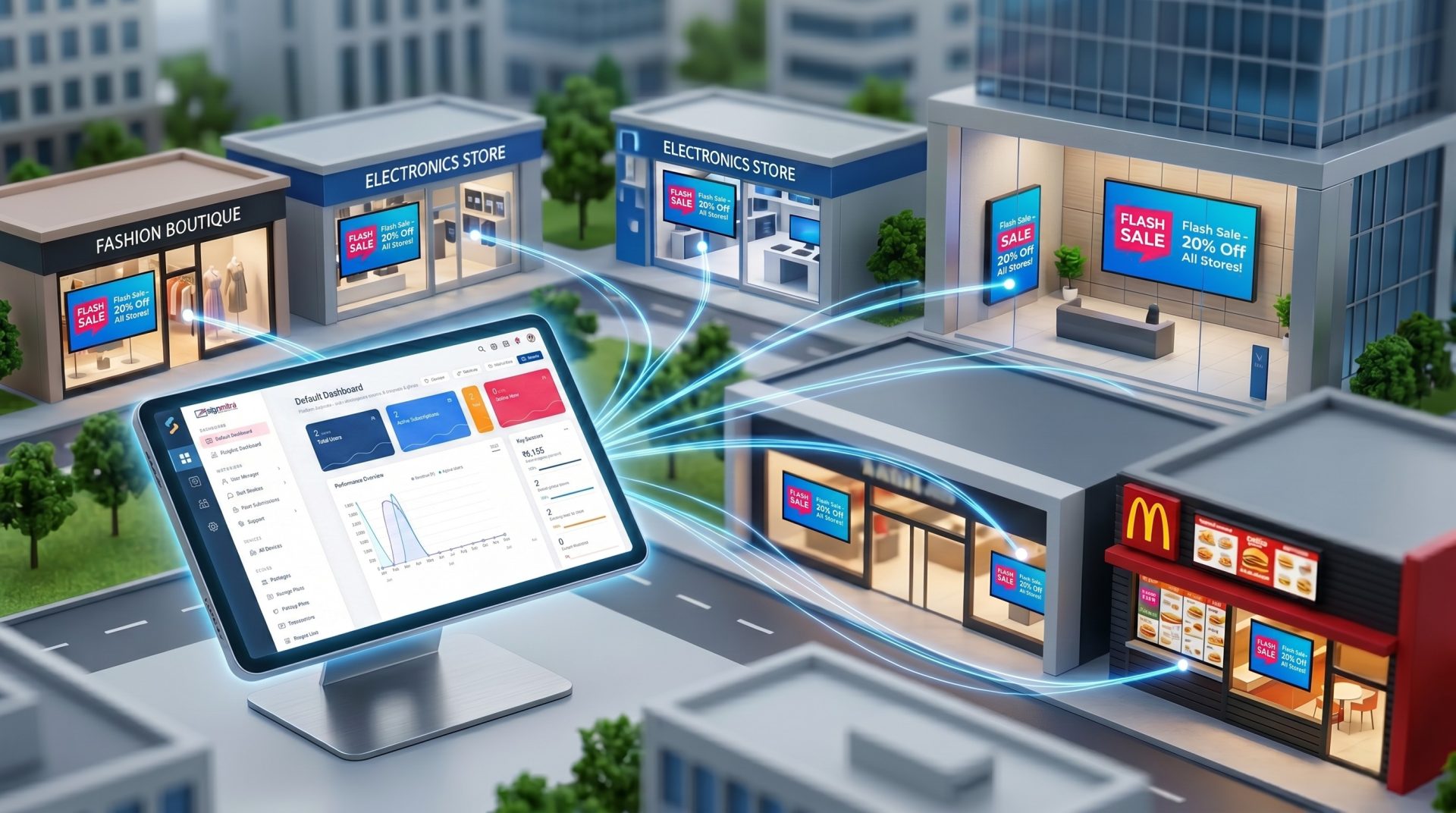
Coordinate brand campaigns while allowing relevant local content and store-level screen groups.
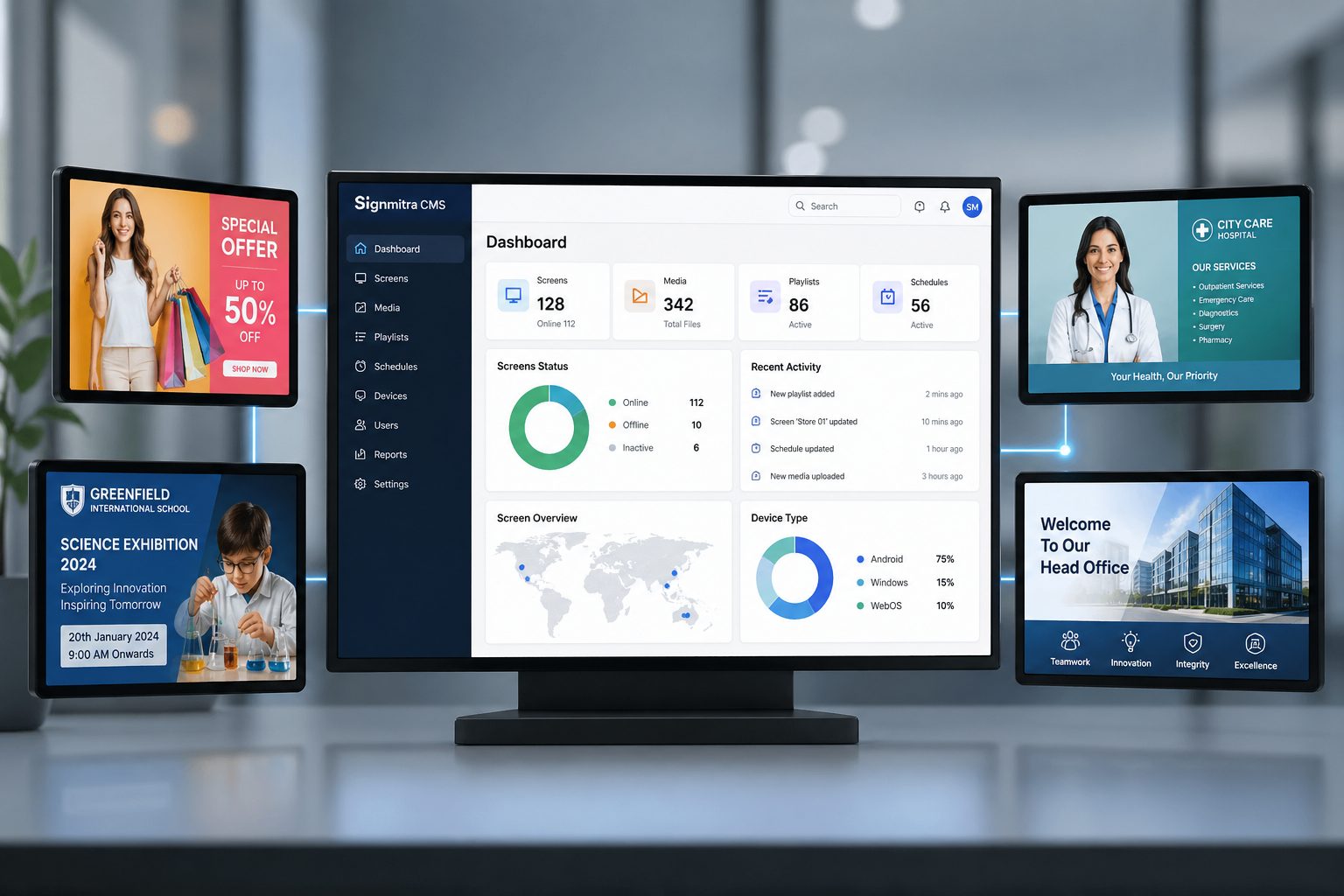
Publish leadership messages, dashboards, reminders and location-specific announcements.
Build repeatable content and deployment practices across the client accounts in scope.
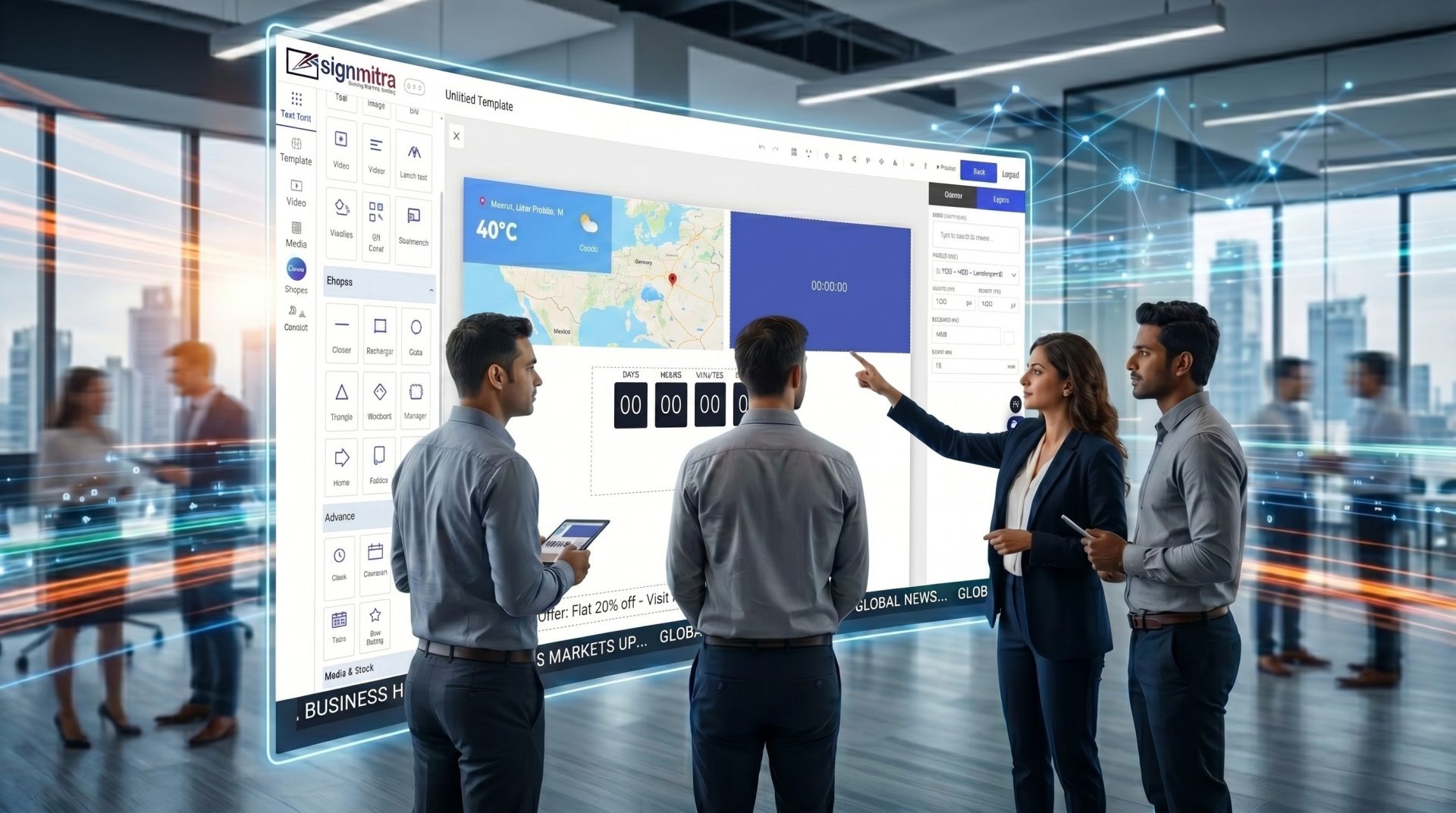
Combine layouts with supported widgets, apps, live feeds and operational data sources.
Coordinate creative, targeting, timing and available delivery reporting for managed screen campaigns.
THE SIGNMITRA CMS TOOLKIT
Choose the capabilities required by the content team, operating model and player environment.
Organize approved media, templates and reusable creative assets for screen publishing.
Build screen-ready slides and combine text, media, shapes, widgets and supported apps.
Sequence content, plan timing and assign the result to the intended screen context.
Register supported players and organize screens around the network's operational structure.
Align configured access with the people responsible for administration, content and review.
Extend layouts with supported dynamic content after validating source access and player compatibility.
Use available screen status, campaign and schedule information to support ongoing operations.
DIGITAL SIGNAGE CMS FAQ
Plan the CMS, player and operating process as one complete system.
Share the number of screens, locations, content workflow, player devices and team responsibilities for a practical review.
Build a manageable digital signage operation from one cloud CMS and publish to compatible players across every location.

