Make queues easier to follow
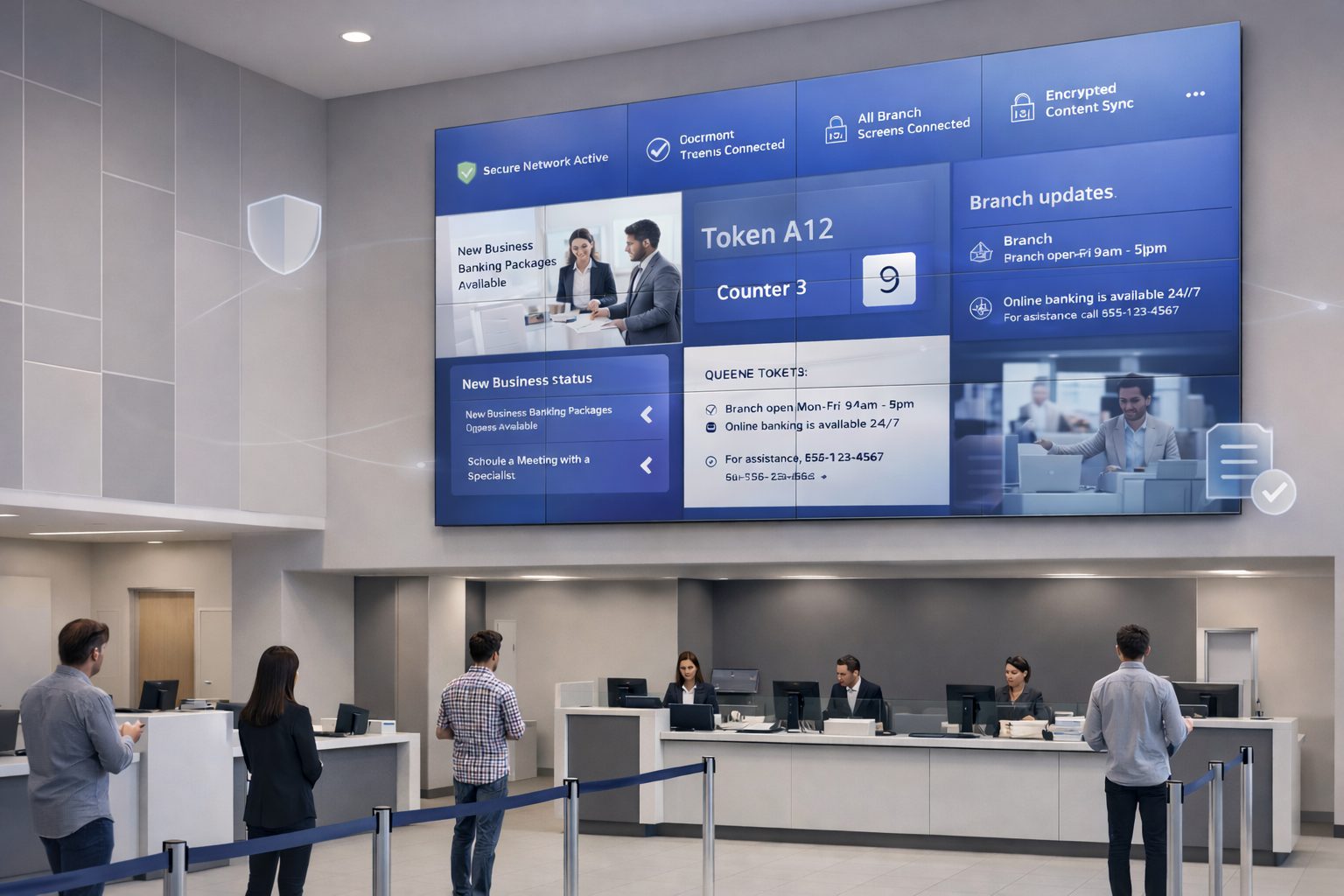
Show token numbers, counter assignments and service announcements through a compatible queue-system integration.
Modernize customer communication across banks, credit unions and financial-service locations. Signmitra helps teams manage queue information, service guidance, financial product campaigns, rate displays and staff communication from one cloud digital signage platform.

ONE PLATFORM FOR THE BRANCH NETWORK
Replace disconnected posters and USB updates with centrally managed content tailored to each branch, screen and audience.
A MORE INFORMED BRANCH EXPERIENCE
Branch visits often combine waiting, form preparation, service discovery and conversations with staff. Bank digital signage can make those moments clearer by showing queue progress, counter directions, document reminders, service information and relevant financial education.
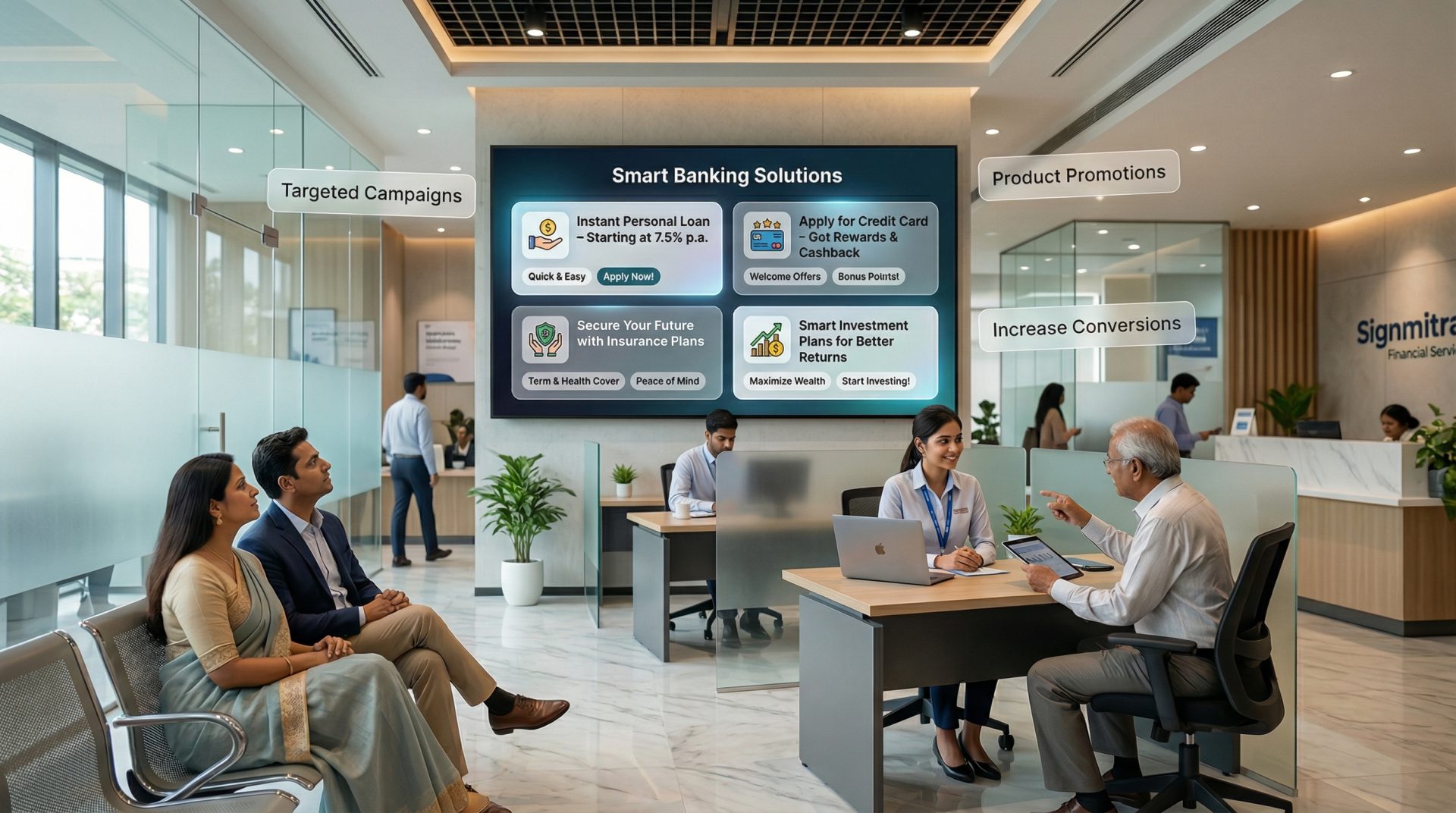
Signmitra lets central teams maintain approved brand and campaign content while targeting specific branches or screen zones. Local information can be updated without reprinting posters or visiting every display, helping the network communicate with greater consistency and speed.
WHY BANKS USE DIGITAL SIGNAGE
Give each screen a practical role while keeping messaging controlled across the financial-services network.
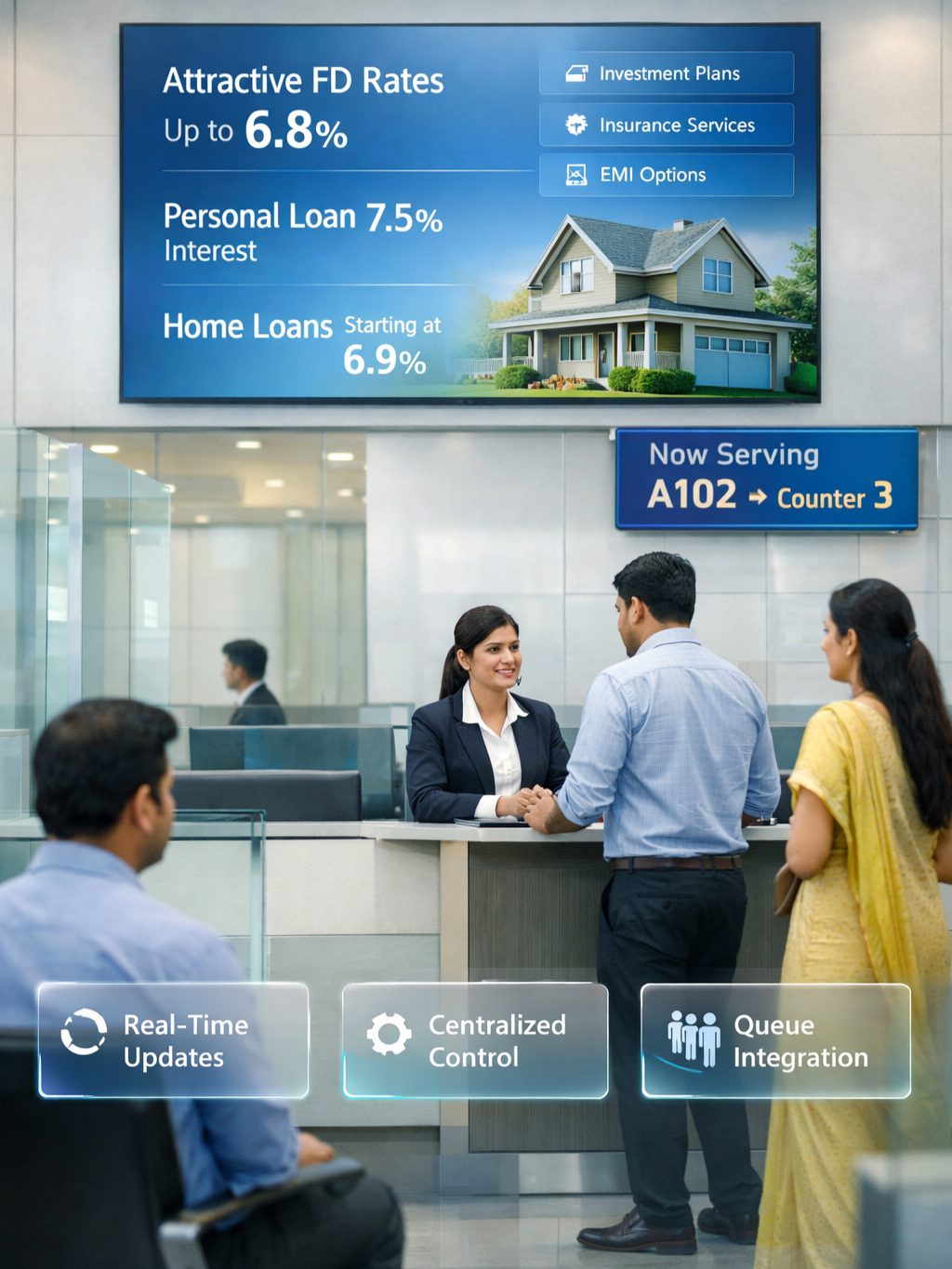
Show token numbers, counter assignments and service announcements through a compatible queue-system integration.
Present approved information about accounts, deposits, loans, cards, insurance and digital-banking services.
Display rates and selected financial data supplied by an approved source, subject to integration and review requirements.
Direct visitors to service desks, relationship managers, self-service areas, lockers and accessible facilities.
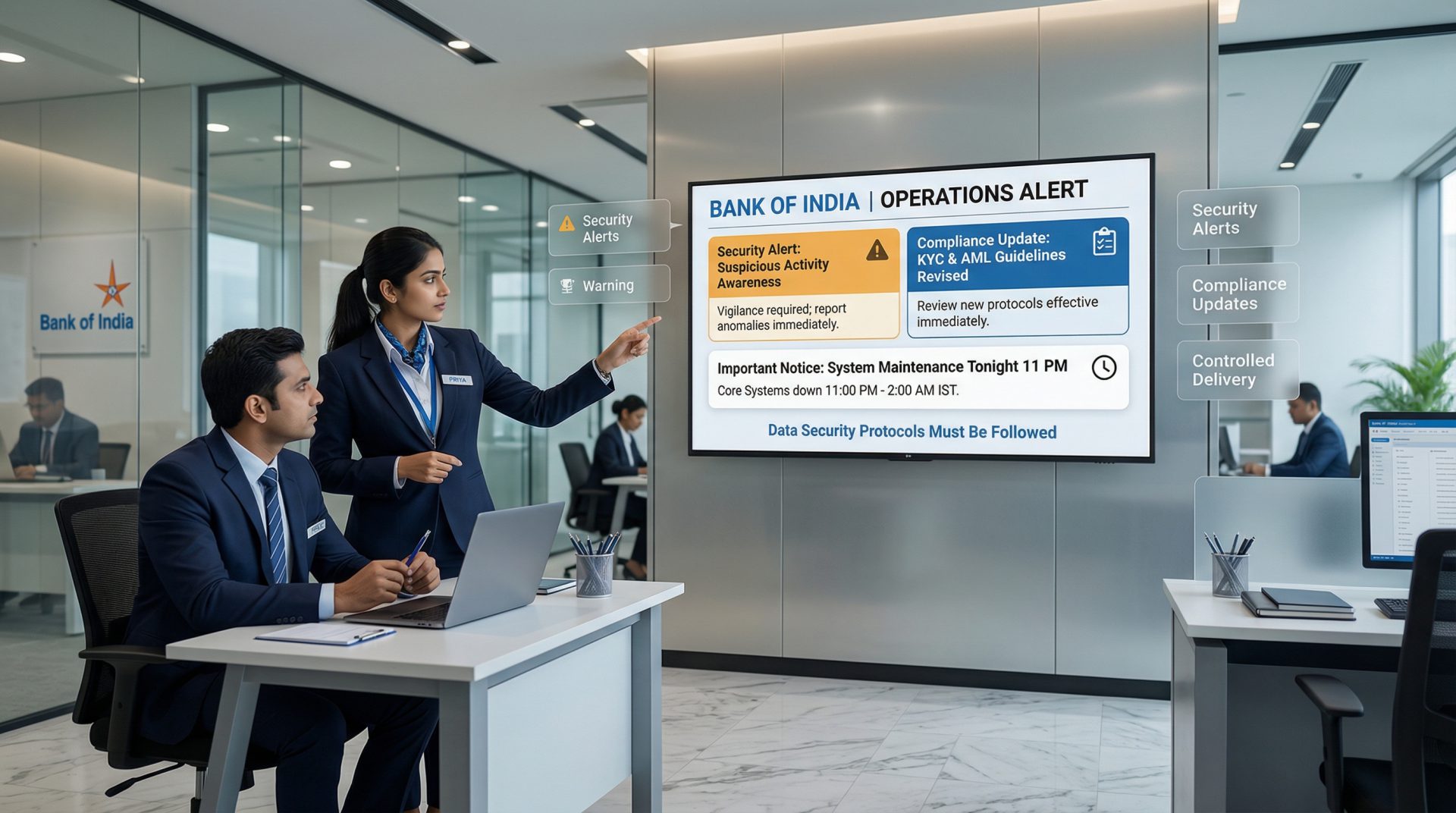
Schedule approved reminders about OTP safety, phishing, account security and current customer advisories.
Organize screens by region, branch and zone while giving appropriate access to central and local teams.
BANKING DIGITAL SIGNAGE USE CASES
Explore high-value ways banks and financial institutions can use digital screens throughout their branch environments.
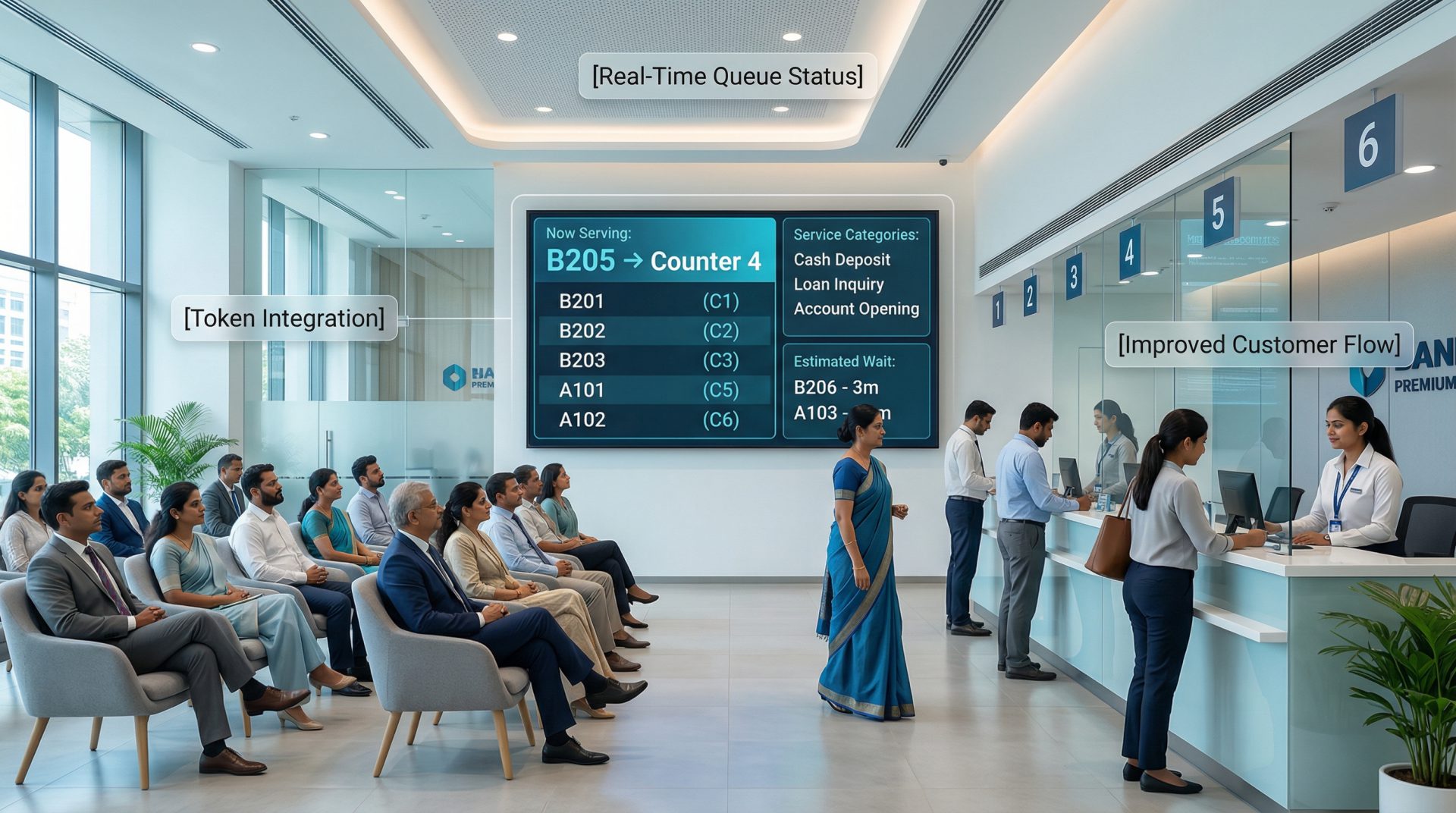
Use a compatible integration to show current token numbers, counter assignments, priority-service information and operational announcements. Clear queue visibility helps customers understand progress and reduces repeated status questions.
THE CONNECTED BRANCH JOURNEY
Coordinate messages around what customers and employees need in each part of the branch.
FROM STATIC POSTERS TO MANAGED BRANCH SCREENS
Compare manual branch updates with a centrally managed bank digital signage workflow.
| Branch communication workflow | Print or USB Updates | Signmitra Cloud Signage |
|---|---|---|
| Campaign updates | Reprint or visit screens | Publish remotely |
| Branch targeting | Separate manual distribution | Target regions, branches and zones |
| Timed content | Static until replaced | Schedule by date and time |
| Queue and approved data feeds | Not dynamic | Available through compatible integrations |
| Central brand oversight | Difficult to audit | Shared assets and controlled access |
| Playback during a network interruption | Depends on local method | Cached content keeps playing |
Print or USB Updates
Reprint or visit screensSignmitra Cloud Signage
Publish remotelyPrint or USB Updates
Separate manual distributionSignmitra Cloud Signage
Target regions, branches and zonesPrint or USB Updates
Static until replacedSignmitra Cloud Signage
Schedule by date and timePrint or USB Updates
Not dynamicSignmitra Cloud Signage
Available through compatible integrationsPrint or USB Updates
Difficult to auditSignmitra Cloud Signage
Shared assets and controlled accessPrint or USB Updates
Depends on local methodSignmitra Cloud Signage
Cached content keeps playingQueue, rate and enterprise-system connections require compatible interfaces, approved data sources and implementation scoping. Discuss your technical requirements
BUILT FOR FINANCIAL-SERVICE ENVIRONMENTS
Use the same digital signage platform while adapting content, permissions and integrations to each institution and location.
Retail bank branches. Coordinate service information, queues, education and campaigns across urban and regional branch networks
Credit unions & cooperative banks. Keep member communication consistent while supporting local branch information and community campaigns

Forex & remittance locations. Show approved exchange-rate information, service guidance and customer notices from managed content sources
Loan & advisory centres. Explain application steps, document requirements, product information and appointment guidance
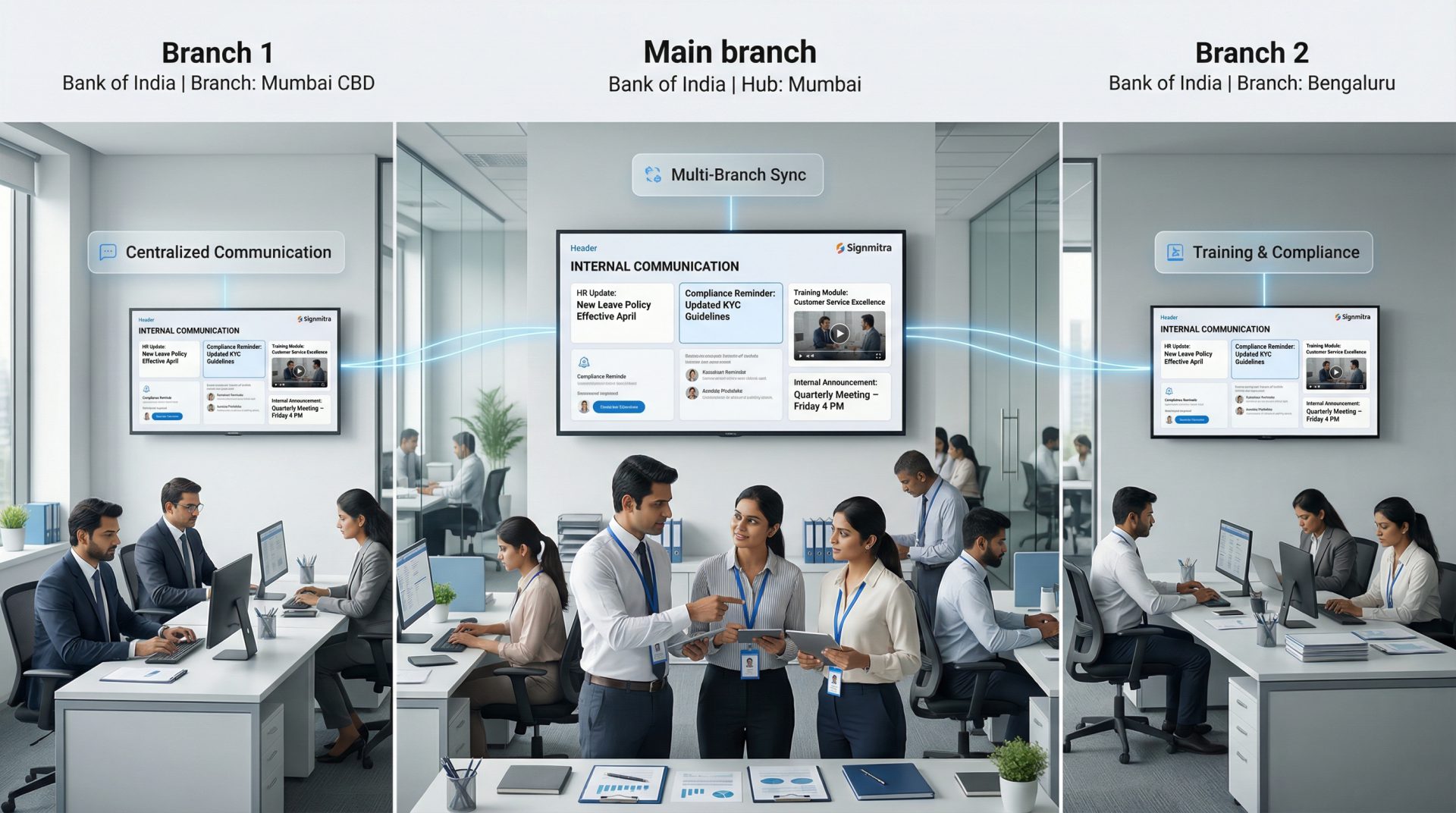
Operations & staff areas. Target authorized screens with training, operational and security-awareness communication
CONTROLLED PUBLISHING WORKFLOW
Build a repeatable process for approved content across customer and staff screens.
Add a supported Signmitra player to each TV, commercial display or information screen.
Prepare approved templates, campaigns, notices and data layouts in the cloud CMS.
Assign content to the right regions, branches, screen groups, dates and times.
Send updates remotely and use the dashboard to identify screens needing attention.
GOVERNED COMMUNICATION AT SCALE
Financial institutions need clear ownership of customer-facing content. Signmitra can support role-based access, reusable approved assets, targeted publishing and screen oversight so teams can separate central campaigns from permitted local updates.
The signage platform should form one part of the institution's wider governance model. Banks remain responsible for data classification, feed approval, network architecture, user administration, record retention and applicable legal or regulatory controls. Sensitive customer or transaction data should not be placed on public screens.
ENTERPRISE SCREEN-MANAGEMENT CAPABILITIES
Coordinate everyday branch communication with flexible publishing, playback and administration features.
Central cloud CMS. Manage media, playlists, schedules and screens remotely through a browser-based workflow.
Branch grouping. Organize screens by institution, region, branch, floor or customer and staff zone.
Role-based access. Give central administrators and local teams access aligned with their publishing responsibilities.
Campaign scheduling. Automate approved content by date, day and time for consistent branch delivery.
Integration options. Connect compatible queue, rate or business-data sources after technical and security review.
Multi-zone layouts. Combine brand content, service guidance, tickers and selected live information on one screen.
Offline playback. Previously downloaded content can keep playing during a temporary connectivity interruption.
Screen monitoring. View player status remotely and identify displays that may need operational follow-up.
Operational history. Use available account records and reporting to support review of signage activity and screen health.
BANK DIGITAL SIGNAGE FAQ
Practical answers for retail banks, credit unions and financial-service teams evaluating a branch signage platform.
Tell us about your locations, screen zones, approval workflow and integration requirements.
Manage queue information, service guidance, campaigns, rates and staff communication with Signmitra bank digital signage software.