Detailed policies and documents
Email, Chat & Intranet
Primary channelSignmitra Digital Signage
Summarize and link onwardTurn shared screens into a timely, branded communication channel for employees and visitors. Publish leadership updates, company news, dashboards, recognition, events and operational notices across offices, branches and approved staff areas from one cloud-based CMS.

A VISIBLE LAYER IN YOUR CHANNEL MIX
Email, chat and intranets are essential for detailed and two-way communication, but they depend on employees opening a message or application. Corporate digital signage adds a persistent visual layer in receptions, collaboration areas, corridors, cafeterias, operations spaces and other shared environments.
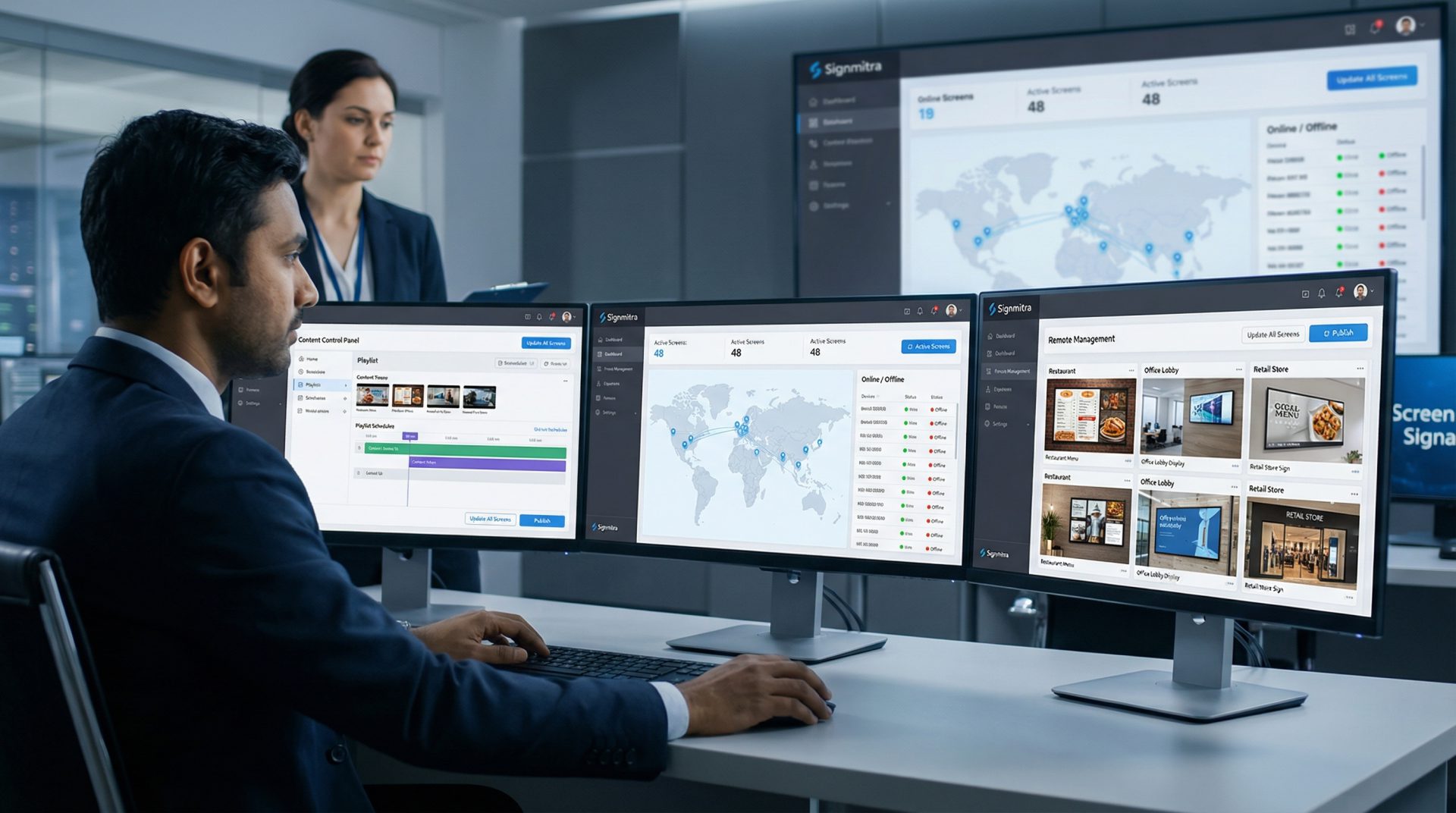
Signmitra helps communication teams manage campaigns, playlists, schedules and screen groups through one browser-based workflow. Use concise screen content to create awareness, then direct employees to the appropriate source for policies, conversations and sensitive information.
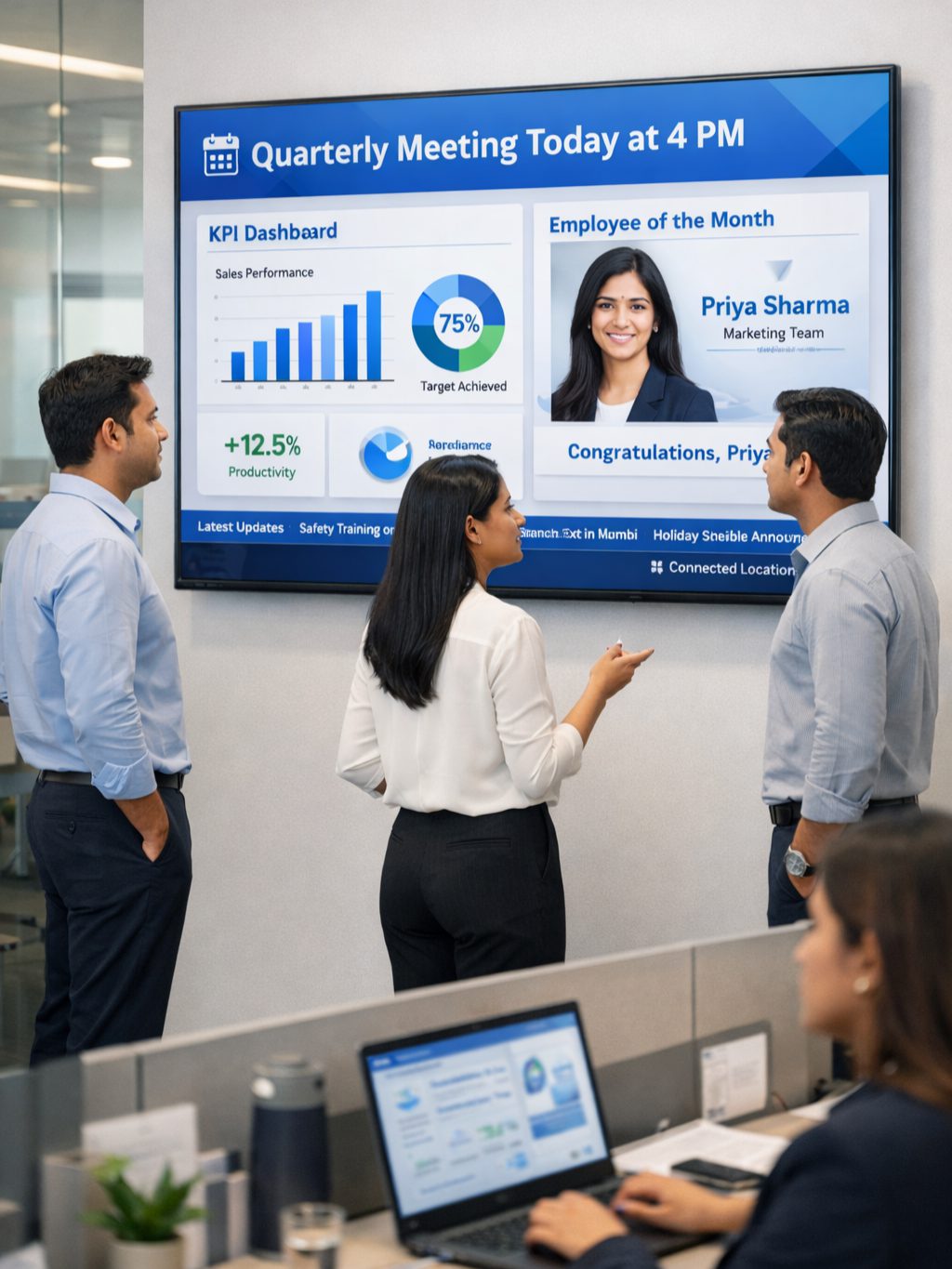
ONE CHANNEL, MANY CORPORATE MOMENTS
Use the existing workplace screen network for focused, audience-appropriate messages throughout the day.


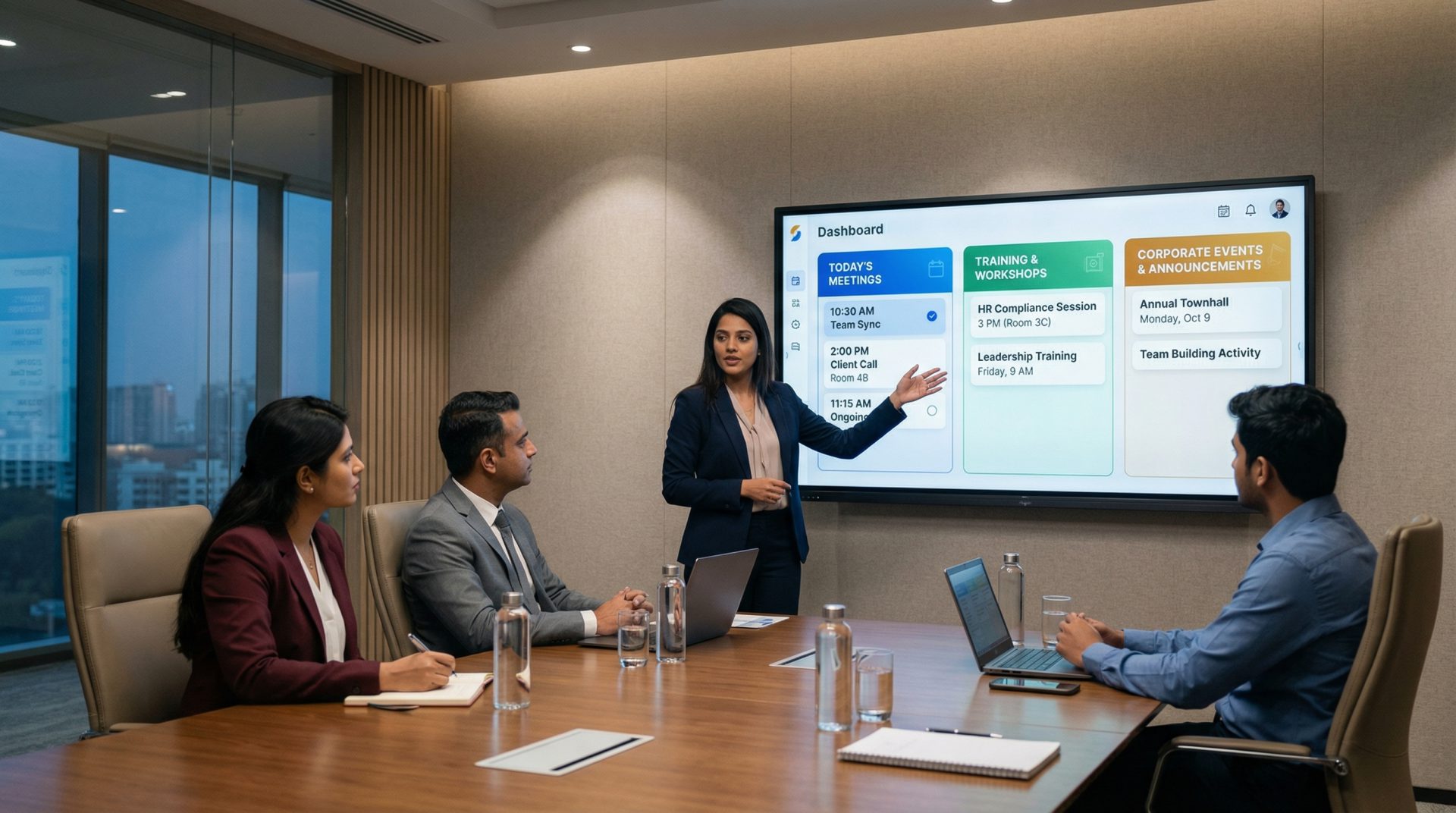


COMMUNICATION DESIGNED FOR SHARED SPACES
Build every screen campaign around an audience, a purpose, an owner and a next step.
CORPORATE DIGITAL SIGNAGE USE CASES
Explore practical workplace campaigns and the controls each one requires.
Share approved leadership messages, strategic priorities, business milestones and company news in a concise visual format. Use a clear call to action when employees need to read a full update on the intranet or another primary channel.
FROM STRATEGY TO EVERYDAY VISIBILITY
Connect message ownership, audience targeting and the employee journey across the workplace.
USE THE RIGHT CHANNEL FOR THE MESSAGE
Corporate screens work best as an awareness and reinforcement channel—not as a replacement for every employee communication tool.
| Communication need | Email, Chat & Intranet | Signmitra Digital Signage |
|---|---|---|
| Detailed policies and documents | Primary channel | Summarize and link onward |
| Visible workplace awareness | Requires opening a message | Persistent in shared spaces |
| Two-way conversation | Primary channel | Not designed for discussion |
| Deskless and shared-space reach | Depends on device access | Visible at selected locations |
| Location-specific campaigns | Distribution lists required | Target screen groups |
| Visual dashboards and recognition | Opened individually | Shared visual presentation |
| Sensitive or personal information | Use controlled access | Avoid on shared displays |
Email, Chat & Intranet
Primary channelSignmitra Digital Signage
Summarize and link onwardEmail, Chat & Intranet
Requires opening a messageSignmitra Digital Signage
Persistent in shared spacesEmail, Chat & Intranet
Primary channelSignmitra Digital Signage
Not designed for discussionEmail, Chat & Intranet
Depends on device accessSignmitra Digital Signage
Visible at selected locationsEmail, Chat & Intranet
Distribution lists requiredSignmitra Digital Signage
Target screen groupsEmail, Chat & Intranet
Opened individuallySignmitra Digital Signage
Shared visual presentationEmail, Chat & Intranet
Use controlled accessSignmitra Digital Signage
Avoid on shared displaysUse screen content for concise, non-confidential information and direct employees to controlled systems for detail, feedback and sensitive material. Design Your Channel Strategy
COMMUNICATION FOR DIFFERENT WORK ENVIRONMENTS
Build a shared governance model, then tailor content to the audience and operating context.
Coordinate leadership news, culture campaigns, events, visitor communication and suitable dashboards across common areas.
Keep central messages consistent while giving approved regional or local owners space for relevant updates.
Publish shift-relevant notices, approved metrics, training reminders and safety awareness in suitable staff areas.
Use office screens to reinforce campaigns and events while remote employees continue through digital channels designed for personal access.
CORPORATE COMMUNICATION PLATFORM CAPABILITIES
Give communication, HR, facilities and local teams a practical publishing workflow.
Manage media, playlists, schedules and screen groups through a browser-based workspace.
Align publishing permissions with central, regional, departmental and local responsibilities.
Plan recurring and time-bound content by date, day and time.
Publish to selected offices, floors, departments or communication zones.
Combine announcements, media, tickers, dashboards and supporting information in structured layouts.
Display compatible websites and dashboards after authentication and visibility requirements are reviewed.
Use supported data, news and social sources with suitable moderation and content ownership.
Previously downloaded content can continue during a temporary connection interruption.
Identify screens that may require attention without checking every location in person.
A GOVERNED PUBLISHING WORKFLOW
Define ownership and approval before content reaches a shared display.
Clarify who needs the message, why it matters and what they should do next.
Adapt the message for viewing distance, dwell time, accessibility and brand standards.
Confirm accuracy, permissions, timing, confidentiality and publishing responsibility.
Assign the campaign to the right locations, screen zones and time windows.
Monitor player status, remove expired content and improve future campaigns.
CENTRAL CONTROL, LOCAL RELEVANCE
Organize screens by office, business unit, floor or audience, then combine central campaigns with approved local information. Permissions can separate platform administration, content creation and location-level publishing responsibilities.
For dashboards, calendars, social feeds or other external sources, integration behaviour depends on compatibility, authentication, connectivity and the chosen player environment. Signmitra can help review those requirements before rollout.
CORPORATE COMMUNICATION DIGITAL SIGNAGE FAQ
Our team is here to help with anything not covered above.
BUILD A MORE VISIBLE CORPORATE CHANNEL
Tell us about your offices, audiences, channels and approval workflow. We’ll help you plan a practical corporate communication signage rollout.

