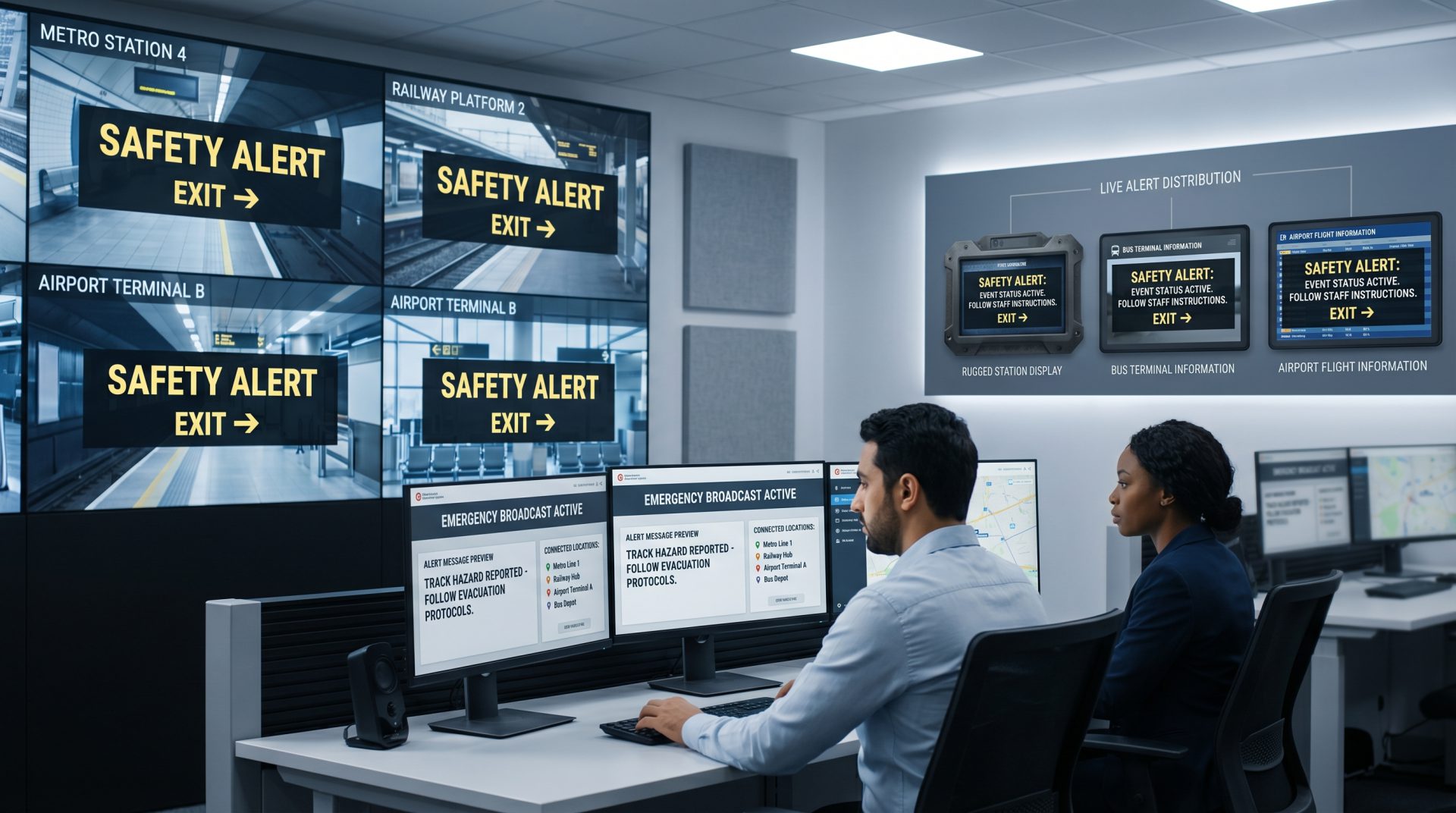
Publish schedule information
Show arrivals, departures, routes, platforms and gates using approved content or a compatible live-data feed.
ONE PLATFORM ACROSS THE PASSENGER JOURNEY
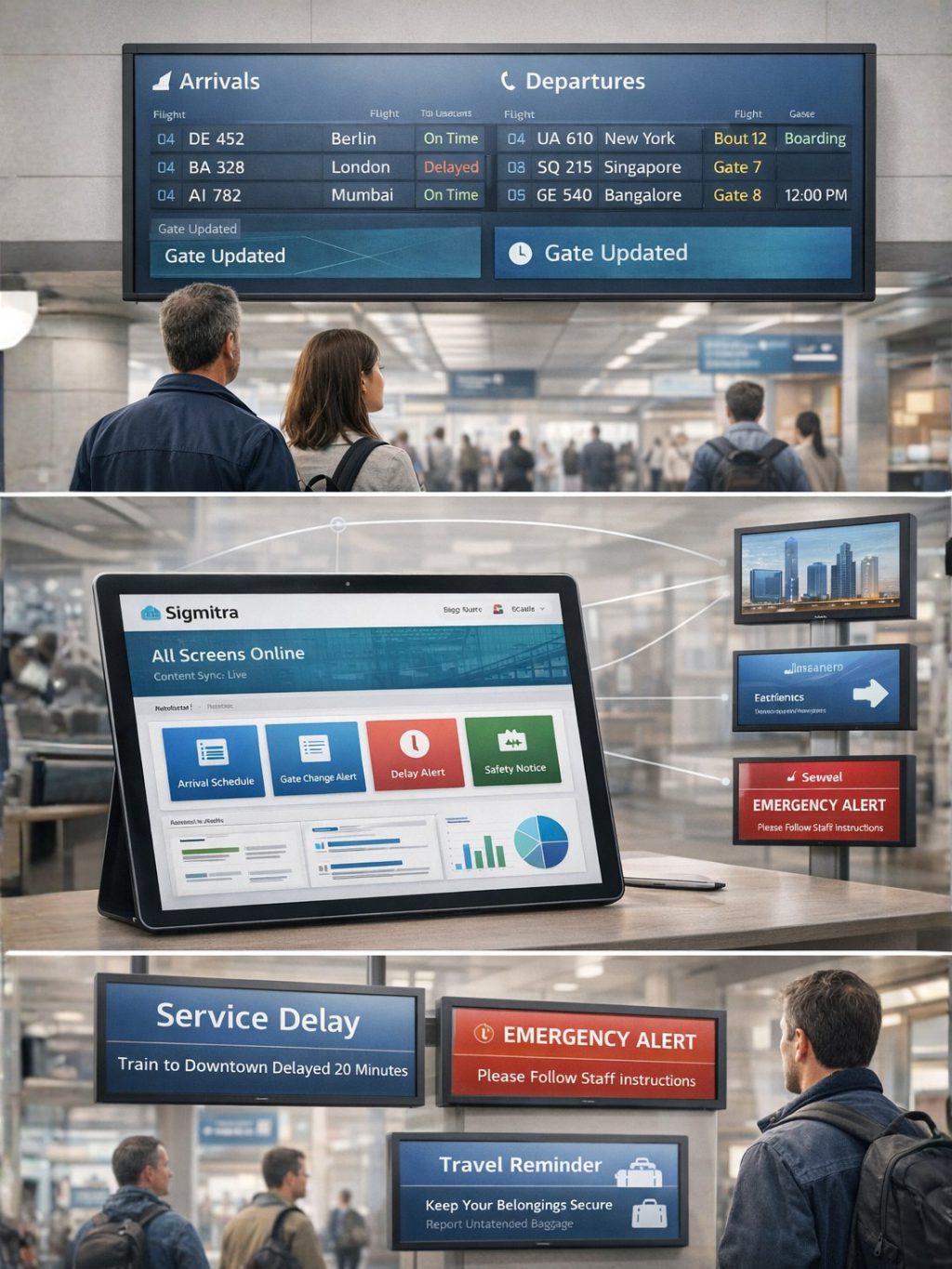
Coordinate fixed-location and supported mobile displays without relying on disconnected playlists or manual screen visits.
CLEAR INFORMATION WHEN TIMING MATTERS
Passengers need different information as they arrive, wait, transfer and board. Signmitra helps transport teams coordinate service guidance, scheduled content and approved live data across entrance screens, concourses, platforms, gates, waiting areas and supported vehicle displays.
Central teams can maintain network-wide templates while targeting messages by terminal, station, route, platform or screen zone. When operations change, authorized users can update relevant displays without recreating every playlist or visiting each location.
WHY TRANSPORT OPERATORS USE DIGITAL SIGNAGE
Give every screen a defined operational or passenger-experience role.
Show arrivals, departures, routes, platforms and gates using approved content or a compatible live-data feed.
Target delay notices, diversions, closures and replacement-service guidance to affected locations.
Guide passengers to platforms, gates, ticketing, baggage, exits, amenities and connecting services.
Use legible templates, strong contrast, clear language and consistent information hierarchy across passenger displays.
Schedule approved tourism, retail, food, mobility and partner campaigns around passenger dwell areas.
Organize screens by hub, station, route, depot, vehicle group or passenger zone from one CMS.
TRANSPORTATION DIGITAL SIGNAGE USE CASES
Explore the most valuable screen experiences across transportation environments.
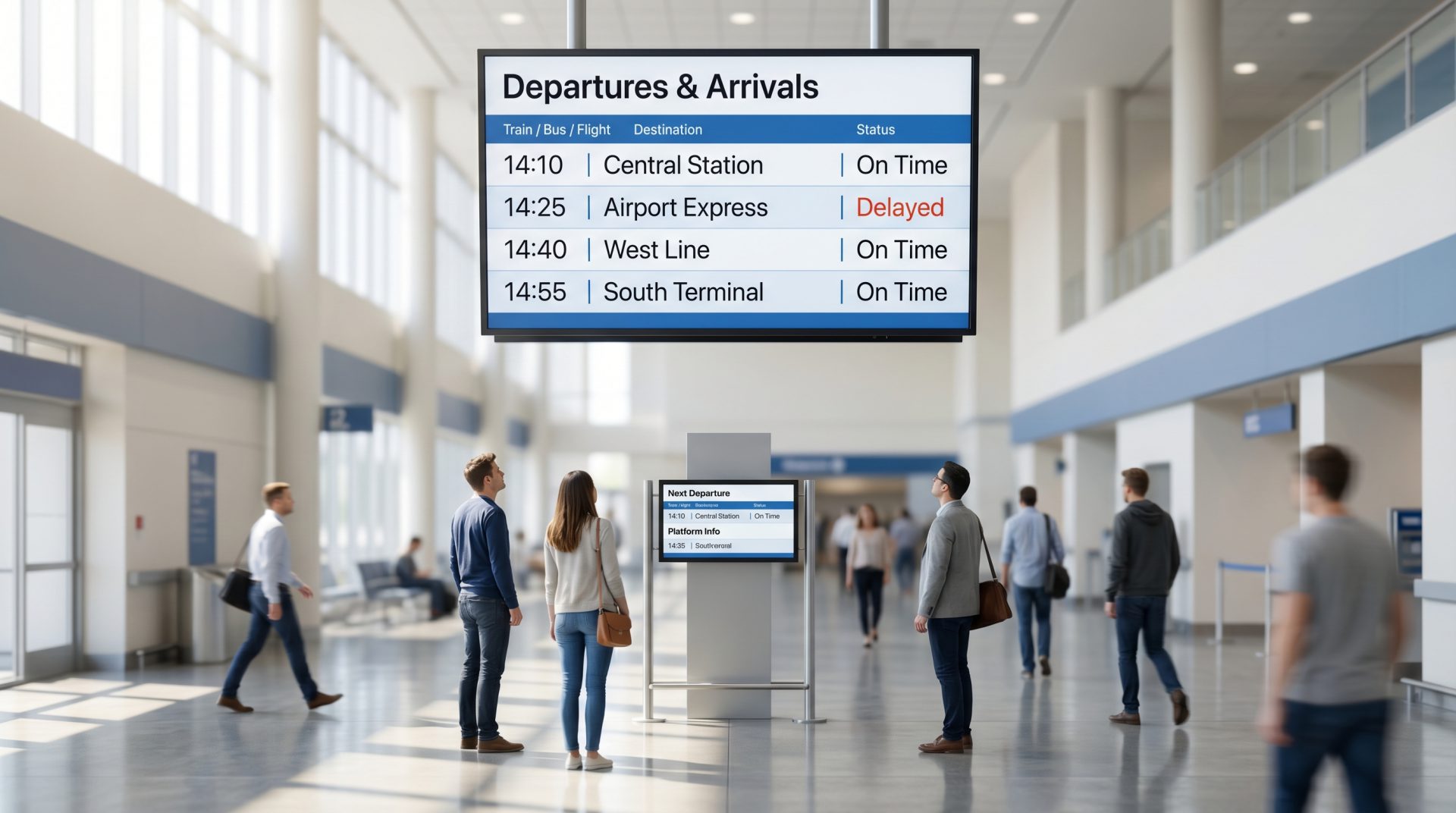
Display scheduled or integrated arrivals, departures, estimated times, route numbers, platforms, gates and connection details. Automated updates require a compatible FIDS, PIDS, AVL or other approved operational data source.
A CONNECTED PASSENGER JOURNEY
Coordinate messages around the decisions passengers make from arrival to boarding.
FROM SILOED DISPLAYS TO A MANAGED NETWORK
Compare location-by-location updates with coordinated cloud screen management.
| Network workflow | Manual or Local Updates | Signmitra Cloud Signage |
|---|---|---|
| Content publishing | Update each site or device | Publish remotely |
| Location and route targeting | Separate local playlists | Target hubs, zones and groups |
| Scheduled campaigns | Requires repeated handling | Automate by date and time |
| Passenger data feeds | Static information | Compatible integrations required |
| Priority messages | Slow to coordinate | Target approved screen groups |
| Playback through connectivity drops | Depends on local setup | Cached content keeps playing |
Manual or Local Updates
Update each site or deviceSignmitra Cloud Signage
Publish remotelyManual or Local Updates
Separate local playlistsSignmitra Cloud Signage
Target hubs, zones and groupsManual or Local Updates
Requires repeated handlingSignmitra Cloud Signage
Automate by date and timeManual or Local Updates
Static informationSignmitra Cloud Signage
Compatible integrations requiredManual or Local Updates
Slow to coordinateSignmitra Cloud Signage
Target approved screen groupsManual or Local Updates
Depends on local setupSignmitra Cloud Signage
Cached content keeps playingLive data, priority-message behavior and on-vehicle connectivity depend on compatible systems, network design and deployment configuration. Review your transport requirements
BUILT FOR TRANSPORTATION ENVIRONMENTS
Adapt content, permissions and integrations to the needs of each network, hub and passenger audience.
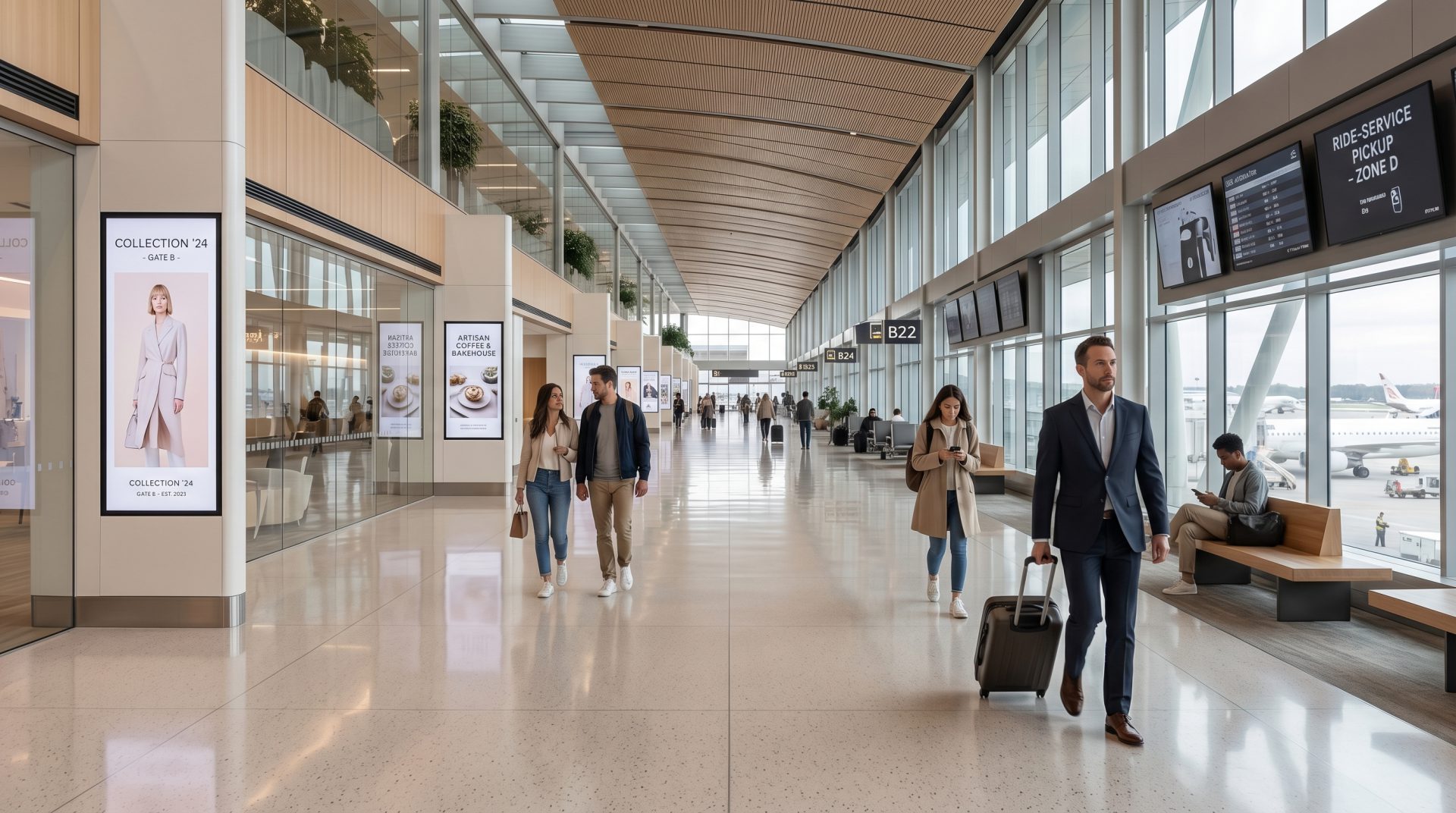
Airports & terminals. Coordinate flight information, gates, check-in guidance, wayfinding, safety messages and commercial content
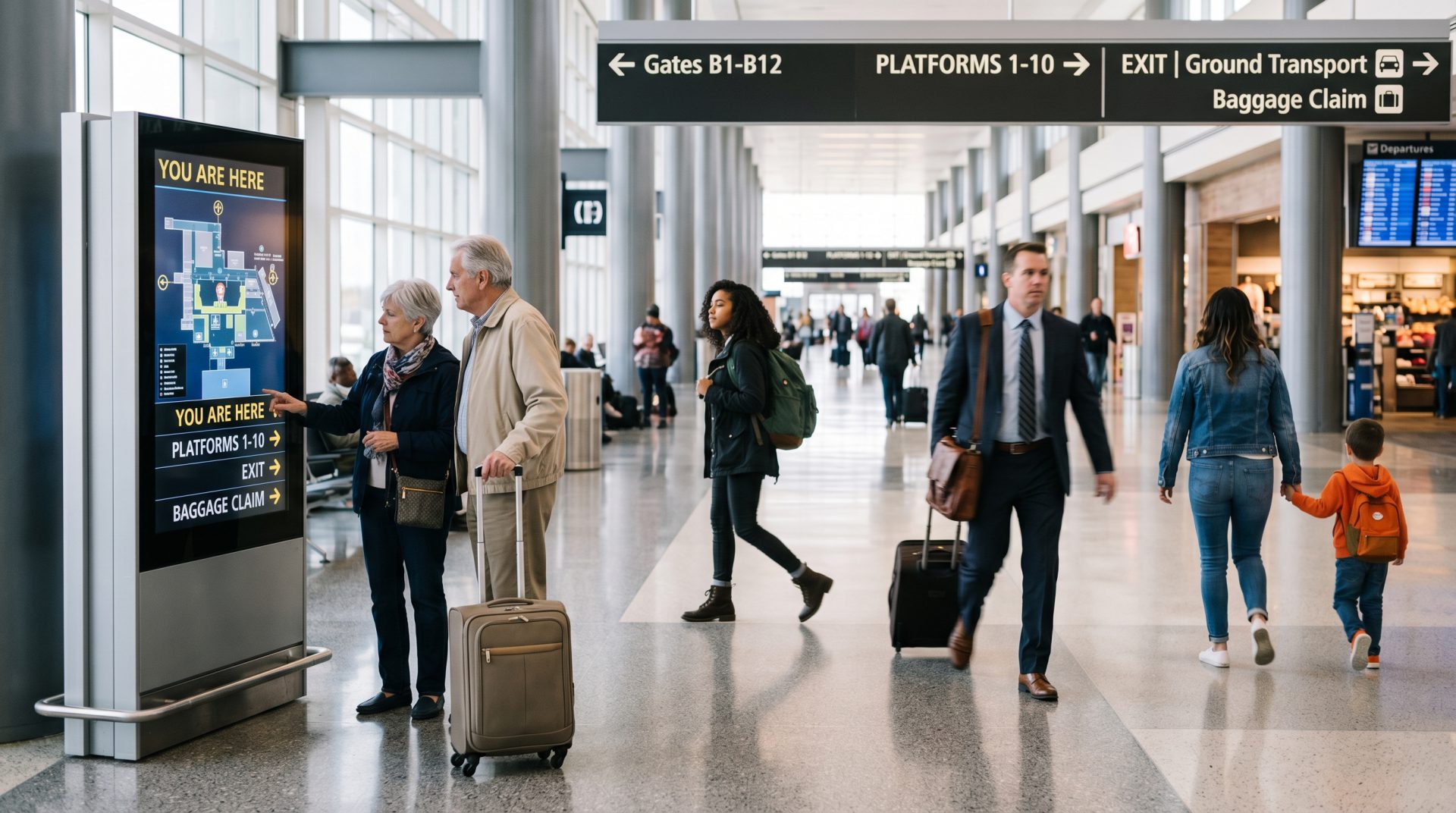
Railway & metro stations. Manage platform guidance, service updates, interchange directions and passenger campaigns across stations
Bus terminals & depots. Publish route, bay, timing, disruption and operational content across terminal and depot screen groups

Bus & rail fleets. Schedule next-stop guidance, safety information and campaigns on supported connected vehicle displays
Ferry ports & transit hubs. Bring together timetables, transfers, local transport, accessibility guidance and destination information
CONTROLLED NETWORK WORKFLOW
Build a repeatable process for fixed displays, hubs and supported vehicle screens.
Install a supported Signmitra player and validate power, network, orientation and display behavior.
Build approved templates and scope any timetable, FIDS, PIDS, AVL or business-data connections.
Organize displays by hub, station, route, vehicle or zone and assign the right publishing rules.
Send updates remotely and use screen status information to identify operational issues.
DESIGNED FOR DISTRIBUTED SCREEN OPERATIONS
Large transport networks need more than a single shared playlist. Signmitra helps teams structure screens by location and purpose, reuse approved layouts, schedule routine campaigns and give authorized users access aligned with their responsibilities.
Operational data and incident communication require additional safeguards. Transport operators remain responsible for source-system accuracy, alert authorization, accessibility, network resilience, failover planning and regulatory obligations. Signage should complement—not replace—certified safety and operational systems.
TRANSPORTATION SCREEN-MANAGEMENT CAPABILITIES
Coordinate content, integrations and playback across diverse transportation environments.
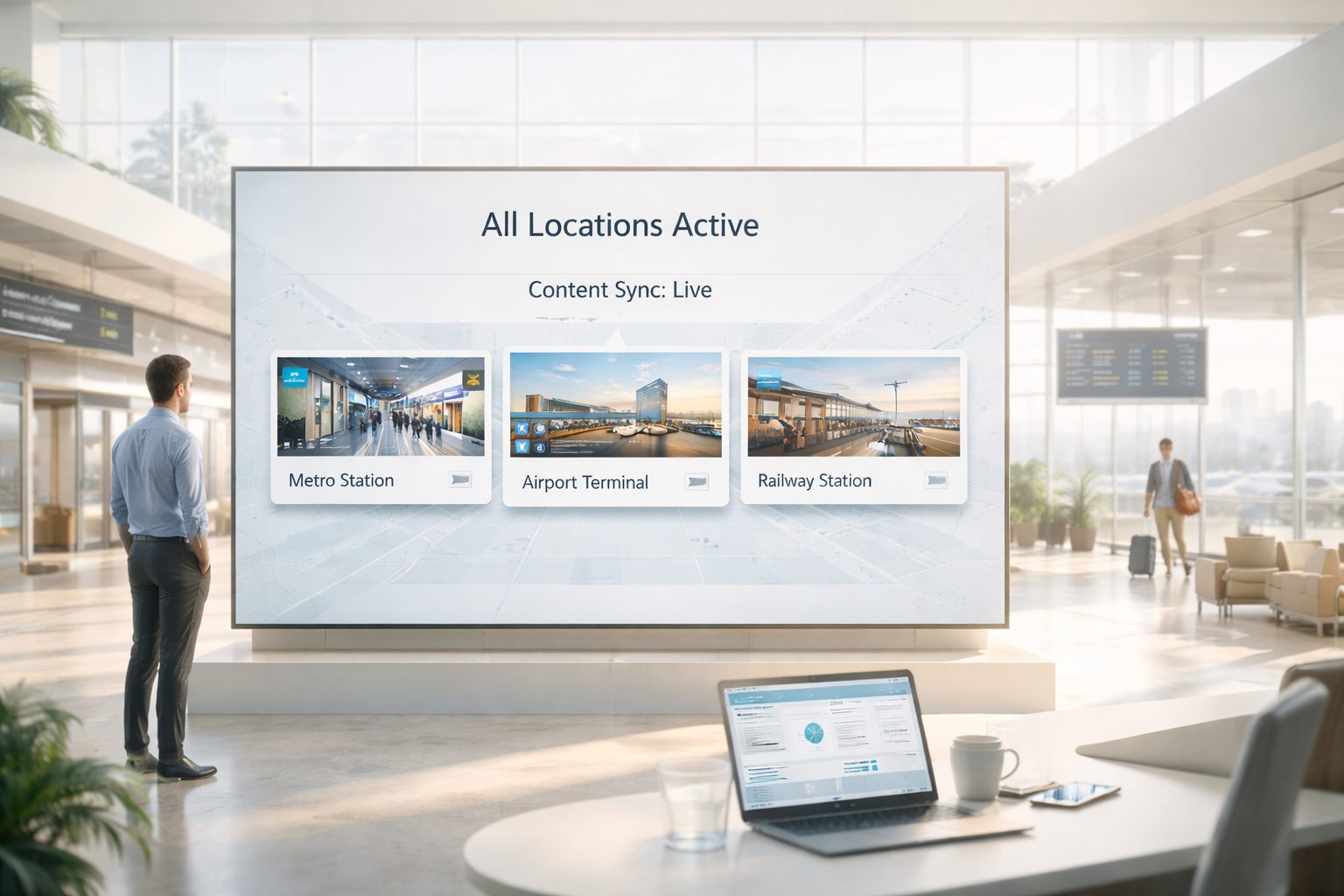
Central cloud CMS. Manage media, playlists, schedules and screens remotely through a browser-based workflow.
Network grouping. Organize displays by terminal, station, platform, route, depot, vehicle group or passenger zone.
Role-based access. Give control-room, communications and local teams access aligned with publishing responsibilities.
Live-data options. Connect compatible FIDS, PIDS, AVL, timetable or other approved feeds after technical review.
Multi-zone layouts. Combine passenger information, service notices and approved campaigns within structured screen zones.
Priority publishing. Prepare workflows that place authorized disruption or safety messages on selected screen groups.
Offline playback. Previously downloaded content can continue during temporary network interruptions.
Screen monitoring. View player status remotely and identify displays that may require operational follow-up.
Flexible media. Publish images, video, tickers, web content, data layouts and compatible signage applications.
TRANSPORTATION DIGITAL SIGNAGE FAQ
Practical answers for airport, rail, metro, bus, fleet and transit-hub teams evaluating digital signage.
Tell us about your locations, vehicles, display zones, data sources and operational workflow.
Manage transportation information, wayfinding, disruption messages and transit campaigns from one digital signage platform.