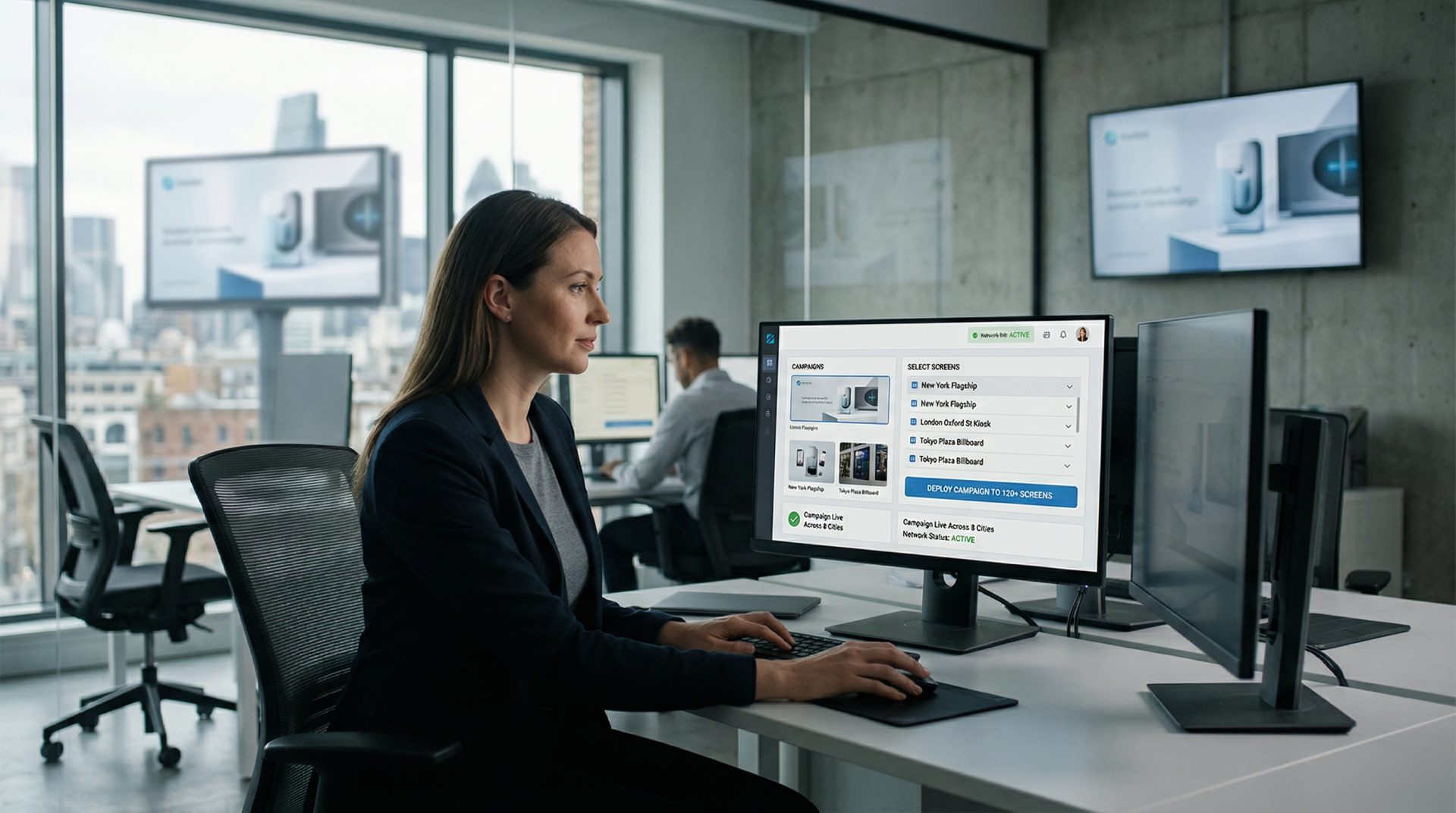
Fragmented inventory slows campaign execution
When locations and players are managed separately, trafficking the same campaign becomes repetitive and difficult to review. Grouped screen inventory creates a clearer publishing structure.
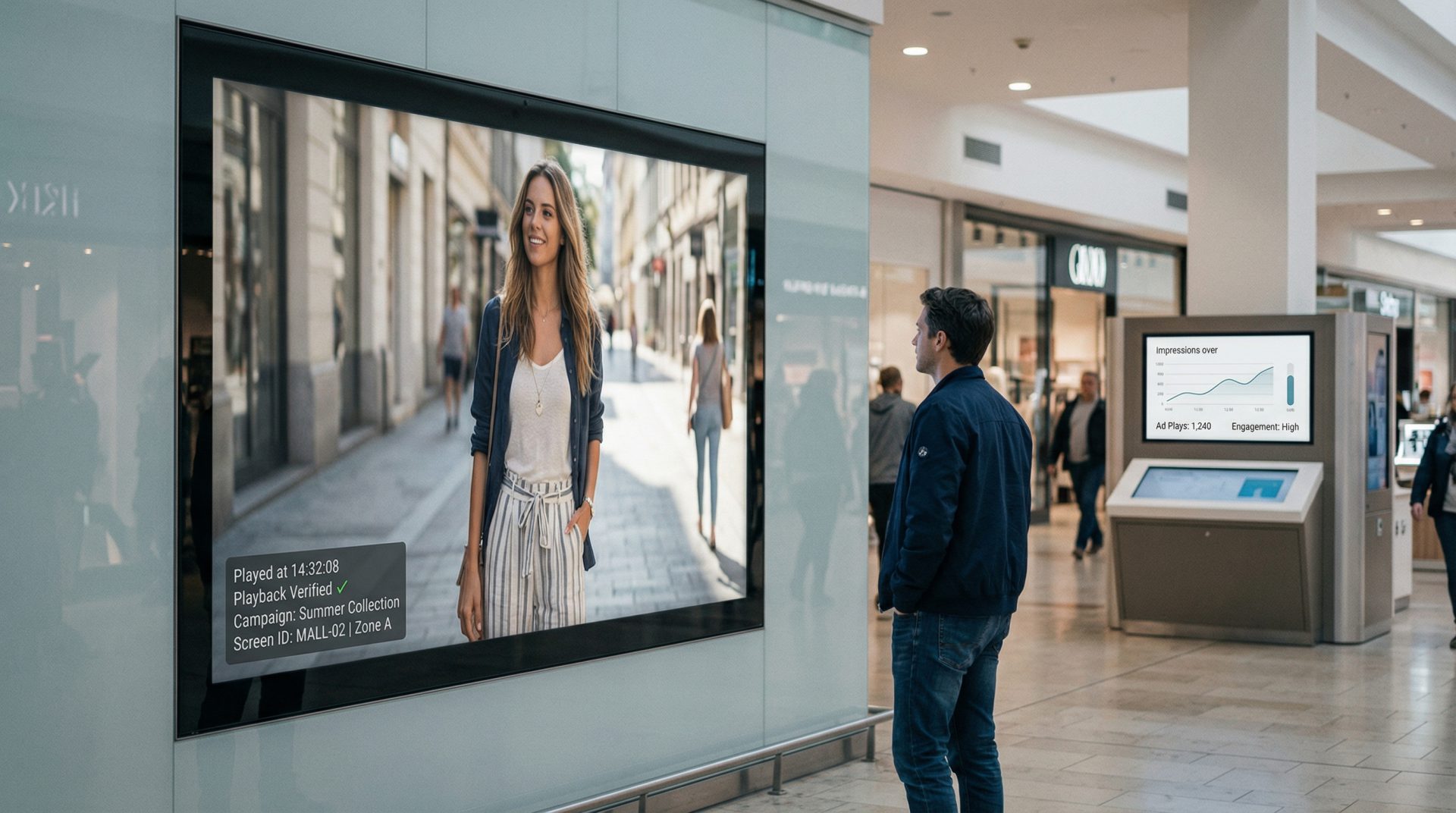
Plan, schedule and deliver campaigns across retail media, malls, transit locations, corporate venues, kiosks, LED displays and digital billboards. Signmitra gives media owners and advertising networks centralized control over content, screen groups, playback records and network operations.

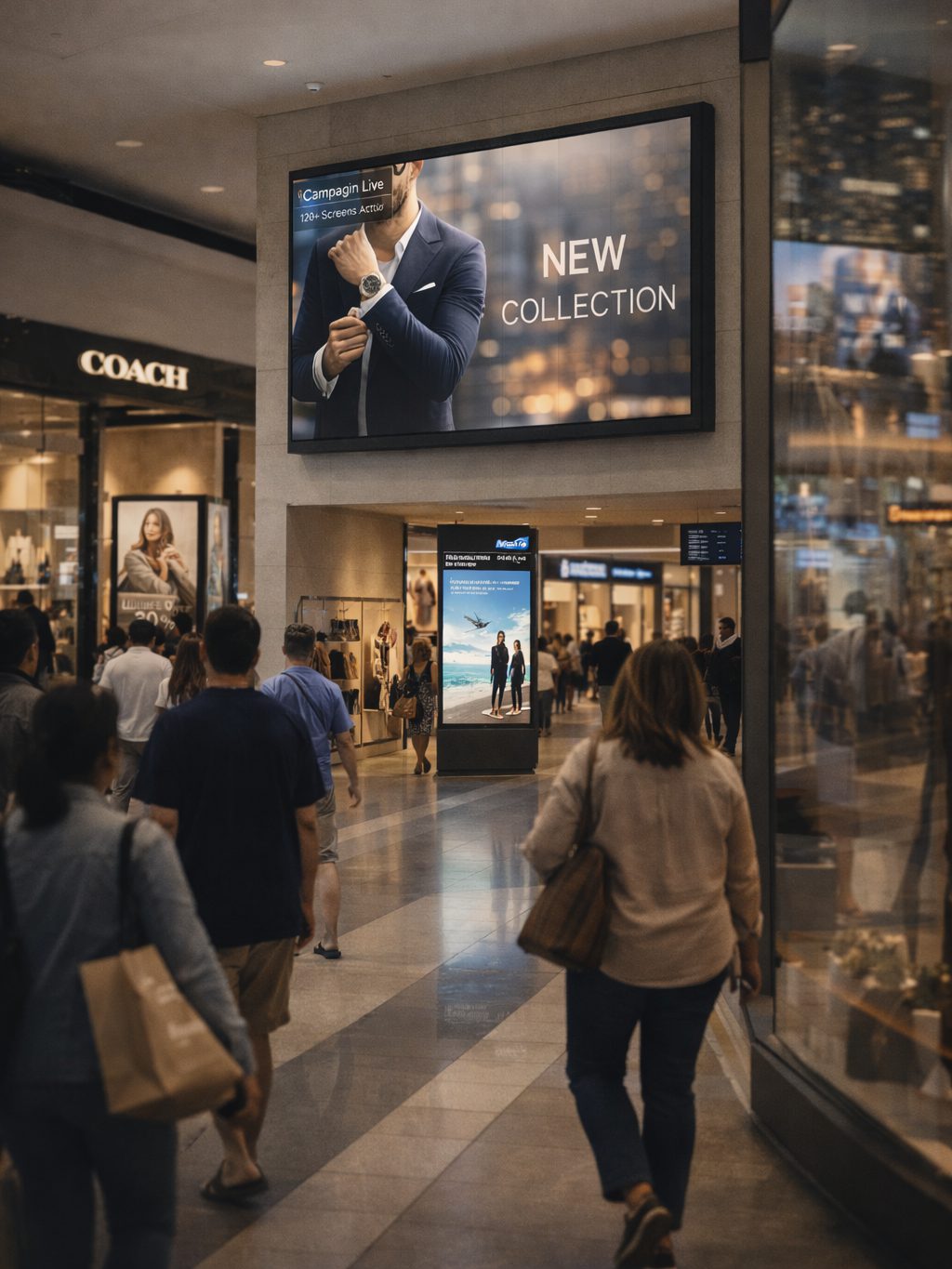
ONE NETWORK, MANY COMMERCIAL ENVIRONMENTS
Coordinate creative across diverse venues while keeping location, timing and operational requirements under control.

THE OPERATING LAYER FOR A DOOH NETWORK
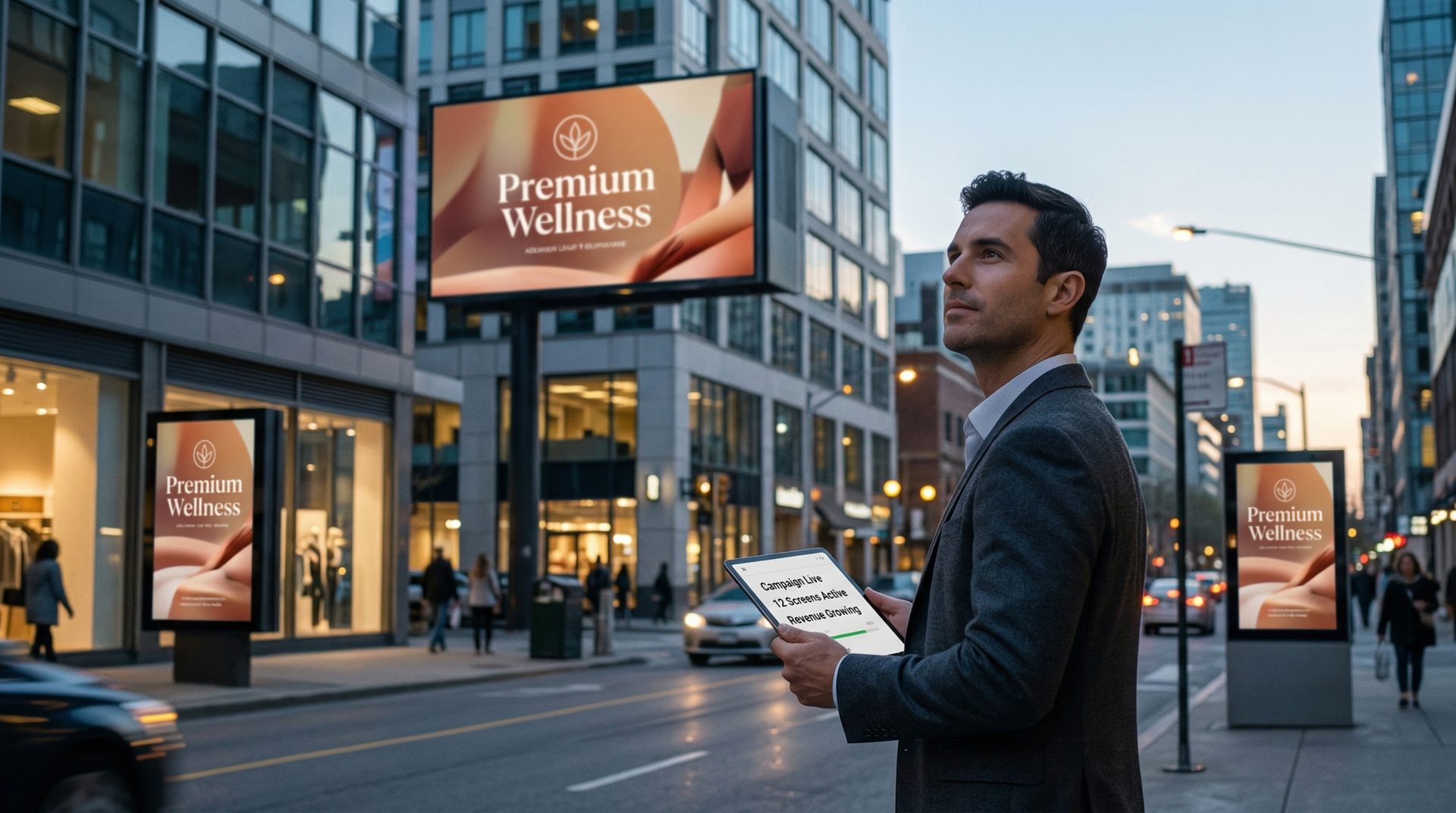
A digital out-of-home network has to coordinate advertisers, creatives, screen locations, campaign dates, playback frequency and operational exceptions. Signmitra brings the screen-management and content-delivery parts of that workflow into one cloud CMS.
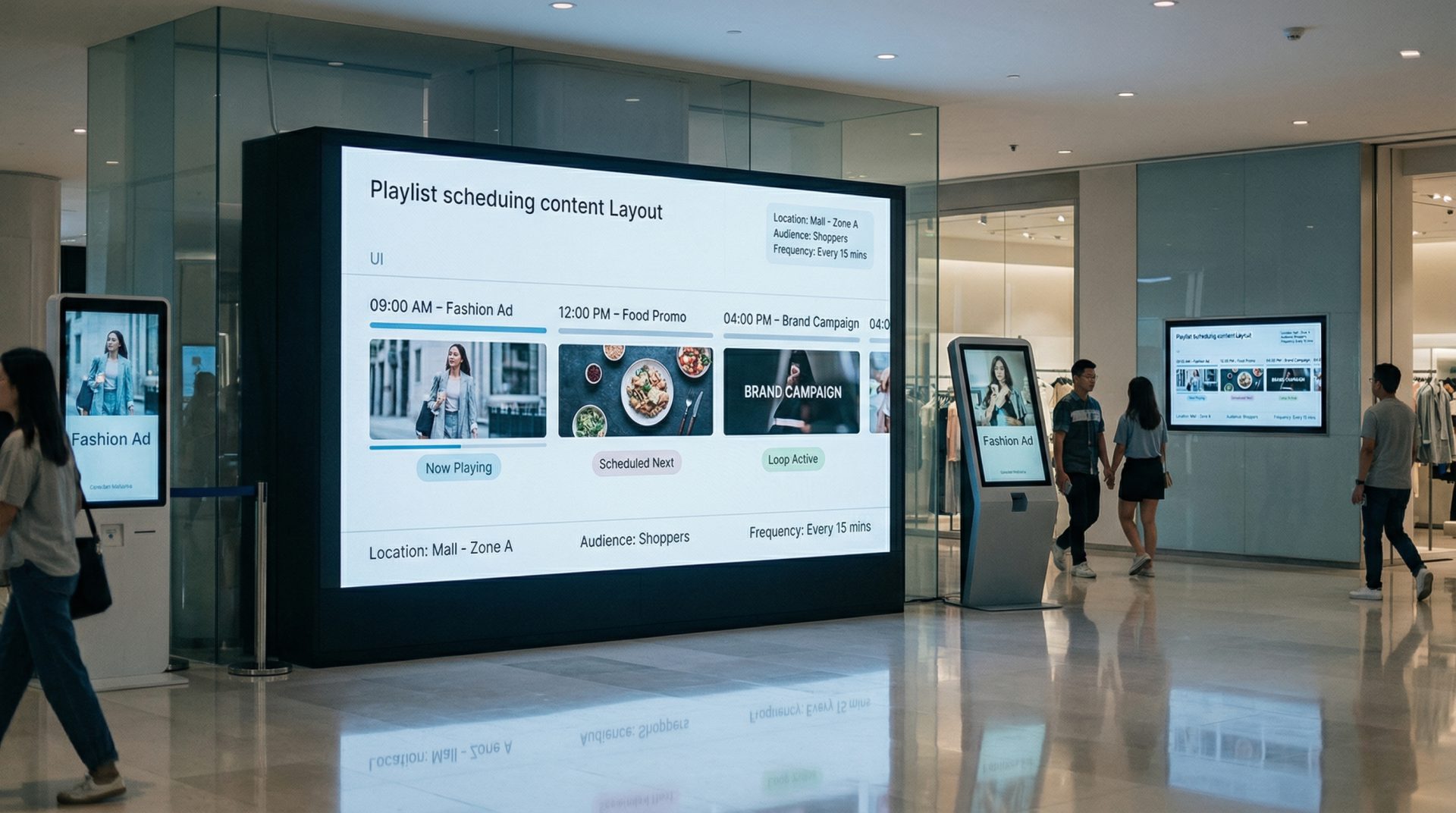
Group displays by city, venue, network, orientation or commercial package. Build playlists, schedule campaigns and publish approved creative remotely. Playback records and screen status can support delivery review, while sales, billing and audience-measurement processes remain governed by the media owner's wider systems and contracts.
FROM CAMPAIGN BRIEF TO PLAYBACK RECORD
Manage the elements Signmitra controls without confusing playback logs with audience or conversion measurement.
THREE DOOH OPERATIONS CHALLENGES
Strong DOOH operations depend on more than uploading creative to a screen.
When locations and players are managed separately, trafficking the same campaign becomes repetitive and difficult to review. Grouped screen inventory creates a clearer publishing structure.
Player-generated proof-of-play records can show when and where a creative was logged as played. They do not independently prove audience exposure, attention or business outcomes.
Remote player status helps operations teams identify screens that may need attention. Network design, connectivity, power and field maintenance remain essential to service delivery.
DOOH CAMPAIGN MANAGEMENT WORKFLOWS
Explore the core workflows media owners and advertising-network teams can manage with Signmitra.
Create playlists and define campaign dates, time windows, creative duration and screen assignments. Scheduling can support planned rotations, but commercial share-of-voice and delivery commitments should be translated into a reviewed trafficking plan.
FROM LOCAL PLAYLISTS TO NETWORK OPERATIONS
Compare manually maintained screens with a centrally managed DOOH signage platform.
| Advertising workflow | USB or Location-by-Location | Signmitra DOOH Management |
|---|---|---|
| Creative distribution | Visit or contact each site | Publish remotely |
| Campaign scheduling | Maintained per screen | Schedule centrally |
| Inventory targeting | Separate local playlists | Use defined screen groups |
| Creative replacement | Slow to coordinate | Update selected inventory |
| Playback records | Little centralized evidence | Player activity logs |
| Screen visibility | Relies on local checking | Remote player status |
USB or Location-by-Location
Visit or contact each siteSignmitra DOOH Management
Publish remotelyUSB or Location-by-Location
Maintained per screenSignmitra DOOH Management
Schedule centrallyUSB or Location-by-Location
Separate local playlistsSignmitra DOOH Management
Use defined screen groupsUSB or Location-by-Location
Slow to coordinateSignmitra DOOH Management
Update selected inventoryUSB or Location-by-Location
Little centralized evidenceSignmitra DOOH Management
Player activity logsUSB or Location-by-Location
Relies on local checkingSignmitra DOOH Management
Remote player statusPlayback records, billing, audience measurement and campaign reconciliation should be defined separately in the media owner's delivery methodology. Review your DOOH operations model
THE CAMPAIGN DELIVERY PATH
Give sales, trafficking, creative and operations teams a repeatable handoff.
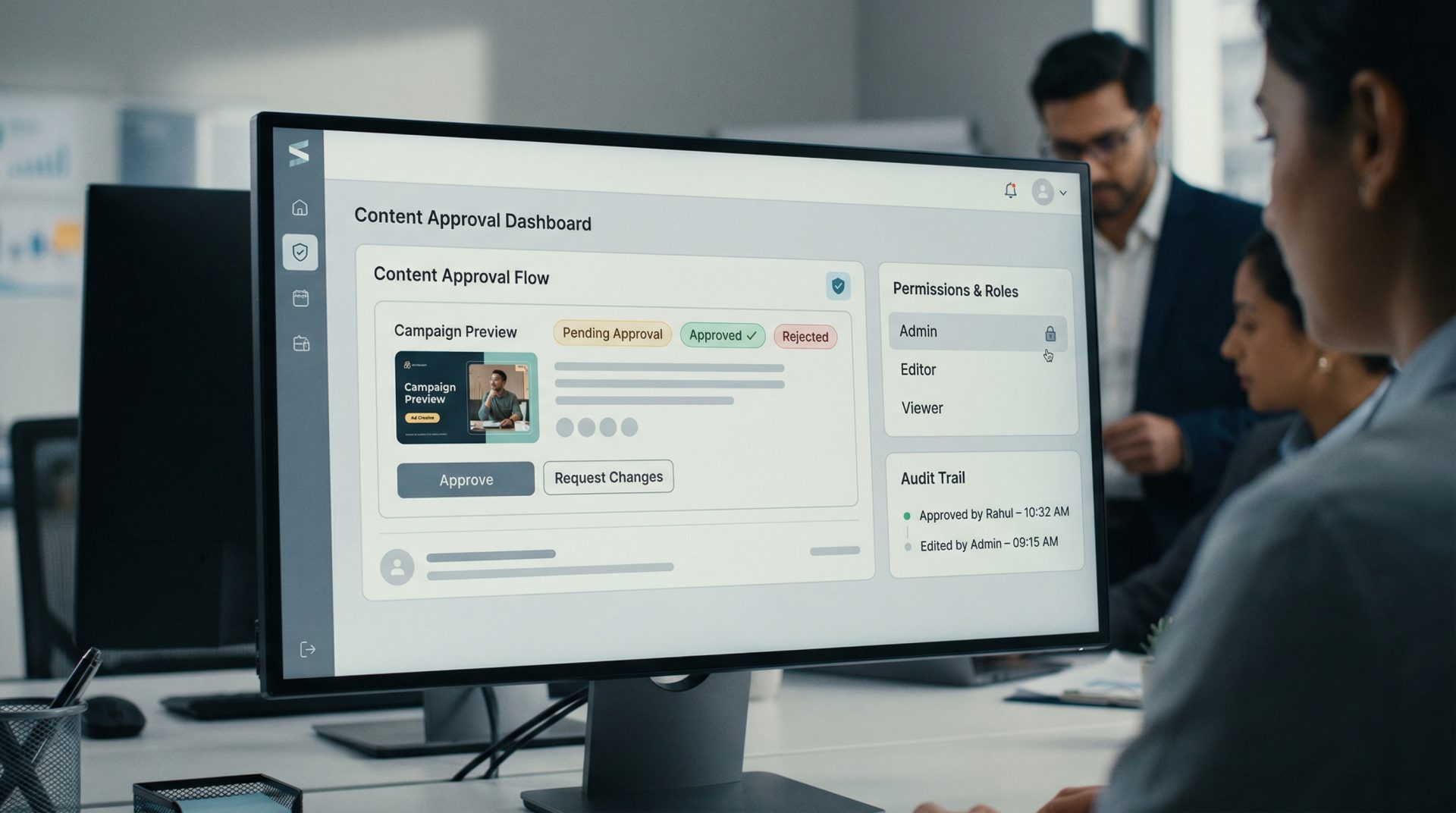
Validate creative format, duration, dates, advertiser authorization and screen-package requirements.
Upload approved media, build playlists and assign the correct locations, screens and time windows.
Send campaigns remotely and review player status for inventory requiring operational attention.
Export available playback information and compare delivery with the agreed campaign methodology.
COMMERCIAL SCALE REQUIRES OPERATIONAL DISCIPLINE
Adding locations creates more opportunity, but it also creates more creative versions, schedules, player states and advertiser expectations to manage. Signmitra helps standardize the content-delivery layer with reusable screen groups, remote publishing, cached playback and status monitoring.
Revenue optimization still depends on pricing, availability, sales, contracts, trafficking policy, audience data and field operations outside the signage CMS. Integrations with ad servers, SSPs, audience platforms or billing systems require compatible interfaces and separate technical scoping.
DOOH SCREEN-MANAGEMENT CAPABILITIES
Coordinate content, access and player operations across diverse advertising environments.
Central cloud CMS. Manage media, playlists, schedules and screens remotely through a browser-based workflow.
Inventory grouping. Organize screens by market, venue, package, orientation, player type or commercial zone.
Campaign scheduling. Set campaign dates, time windows and recurring playback schedules across selected inventory.
Playback records. Use available player logs to review when and where creative was recorded as played.
Role-based access. Give administrators, traffickers and operations teams access aligned with their responsibilities.
Multi-zone layouts. Combine advertising with approved information or live content in structured screen regions.
Offline playback. Previously downloaded campaigns can continue during temporary connectivity interruptions.
Player monitoring. View remote status and identify screens that may need technical or field follow-up.
Creative formats. Publish images, video, slides, tickers, web content and compatible signage applications.
DOOH DIGITAL SIGNAGE FAQ
Practical answers for media owners, agencies, retail-media operators and DOOH network teams.
Tell us about your inventory, campaign workflow, reporting needs and integration requirements.
Coordinate DOOH creative, schedules, screen groups, playback records and player operations with Signmitra.

