Product updates
Print & Standalone Demo Screens
Reprinted or changed locallyWith Signmitra Electronics Signage
Published through the CMSConnect storefront displays, category zones, product demo screens, comparison content and checkout campaigns through one cloud-managed signage workflow. Help electronics shoppers discover and understand products while keeping every store aligned.

A RESPONSIVE CONTENT LAYER FOR FAST-MOVING RETAIL
Electronics retail changes quickly. New models launch, specifications evolve, promotions expire and availability differs by location. Static cards and disconnected demo screens can struggle to keep pace across smartphones, computing, television, audio, gaming, appliances and accessories.
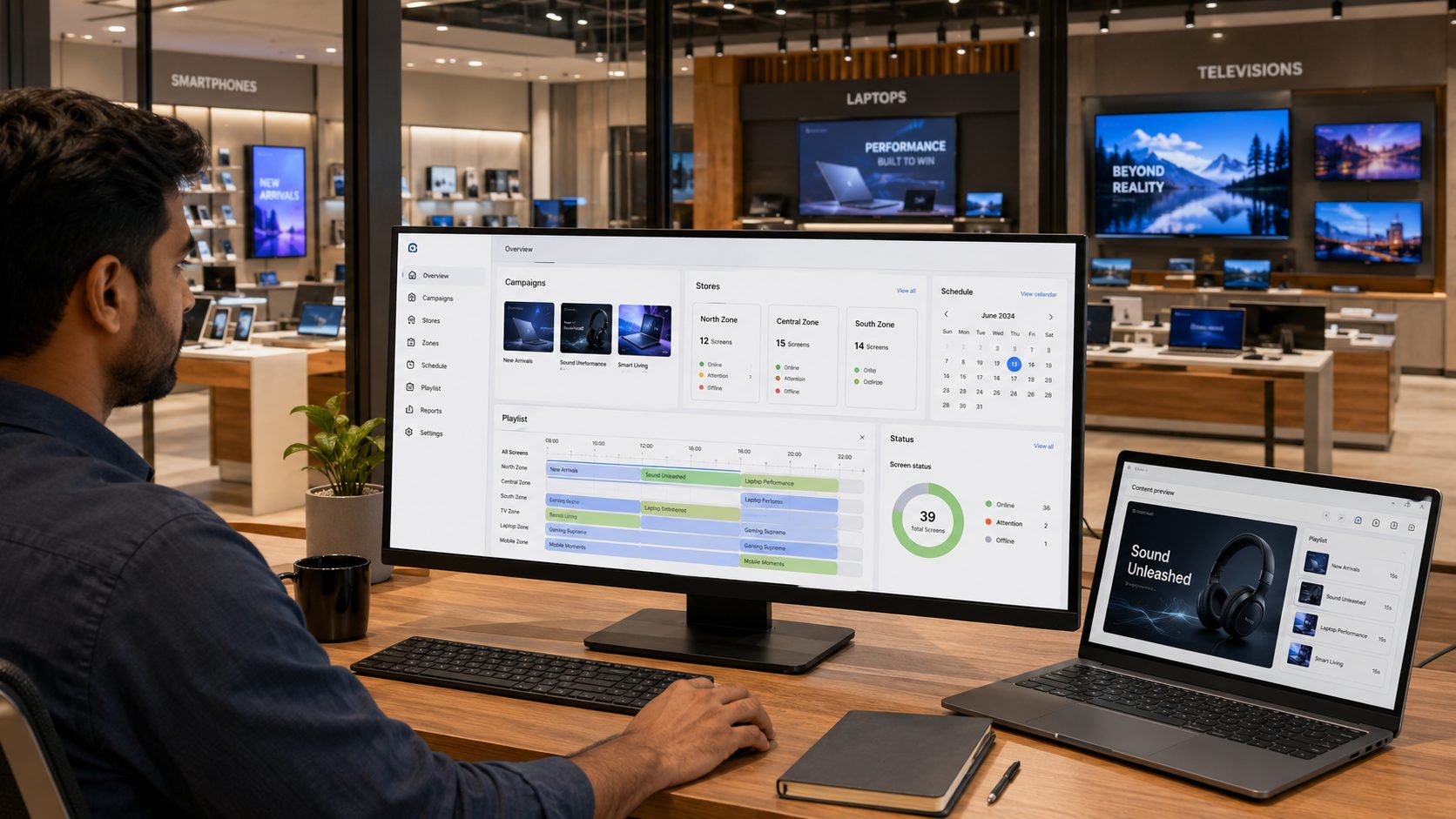
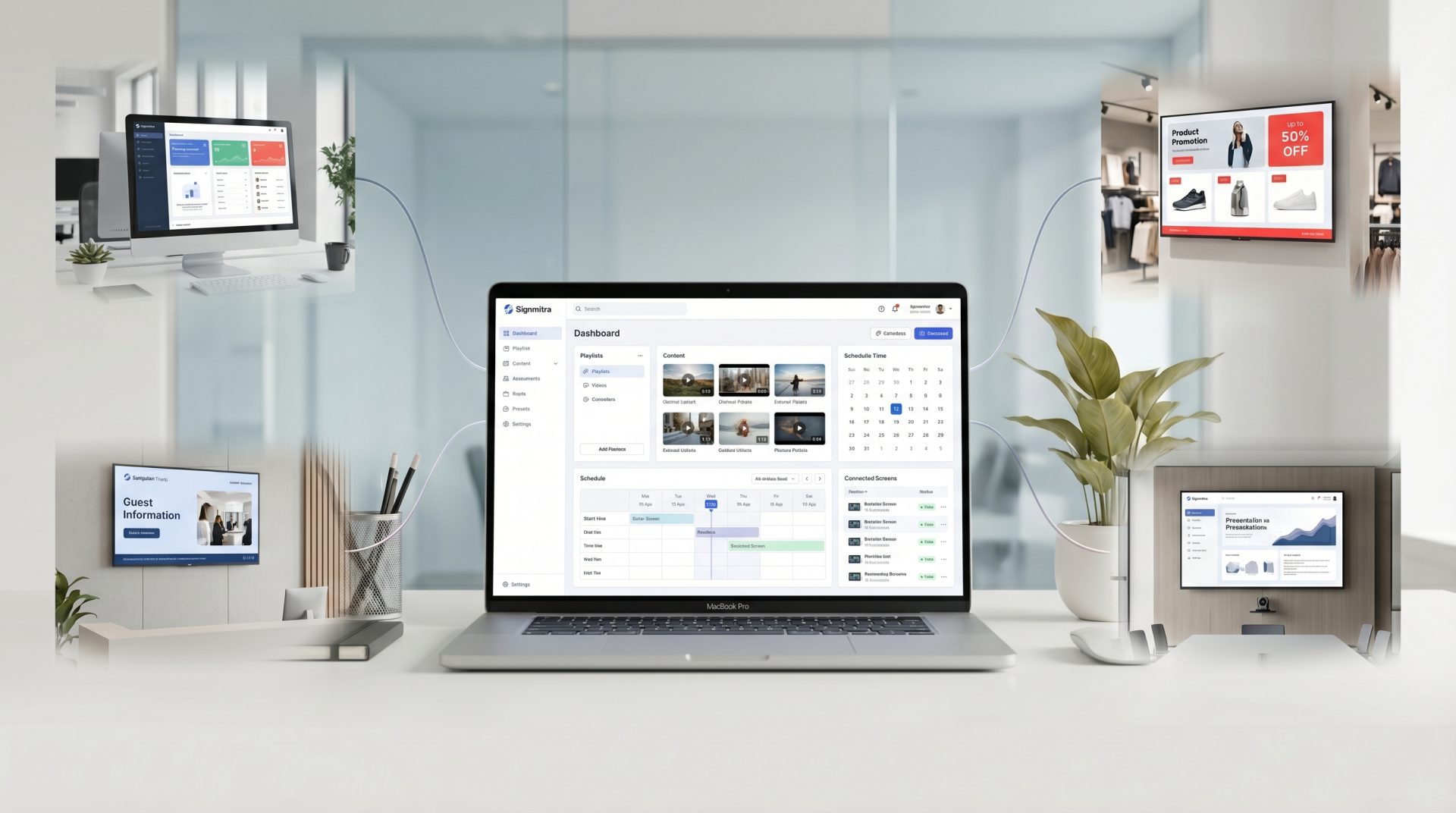
Signmitra helps authorized teams manage campaign media, playlists, schedules and screen groups from one browser-based CMS. Use it to coordinate launches, explain product benefits, structure comparisons and support store teams without treating every display as a separate project.
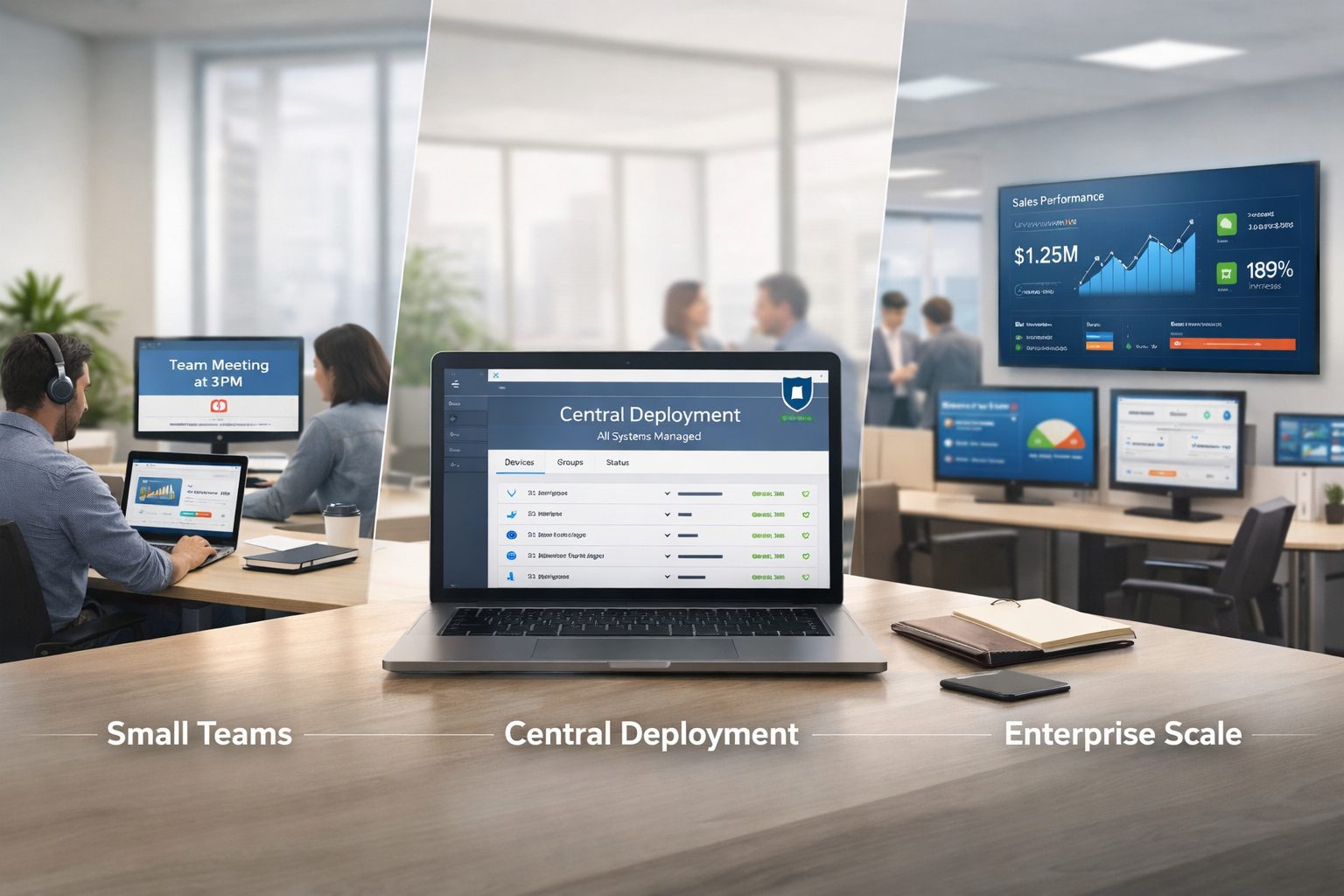
ONE PLATFORM ACROSS THE ELECTRONICS SHOWROOM
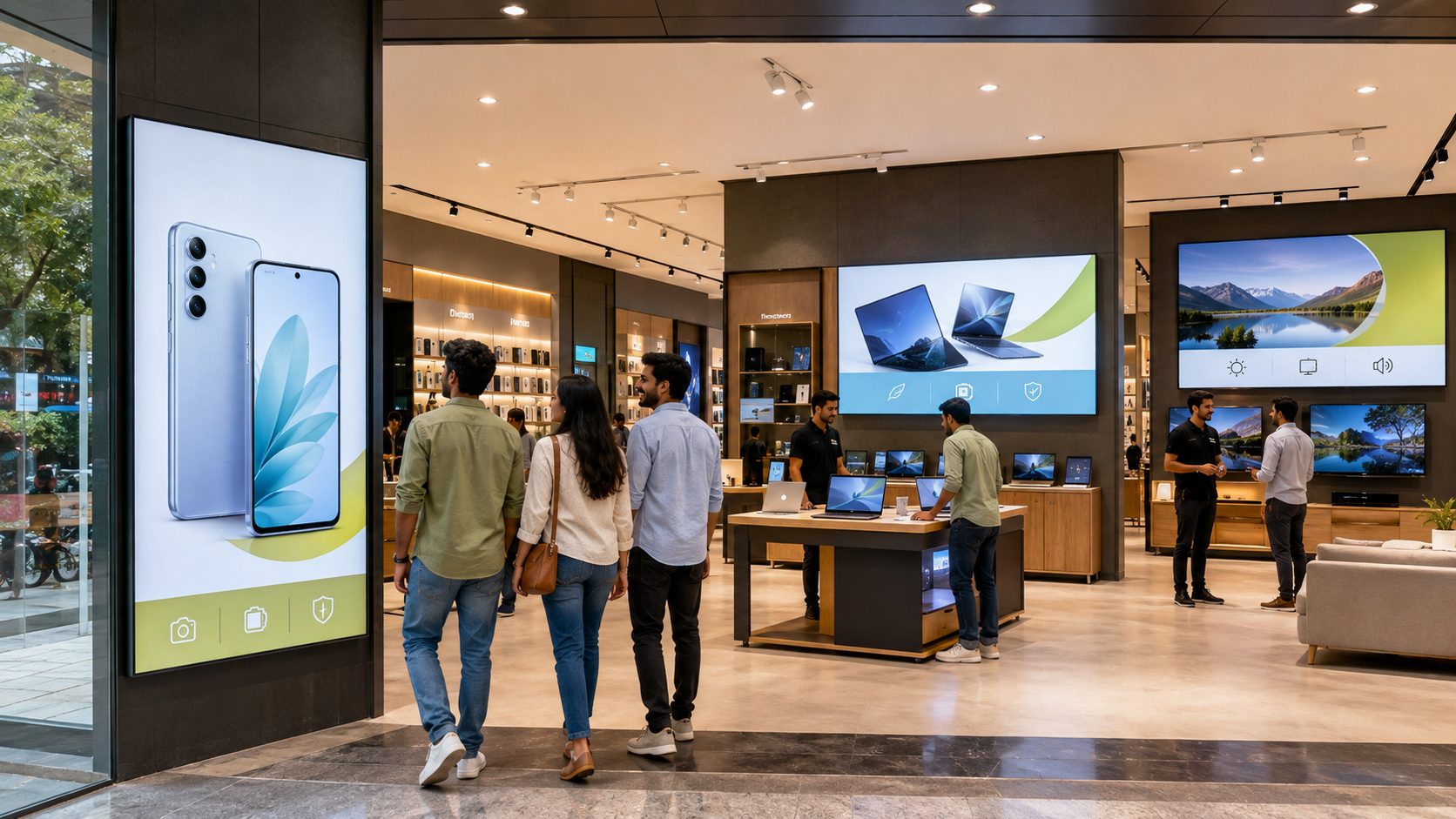
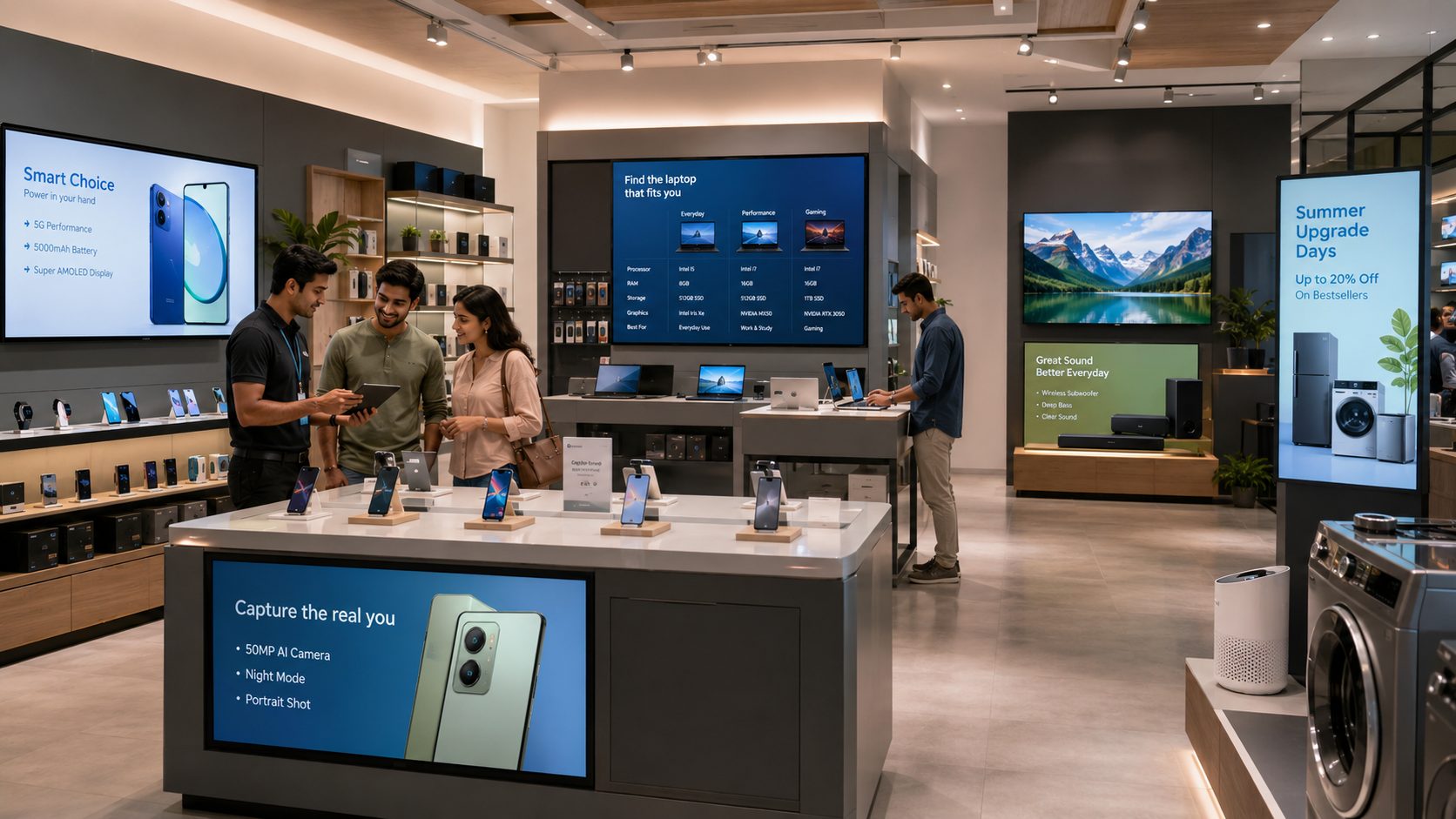
Organize each screen by store, category, campaign and customer moment.
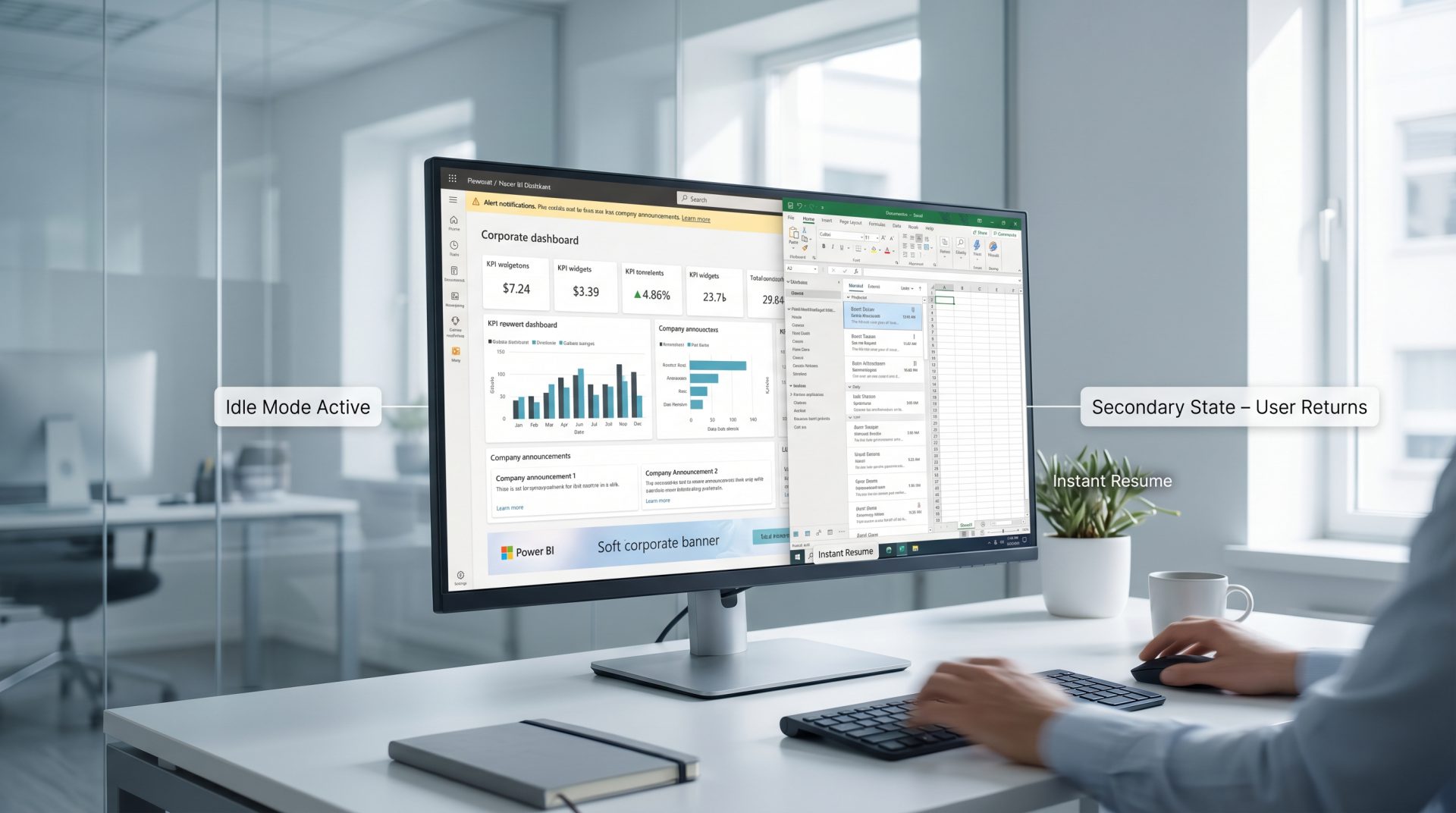
A CONNECTED TECHNOLOGY SHOPPING JOURNEY
Reuse a coordinated visual system while adapting content to the category and decision being made.



DESIGN THE STORE BY TECHNOLOGY ZONE
Open each zone to see how the screen's job changes across the showroom.
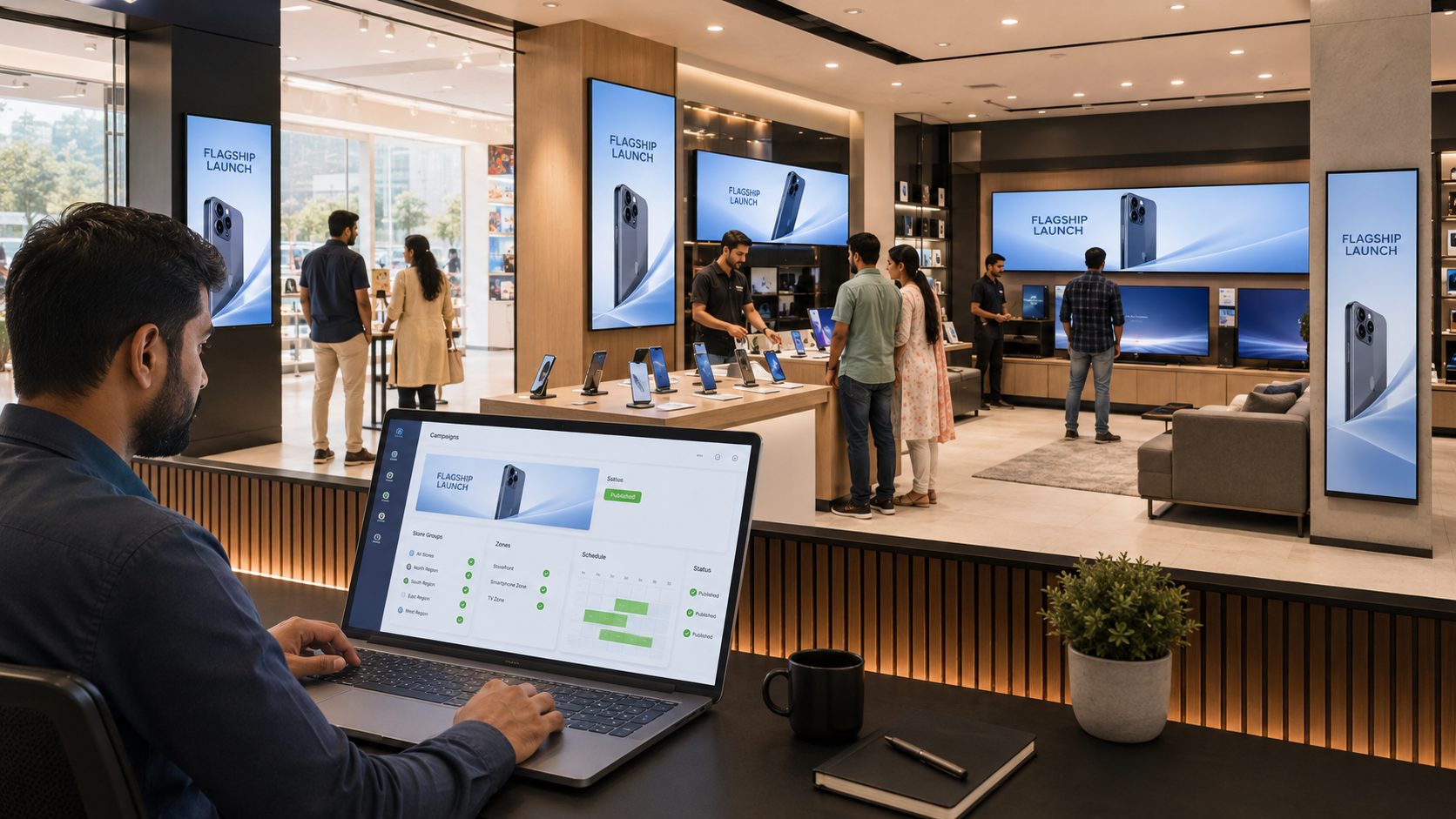
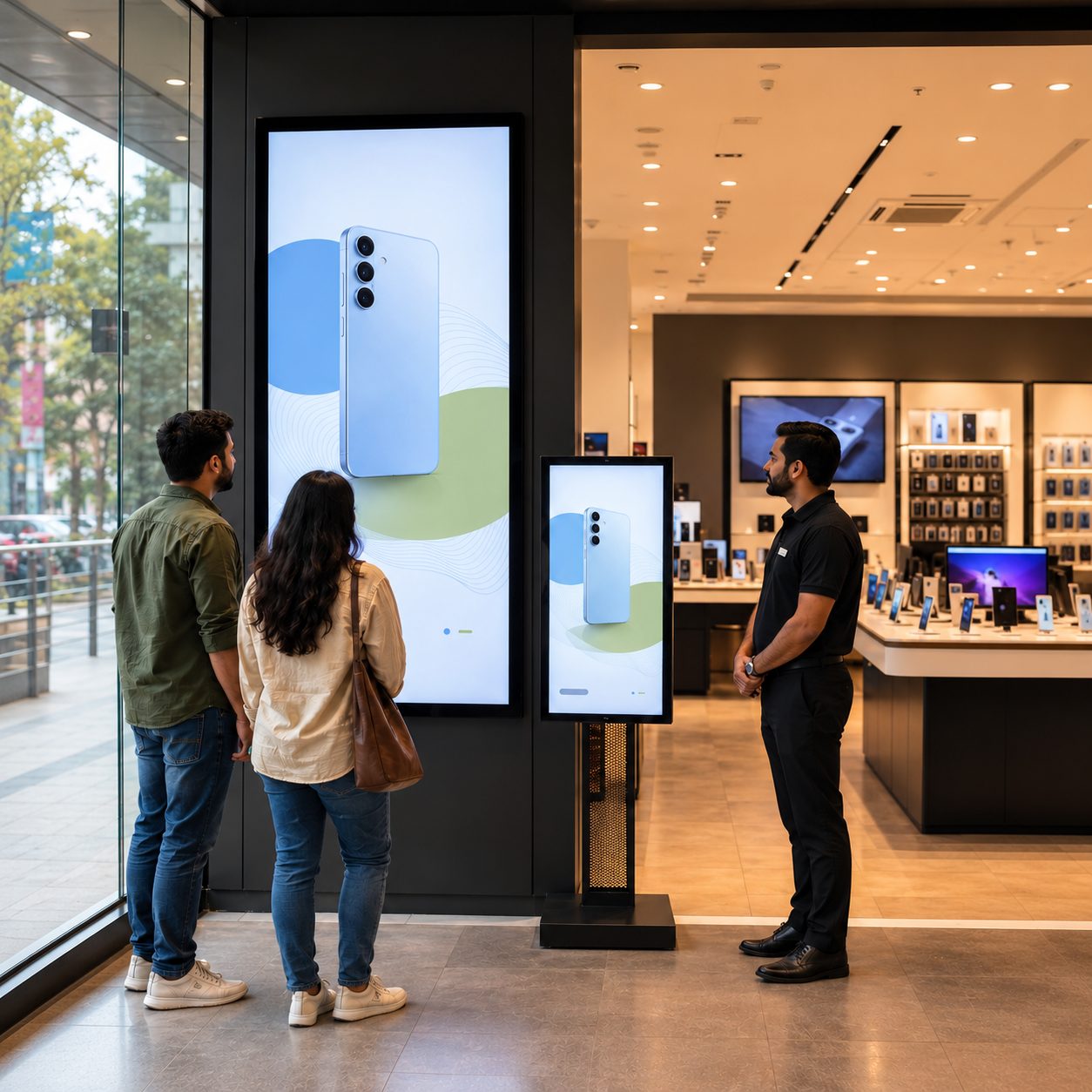
Lead with approved manufacturer launches, flagship products, seasonal campaigns and time-bound offers. Schedule activation and expiry so launch creative does not remain after the campaign window.
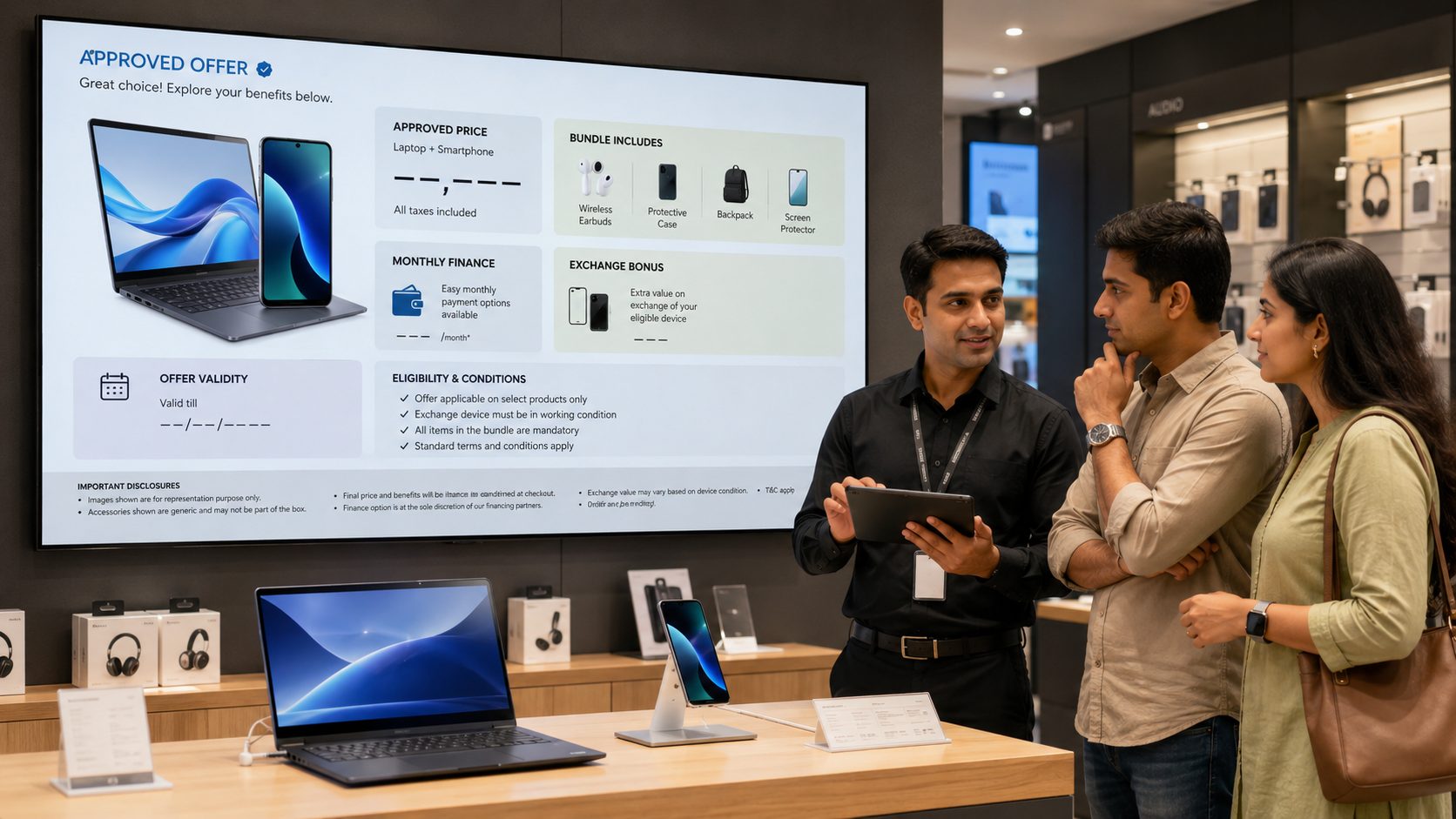
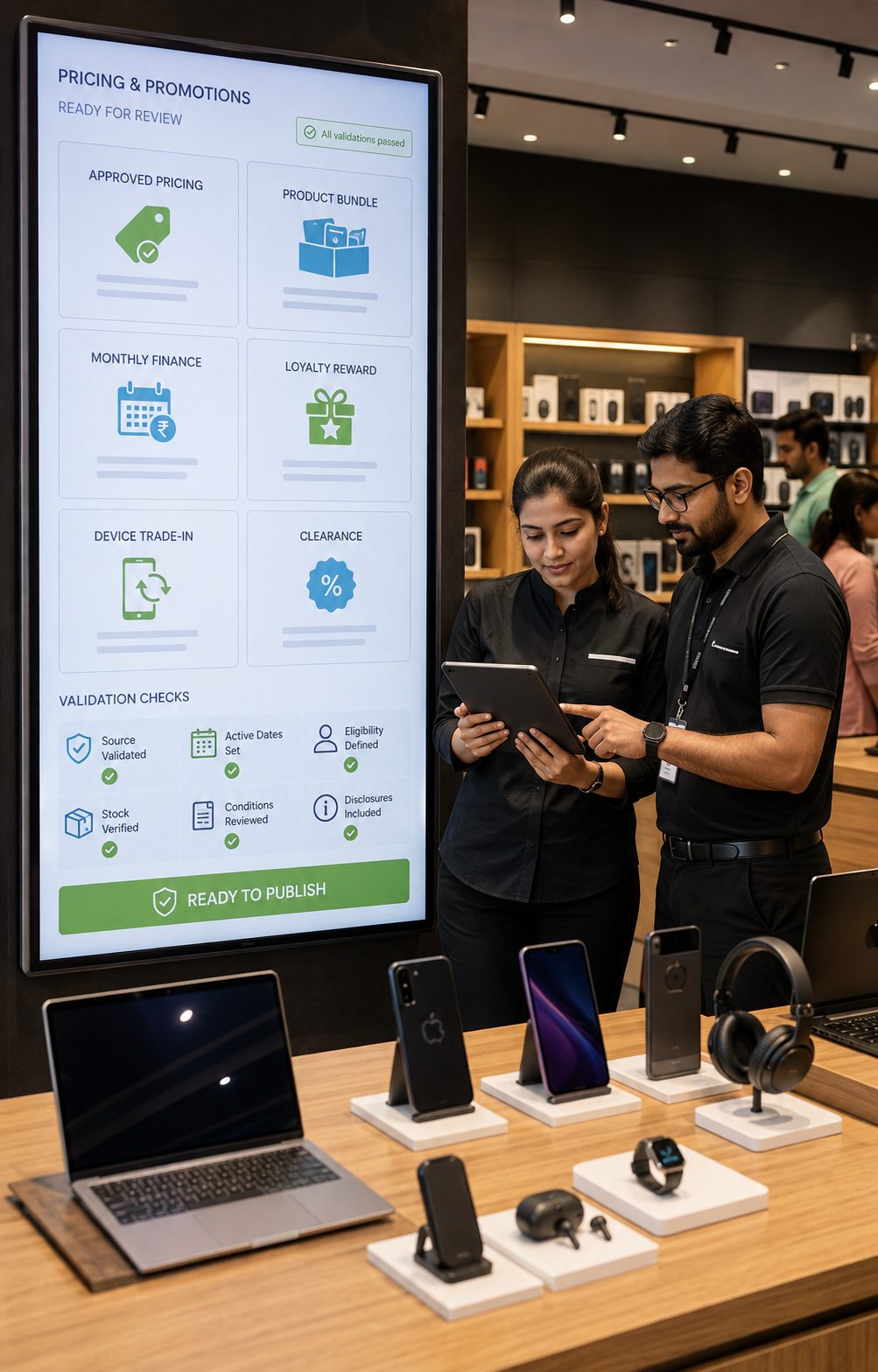
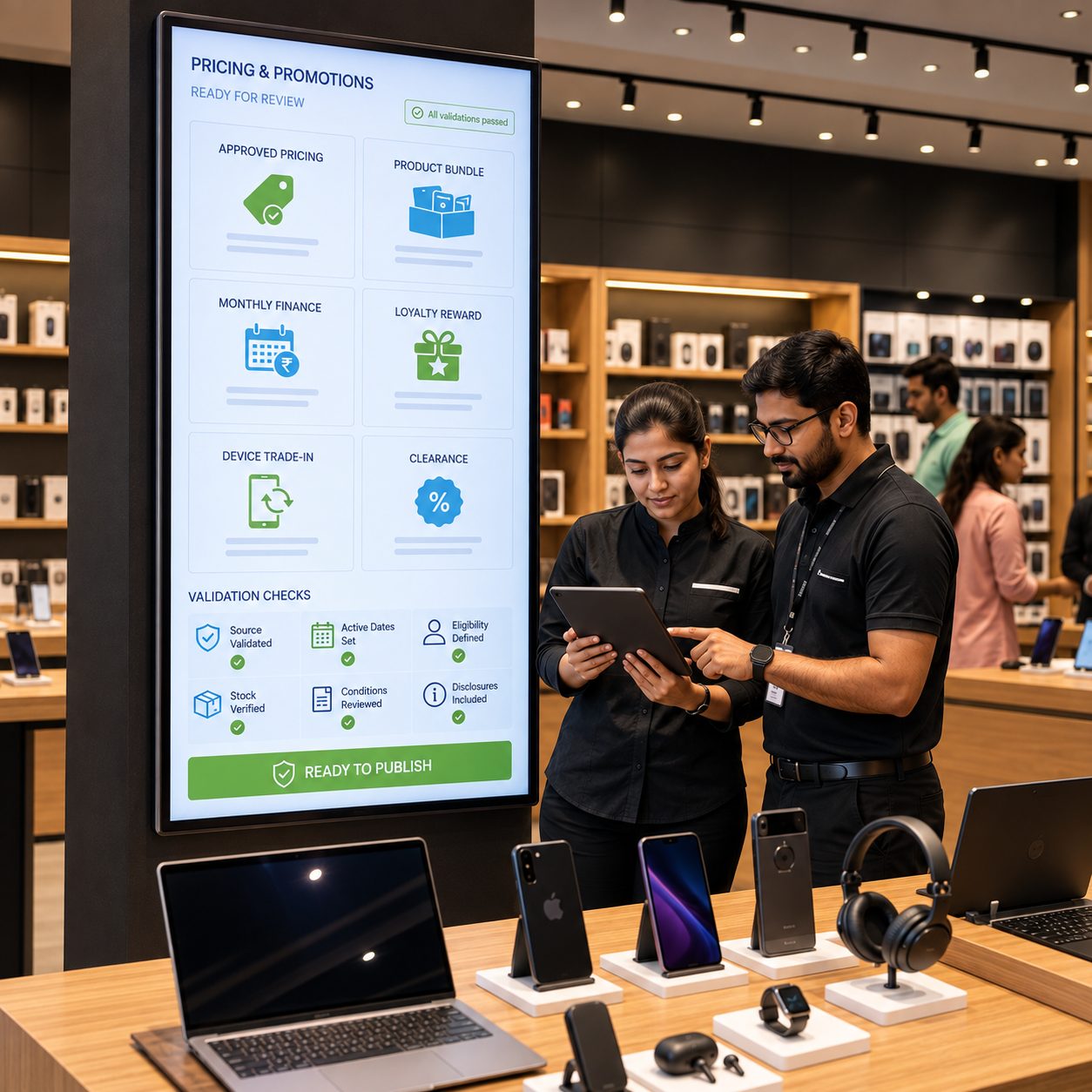
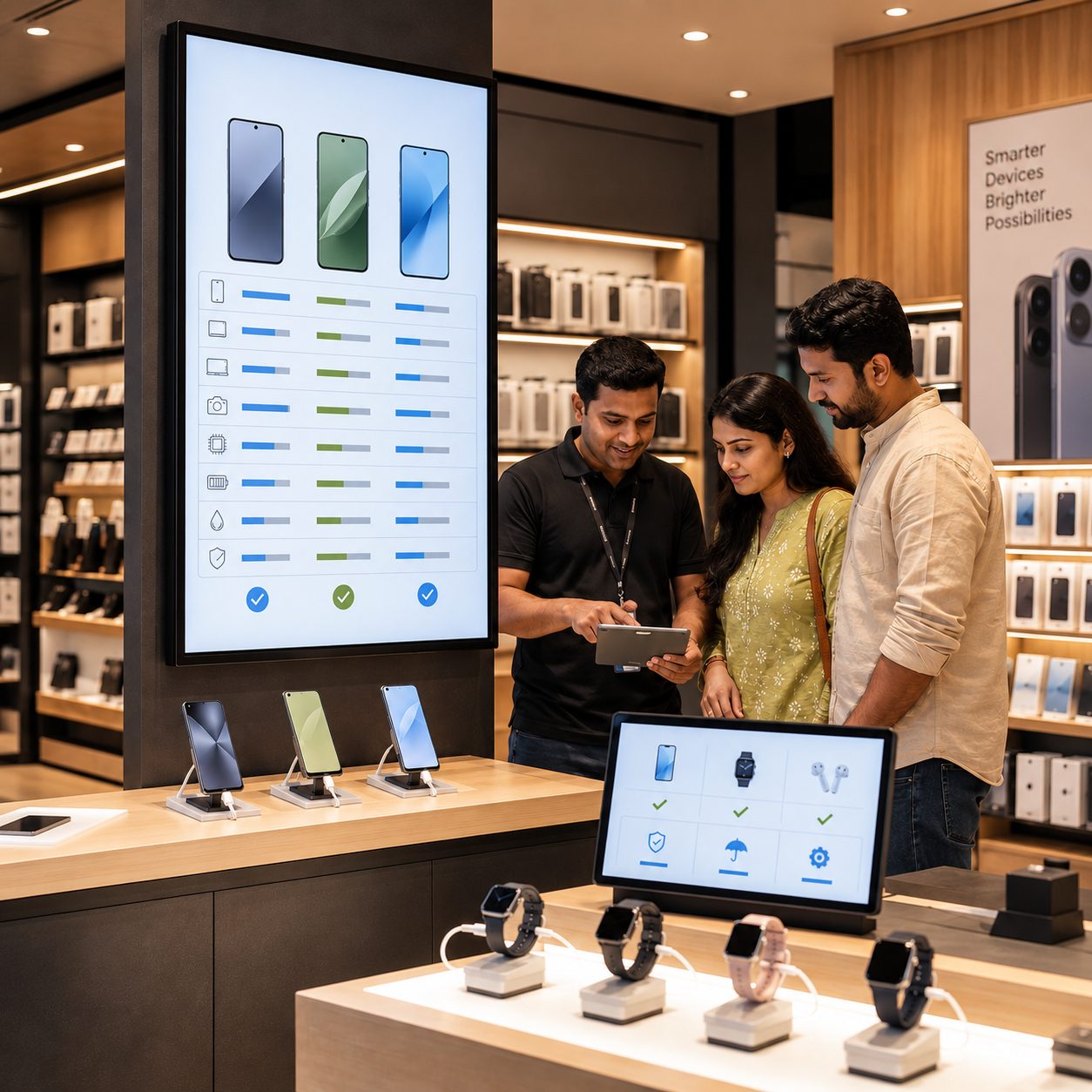
Explain major differences, compatible features, service options and approved promotional terms close to the device. Pricing and availability should come from a validated source or controlled review workflow.
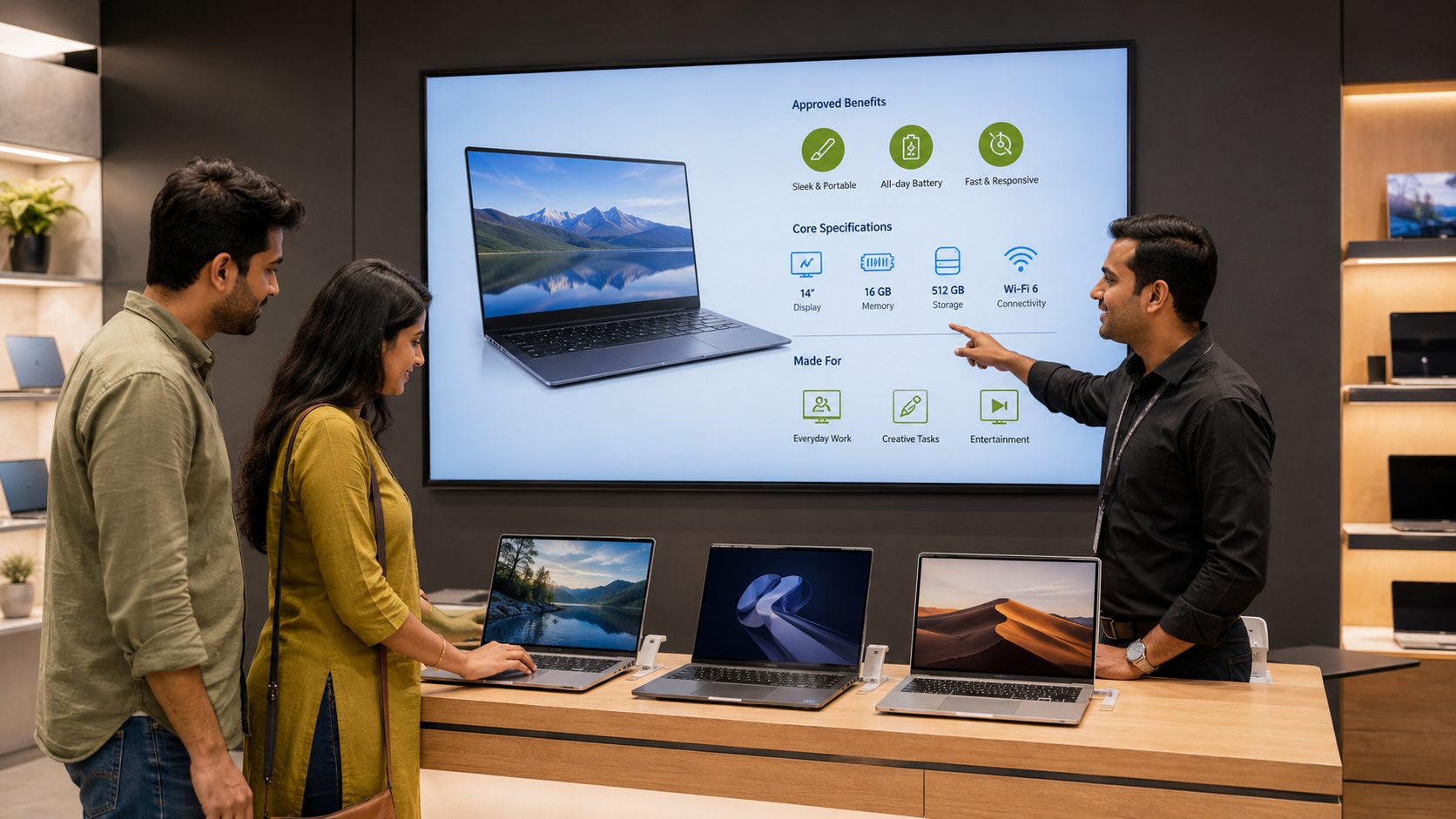
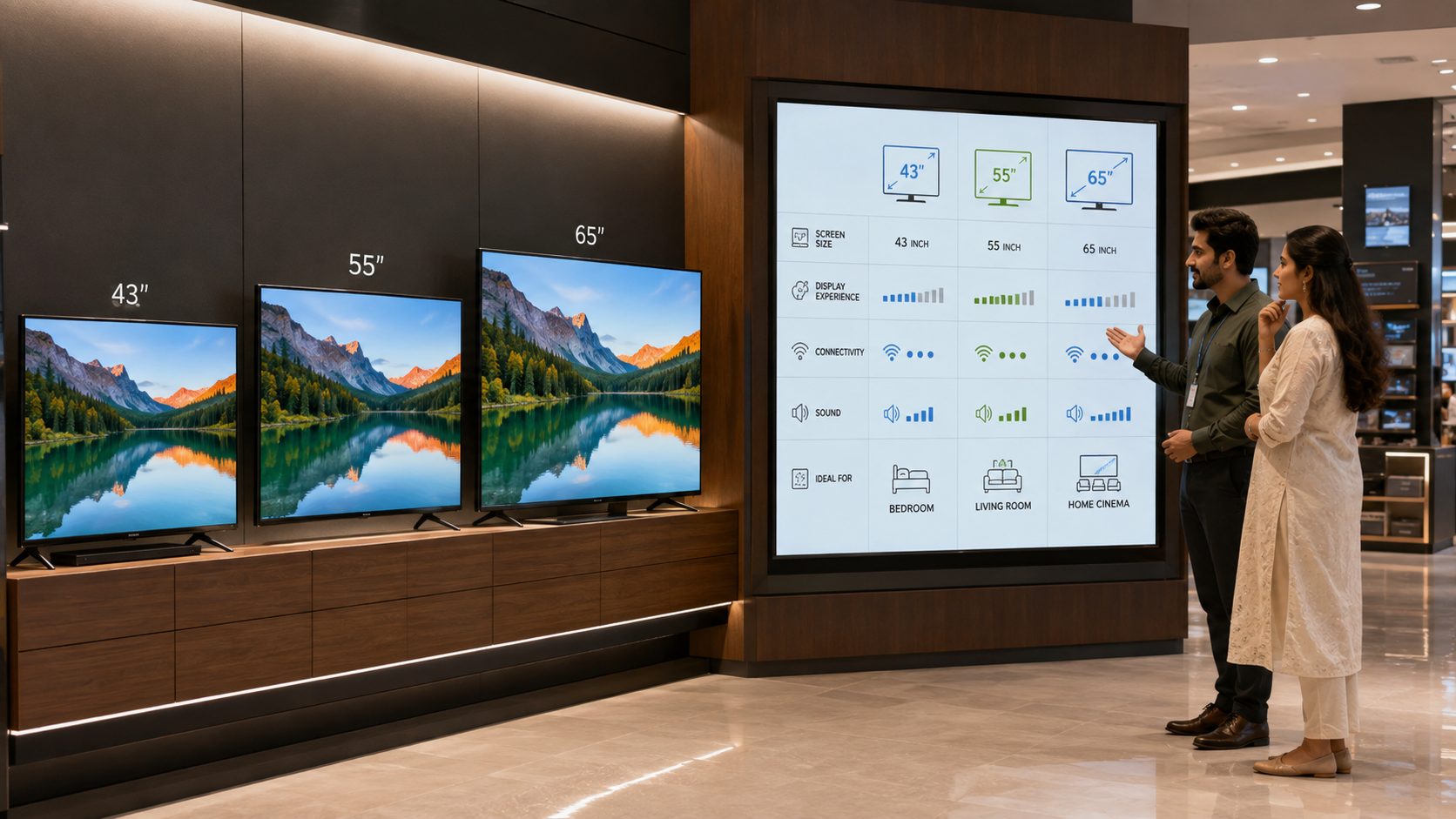
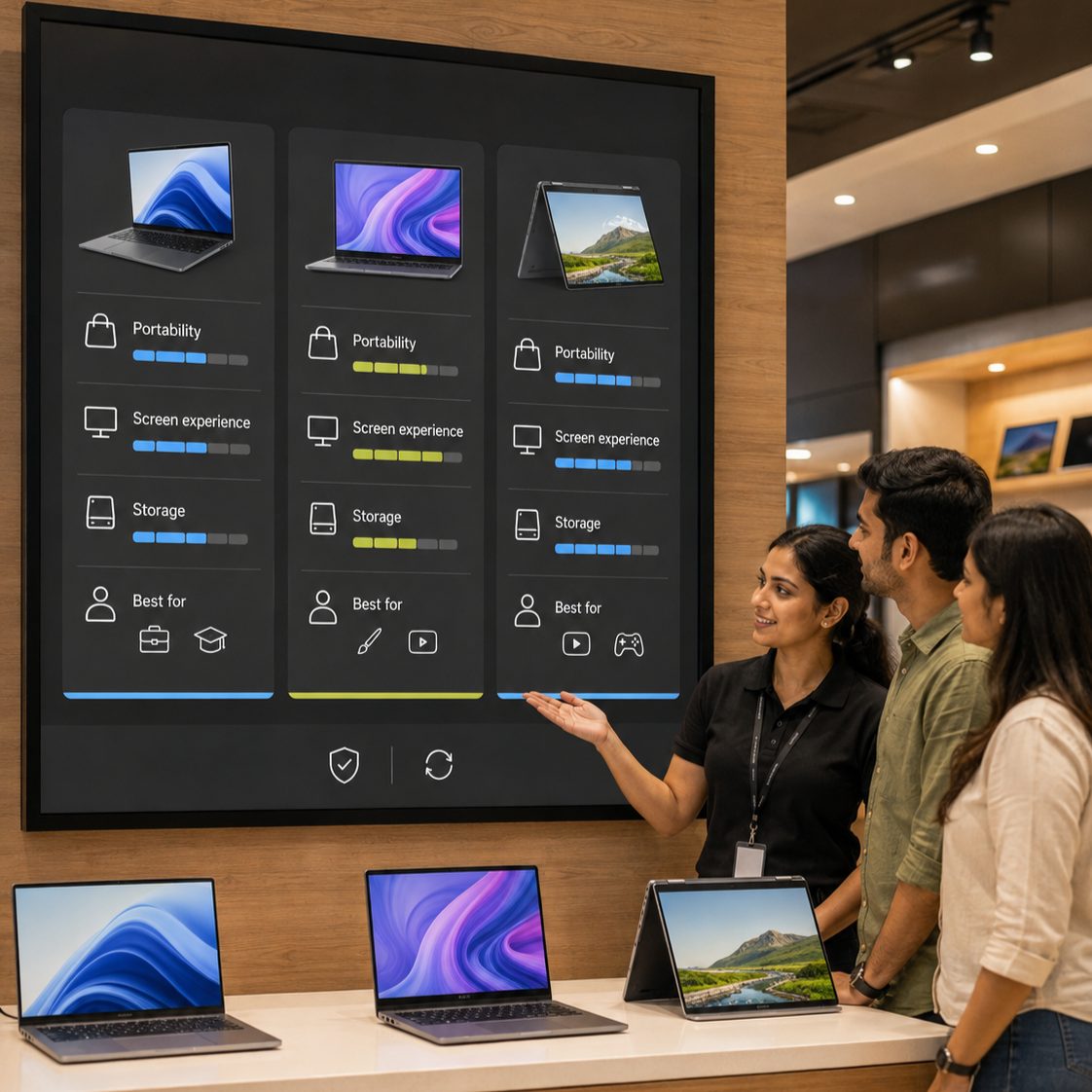
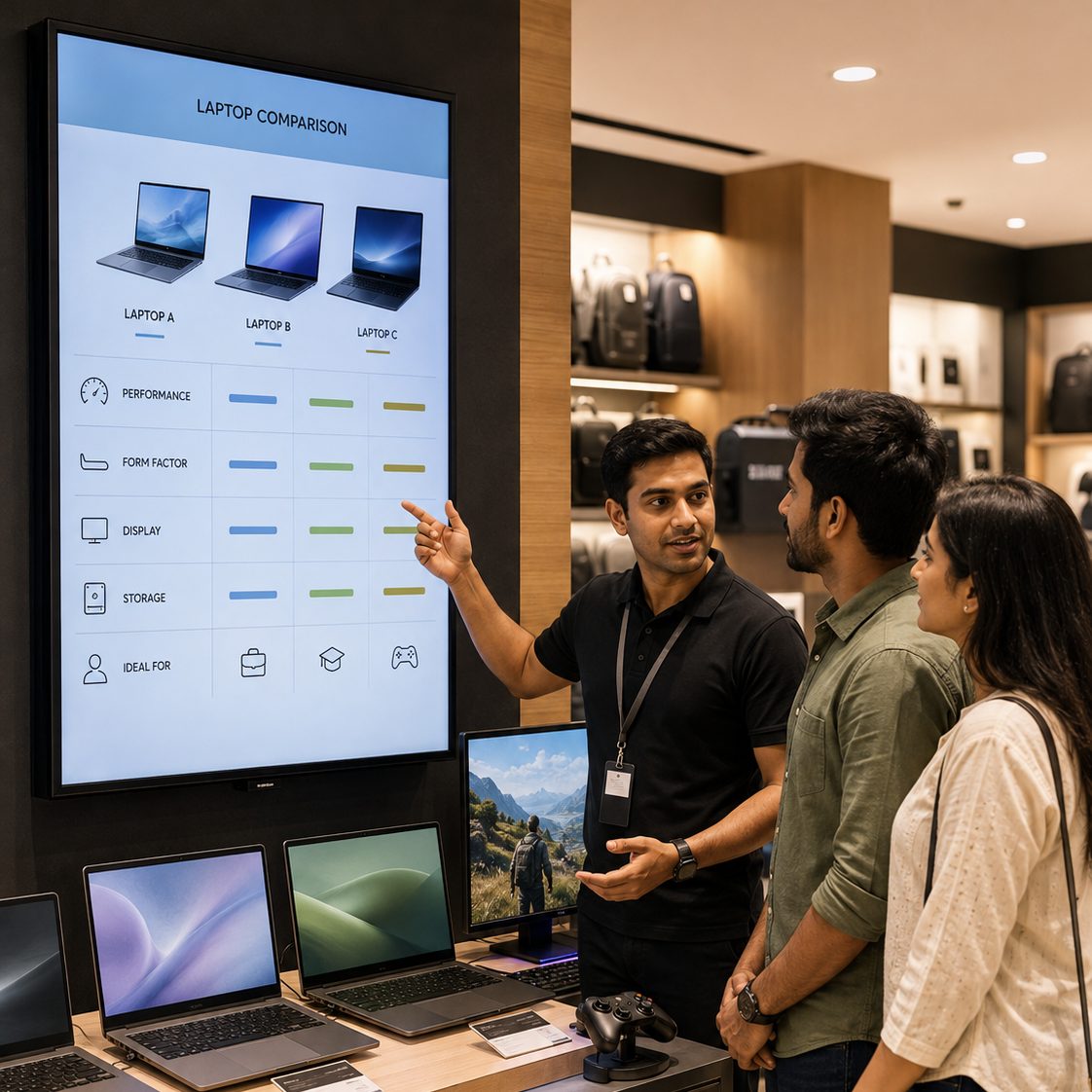
Use structured comparisons and demo loops for performance, form factor, display, storage and intended use. Avoid presenting benchmark claims without an authorized source and clear test context.
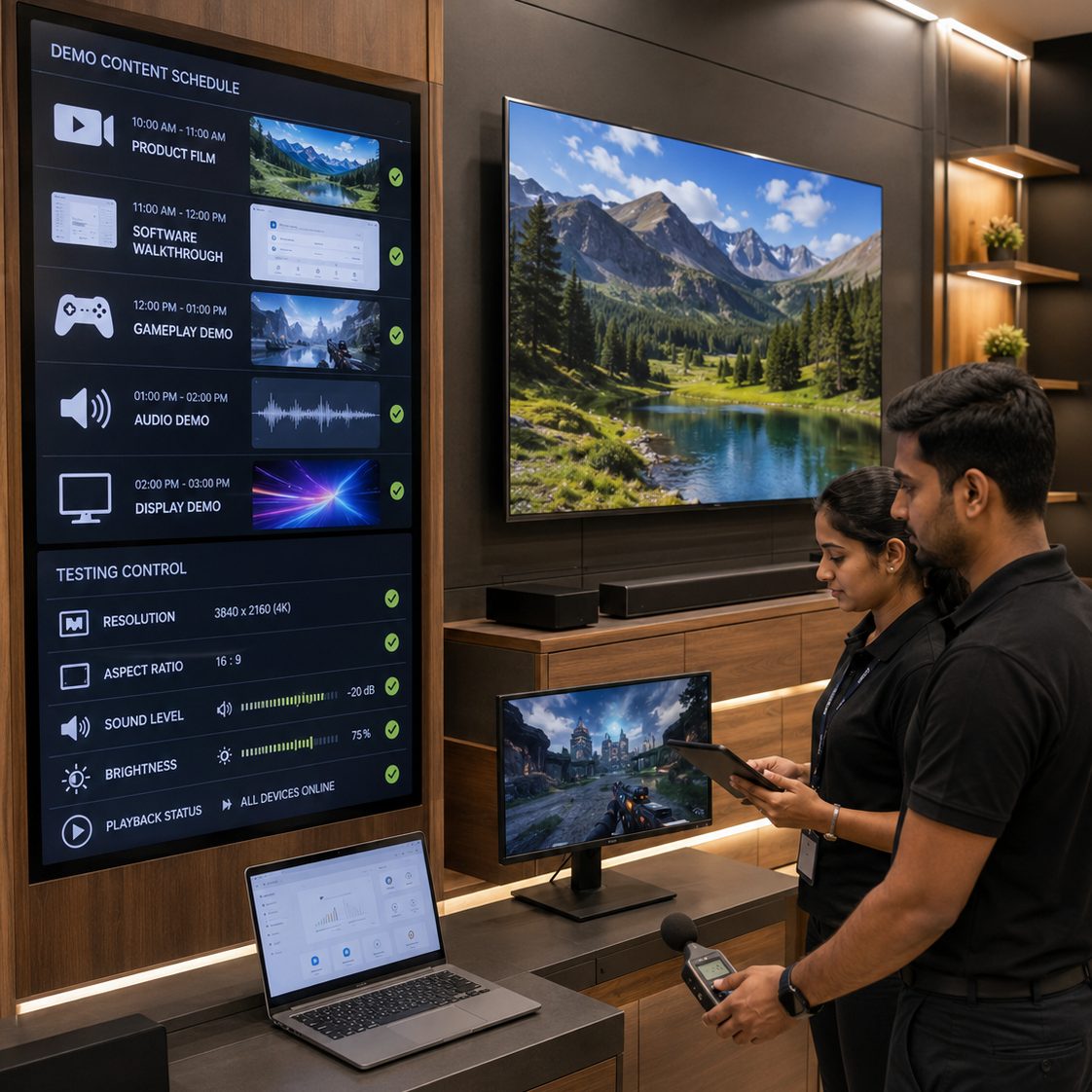
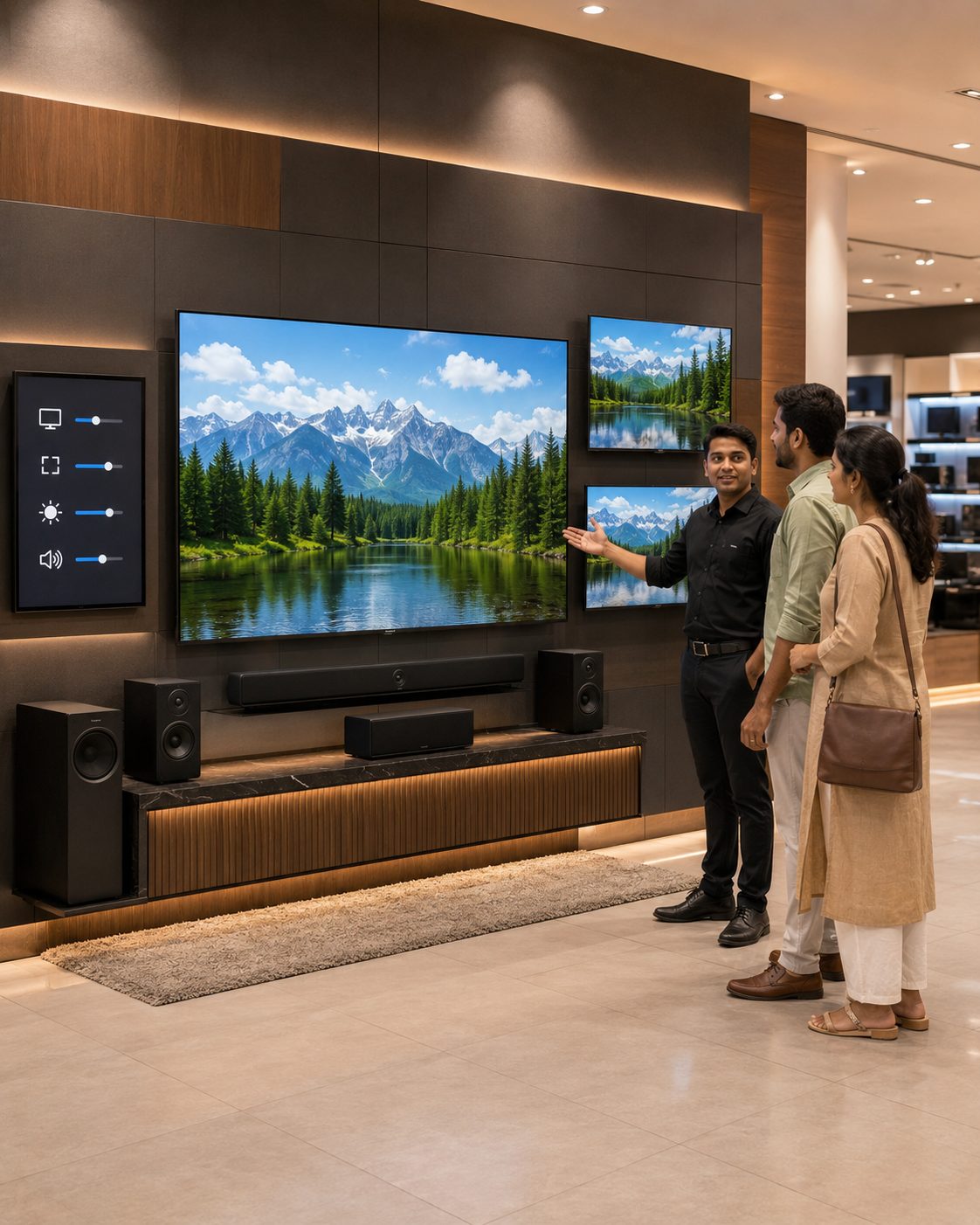
Schedule licensed demo media appropriate to each display zone. Review resolution, aspect ratio, sound level, ambient lighting and manufacturer display guidance before rollout.
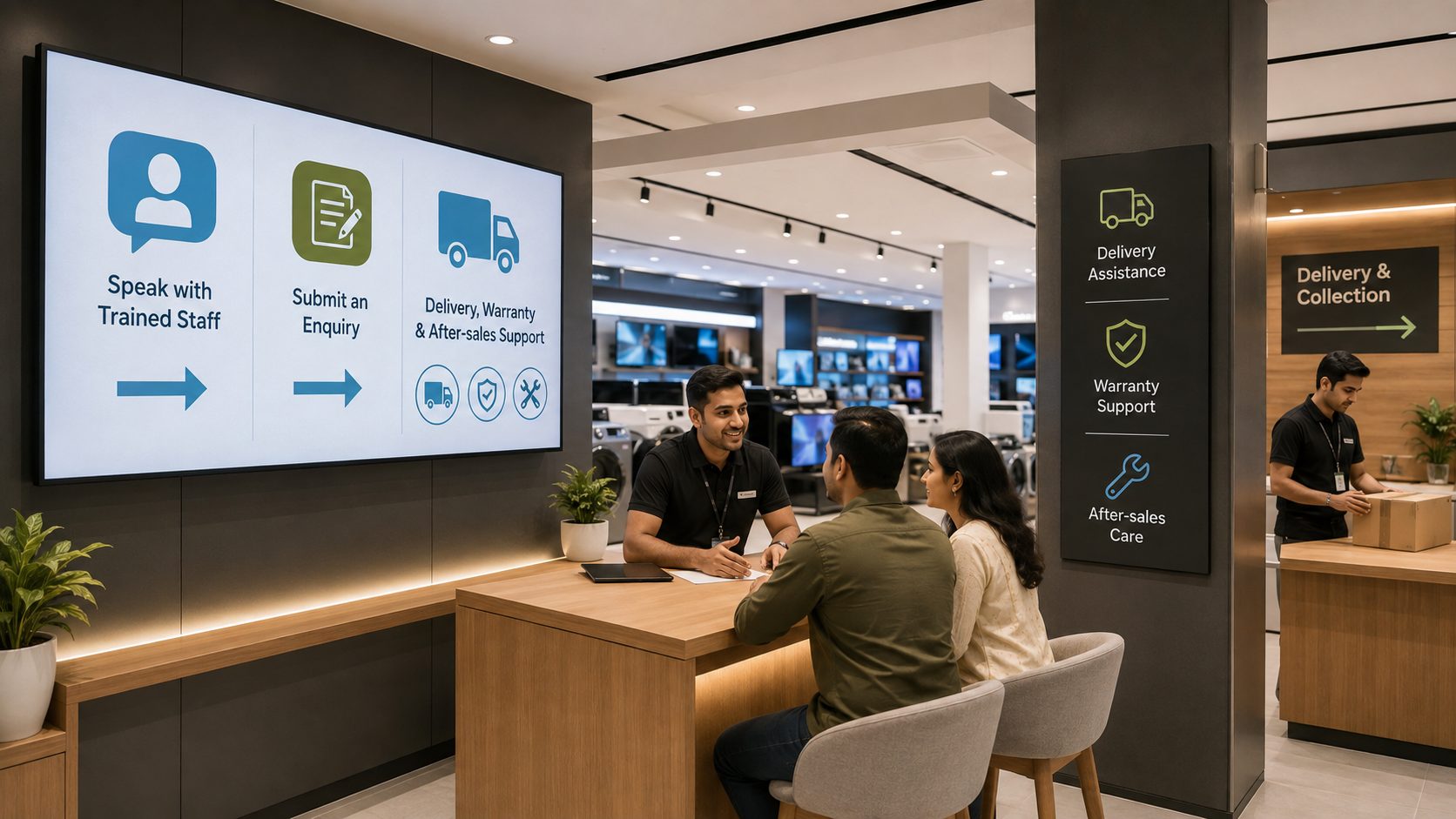
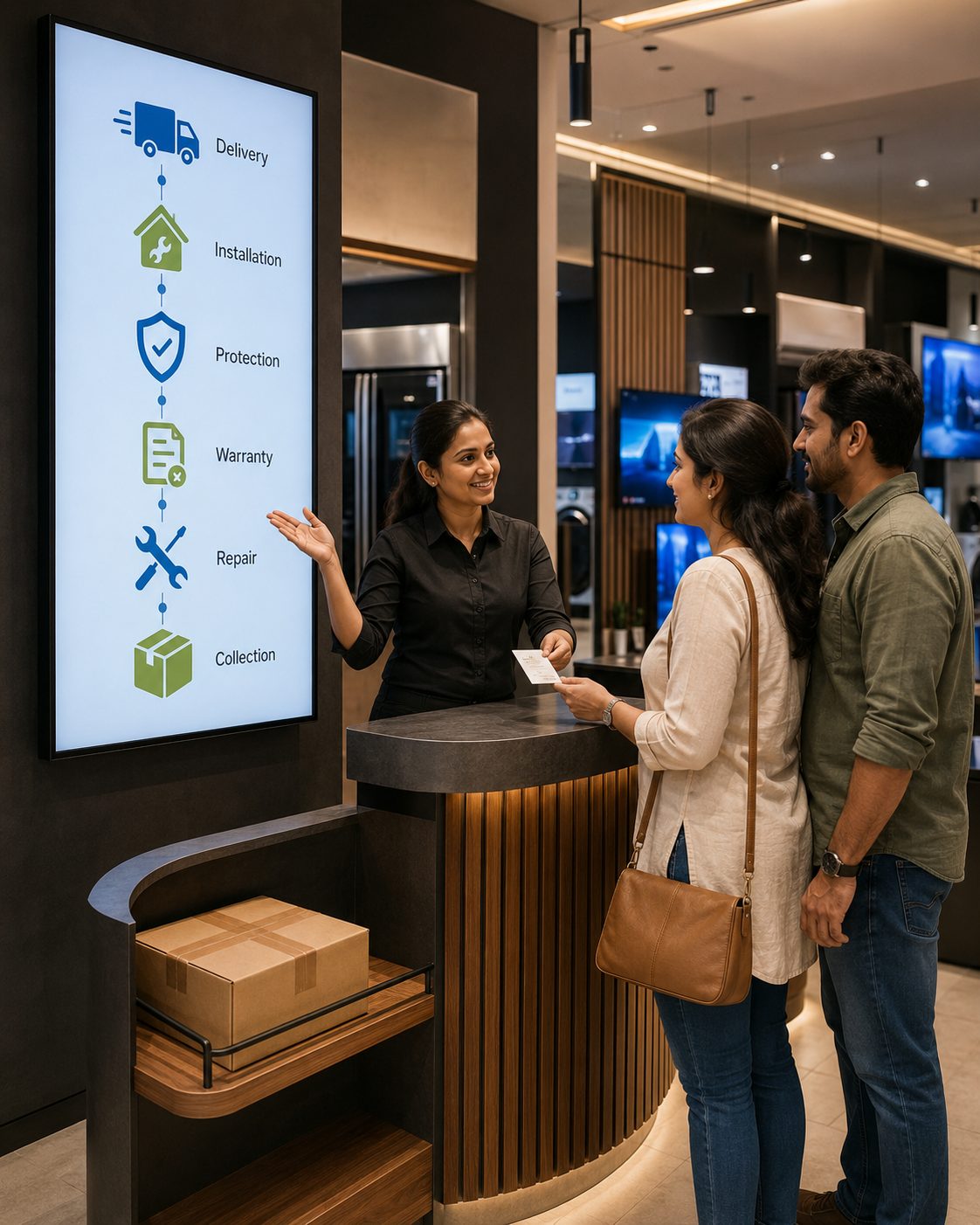
Share approved warranty pathways, installation services, collection guidance, accessory discovery and after-sales information. Keep individual orders, customer details and device identifiers off public screens.
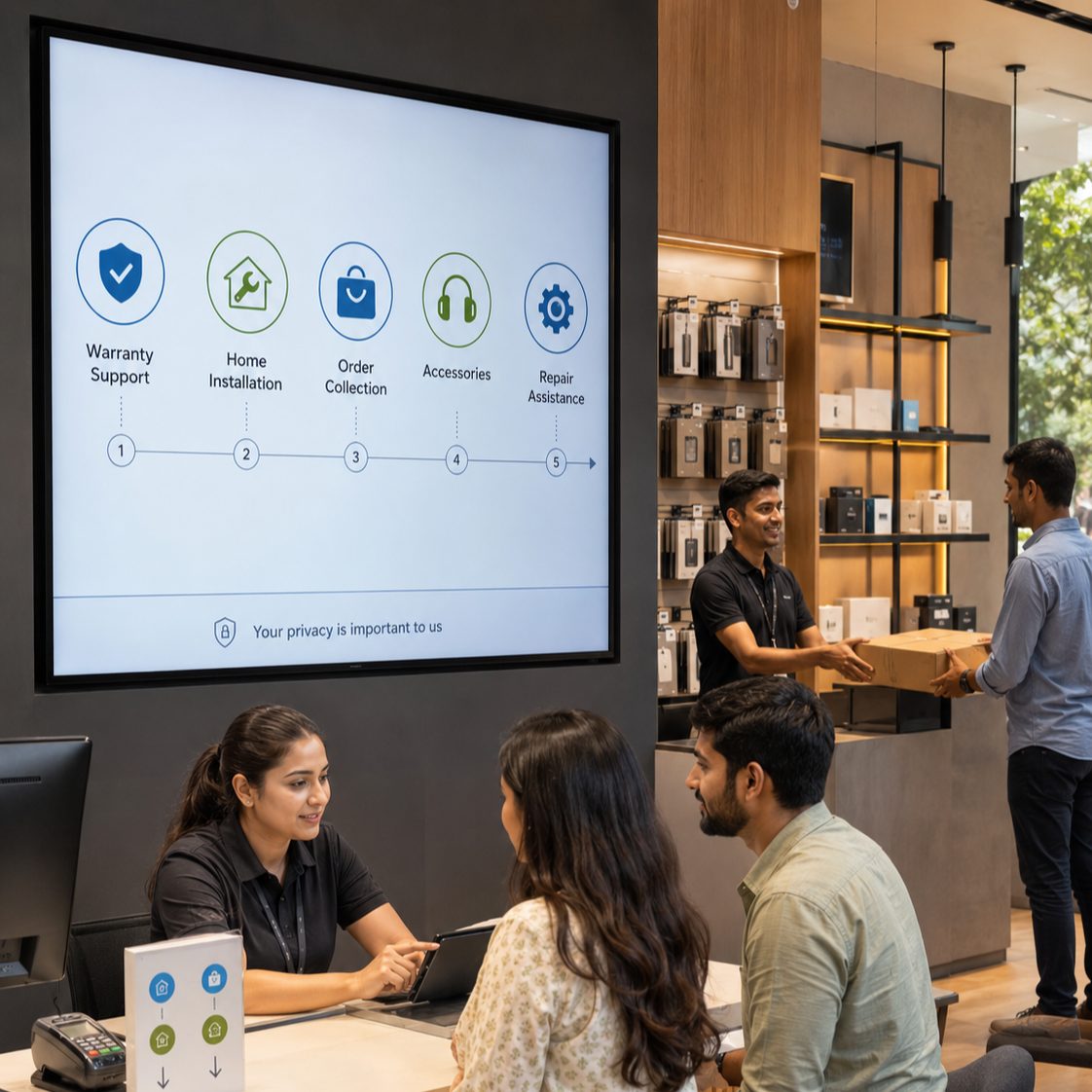
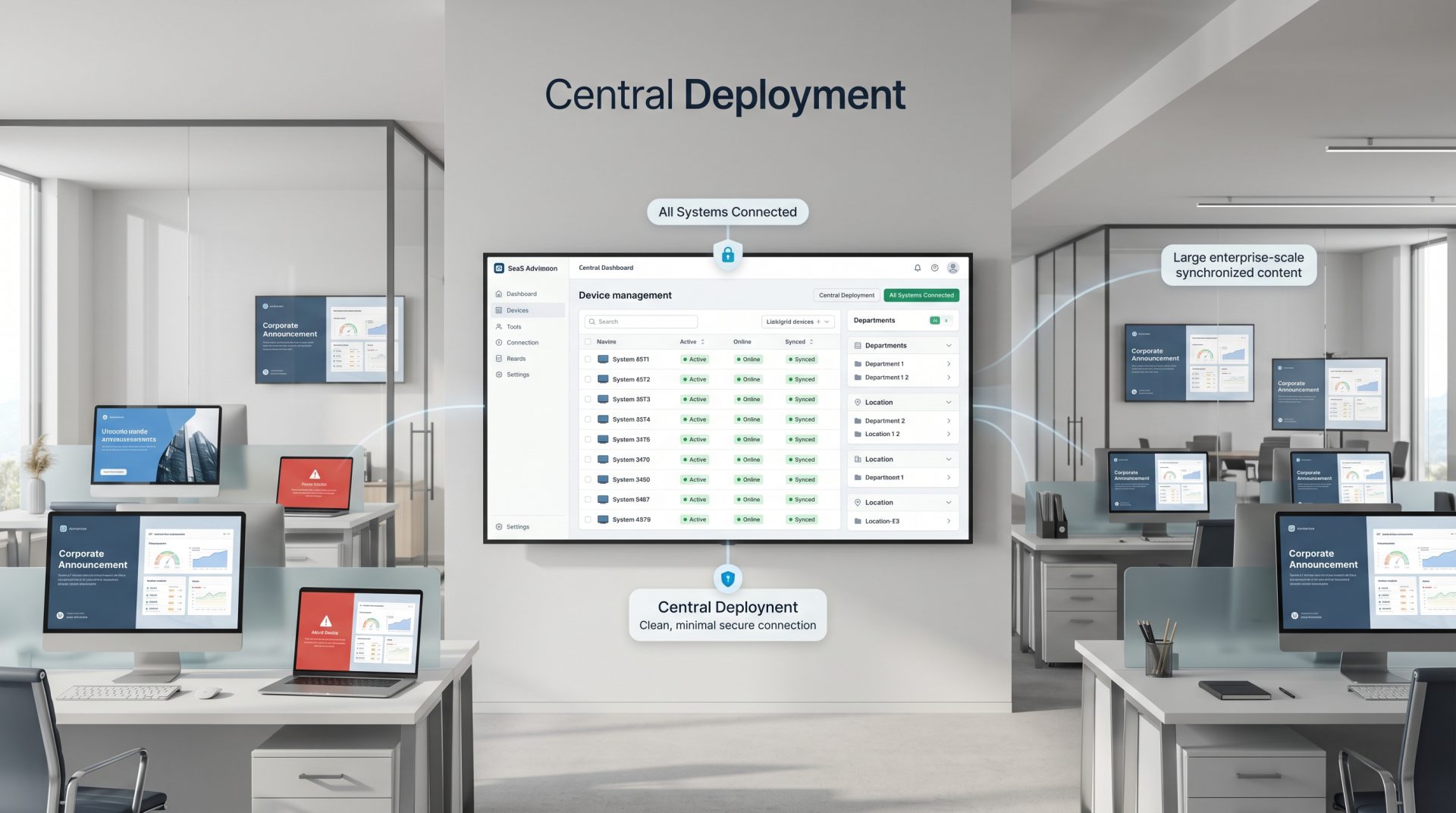
Schedule centrally. Target the right zones. Keep approved campaign timing aligned across the retail network.
ELECTRONICS RETAIL CONTENT THAT EARNS ATTENTION
Move through five content patterns that support discovery without replacing trained advice.
Make launch moments impossible to miss
Coordinate approved films, key benefits, event details and calls to action across relevant stores and zones.
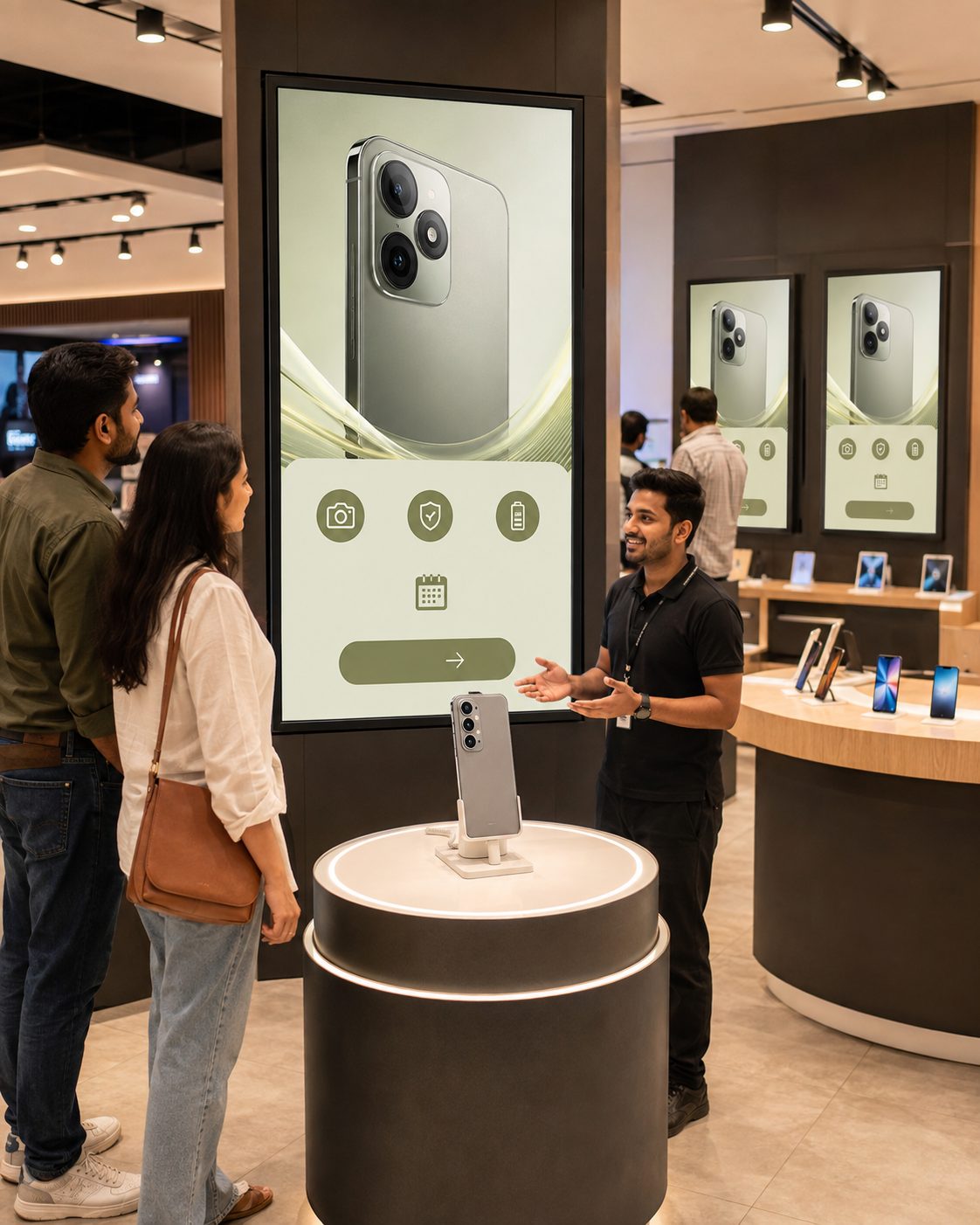
Turn technical detail into readable hierarchy
Highlight the few approved specifications that matter at the viewing distance, then direct shoppers to fuller product information.
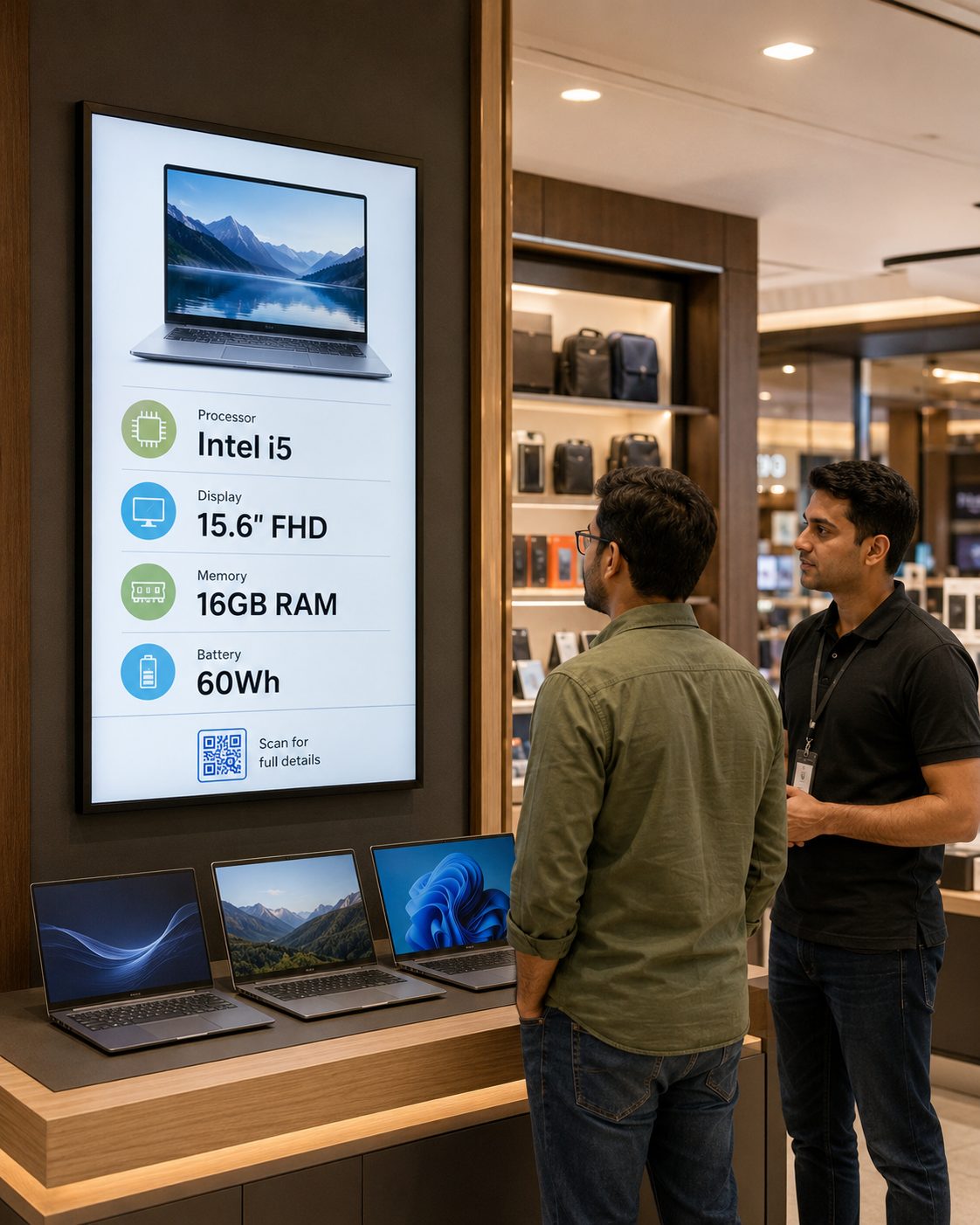
Help customers understand meaningful differences
Present suitable product attributes in a consistent format while keeping source ownership and revision control clear.
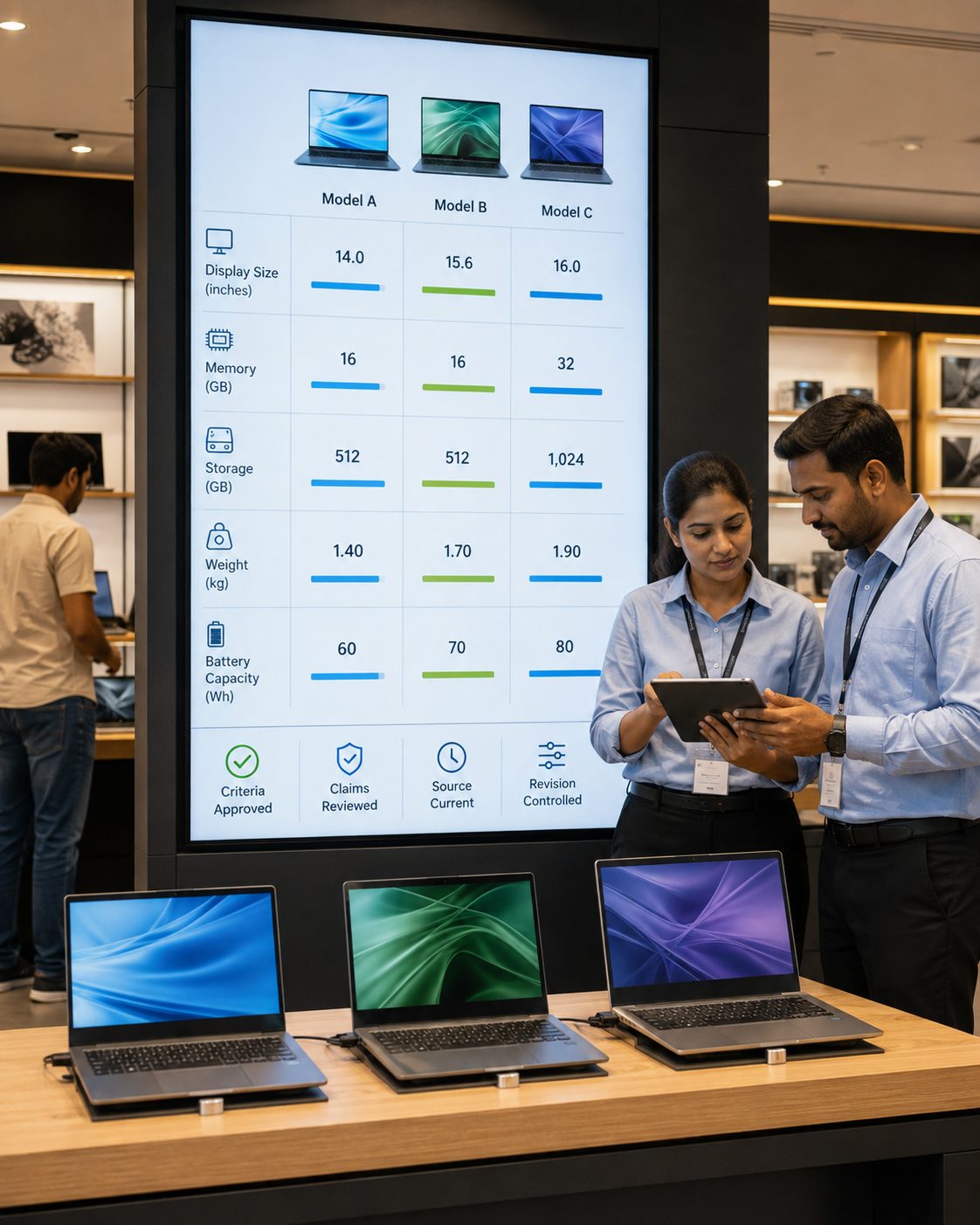
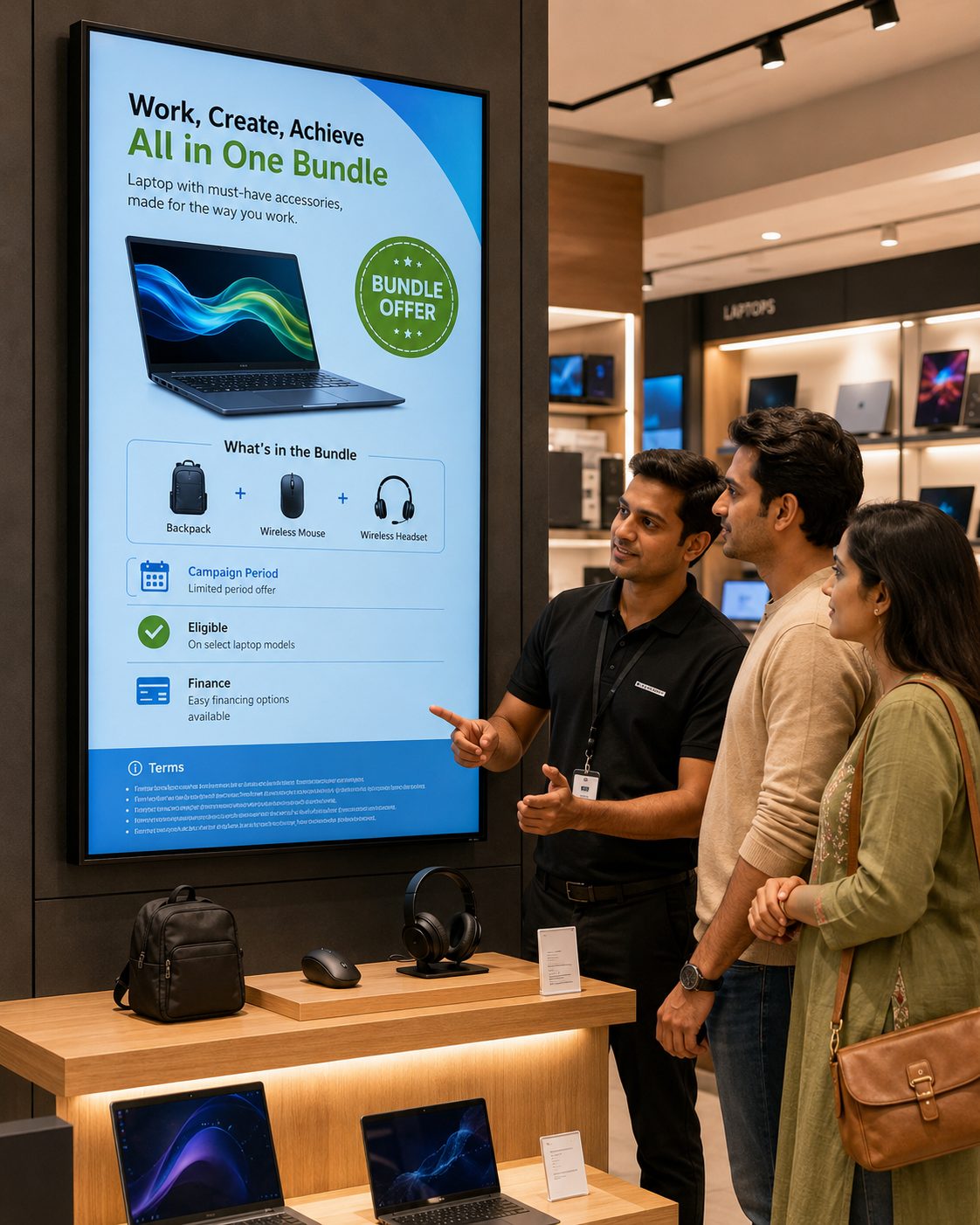
Make offer terms easier to follow
Schedule eligible pricing, bundle or finance campaigns with dates, conditions and required disclosures visible where appropriate.
Extend the experience beyond the product
Explain approved delivery, installation, protection, warranty, repair and collection pathways at relevant touchpoints.
THE IN-STORE PRODUCT DISCOVERY JOURNEY
Coordinate screen content around the questions shoppers ask as consideration deepens.
ELECTRONICS STORE DIGITAL SIGNAGE USE CASES
Explore practical applications and the operational controls behind each one.
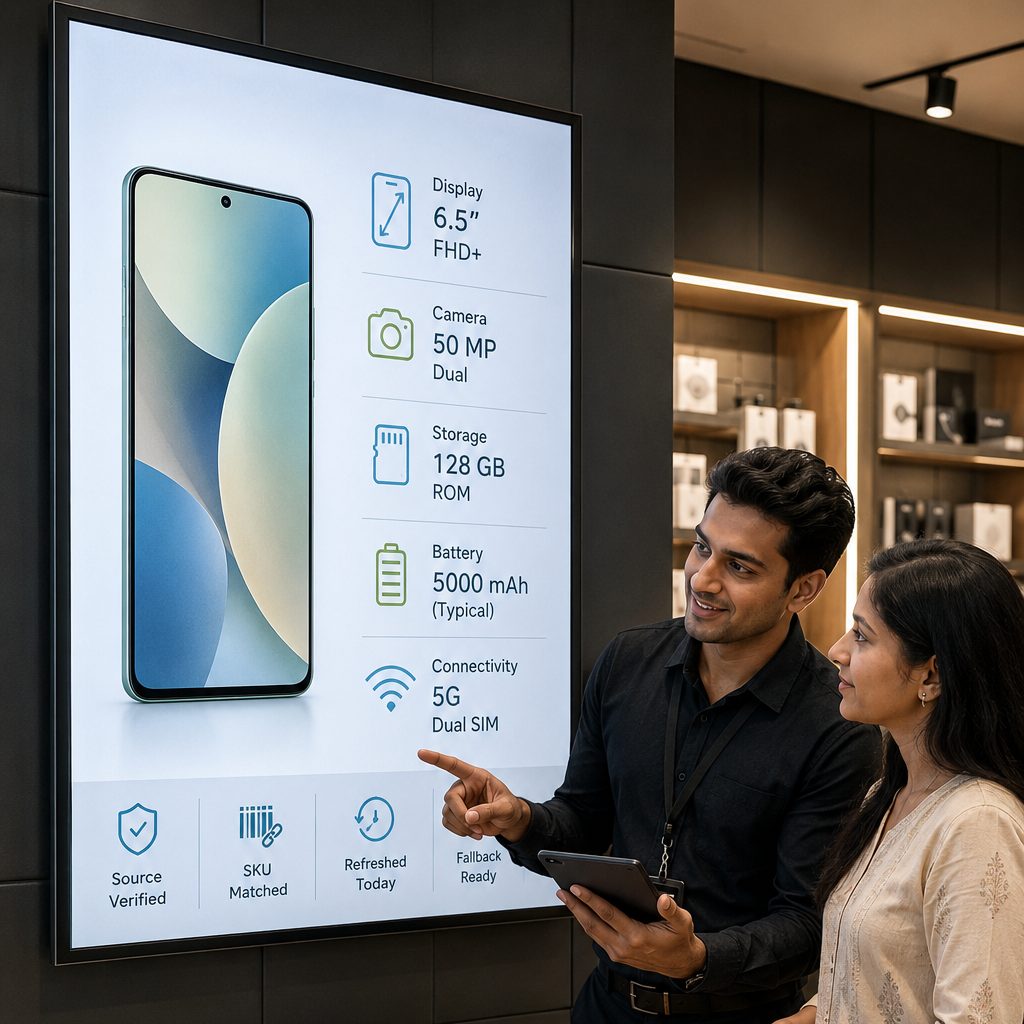
Publish selected specifications near the relevant product or category. Connected data requires a compatible, authorized source, correct SKU mapping, suitable refresh timing and clear fallback behaviour when information is unavailable.
MOVE BEYOND PRINTED SPEC CARDS AND USB DRIVES
Use digital signage for scheduled, targeted visual communication while approved retail systems remain the source of truth.
| Electronics retail need | Print & Standalone Demo Screens | With Signmitra Electronics Signage |
|---|---|---|
| Product updates | Reprinted or changed locally | Published through the CMS |
| Category targeting | Separate manual process | Store and zone groups |
| Launch timing | Depends on local setup | Scheduled activation and expiry |
| Compatible product data | Copied into artwork | Possible with reviewed sources |
| Demo media | Loaded device by device | Managed playlists by zone |
| Publishing permissions | Often informal | Role-based access |
| Screen visibility | Requires an on-site check | Remote player status |
Print & Standalone Demo Screens
Reprinted or changed locallyWith Signmitra Electronics Signage
Published through the CMSPrint & Standalone Demo Screens
Separate manual processWith Signmitra Electronics Signage
Store and zone groupsPrint & Standalone Demo Screens
Depends on local setupWith Signmitra Electronics Signage
Scheduled activation and expiryPrint & Standalone Demo Screens
Copied into artworkWith Signmitra Electronics Signage
Possible with reviewed sourcesPrint & Standalone Demo Screens
Loaded device by deviceWith Signmitra Electronics Signage
Managed playlists by zonePrint & Standalone Demo Screens
Often informalWith Signmitra Electronics Signage
Role-based accessPrint & Standalone Demo Screens
Requires an on-site checkWith Signmitra Electronics Signage
Remote player statusSignmitra manages signage content and playback; electronics retailers and source owners remain responsible for specifications, prices, availability, claims, offer terms, media rights and applicable consumer regulations. Review Your Retail Architecture
A PRACTICAL ELECTRONICS SIGNAGE ROLLOUT
Start with shopper questions and source ownership before connecting data or scaling stores.
ELECTRONICS RETAIL SCREEN-MANAGEMENT CAPABILITIES
Manage campaigns, category content and playback without treating every screen as a separate project.
Central cloud CMS. Manage media, playlists, schedules and displays through a browser-based workflow.
Store and category groups. Target regions, stores, departments, brands or individual display zones.
Launch scheduling. Set campaign dates, recurring time windows and expiry rules.
Role-based access. Align marketing, category, pricing, operations and store permissions with responsibility.
Compatible product data. Discuss pricing, inventory or catalogue sources with mapping and fallback states defined.
Multi-zone layouts. Combine campaigns, product information, tickers and supported web content.
Rich demo media. Publish licensed images, video, slides, web experiences and supported formats.
Offline playback. Previously downloaded media can continue during a temporary connection interruption.
Remote player status. Identify showroom screens that may need technical or operational attention.
ELECTRONICS STORE DIGITAL SIGNAGE FAQ
Our team is here to help with anything not covered above.
BUILD A MORE RESPONSIVE ELECTRONICS SHOWROOM
Tell us about your stores, category zones, product sources and launch calendar. We’ll help you shape a practical electronics retail digital signage rollout.