Prompt-led composition
Turn a communication brief into a structured screen design.
Turn a clear prompt into editable signage faster. Use AI Studio to generate three complete design directions, or work inside Signmitra Editor with AI Creator to build and refine individual slides.

FROM IDEA TO EDITABLE SCREEN
Choose the workflow that matches the job, then review every fact, design and destination before publishing.
PROMPT-TO-DESIGN AI STUDIO
Signmitra AI Studio detects the communication goal, grounds the details supplied in your prompt and creates three distinct, screen-ready compositions.

THE AI CREATION JOURNEY
A strong result starts with specific facts and finishes with a human review on the target screen.
CHOOSE THE RIGHT AI WORKFLOW
Both workflows lead to editable Signmitra content, but they begin at different points in the creative process.
Best when you need complete creative directions from a business brief. Generate three original designs in a native landscape or portrait format.
AI CREATOR CAPABILITIES
AI creates a starting point; your team remains responsible for accuracy, brand approval and the final screen experience.
Turn a communication brief into a structured screen design.
Compare distinct AI Studio directions before selecting one to refine.
Compose for landscape 16:9 or portrait 9:16 rather than simply rotating a layout.
Let AI choose a design system or request a match to an existing template.
Fine-tune the requested output language while checking every final phrase.
AI Creator can use relevant media and a supplied reference image where supported.
Adjust generated text, media, layout and supported widgets before publishing.
Check facts, placeholders, clipping, contrast and duplicate-looking layouts.
AI STUDIO VS AI CREATOR
Use AI Studio for multiple complete directions and AI Creator for editor-led slide generation and refinement.
| Capability | AI Studio | AI Creator | Signmitra CMS |
|---|---|---|---|
| Best starting point | Business brief or campaign prompt | Open slide in Signmitra Editor | Approved finished content |
| Primary output | Three editable design directions | Editable AI-assisted slide | Scheduled screen playback |
| Format control | Landscape or portrait | Current canvas dimensions | Player and screen assignment |
| Human review | Facts, hierarchy and brand | Widgets, media and layout | Schedule and live screen |
| Use it for | New campaigns and directions | Slide-level creation and iteration | Publishing and management |
AI Studio
Business brief or campaign promptAI Creator
Open slide in Signmitra EditorSignmitra CMS
Approved finished contentAI Studio
Three editable design directionsAI Creator
Editable AI-assisted slideSignmitra CMS
Scheduled screen playbackAI Studio
Landscape or portraitAI Creator
Current canvas dimensionsSignmitra CMS
Player and screen assignmentAI Studio
Facts, hierarchy and brandAI Creator
Widgets, media and layoutSignmitra CMS
Schedule and live screenAI Studio
New campaigns and directionsAI Creator
Slide-level creation and iterationSignmitra CMS
Publishing and managementGenerated content can contain mistakes or unsuitable imagery. Verify every claim, price, date, URL, legal line and visual before publishing.
HUMAN CONTROL BY DESIGN
The strongest workflow gives AI a precise brief and gives people a clear review checklist.
AI ASSISTS
PEOPLE APPROVE
A PRACTICAL AI CONTENT CHECKLIST
Use this repeatable process for a single screen or a multi-location campaign.
AI CONTENT FOR EVERYDAY SCREEN MOMENTS
Give Signmitra AI the concrete details for the business moment, then adapt the result to your brand.

Create an offer-led design with the exact saving, validity period, product and call to action.

Turn a dish, price, availability window and upsell into a screen-ready menu promotion.

Create clear visitor, employee or event communication for a lobby or reception screen.

Develop timely creative directions while keeping approved dates, offers and legal lines exact.
DESIGN METHODS IN AI STUDIO
Start with Auto for speed or choose a more specific method when the layout direction is already known.
AI Studio detects the business purpose and selects a suitable professional structure.
Generate a new composition based on the supplied content, format and optional creative controls.
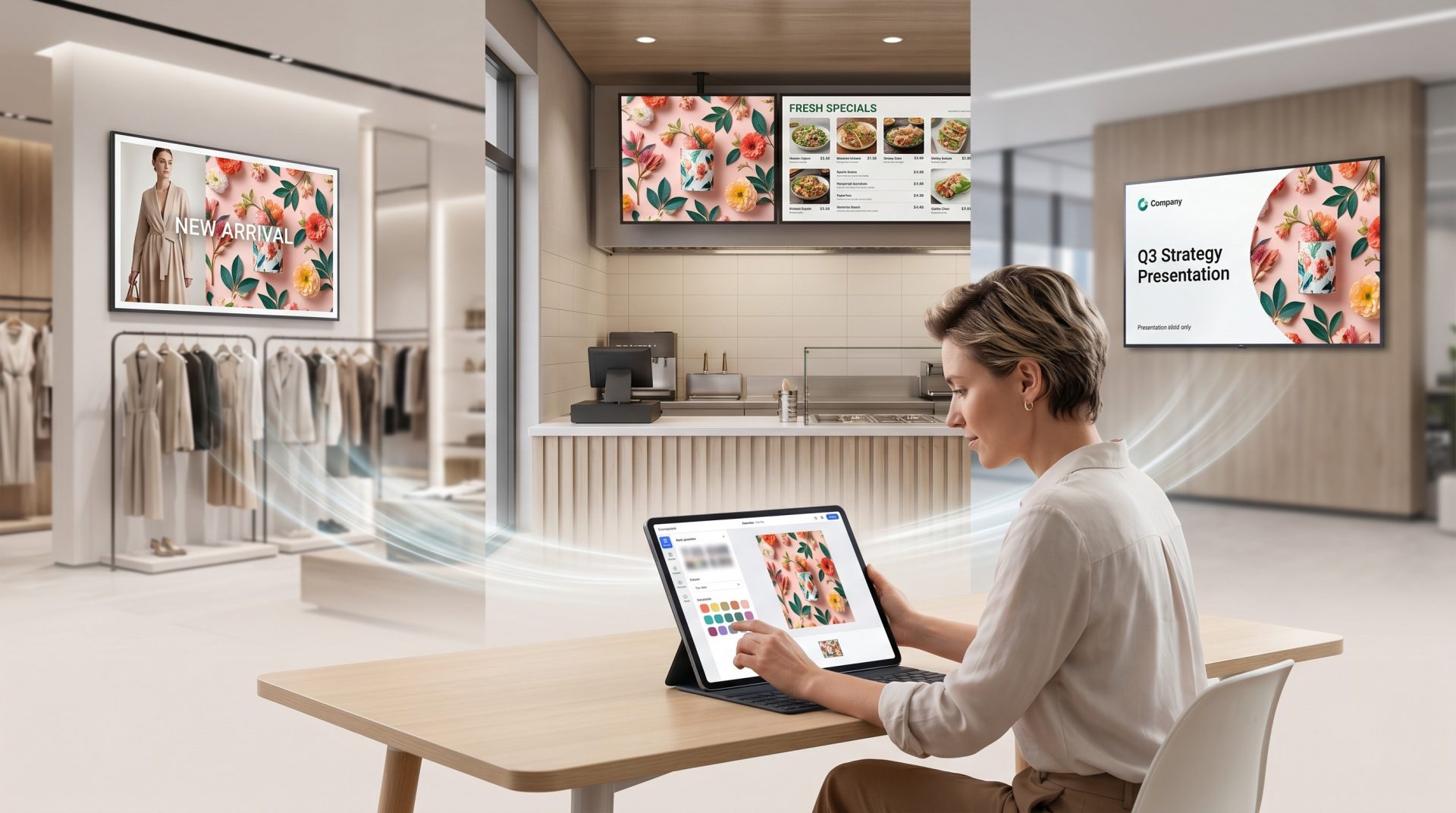
Use an existing template structure as the starting point for a new, editable content variation.
Build a slide within the current canvas dimensions and refine supported text, media and widgets in Signmitra Editor.
CONNECTED TO THE SIGNMITRA CMS
AI creation is part of a broader digital signage workflow. After review, place the design in playlists, schedule it for the correct audience and manage playback from the cloud.
Always preview on a representative player when the campaign depends on a specific font, animation, widget, resolution or orientation.

AI DIGITAL SIGNAGE FAQ
Understand the two workflows, editability and the review required before publishing.
Book a demonstration using a real campaign brief and your target screen format.
Generate editable directions with AI Studio, refine slides in Signmitra Editor and publish approved content through the Signmitra CMS.

