One high-impact visual
Large Canvas
Best fitZoned Wall
Possible zoneIndependent Screens
FragmentedTurn a group of displays into one intentional visual system. Build large-format canvases, combine independent content zones, schedule campaigns and manage compatible video wall players through the Signmitra cloud CMS.
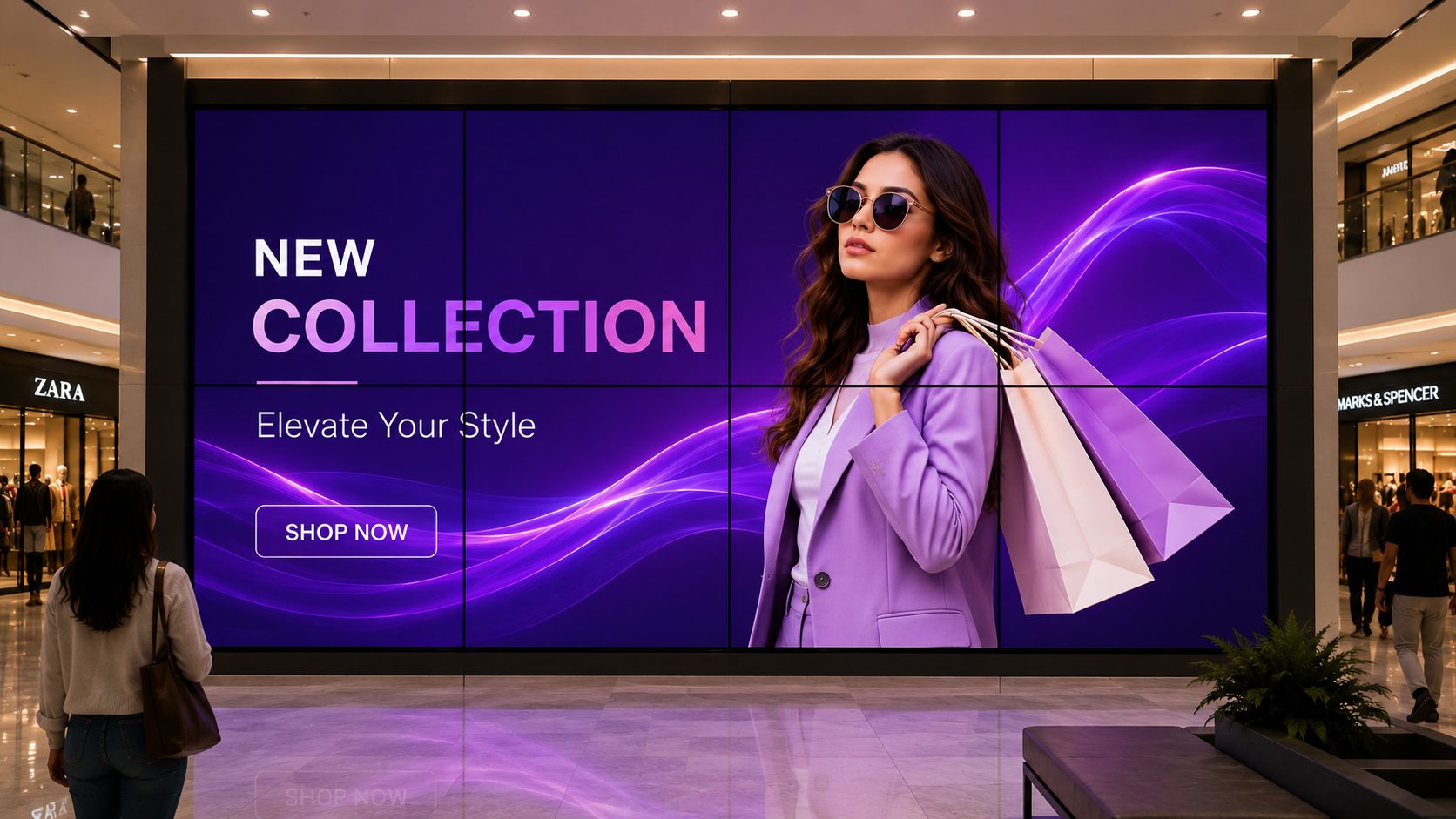
A CANVAS, NOT A COLLECTION OF SCREENS
Choose how the displays work together, then manage the experience as an organized canvas rather than updating each screen manually.
MAKE SCALE FEEL INTENTIONAL
WallCanvas helps teams treat a multi-screen installation as a designed communication surface. Use a single large visual for impact, divide the wall into purposeful zones or prepare different scenes for different moments.
The result can support brand films, launches, dashboards, menus, announcements and campaigns without losing the structure that makes a large display easy to understand.
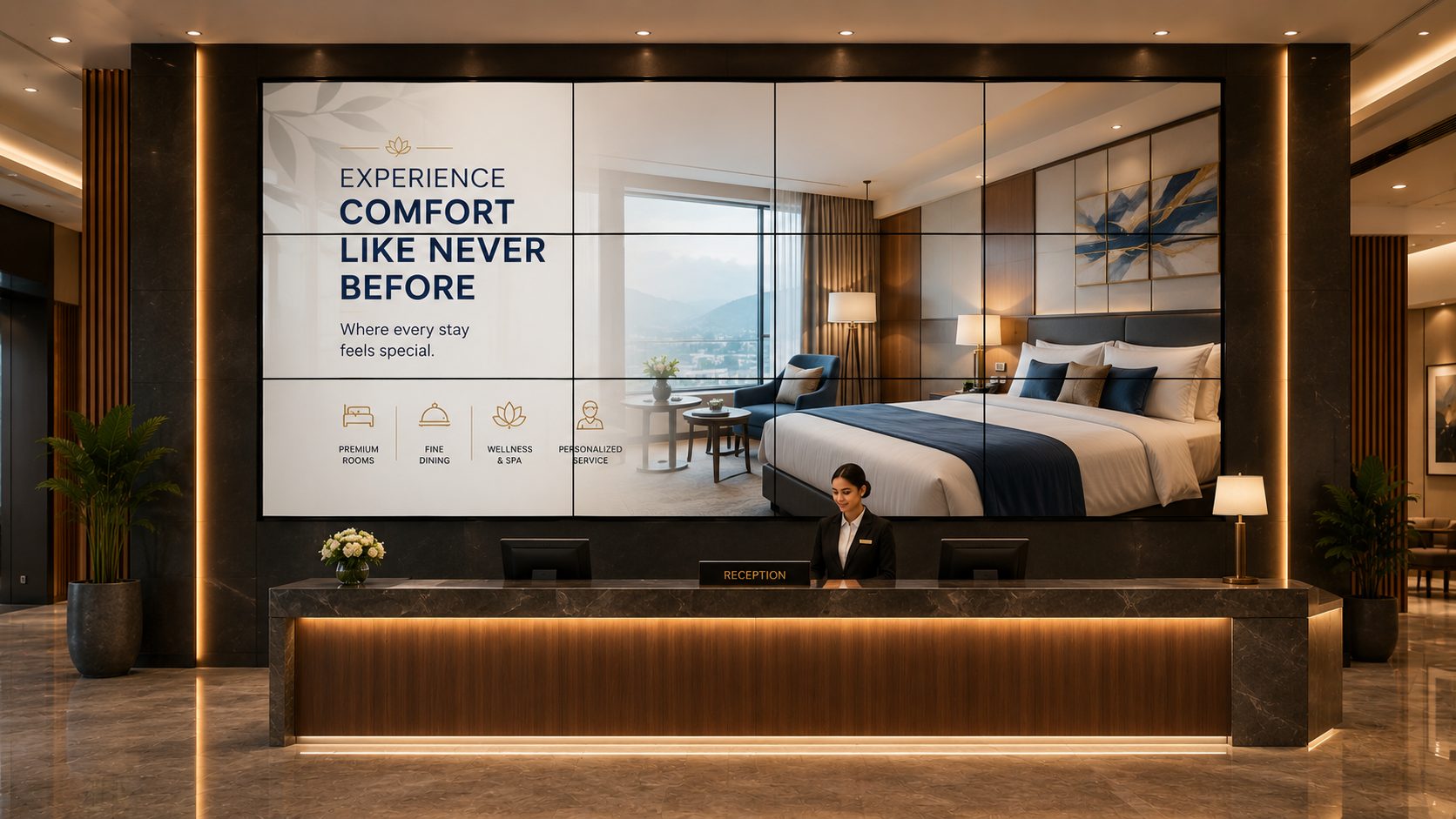
FROM IDEA TO A LIVE WALL
A strong video wall combines physical planning, content composition and a repeatable publishing workflow.
THREE WAYS TO USE THE WALL
Plan layouts around the message, audience and amount of information that needs to be visible at once.
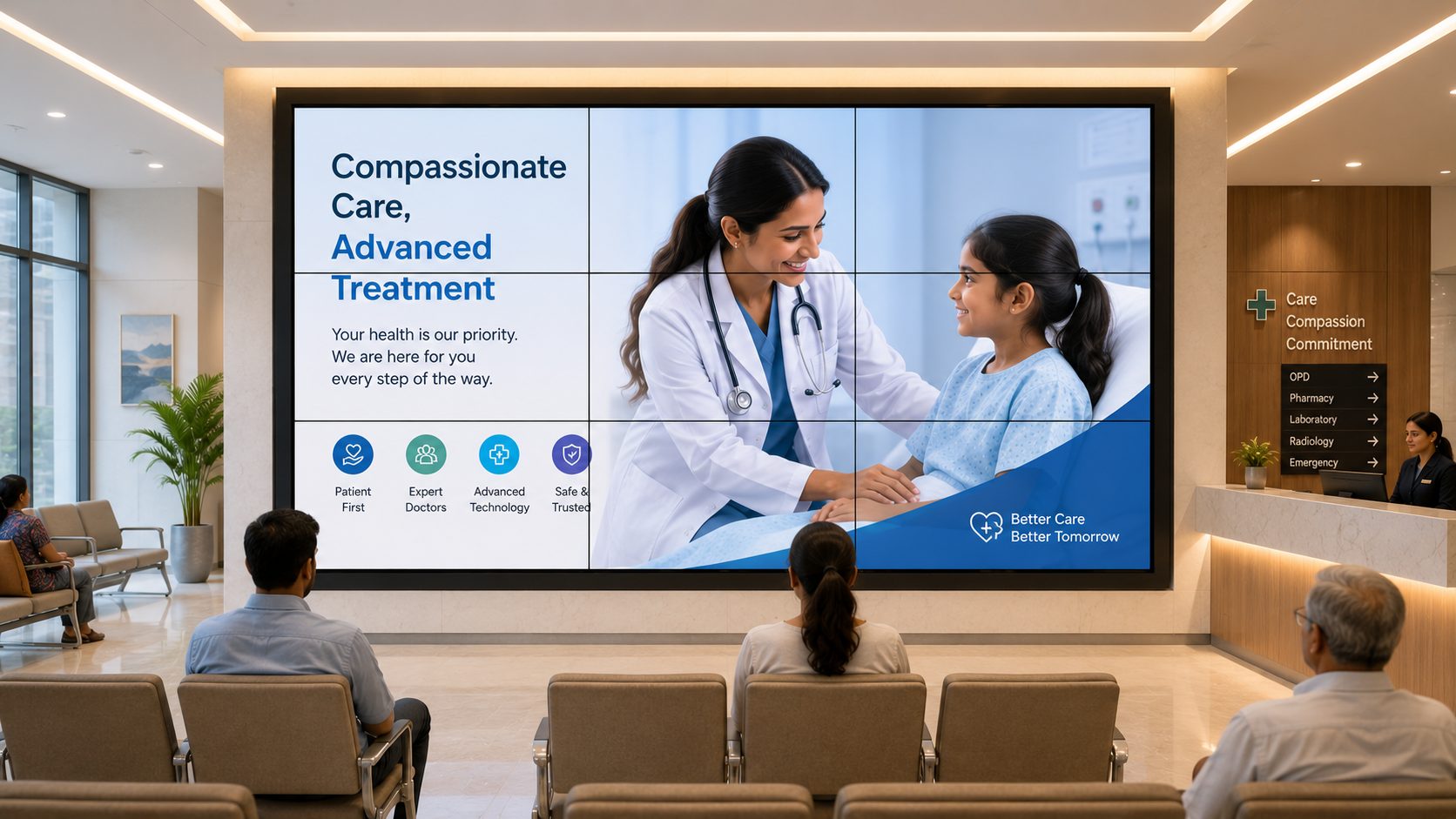
Extend a coordinated visual across the display surface for brand films, product launches, event moments and large-format storytelling.
CONTENT THAT EARNS THE SCALE
Use large-format space for communication that benefits from visibility, context or simultaneous information.
Immersive campaign moments
Use large visuals for launches, stories and high-attention brand content.
Dashboards and control-room views
Arrange approved metrics and operational information for shared visibility.
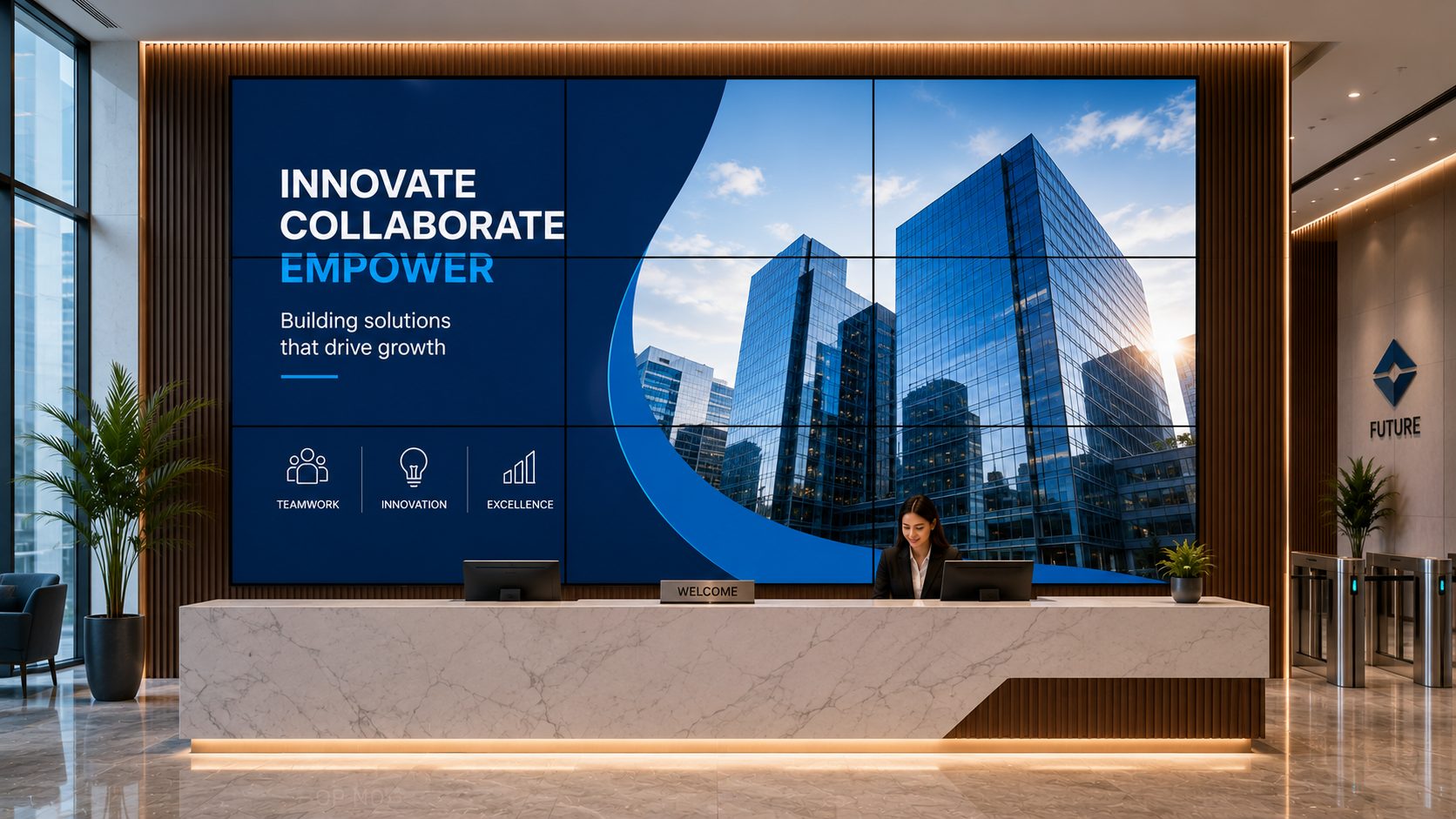
Reception and visitor experiences
Combine branded welcome content with directions, events and useful updates.
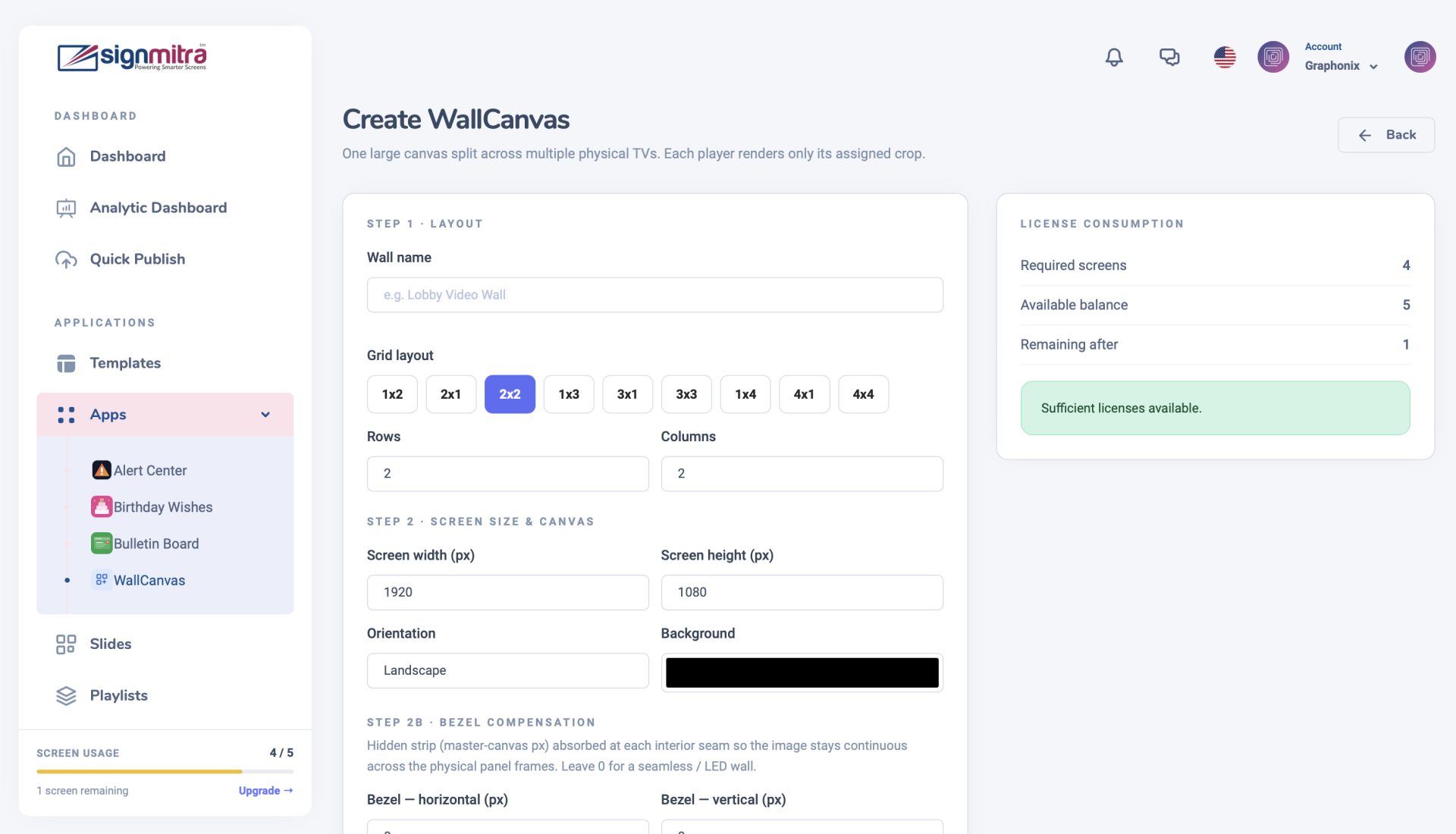
Showroom and retail storytelling
Pair product visuals, features and campaigns across a premium display surface.
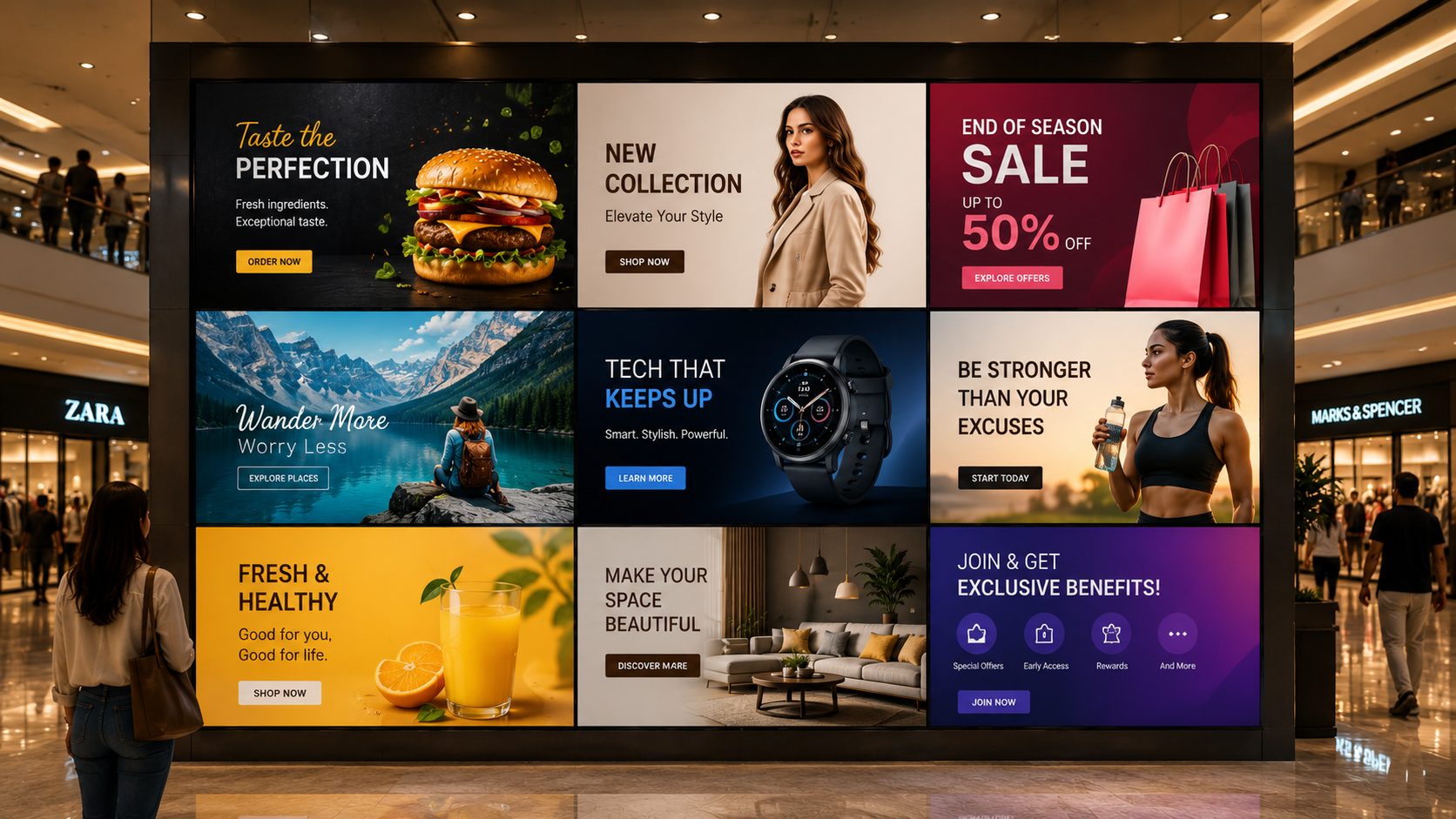
Schedules, speakers and sponsor content
Create event scenes that balance atmosphere with timely visitor information.
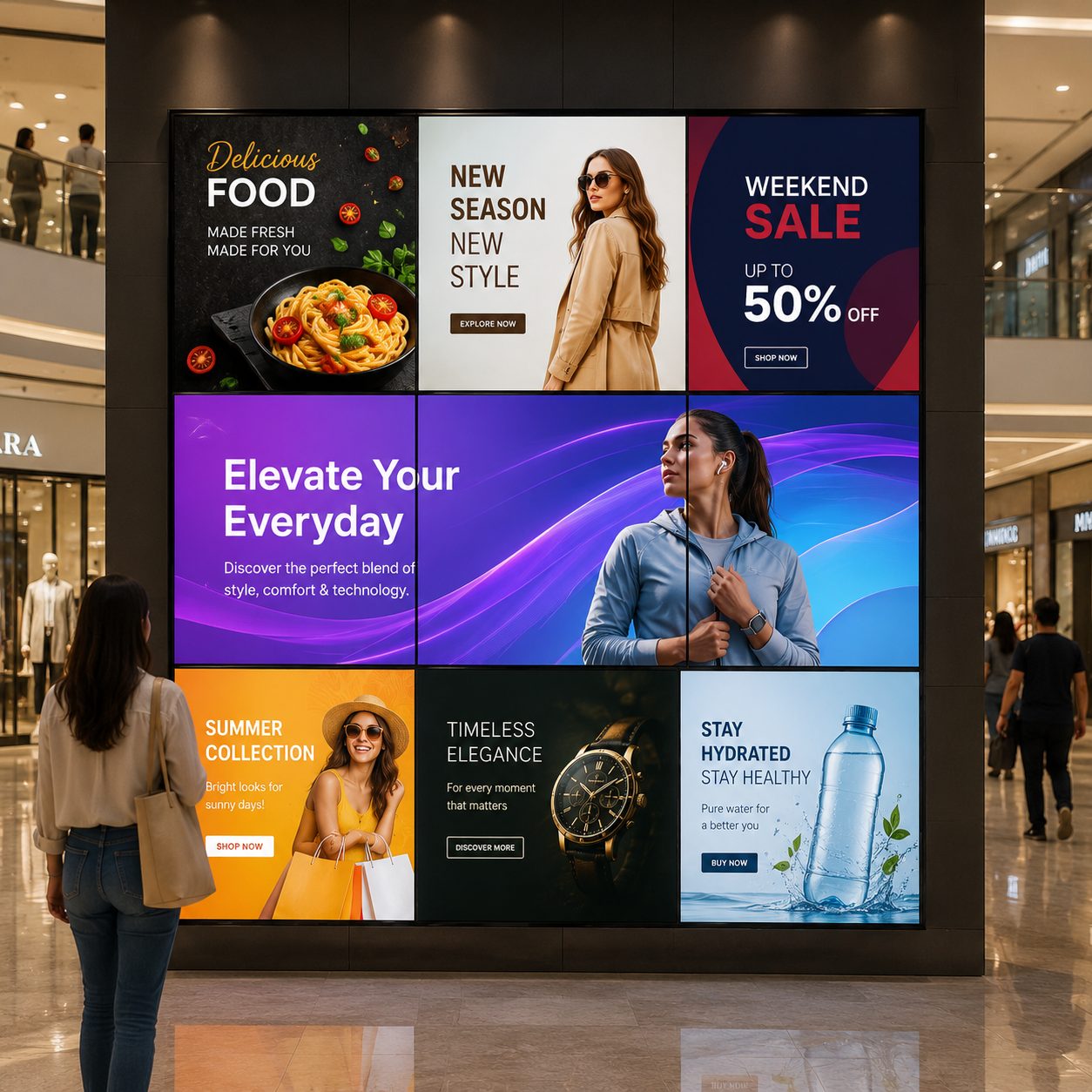
Menus, services and ambience
Use zones for service details, offers and motion content without crowding the message.
CHOOSE THE RIGHT WALL MODE
Many installations use more than one mode. Choose a default experience, then prepare alternatives for specific campaigns and moments.
| Content requirement | Large Canvas | Zoned Wall | Independent Screens |
|---|---|---|---|
| One high-impact visual | Best fit | Possible zone | Fragmented |
| Several messages visible together | Limited | Best fit | Strong fit |
| Coordinated scene changes | Strong fit | Strong fit | Plan separately |
| Different screen purposes | Not primary | Best fit | Best fit |
| Simpler content production | One canvas asset | Layout planning | Standard assets |
Large Canvas
Best fitZoned Wall
Possible zoneIndependent Screens
FragmentedLarge Canvas
LimitedZoned Wall
Best fitIndependent Screens
Strong fitLarge Canvas
Strong fitZoned Wall
Strong fitIndependent Screens
Plan separatelyLarge Canvas
Not primaryZoned Wall
Best fitIndependent Screens
Best fitLarge Canvas
One canvas assetZoned Wall
Layout planningIndependent Screens
Standard assetsHardware topology and synchronization requirements should be confirmed before content production. Review your planned setup with Signmitra
CONTENT AND INFRASTRUCTURE MUST AGREE
A successful wall depends on more than screen count. Aspect ratio, bezels, routing, player capability, encoding and network conditions all influence the result.
Prepare master artwork around the true canvas dimensions. Keep critical text and faces away from bezel intersections, test legibility at viewing distance and create fallback scenes for operational continuity.
WALLCANVAS ACROSS BUSINESS ENVIRONMENTS
The same multi-screen platform can support very different communication priorities.
Create launch moments, product stories and coordinated campaign scenes across a high-visibility display wall.
Combine dashboards, communication and priority information into structured views designed for shared awareness.
Prepare branded scenes for arrivals, schedules, presentations, sponsor visibility and key event moments.
Blend menus, services, promotions and ambience while keeping the most useful information easy to scan.
Coordinate announcements, service information and visual communication while keeping safety-critical systems separate and authoritative.
WALLCANVAS CONTROL LAYER
Bring content planning, scheduling and screen organization into one repeatable operating workflow.
Prepare full-wall and multi-zone compositions around the intended display arrangement.
Plan complete wall experiences by campaign, date, time and operating moment.
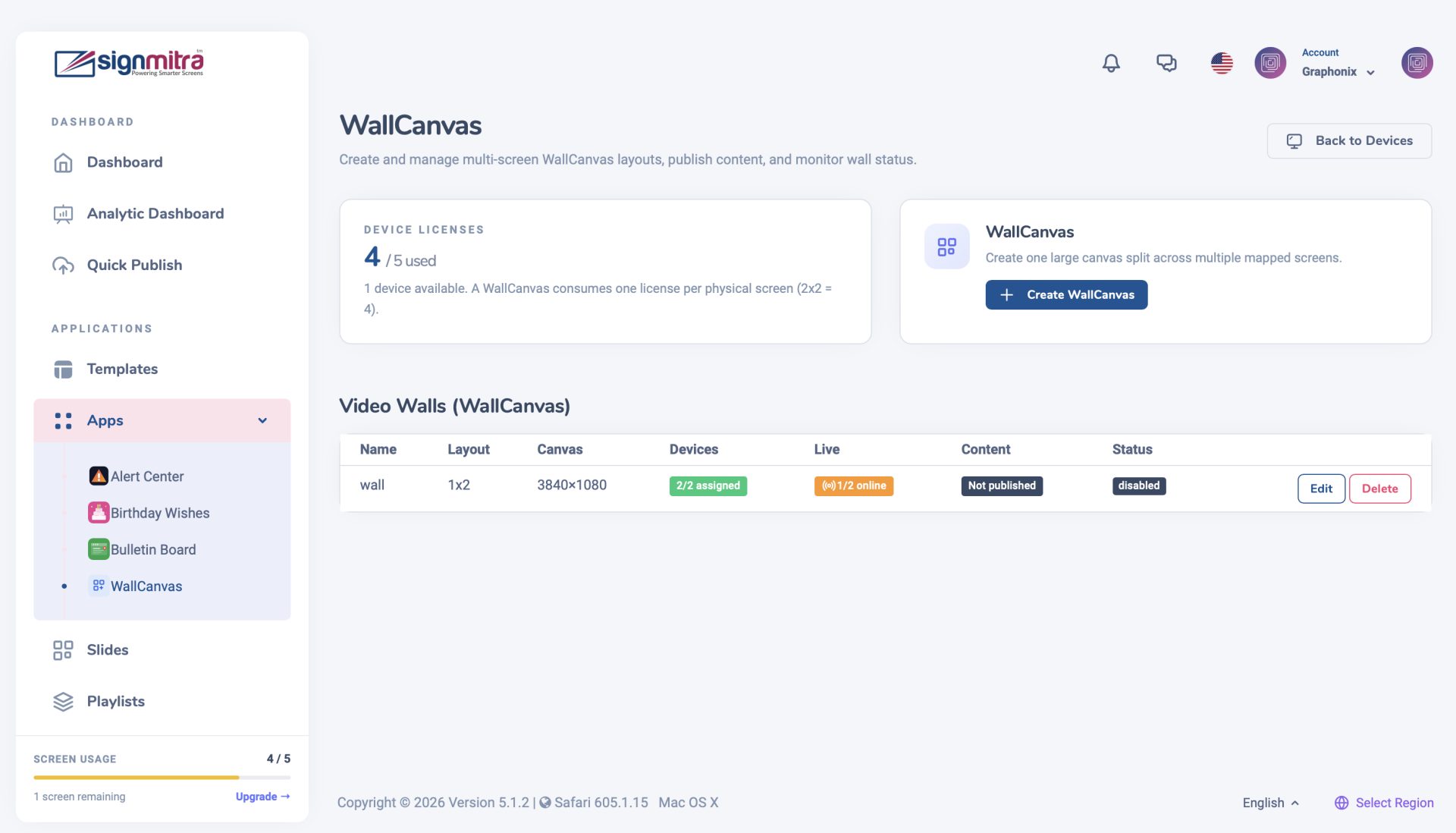
Send approved content and updates through the Signmitra cloud dashboard.
Combine supported images, video, web content and information zones as the project requires.
Align publishing access with the people responsible for brand, campaigns and operations.
Group compatible players and displays around the wall and its operating purpose.
A PRACTICAL DEPLOYMENT PATH
Confirm the installation and content workflow in sequence so creative work is built for the system that will play it.

Choose a plan.
ONE WALL, MANY COMMUNICATION MOMENTS
Use prepared wall states to move from attention-grabbing content to useful information without redesigning the system each time.
Welcome content, event identity, directions and the most relevant information for the first viewing moment.
A large-format brand film, launch visual, presentation or campaign designed to use the full canvas.
A structured zoned view for dashboards, menus, schedules, announcements or service information.
An approved high-visibility communication state for operational notices; signage should supplement, not replace, required safety systems.
WALLCANVAS FAQ
Use these answers to plan the display, player and content workflow together.
Share the display arrangement, player hardware and content goals so our team can review the right WallCanvas approach.
Book a tailored walkthrough to plan the canvas, content modes and compatible playback setup for your venue.

