Reach away from desks
Email, Chat or Intranet Alone
Requires a personal deviceWith Signmitra Office Signage
Visible in shared spacesConnect employees, welcome visitors and keep teams aligned with centrally managed office digital signage. Publish announcements, dashboards, meeting information, recognition, safety messages and brand content across one office or an entire workplace network.
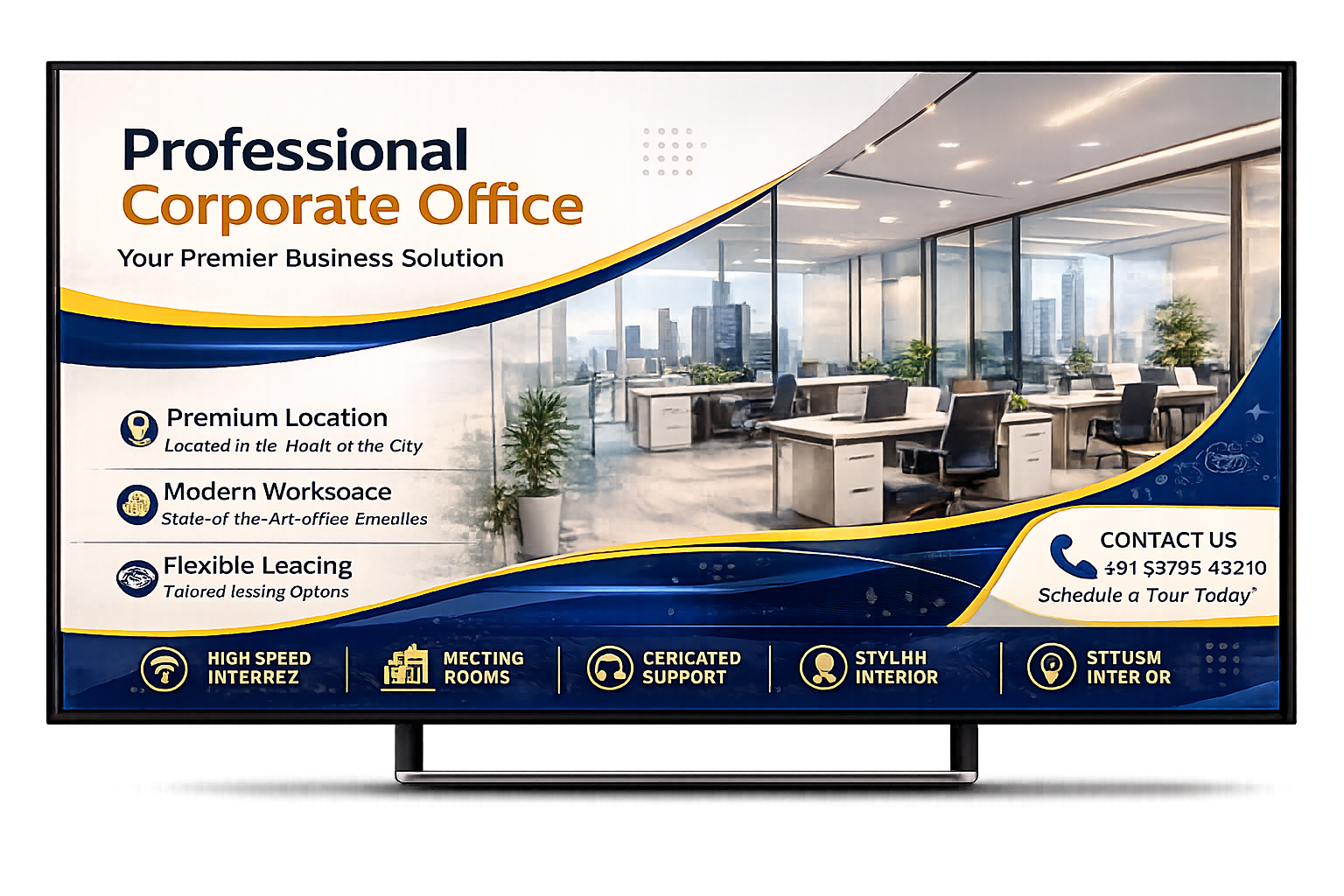
A COMMUNICATION CHANNEL BUILT INTO THE WORKPLACE
Important workplace information competes with crowded inboxes, chat channels and intranets. Office digital signage adds a visible communication layer across receptions, collaboration areas, cafeterias, production floors, corridors and employee spaces.
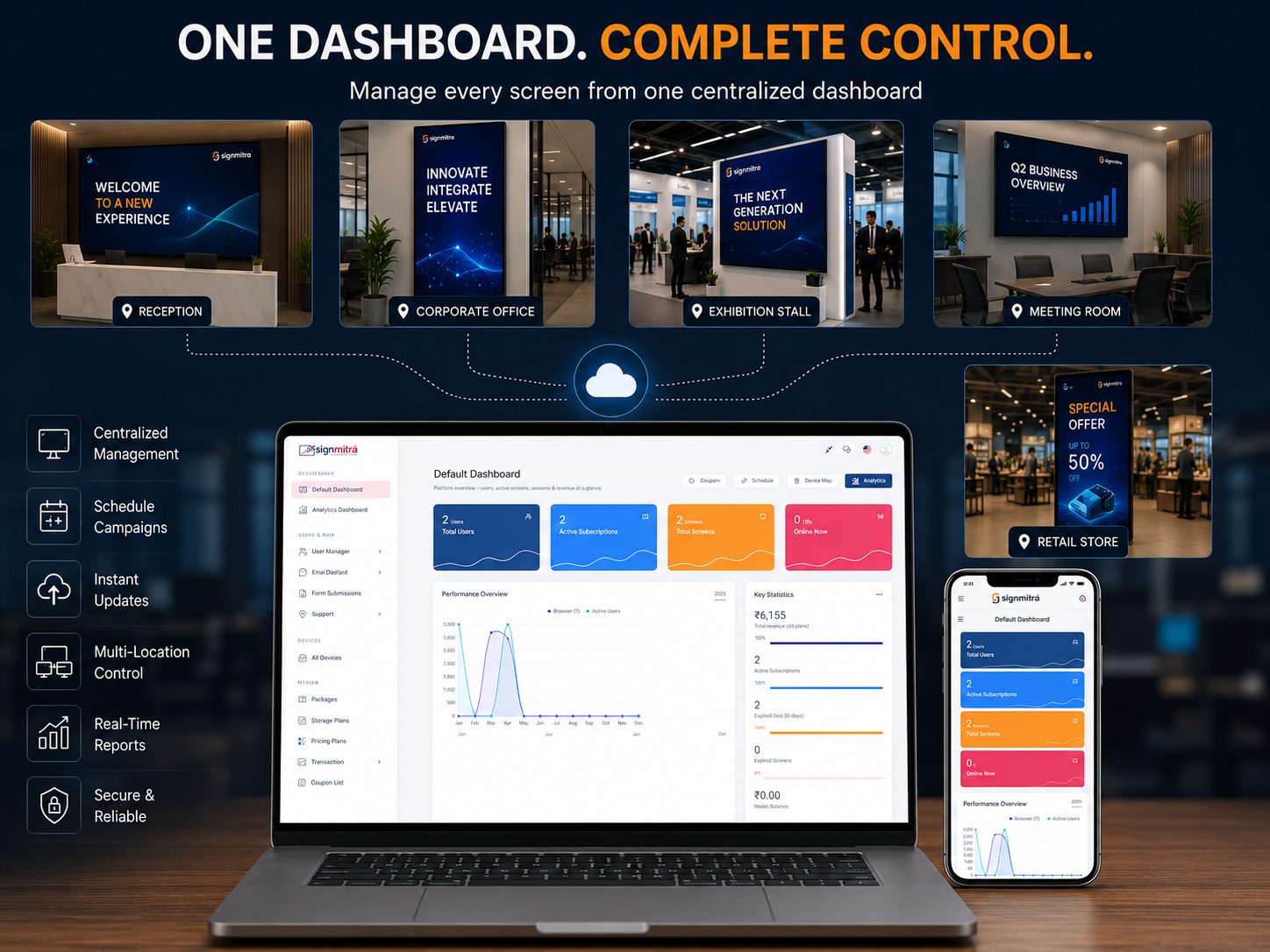
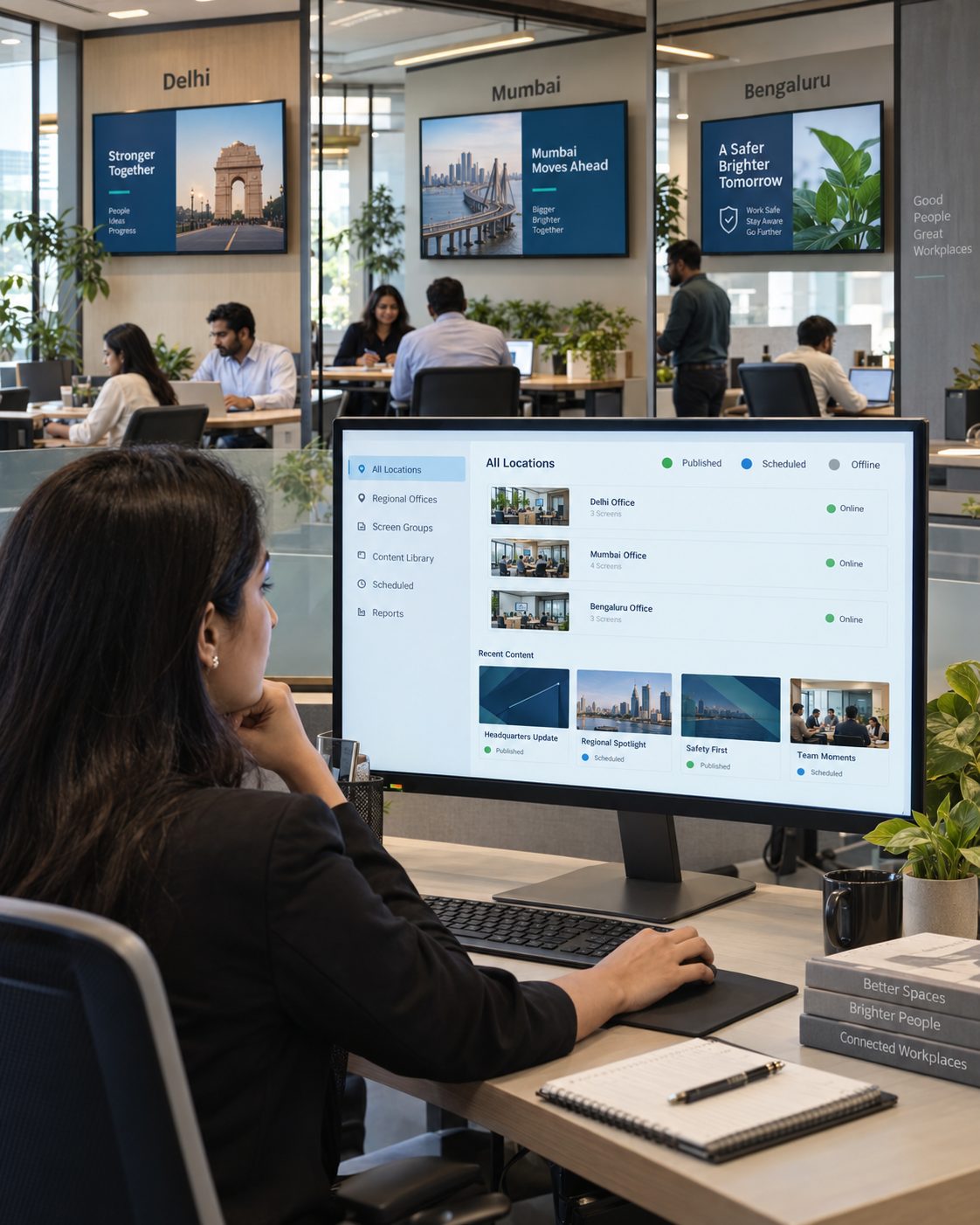
Signmitra gives internal communications, HR, facilities, IT and brand teams one place to manage that screen network. Publish company news, visitor welcomes, meeting information, dashboards, recognition and time-sensitive notices while targeting each message to the right office and screen zone.
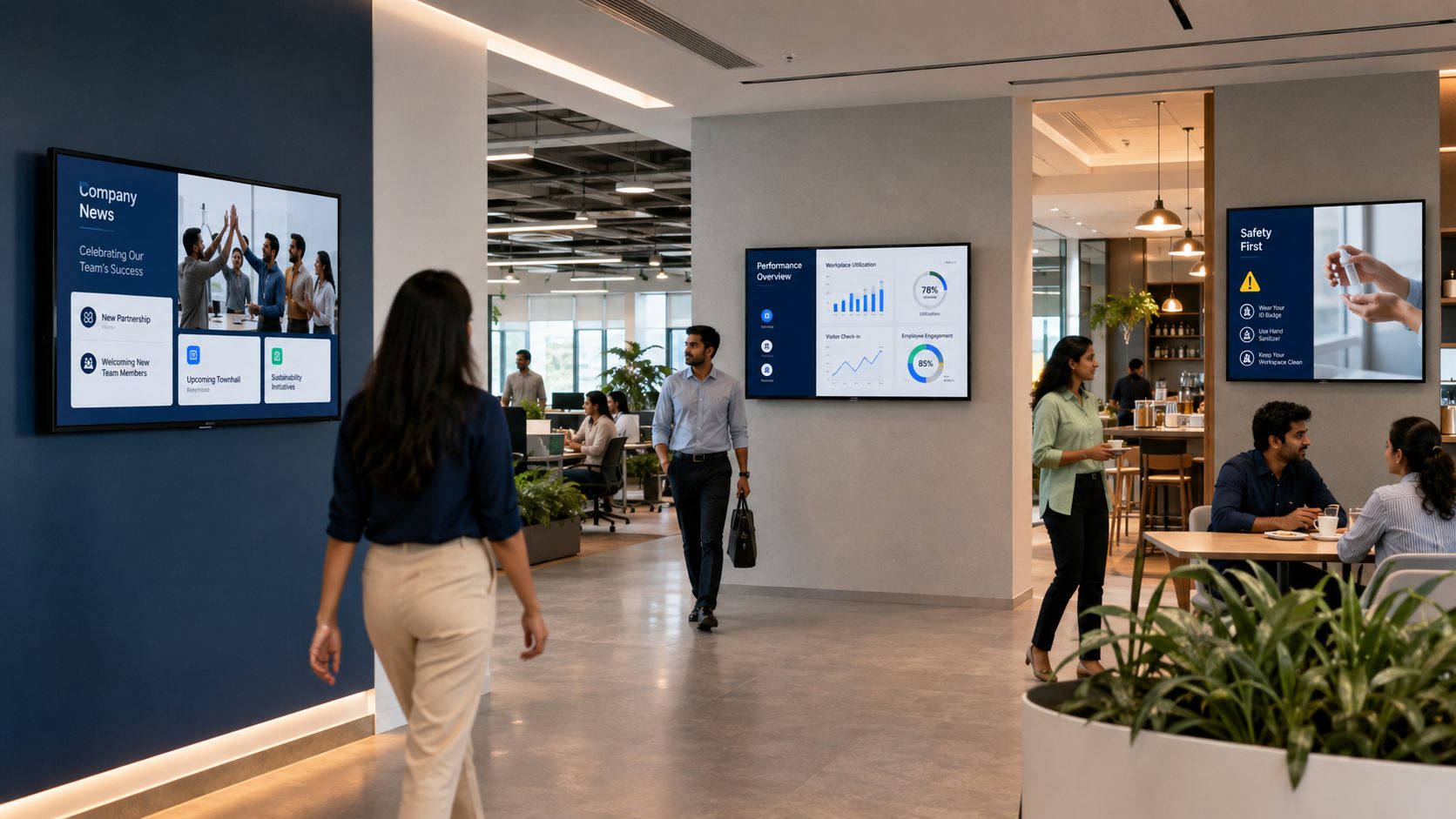
ONE OFFICE, MANY COMMUNICATION MOMENTS
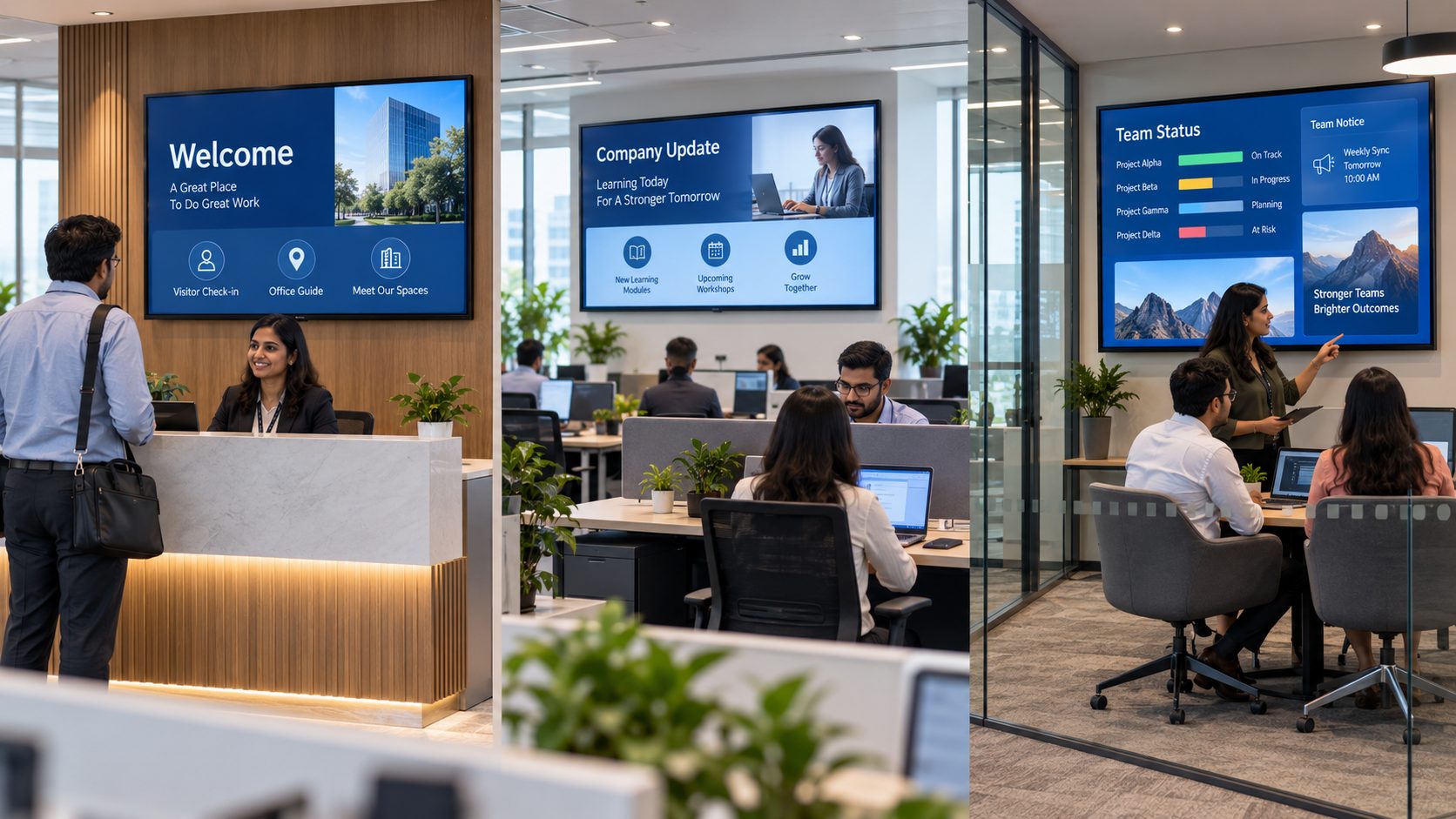
Explore how different spaces can support employees, visitors and business operations without showing the same generic playlist everywhere.
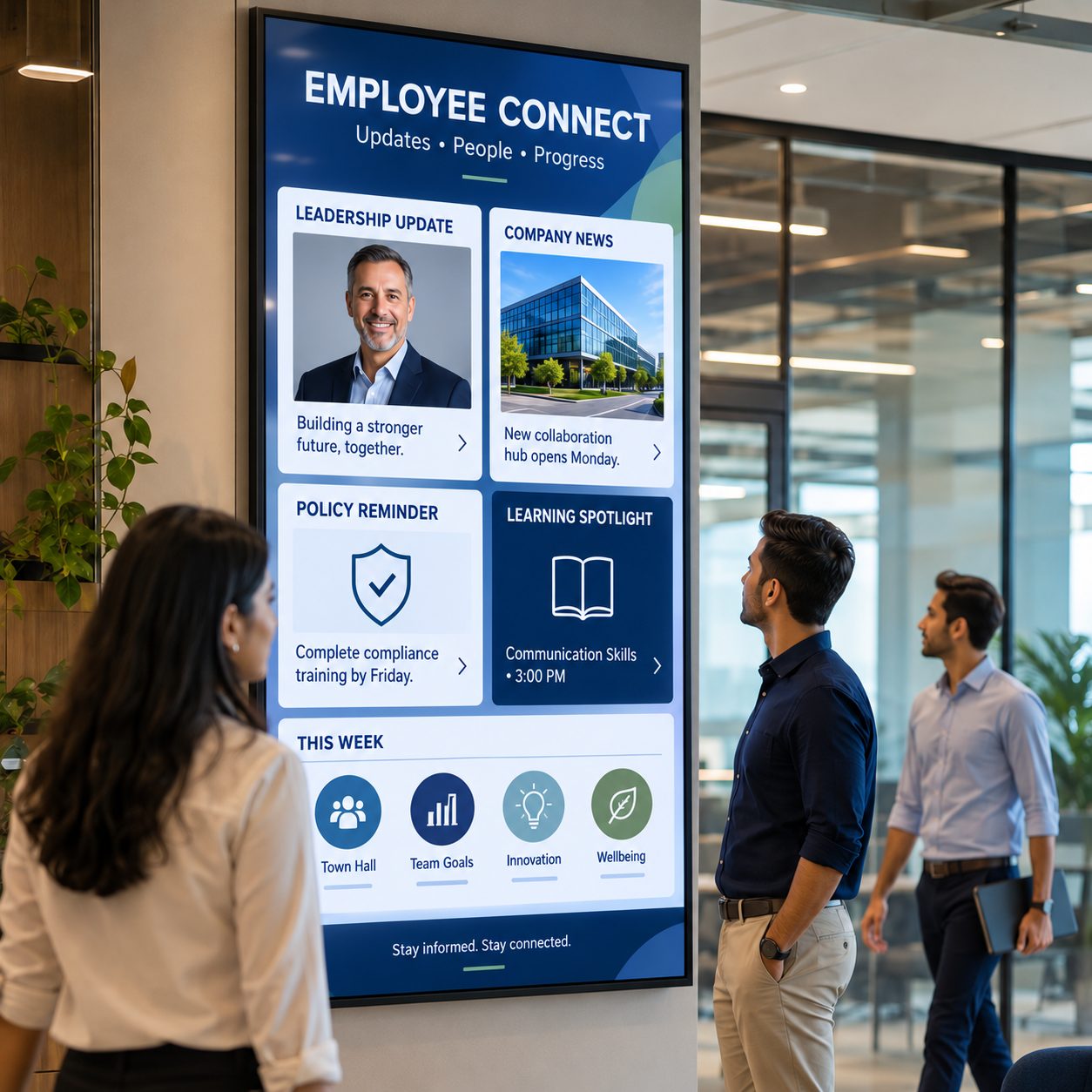
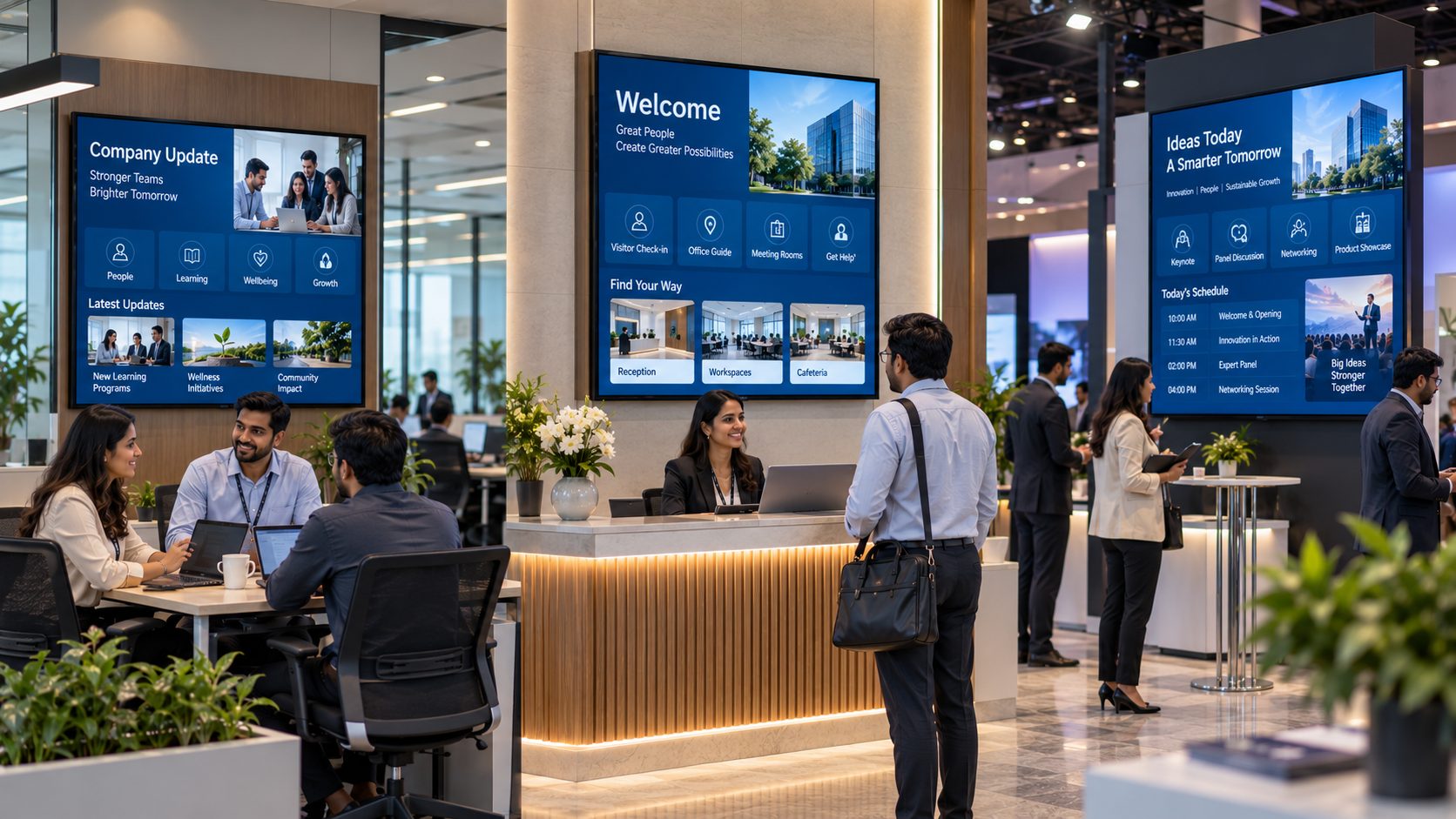
Share leadership updates, company news, policy reminders, learning campaigns and organizational priorities in common areas. Reinforce messages already delivered through email, collaboration tools and the intranet.
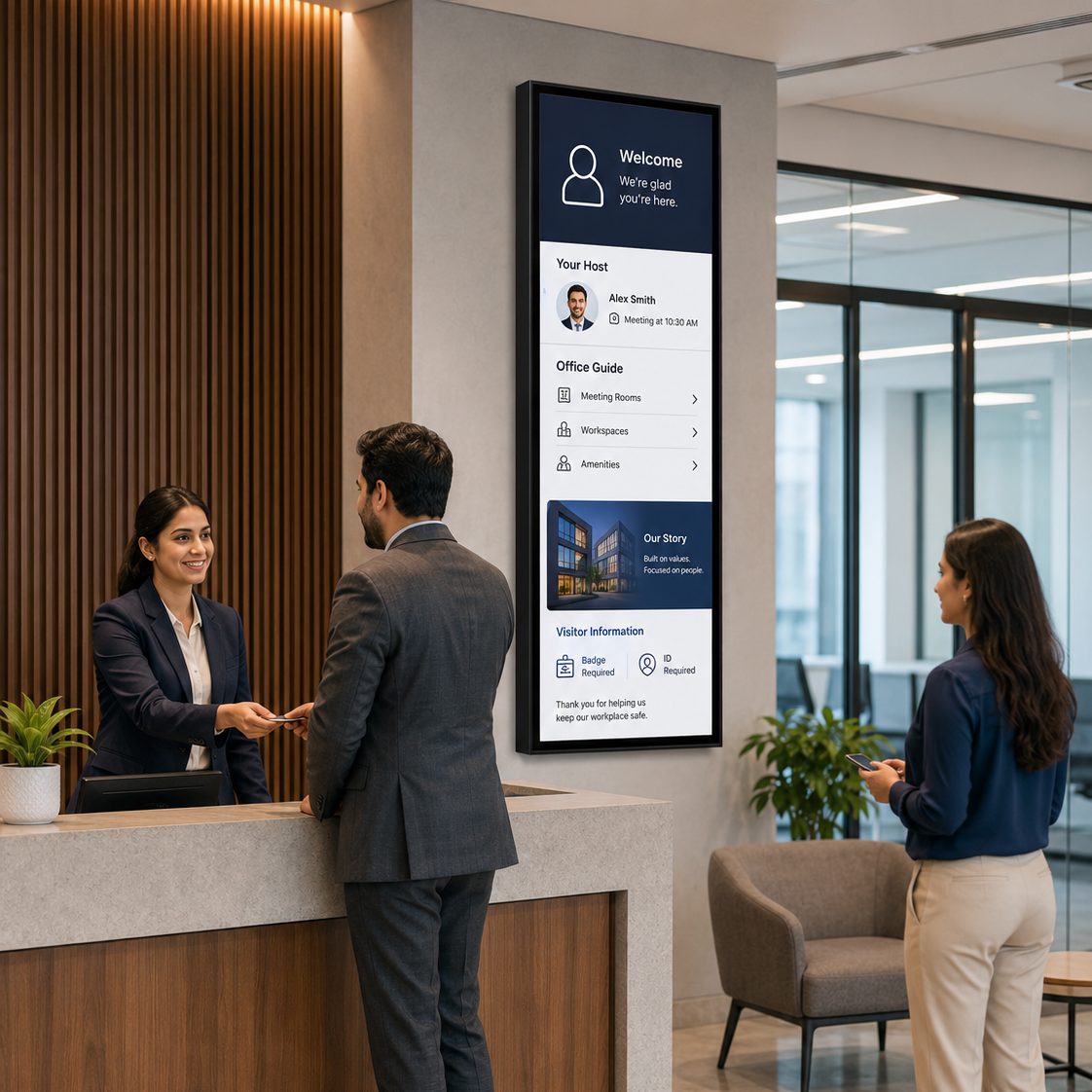
Create branded welcomes for guests, candidates and partners. Display host instructions, company stories, office guidance and approved visitor information without relying on a static reception loop.
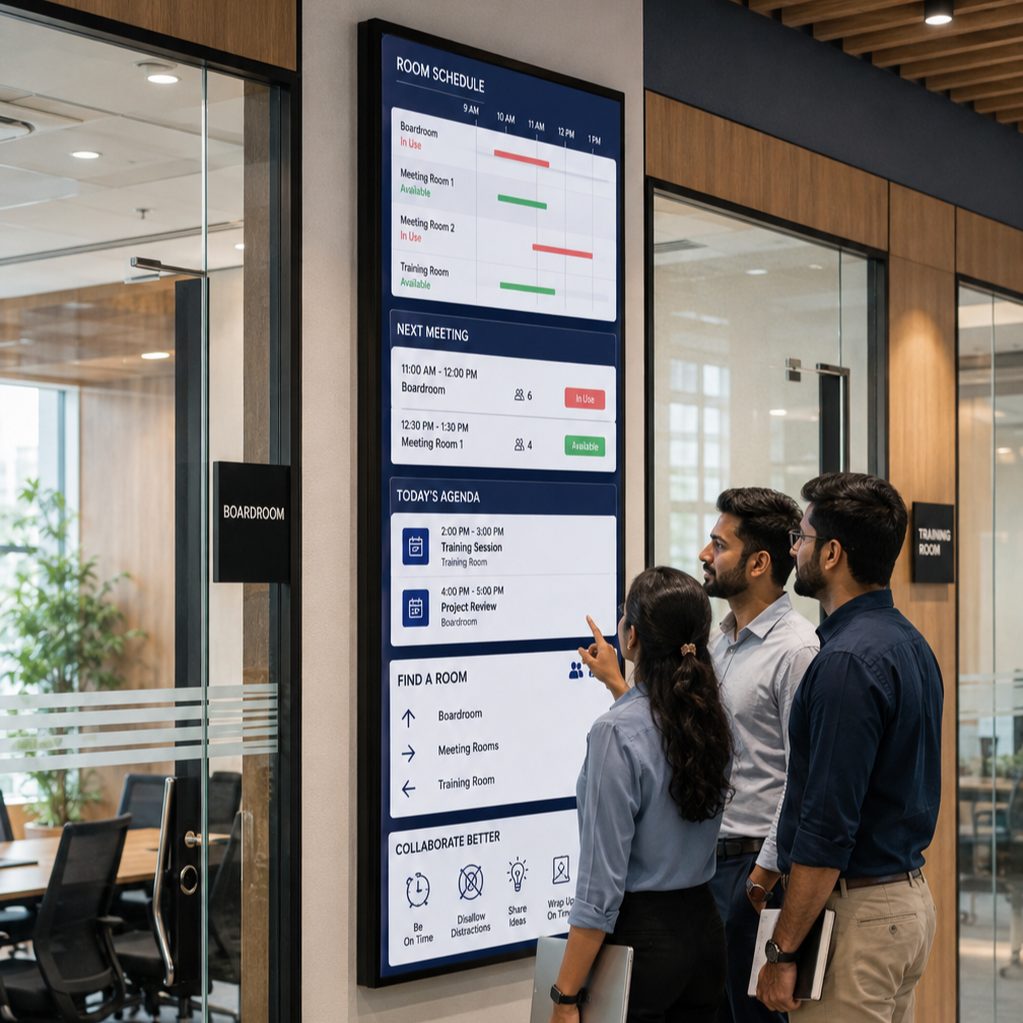
Show room schedules, event agendas, wayfinding and collaboration guidance near boardrooms, training rooms and shared facilities. Calendar or room data requires a compatible source and integration.
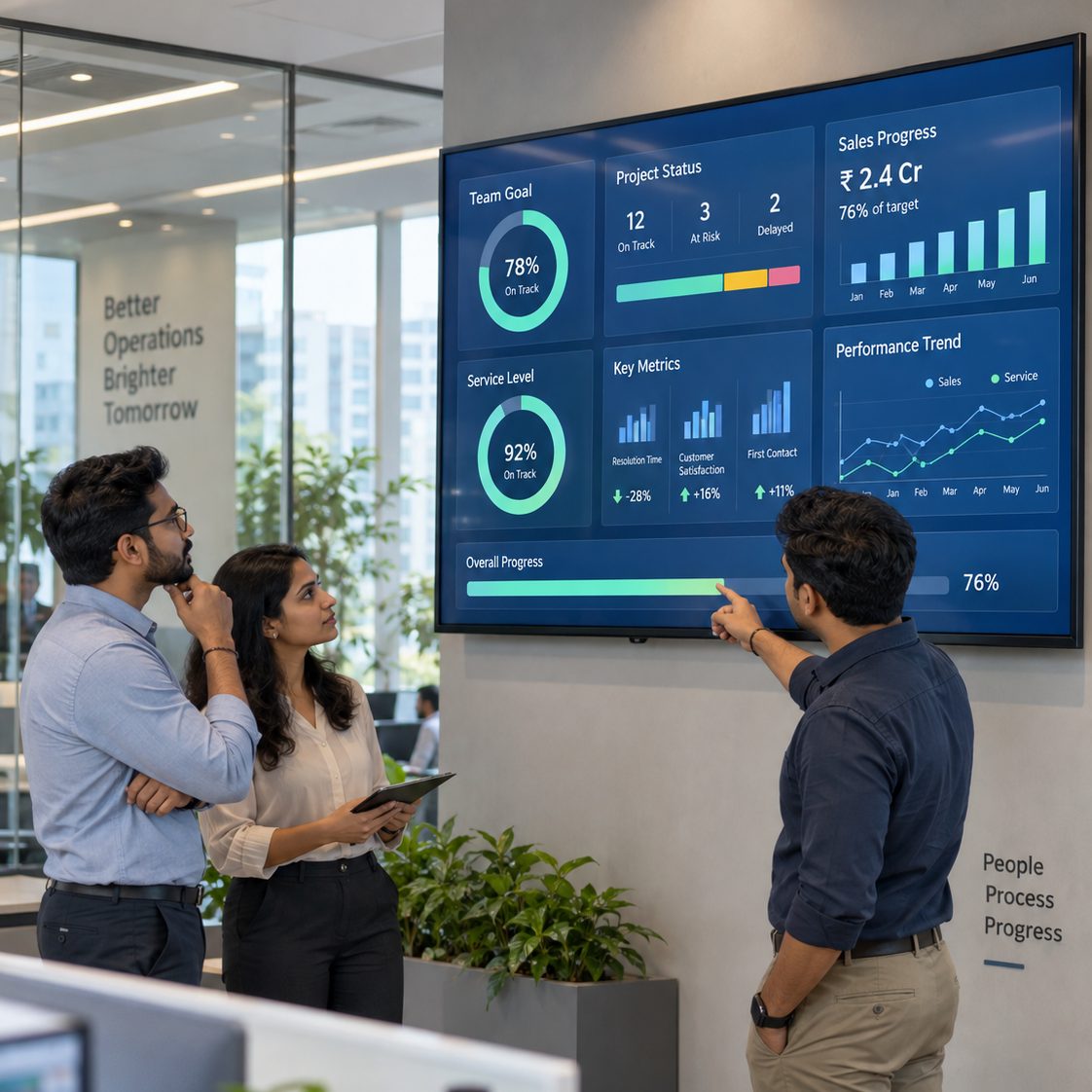
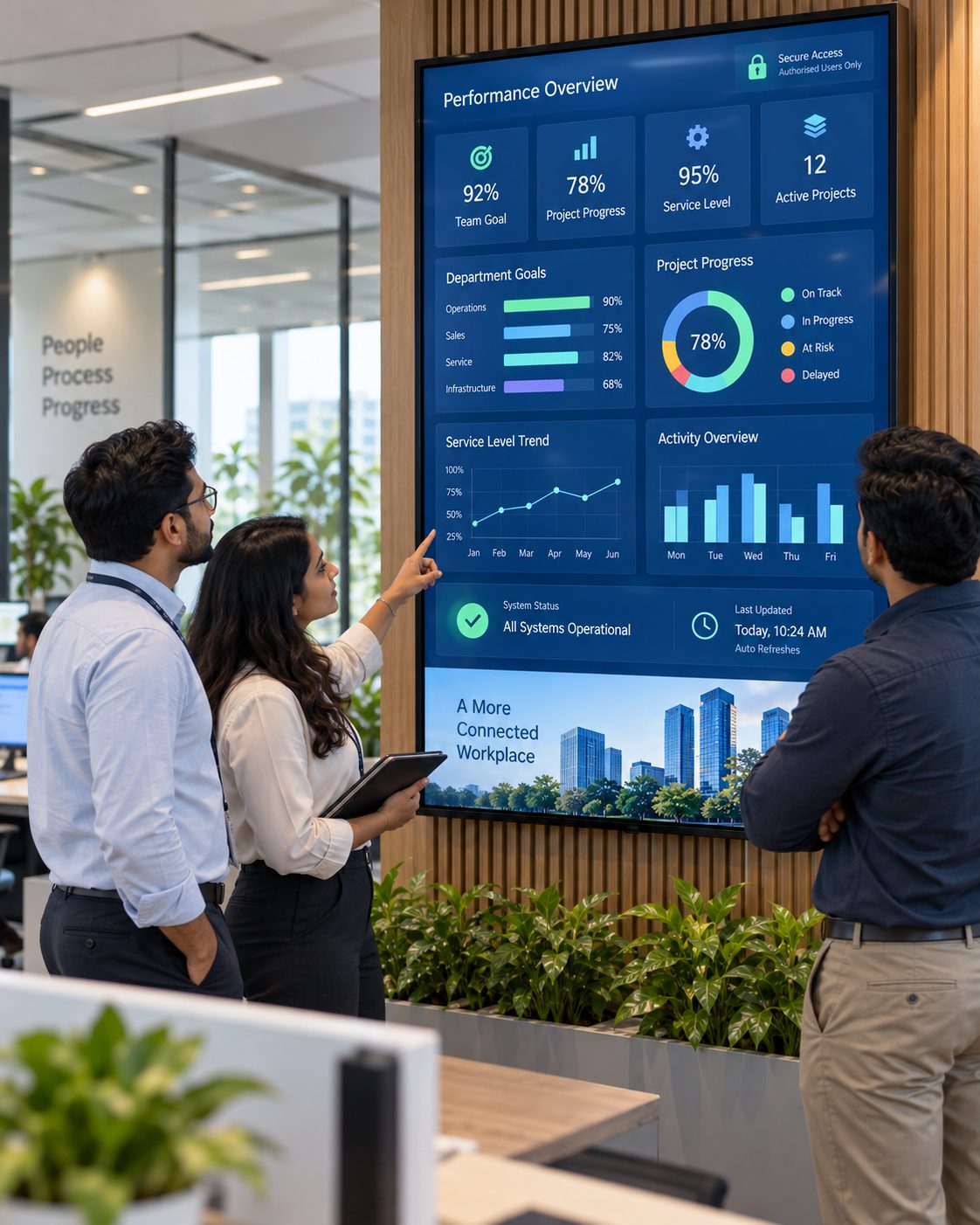
Bring approved operational dashboards, goals, project status and selected KPIs into sales areas, service centres and operations spaces. Protect confidential or personally identifiable information from public view.
Reuse the same managed content workflow for town halls, product launches, conferences and exhibition stands. Schedule brand stories, demos and event-specific content before the venue opens.

THE WORKPLACE COMMUNICATION LAYER
Structure communication around audience, location and timing from a central workspace.
BUILD A SMARTER CONTENT SYSTEM
Select a capability to see how Signmitra helps workplace teams plan, target and maintain screen communication.
Audience targeting. Group screens by office, floor, department or communication zone so messages reach the right workplace audience.
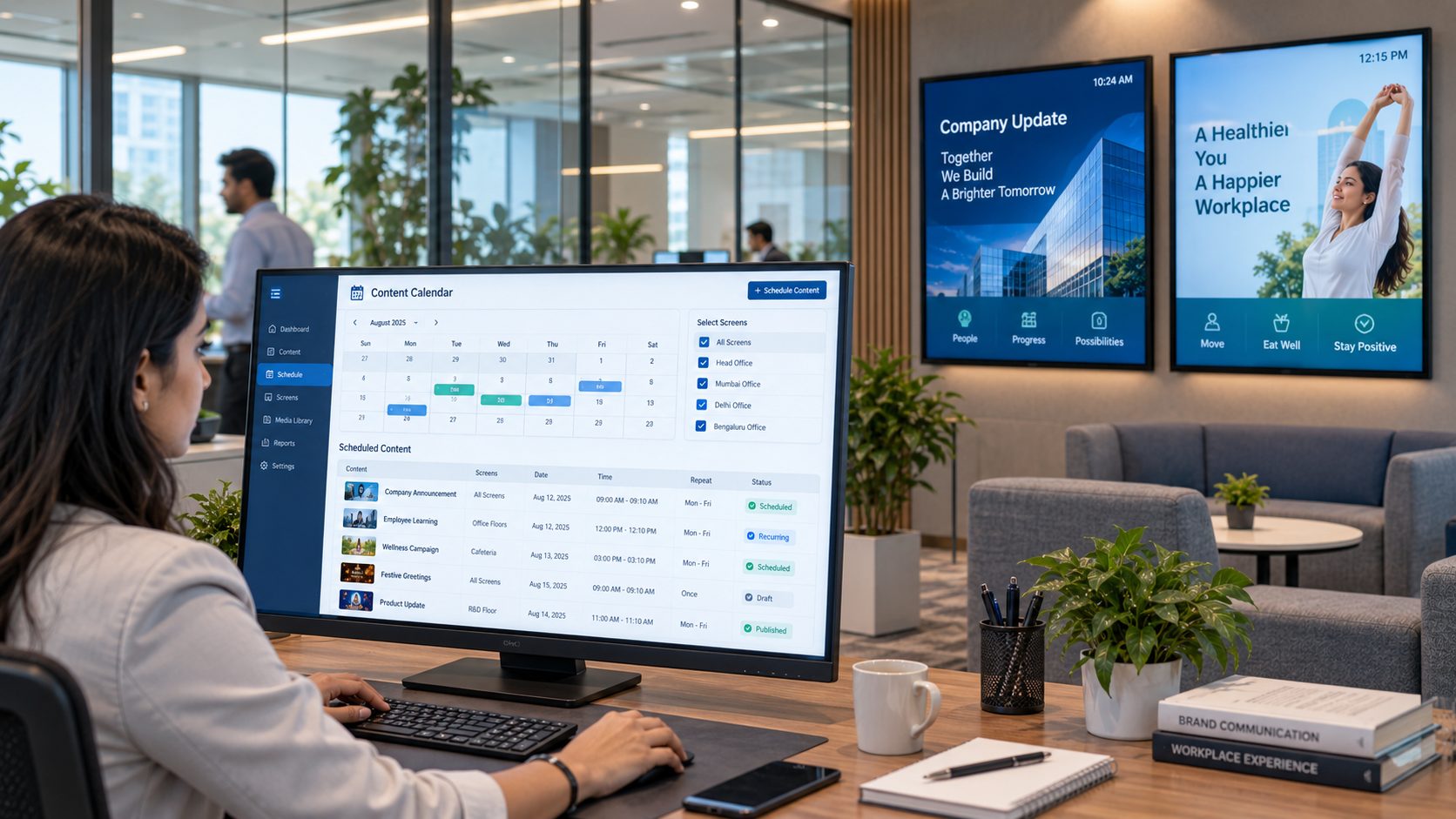
Content scheduling. Plan announcements, campaigns and recurring content by date, day and time instead of replacing playlists manually.
Dashboard display. Publish compatible web dashboards and approved business information with access, refresh and confidentiality requirements defined in advance.
Brand consistency. Reuse approved assets and layouts so office, reception and event screens remain visually aligned across locations.
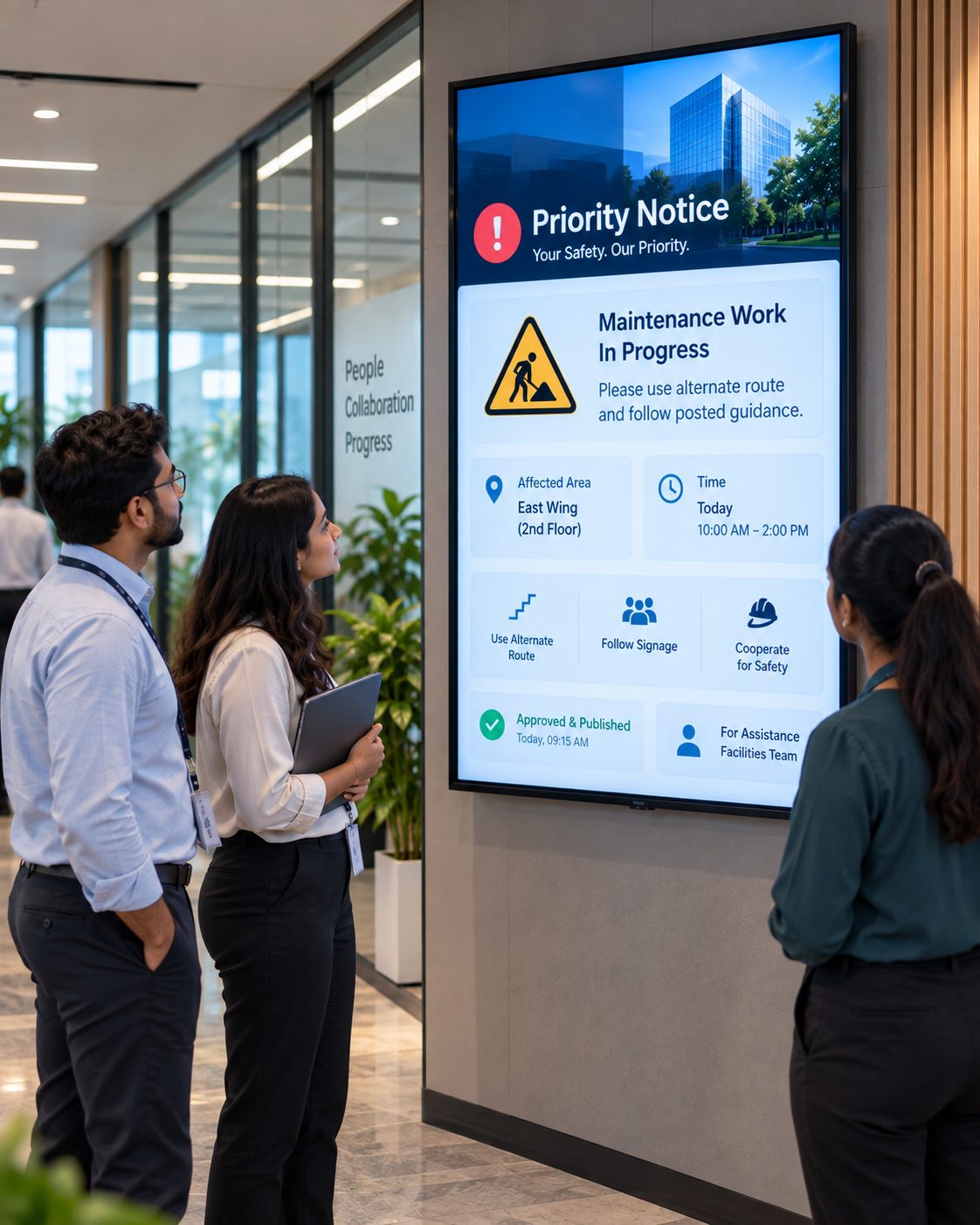
Priority communication. Prepare approved templates and publishing responsibilities for urgent workplace notices and safety communication.
OFFICE DIGITAL SIGNAGE USE CASES
Build a screen network around real communication needs—from the front desk to distributed operations.
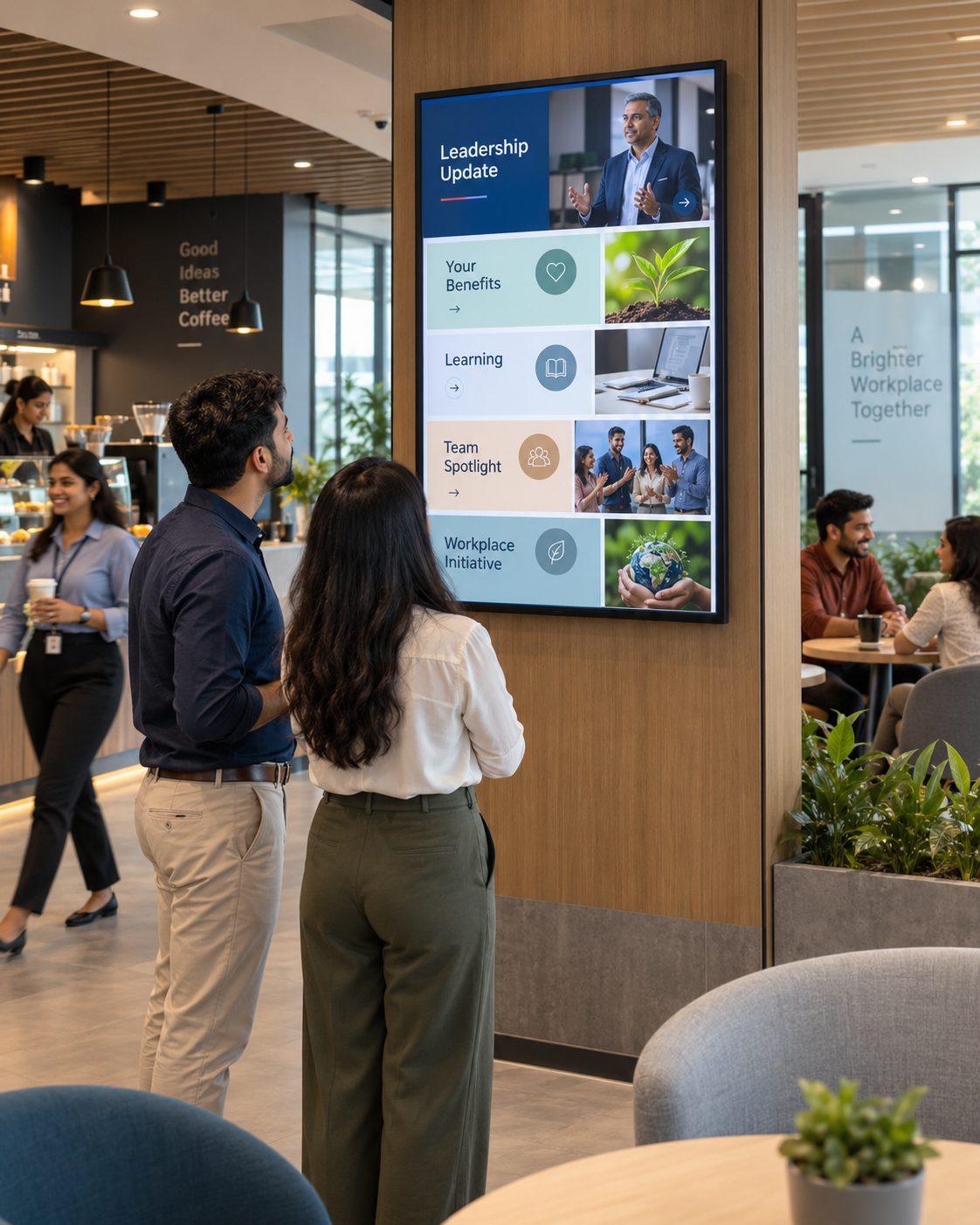
Company news people can see
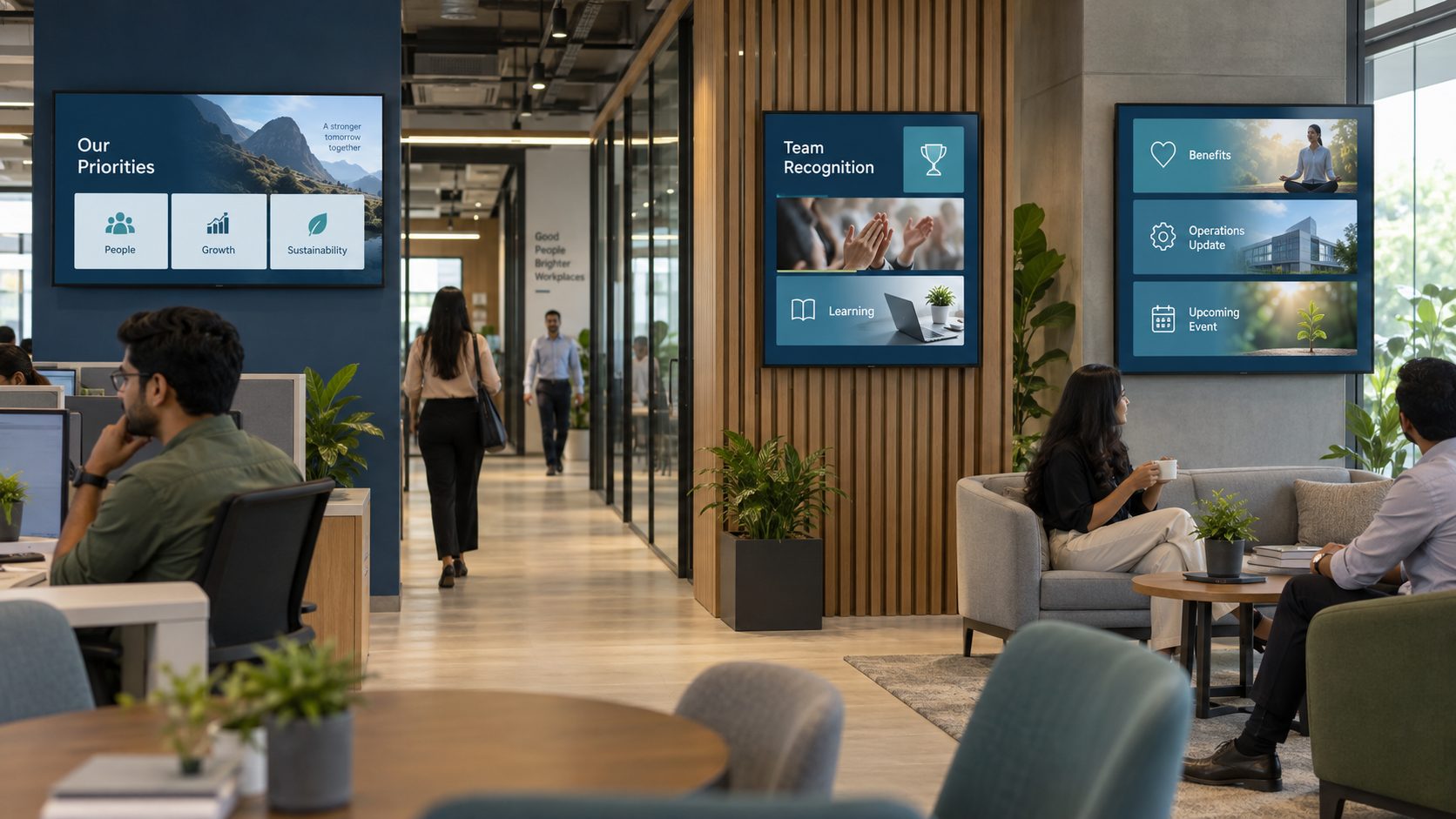
Reinforce leadership updates, benefits, learning, culture and workplace initiatives in high-traffic employee spaces.
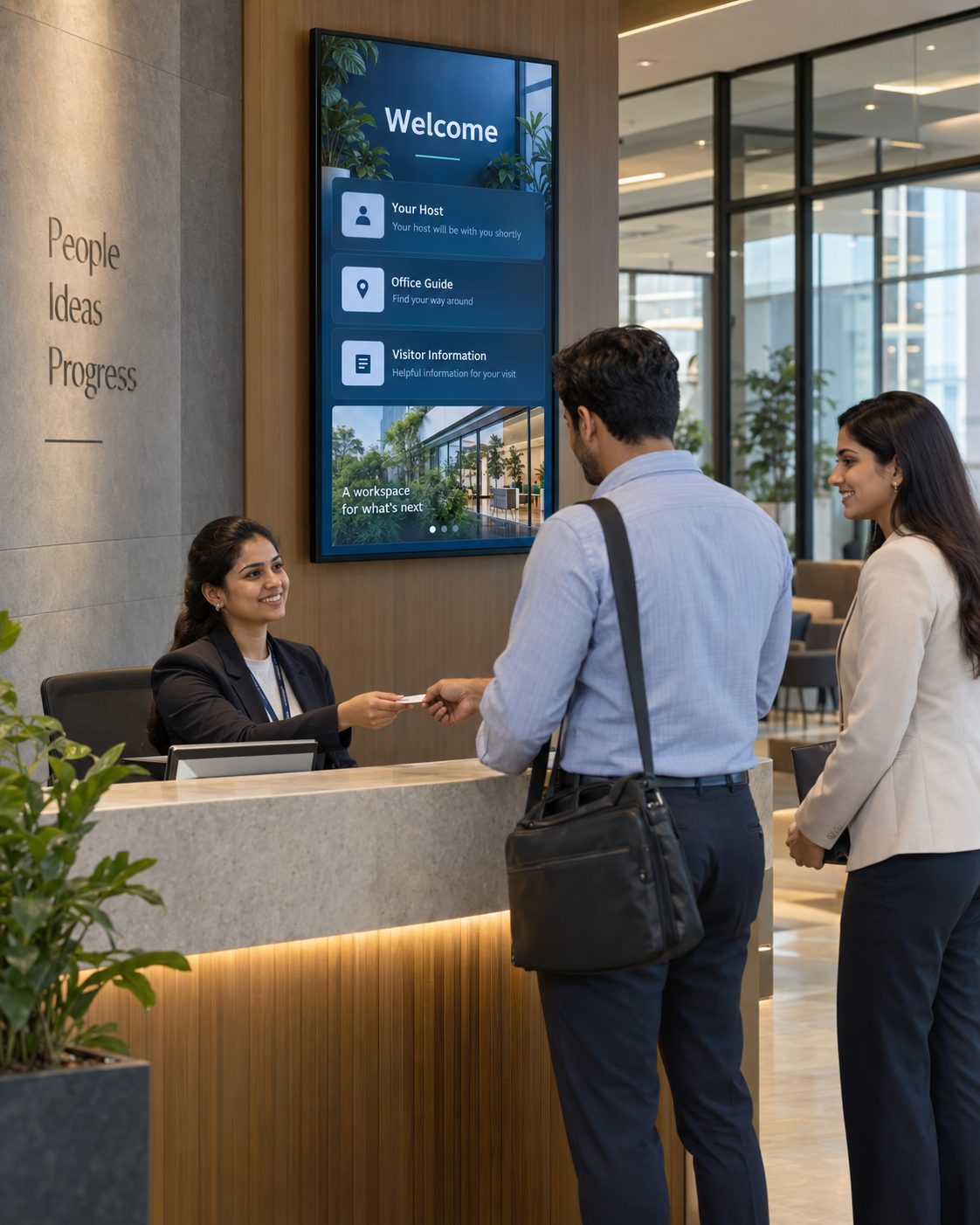
A more thoughtful visitor welcome
Create location-aware greetings, brand stories and arrival guidance for clients, candidates and partners.
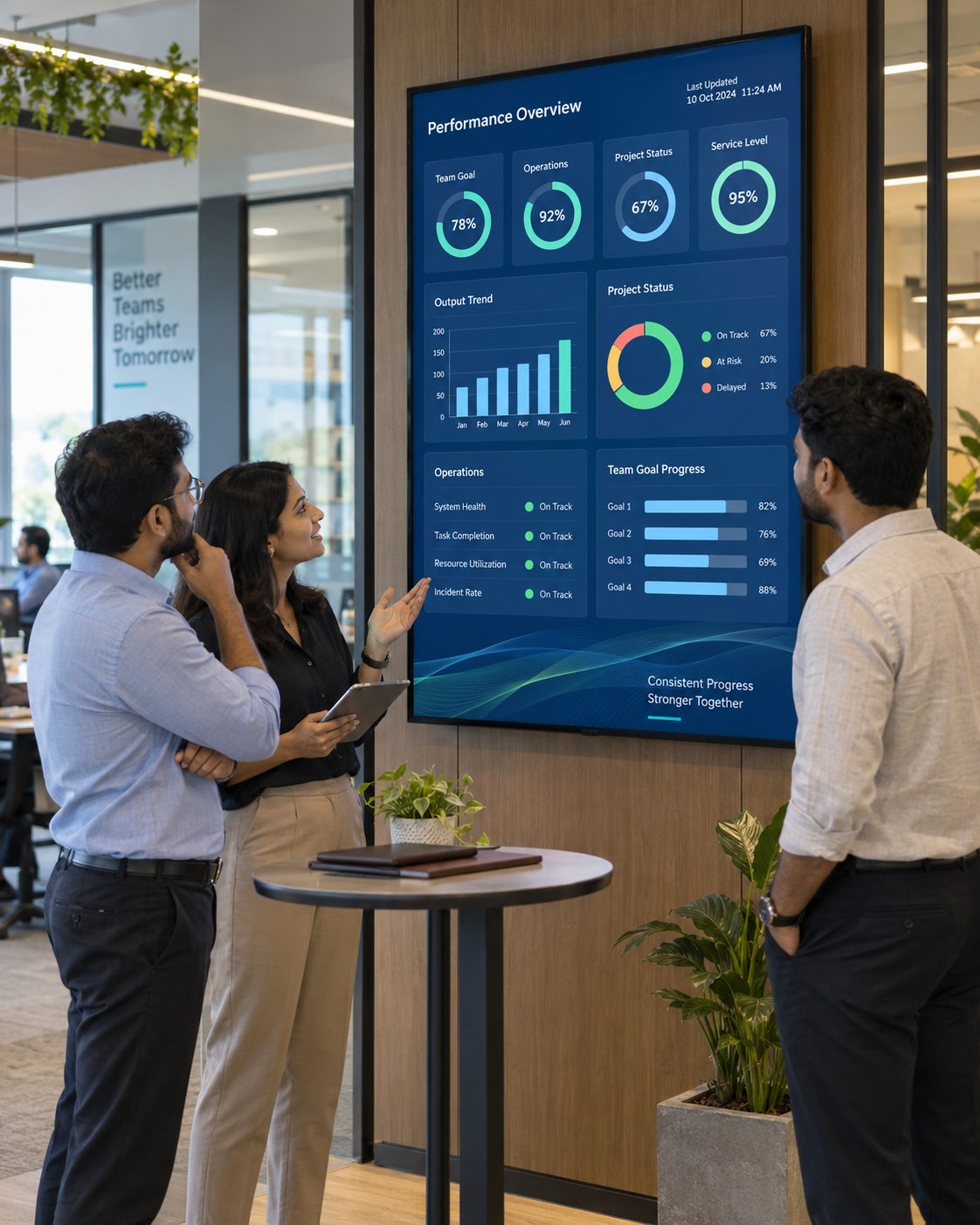
Dashboards beyond the laptop
Bring approved KPIs and operational information into the spaces where teams coordinate work.
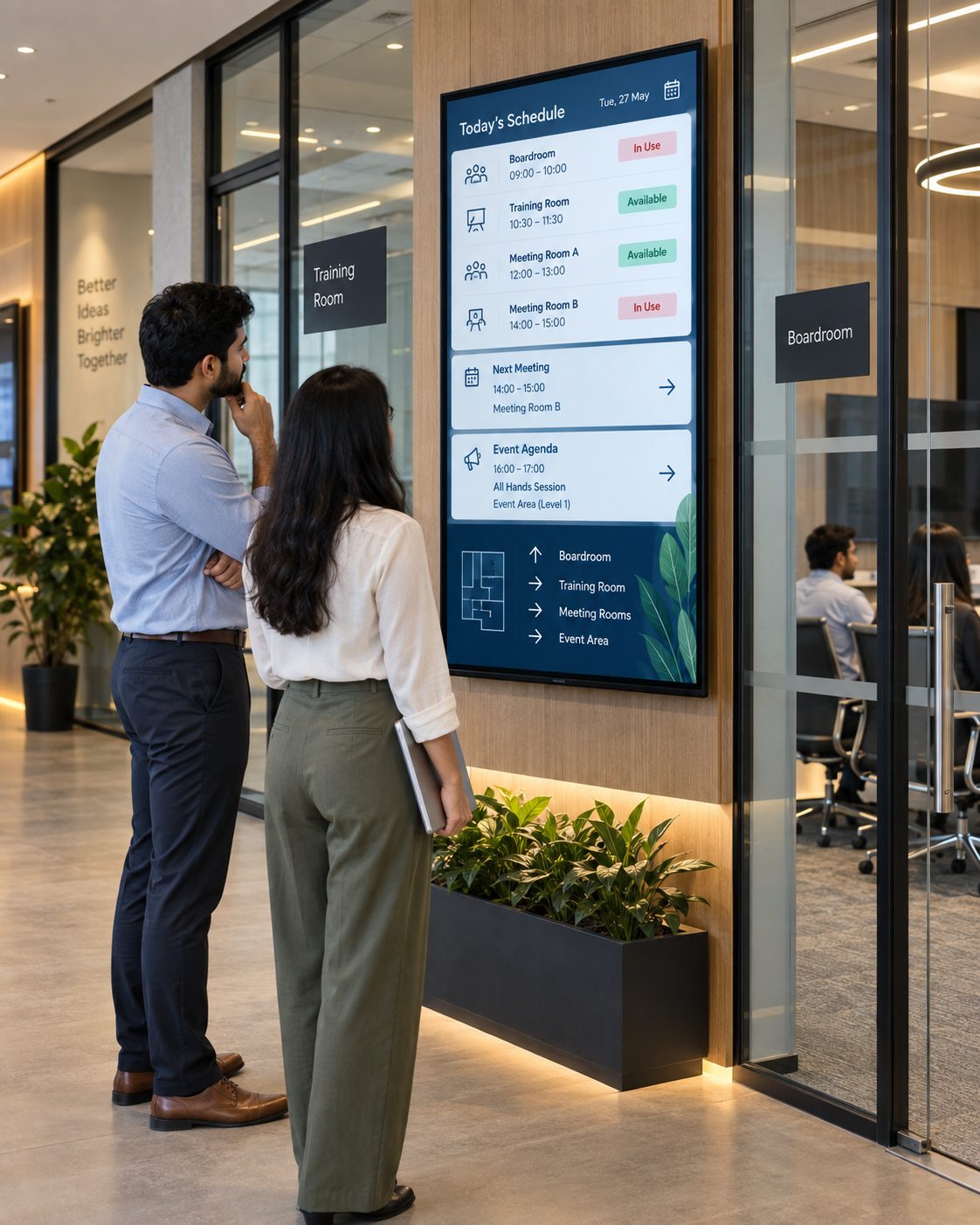
Meetings and events that stay organized
Publish room schedules, agendas, directional information and event messages around shared spaces.
Product stories with more visual impact
Use office showrooms, launches, conferences and exhibition screens for demos, campaigns and brand content.

Consistent communication across locations
Give central teams oversight while targeting the right information to regional offices and local screen groups.
ONE CHANNEL, TWO AUDIENCES
Create distinct communication experiences while managing both from the same platform.
Use workplace screens to reinforce company direction, recognition, learning, benefits, operational updates and upcoming events. Target content to the offices and teams for which it is relevant.
ADD VISIBILITY TO YOUR COMMUNICATION MIX
Digital signage is most effective as a visible layer within a broader internal communication strategy.
| Communication need | Email, Chat or Intranet Alone | With Signmitra Office Signage |
|---|---|---|
| Reach away from desks | Requires a personal device | Visible in shared spaces |
| Reception communication | Not visitor-facing | Branded guest experience |
| Persistent awareness | Messages move down the feed | Scheduled visual repetition |
| Location targeting | Distribution lists required | Target offices and screen zones |
| Live visual dashboards | Opened individually | Compatible dashboards on shared screens |
| Detailed or confidential content | Better suited | Use concise, non-sensitive information |
Email, Chat or Intranet Alone
Requires a personal deviceWith Signmitra Office Signage
Visible in shared spacesEmail, Chat or Intranet Alone
Not visitor-facingWith Signmitra Office Signage
Branded guest experienceEmail, Chat or Intranet Alone
Messages move down the feedWith Signmitra Office Signage
Scheduled visual repetitionEmail, Chat or Intranet Alone
Distribution lists requiredWith Signmitra Office Signage
Target offices and screen zonesEmail, Chat or Intranet Alone
Opened individuallyWith Signmitra Office Signage
Compatible dashboards on shared screensEmail, Chat or Intranet Alone
Better suitedWith Signmitra Office Signage
Use concise, non-sensitive informationOffice signage should reinforce—not replace—channels used for detailed, confidential or two-way communication. Build your channel strategy
FROM SCREEN IDEA TO WORKPLACE ROUTINE
A successful network begins with communication goals, audience rules and a maintainable content process.
Define who each screen serves, what decisions it supports and which content does not belong there.
Add supported players and group displays by office, floor, department and communication zone.
Build reusable templates, approval responsibilities, publishing rules and a realistic update calendar.
Monitor screen health, review campaign relevance and refine the content mix with workplace feedback.
WORKPLACE SCREEN-MANAGEMENT CAPABILITIES
Coordinate content, access and playback across reception, employee and operational displays.
Central cloud CMS. Manage media, playlists, schedules and screens remotely through a browser-based workflow.
Multi-office grouping. Organize displays by business, location, floor, team or communication zone.
Role-based access. Give communications, HR, facilities and local teams access aligned with their responsibilities.
Content scheduling. Automate recurring and campaign content by date, day and time.
Multi-zone layouts. Combine announcements, dashboards, calendars, tickers and brand media in structured layouts.
Web and dashboard content. Display compatible websites and business dashboards after authentication and visibility review.
Offline playback. Previously downloaded content can keep playing during a temporary network interruption.
Screen monitoring. View player status remotely and identify displays that may need operational attention.
Flexible media. Publish images, video, slides, tickers, web content and compatible signage applications.
OFFICE DIGITAL SIGNAGE FAQ
Practical answers for internal communications, HR, facilities, IT and workplace-experience teams.
Tell us about your locations, audiences, screen zones and workplace communication goals.
Manage employee updates, reception content, dashboards and workplace campaigns with Signmitra office digital signage software.

