DISCOVERY
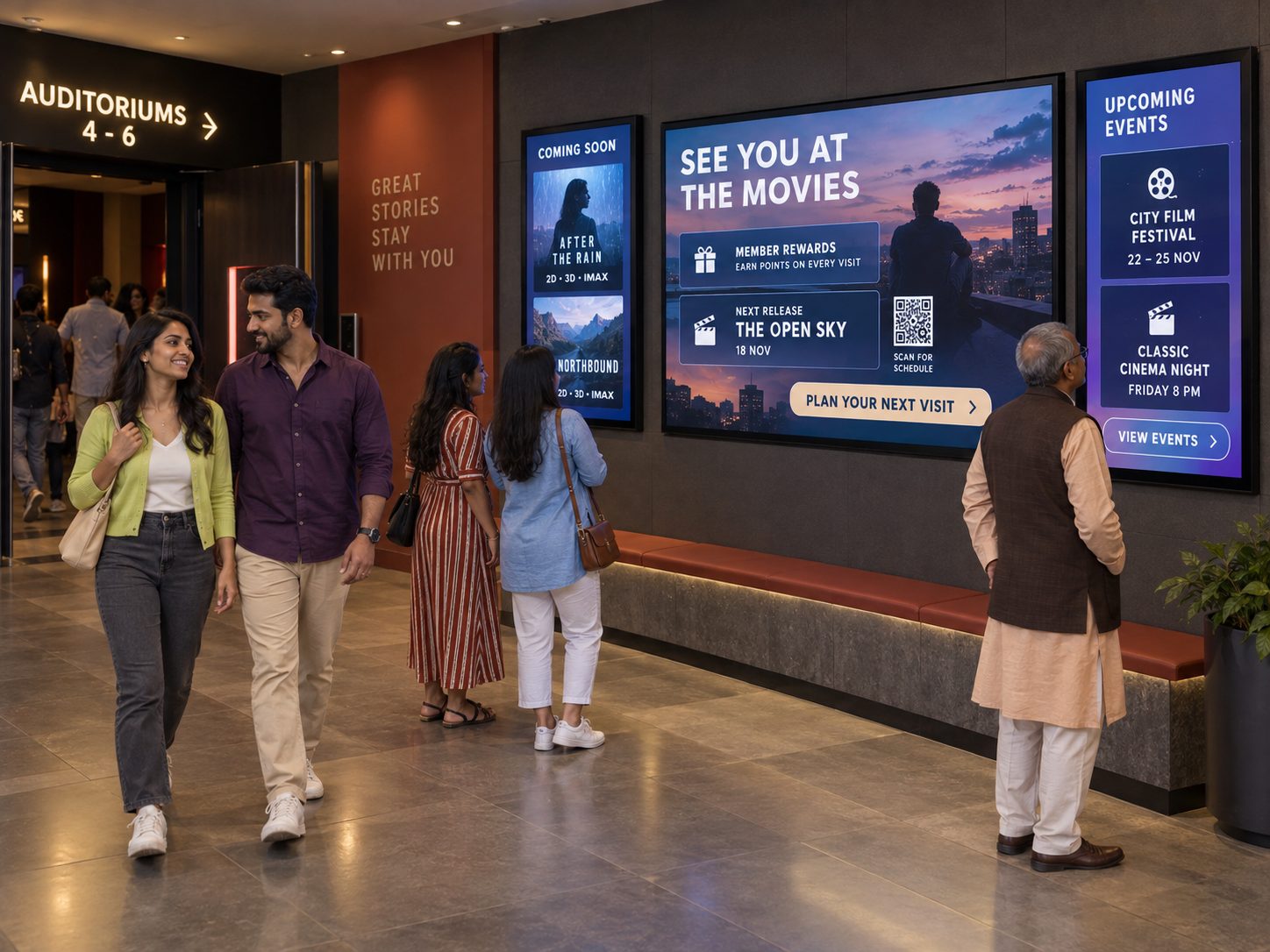
Make the next film easy to choose
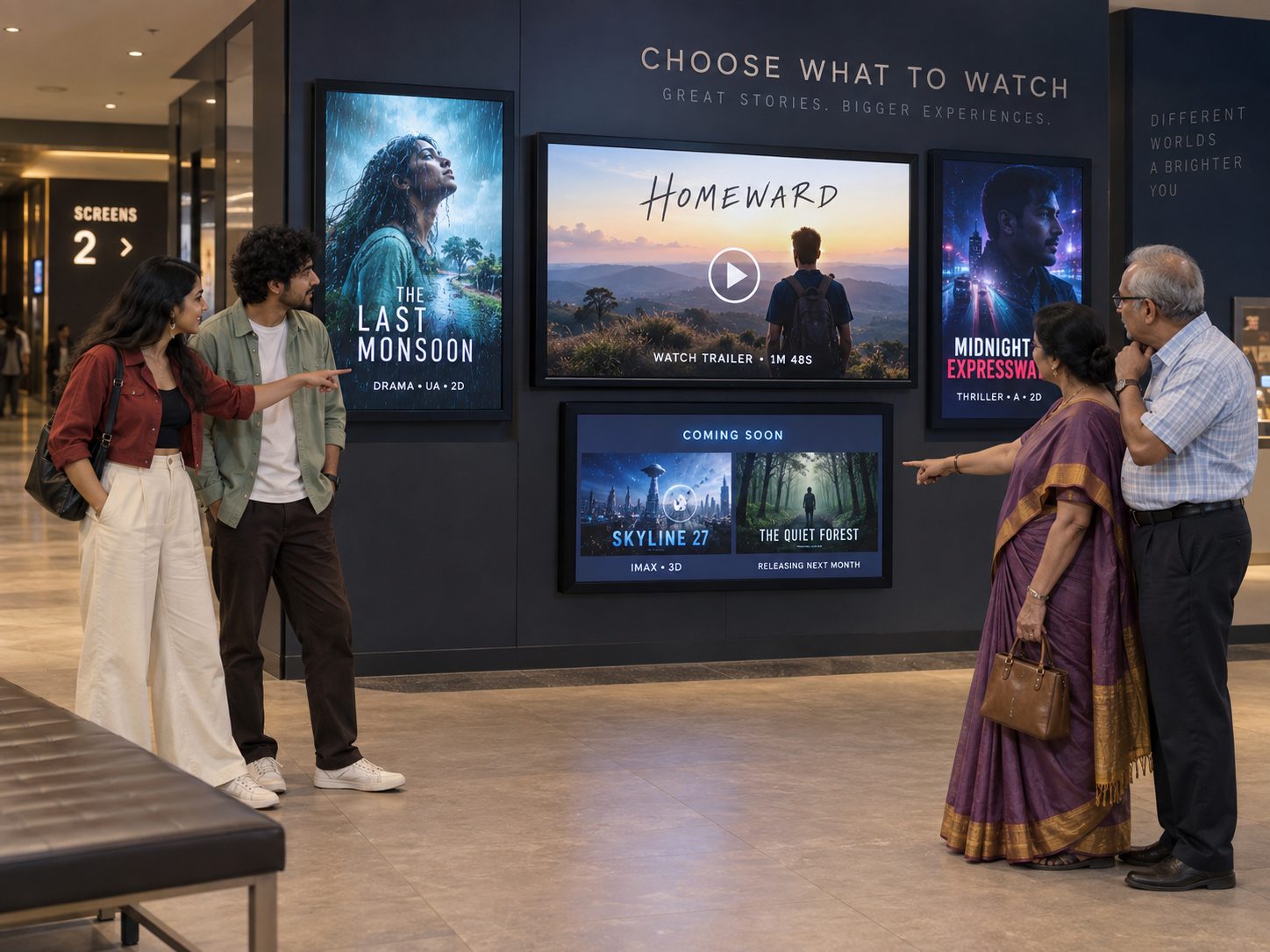
Use posters, trailers, formats, ratings and approved show information across lobby screens.
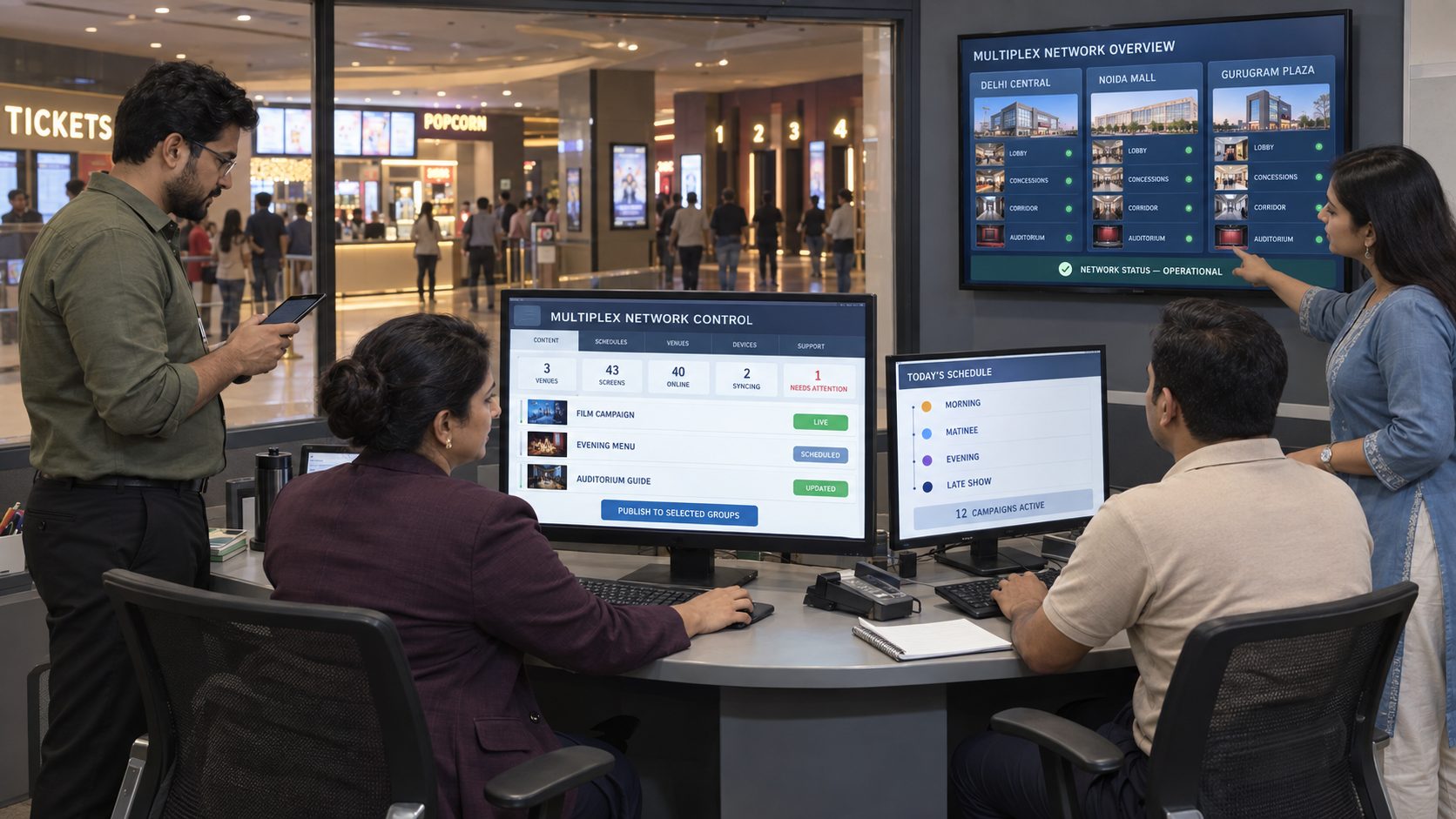
Coordinate showtimes, trailers, posters, concession menus, auditorium guidance, loyalty campaigns and venue announcements across one cinema or an entire multiplex network from one cloud CMS.

THE CINEMA JOURNEY IN FOUR SCENES
Build a connected experience from first discovery to the auditorium door.
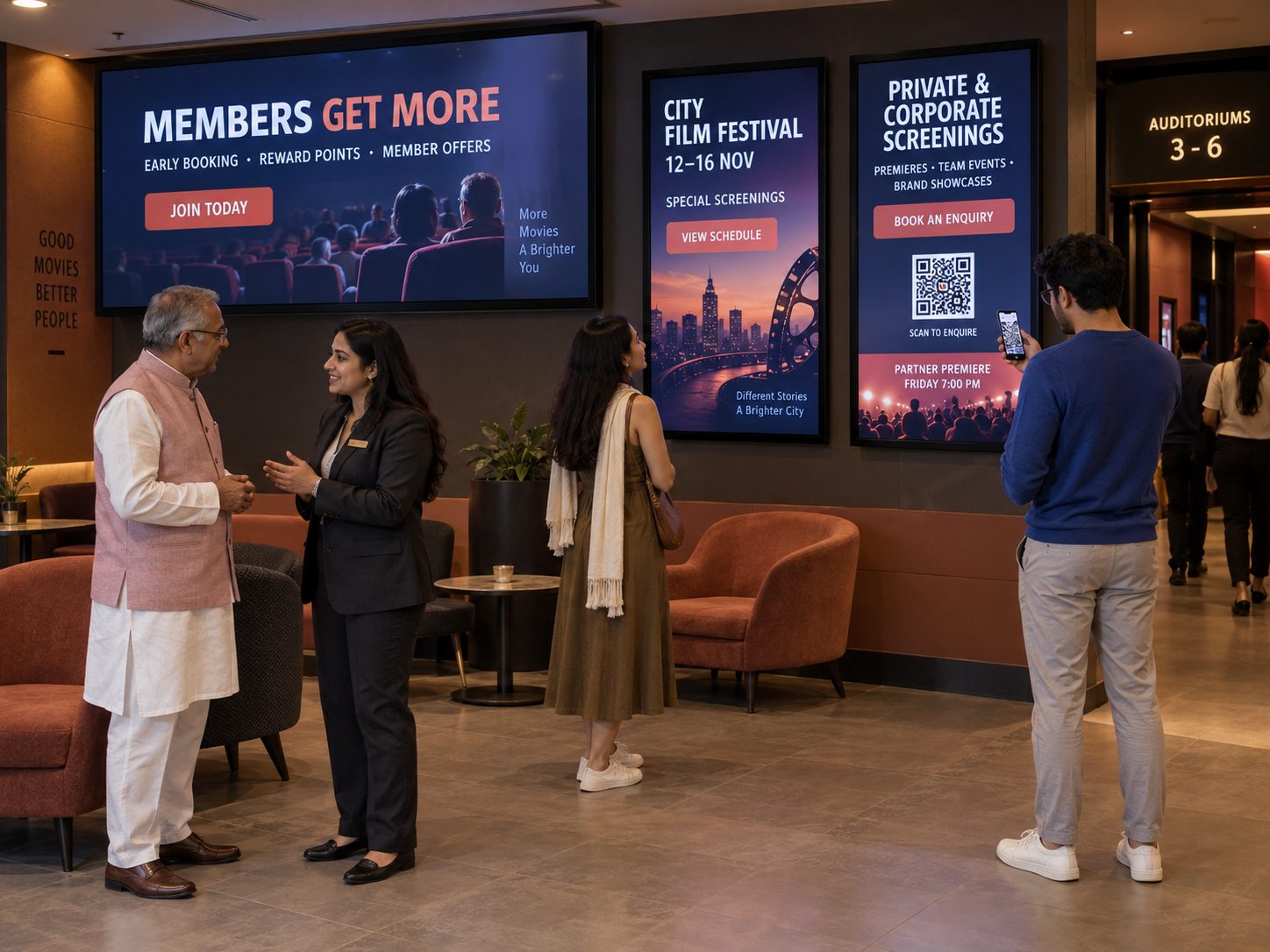
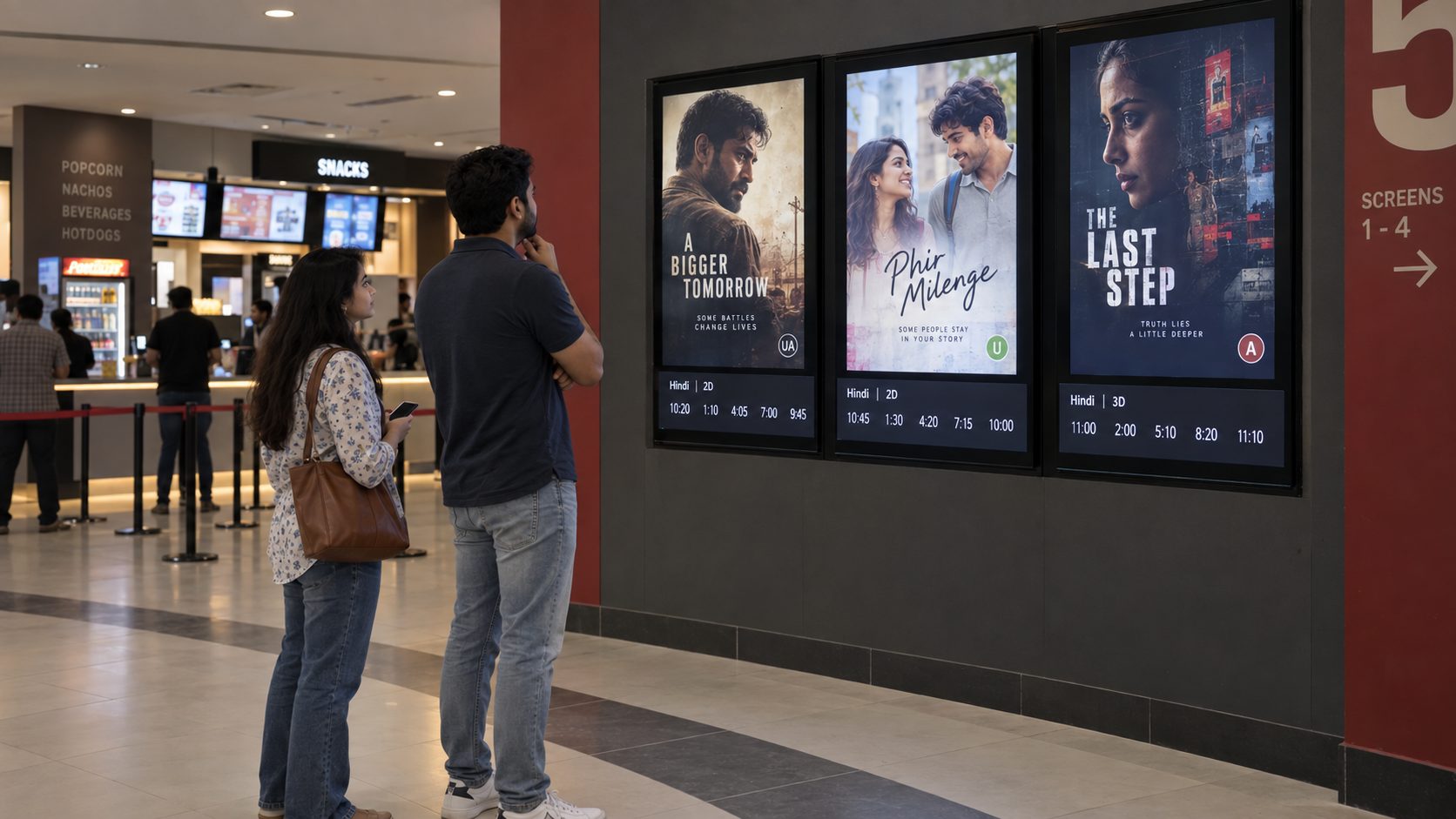
DISCOVERY
Use posters, trailers, formats, ratings and approved show information across lobby screens.
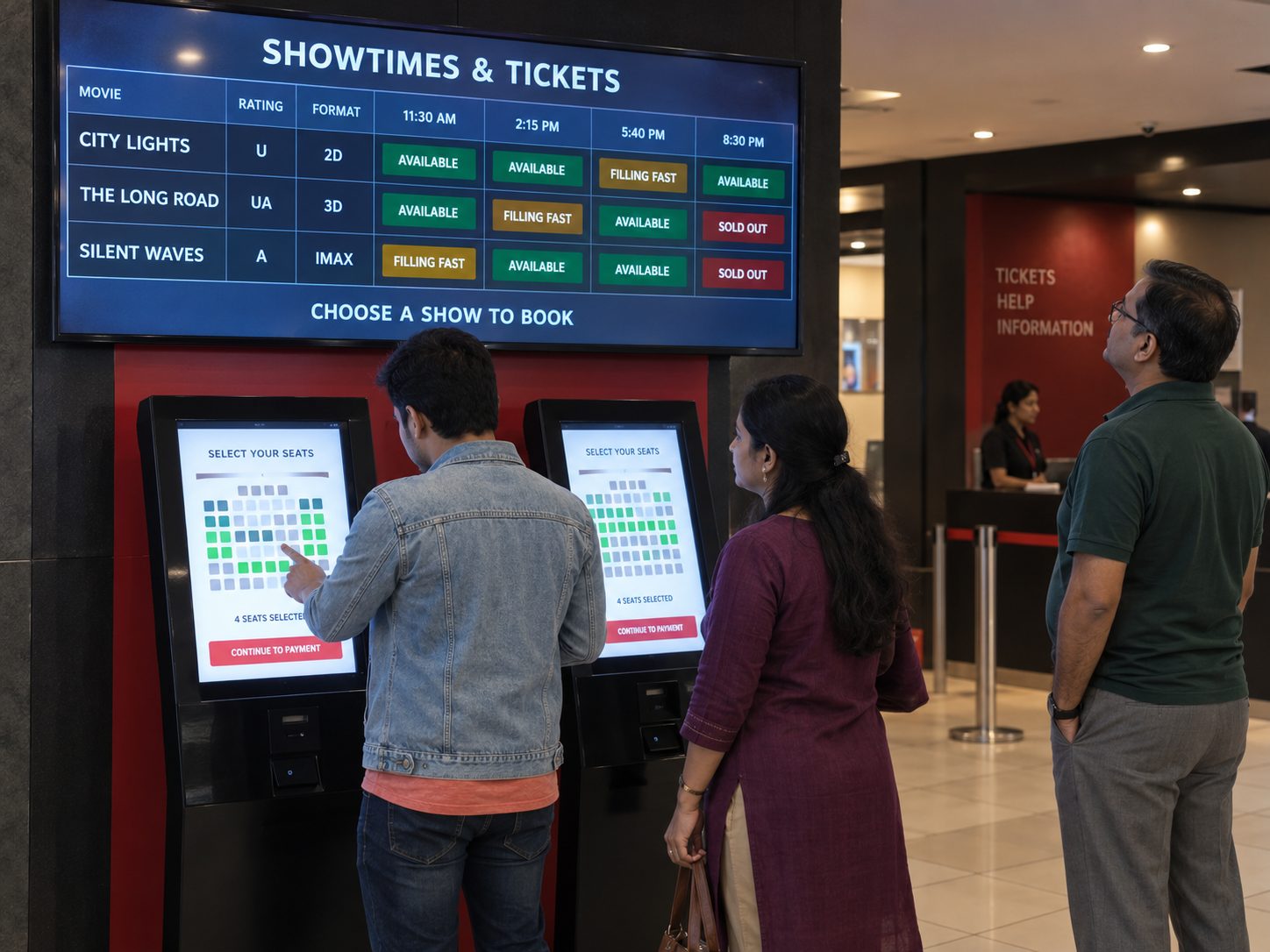
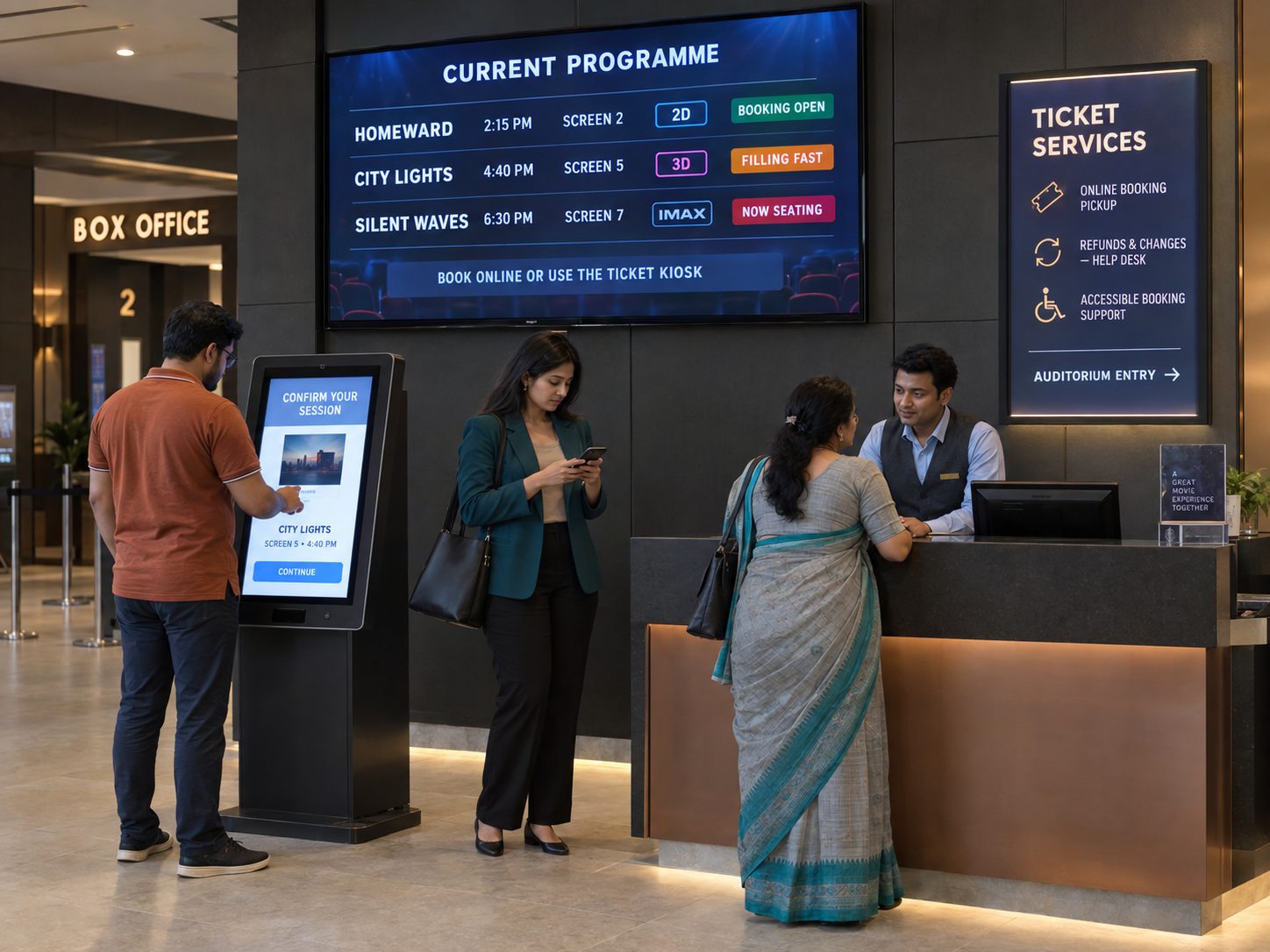
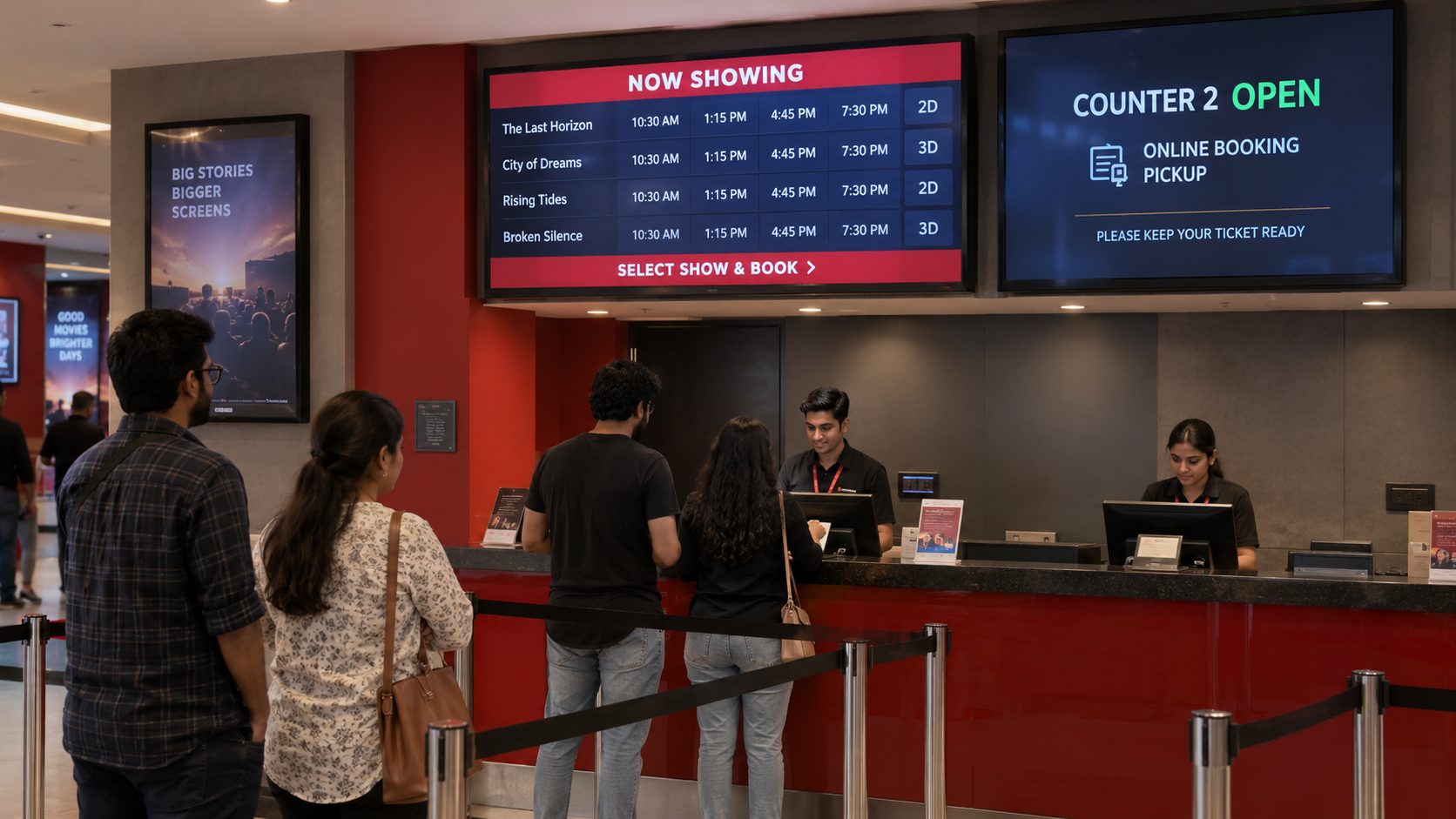
TICKETS
Present approved showtimes, booking prompts and service information near purchase points.
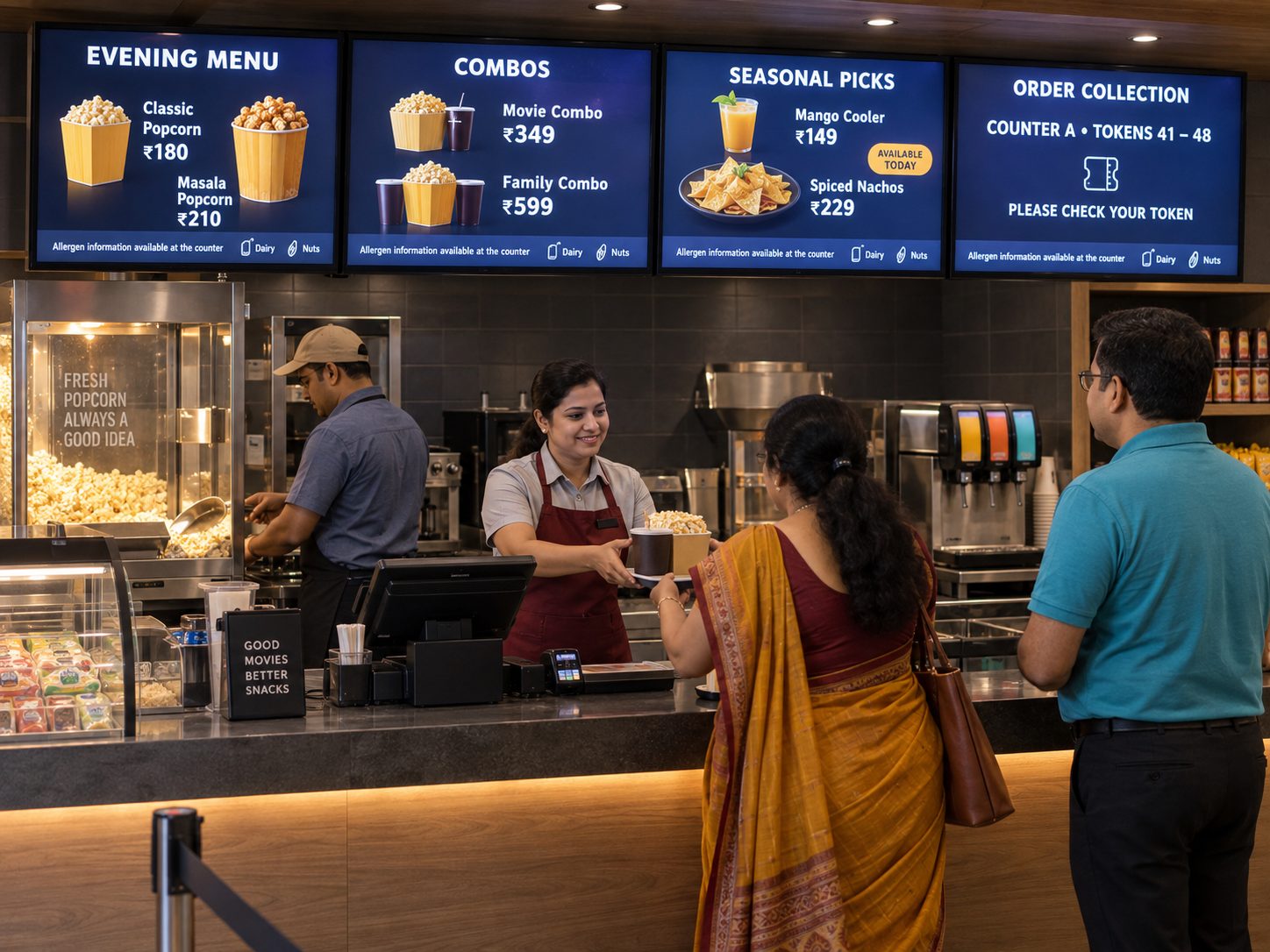
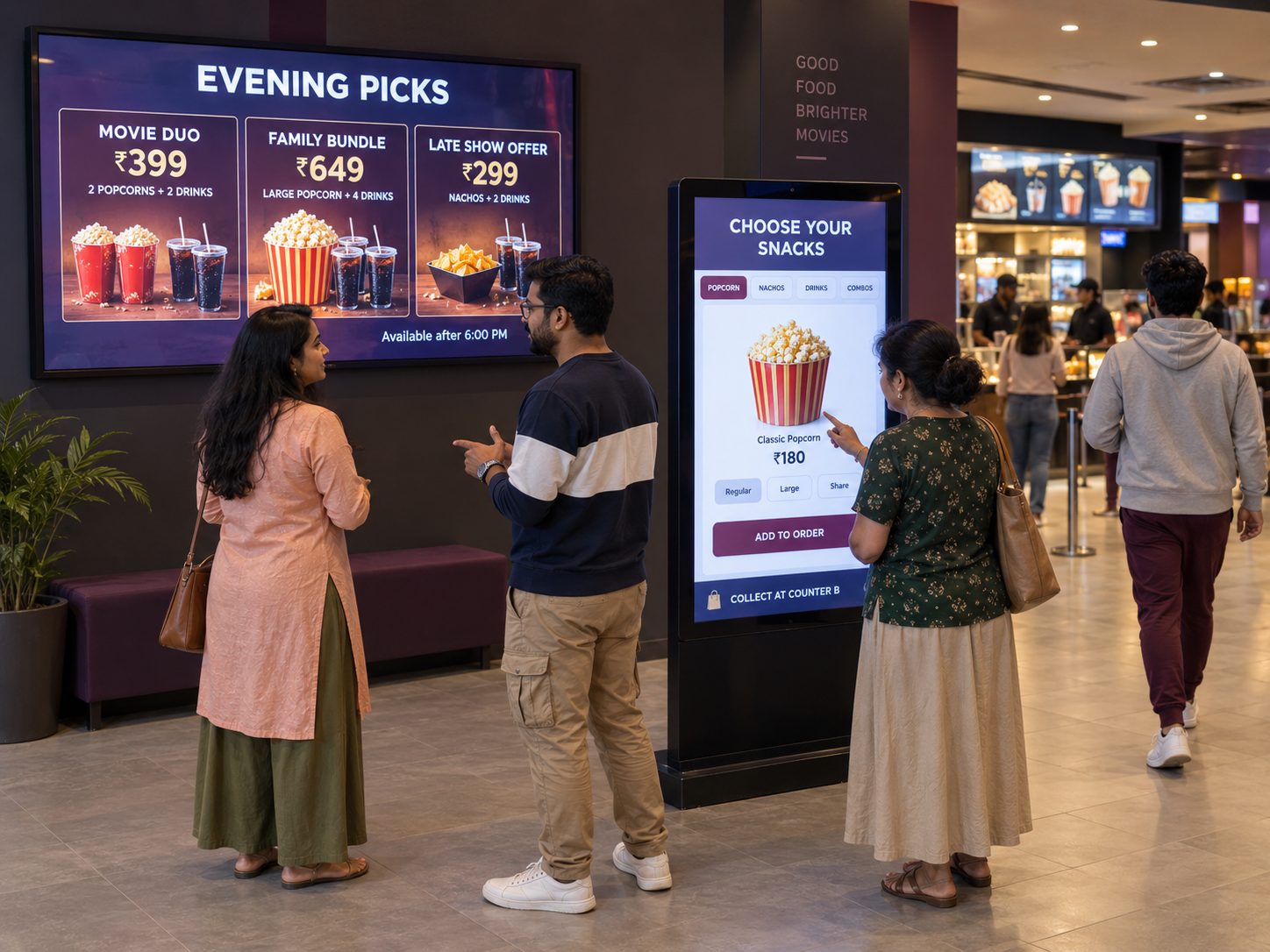
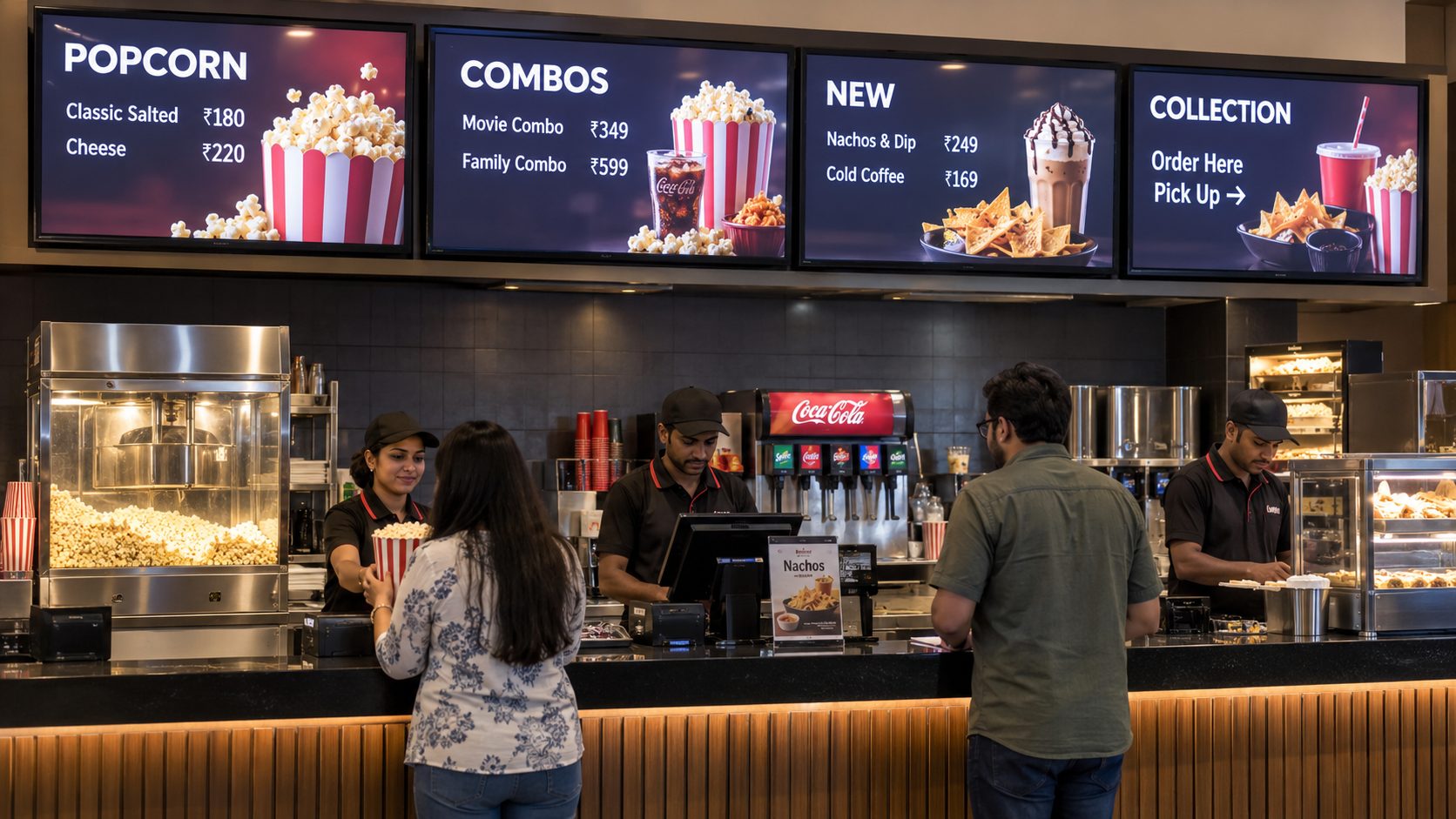
CONCESSIONS
Daypart combos, new items and collection guidance across concession displays.
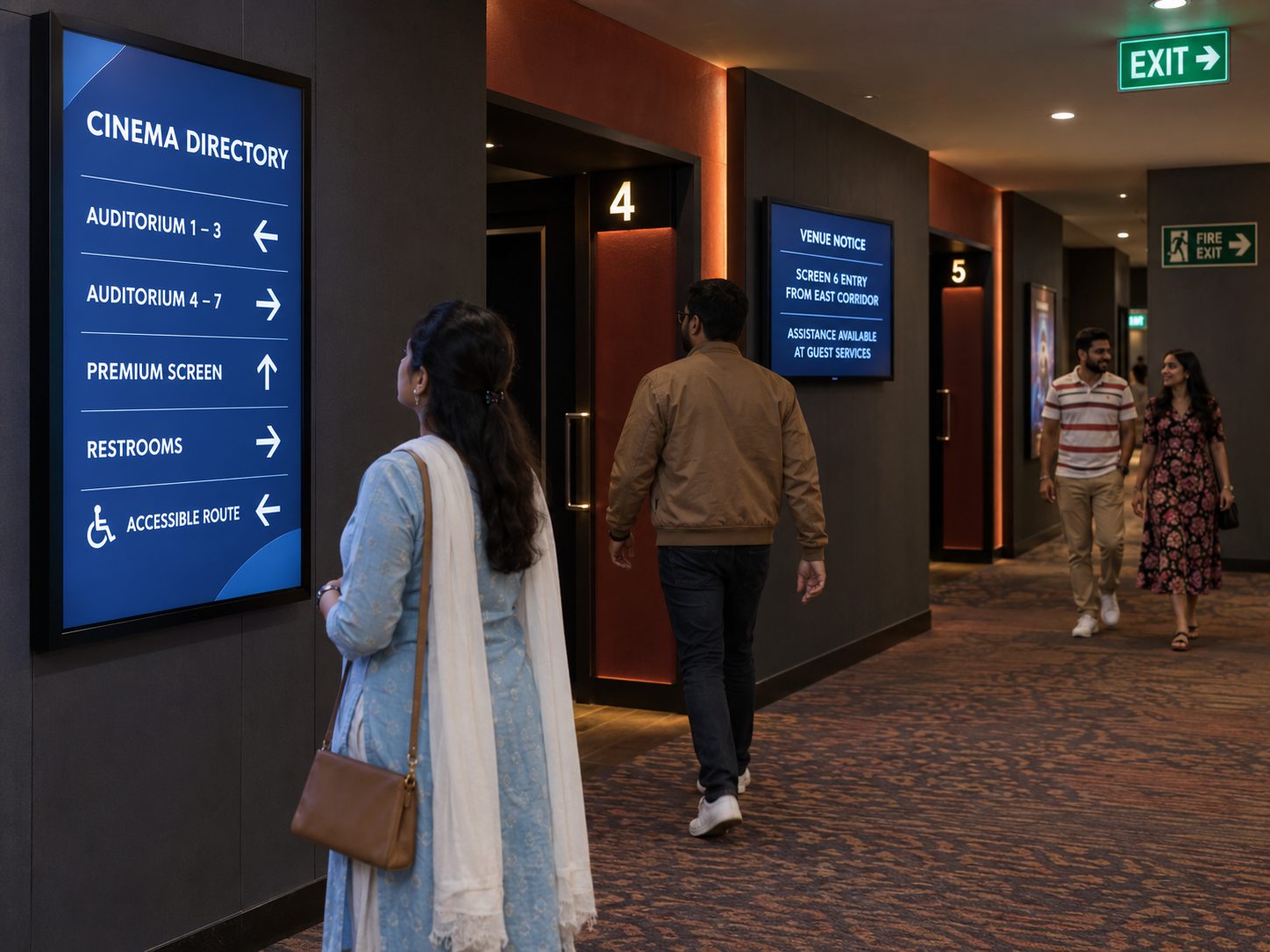
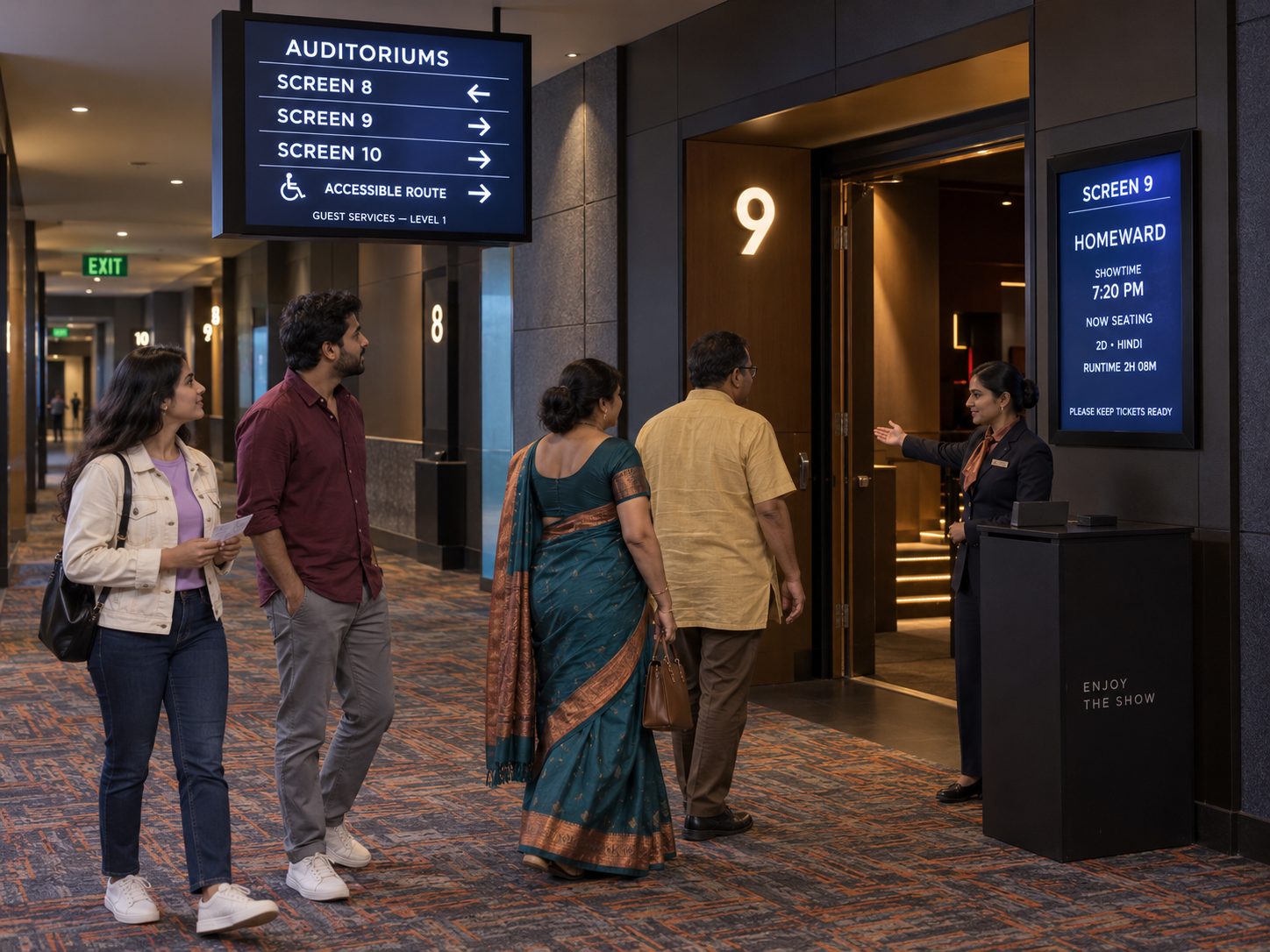
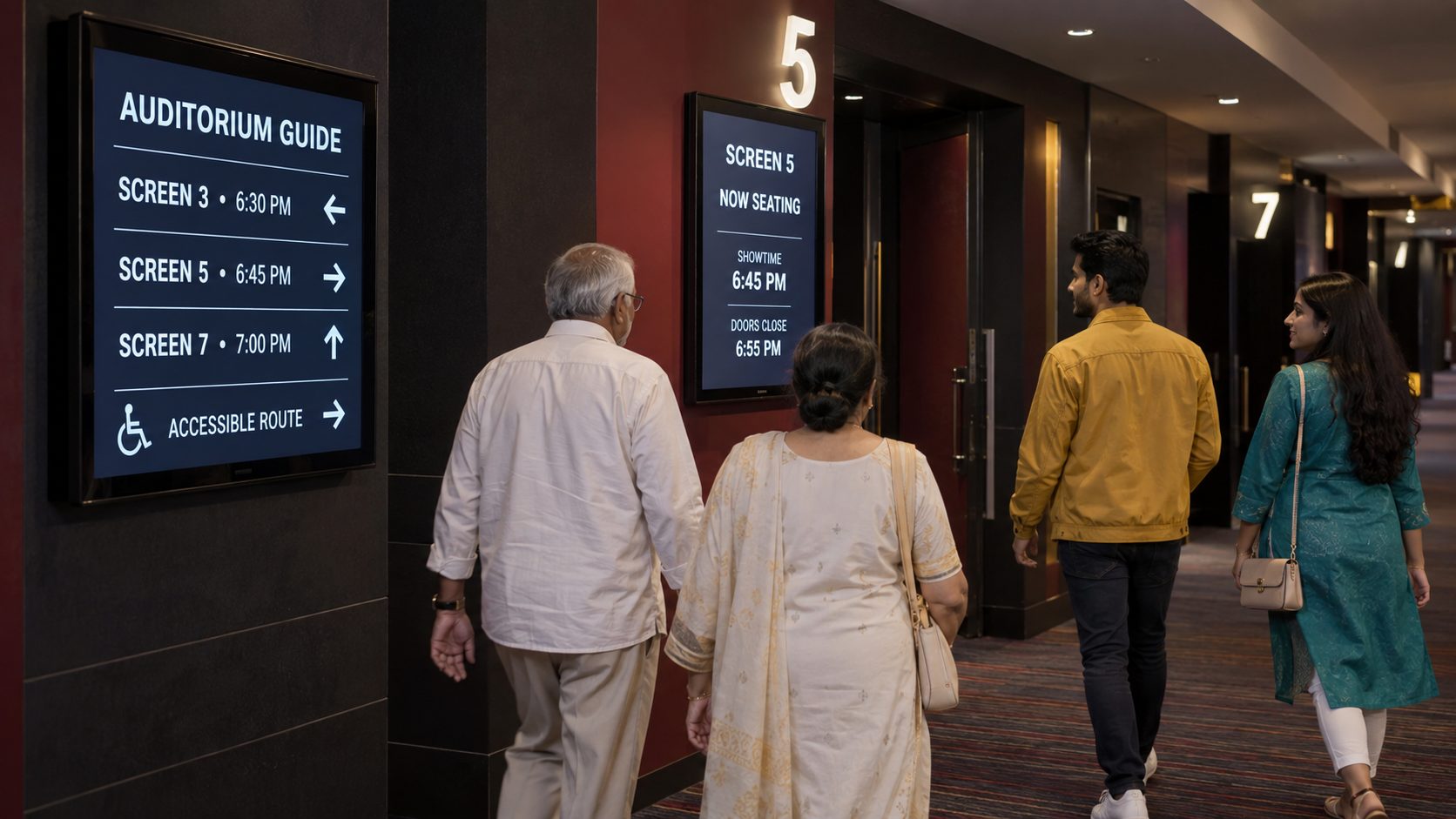
AUDITORIUM
Use corridor and entrance displays for auditorium, session and accessibility guidance.
ONE CONTENT ENGINE FOR THE WHOLE VENUE
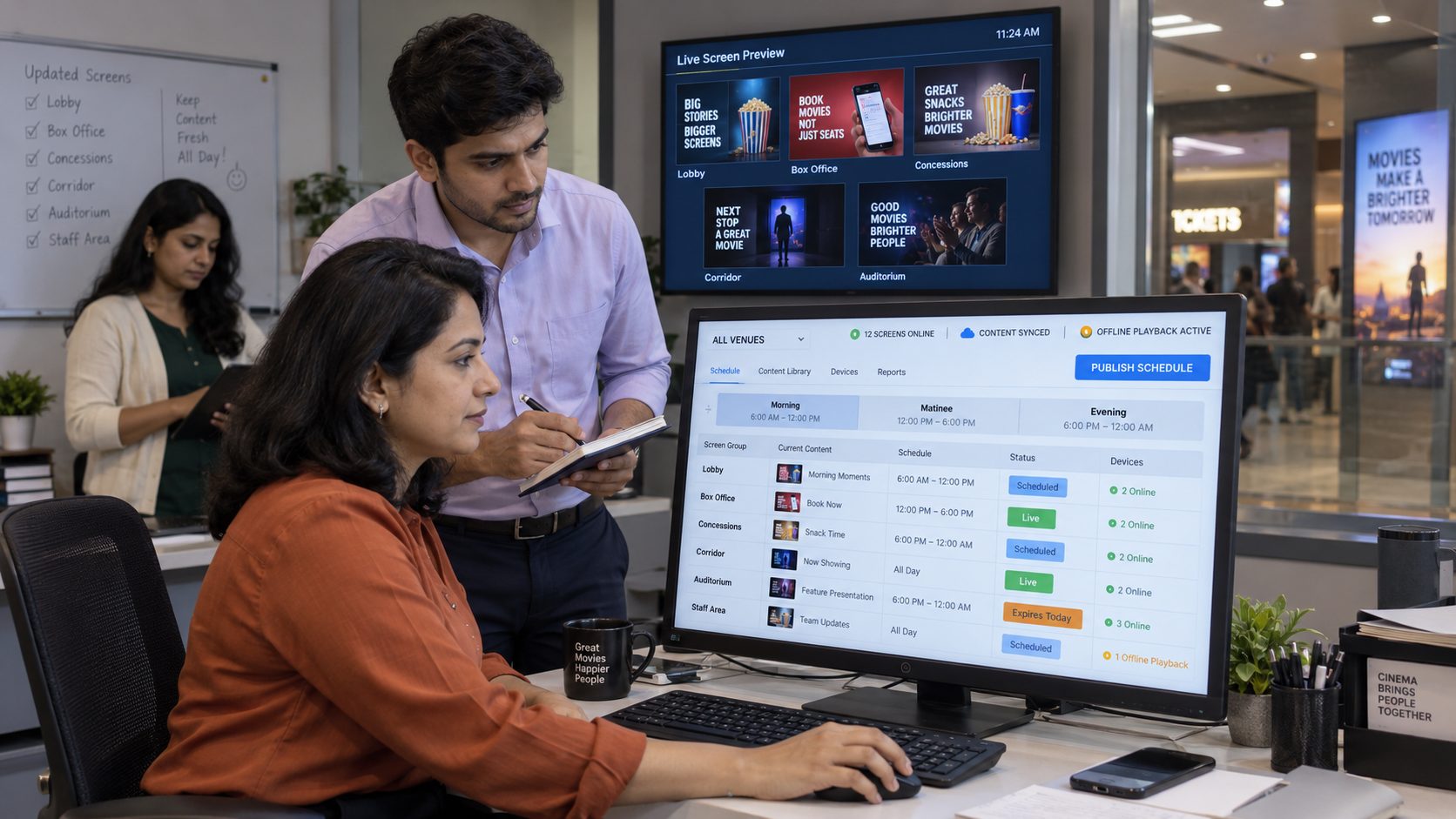
A cinema changes throughout the day: sessions begin, concessions daypart, events approach and local campaigns expire. Signmitra lets marketing and operations teams publish approved content remotely instead of updating every display separately.
Group screens by cinema, lobby, box office, concessions, corridor, auditorium or staff area. Schedule national campaigns centrally, permit controlled local messages and keep previously downloaded content playing through temporary internet interruptions.
ONE MULTIPLEX CONTENT SYSTEM
Organize displays around venues, zones, sessions and campaign timing.
FROM MARQUEE TO MOVIE SEAT
Give every screen zone a specific role while preserving one recognizable venue experience.
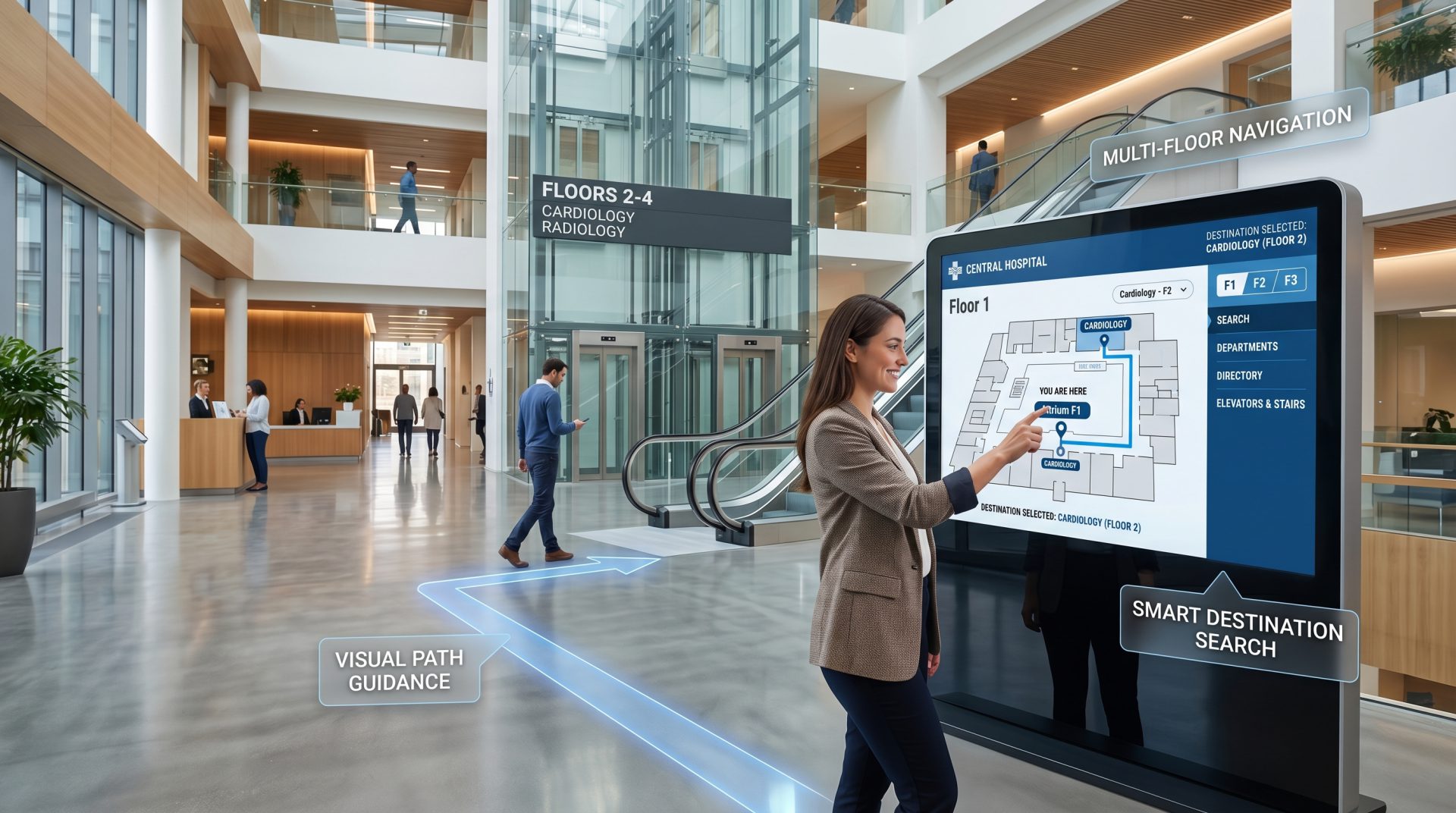
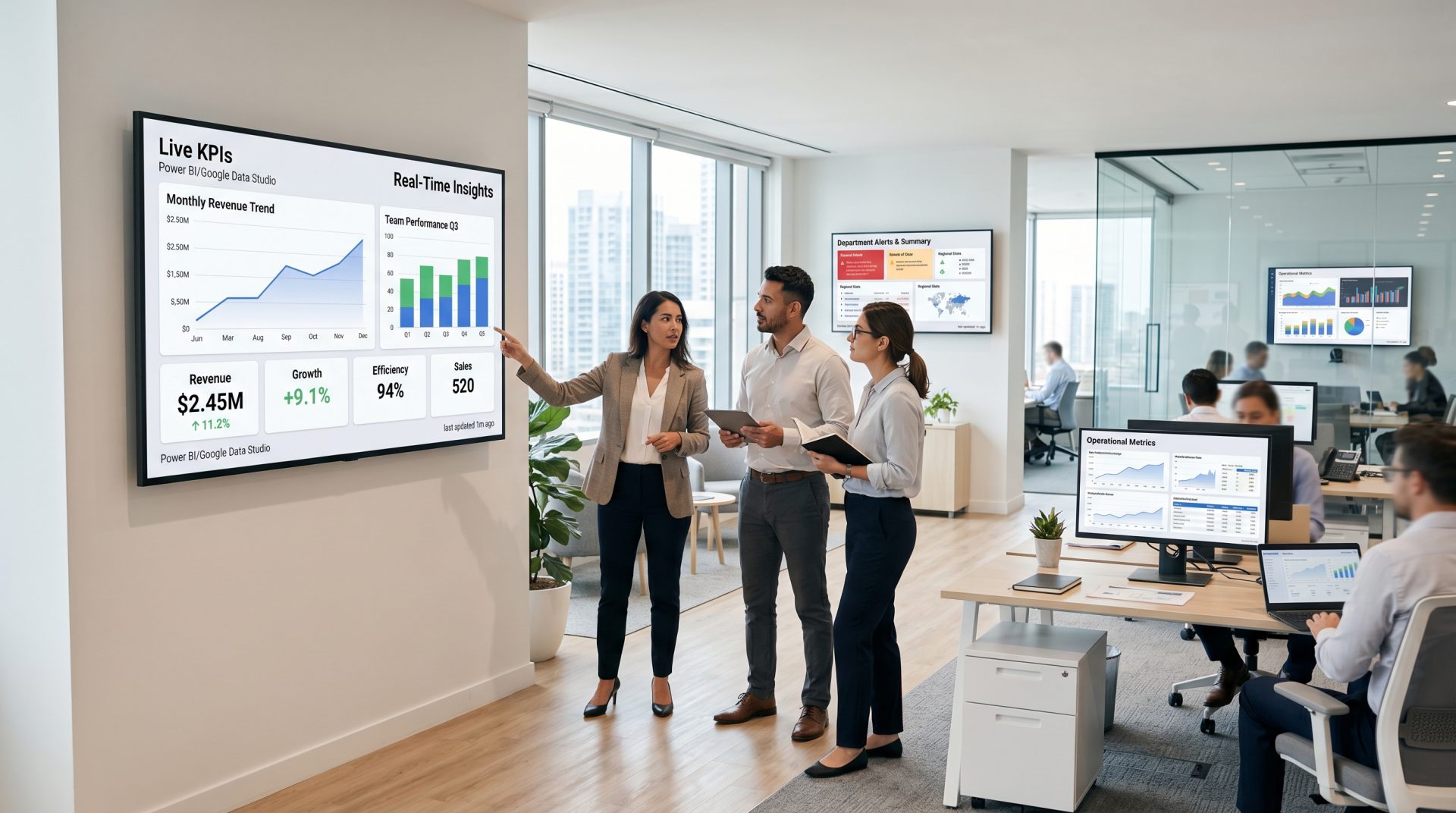
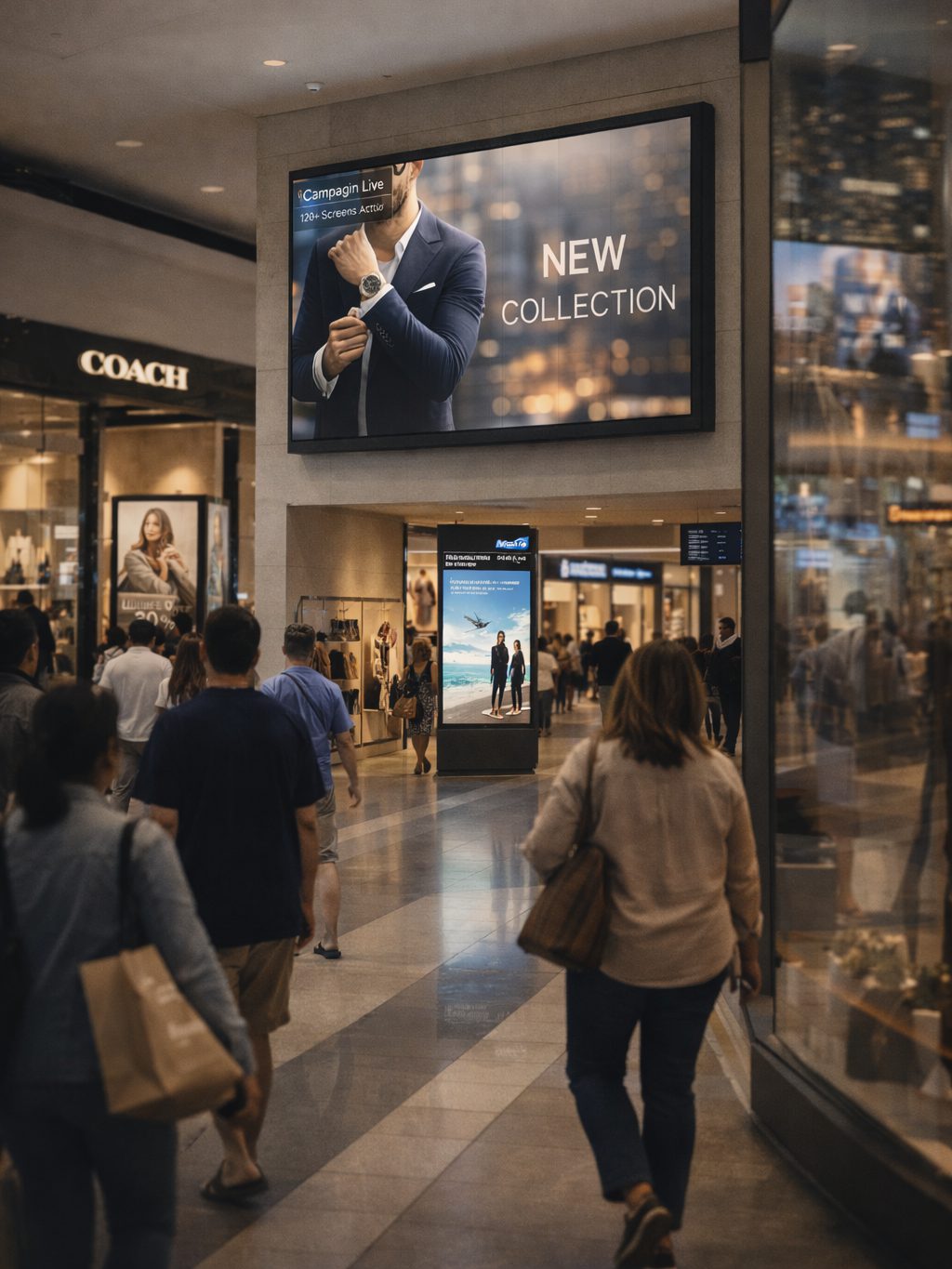
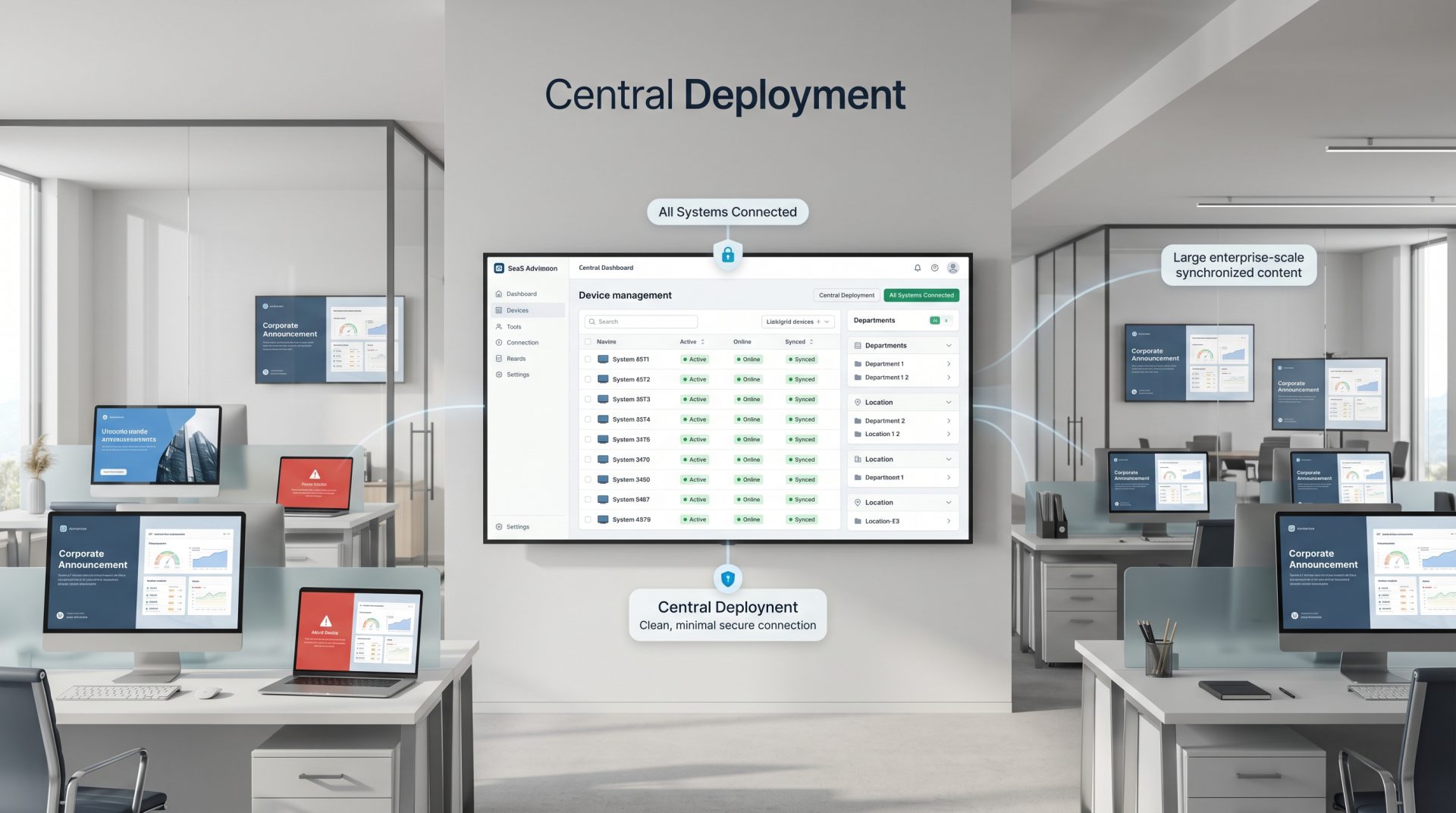
CINEMA DIGITAL SIGNAGE USE CASES
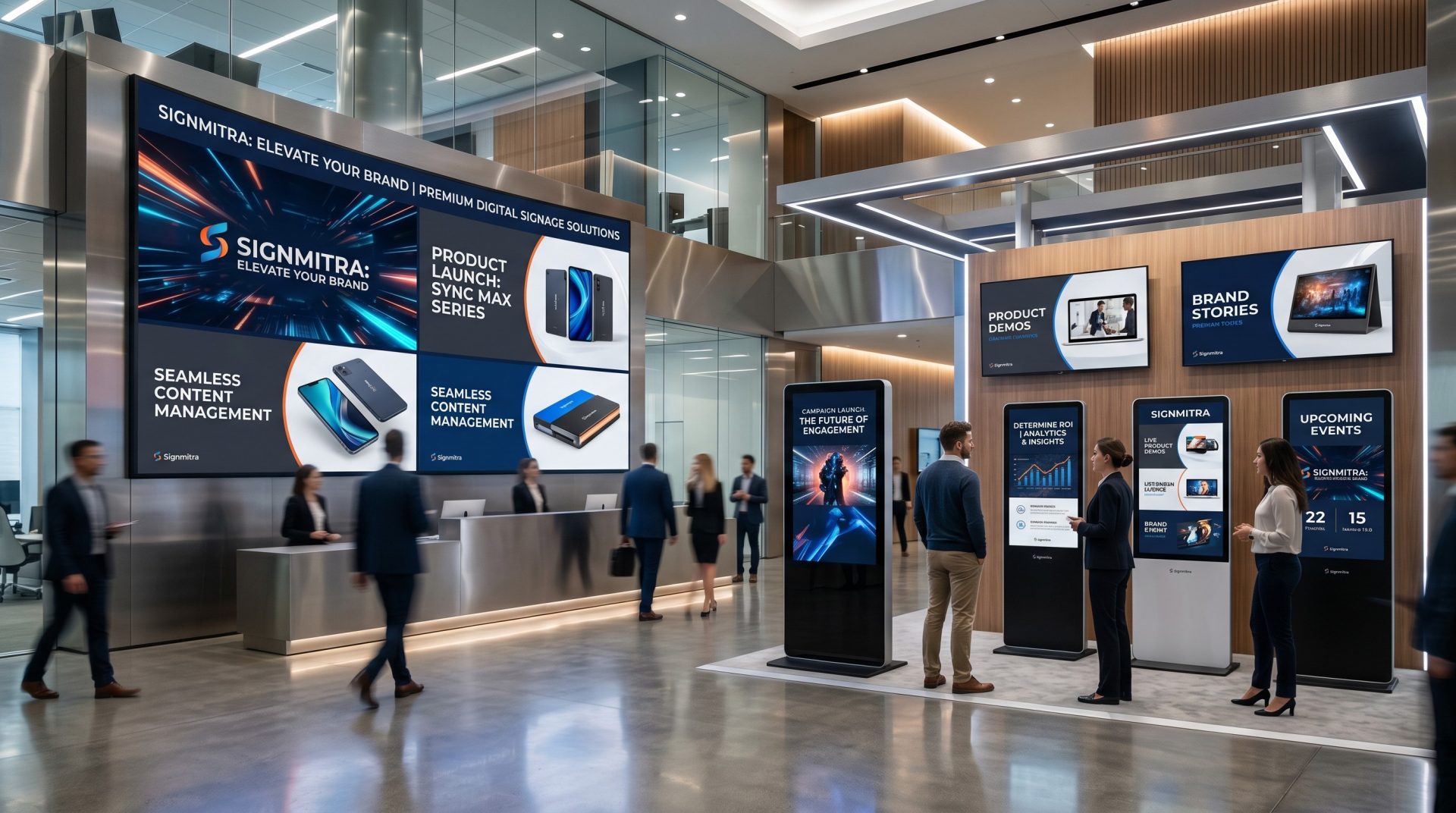
Explore cinema workflows your teams can coordinate through Signmitra.
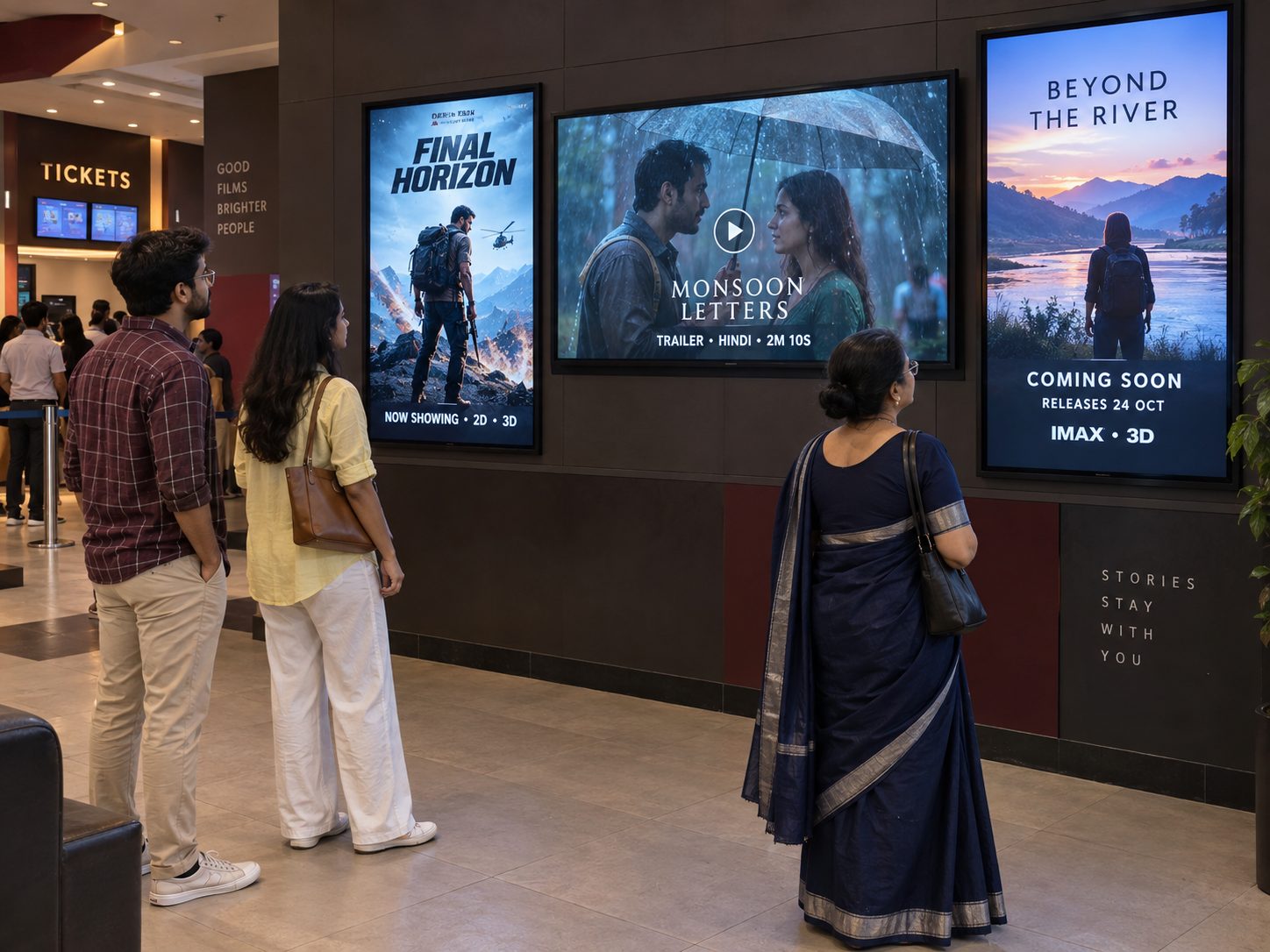
Schedule licensed key art, trailers, coming-soon campaigns and format information across suitable lobby displays. Use only assets authorized for the venue, territory, screen and campaign period.
THE CONNECTED CINEMA VISIT
Design content around the decisions guests make before entering the auditorium.
Keep every visual current, cinematic and useful from the first poster to the final auditorium sign.
FROM STATIC POSTERS TO A RESPONSIVE CINEMA NETWORK
Compare local signage maintenance with a centrally managed cinema digital signage workflow.
| Cinema communication need | Printed Signs or USB Screens | Signmitra Cinema Digital Signage |
|---|---|---|
| Film campaign launch | Replace at each venue | Publish remotely |
| Campaign expiry | Remove manually | Schedule end dates |
| Concession dayparting | Swap by hand | Automate by time |
| Venue and zone targeting | Separate local playlists | Use screen groups |
| Rich media | Primarily static | Images, video and supported web content |
| Multi-cinema governance | Difficult to standardize | Central campaigns and roles |
| Remote visibility | Inspect screens on site | Review player status |
Printed Signs or USB Screens
Replace at each venueSignmitra Cinema Digital Signage
Publish remotelyPrinted Signs or USB Screens
Remove manuallySignmitra Cinema Digital Signage
Schedule end datesPrinted Signs or USB Screens
Swap by handSignmitra Cinema Digital Signage
Automate by timePrinted Signs or USB Screens
Separate local playlistsSignmitra Cinema Digital Signage
Use screen groupsPrinted Signs or USB Screens
Primarily staticSignmitra Cinema Digital Signage
Images, video and supported web contentPrinted Signs or USB Screens
Difficult to standardizeSignmitra Cinema Digital Signage
Central campaigns and rolesPrinted Signs or USB Screens
Inspect screens on siteSignmitra Cinema Digital Signage
Review player statusLive showtimes, ticket availability, POS menus, auditorium assignments and ad reporting depend on compatible sources, licensed content and separately scoped integrations. Review Your Cinema Requirements
CONTROL EVERY CINEMA CONTENT WORKFLOW
Select a capability to see how marketing, food and beverage, operations and IT can coordinate screens.
Film campaign scheduling. Set licensed posters and trailers by release period, venue, screen zone and time.
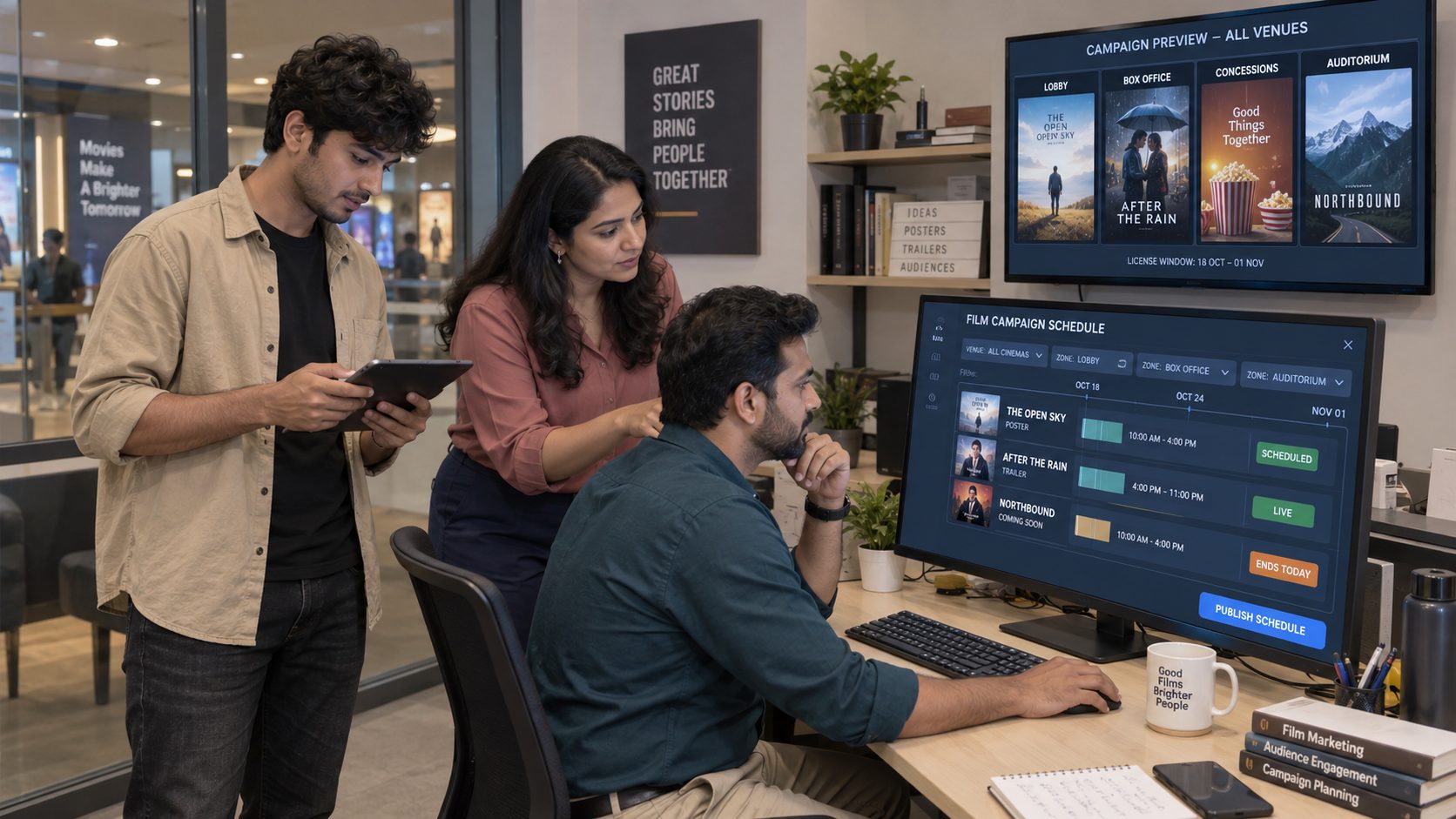
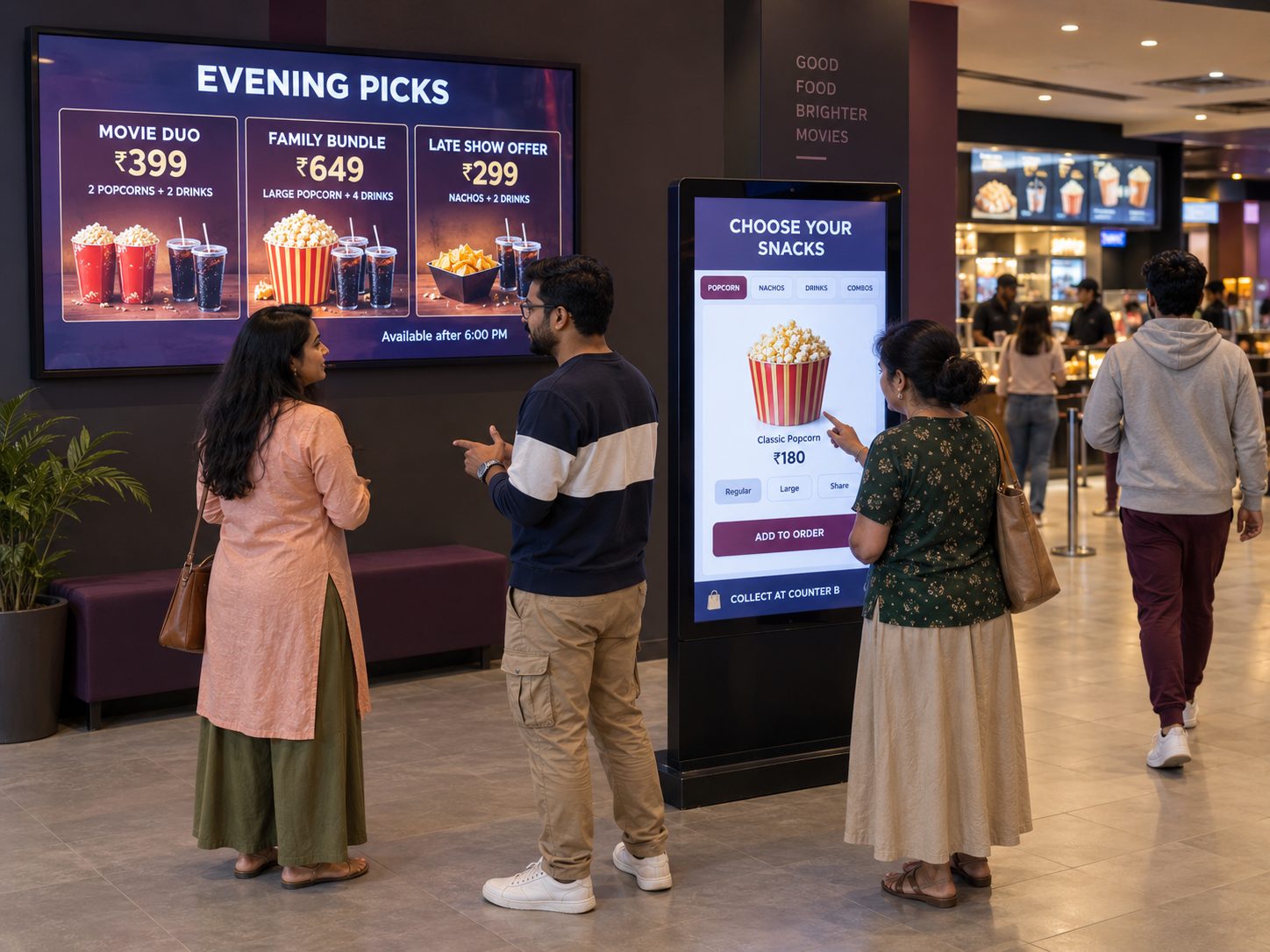
Concession dayparting. Coordinate breakfast, matinee, evening and event menus without changing every board manually.
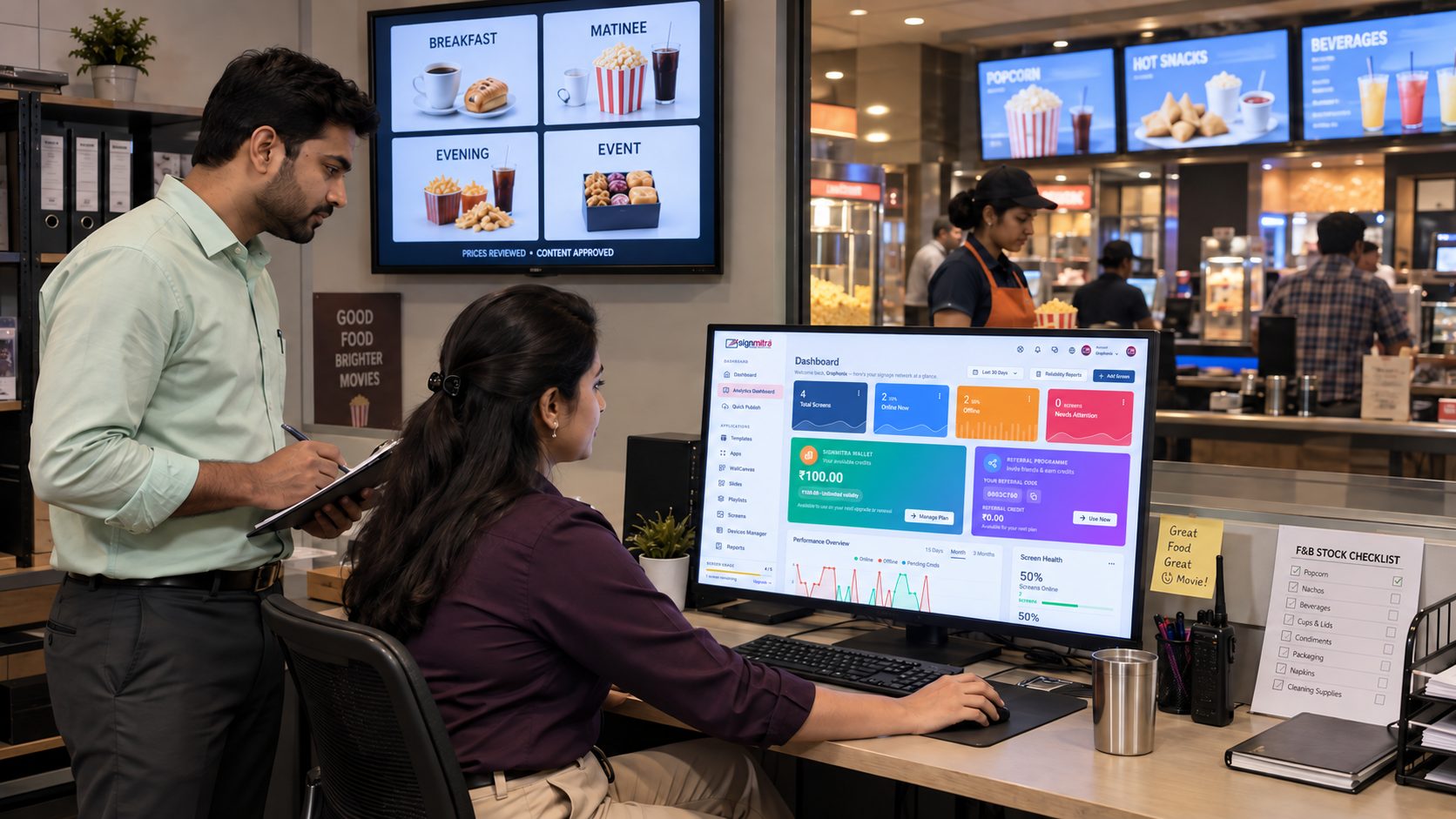
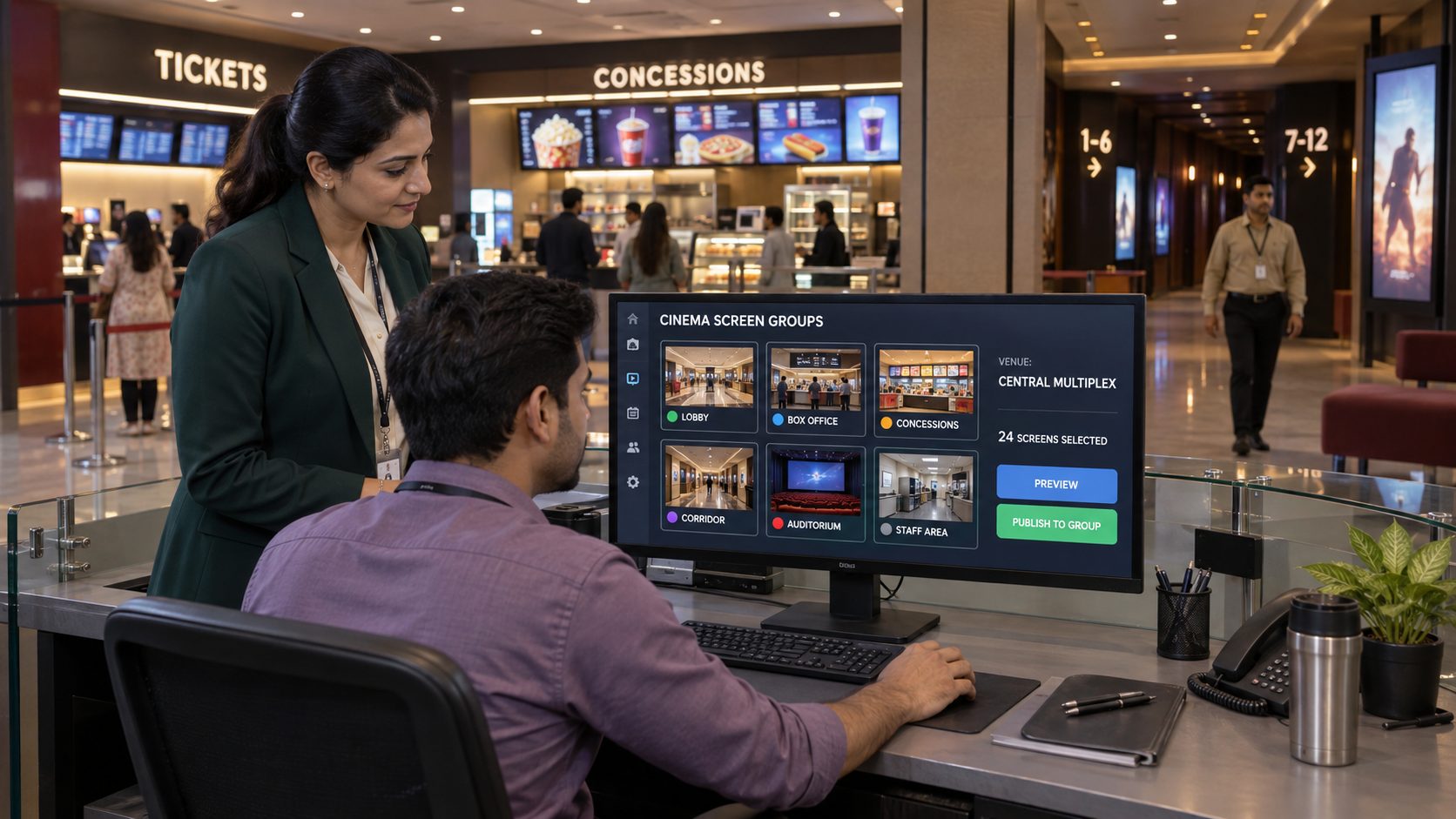
Venue and zone targeting. Group displays by cinema, lobby, counter, corridor, auditorium or staff-only area.
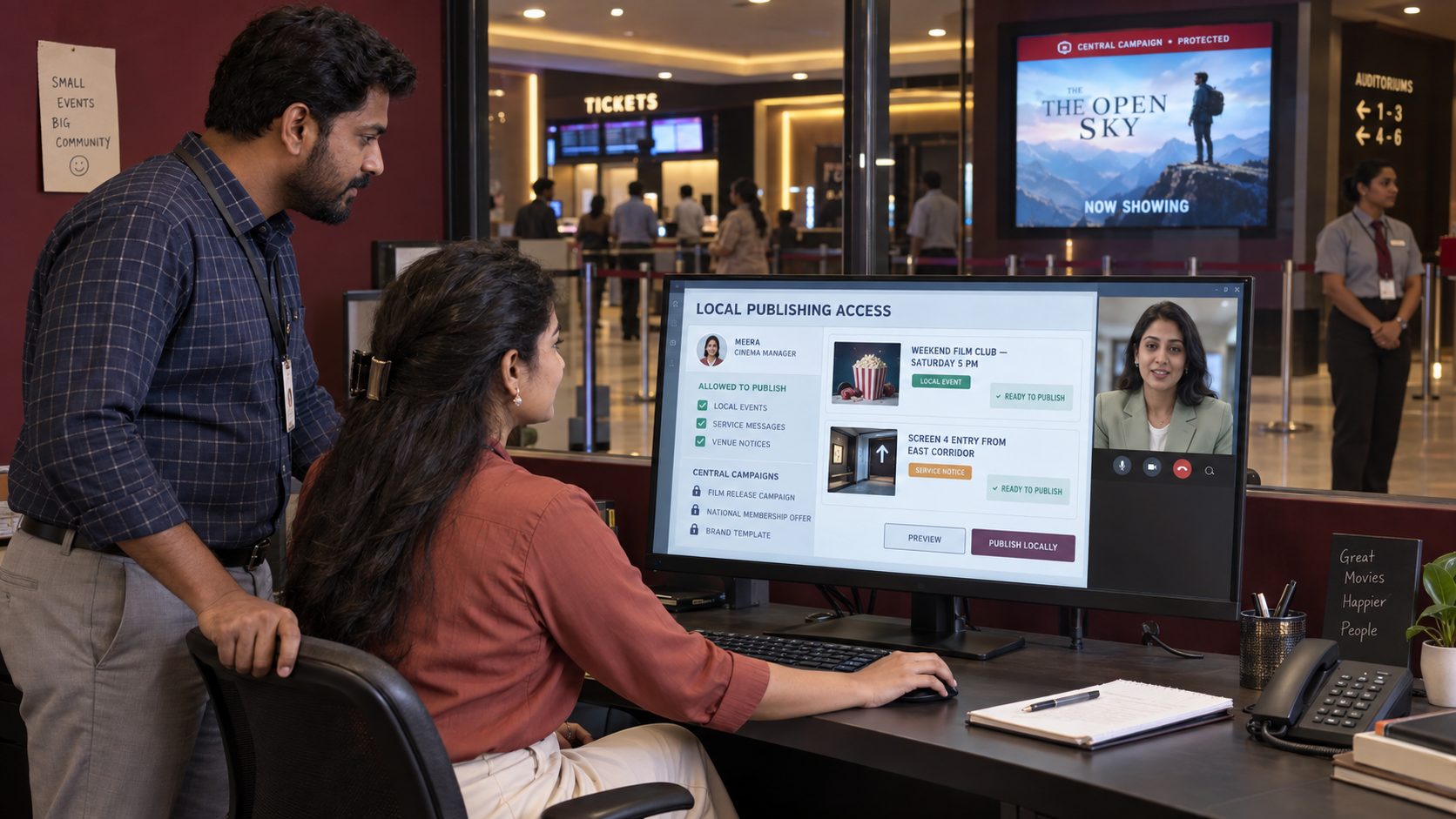
Local publishing roles. Give approved cinema teams scope for local events and service messages while central campaigns remain protected.
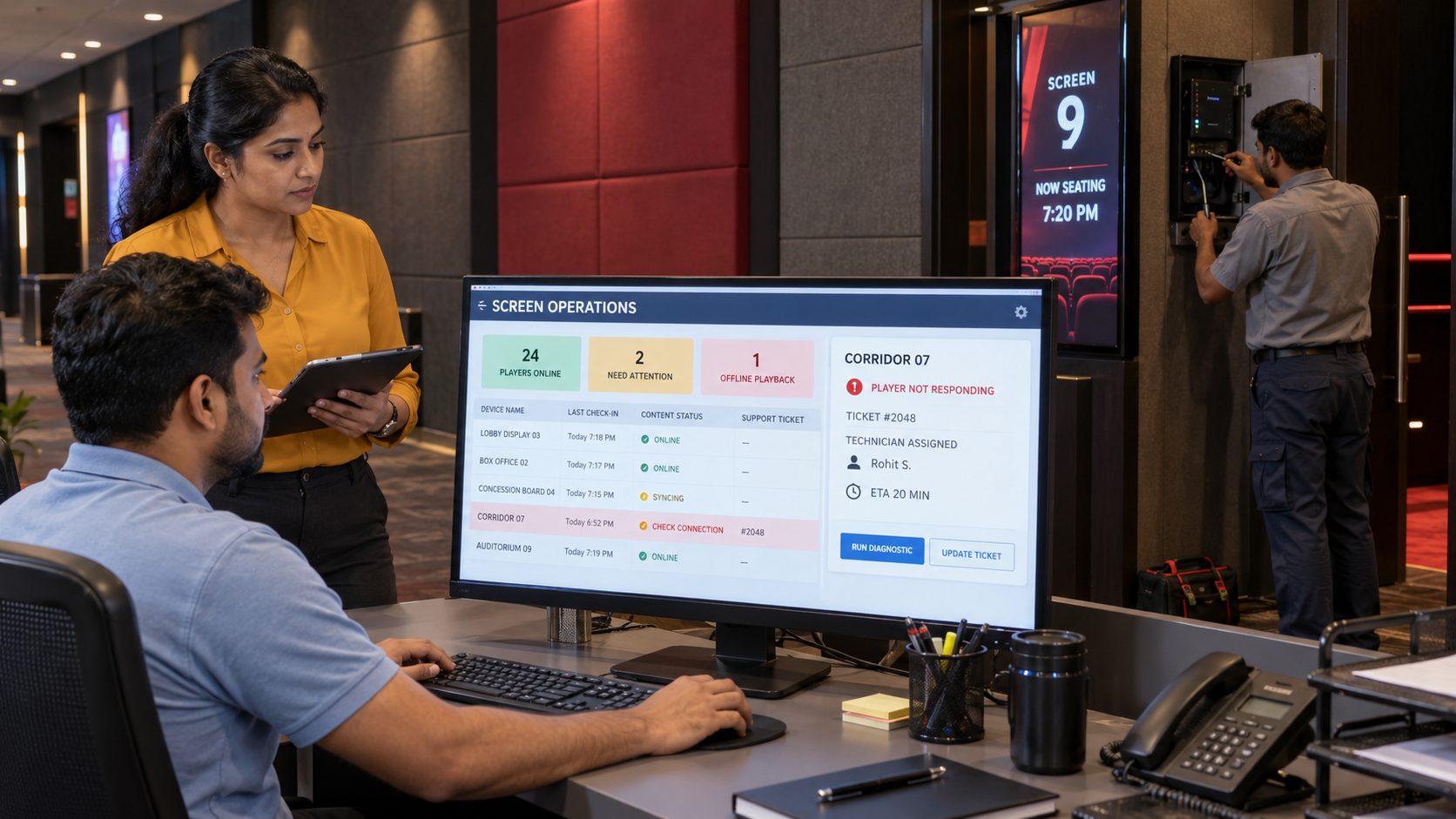
Screen operations. Review player status remotely and maintain a clear field-support process for venue hardware.
CINEMA SCREEN-MANAGEMENT CAPABILITIES
Keep content, scheduling and daily screen operations manageable across venues.
Cloud content management. Manage media, playlists, schedules and displays through a browser-based CMS.
Cinema and zone groups. Target venues, lobbies, counters, corridors and auditorium displays.
Campaign scheduling. Set release dates, expiry dates, weekdays and time windows.
Role-based access. Align central and local publishing access with defined responsibilities.
Multi-zone layouts. Combine film, show, menu, guidance and supported data content.
Flexible media. Publish licensed images, video, slides, web pages and supported formats.
Offline playback. Previously downloaded media can continue through a temporary connection interruption.
Remote player status. Identify venue screens that may need operational attention.
Multi-cinema scale. Extend approved campaigns and operating patterns across a growing venue network.
A PRACTICAL CINEMA SIGNAGE ROLLOUT
Start with high-value screen zones and prove the content workflow before scaling.
Identify discovery, ticketing, concessions, direction and loyalty moments.
Assign ownership for film assets, showtimes, menus, pricing and venue notices.
Confirm placement, orientation, brightness, networking and compatible hardware.
Validate schedules, readability, menu accuracy, approvals and support in one cinema.
Extend proven screen groups, templates and publishing roles across the network.
CINEMA DIGITAL SIGNAGE FAQ
Practical answers for marketing, operations, food and beverage and technology teams.
Tell us about your venues, show data, concession menus, screen zones and current hardware.
Start with one venue or book a guided demo for a complete multiplex network.