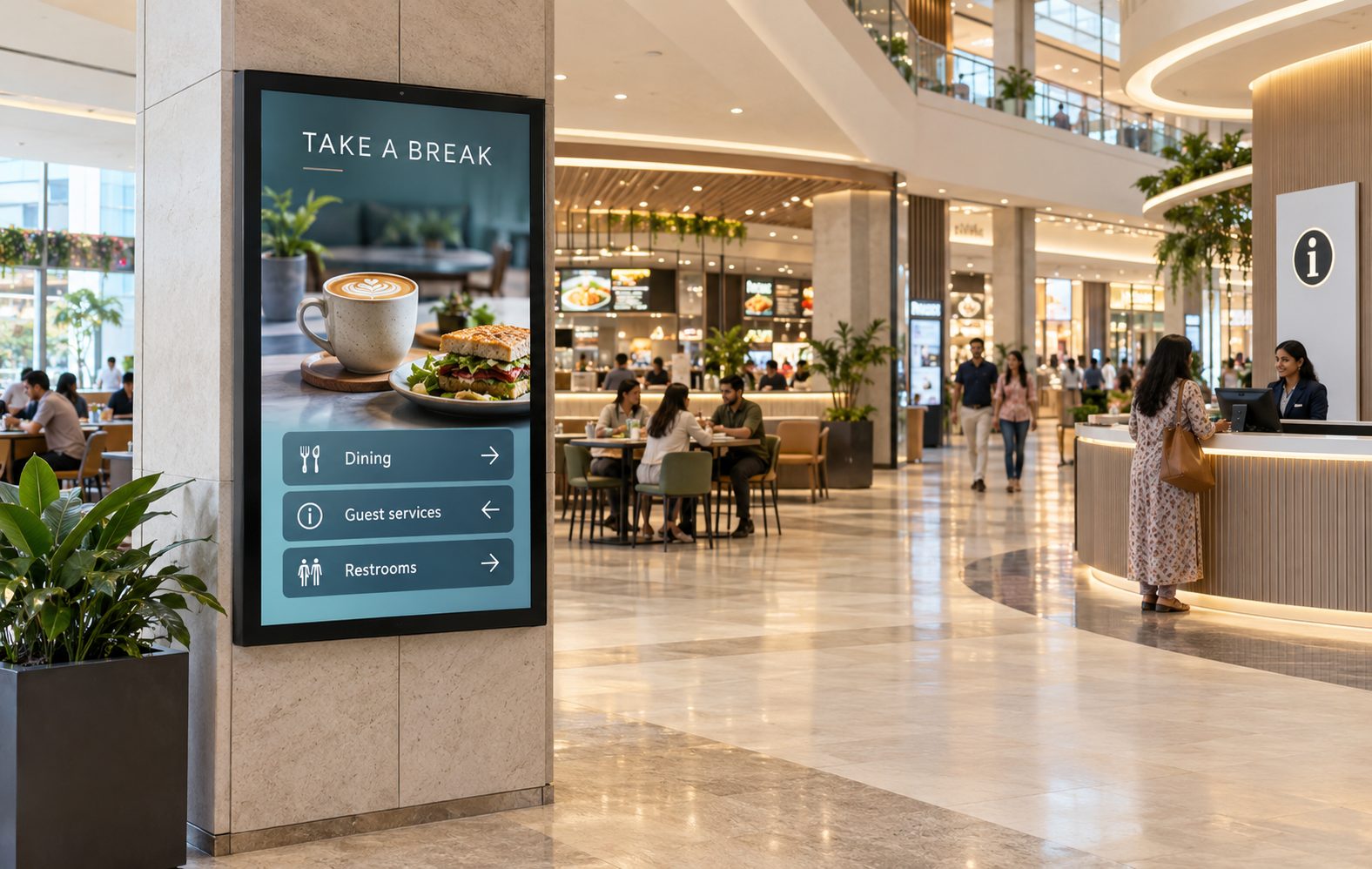
WAYFINDING
Help visitors find the right destination
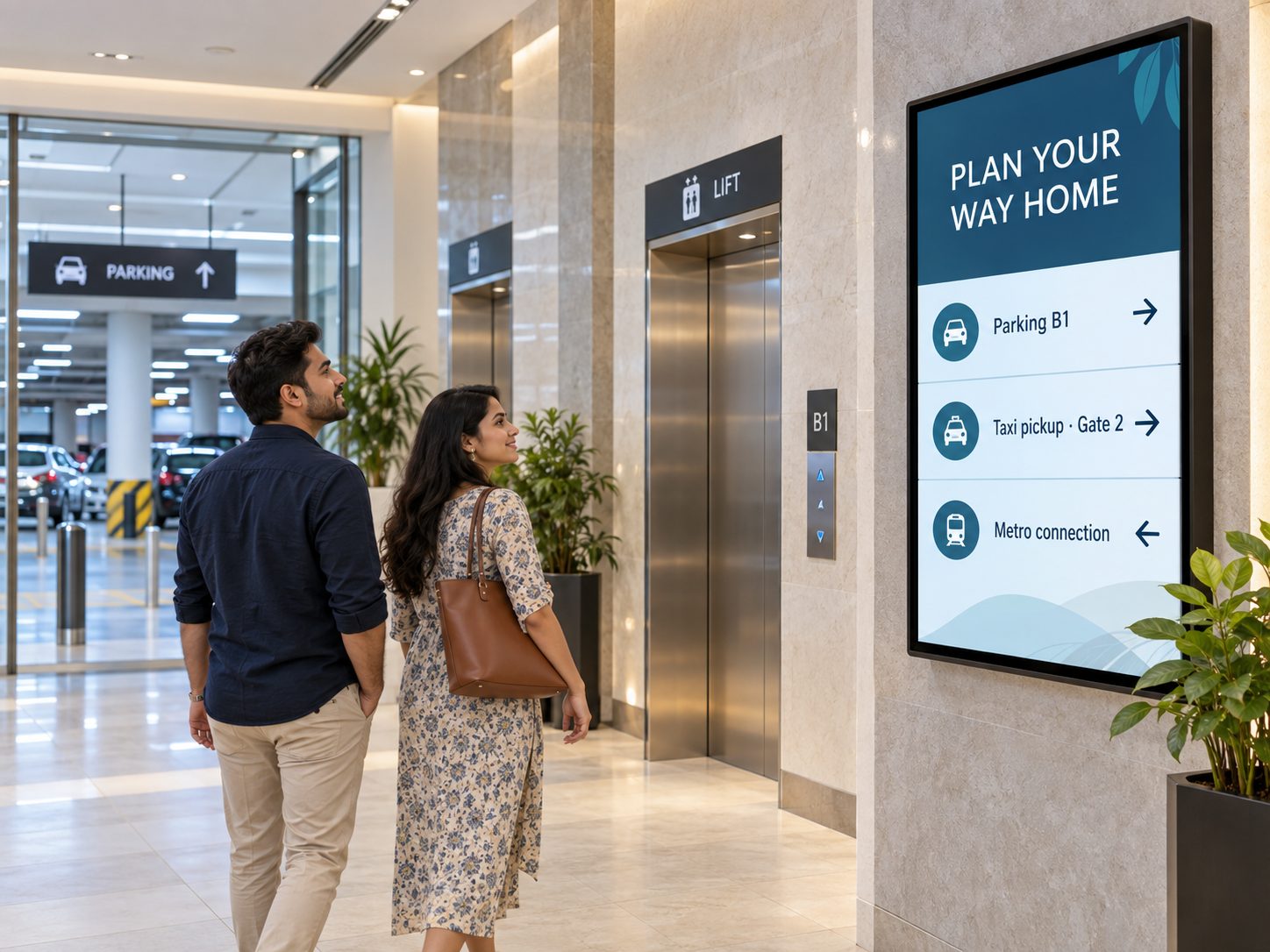
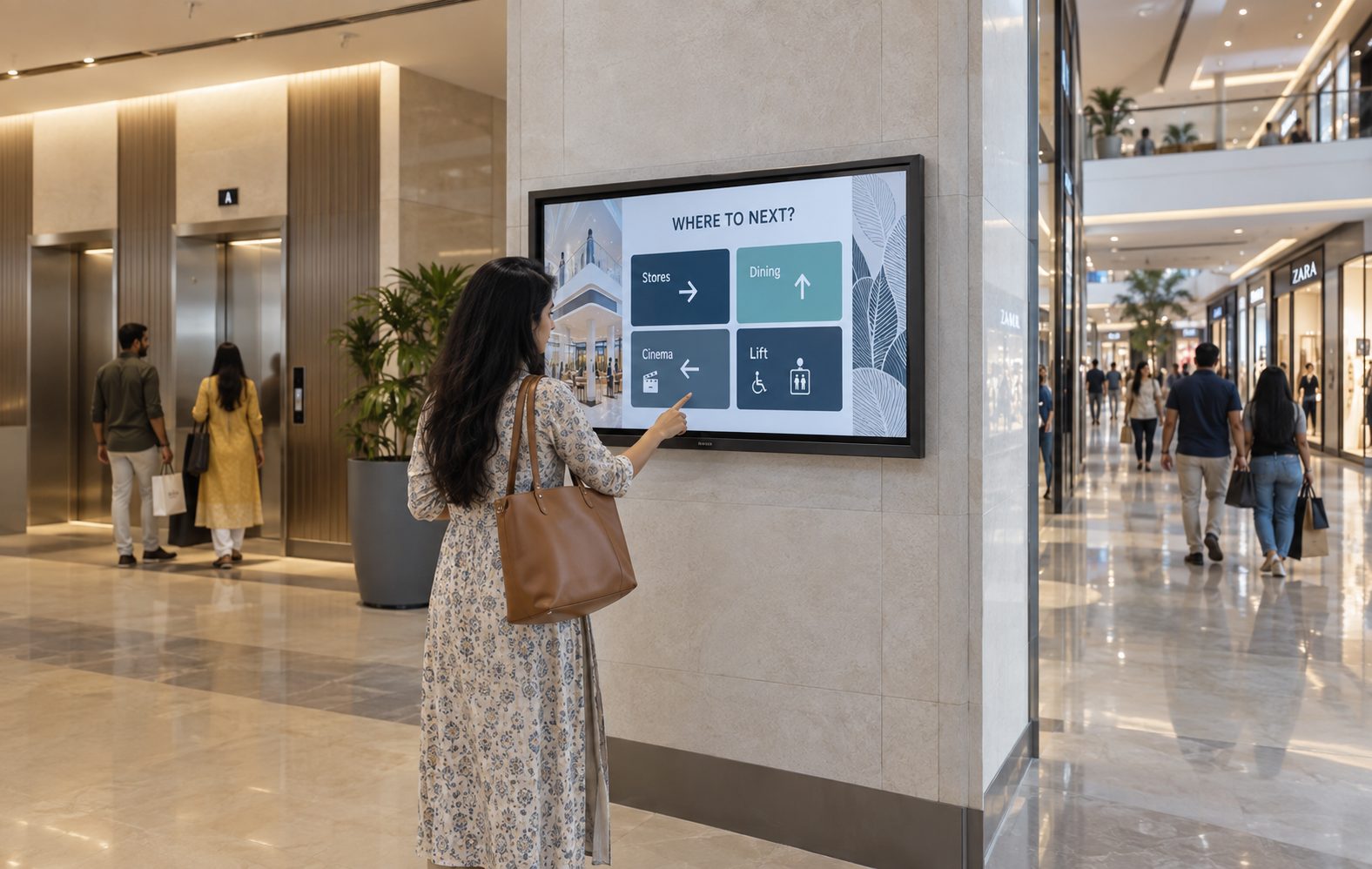
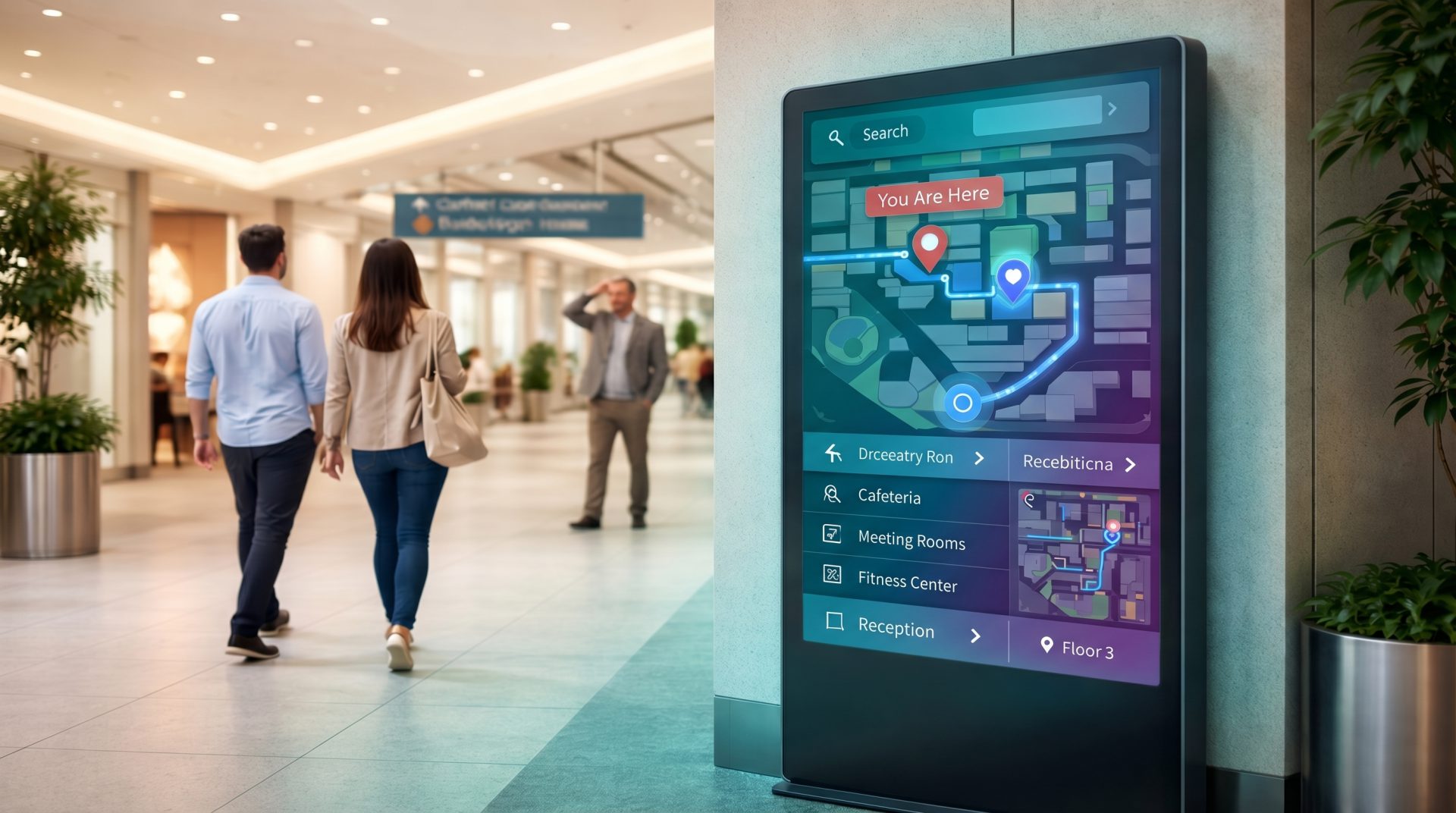
Place directories and route guidance at entrances, intersections, lifts and escalators.
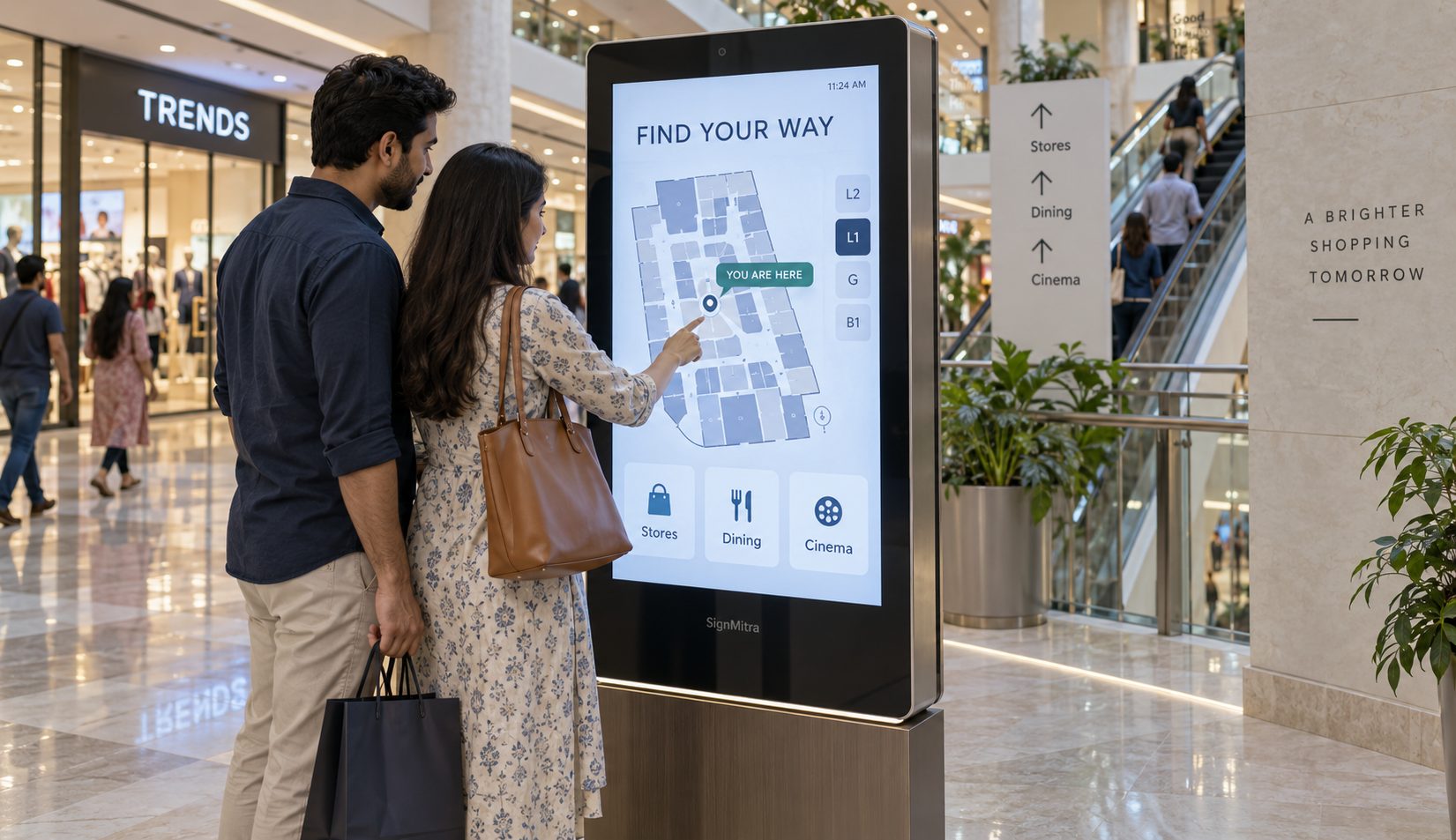
Coordinate wayfinding, tenant campaigns, events, food-court content, visitor information and mall-wide announcements across entrances, atriums, corridors, kiosks and common areas from one cloud digital signage CMS.

ONE NETWORK, TWO COMMERCIAL OUTCOMES
Plan mall screens around the people using them and the teams responsible for keeping information current.
Help people find stores, services, dining, entertainment, parking connections and current events. Use clear, location-aware content at the moments where visitors choose a route or activity.
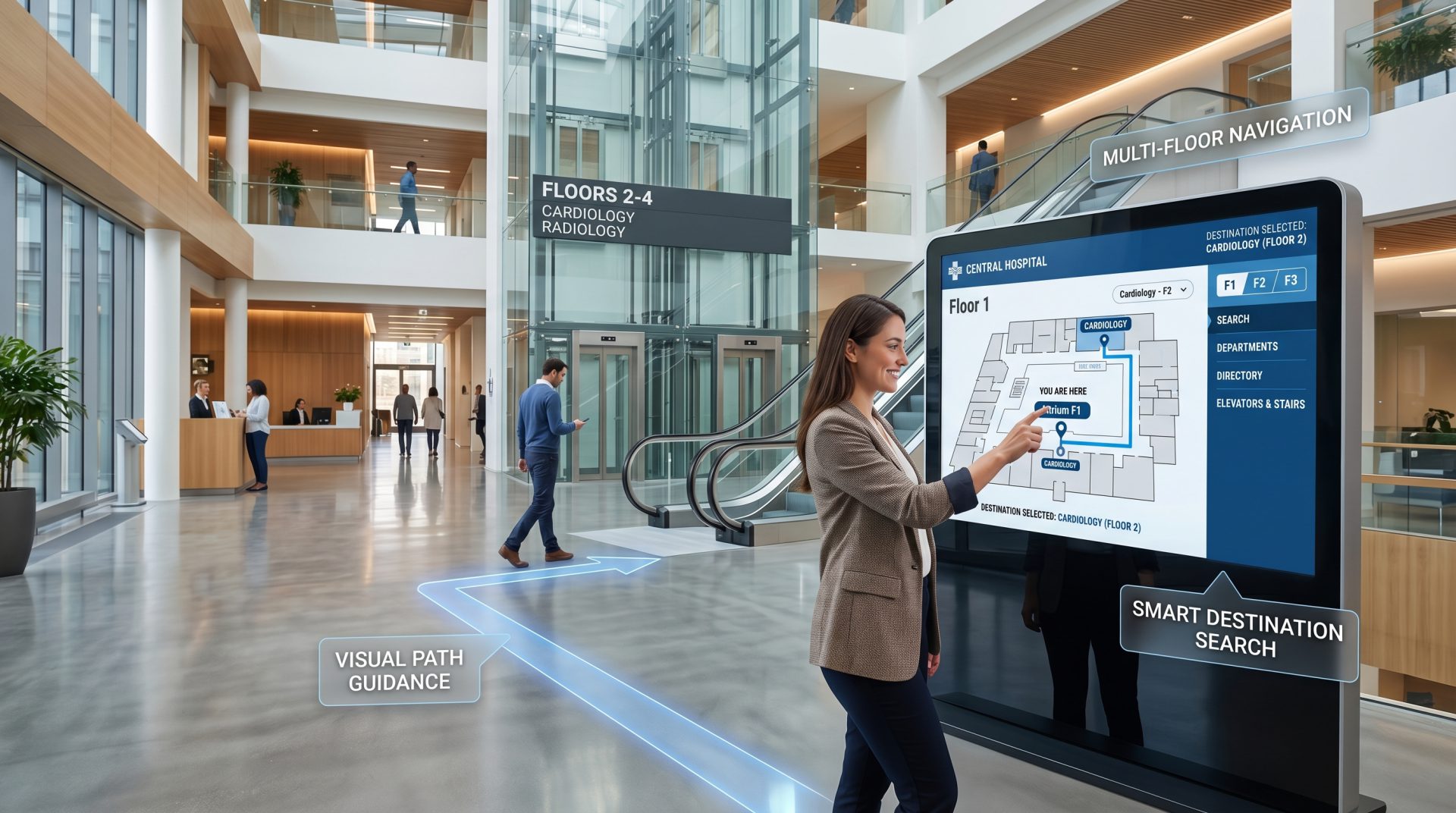
ONE MALL CONTENT OPERATING SYSTEM
Organize content by property, floor, zone, audience and campaign schedule.
FROM ARRIVAL TO DEPARTURE
Give each screen location a clear job while keeping the experience visually coordinated.
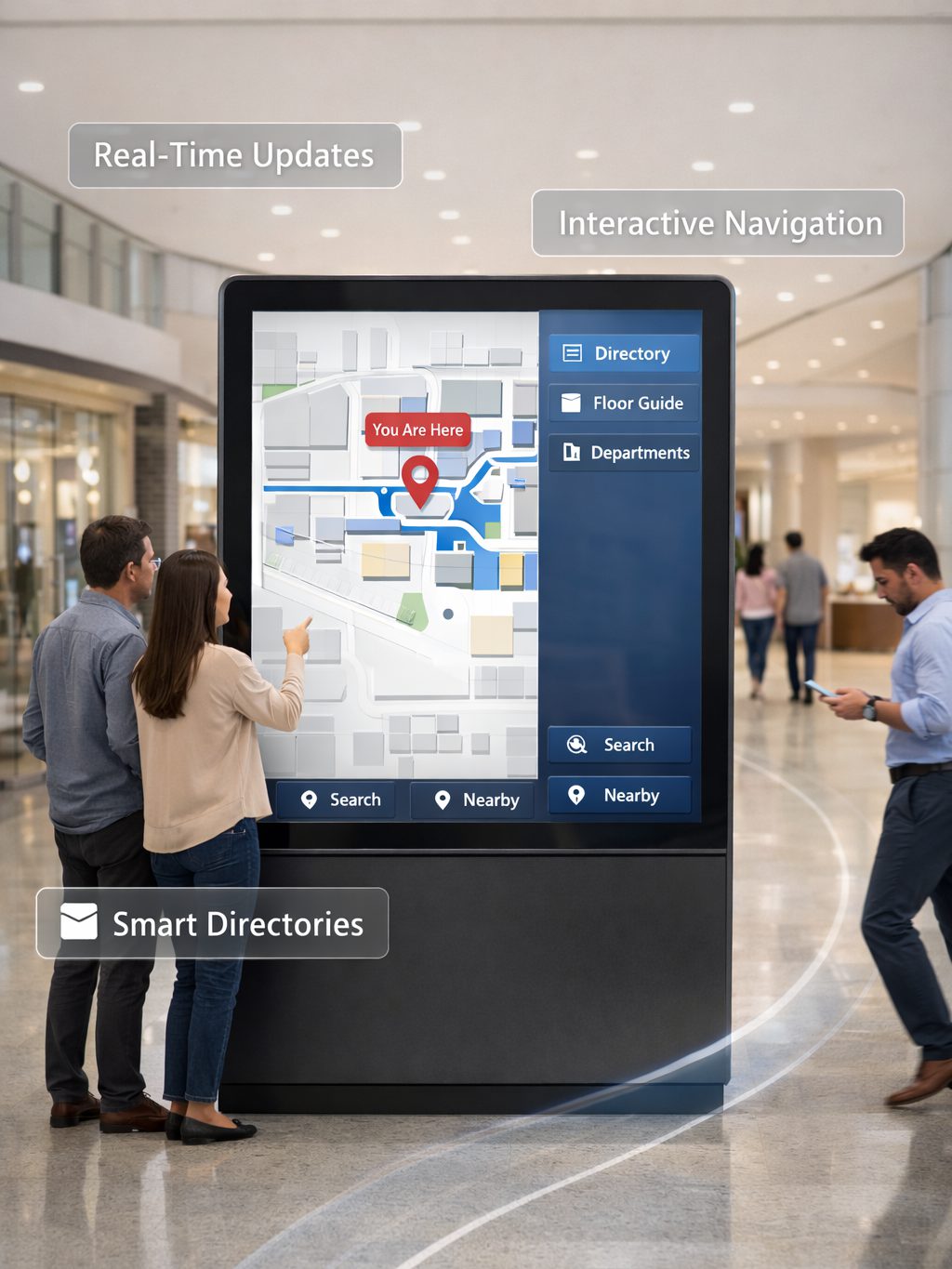
HIGH-VALUE MALL SCREEN EXPERIENCES
Build a useful mix of navigation, discovery, promotion and operational communication.
WAYFINDING
Place directories and route guidance at entrances, intersections, lifts and escalators.
TENANT MEDIA
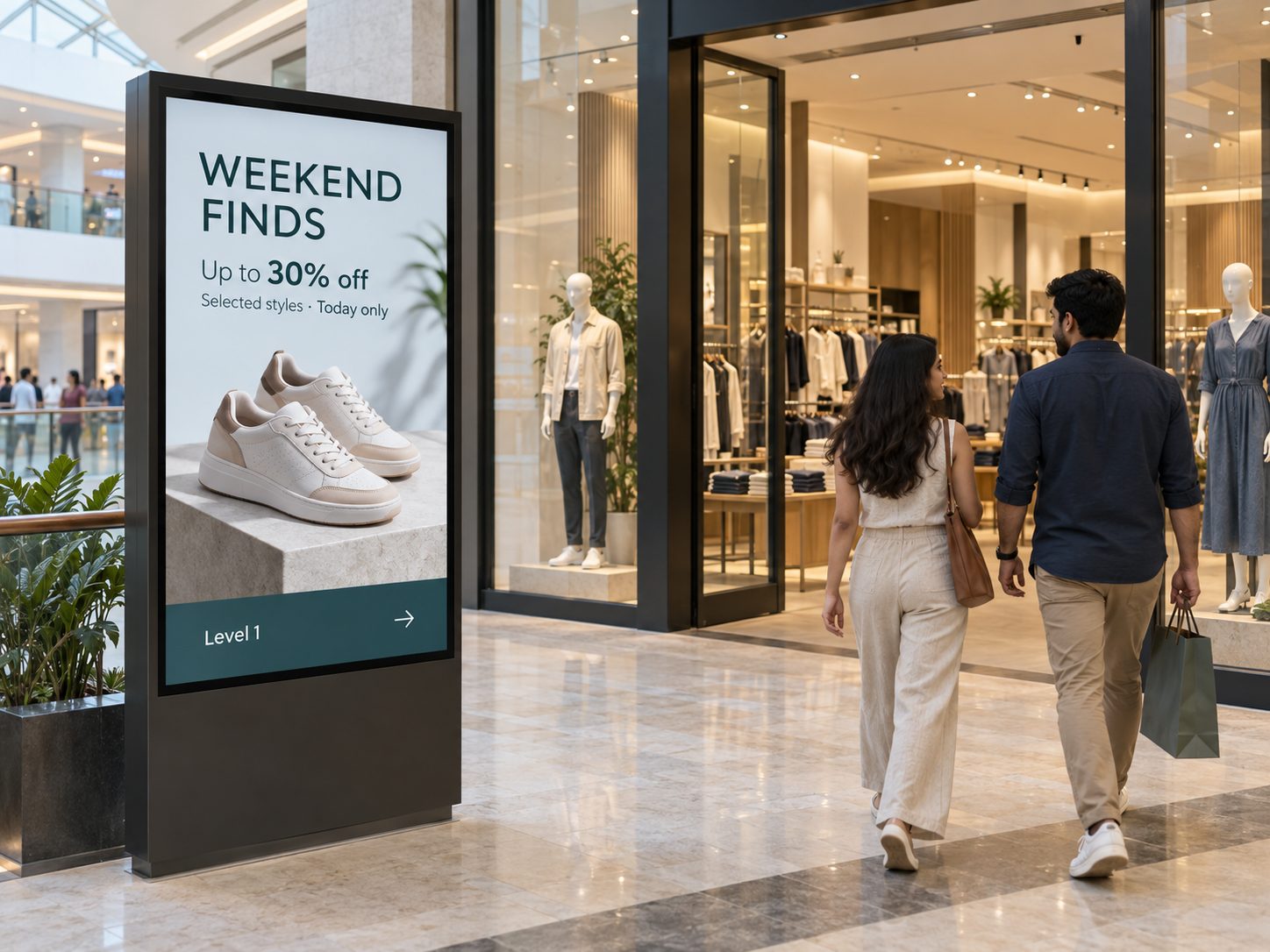
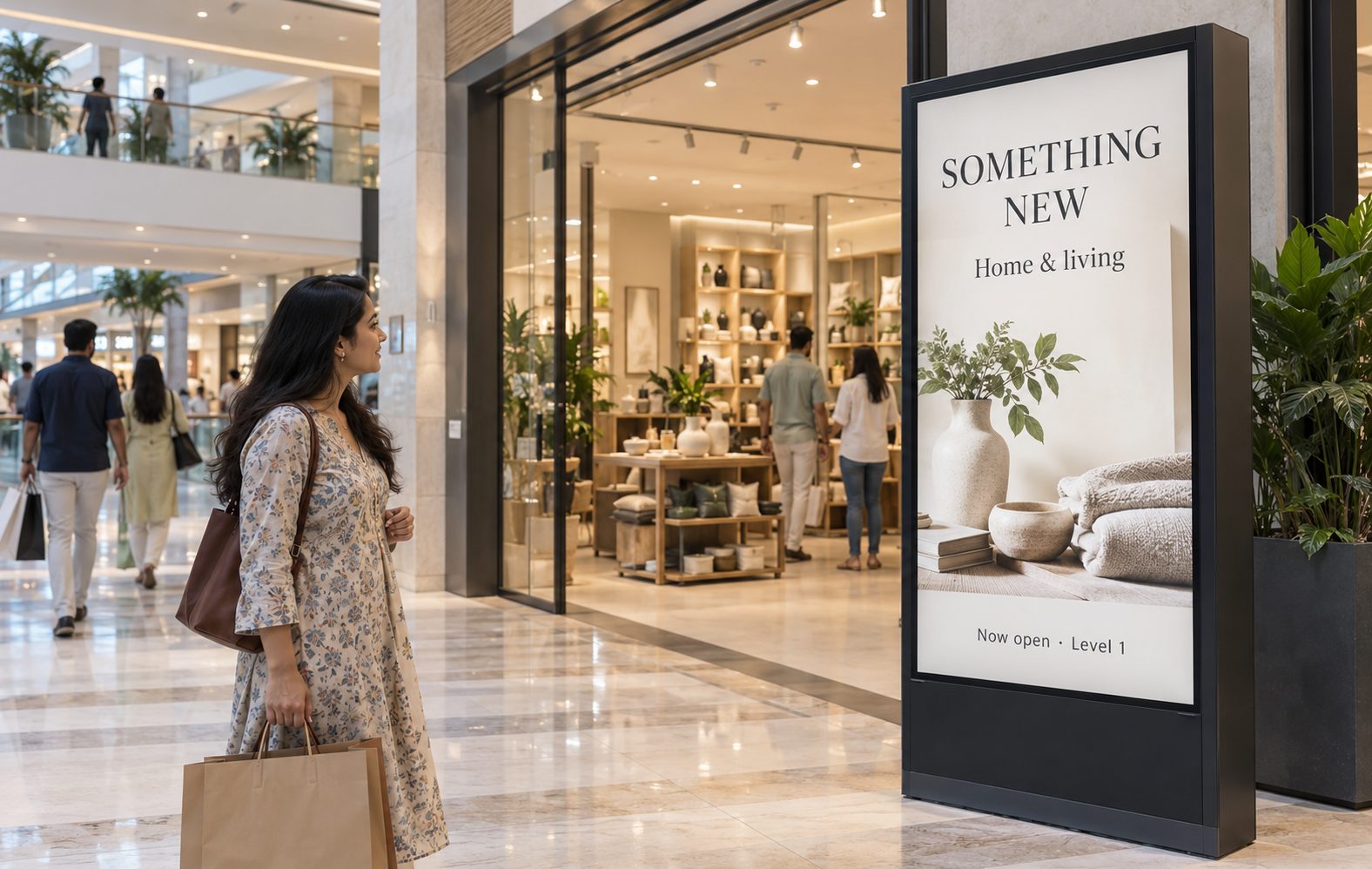
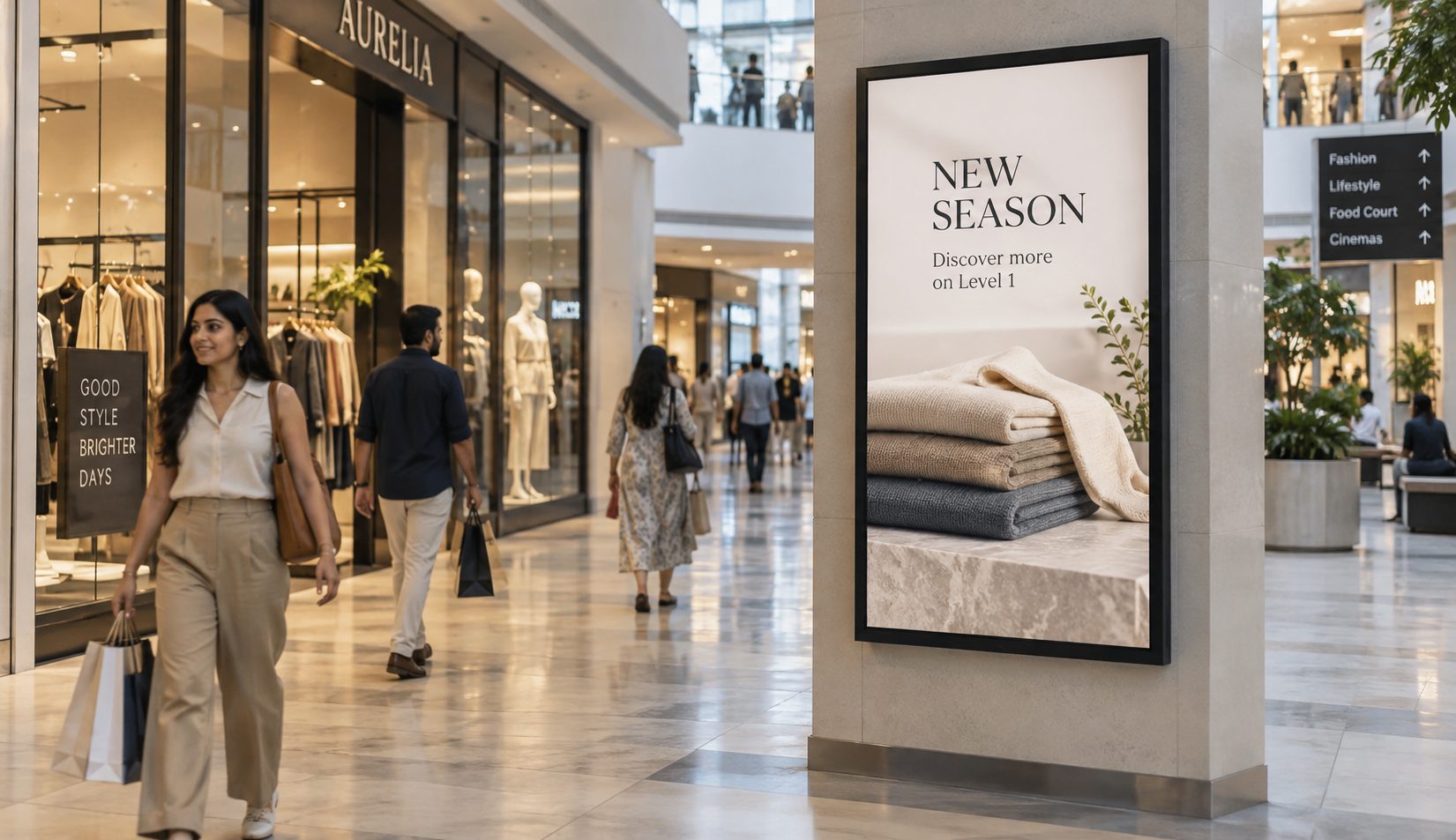
Schedule approved tenant launches, flash sales and seasonal creative by screen zone.
EVENTS & POP-UPS
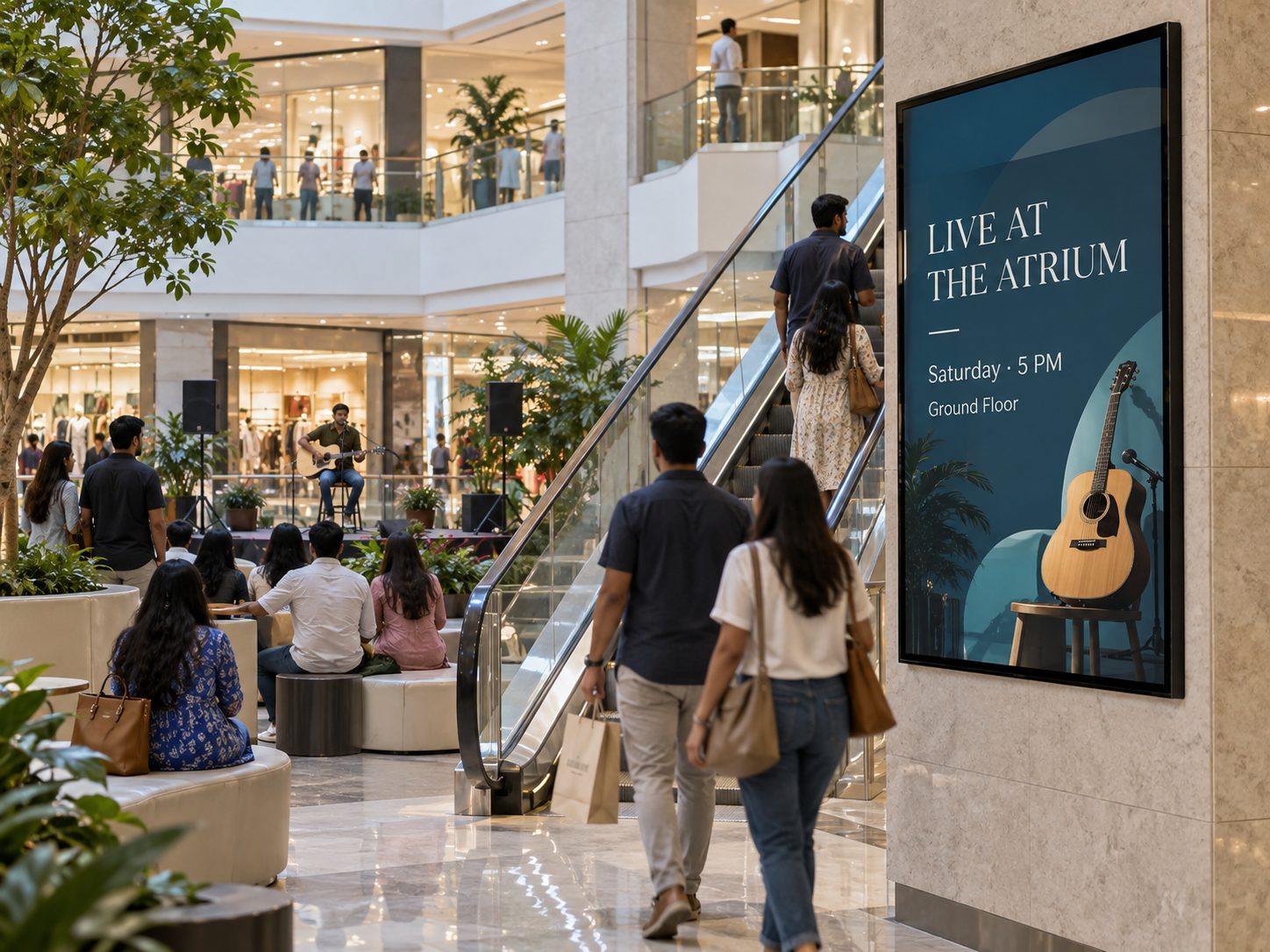
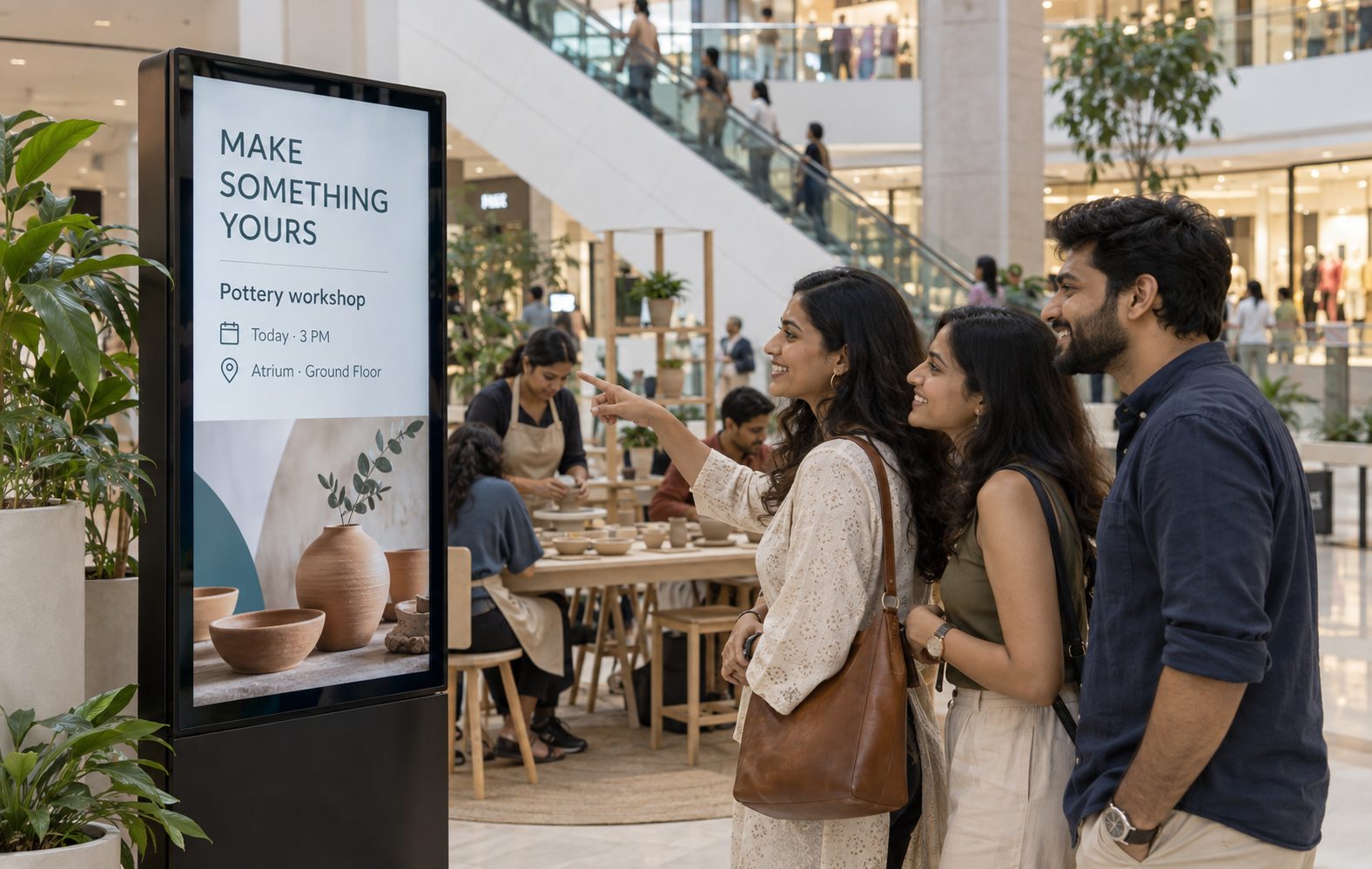
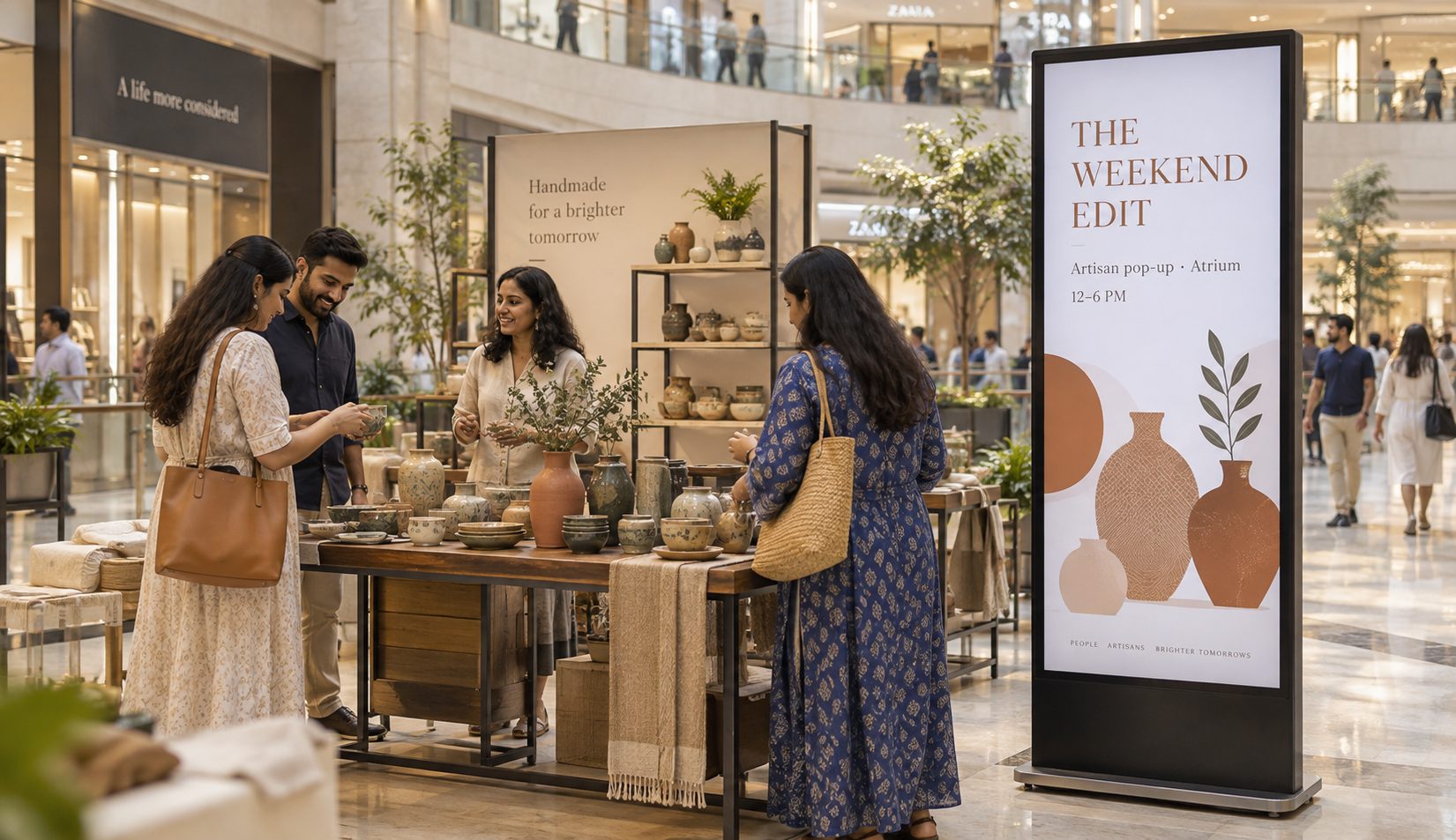
Promote temporary stores, performances, launches, exhibitions and family activities.
FOOD COURTS
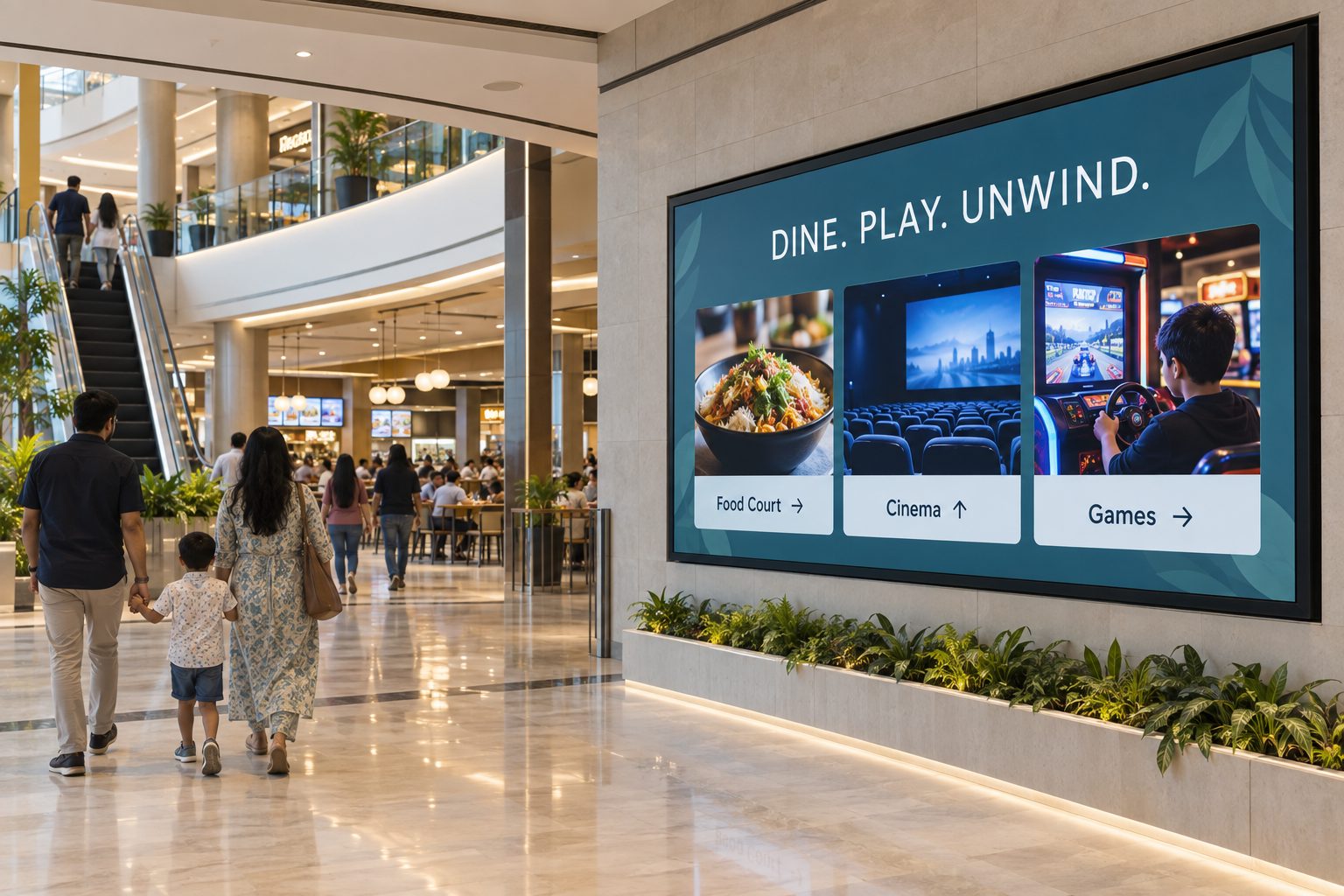
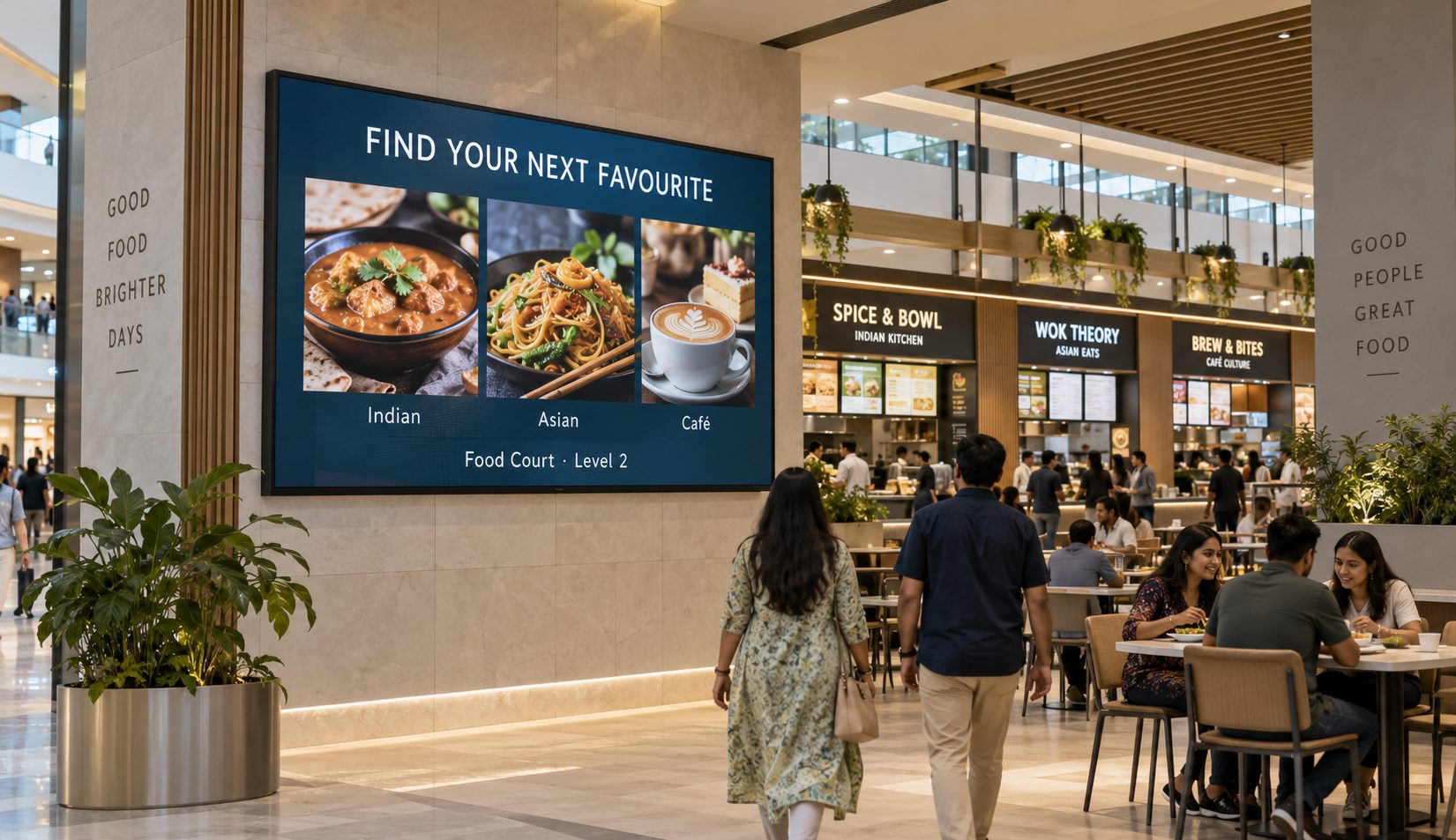
Support food-court discovery with tenant highlights, offers and approved menu content.
SHOPPING MALL DIGITAL SIGNAGE USE CASES
Explore the mall-wide workflows that benefit most from central content control.
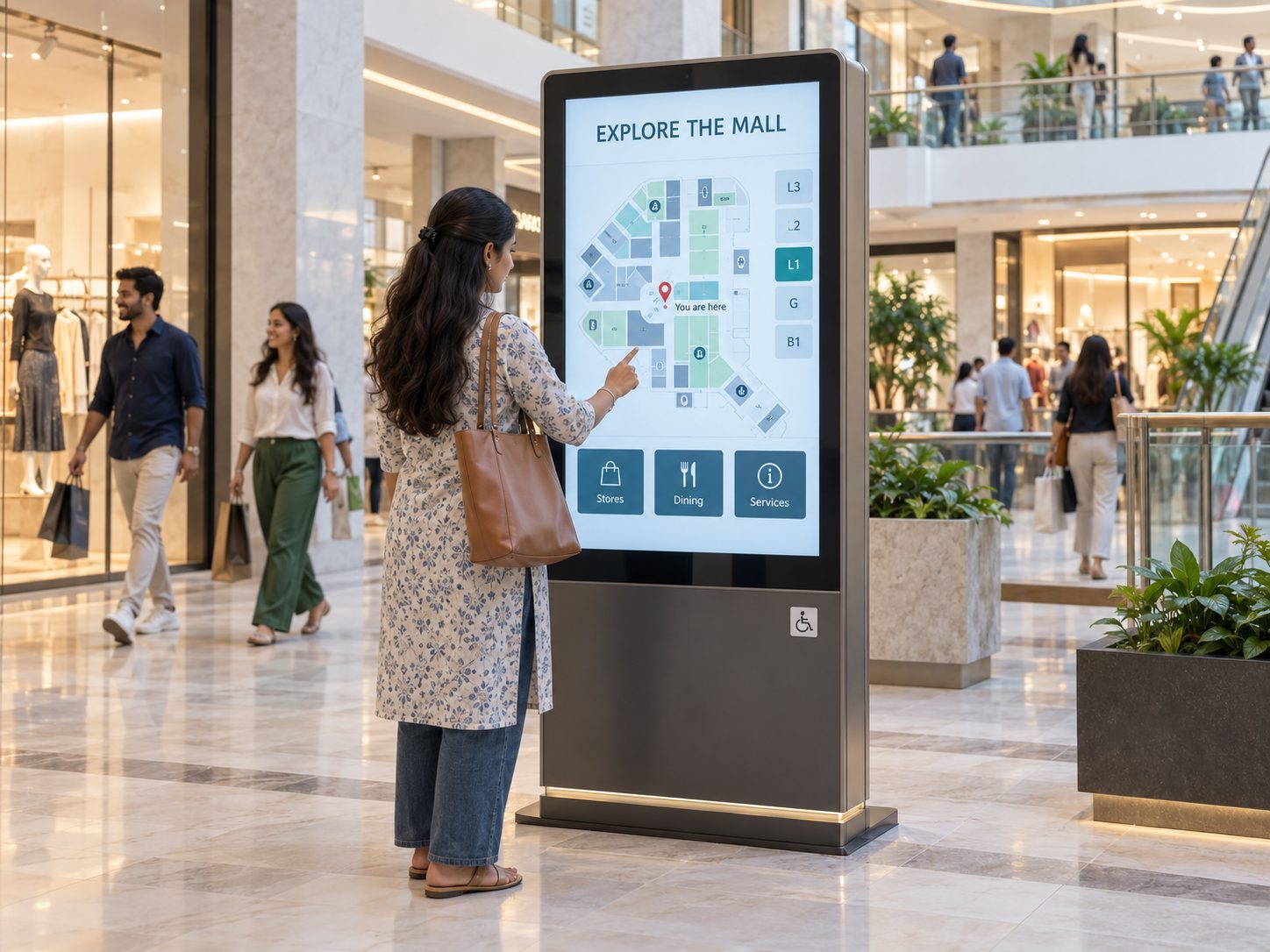
Publish store directories, floors, amenities, accessible facilities and location guidance. Interactive routes require compatible kiosk hardware, accurate map data and ongoing destination maintenance.
THE CONNECTED MALL VISIT
Move from a generic loop to a screen journey that changes with context.
FROM STATIC POSTERS TO A RESPONSIVE MALL NETWORK
Compare fragmented signage updates with a centrally managed mall digital signage workflow.
| Mall communication need | Printed Signs or USB Screens | Signmitra Mall Digital Signage |
|---|---|---|
| Tenant campaign launch | Coordinate each placement | Publish remotely by zone |
| Offer and event expiry | Remove manually | Schedule end dates |
| Directory updates | Reprint the directory | Update managed content |
| Property and floor targeting | Separate local process | Use screen groups |
| Rich campaign media | Static artwork | Images, video and supported web content |
| Multi-mall governance | Difficult to standardize | Central and role-based access |
| Operational visibility | Inspect screens on site | Review player status remotely |
Printed Signs or USB Screens
Coordinate each placementSignmitra Mall Digital Signage
Publish remotely by zonePrinted Signs or USB Screens
Remove manuallySignmitra Mall Digital Signage
Schedule end datesPrinted Signs or USB Screens
Reprint the directorySignmitra Mall Digital Signage
Update managed contentPrinted Signs or USB Screens
Separate local processSignmitra Mall Digital Signage
Use screen groupsPrinted Signs or USB Screens
Static artworkSignmitra Mall Digital Signage
Images, video and supported web contentPrinted Signs or USB Screens
Difficult to standardizeSignmitra Mall Digital Signage
Central and role-based accessPrinted Signs or USB Screens
Inspect screens on siteSignmitra Mall Digital Signage
Review player status remotelyInteractive wayfinding, parking, tenant inventory, event, menu and other live-data experiences require compatible sources, permissions and separately scoped integrations. Review Your Mall Requirements
CONTENT CONTROL ACROSS EVERY MALL ZONE
A mall entrance, corridor and food court should not run the same generic playlist.
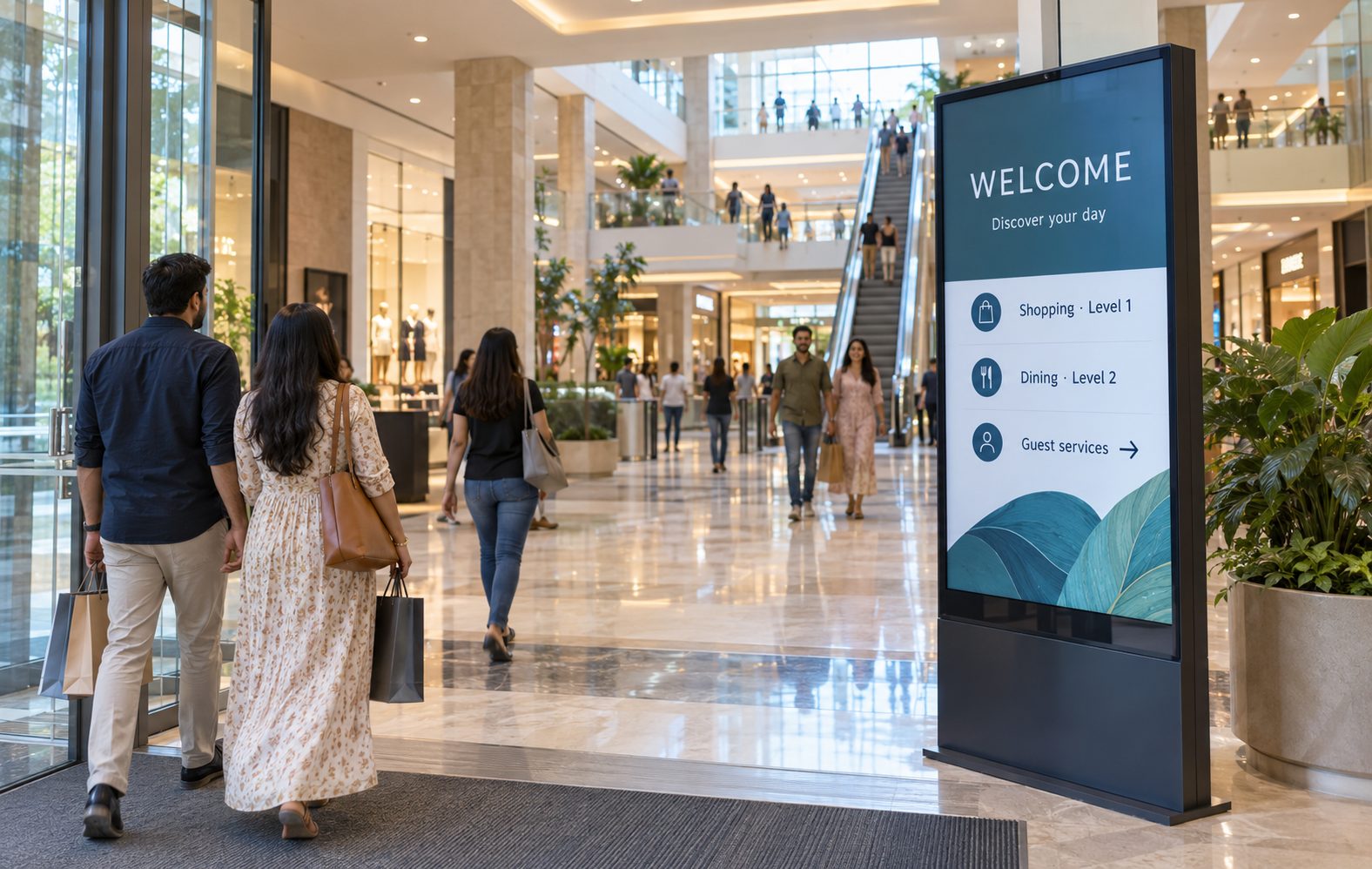
Lead with orientation, current campaigns, events, anchor destinations and essential visitor information.
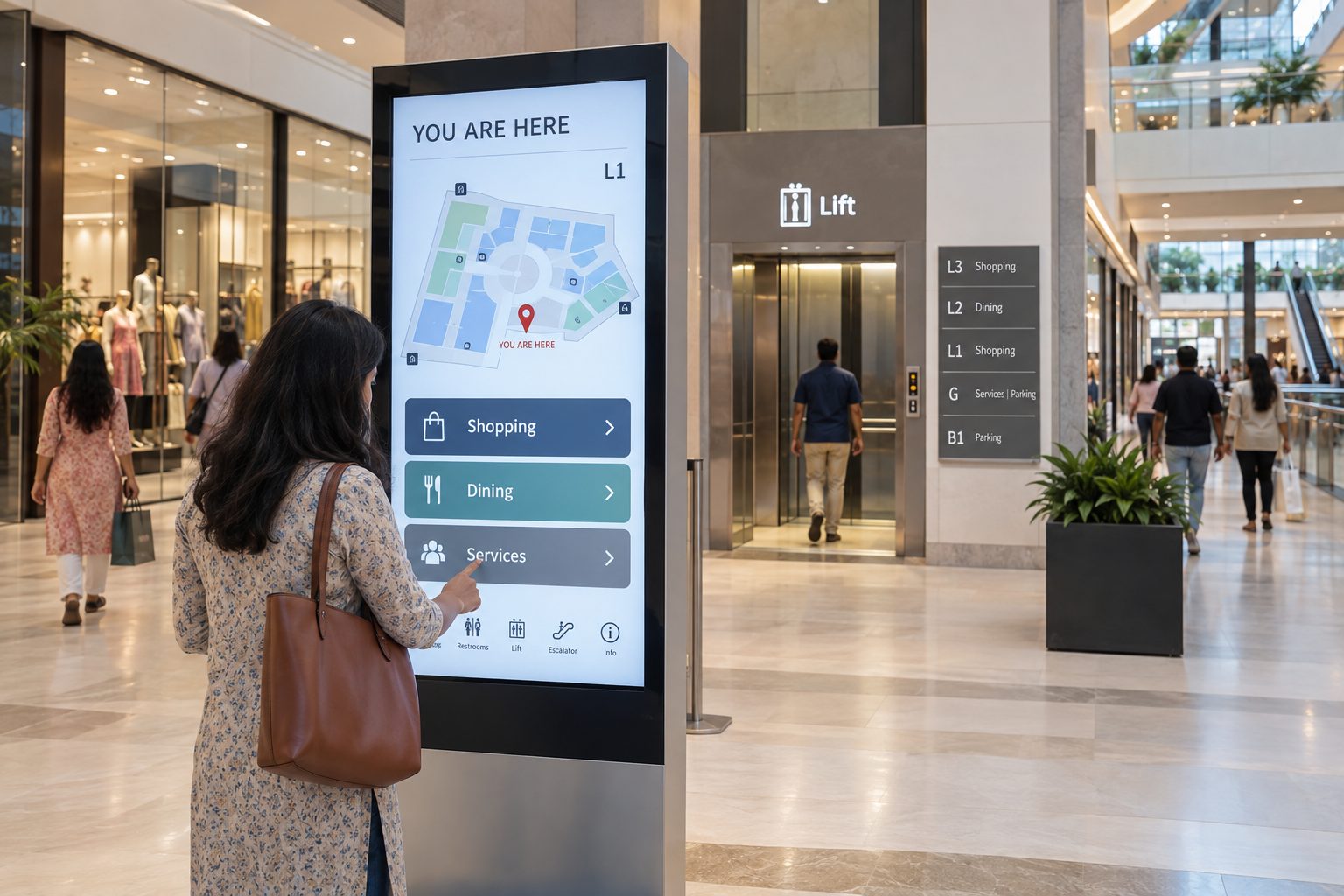
Prioritize readable categories, destinations, facilities and location-aware route guidance at decision points.
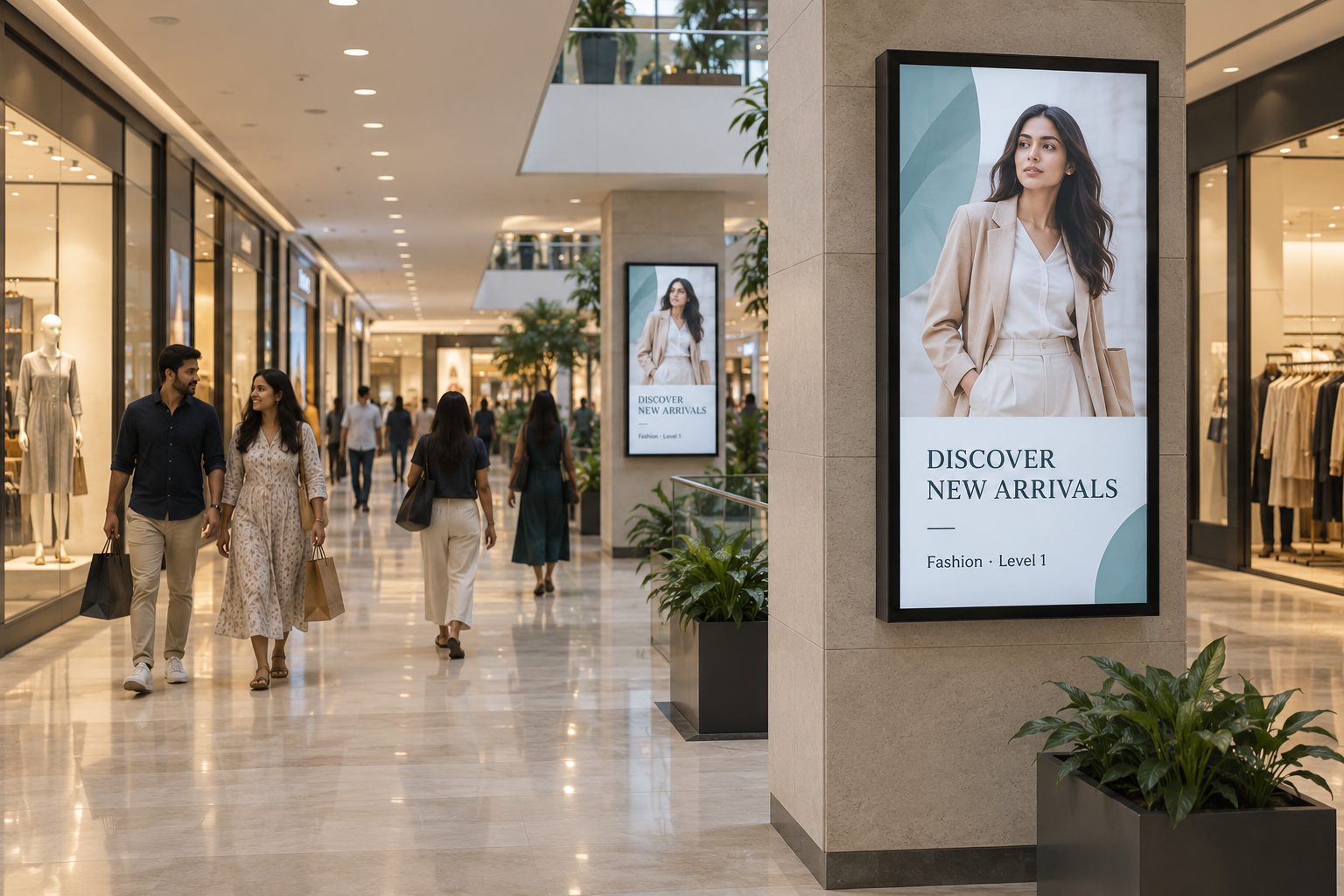
Balance mall information with approved retailer campaigns, new openings and relevant zone-level discovery.
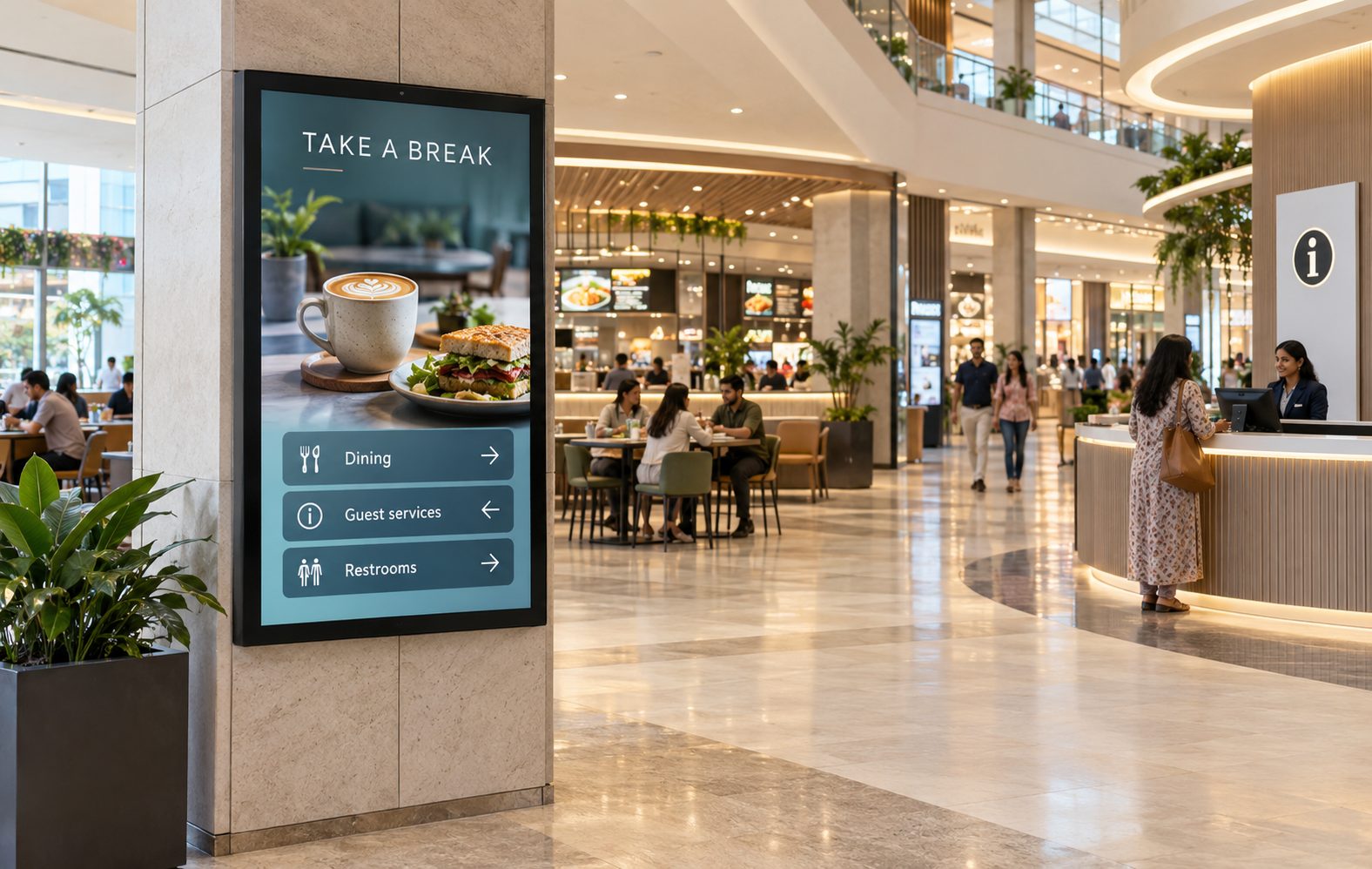
Support dining, cinema, entertainment and family discovery with time-aware content and clear directions.
Use appropriate staff-only screens for approved operational notices, schedules, safety content and property updates.
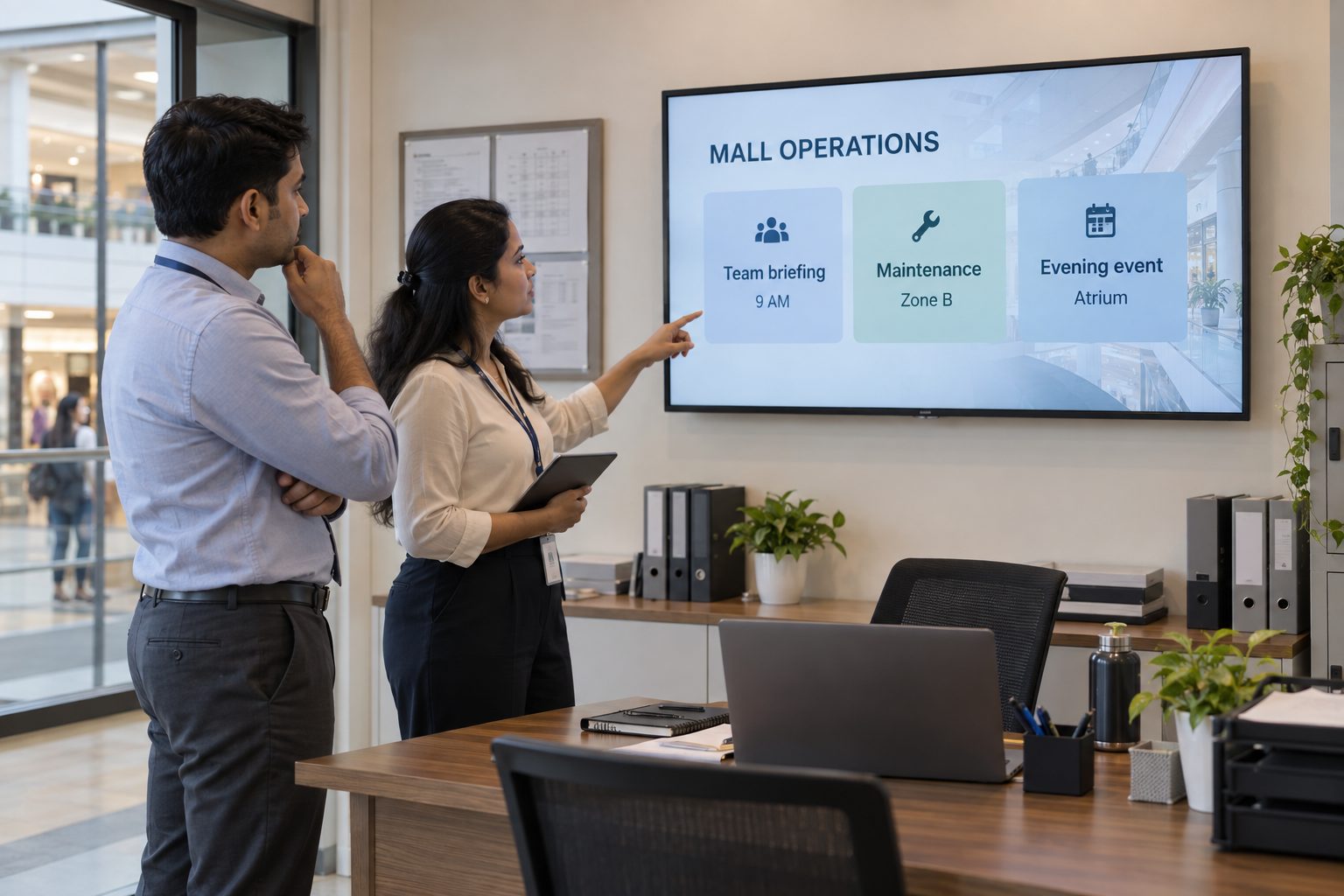
MALL SCREEN-MANAGEMENT CAPABILITIES
Support marketing, leasing, guest services, operations and multi-property teams through one structured platform.
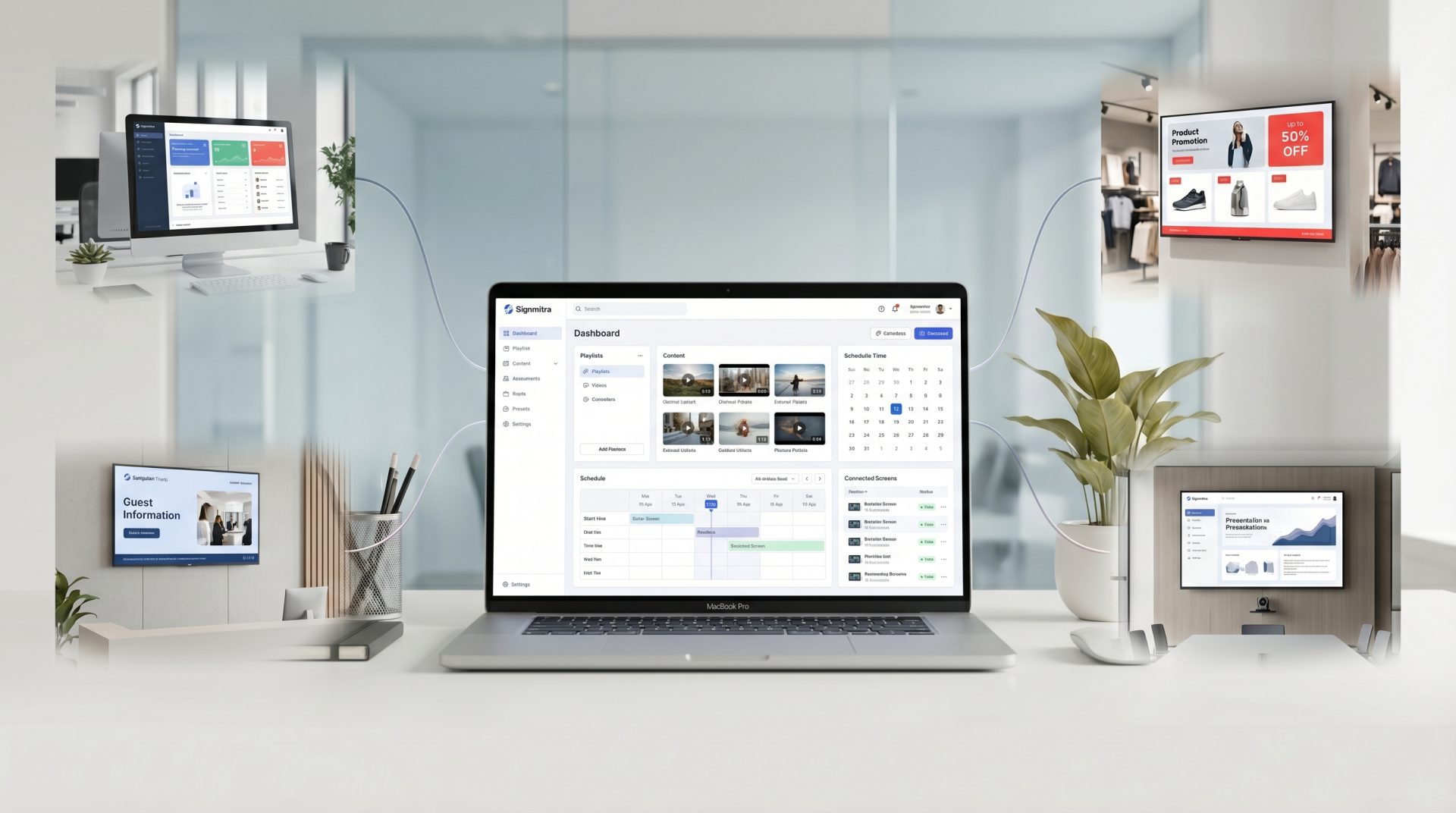
Manage media, playlists, schedules and displays through a browser-based CMS.
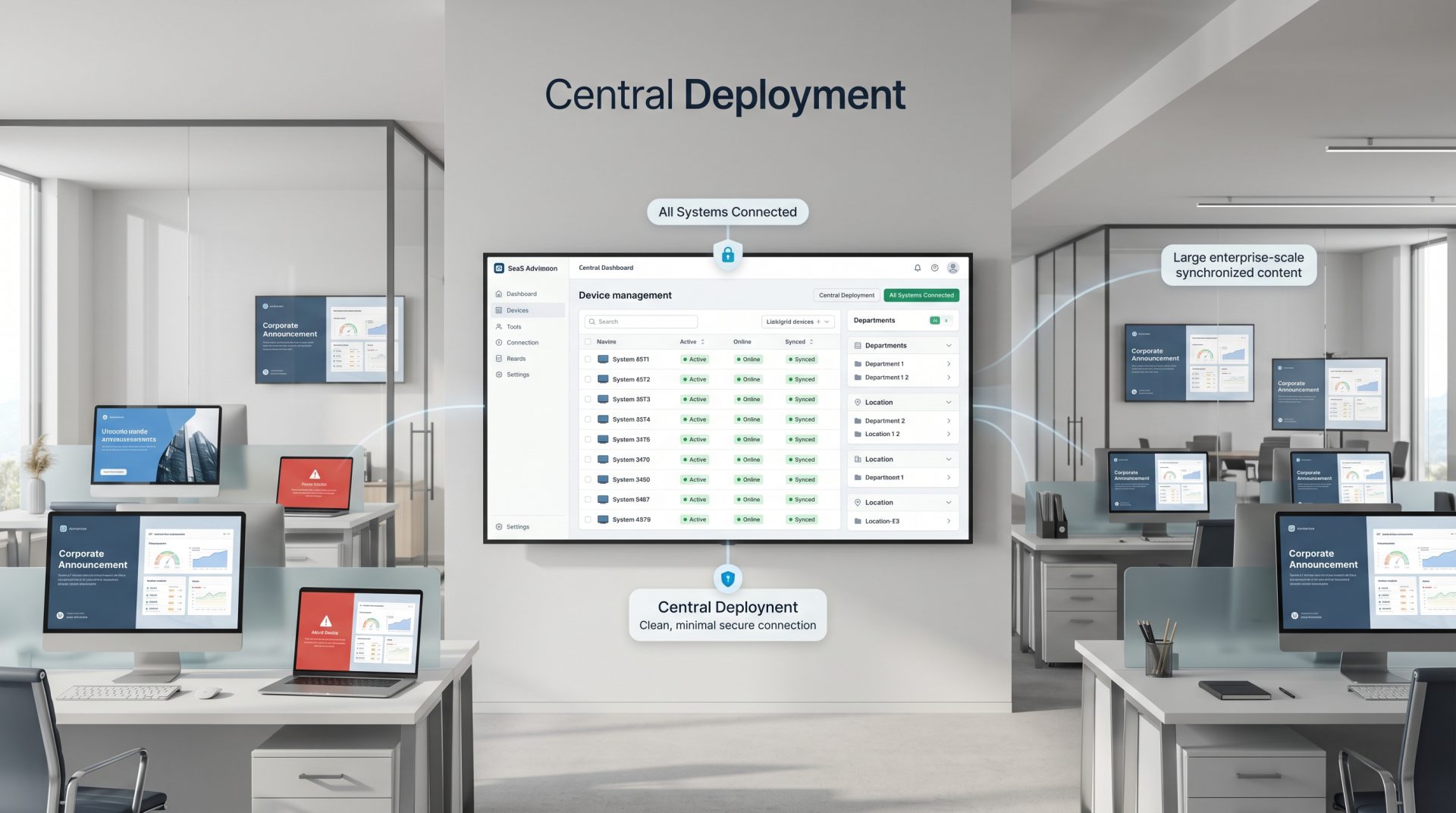
Target malls, floors, entrances, corridors, food courts and individual display groups.
Set start dates, expiry dates, weekdays and time windows for mall content.
Align central, property and approved partner access with defined responsibilities.
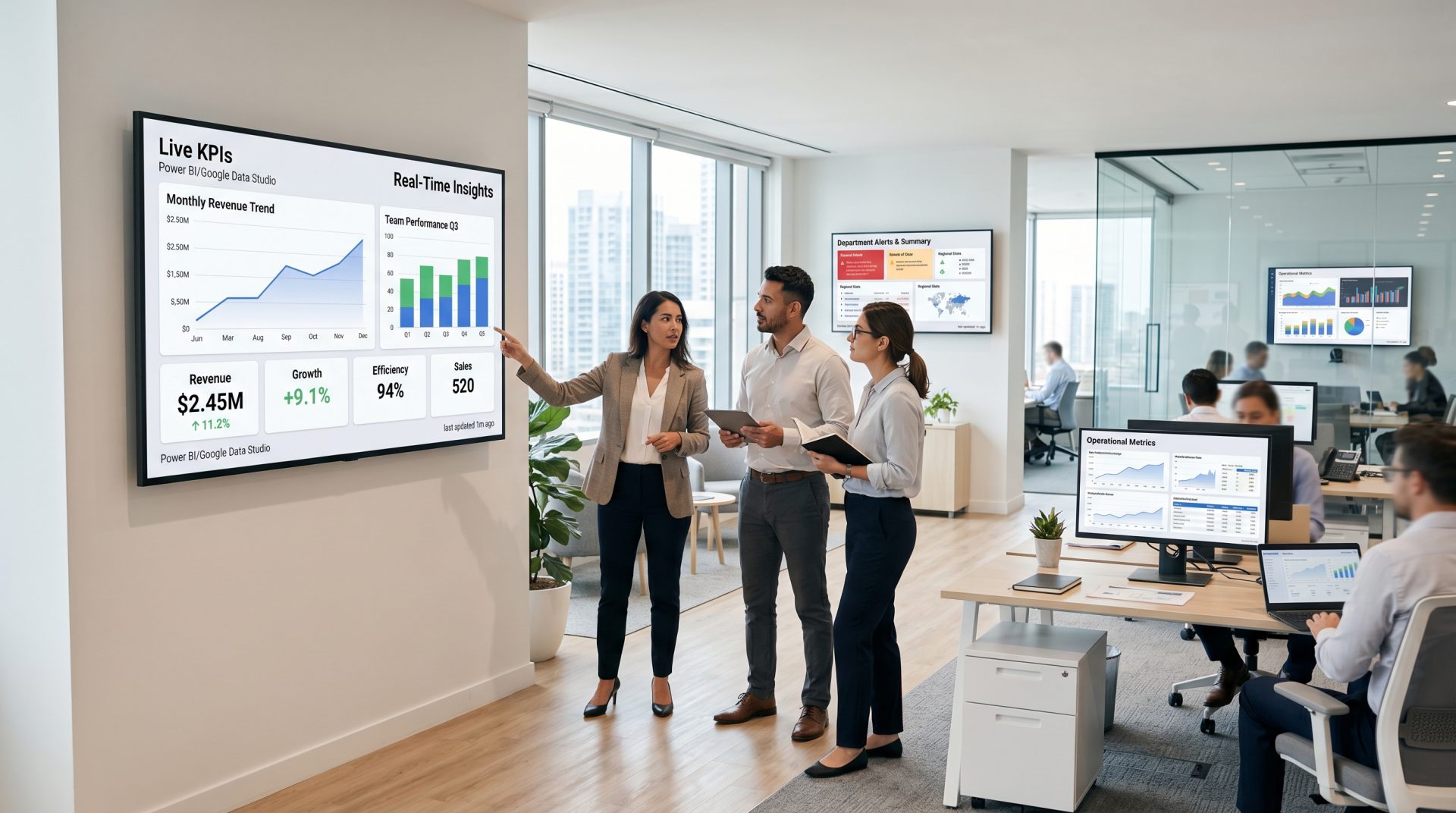
Combine campaigns, directories, notices, tickers and supported live content.
Publish images, video, slides, web pages and other supported formats.
Previously downloaded media can continue through a temporary connection interruption.
Identify screens that may need attention without walking the entire property.
A PRACTICAL MALL SIGNAGE ROLLOUT
Start with visitor needs, define ownership and prove the workflow in a representative zone.
DESIGN FOR REAL MALL CONDITIONS
Viewing distance, crowd flow, glare, mounting height, screen orientation, accessibility and dwell time all influence the right content design. Directory and operational information also needs a clear owner so store, facility and event changes are reflected promptly.
Signmitra provides the content-management and playback layer while your team defines display hardware, physical installation, map and tenant data, accessibility requirements, approval workflows and field maintenance.
SHOPPING MALL DIGITAL SIGNAGE FAQ
Practical answers for marketing, leasing, guest services, operations and technology teams.
Tell us about your visitor journey, tenant campaigns, directories, screen zones and current hardware.
Start with a pilot screen zone or book a guided demo for a complete shopping-centre network.