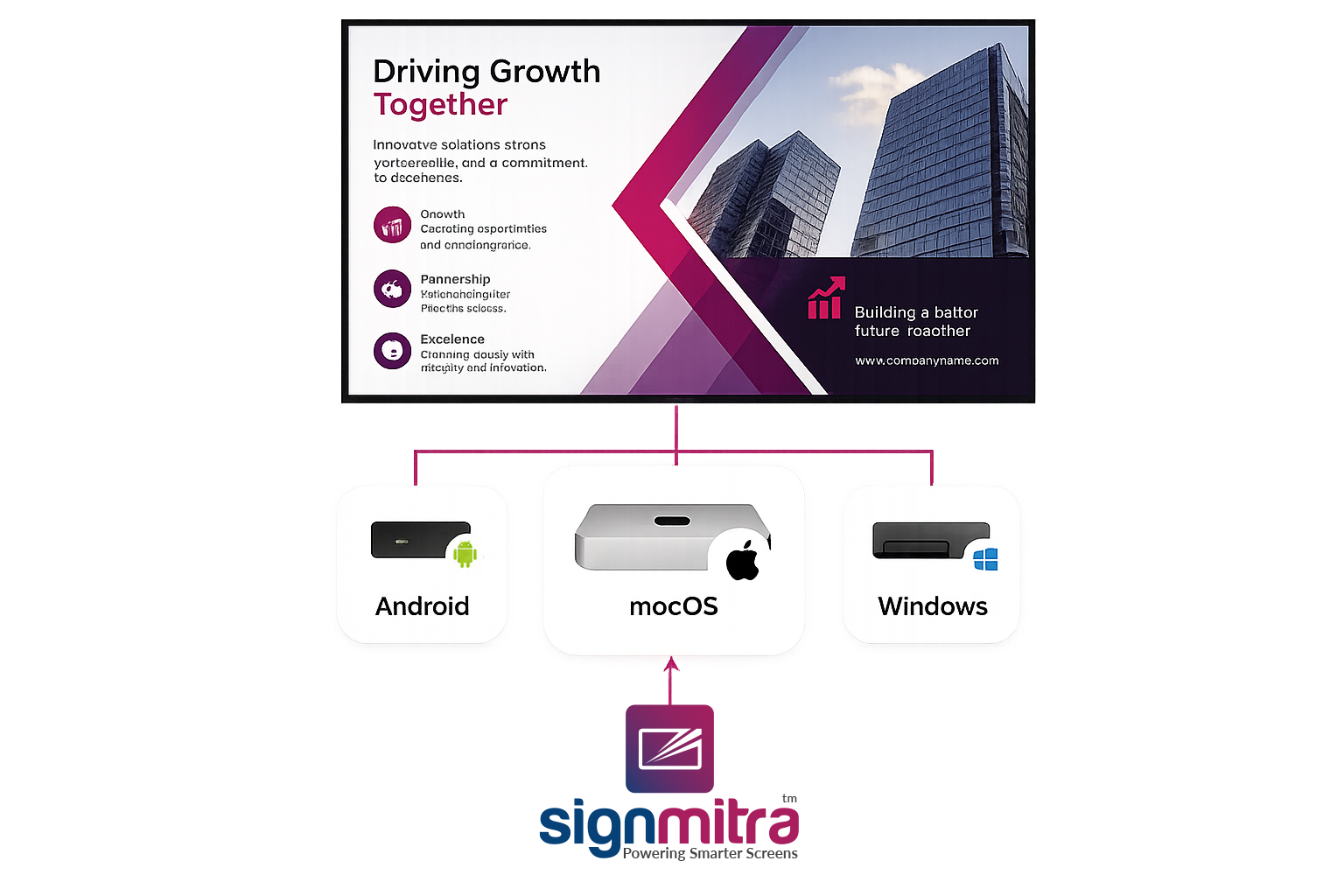
Android & Android TV
Signmitra Player for Android
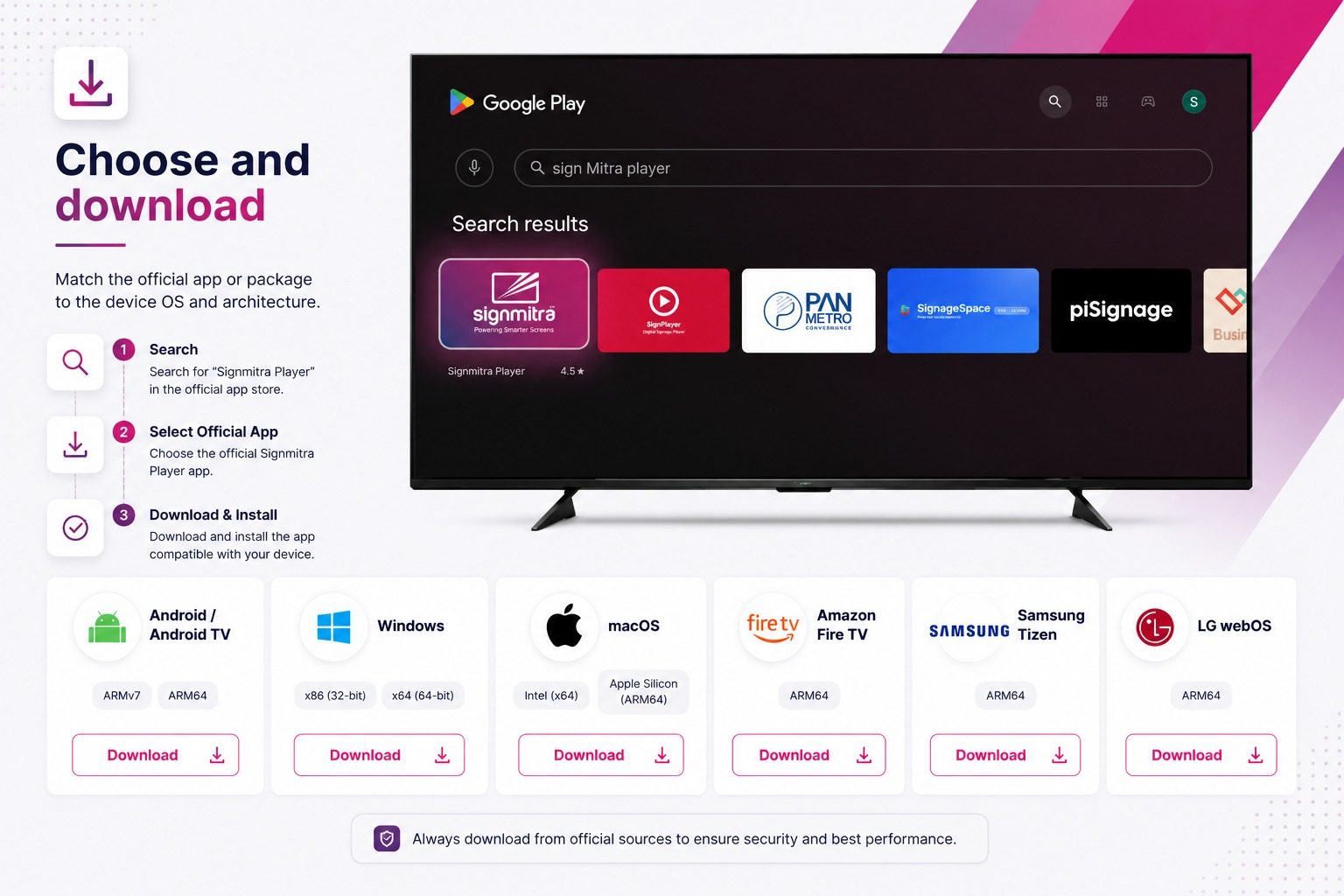
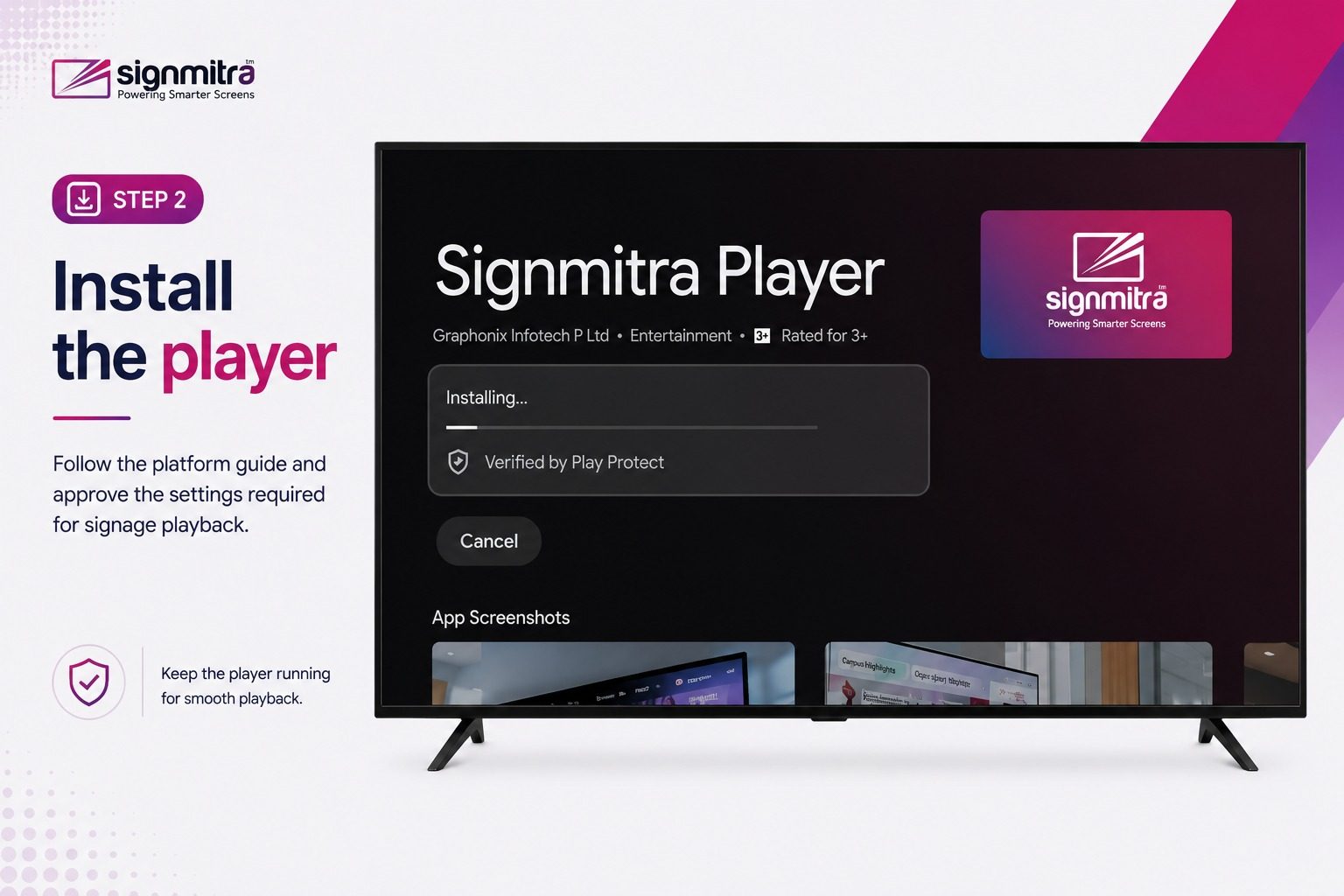
Install from Google Play on supported Android TV, Android media-player and compatible Android display environments.
Use these official app and managed package links.
Confirm the model, OS version and architecture.
Signmitra Player for Android
Install from Google Play on supported Android TV, Android media-player and compatible Android display environments.
Signmitra Player for Windows
Download the managed x64 player for a compatible Windows PC or mini PC. The optional Screensaver package is provided separately.
Signmitra Player for macOS โ Intel
Choose this managed package for a compatible Intel-based Mac connected to the signage display.
Signmitra Player for macOS โ Apple Silicon
Choose this managed arm64 package for a compatible Apple Silicon Mac.
Signmitra Player for Amazon Fire TV
Follow the Fire TV setup guidance on a supported device and complete the required permissions for unattended signage use.
Signmitra Player for Samsung Tizen
Download the signed Tizen package for supported Samsung commercial signage after confirming the model and Tizen version.
Signmitra Player for LG webOS
Download the managed webOS package for supported LG commercial signage after confirming model and OS compatibility.
Need another deployment path?
A platform reference does not guarantee a direct package for every device. Share the exact model, OS version, orientation and content needs for review.
No matching player download found. Try another operating system or device name.
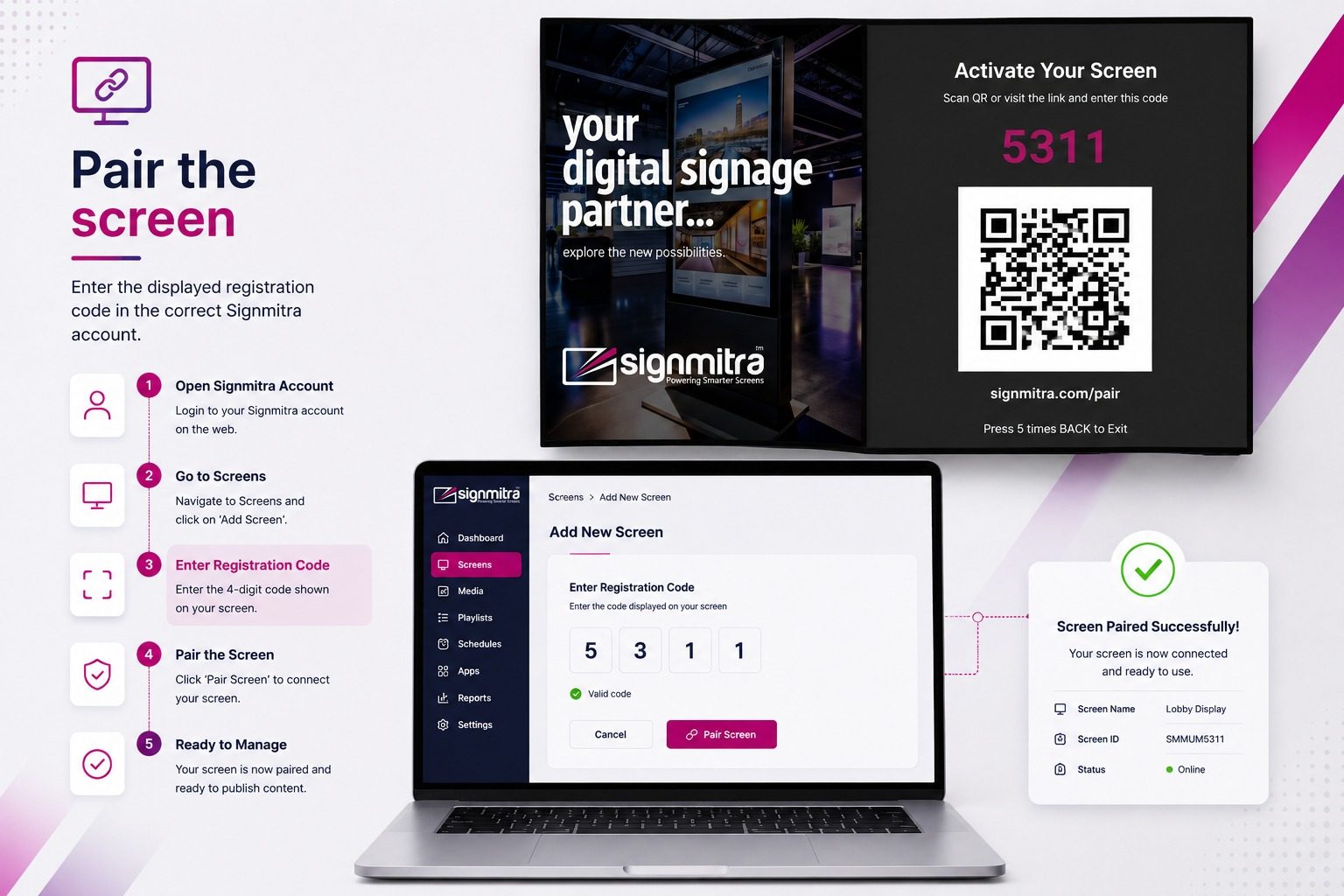
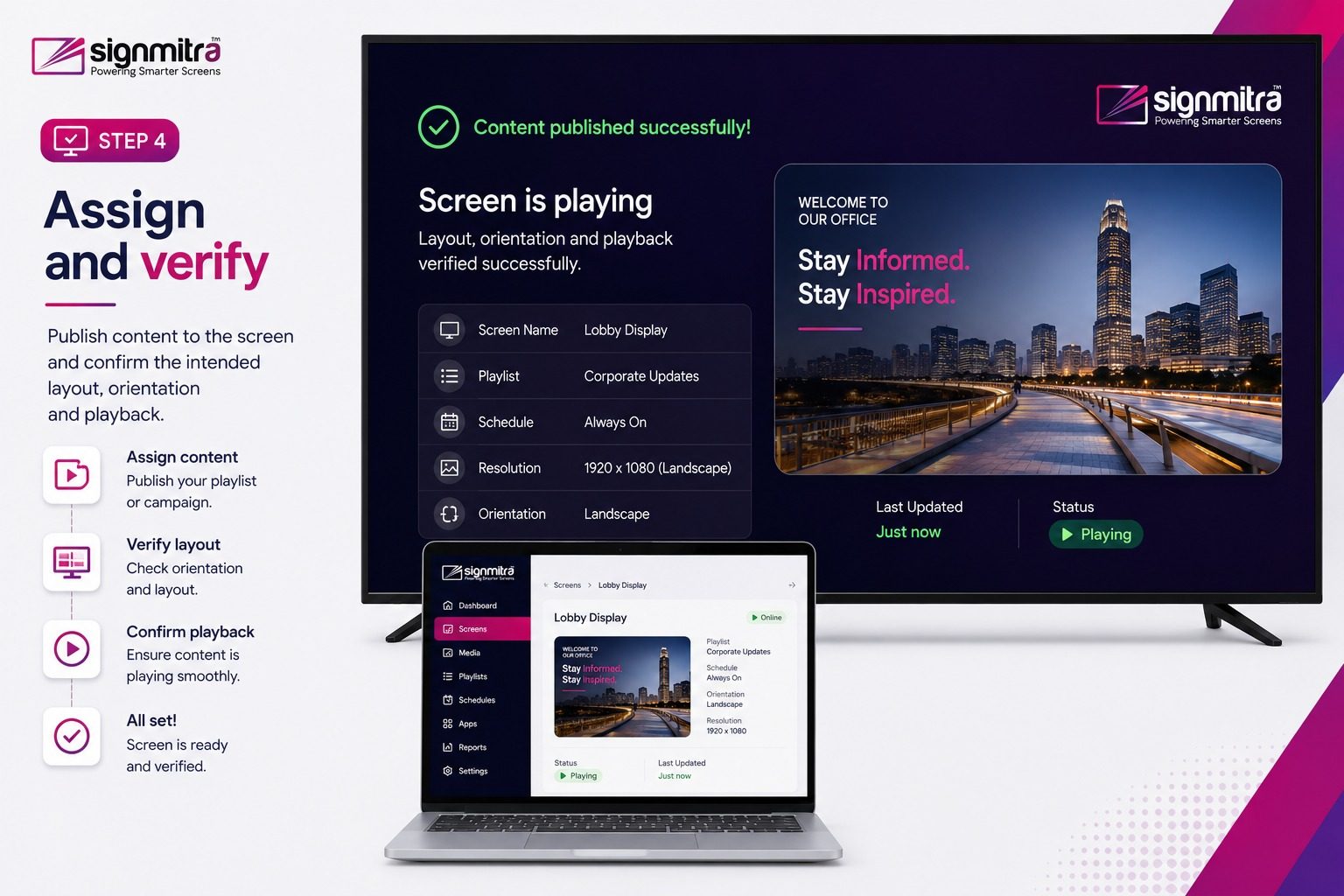
QUICK INSTALLATION FLOW
The controls differ by platform, but the Signmitra registration workflow remains consistent.
QUICK PLAYER SELECTION
Choose based on hardware ownership, maintenance access and validated compatibility.
| Capability | Android / Fire TV | Windows / macOS | Tizen / webOS |
|---|---|---|---|
| Installation | App or guided setup | Managed installer | Model-specific package |
| Typical hardware | TV or compact player | PC, mini PC or Mac | Commercial smart display |
| Architecture choice | Device-dependent | Windows x64; Mac Intel or arm64 | Display model and OS |
| Before rollout | Test device and permissions | Test media and display output | Confirm exact model |
Android / Fire TV
App or guided setupWindows / macOS
Managed installerTizen / webOS
Model-specific packageAndroid / Fire TV
TV or compact playerWindows / macOS
PC, mini PC or MacTizen / webOS
Commercial smart displayAndroid / Fire TV
Device-dependentWindows / macOS
Windows x64; Mac Intel or arm64Tizen / webOS
Display model and OSAndroid / Fire TV
Test device and permissionsWindows / macOS
Test media and display outputTizen / webOS
Confirm exact modelNeed help choosing? Share the exact display or player model, OS version, orientation, connectivity, offline playback or live content needs, and required touch or other peripherals.
PLAYER DOWNLOAD FAQ
A few checks prevent the most common deployment mistakes.
Send the device model and operating-system version for a compatibility review.