Digital Signage Software for Schools & Colleges

Turn Your Campus TV Screens Into Smart Notice Boards.

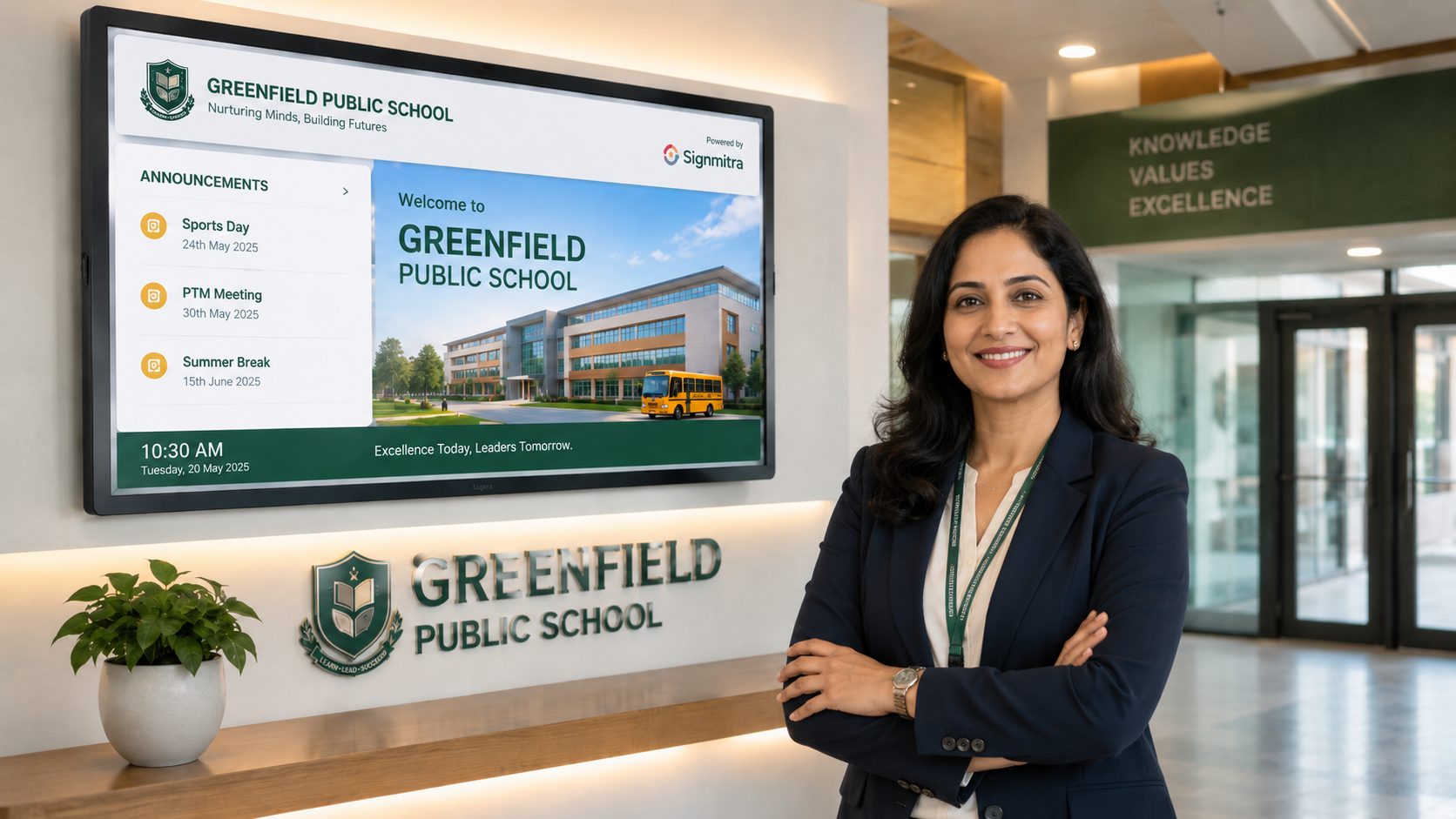
Signmitra helps schools, colleges, coaching institutes and universities display notices, announcements, timetables, events, achievements, emergency alerts, photos, videos and parent information on TV screens from one simple dashboard. No pen drive. No printed notices. No manual screen updates.

Turn Your Campus TV Screens Into Smart Notice Boards.

Smarter Communication for Modern Campuses

15 Days Free Trial
1+ Screen to Start
Cloud Dashboard Control
Offline Playback Support

Your School Notice Board Can Be Digital Now.

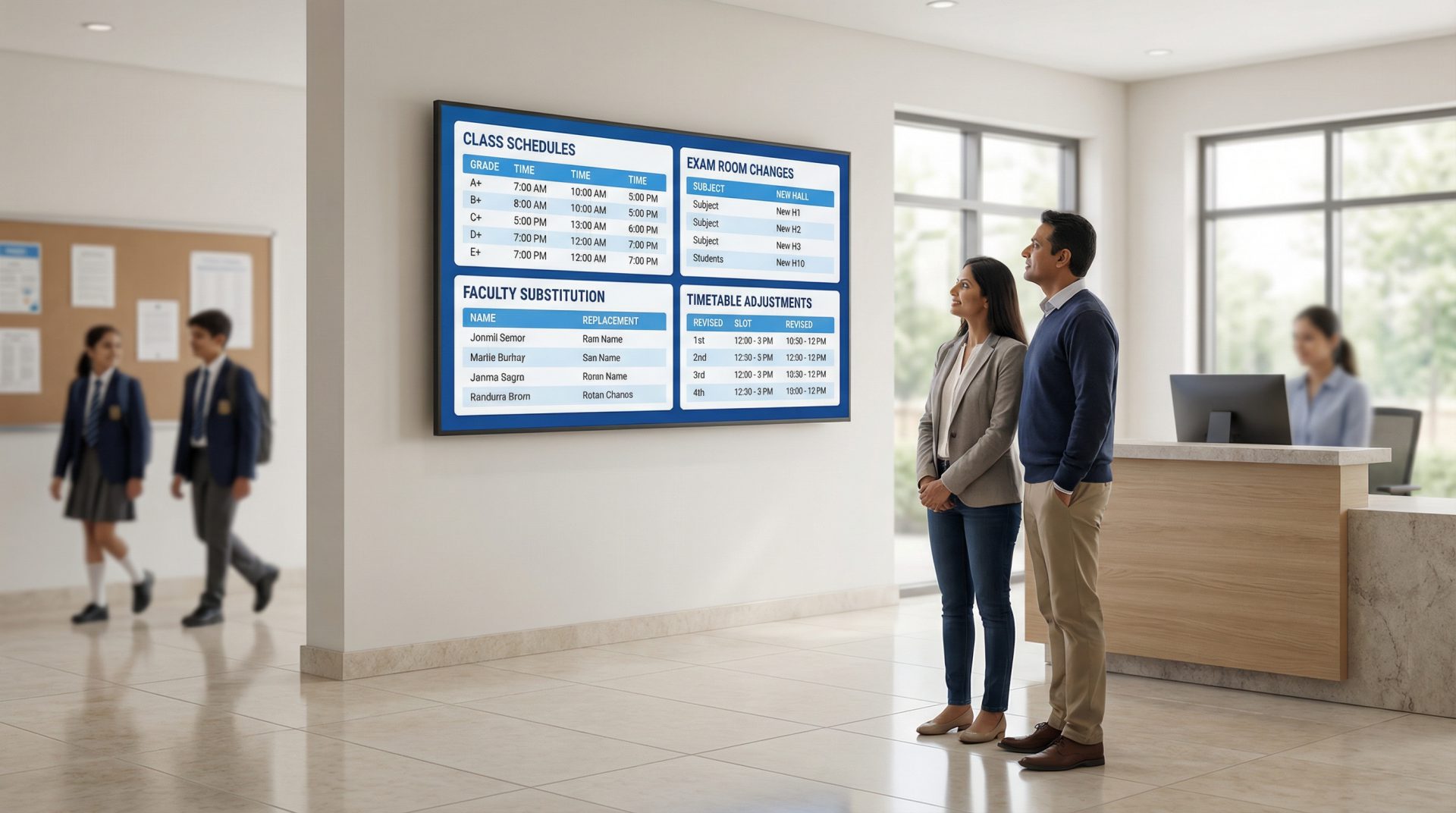
Most schools and colleges still depend on printed notices, WhatsApp forwarding, manual TV updates or pen drives. Signmitra makes campus communication faster by letting your team publish announcements, event updates, circulars and student achievements directly to screens placed in reception, corridors, classrooms, libraries, hostels and admin areas.

Your School Notice Board Can Be Digital Now.

Why Schools & Colleges Use Signmitra

Instant Announcements

Publish notices, circulars and campus updates on all screens instantly.
Timetable & Event Scheduling

Schedule exam dates, class timetables, PTM updates, holidays and event reminders.

Photos & Videos

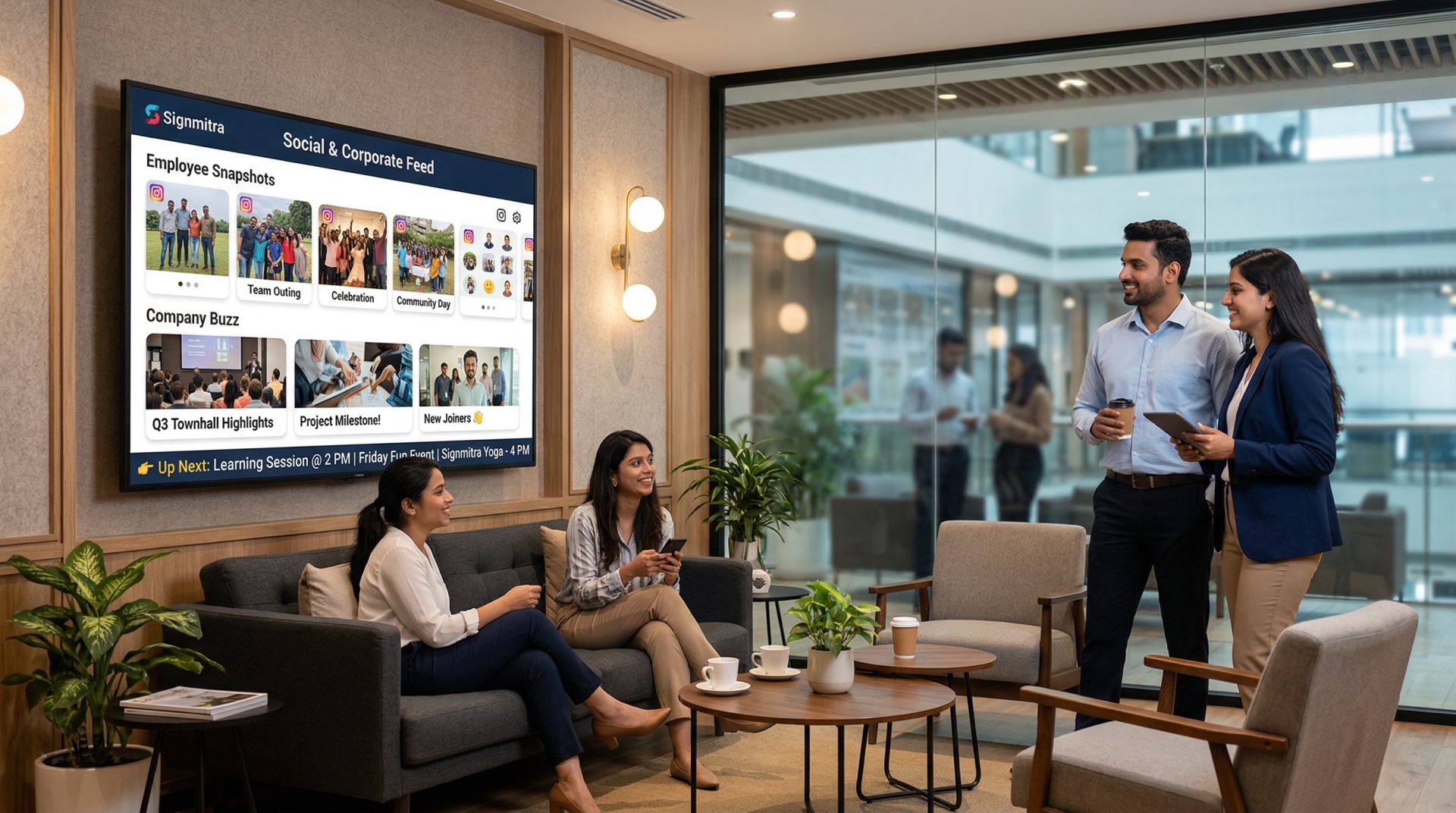
Show student achievements, activities, celebrations, sports, cultural events and reels.

Emergency Alerts

Display urgent messages, safety instructions and important alerts across campus screens.

Central Dashboard

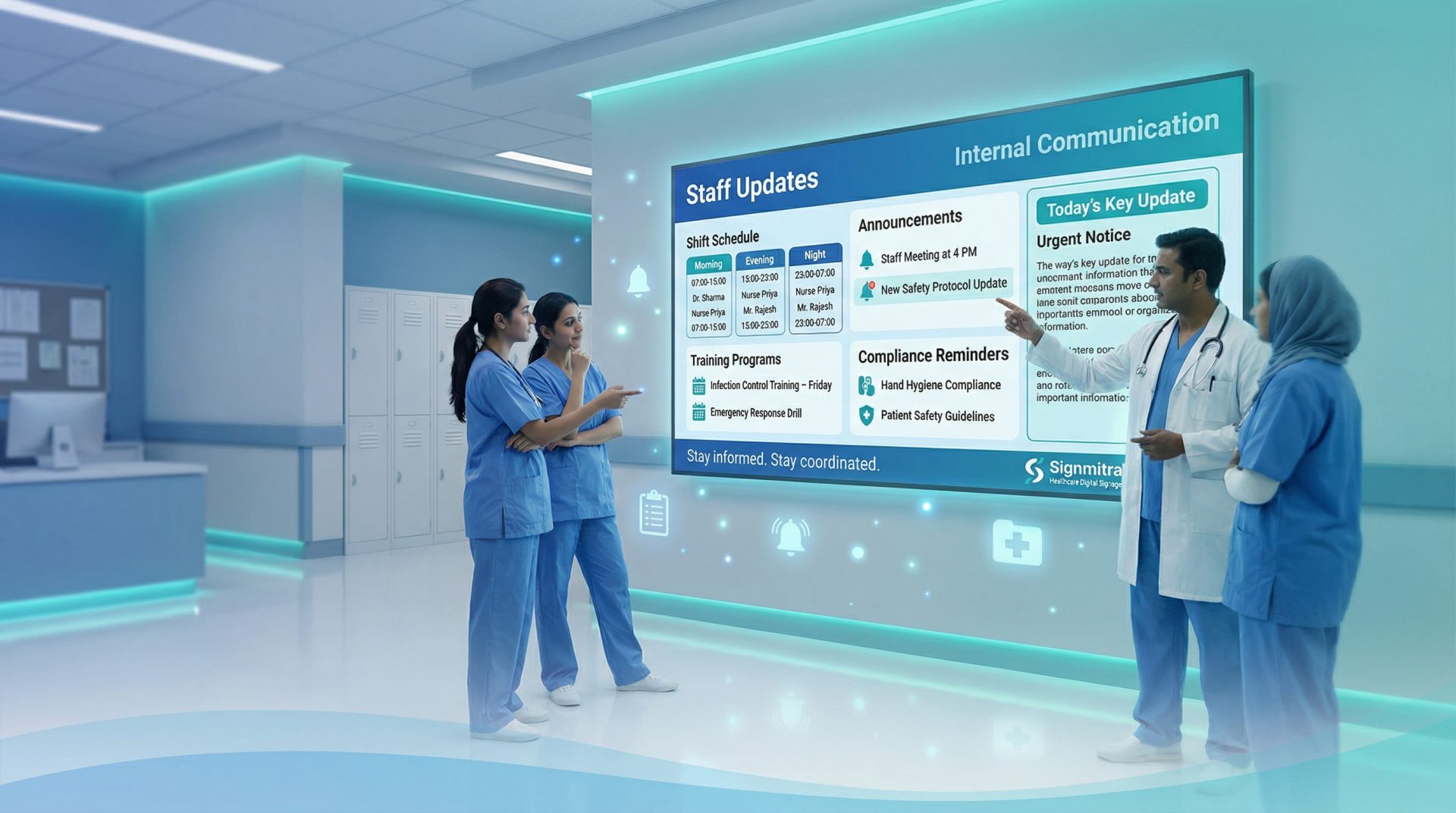
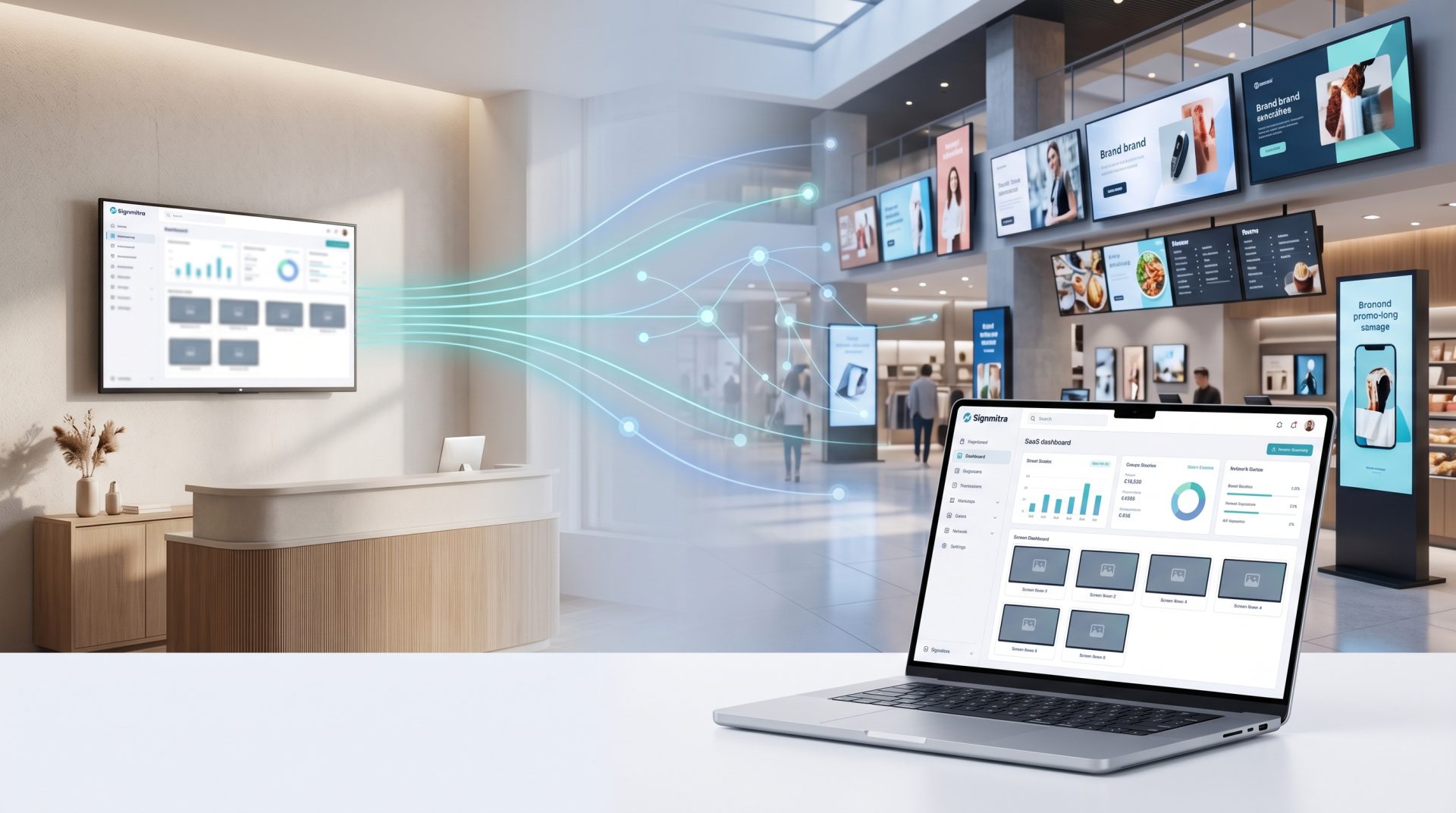
Control screens from office, admin room or management dashboard without pen drives.

Offline Playback

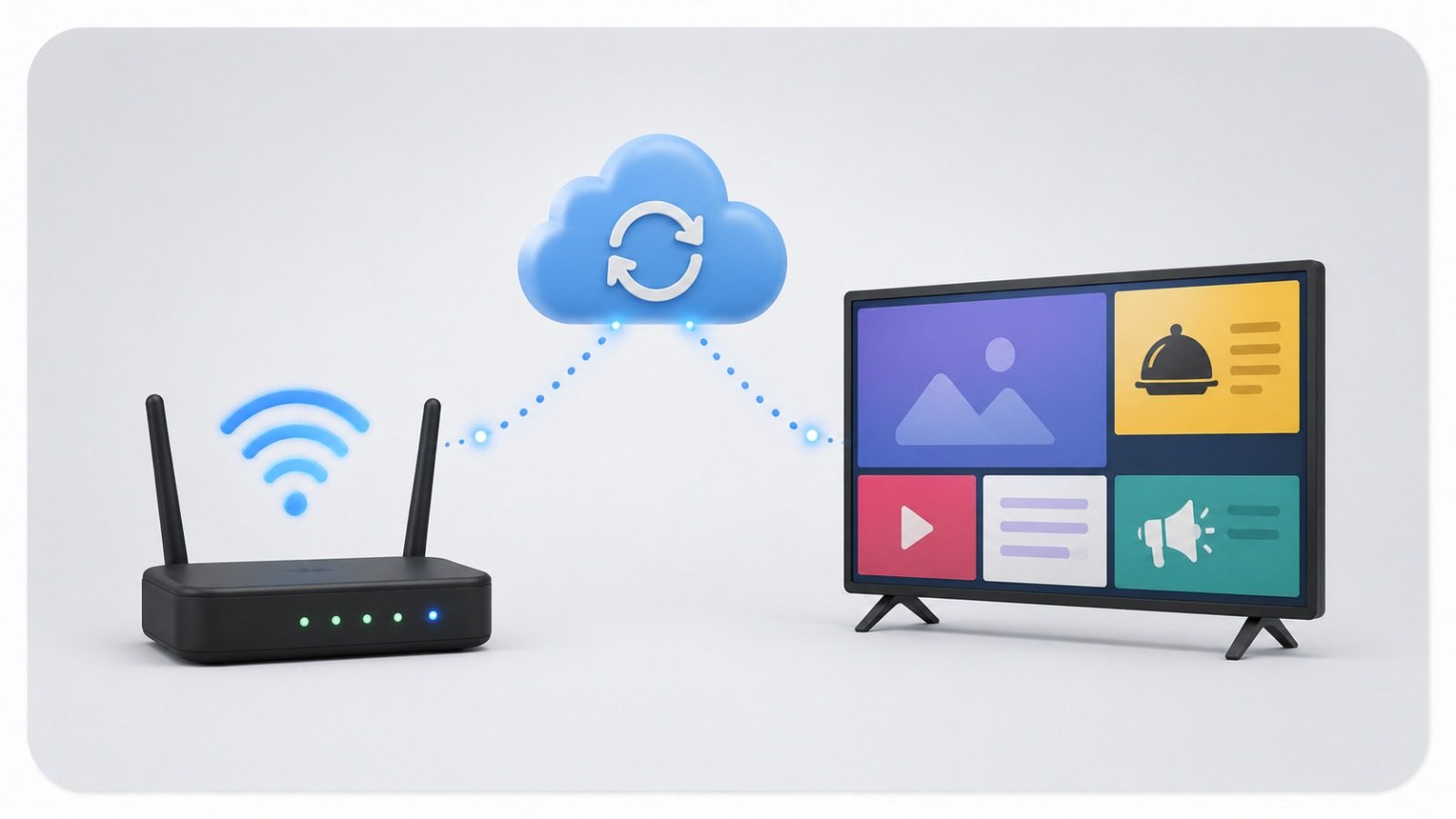
Once synced, screen content continues playing even during temporary internet issues.

How Signmitra Works for Your Campus

  1. 1

    Install Player

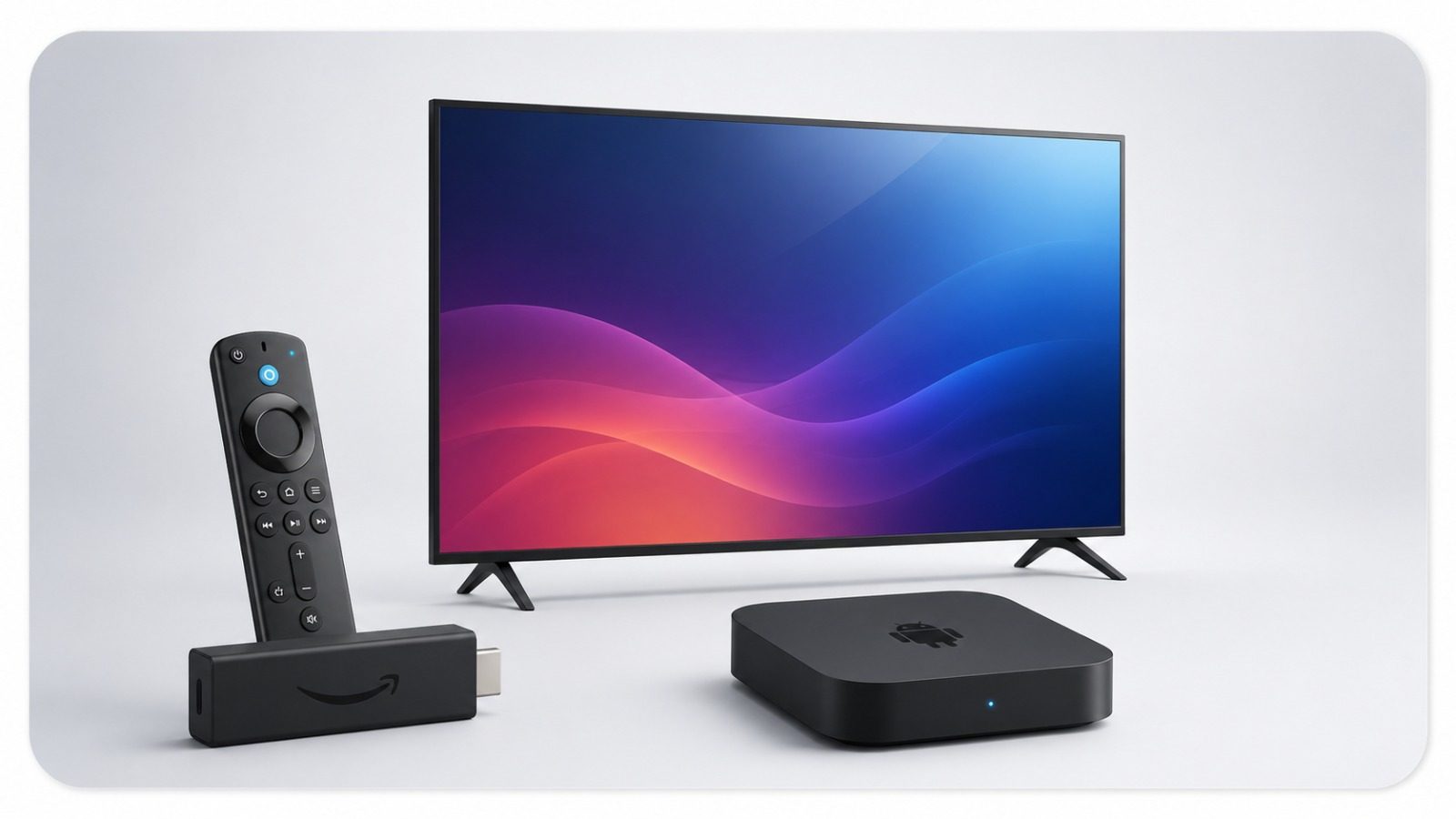
    Install Signmitra Player on your Android TV, Fire TV or Android media player.

  2. 2

    Pair Screen

    Connect your screen with your Signmitra dashboard using a simple pairing process.

  3. 3

    Upload Content

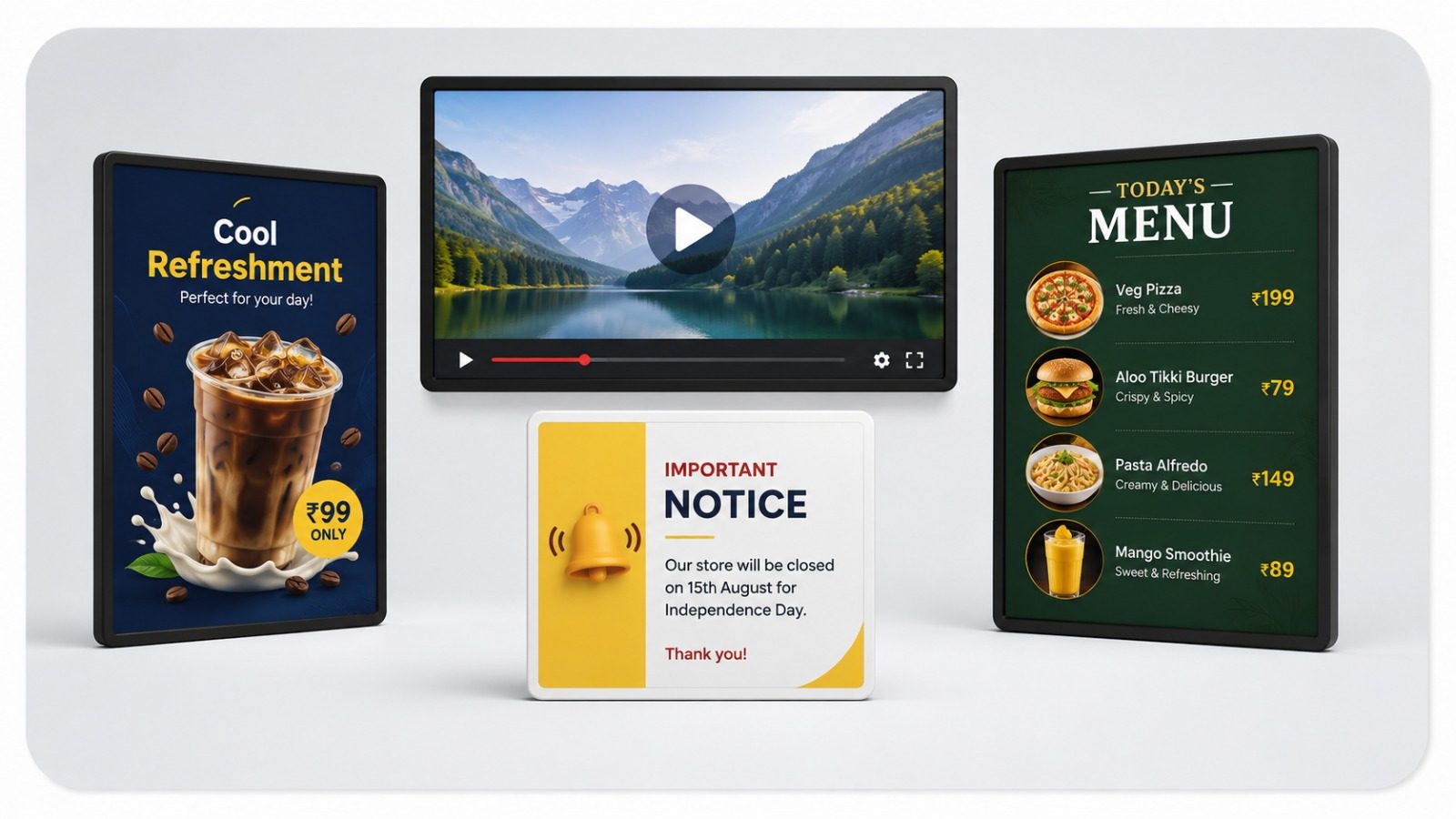
    Upload notices, images, videos, posters, timetables, event creatives or announcements.

  4. 4

    Schedule Display

    Set what content should play on which screen, date and time.

  5. 5

    Manage Remotely

    Update one screen or multiple campus screens without visiting each location.

Choose a Plan for Your School or College

Start 15 Days Free No credit card • Cancel anytime
Start Free →
Billing cycle:
# of screens:
1

Basic

299 Temporary offer
199/mo.

per screen

Total billed monthly: ₹ 199 (incl. GST)
  • Best for small shops, clinics and offices with simple screen content.
  • Images + Video playback
  • Basic Templates
  • Simple Scheduling
  • Clock + Weather widget
  • Remote control
  • 2 GB Storage
  • Email Support
  • Ad-Supported

Pro

699/mo.

per screen

Total billed monthly: ₹ 699 (incl. GST)
  • Best for brands, franchises and professional screen networks.
  • 10 Users
  • WallCanvas - Videowall
  • Advanced analytics
  • Device monitoring
  • Multi-user access
  • AI Creator
  • 20 GB Storage
  • Fast support
  • Ad-Free
Have questions about pricing? Chat with our team on WhatsApp. We usually reply within minutes.

Where You Can Use Digital Signage in Your Campus

Built for Every Education Institution

Display morning notices, admission updates, achievements, activity photos, PTM reminders, house events, exam schedules and safety alerts across school screens. Signmitra helps school teams update information quickly without printing posters or using pen drives.

Schools

Update Every Screen Without Leaving the Admin Office.

Your office team can upload circulars, design notices, publish event posters, change schedules and send urgent alerts to campus screens in minutes. You can manage different content for reception, corridors, classrooms, hostel, library and canteen screens from the same dashboard.

Update Every Screen Without Leaving the Admin Office.

What You Can Display on School & College Screens

Notices

Daily circulars, important updates and admin messages.

Events

Annual day, sports day, seminars, workshops and competitions.

Achievements

Topper results, awards, competitions and student success stories.

Timetables

Class schedules, exam dates, PTM timings and holiday reminders.

Parent Info

Admission notices, fee reminders, meetings and visitor guidance.

Videos

Activity videos, campaigns, learning clips and campus highlights.

Wayfinding

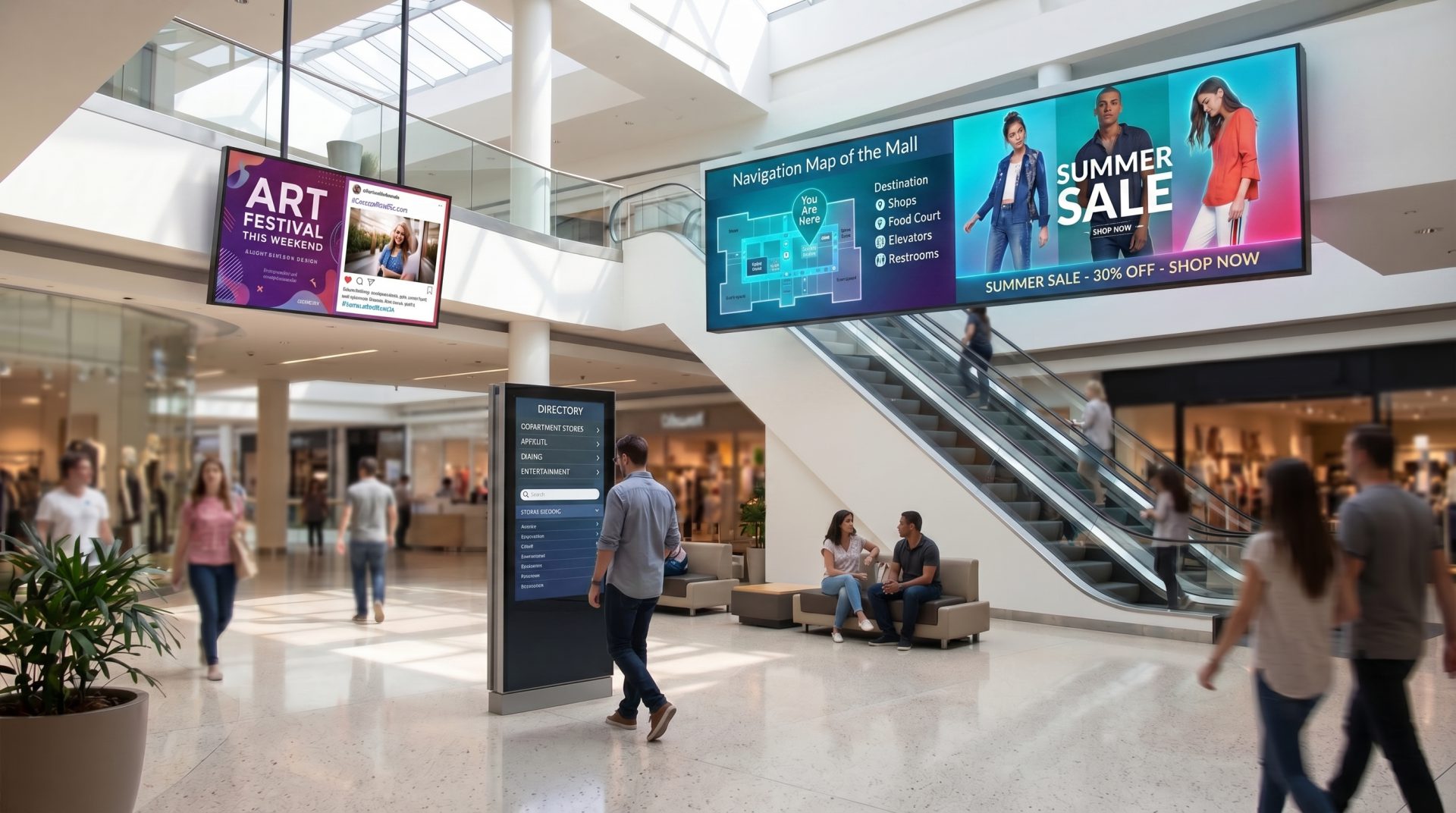
Directions for events, departments, counters and rooms.

Alerts

Emergency messages and safety instructions when needed.

What You Need to Start

Android TV or Player

Android TV or Player

Use an Android TV, Fire TV or Android media player connected to your campus display.

Internet for Sync

Internet for Sync

Internet is required for setup, pairing and syncing new content to screens.

Your Content

Your Content

Upload school notices, videos, event posters, timetables, photos or announcements.

Trusted by Education Teams

Greenfield Public School

"Signmitra made our school communication faster and more organized. Notices, event updates and achievements can now be displayed instantly across campus screens."

Greenfield Public School School Communication Team
Metro Valley College

"Our college reception and department screens are now easier to manage. The dashboard saves time and keeps students informed with current updates."

Metro Valley College Administration Department
BrightPath Coaching Institute

"We use Signmitra for admissions, batch timings and topper announcements. It gives our institute a more professional communication system."

BrightPath Coaching Institute Centre Manager

FAQs - Digital Signage for Schools & Colleges

Still have questions?

Our team is here to help with anything not covered above.

Contact Us

Start Your 15 Days Free Trial for Your Campus

Make your school or college communication faster, smarter and more professional with Signmitra digital signage software.

Need help choosing a plan? 💬
Raghav Verma
Raghav Verma
Raghav Verma Online · Your Digital Signage Expert