FASHION & LIFESTYLE
Turn collections into visual stories
Connect storefront, department and fitting-area screens with launches, styling ideas and campaign media.
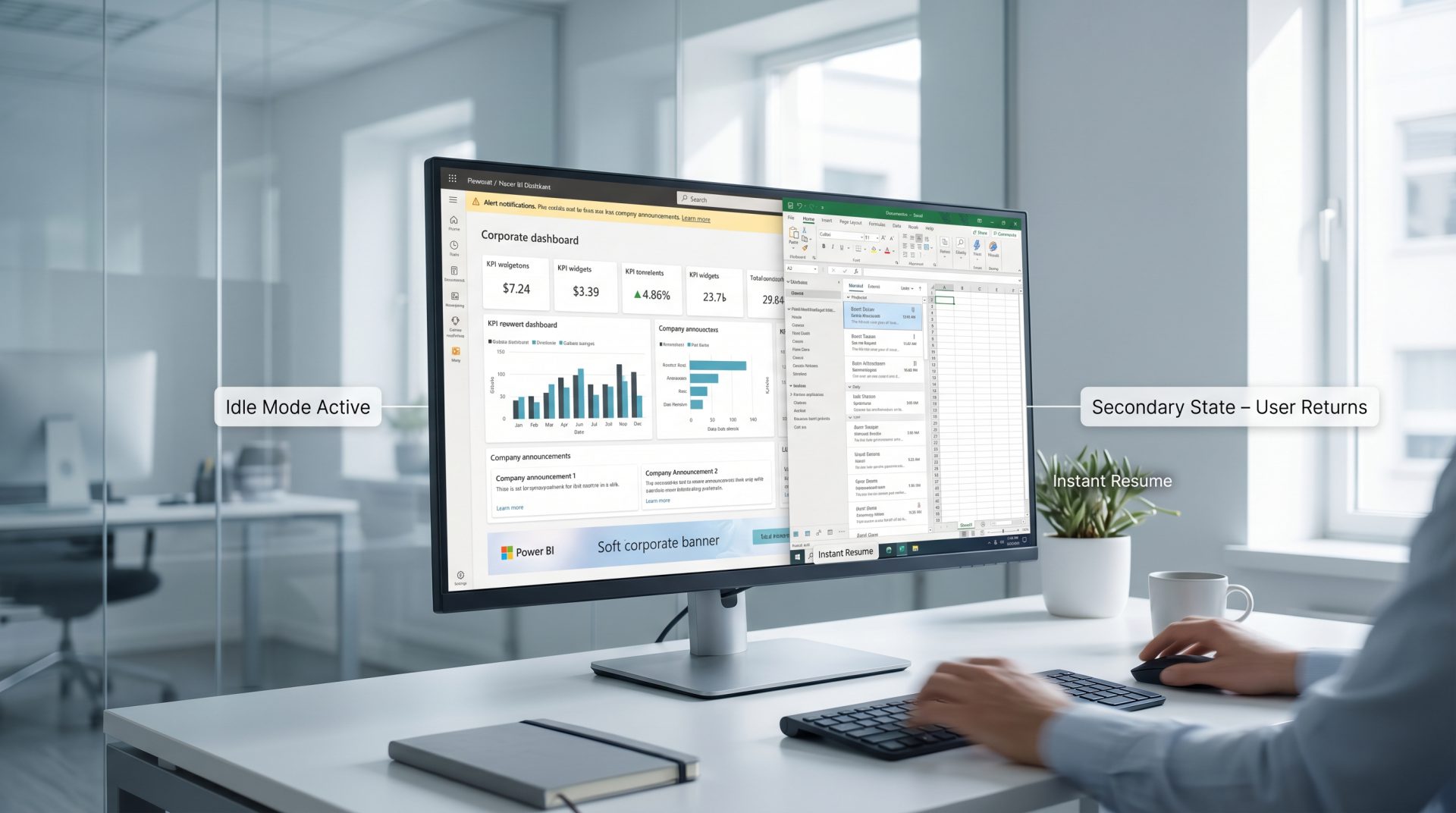
Create, schedule and update promotions, product stories, pricing messages, queue content and store announcements across one shop or an entire retail network from Signmitra's cloud digital signage CMS.

FROM STOREFRONT TO CHECKOUT
Give every display a clear purpose while keeping campaigns coordinated from one central workspace.
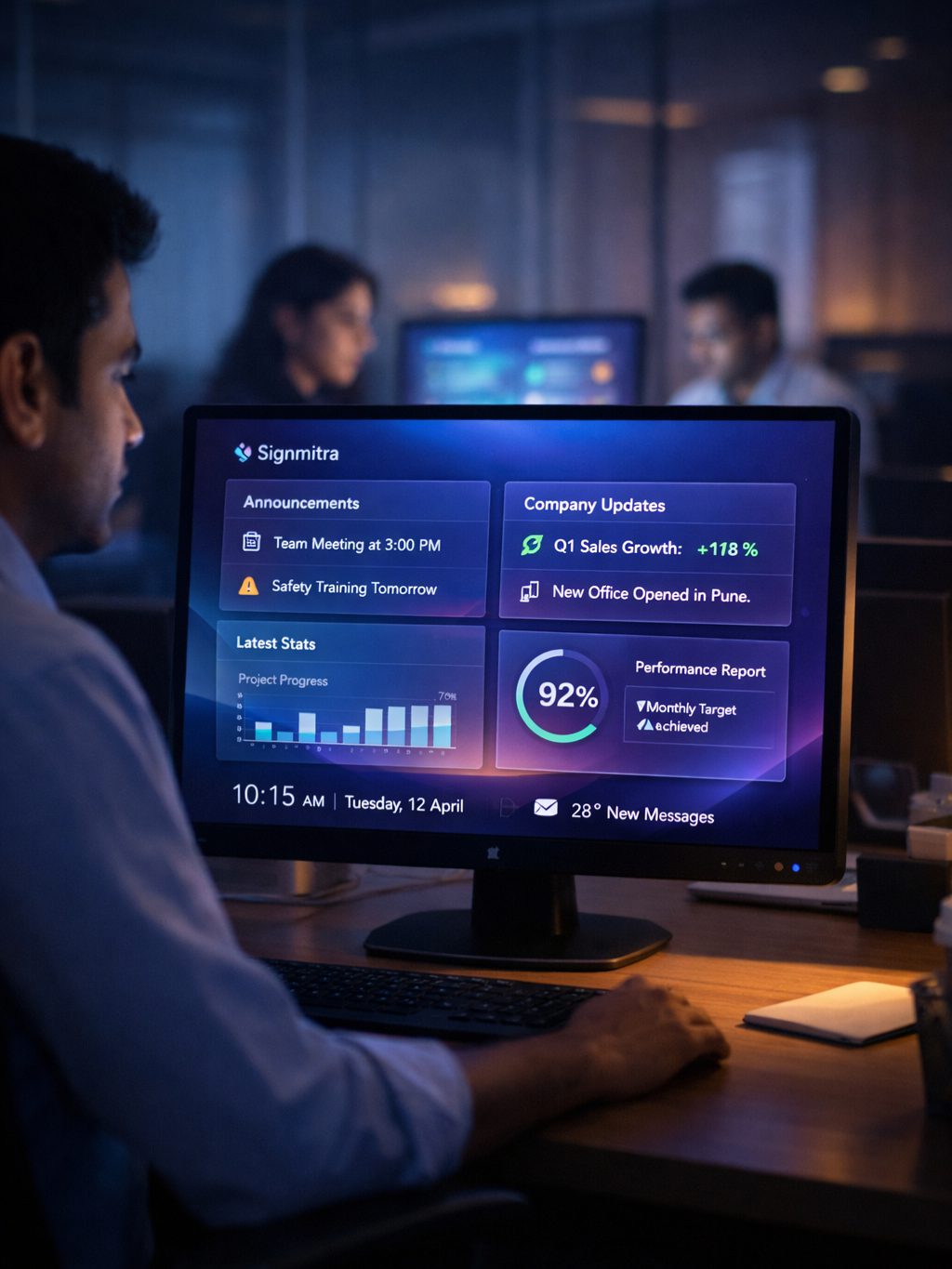
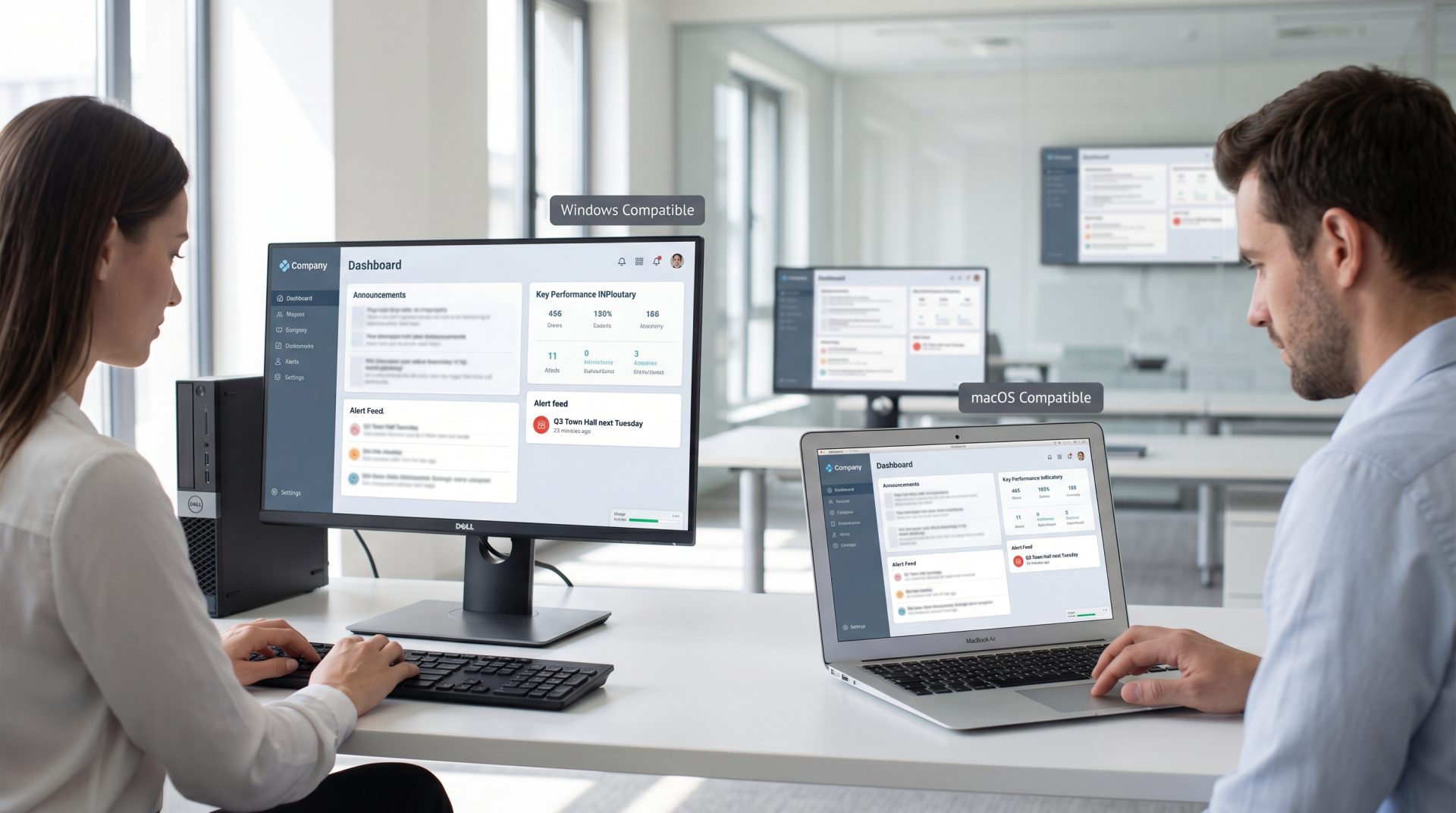
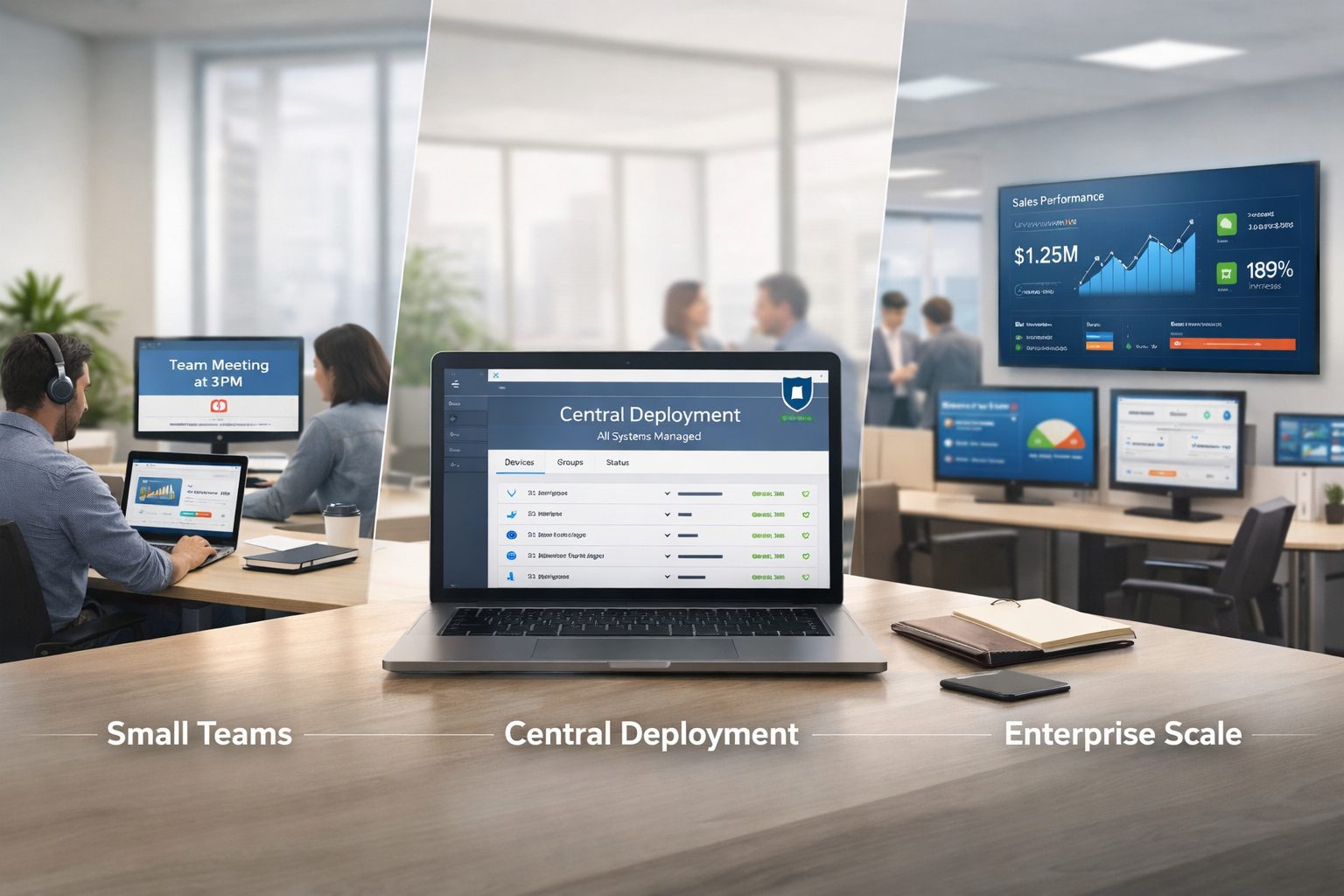
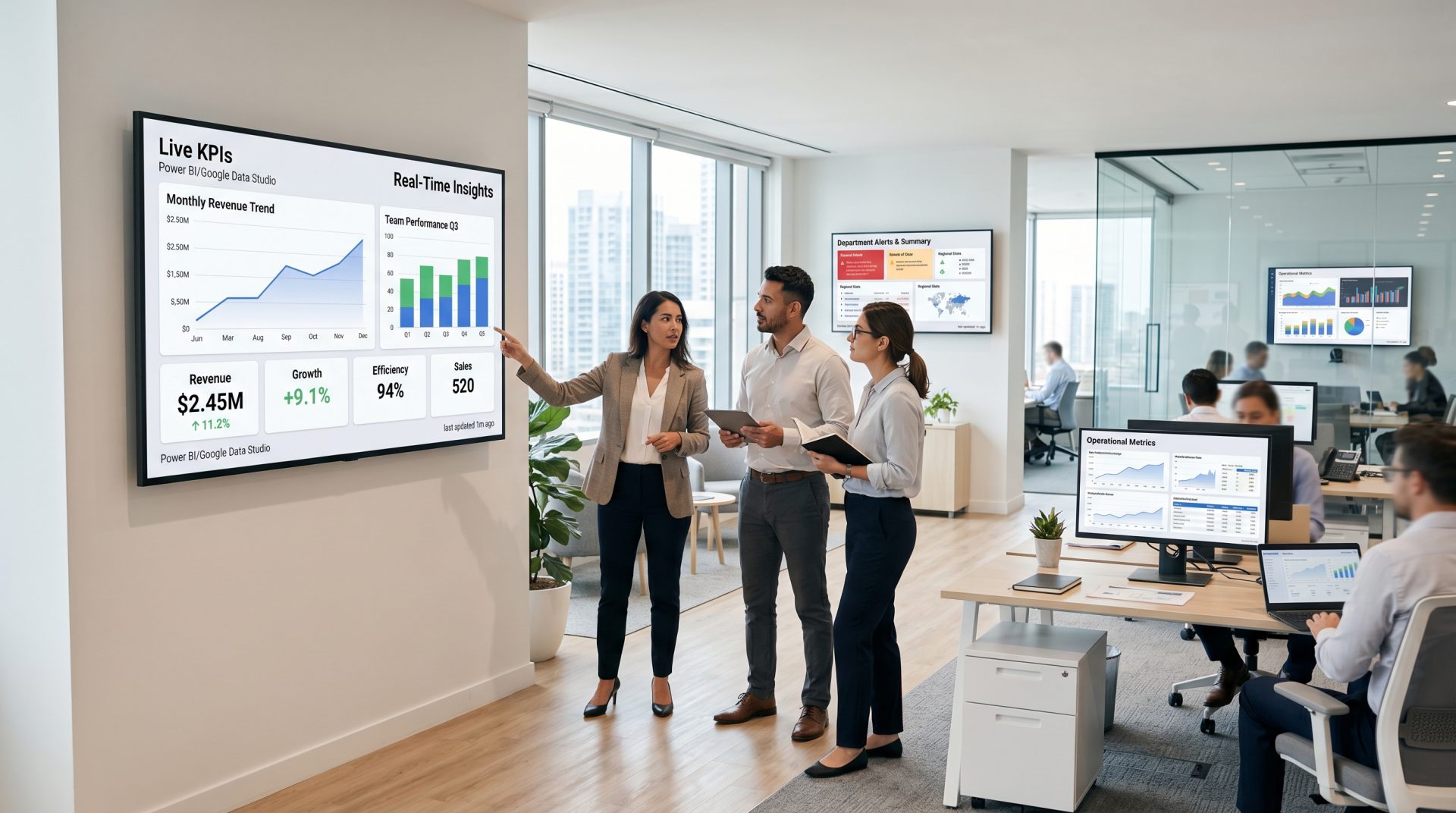
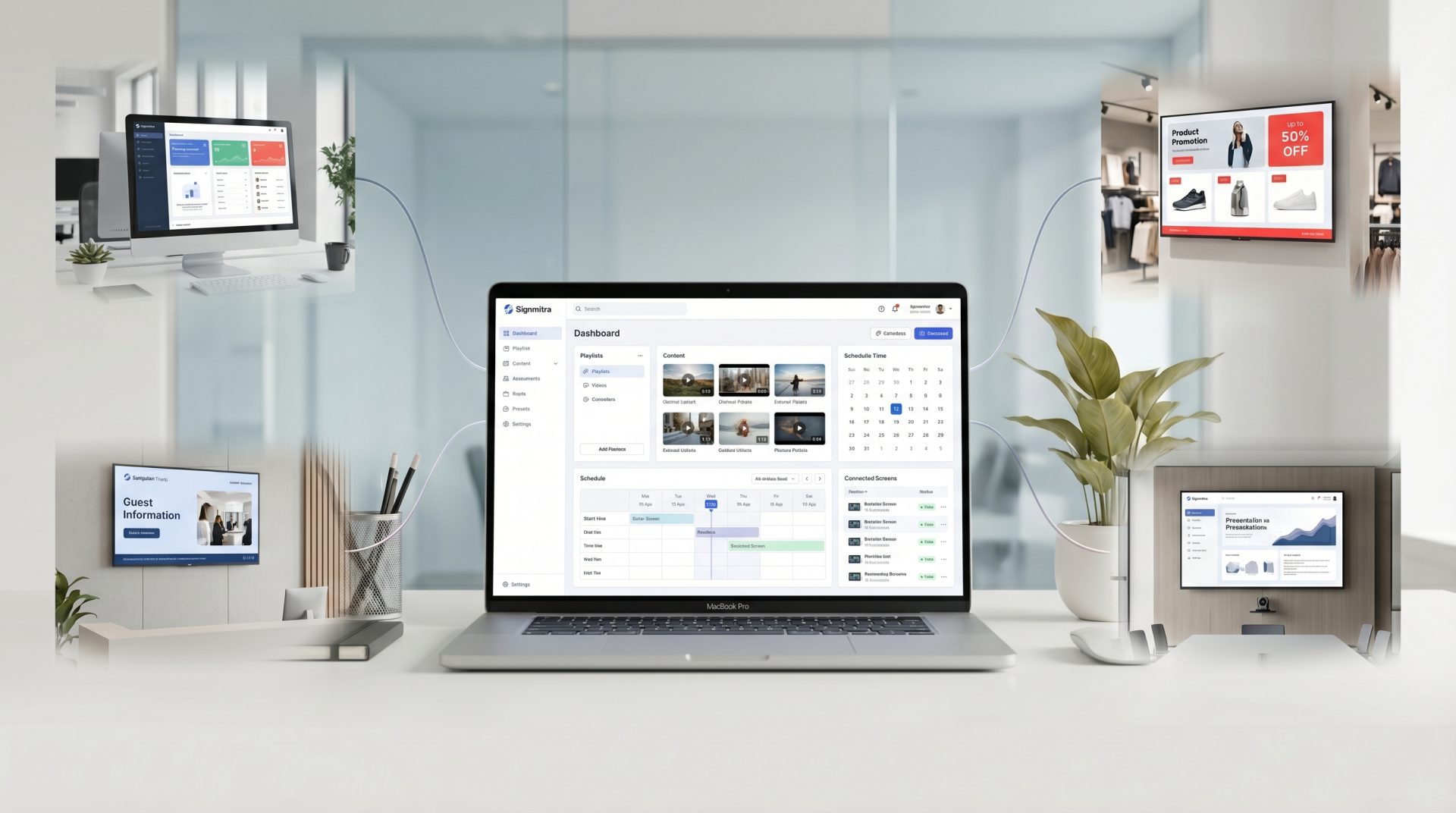
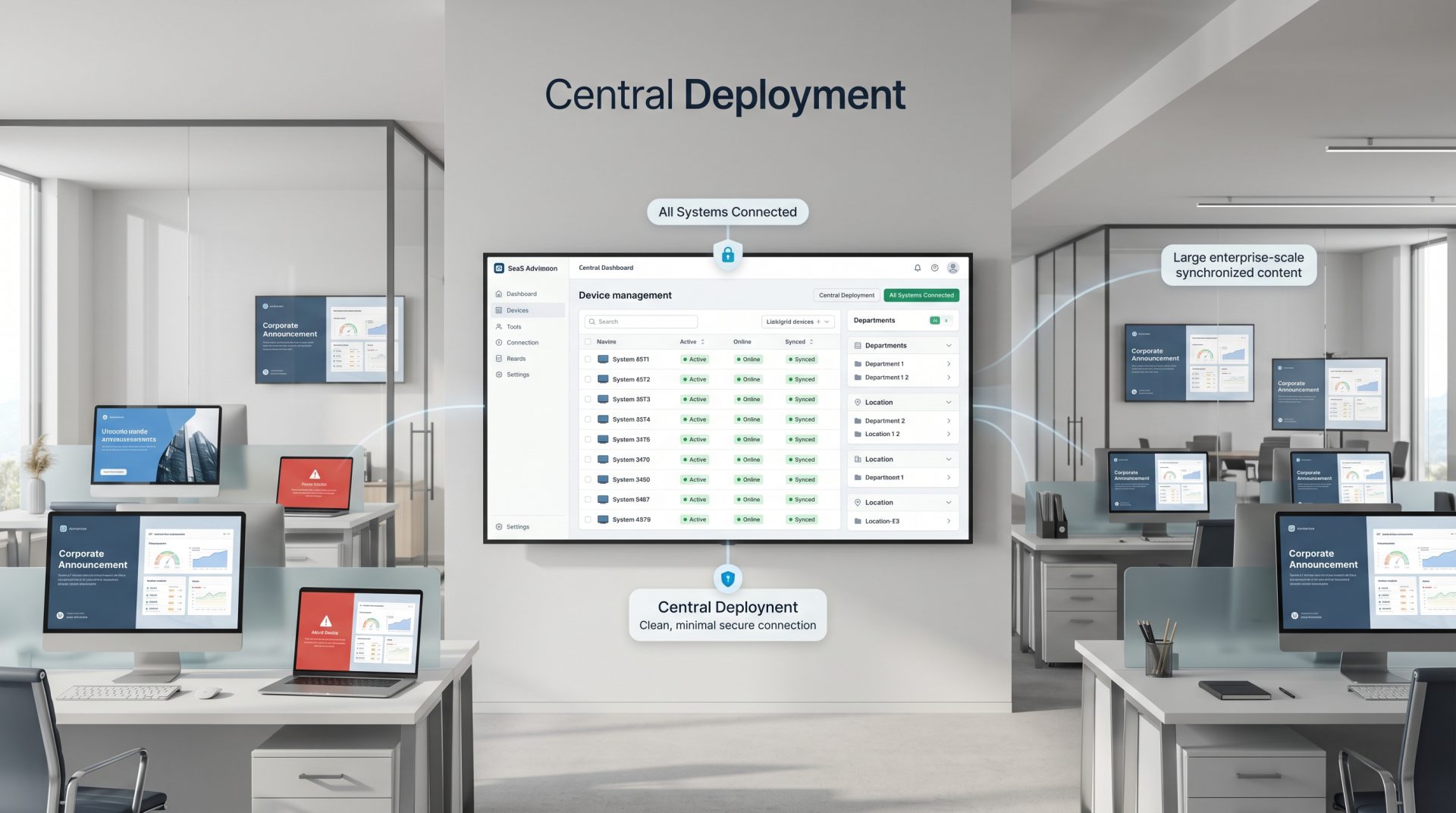
ONE RETAIL CONTENT ENGINE
Structure your screen network around stores, departments, customer moments and campaign schedules.
RETAIL COMMUNICATION THAT MOVES AT STORE SPEED
Retail messaging changes throughout the day: new arrivals need attention, offers have precise dates, queues need guidance and local stores need relevant information. Signmitra lets marketing and operations teams publish approved content remotely instead of treating every display as a separate task.
Group screens by brand, region, store, department or purpose. Schedule national campaigns centrally, give approved local teams controlled publishing access, and keep previously downloaded content playing through temporary internet interruptions.
BUILT FOR DIFFERENT RETAIL FORMATS
Use the same platform while adapting content, governance and customer journeys to each type of store.
FASHION & LIFESTYLE
Connect storefront, department and fitting-area screens with launches, styling ideas and campaign media.
GROCERY & SUPERMARKETS
Daypart promotions, department messages and checkout communication without reprinting every sign.
ELECTRONICS & SPECIALTY
Use rich media, comparisons and demonstrations to support discovery and assisted selling.
CHAINS & FRANCHISES
Give central, regional and local teams the right publishing scope across a growing store network.
THE CONNECTED SHOPPER JOURNEY
Design content around the shopper's next question, decision or action instead of repeating one playlist everywhere.
RETAIL DIGITAL SIGNAGE USE CASES
Explore practical retail workflows your team can coordinate through Signmitra.
Schedule approved campaign creative by start date, end date, weekday or time window. Target selected stores and screen zones so shoppers see relevant offers without every display becoming promotional clutter.
MOVE BEYOND STATIC STORE SIGNAGE
Compare manual signage updates with a centrally managed digital signage workflow.
| Retail communication need | Printed Posters or USB Updates | Signmitra Retail Digital Signage |
|---|---|---|
| Campaign launch | Coordinate each store | Publish remotely |
| Offer expiry | Remove manually | Use scheduled end times |
| Daypart content | Swap by hand | Automate by day and time |
| Multi-store consistency | Difficult to verify | Shared campaigns and templates |
| Local relevance | Managed separately | Role-based local access |
| Rich media | Static artwork | Images, video and supported web content |
| Remote visibility | Requires an on-site check | Review player status remotely |
Printed Posters or USB Updates
Coordinate each storeSignmitra Retail Digital Signage
Publish remotelyPrinted Posters or USB Updates
Remove manuallySignmitra Retail Digital Signage
Use scheduled end timesPrinted Posters or USB Updates
Swap by handSignmitra Retail Digital Signage
Automate by day and timePrinted Posters or USB Updates
Difficult to verifySignmitra Retail Digital Signage
Shared campaigns and templatesPrinted Posters or USB Updates
Managed separatelySignmitra Retail Digital Signage
Role-based local accessPrinted Posters or USB Updates
Static artworkSignmitra Retail Digital Signage
Images, video and supported web contentPrinted Posters or USB Updates
Requires an on-site checkSignmitra Retail Digital Signage
Review player status remotelyDynamic pricing, inventory, queue and analytics use cases depend on compatible data sources and separately scoped integrations. Review Your Retail Requirements
RETAIL SCREEN-MANAGEMENT CAPABILITIES
Keep campaign control, local publishing and day-to-day screen management in one structured workflow.
Cloud content management. Manage media, playlists, schedules and displays through a browser-based CMS.
Campaign scheduling. Set dates, recurring time windows and daypart rules for retail content.
Store and zone targeting. Publish to selected regions, locations, departments or display groups.
Role-based access. Align central, regional and local permissions with publishing responsibility.
Multi-zone layouts. Combine campaigns, tickers, product information and supported live content.
Flexible media support. Publish images, video, slides, web pages and other supported content.
Offline playback. Previously downloaded media can continue during a temporary connection interruption.
Remote player status. Identify screens that may need operational attention without visiting every store.
Scalable screen groups. Extend a repeatable campaign structure from one shop to a growing store network.
FROM PILOT STORE TO RETAIL NETWORK
Begin with the customer journey, prove the workflow and then scale a repeatable operating model.
Define what shoppers need at the storefront, department, service area and checkout.
Confirm display placement, orientation, brightness, connectivity and compatible player hardware.
Set templates, approval rules, screen groups, schedules and central-versus-local ownership.
Test a representative store, improve the workflow and roll out with clear support responsibility.
CENTRAL CONTROL, LOCAL RELEVANCE
National and regional teams can maintain approved brand campaigns while local users receive access only to the stores and content responsibilities assigned to them. This creates room for local events, opening information and community messages without weakening campaign governance.
Signmitra supports the content and screen-management workflow. Your retail team remains responsible for campaign approvals, price accuracy, offer conditions, customer data, accessibility and any legal or regulatory review.
RETAIL DIGITAL SIGNAGE FAQ
Clear answers for marketing, store operations and IT teams evaluating retail signage.
Tell us about your locations, customer journey, content workflow and existing displays.
Start with one display or book a guided demo to plan a multi-store retail digital signage rollout.

