Guide every guest with a polished live event directory
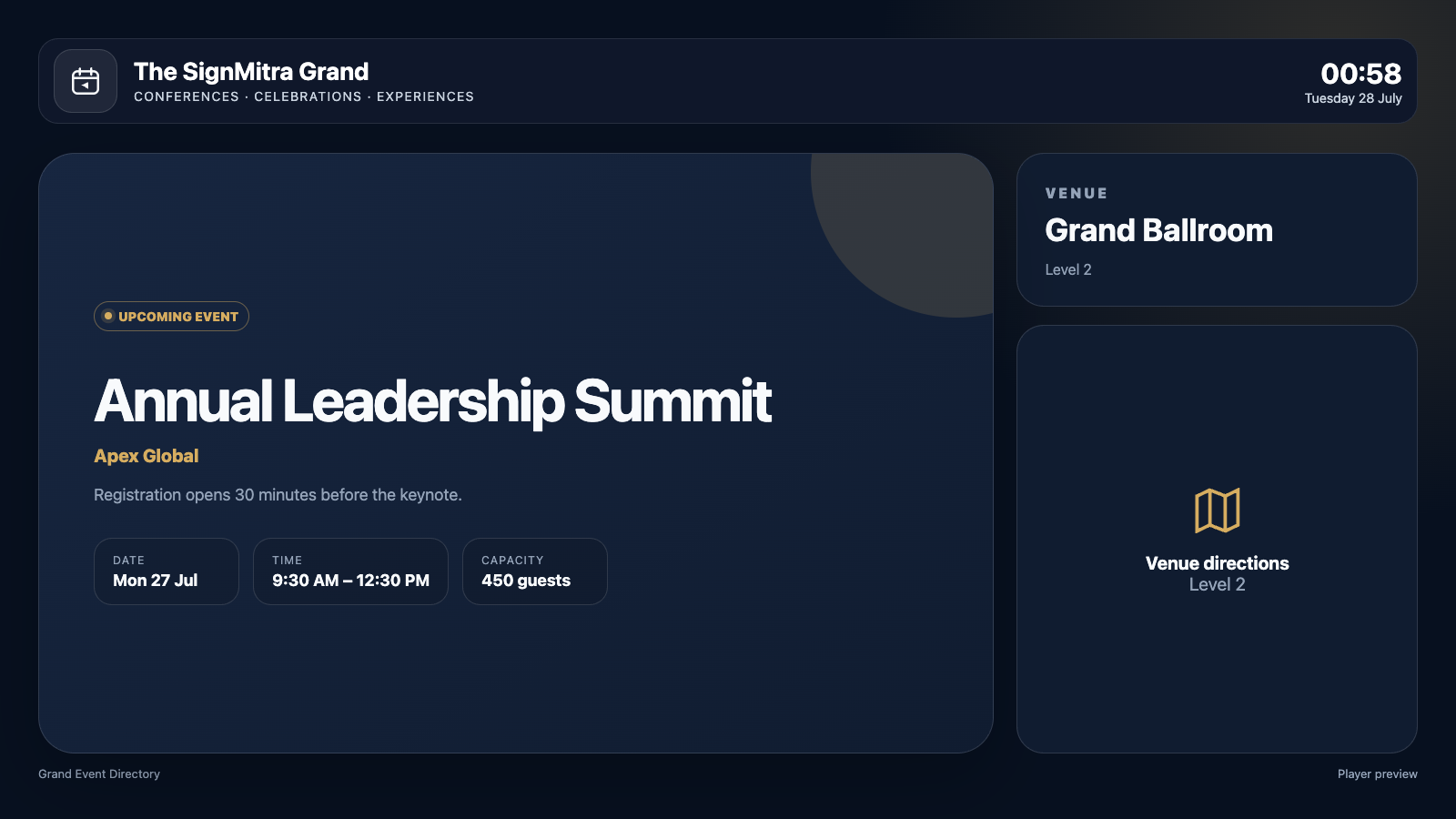
Manage meetings, rooms, firms, schedules, capacity, logos and direction images from the dashboard for professional venue signage.
BUILT FOR REAL SIGNAGE WORKFLOWS
See Event Vista in action
Manage meetings, rooms, firms, schedules, capacity, logos and direction images from the dashboard for professional venue signage.
Ideal for: Hotels, conference centres, corporate offices, campuses and event venues.
APP FEATURES
Everything needed for a dependable screen experience
Configure the app centrally, preview the result and publish it through the same SignMitra workflow used by the rest of your content.
Scheduled event directory
Show the correct upcoming, live and completed status based on event date and time.
Meeting details
Manage room, firm, floor, description, capacity and session timing.
Venue branding
Display the property logo at a controlled, uncropped size.
Event identity
Add firm or event logos without overwhelming the schedule.
Directions image
Include a map or wayfinding graphic for each meeting.
Landscape and portrait
Use professional layouts across lobby screens and vertical kiosks.
PRODUCT VIEWS
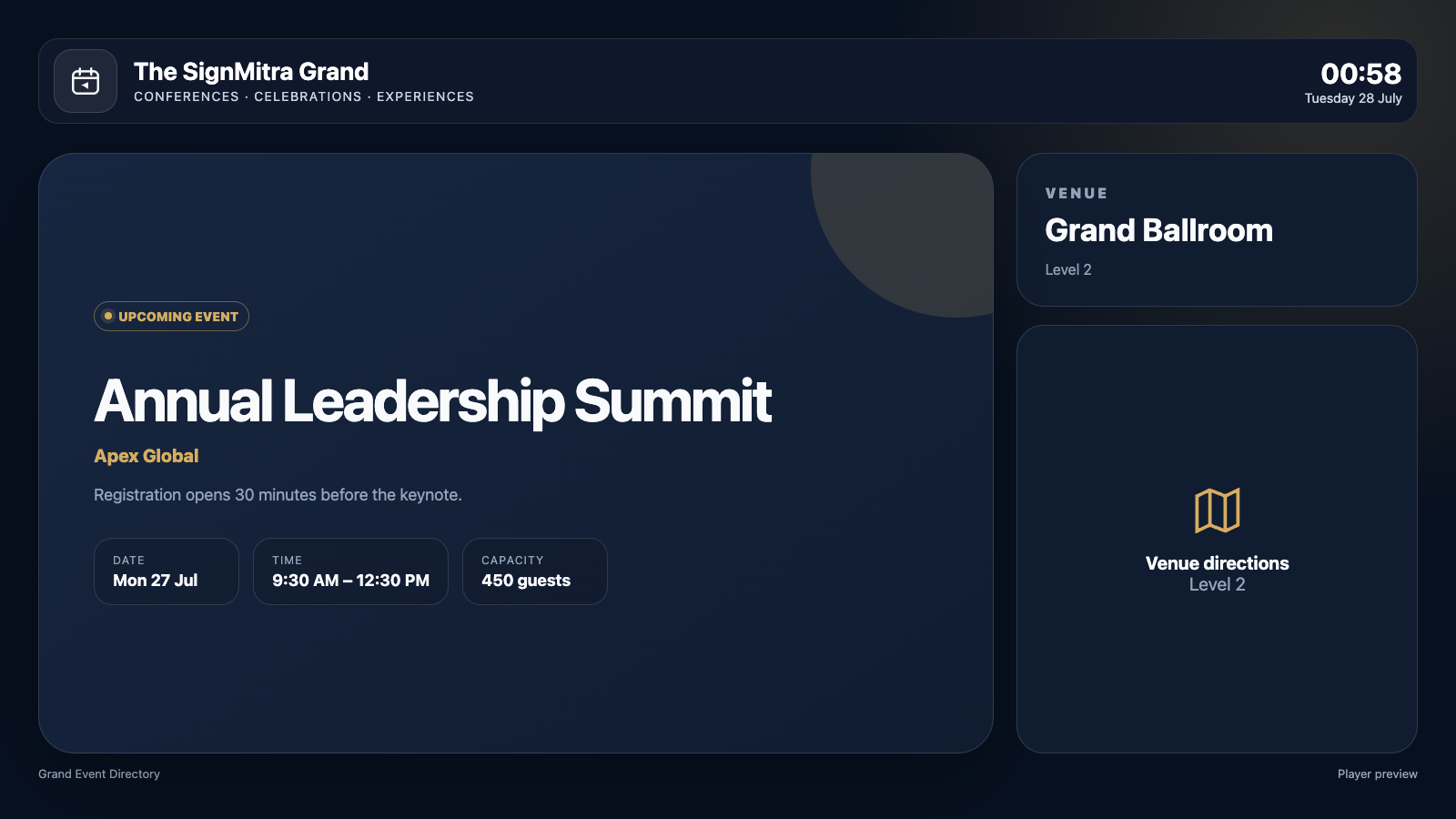
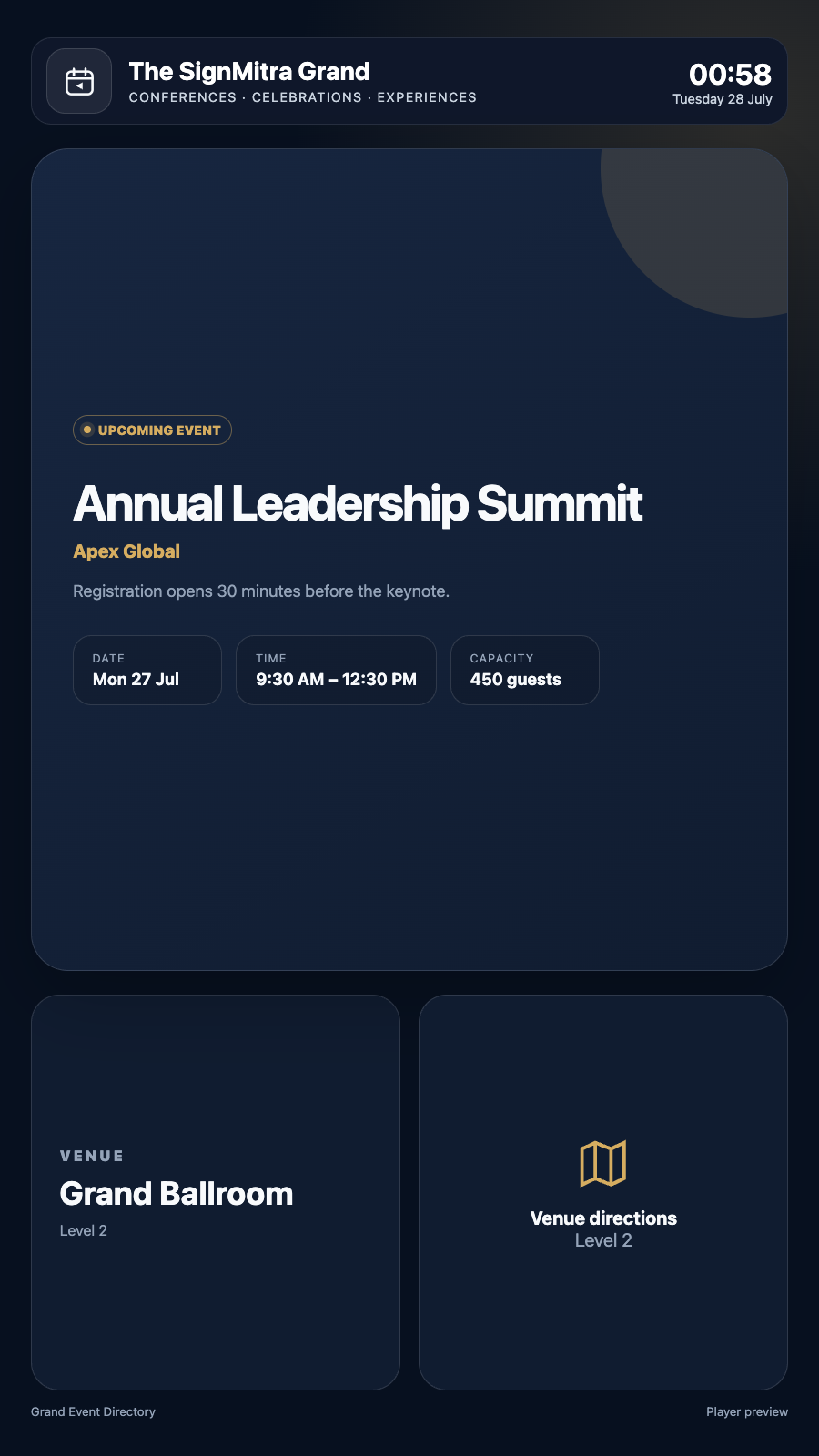
Designed for landscape, portrait and managed previews
Responsive presentation keeps important information readable across browser players, Android players, Android TV and compatible smart-TV environments.
Event Vista actual landscape player view Event Vista actual alternate layout view Event Vista actual portrait player view POPULAR USE CASES
Where Event Vista adds value
Use the app as a full-screen experience or combine it with other widgets in a multi-zone SignMitra composition.
Hotel event lobbies
Show conferences, weddings and meetings scheduled for the day.
Corporate reception
Direct visitors to rooms, floors and hosted sessions.
Conference centres
Keep multi-room schedules visible and current.
Campus events
Guide attendees to lectures, ceremonies and activity spaces.
QUICK SETUP
Publish in three straightforward steps
FREQUENTLY ASKED QUESTIONS
Event Vista questions
Need help planning this app for your screens?
Our team can recommend the right layout, player and rollout workflow.
Ready to use Event Vista on your screens?
Start a free SignMitra trial or book a guided demonstration for your use case.

