Targeted delivery. Send an alert to selected screens, groups or locations.
Emergency & Safety Digital Signage App
Publish urgent alerts to the right screens in seconds
Create immediate or scheduled alerts for selected screens and groups with clear severity, timing and targeted delivery.
Start 15-Day Free Trial
No credit card required
Book a Demo
BUILT FOR MANAGED SCREEN NETWORKS
Alert Center at a glance
A focused view of the capabilities teams use most.
Targeted delivery
Send an alert to selected screens, groups or…
Immediate publishing
Override normal communication quickly when attention is required.
Scheduling and timer
Plan alerts in advance and automatically stop them…
Severity styling
Use clear visual treatments for information, warning and…
BUILT FOR REAL SIGNAGE WORKFLOWS
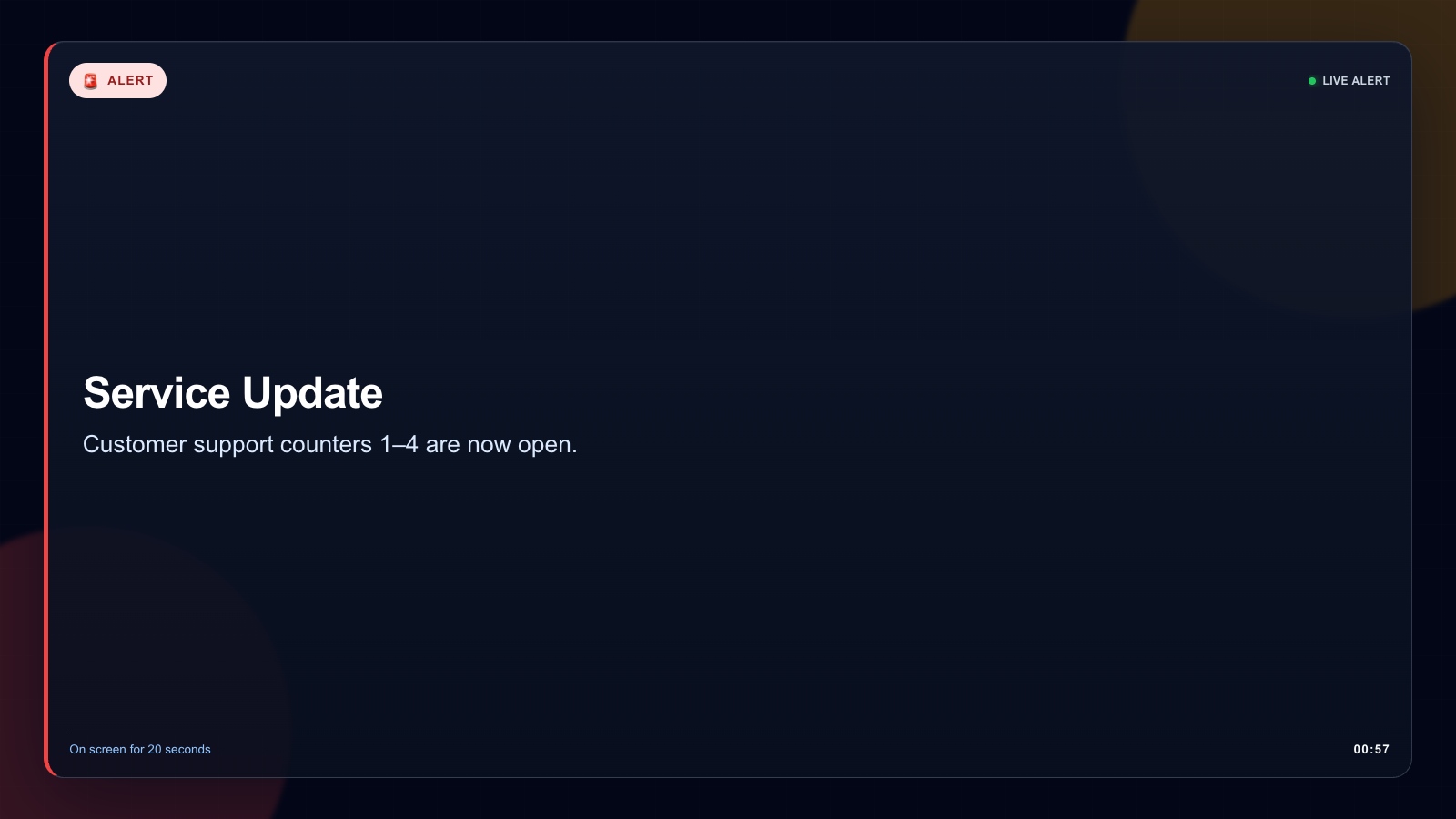
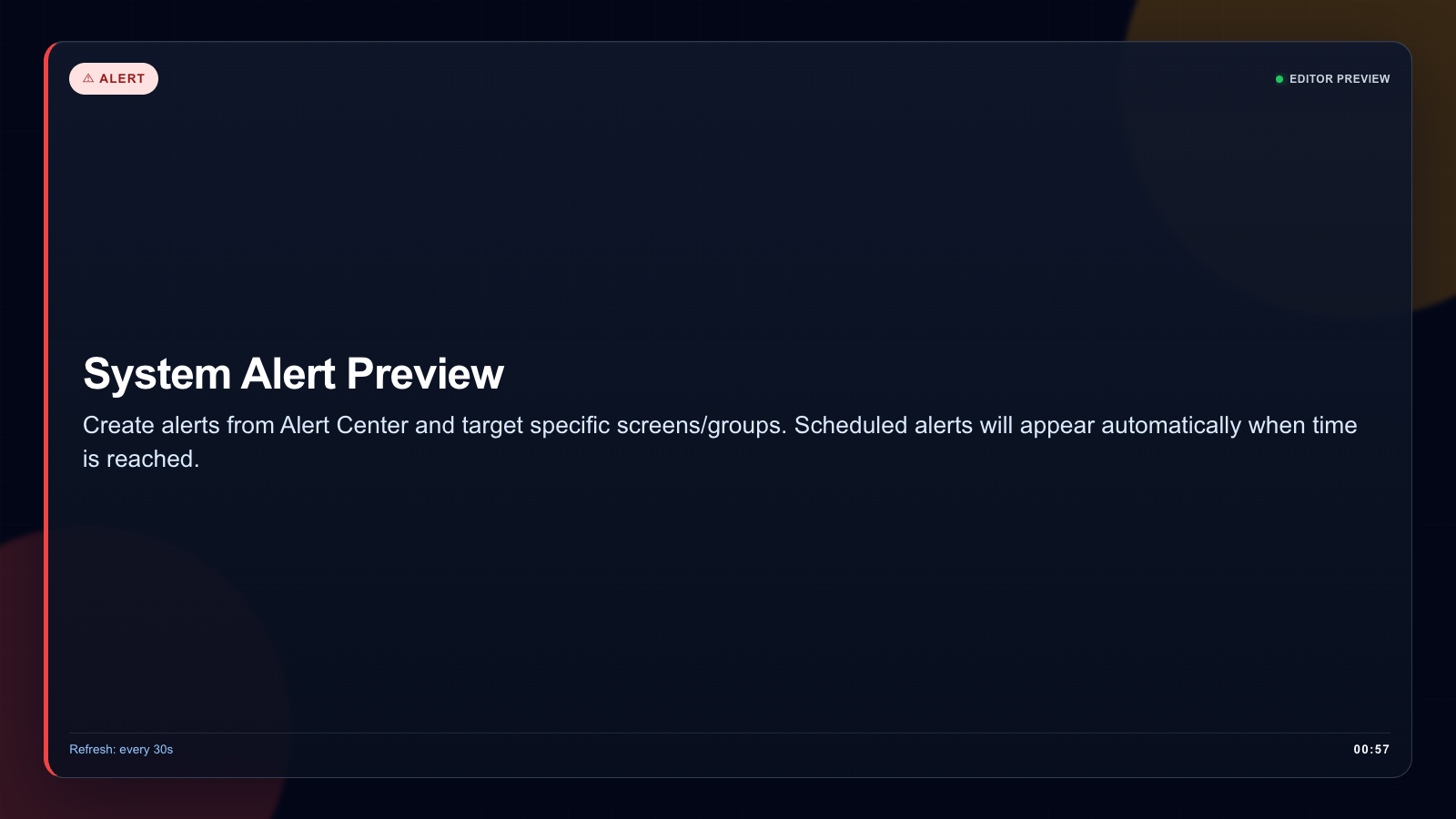
Alert Center on a real SignMitra screen
Create immediate or scheduled alerts for selected screens and groups with clear severity, timing and targeted delivery.
Designed for: Enterprises, schools, hospitals, factories, campuses and public facilities.
APP FEATURES
What makes Alert Center useful
Each capability is designed around the way enterprises, schools, hospitals, factories, campuses and public facilities manage and publish screen content.
Immediate publishing. Override normal communication quickly when attention is required.
Scheduling and timer. Plan alerts in advance and automatically stop them at the right time.
Severity styling. Use clear visual treatments for information, warning and critical messages.
Central control. Manage active and upcoming alerts from a dedicated dashboard.
Playback-safe behaviour. Alerts coexist with the player workflow without damaging playlists.
WHY USE THE APP WORKFLOW
A clearer way to manage alert center content
Compare disconnected screen updates with a purpose-built SignMitra app workflow.
| Alert Center need | Separate manual process | With SignMitra Alert Center |
|---|---|---|
| Targeted delivery | Handled as a separate or manual task | Send an alert to selected screens, groups or locations. |
| Immediate publishing | Handled as a separate or manual task | Override normal communication quickly when attention is required. |
| Scheduling and timer | Handled as a separate or manual task | Plan alerts in advance and automatically stop them at the right time. |
| Severity styling | Handled as a separate or manual task | Use clear visual treatments for information, warning and critical messages. |
| Central control | Handled as a separate or manual task | Manage active and upcoming alerts from a dedicated dashboard. |
Targeted delivery
Separate manual process
Handled as a separate or manual taskWith SignMitra Alert Center
Send an alert to selected screens, groups or locations.Immediate publishing
Separate manual process
Handled as a separate or manual taskWith SignMitra Alert Center
Override normal communication quickly when attention is required.Scheduling and timer
Separate manual process
Handled as a separate or manual taskWith SignMitra Alert Center
Plan alerts in advance and automatically stop them at the right time.Severity styling
Separate manual process
Handled as a separate or manual taskWith SignMitra Alert Center
Use clear visual treatments for information, warning and critical messages.Central control
Separate manual process
Handled as a separate or manual taskWith SignMitra Alert Center
Manage active and upcoming alerts from a dedicated dashboard.Availability can depend on the configured data source, player hardware, network and third-party service. Review Your Requirements
ALERT CENTER WORKFLOW
Follow the experience from setup to screen
Move through the capabilities that make this app practical in a managed signage network.

PRODUCT VIEWS
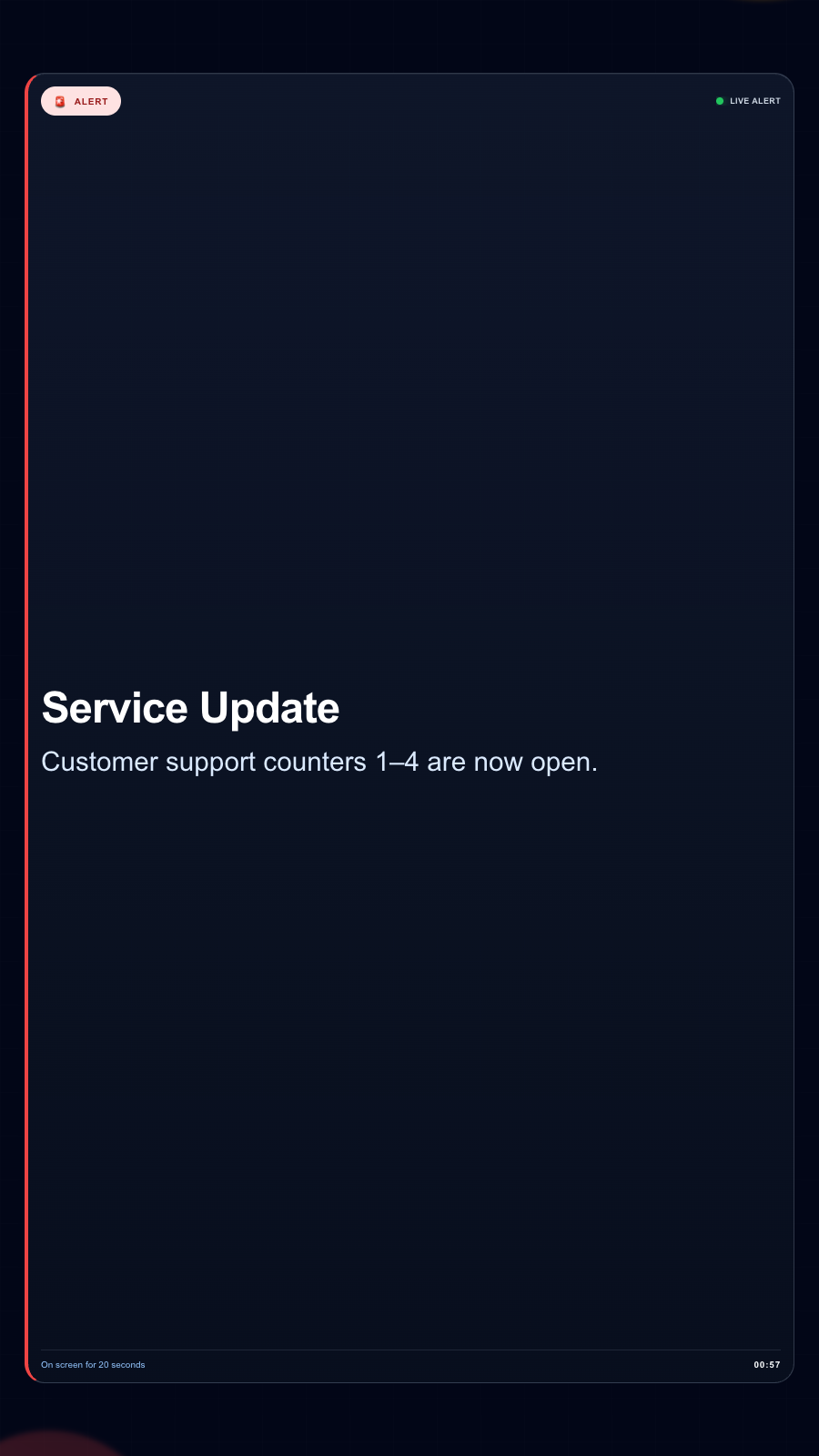
Three views of Alert Center
Captured from the app runtime for landscape, alternate-layout and portrait presentation.
Alert Center landscape app view Alert Center alternate app view Alert Center portrait app view FREQUENTLY ASKED QUESTIONS
Questions about Alert Center
Need help planning this app for your screens?
Our team can recommend the right layout, player and rollout workflow.
Ready to use Alert Center on your screens?
Start a free SignMitra trial or book a guided demonstration for your use case.

