Help students and staff plan outdoor activity with visible AQI guidance.
OpenAQ measurements. Use current city-level measurements from an open global air-quality data platform.
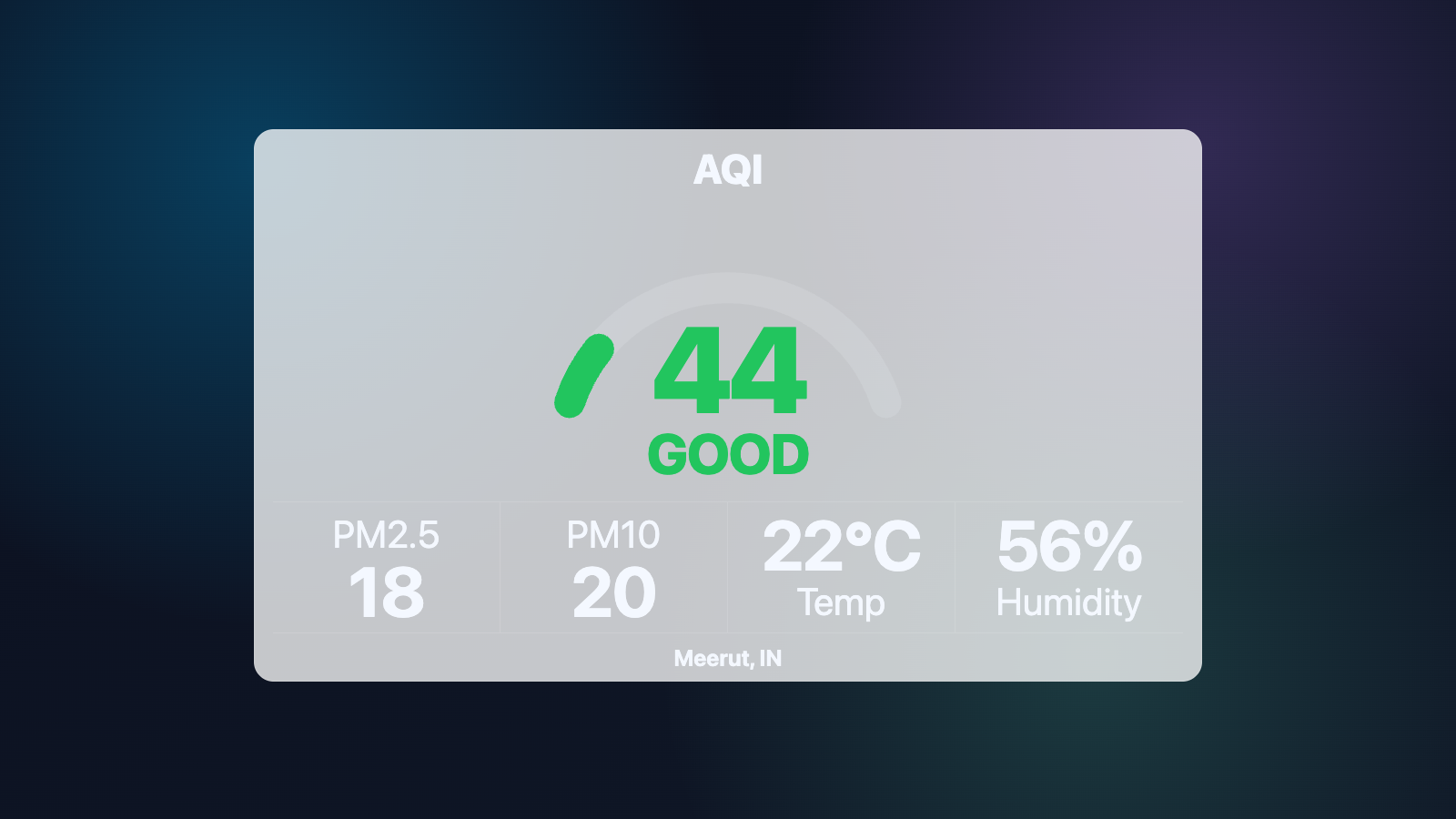
Show city-level air quality using OpenAQ data with US EPA AQI or India NAQI, pollutant details, source attribution and stale-station protection.
BUILT FOR REAL SIGNAGE WORKFLOWS
Show city-level air quality using OpenAQ data with US EPA AQI or India NAQI, pollutant details, source attribution and stale-station protection.
Designed for: Schools, hospitals, offices, factories, public buildings and smart-city networks.
APP FEATURES
Each capability is designed around the way schools, hospitals, offices, factories, public buildings and smart-city networks manage and publish screen content.
OpenAQ measurements. Use current city-level measurements from an open global air-quality data platform.
AQI standard choice. Display US EPA AQI or India NAQI according to the audience and location.
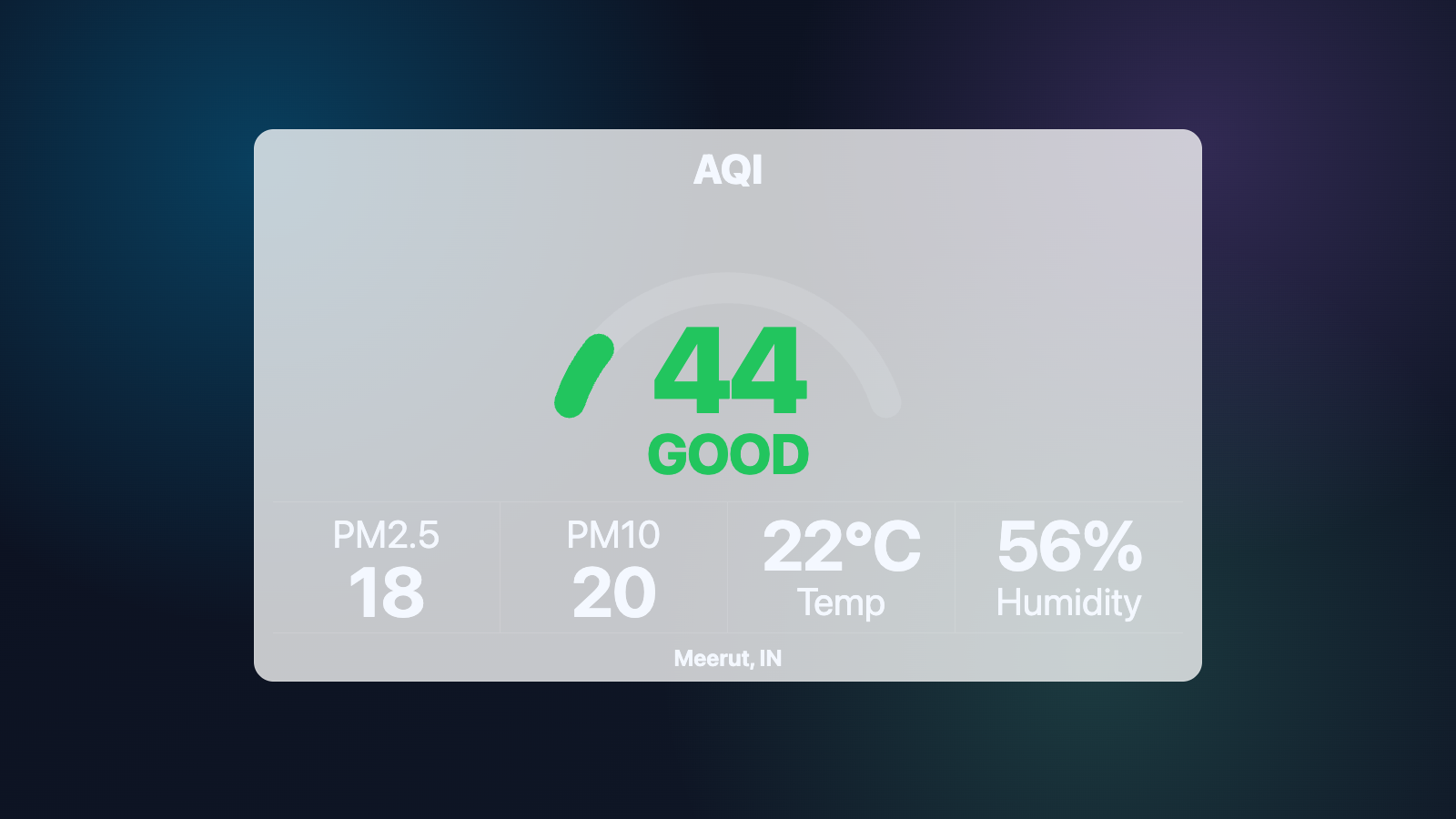
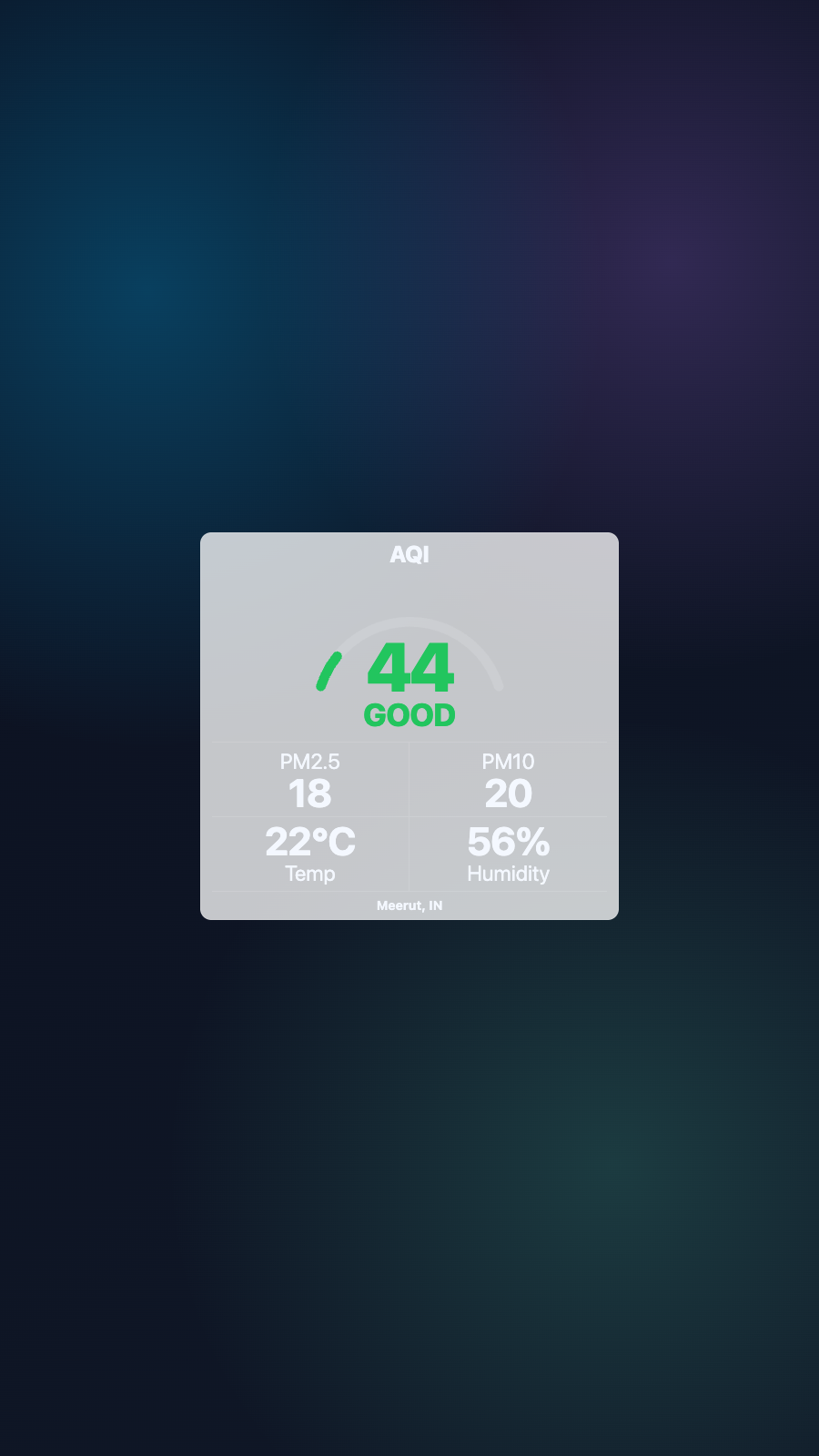
Pollutant details. Present PM2.5, PM10 and other available monitoring values clearly.
Health guidance. Translate the AQI value into an understandable status and practical guidance.
Freshness protection. Caching and stale-station checks reduce misleading or empty displays.
Multiple visual styles. Choose layouts and themes designed for different screen sizes and orientations.
BUILT FOR MANAGED SCREEN NETWORKS
A focused view of the capabilities teams use most.
EXPLORE BY USE CASE
See how the same app can solve a different communication need in each setting.
Help students and staff plan outdoor activity with visible AQI guidance.
PRODUCT VIEWS
Captured from the app runtime for landscape, alternate-layout and portrait presentation.
AQI Live landscape app view AQI Live alternate app view AQI Live portrait app view WHY USE THE APP WORKFLOW
Compare disconnected screen updates with a purpose-built SignMitra app workflow.
| AQI Live need | Separate manual process | With SignMitra AQI Live |
|---|---|---|
| OpenAQ measurements | Handled as a separate or manual task | Use current city-level measurements from an open global air-quality data platform. |
| AQI standard choice | Handled as a separate or manual task | Display US EPA AQI or India NAQI according to the audience and location. |
| Pollutant details | Handled as a separate or manual task | Present PM2.5, PM10 and other available monitoring values clearly. |
| Health guidance | Handled as a separate or manual task | Translate the AQI value into an understandable status and practical guidance. |
| Freshness protection | Handled as a separate or manual task | Caching and stale-station checks reduce misleading or empty displays. |
Separate manual process
Handled as a separate or manual taskWith SignMitra AQI Live
Use current city-level measurements from an open global air-quality data platform.Separate manual process
Handled as a separate or manual taskWith SignMitra AQI Live
Display US EPA AQI or India NAQI according to the audience and location.Separate manual process
Handled as a separate or manual taskWith SignMitra AQI Live
Present PM2.5, PM10 and other available monitoring values clearly.Separate manual process
Handled as a separate or manual taskWith SignMitra AQI Live
Translate the AQI value into an understandable status and practical guidance.Separate manual process
Handled as a separate or manual taskWith SignMitra AQI Live
Caching and stale-station checks reduce misleading or empty displays.Availability can depend on the configured data source, player hardware, network and third-party service. Review Your Requirements
QUICK SETUP
Use current city-level measurements from an open global air-quality data platform.
Display US EPA AQI or India NAQI according to the audience and location.
Present PM2.5, PM10 and other available monitoring values clearly.
FREQUENTLY ASKED QUESTIONS
Our team can recommend the right layout, player and rollout workflow.
Start a free SignMitra trial or book a guided demonstration for your use case.

