
Direct guests to teams, meeting rooms and shared facilities.
Floor and area management
Separate manual process
Handled as a separate or manual taskWith SignMitra Building Directory
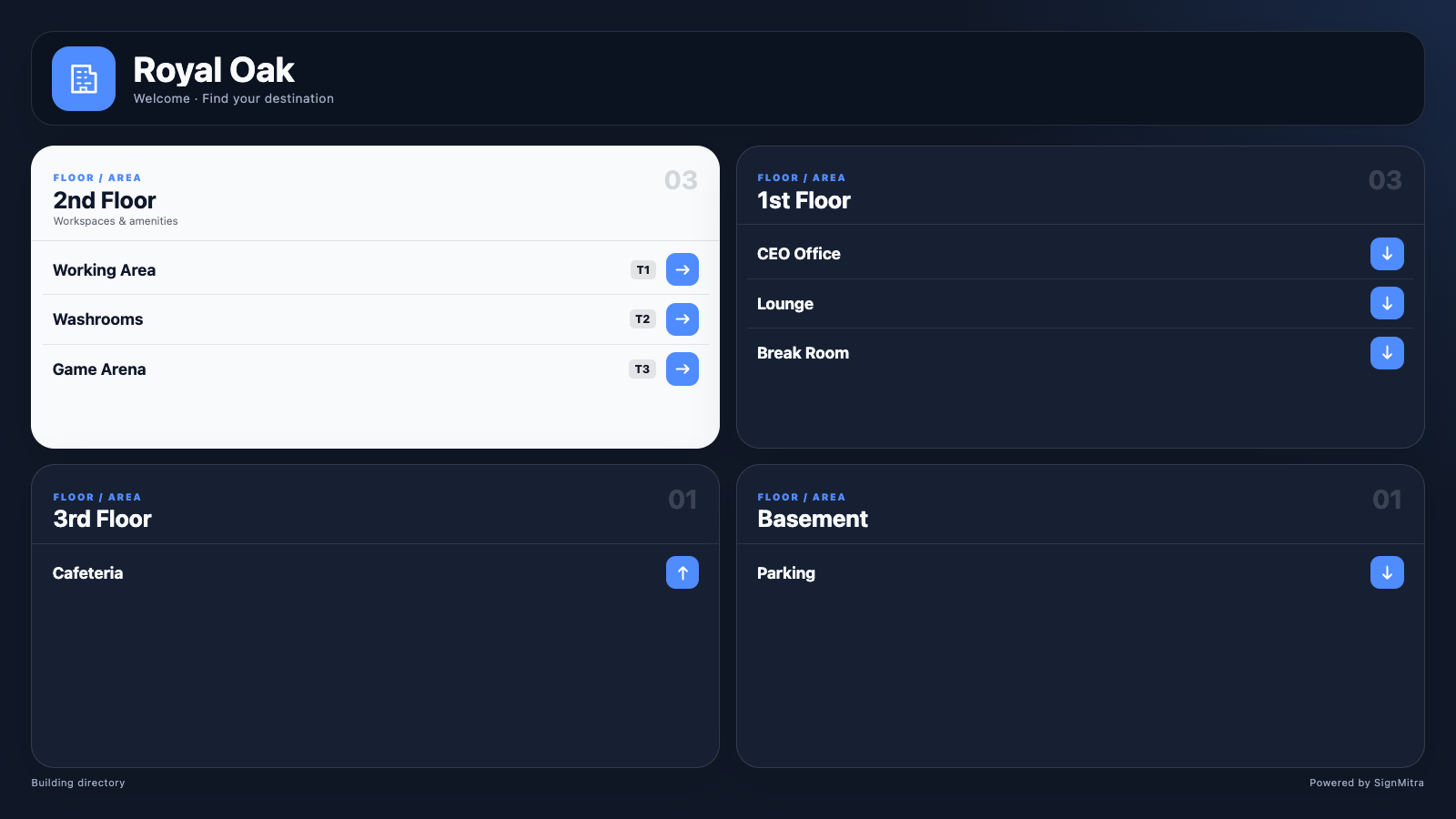
Create organized directory groups from the user dashboard.Build a branded digital directory with floors, areas, rooms, directional arrows, optional QR information and responsive screen layouts.
BUILT FOR REAL SIGNAGE WORKFLOWS
Build a branded digital directory with floors, areas, rooms, directional arrows, optional QR information and responsive screen layouts.
Designed for: Corporate buildings, hospitals, malls, schools, apartments and public offices.
BUILDING DIRECTORY WORKFLOW
Move through the capabilities that make this app practical in a managed signage network.
TWO SIDES OF THE EXPERIENCE
Balance a clear screen experience with practical central management.
Direct guests to teams, meeting rooms and shared facilities.
EXPLORE BY USE CASE
See how the same app can solve a different communication need in each setting.
Direct guests to teams, meeting rooms and shared facilities.
PRODUCT VIEWS
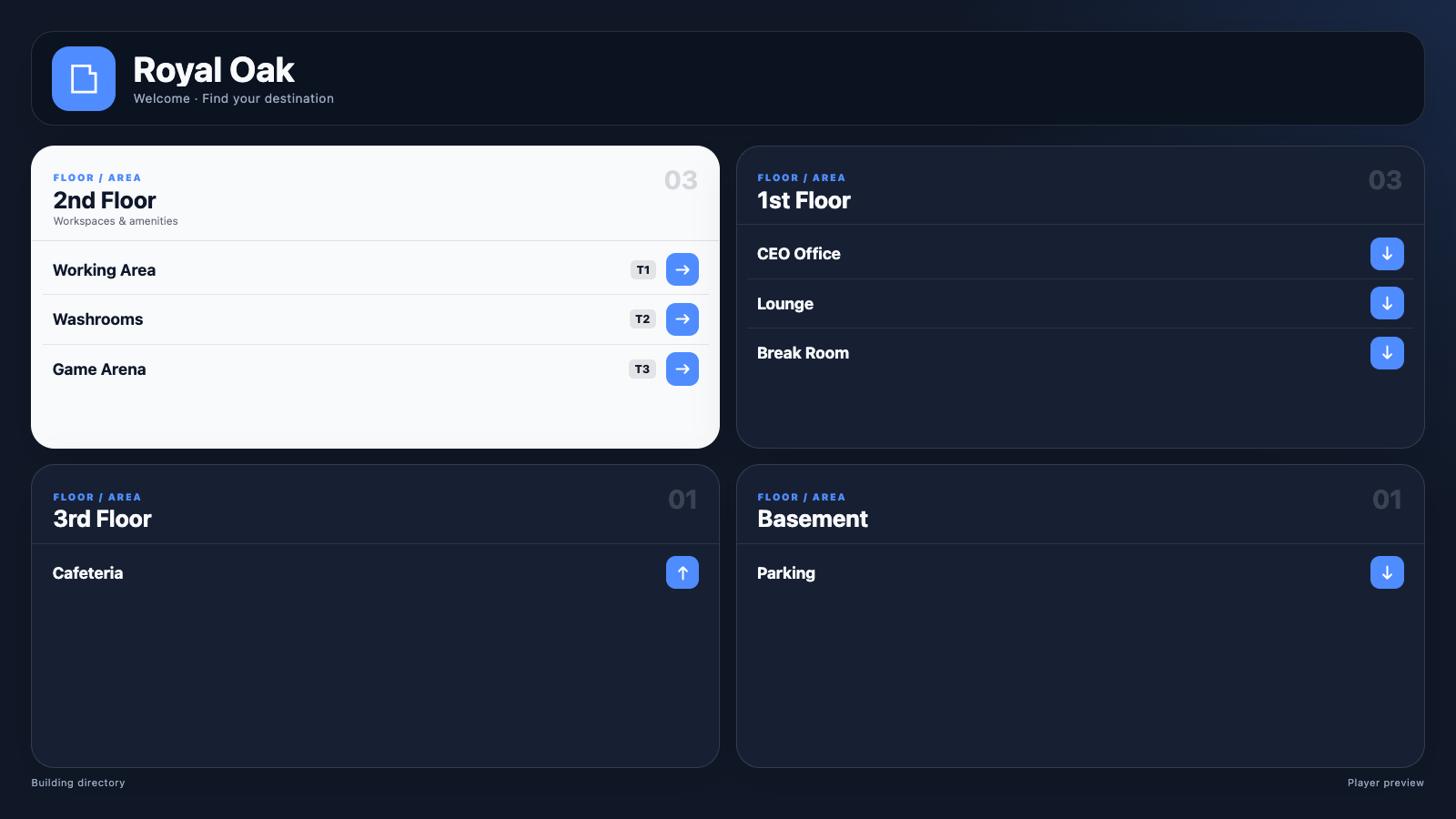
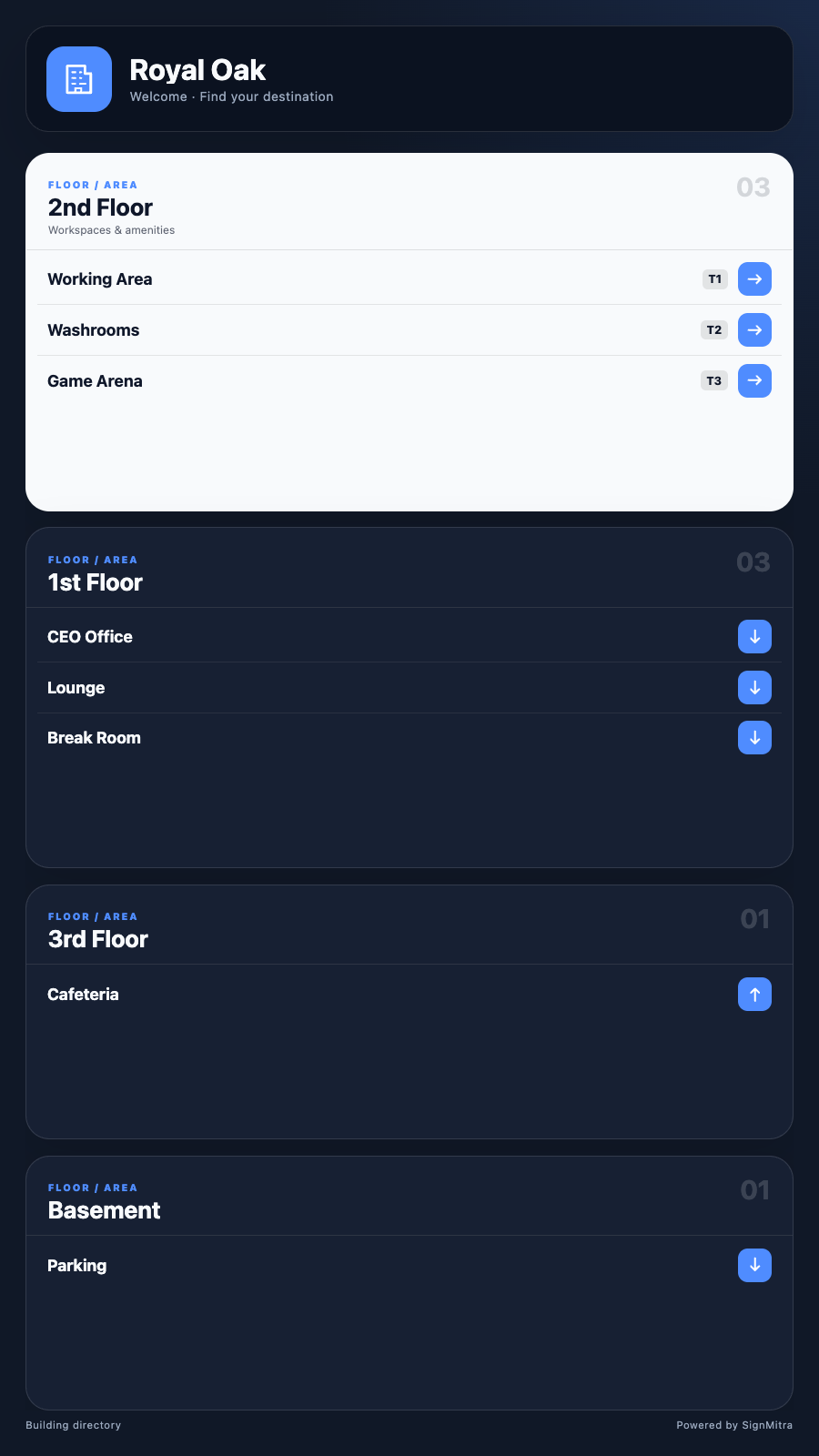
Captured from the app runtime for landscape, alternate-layout and portrait presentation.
Building Directory landscape app view Building Directory alternate app view Building Directory portrait app view WHY USE THE APP WORKFLOW
Compare disconnected screen updates with a purpose-built SignMitra app workflow.
| Building Directory need | Separate manual process | With SignMitra Building Directory |
|---|---|---|
| Floor and area management | Handled as a separate or manual task | Create organized directory groups from the user dashboard. |
| Room listings | Handled as a separate or manual task | Add destinations with clear labels and directional instructions. |
| Reliable arrow icons | Handled as a separate or manual task | Use player-safe directional symbols that render consistently on TVs. |
| QR information | Handled as a separate or manual task | Optionally link visitors to a mobile map or additional information. |
| Brand controls | Handled as a separate or manual task | Set logo, background, header and title colours. |
Separate manual process
Handled as a separate or manual taskWith SignMitra Building Directory
Create organized directory groups from the user dashboard.Separate manual process
Handled as a separate or manual taskWith SignMitra Building Directory
Add destinations with clear labels and directional instructions.Separate manual process
Handled as a separate or manual taskWith SignMitra Building Directory
Use player-safe directional symbols that render consistently on TVs.Separate manual process
Handled as a separate or manual taskWith SignMitra Building Directory
Optionally link visitors to a mobile map or additional information.Separate manual process
Handled as a separate or manual taskWith SignMitra Building Directory
Set logo, background, header and title colours.Availability can depend on the configured data source, player hardware, network and third-party service. Review Your Requirements
FREQUENTLY ASKED QUESTIONS
Our team can recommend the right layout, player and rollout workflow.
Start a free SignMitra trial or book a guided demonstration for your use case.

