Publish circulars, achievements, timetables and event reminders.
Dashboard-managed notices
Add, update and retire notices without reopening the main editor.
Create and manage announcements with card and slider layouts, flexible colours, responsive orientation support and controlled transitions.
SCREEN EXPERIENCE IDEAS
Explore practical placements and audience moments.
School announcements
Publish circulars, achievements, timetables and event reminders.
Employee communication
Share policies, milestones and operational notices.
Residential communities
Display maintenance updates, events and emergency contacts.

Healthcare facilities
Communicate visiting rules, services and public notices.
BUILT FOR REAL SIGNAGE WORKFLOWS
Create and manage announcements with card and slider layouts, flexible colours, responsive orientation support and controlled transitions.
Designed for: Schools, offices, apartments, hospitals, factories and community spaces.
APP FEATURES
Each capability is designed around the way schools, offices, apartments, hospitals, factories and community spaces manage and publish screen content.
Add, update and retire notices without reopening the main editor.
Choose a presentation suited to the amount and importance of content.
Use layouts designed for horizontal and vertical screens.
Match the board to your institution or brand.
Control how long each notice remains visible.
Player-ready data loading avoids blank widgets on initial playback.
EXPLORE BY USE CASE
See how the same app can solve a different communication need in each setting.
Publish circulars, achievements, timetables and event reminders.
BUILT FOR MANAGED SCREEN NETWORKS
A focused view of the capabilities teams use most.
PRODUCT VIEWS
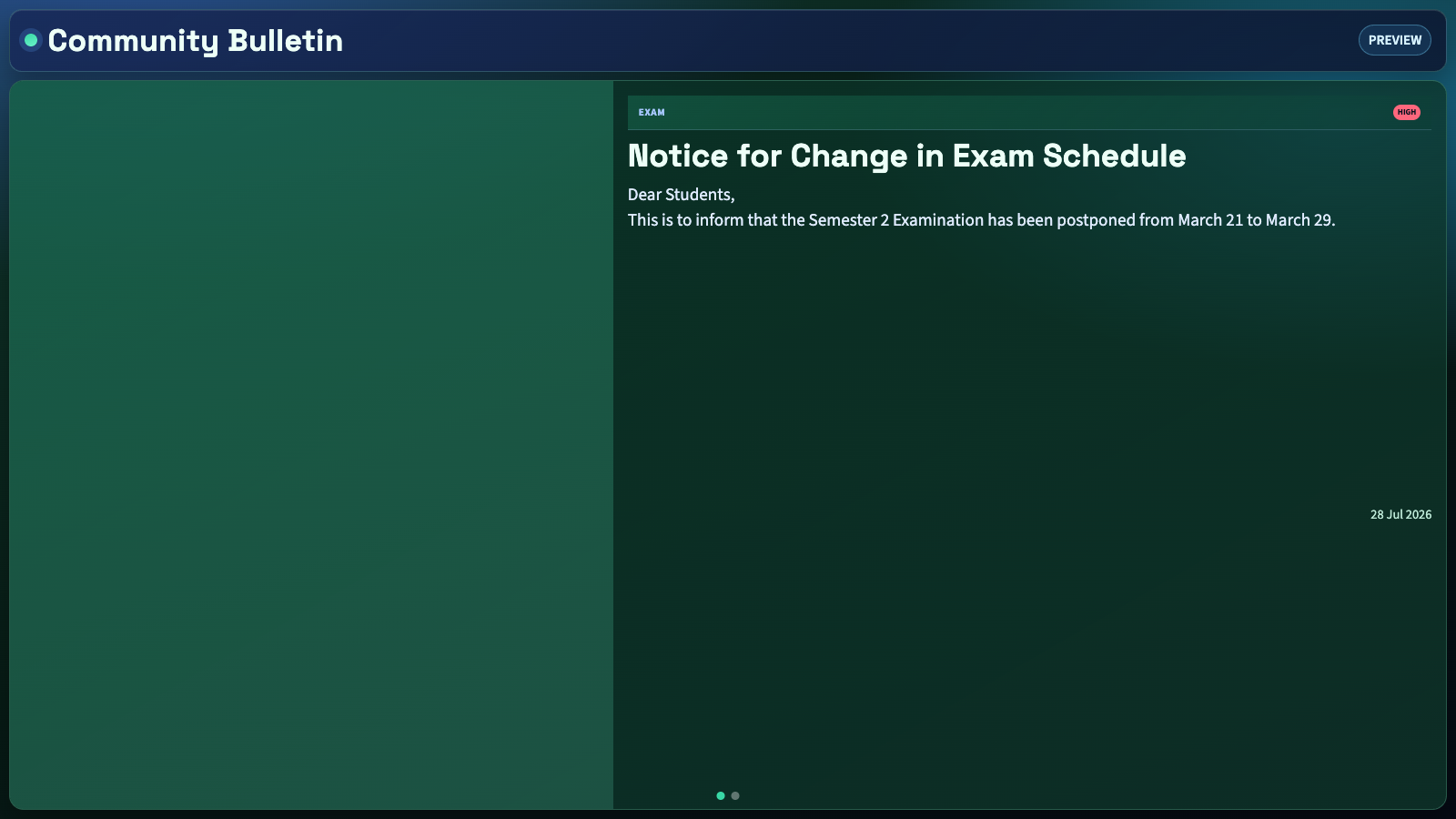
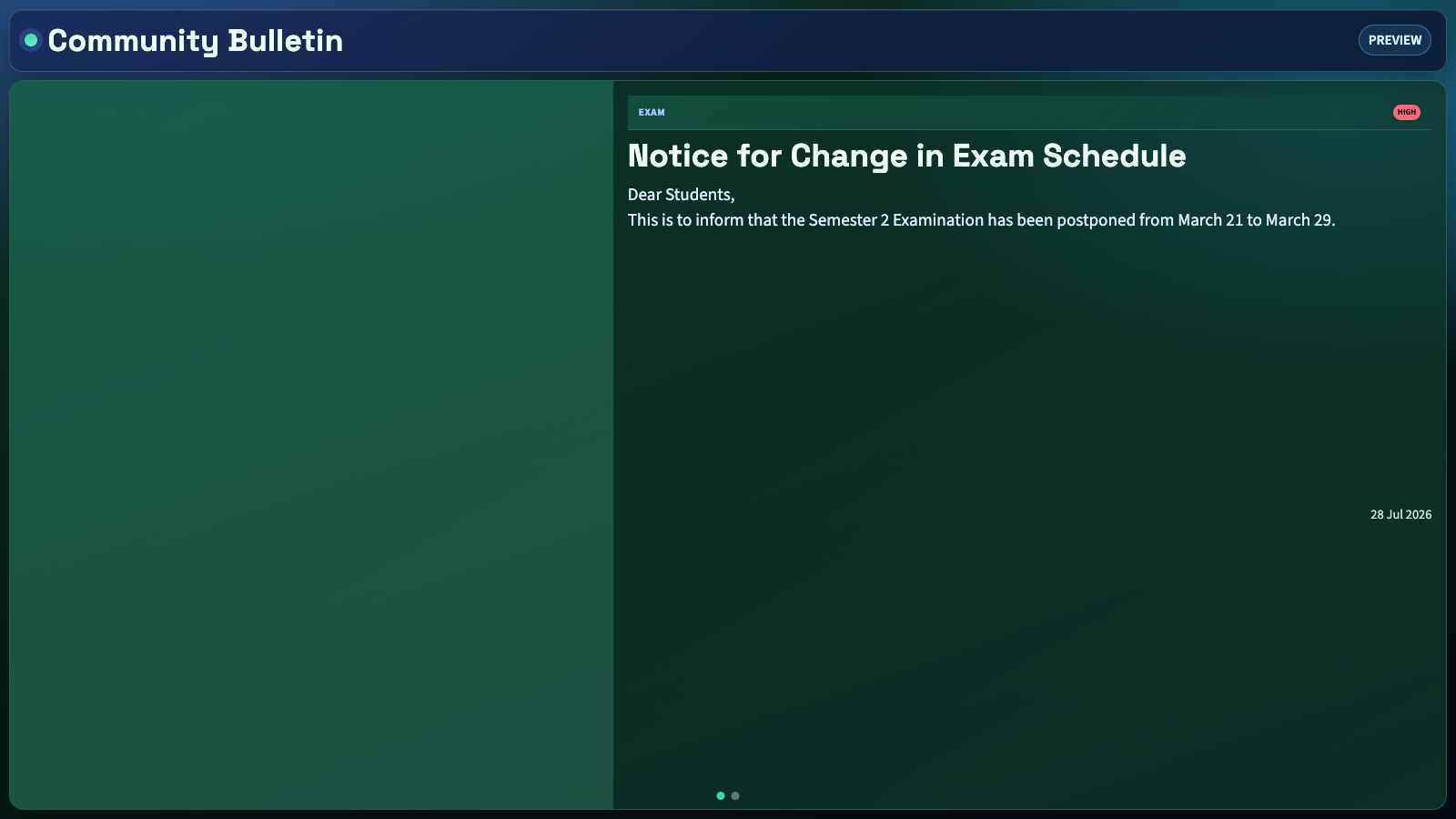
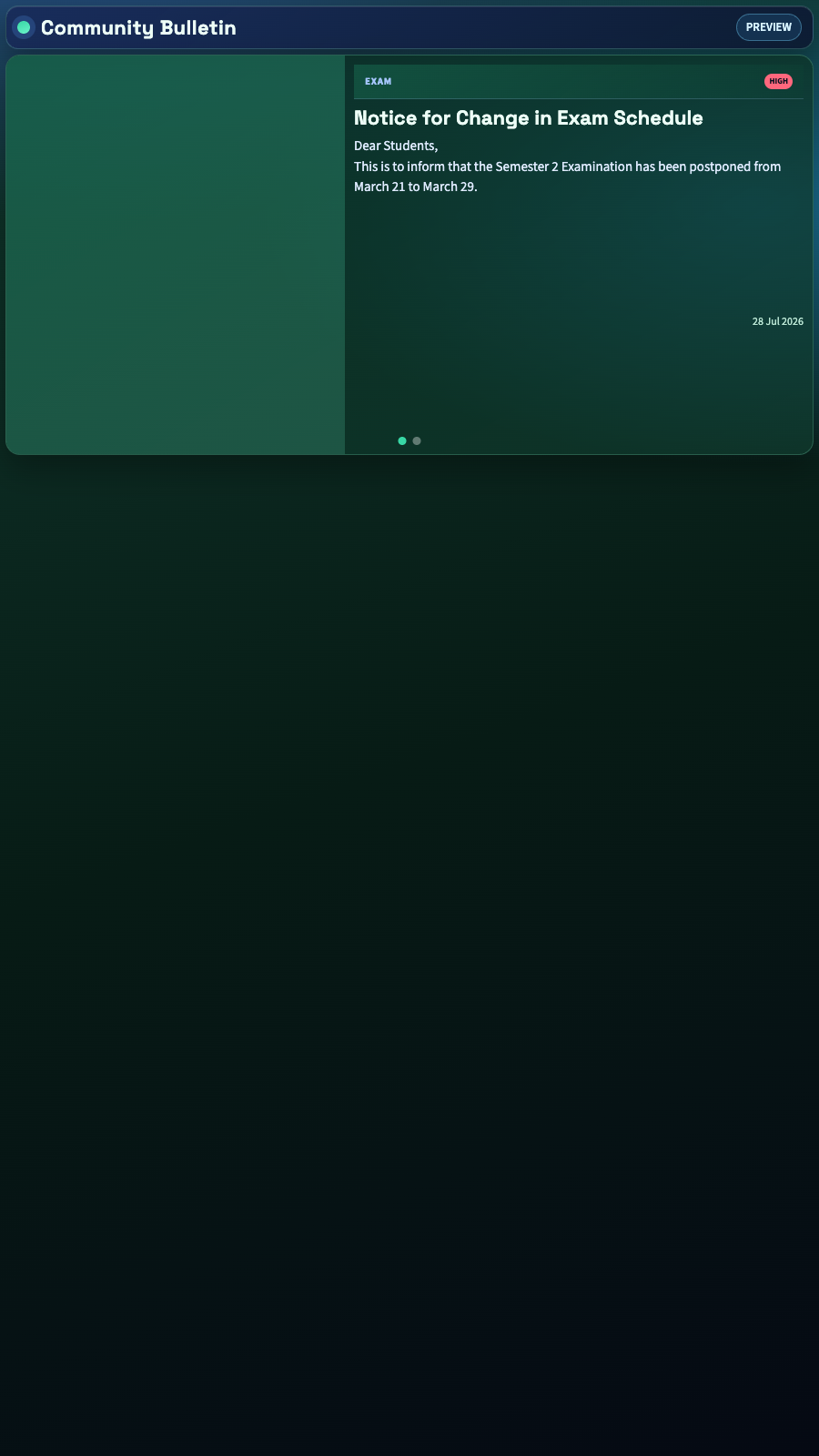
Captured from the app runtime for landscape, alternate-layout and portrait presentation.
Bulletin Board landscape app view Bulletin Board alternate app view Bulletin Board portrait app view FREQUENTLY ASKED QUESTIONS
Our team can recommend the right layout, player and rollout workflow.
Start a free SignMitra trial or book a guided demonstration for your use case.

