Give hero vehicles a premium, cinematic presentation.
Vehicle inventory
Manage models, variants, specifications, pricing and availability from the dashboard.
Manage vehicle inventory, finance offers, service menus and dealer branding from the dashboard, then publish luxury automotive presentations.
SCREEN EXPERIENCE IDEAS
Explore practical placements and audience moments.
Showroom feature walls
Give hero vehicles a premium, cinematic presentation.
Sales consultation zones
Support conversations with specifications and finance information.
Service reception
Promote maintenance plans, accessories and seasonal checks.

Multi-location campaigns
Publish approved offers across an entire dealer network.
BUILT FOR REAL SIGNAGE WORKFLOWS
Manage vehicle inventory, finance offers, service menus and dealer branding from the dashboard, then publish luxury automotive presentations.
Designed for: Car dealerships, automotive groups, service centres and experience stores.
TWO SIDES OF THE EXPERIENCE
Balance a clear screen experience with practical central management.
Give hero vehicles a premium, cinematic presentation.
APP FEATURES
Each capability is designed around the way car dealerships, automotive groups, service centres and experience stores manage and publish screen content.
Manage models, variants, specifications, pricing and availability from the dashboard.
Present each vehicle with imagery, feature points, offers and specifications.
Show monthly ownership options, interest offers and enquiry prompts.
Promote scheduled maintenance, packages and workshop services.
Use the correct dealership logo, colours and contact details.
Resume at the next vehicle when a playlist returns to the app slide.
PRODUCT VIEWS
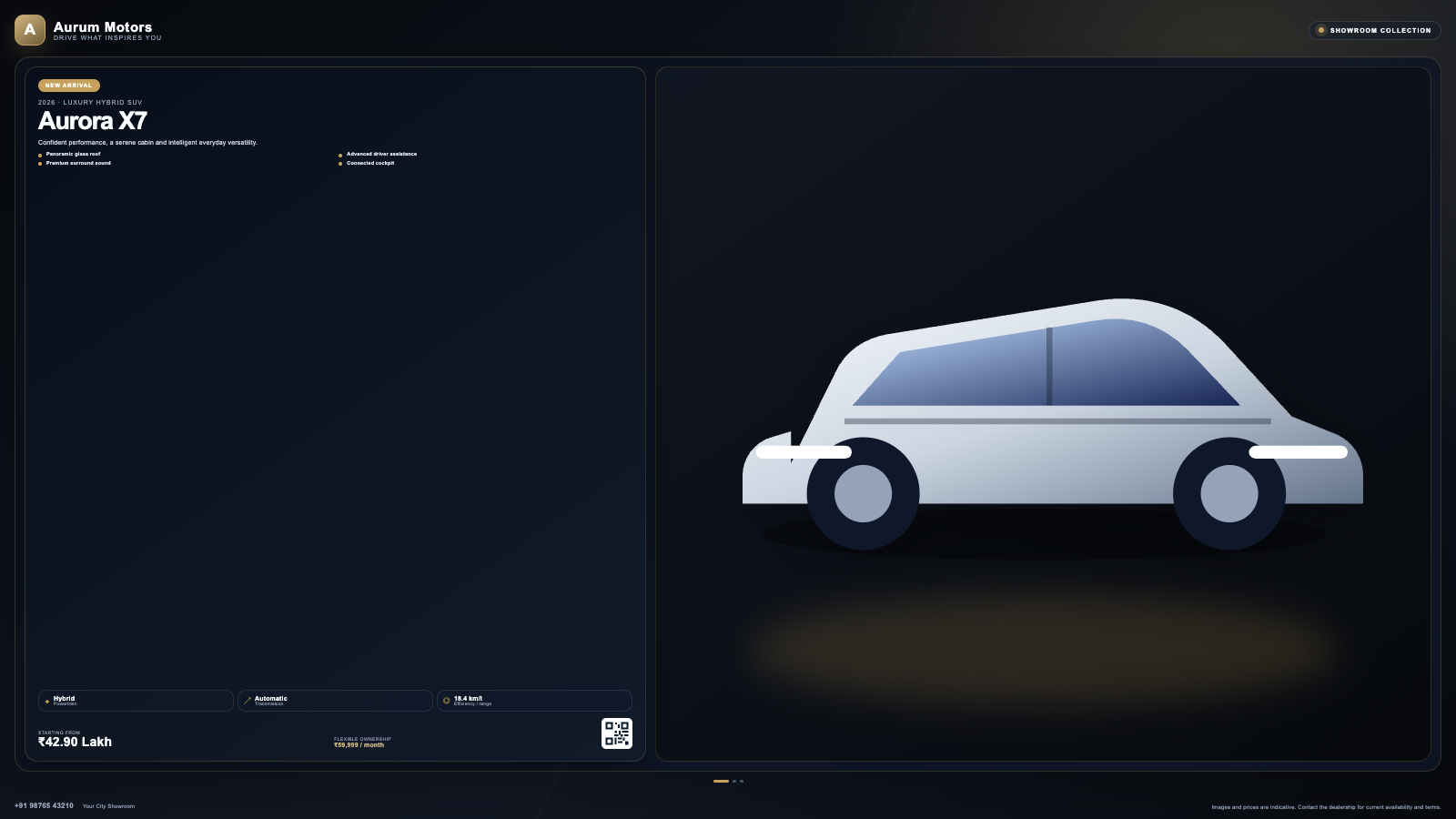
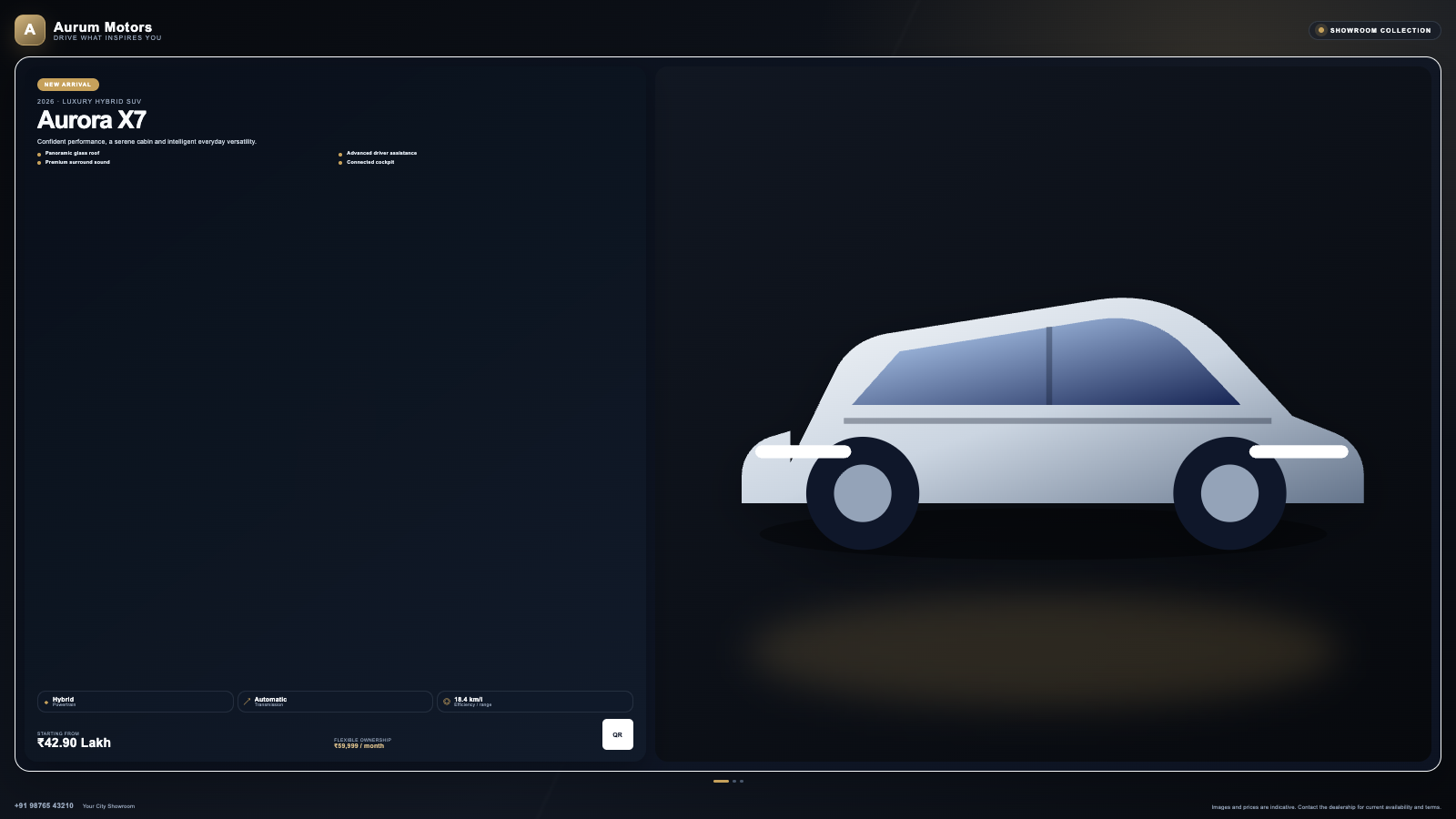
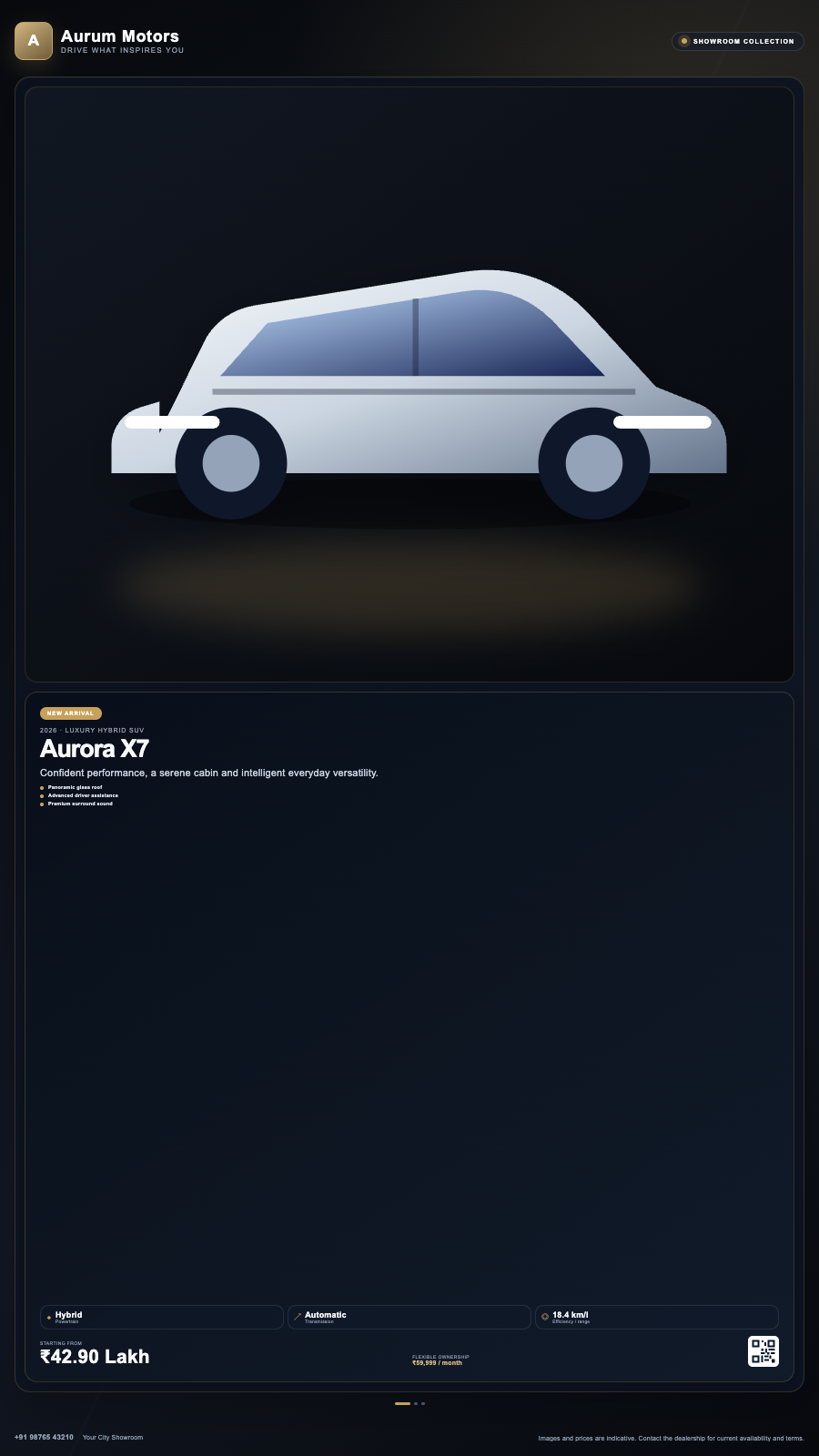
Captured from the app runtime for landscape, alternate-layout and portrait presentation.
Car Dealership landscape app view Car Dealership alternate app view Car Dealership portrait app view EXPLORE BY USE CASE
See how the same app can solve a different communication need in each setting.
Give hero vehicles a premium, cinematic presentation.
FREQUENTLY ASKED QUESTIONS
Our team can recommend the right layout, player and rollout workflow.
Start a free SignMitra trial or book a guided demonstration for your use case.

