Touch-ready navigation
Create large, clear actions designed for public touch displays.
Create guided kiosk pages, forms and navigation, then run compatible screens in Signage, Touch Kiosk or Hybrid mode.
TWO SIDES OF THE EXPERIENCE
Balance a clear screen experience with practical central management.
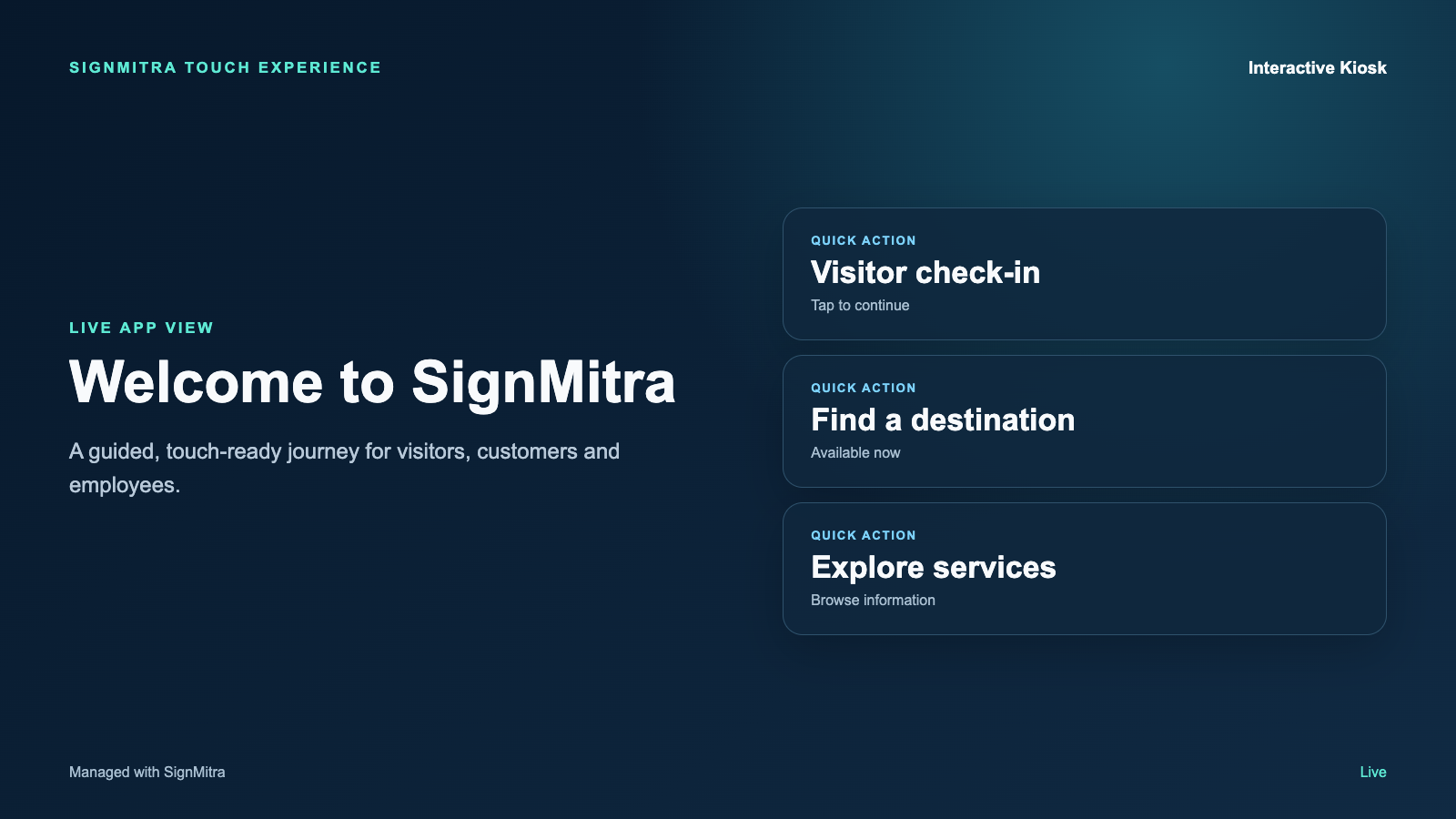
Offer check-in, contacts and building information at the entrance.
SCREEN EXPERIENCE IDEAS
Explore practical placements and audience moments.
Visitor reception
Offer check-in, contacts and building information at the entrance.
Self-service discovery
Help customers browse services, products and frequently requested information.
Campus wayfinding
Guide visitors to rooms, departments and facilities.

Hybrid communication
Play normal signage until a visitor touches the screen.
BUILT FOR REAL SIGNAGE WORKFLOWS
Create guided kiosk pages, forms and navigation, then run compatible screens in Signage, Touch Kiosk or Hybrid mode.
Designed for: Reception areas, campuses, hospitals, malls, showrooms and public services.
KIOSK APP WORKFLOW
Move through the capabilities that make this app practical in a managed signage network.
PRODUCT VIEWS
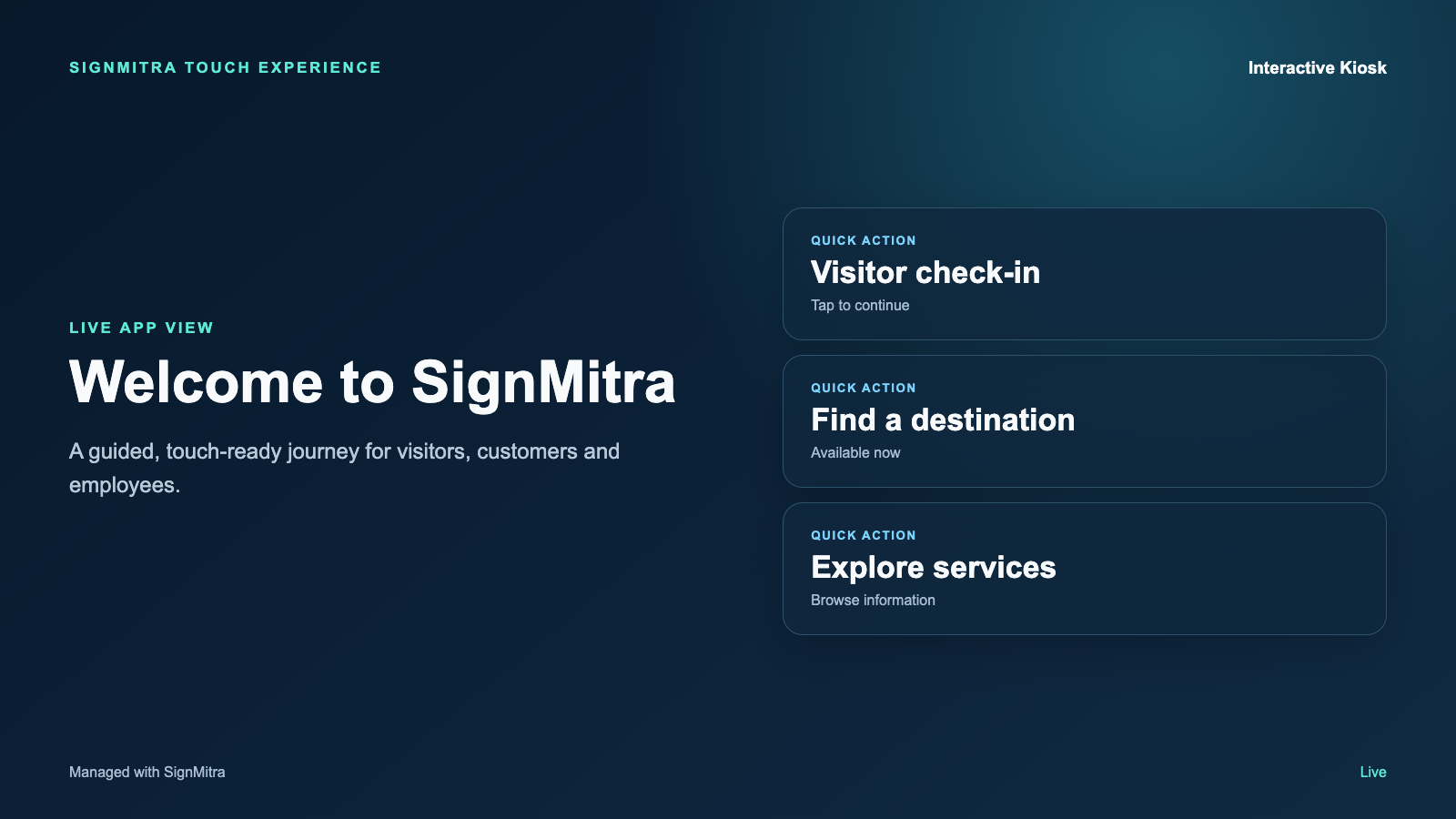
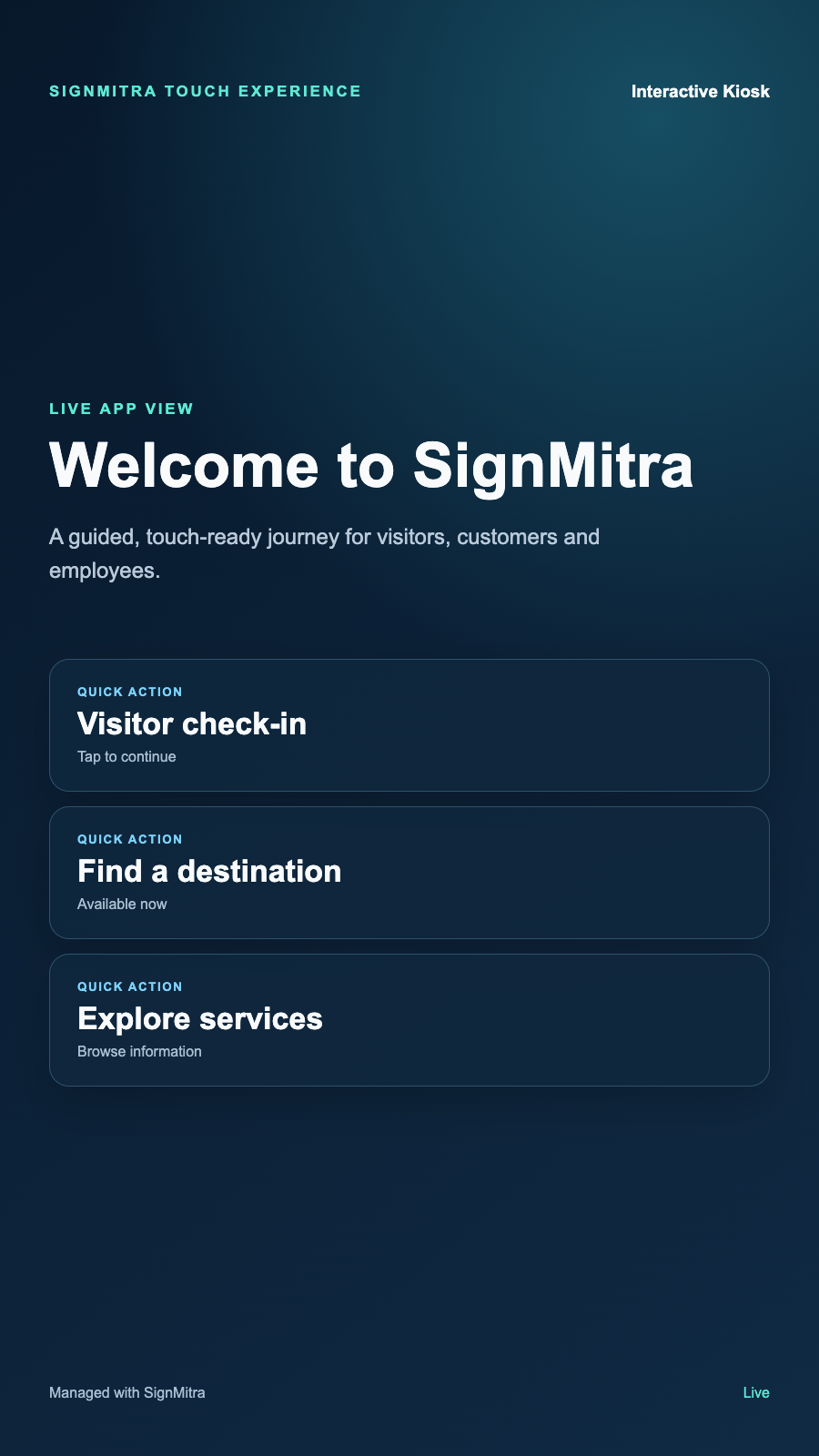
Captured from the app runtime for landscape, alternate-layout and portrait presentation.
Kiosk App landscape app view Kiosk App alternate app view Kiosk App portrait app view APP FEATURES
Each capability is designed around the way reception areas, campuses, hospitals, malls, showrooms and public services manage and publish screen content.
Create large, clear actions designed for public touch displays.
Build information, directory, form and service journeys for each venue.
Use the same compatible screen for passive content and interactive access.
Link buttons to internal kiosk pages, approved web content or workflows.
Guide the experience back to its start state after inactivity.
Update kiosk content and deploy changes without visiting every display.
WHY USE THE APP WORKFLOW
Compare disconnected screen updates with a purpose-built SignMitra app workflow.
| Kiosk App need | Separate manual process | With SignMitra Kiosk App |
|---|---|---|
| Touch-ready navigation | Handled as a separate or manual task | Create large, clear actions designed for public touch displays. |
| Flexible kiosk pages | Handled as a separate or manual task | Build information, directory, form and service journeys for each venue. |
| Signage and hybrid modes | Handled as a separate or manual task | Use the same compatible screen for passive content and interactive access. |
| Custom destinations | Handled as a separate or manual task | Link buttons to internal kiosk pages, approved web content or workflows. |
| Idle return behaviour | Handled as a separate or manual task | Guide the experience back to its start state after inactivity. |
Separate manual process
Handled as a separate or manual taskWith SignMitra Kiosk App
Create large, clear actions designed for public touch displays.Separate manual process
Handled as a separate or manual taskWith SignMitra Kiosk App
Build information, directory, form and service journeys for each venue.Separate manual process
Handled as a separate or manual taskWith SignMitra Kiosk App
Use the same compatible screen for passive content and interactive access.Separate manual process
Handled as a separate or manual taskWith SignMitra Kiosk App
Link buttons to internal kiosk pages, approved web content or workflows.Separate manual process
Handled as a separate or manual taskWith SignMitra Kiosk App
Guide the experience back to its start state after inactivity.Availability can depend on the configured data source, player hardware, network and third-party service. Review Your Requirements
FREQUENTLY ASKED QUESTIONS
Our team can recommend the right layout, player and rollout workflow.
Start a free SignMitra trial or book a guided demonstration for your use case.

