External source display
Bring a laptop, camera, set-top box or other HDMI source onto a signage layout.
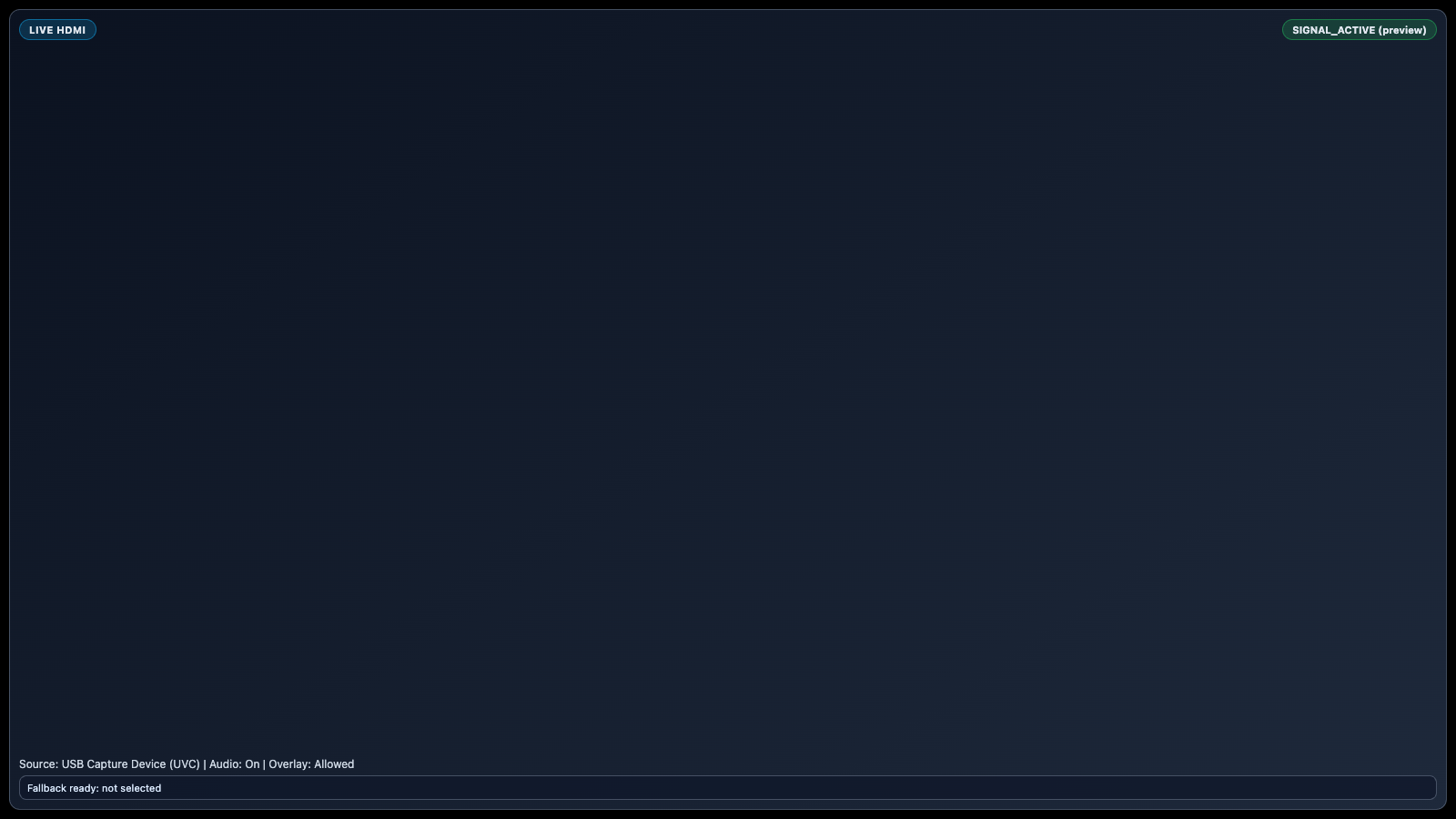
Display an external HDMI source through a compatible USB UVC capture device with overlay-safe behaviour and clear signal fallback.
TWO SIDES OF THE EXPERIENCE
Balance a clear screen experience with practical central management.
Combine live presentations with branded information zones.

BUILT FOR REAL SIGNAGE WORKFLOWS
Display an external HDMI source through a compatible USB UVC capture device with overlay-safe behaviour and clear signal fallback.
Designed for: Control rooms, training centres, hospitality, events and presentation spaces.

APP FEATURES
Each capability is designed around the way control rooms, training centres, hospitality, events and presentation spaces manage and publish screen content.
Bring a laptop, camera, set-top box or other HDMI source onto a signage layout.
Use compatible capture hardware with supported Android player devices.
Show clear connected, waiting and fallback states.
Keep other signage zones and visual overlays working around the live input.
Carry supported source audio through the player output.
Place HDMI as a full-screen source or inside a designed composition.
PRODUCT VIEWS
Captured from the app runtime for landscape, alternate-layout and portrait presentation.
Live HDMI landscape app view Live HDMI alternate app view Live HDMI portrait app view WHY USE THE APP WORKFLOW
Compare disconnected screen updates with a purpose-built SignMitra app workflow.
| Live HDMI need | Separate manual process | With SignMitra Live HDMI |
|---|---|---|
| External source display | Handled as a separate or manual task | Bring a laptop, camera, set-top box or other HDMI source onto a signage layout. |
| USB UVC capture support | Handled as a separate or manual task | Use compatible capture hardware with supported Android player devices. |
| Signal-state feedback | Handled as a separate or manual task | Show clear connected, waiting and fallback states. |
| Overlay-safe rendering | Handled as a separate or manual task | Keep other signage zones and visual overlays working around the live input. |
| Audio handling | Handled as a separate or manual task | Carry supported source audio through the player output. |
Separate manual process
Handled as a separate or manual taskWith SignMitra Live HDMI
Bring a laptop, camera, set-top box or other HDMI source onto a signage layout.Separate manual process
Handled as a separate or manual taskWith SignMitra Live HDMI
Use compatible capture hardware with supported Android player devices.Separate manual process
Handled as a separate or manual taskWith SignMitra Live HDMI
Show clear connected, waiting and fallback states.Separate manual process
Handled as a separate or manual taskWith SignMitra Live HDMI
Keep other signage zones and visual overlays working around the live input.Separate manual process
Handled as a separate or manual taskWith SignMitra Live HDMI
Carry supported source audio through the player output.Availability can depend on the configured data source, player hardware, network and third-party service. Review Your Requirements
FREQUENTLY ASKED QUESTIONS
Our team can recommend the right layout, player and rollout workflow.
Start a free SignMitra trial or book a guided demonstration for your use case.

