
Direct customers to the correct service counter efficiently.
Location and service setup
Manage branches, departments and service types from one dashboard.
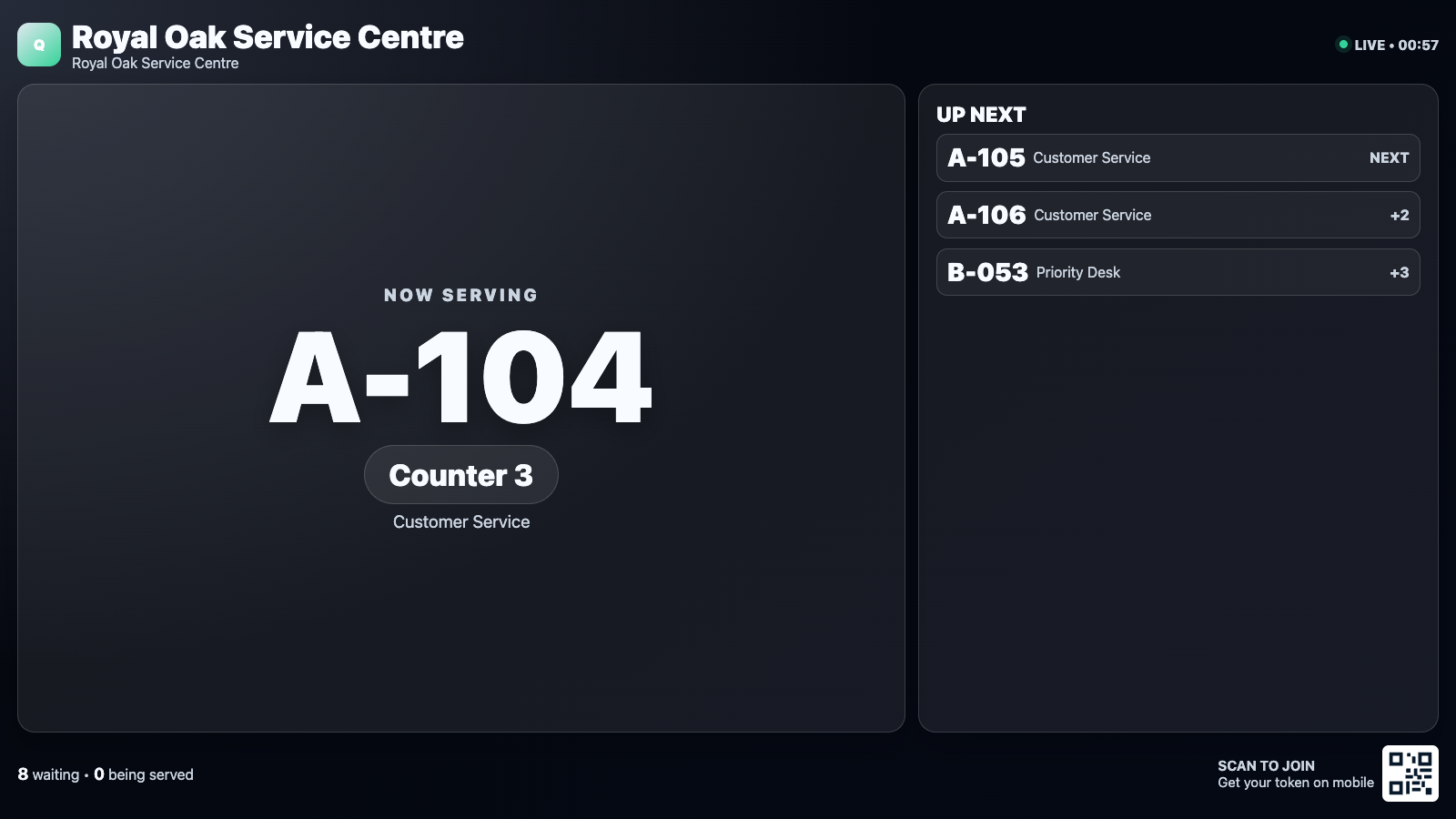
Manage locations, services, counters and tokens from the dashboard, then show real-time calls, waiting information and join QR codes.
BUILT FOR REAL SIGNAGE WORKFLOWS
Manage locations, services, counters and tokens from the dashboard, then show real-time calls, waiting information and join QR codes.
Designed for: Banks, hospitals, schools, service centres, government offices and clinics.
BUILT FOR MANAGED SCREEN NETWORKS
A focused view of the capabilities teams use most.
QUEUE MANAGEMENT WORKFLOW
Move through the capabilities that make this app practical in a managed signage network.
EXPLORE BY USE CASE
See how the same app can solve a different communication need in each setting.
Direct customers to the correct service counter efficiently.
APP FEATURES
Each capability is designed around the way banks, hospitals, schools, service centres, government offices and clinics manage and publish screen content.
Manage branches, departments and service types from one dashboard.
Update signage immediately when staff call or recall a token.
Let visitors join supported queues from their mobile device.
Announce token and counter calls on supported players.
Reset individual service counters safely for a new day or session.
Fit queue information correctly on browser, TV and Android players.
PRODUCT VIEWS
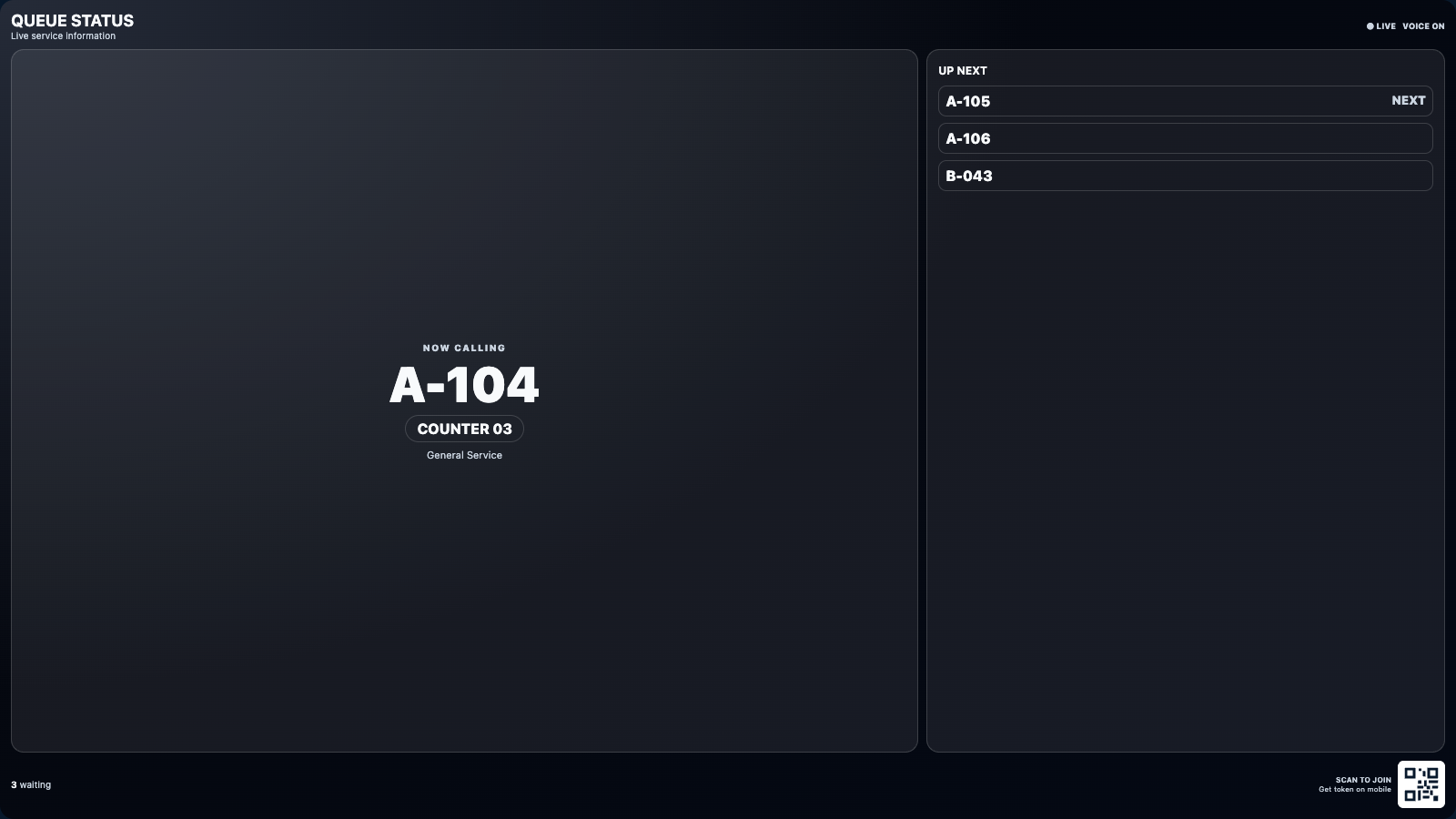
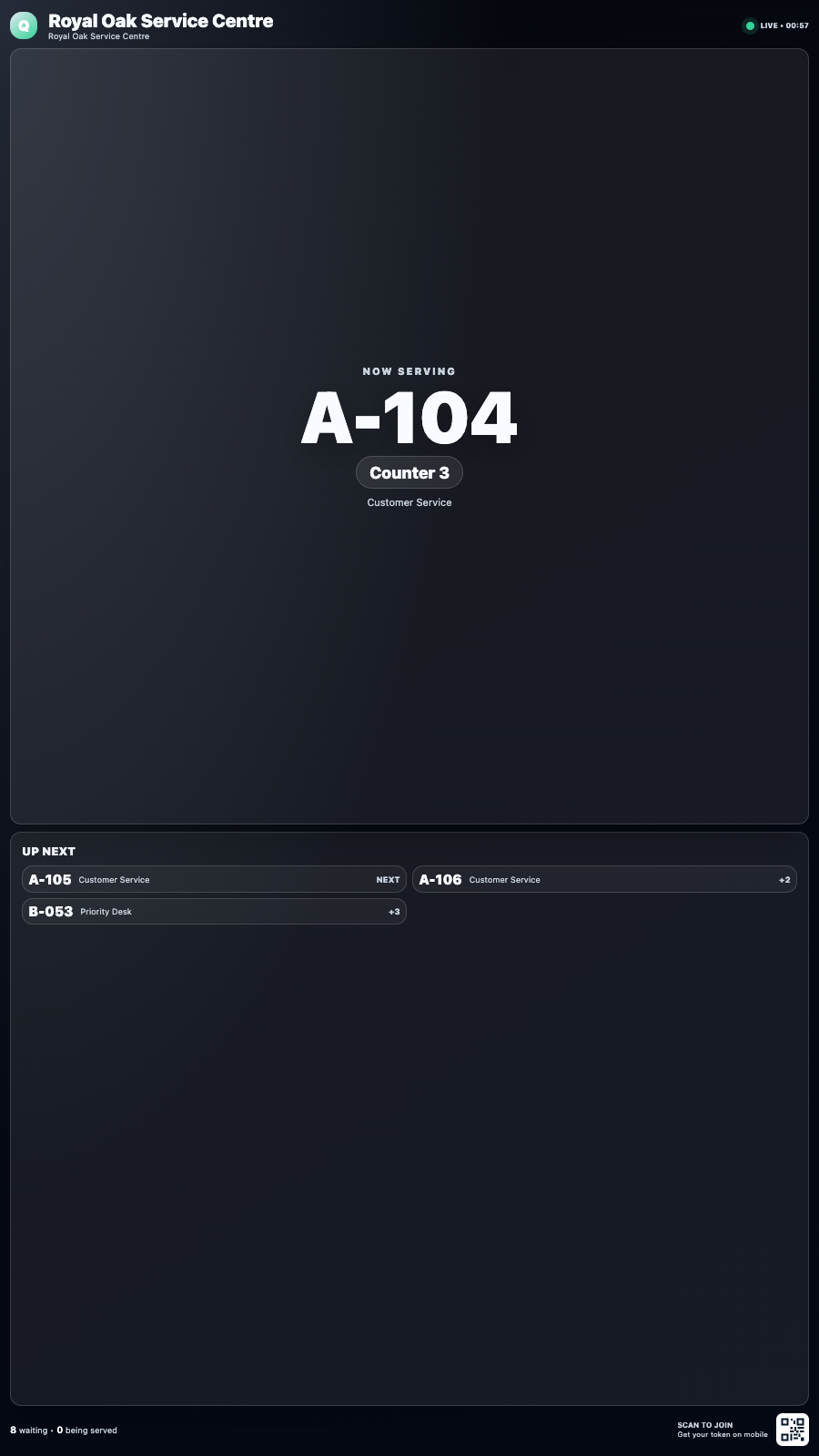
Captured from the app runtime for landscape, alternate-layout and portrait presentation.
Queue Management landscape app view Queue Management alternate app view Queue Management portrait app view WHY USE THE APP WORKFLOW
Compare disconnected screen updates with a purpose-built SignMitra app workflow.
| Queue Management need | Separate manual process | With SignMitra Queue Management |
|---|---|---|
| Location and service setup | Handled as a separate or manual task | Manage branches, departments and service types from one dashboard. |
| Live counter calls | Handled as a separate or manual task | Update signage immediately when staff call or recall a token. |
| Join by QR code | Handled as a separate or manual task | Let visitors join supported queues from their mobile device. |
| Voice announcements | Handled as a separate or manual task | Announce token and counter calls on supported players. |
| Counter reset controls | Handled as a separate or manual task | Reset individual service counters safely for a new day or session. |
Separate manual process
Handled as a separate or manual taskWith SignMitra Queue Management
Manage branches, departments and service types from one dashboard.Separate manual process
Handled as a separate or manual taskWith SignMitra Queue Management
Update signage immediately when staff call or recall a token.Separate manual process
Handled as a separate or manual taskWith SignMitra Queue Management
Let visitors join supported queues from their mobile device.Separate manual process
Handled as a separate or manual taskWith SignMitra Queue Management
Announce token and counter calls on supported players.Separate manual process
Handled as a separate or manual taskWith SignMitra Queue Management
Reset individual service counters safely for a new day or session.Availability can depend on the configured data source, player hardware, network and third-party service. Review Your Requirements
FREQUENTLY ASKED QUESTIONS
Our team can recommend the right layout, player and rollout workflow.
Start a free SignMitra trial or book a guided demonstration for your use case.

