Guest Experience Digital Signage App

Help guests connect to Wi-Fi with one simple scan

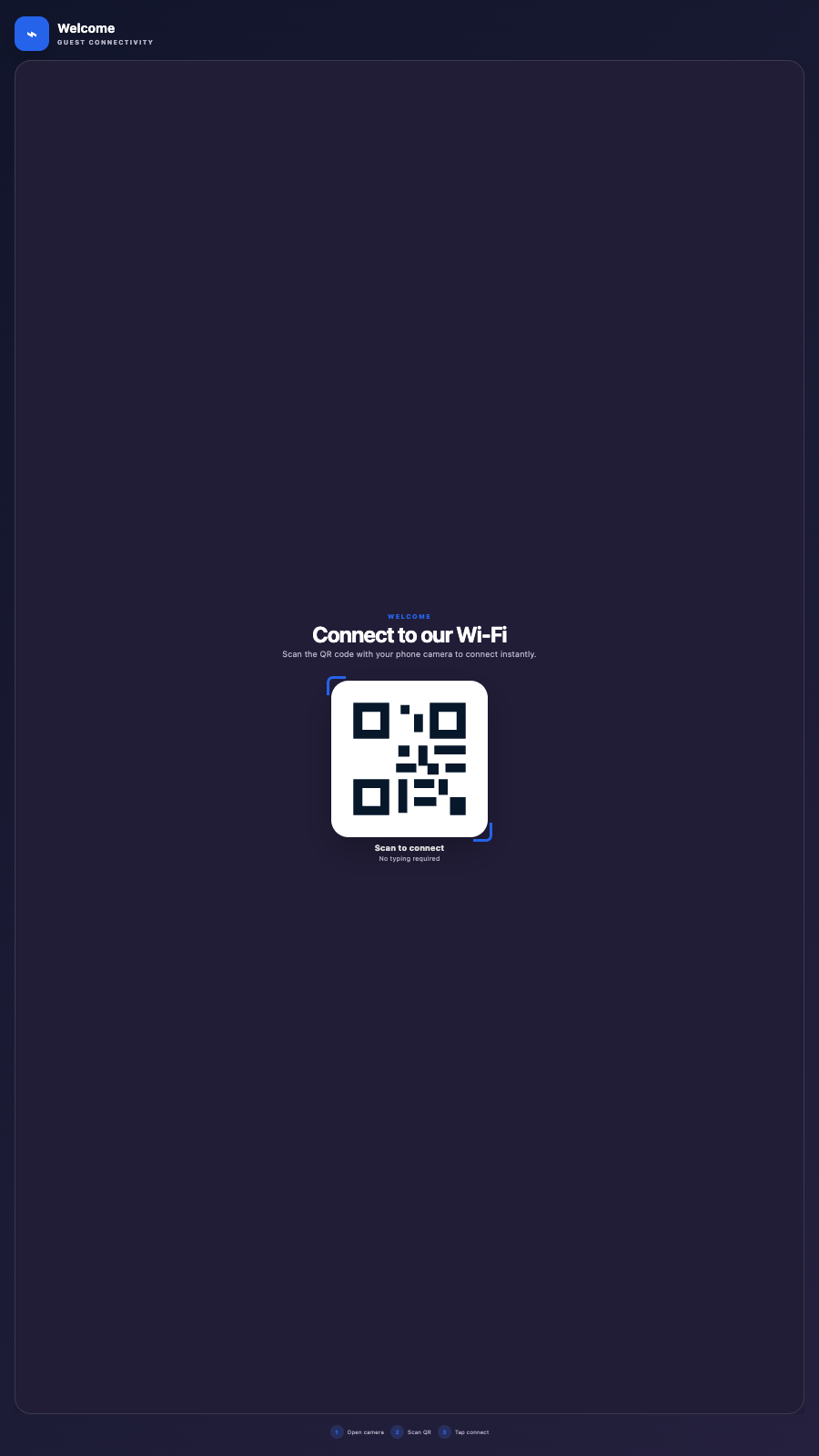
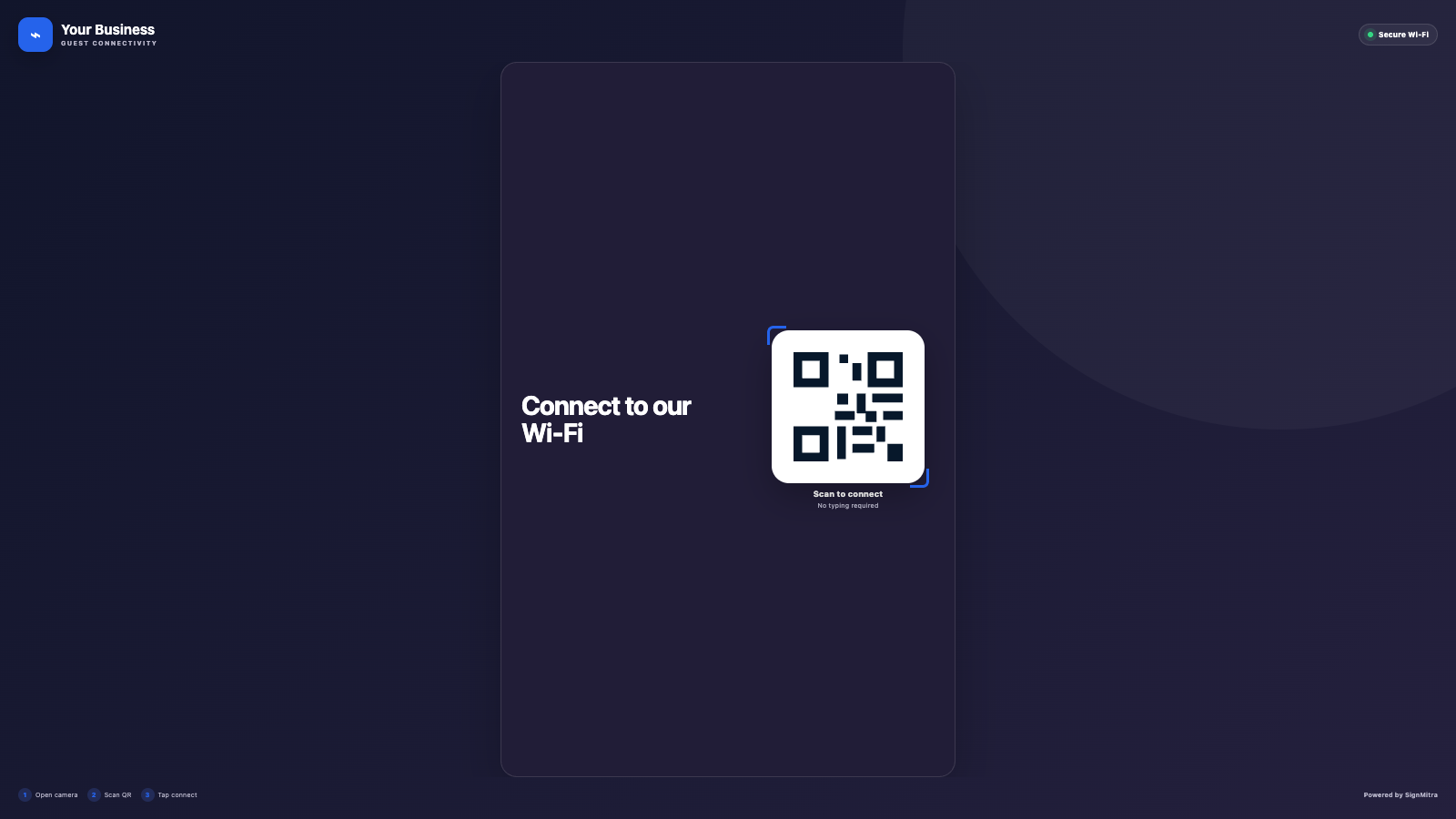
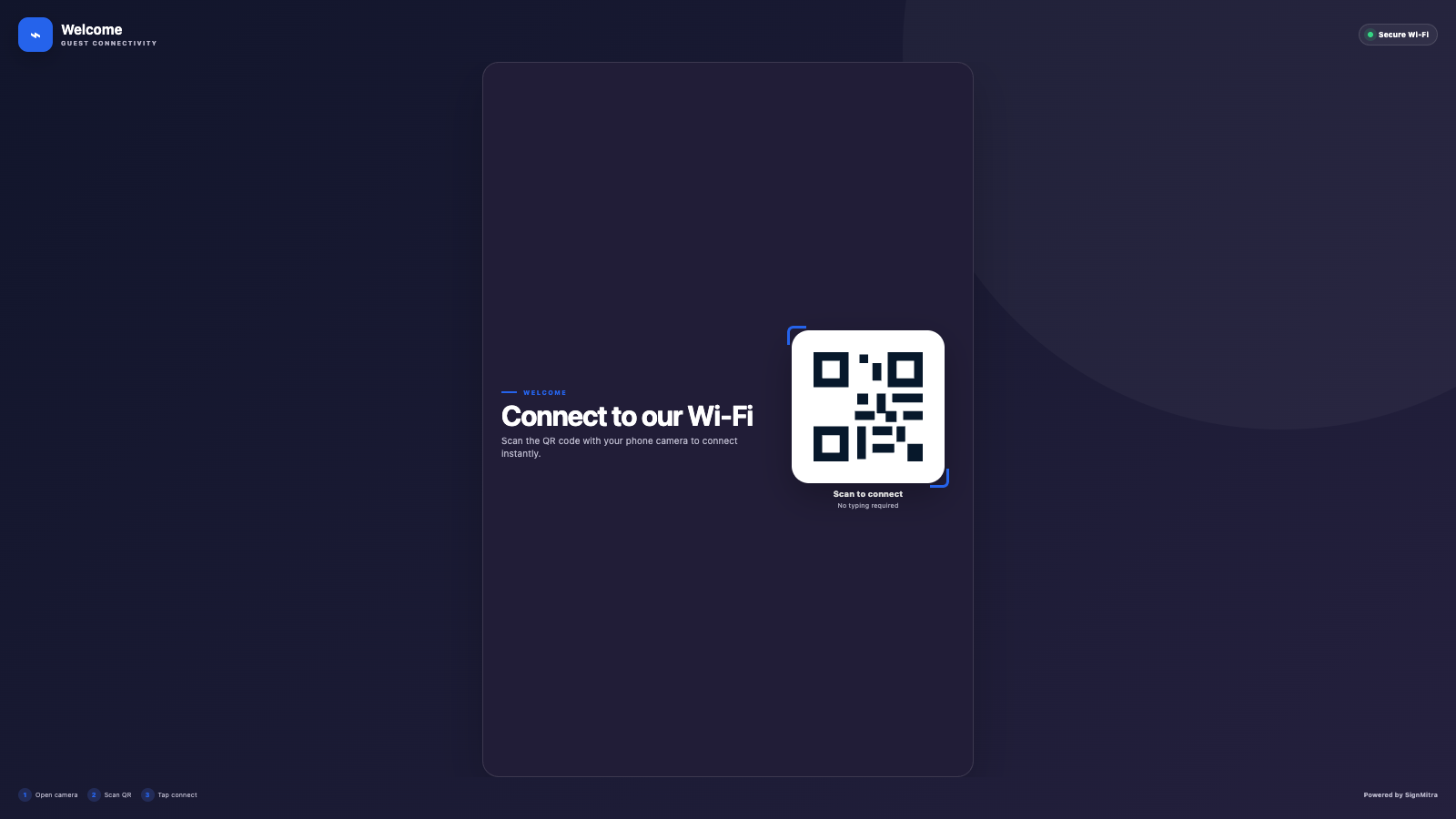
Create branded Wi-Fi connection cards with a scannable QR code, network details, security options, logo and responsive themes.
Start 15-Day Free Trial No credit card required
Book a Demo
Help guests connect to Wi-Fi with one simple scan

BUILT FOR REAL SIGNAGE WORKFLOWS

See Wi-Fi Connect in action

Create branded Wi-Fi connection cards with a scannable QR code, network details, security options, logo and responsive themes.

Ideal for: Hotels, offices, cafes, clinics, schools, events and visitor areas.
See Wi-Fi Connect in action

APP FEATURES

Everything needed for a dependable screen experience

Configure the app centrally, preview the result and publish it through the same SignMitra workflow used by the rest of your content.

Wi-Fi QR code

Generate a standards-based QR code from the network name, password and security type.

Dashboard management

Maintain connection profiles without editing every slide.

Branded presentation

Add a company logo and message while preserving the logo aspect ratio.

Simple themes

Choose clean visual styles suitable for different venues.

Password visibility control

Decide whether network credentials should also appear as text.

Cross-player sizing

Keep the QR code complete and scannable on browser, TV and Android players.

POPULAR USE CASES

Where Wi-Fi Connect adds value

Use the app as a full-screen experience or combine it with other widgets in a multi-zone SignMitra composition.

Hotels and hospitality

Help guests connect in receptions, lounges and rooms.

Cafes and restaurants

Reduce staff requests for the guest Wi-Fi password.

Corporate visitors

Display controlled guest-network access in meeting areas.

Events and conferences

Share venue connectivity with large visitor groups.

QUICK SETUP

Publish in three straightforward steps

1
Configure the app
Open Wi-Fi Connect from the SignMitra Apps catalogue and add the information required for your use case.
2
Preview and design
Choose the layout, orientation and visual options, then confirm the result before publishing.
3
Publish to screens
Add the app to a slide or supported workflow, schedule it and send it to the required screens or groups.

FREQUENTLY ASKED QUESTIONS

Wi-Fi Connect questions

Yes. The app is configured through SignMitra and can be updated without rebuilding the entire screen workflow.
The app includes responsive presentation rules for landscape and portrait layouts. Always preview the final composition for the target screen ratio.
Yes, where the app workflow supports editor placement. It can be used full-screen or inside a designed multi-zone composition.
It is designed for SignMitra browser, Android, Android TV and compatible smart-TV playback. Hardware-dependent inputs and streaming formats require a supported device.
Saved app data is delivered through the normal SignMitra synchronization workflow. Live-data apps refresh according to their configured feed and cache policy.

Need help planning this app for your screens?

Our team can recommend the right layout, player and rollout workflow.

Talk to SignMitra

Ready to use Wi-Fi Connect on your screens?

Start a free SignMitra trial or book a guided demonstration for your use case.

Need help choosing a plan? ๐Ÿ’ฌ
Raghav Verma
Raghav Verma
Raghav Verma Online ยท Your Digital Signage Expert